Billing, receipts and cancelling
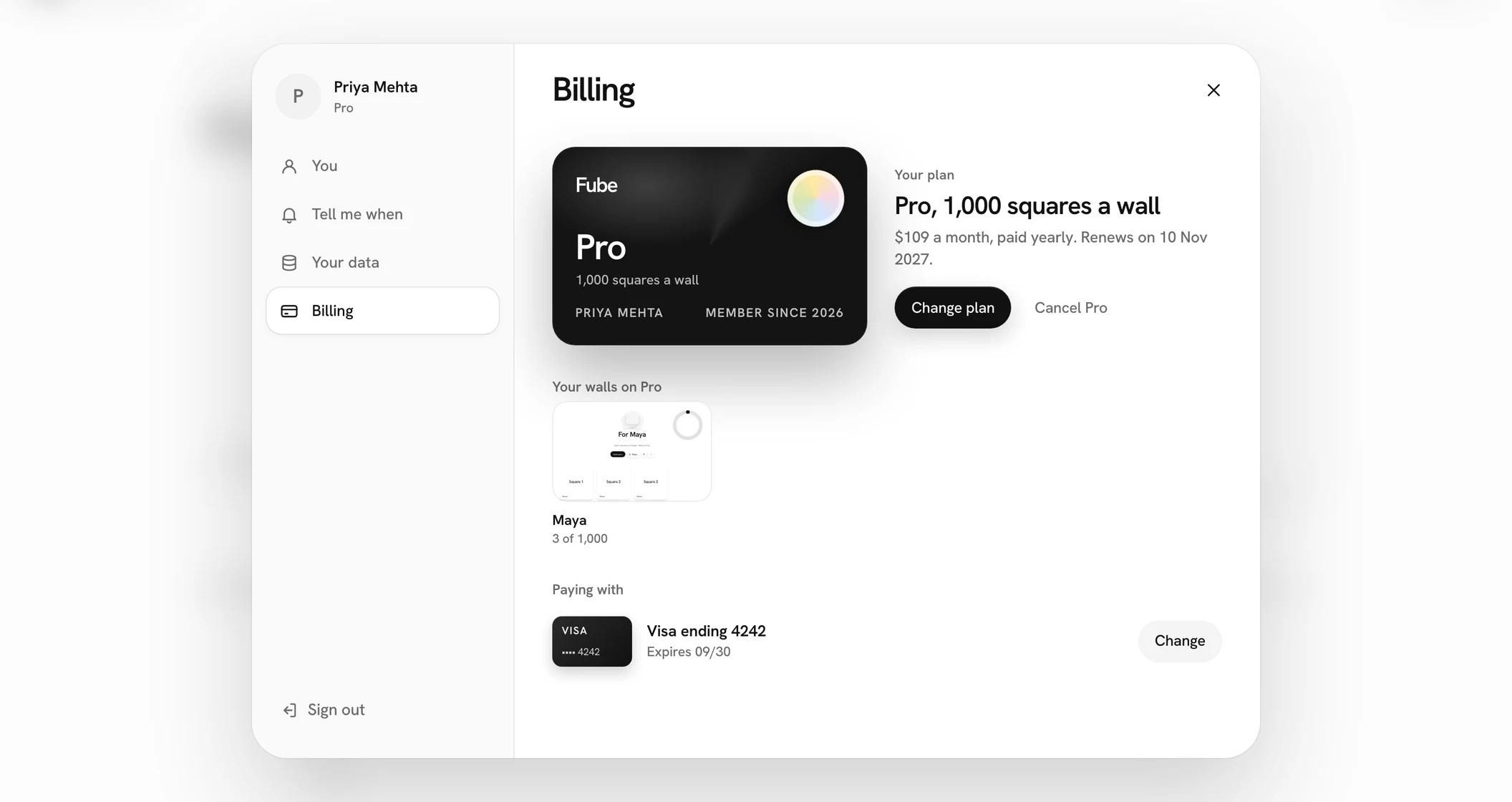
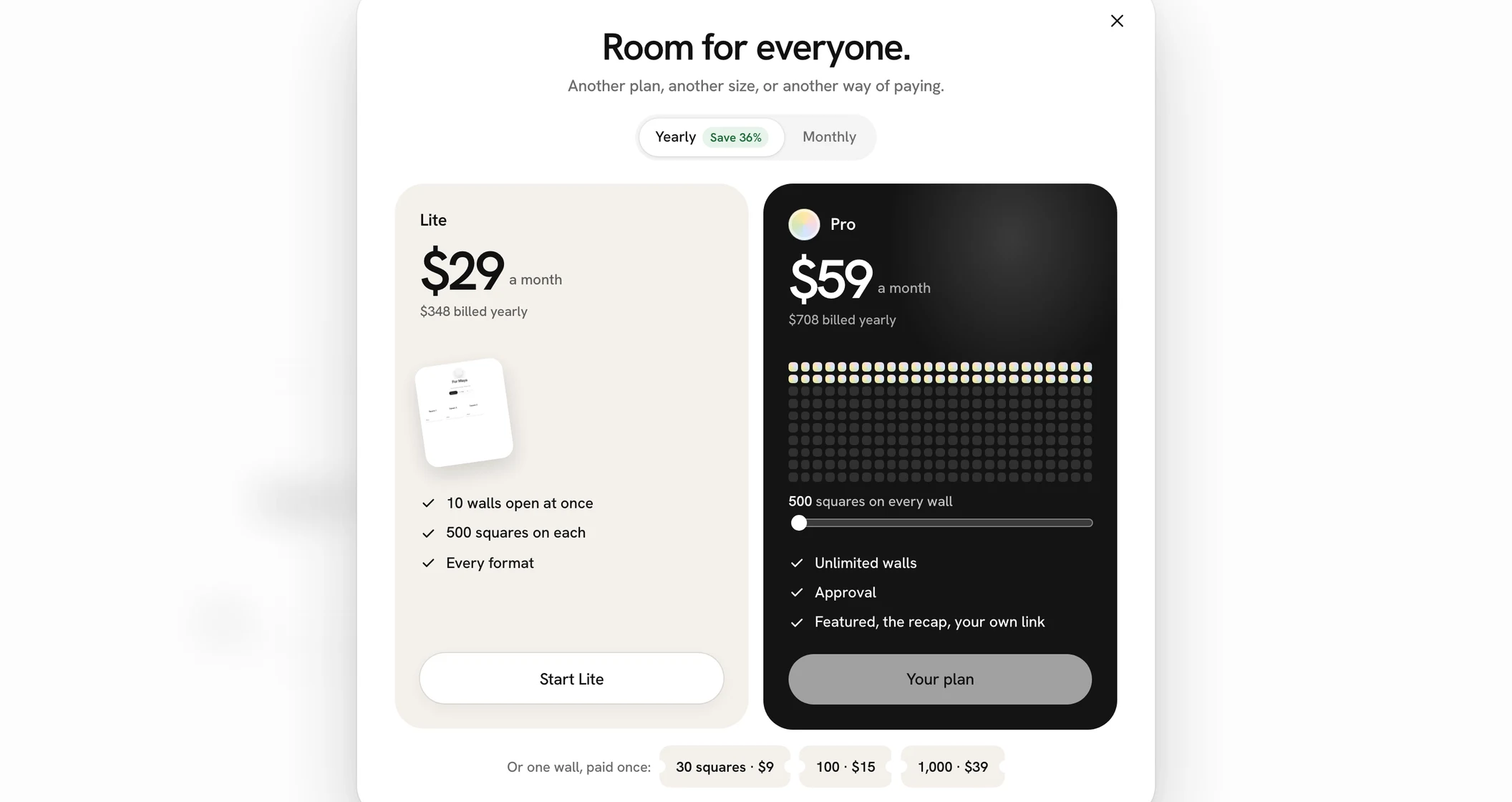
Your first wall is free. You pay for more walls, more room and the tools a busy question wall needs, either with a plan or one wall at a time. Billing, in Settings, shows your plan as a card, the day it renews, the walls it pays for, your card and your receipts.
1The plans
- Your first wall. Free, with no card: 15 squares, every format, the opening, replies, the image, the poster and the clip.
- Lite. 10 open walls at a time, 500 squares a wall. An open wall is one still taking squares. Once it is full, archived or opened and taking no more, it stays at its link and stops counting.
- Pro. Unlimited walls and every tool: approval, Featured, asking again, the recap and your own link. You choose how many squares a wall holds, from 500 to 2,500.
- A single wall. Paid once, for one wall, at 30, 100 or 1,000 squares. It stays at its link for good and has none of Pro's tools. When you make a wall your plan does not cover, the card offers one, and How many walls? buys several at once.
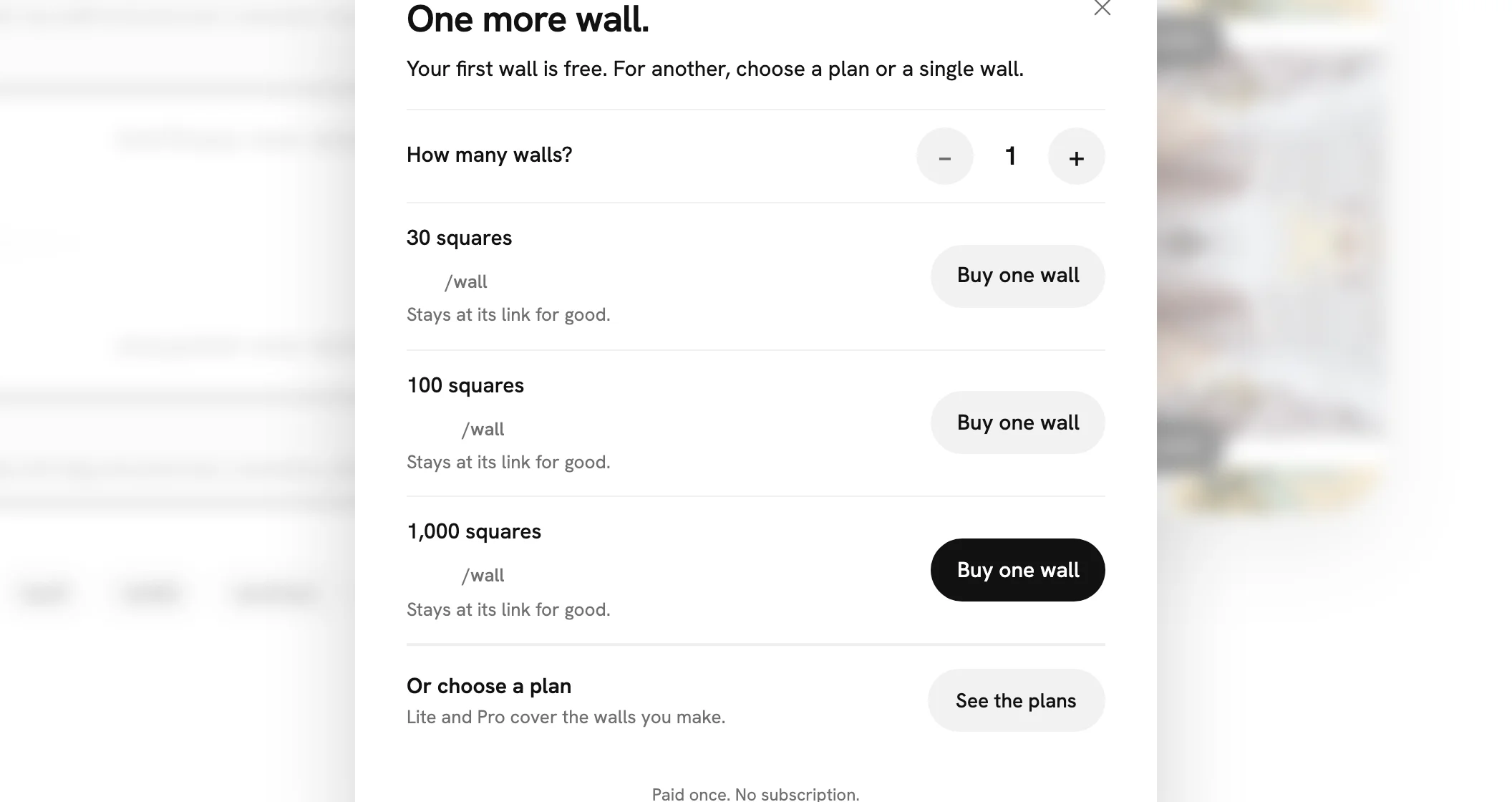
Lite and Pro are paid monthly or annually. A plan starts the day you choose it and the first charge is that day; it renews a month or a year on, until you cancel. The people you invite never pay.
2What Billing shows
Your plan is the card at the top, and beside it Your plan: its name and size, its price and the day it renews. Under them are Change plan and Cancel Pro. Your walls on the plan come next, each with how full it is. Then Paying with, the card it is charged to, with Change. Receipts lists the latest, and See them opens them all. Single walls you have paid for and not used have a row of their own, with Use it.
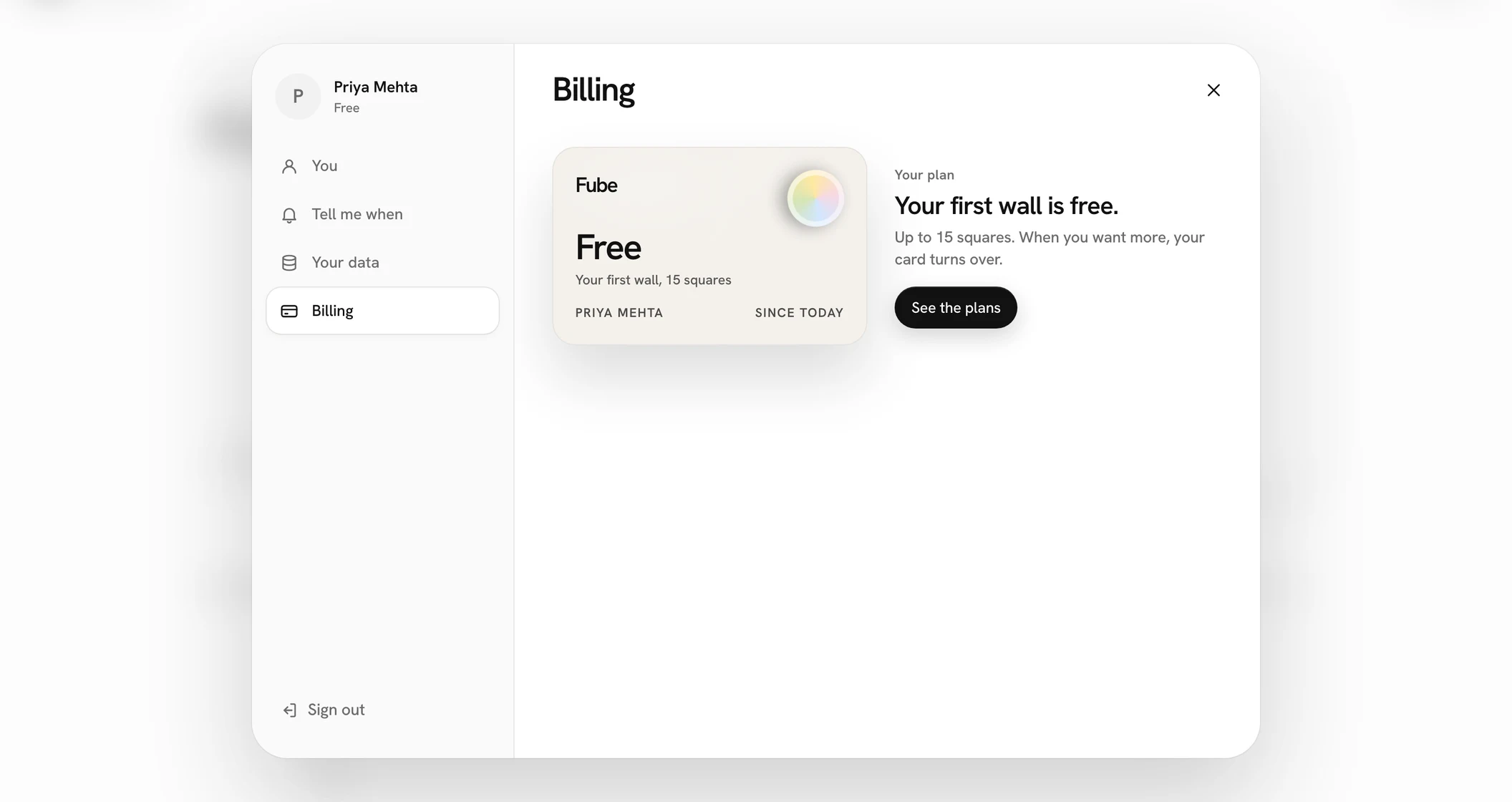
On your first wall the card reads Free, and beside it: Your first wall is free. Up to 15 squares. When you want more, your card turns over. See the plans opens Lite and Pro, each with Start.
3Receipts
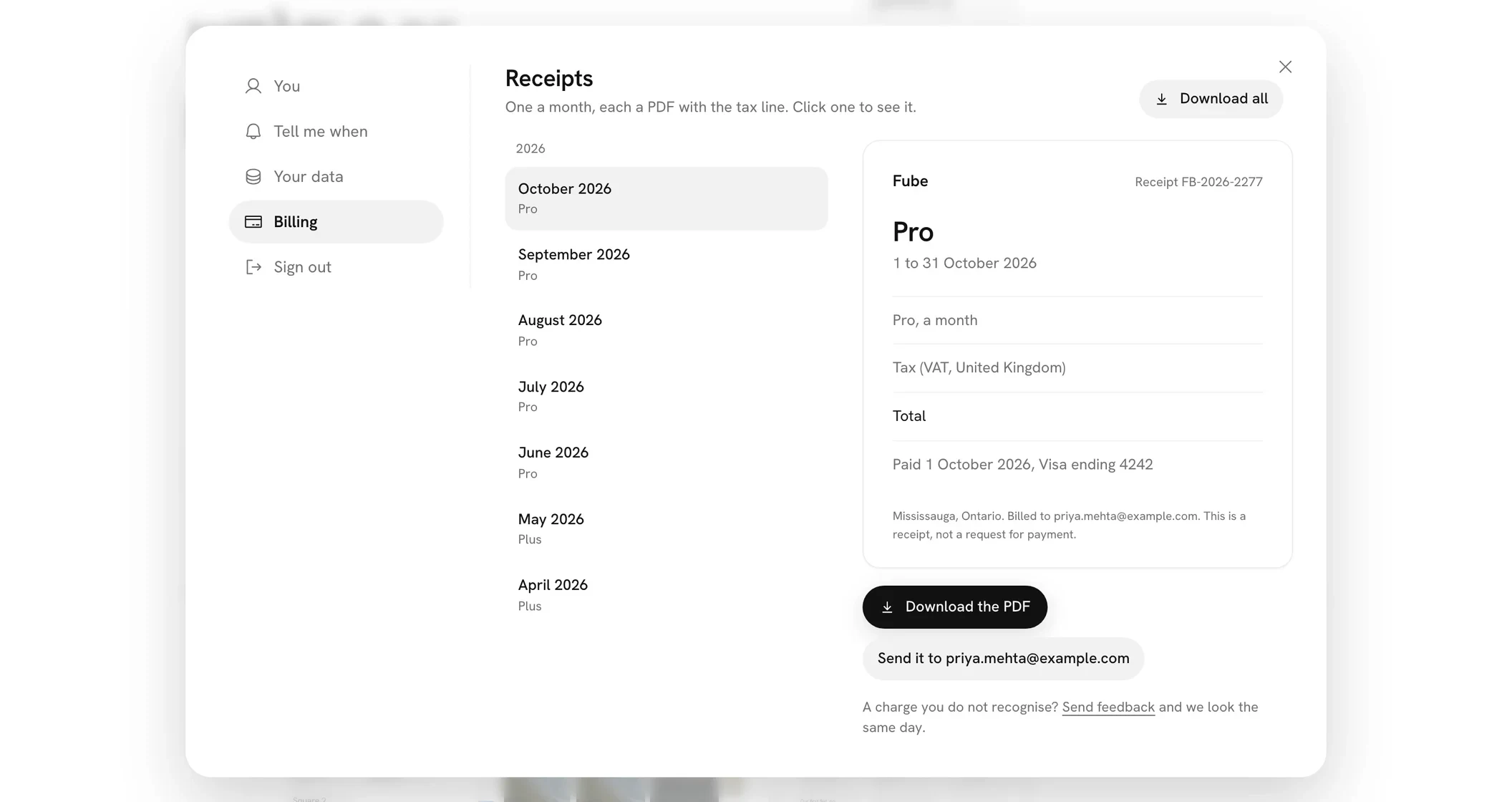
A receipt each time your plan renews, as a PDF with the tax line. See them lists them all; open one to see it, download it, or send it to your email. Download all saves every one as a zip. A single wall's receipt comes by email from the payment provider.
4Changing plan or card
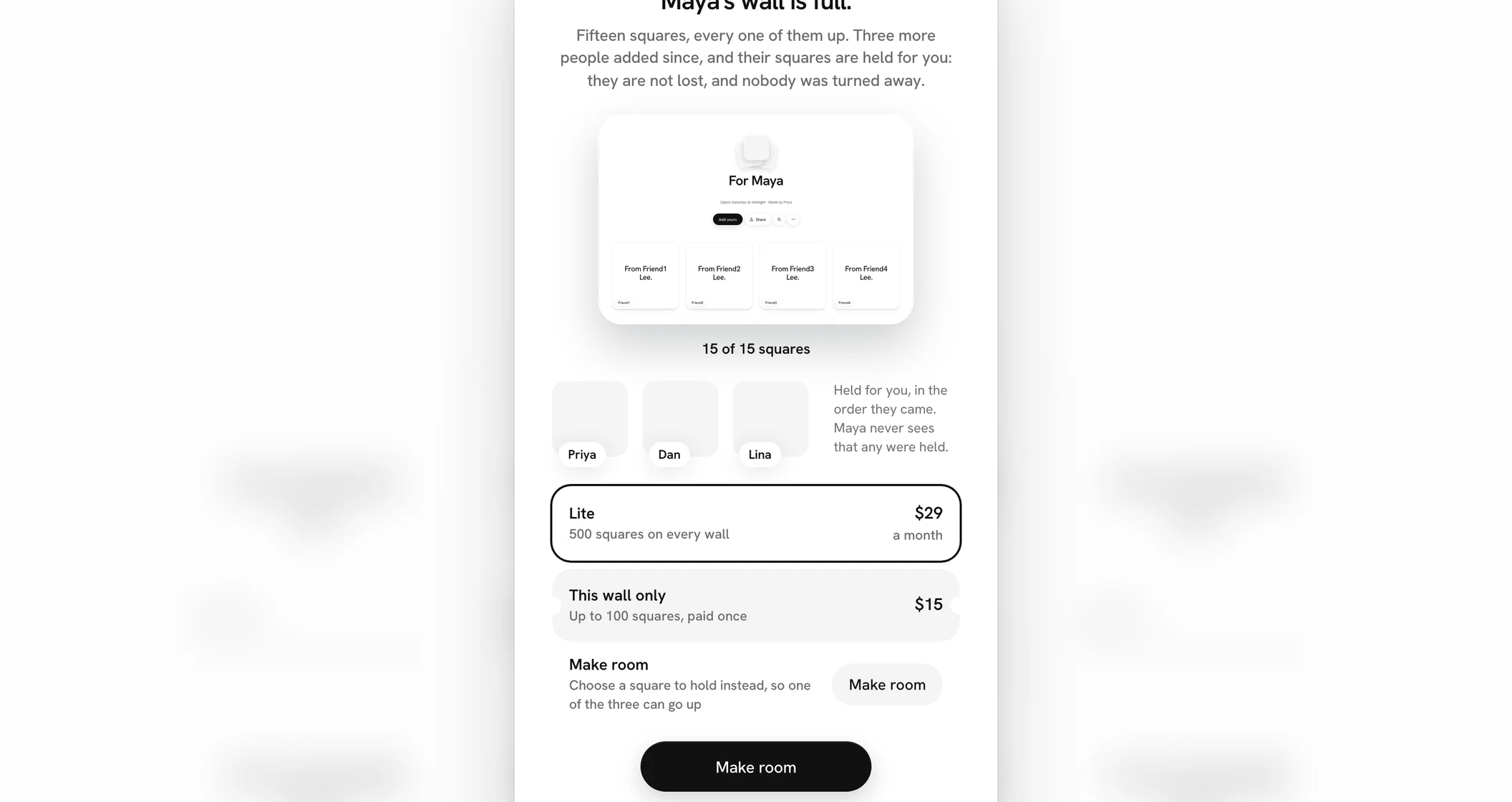
Change plan opens the plans over Billing: Lite and Pro, Yearly or Monthly, and on Pro how many squares a wall holds. The plan you are on reads Your plan. Another plan, size or way of paying asks first, taking what is left of yours off what you pay today. Going up, or to paying yearly, starts at once and is charged that day; held squares on a full wall go up the moment it does. Going down starts at once too, and what is left of your payment counts towards the next. Change, beside the card, opens a secure form; the card number never reaches Fube.
5Cancelling
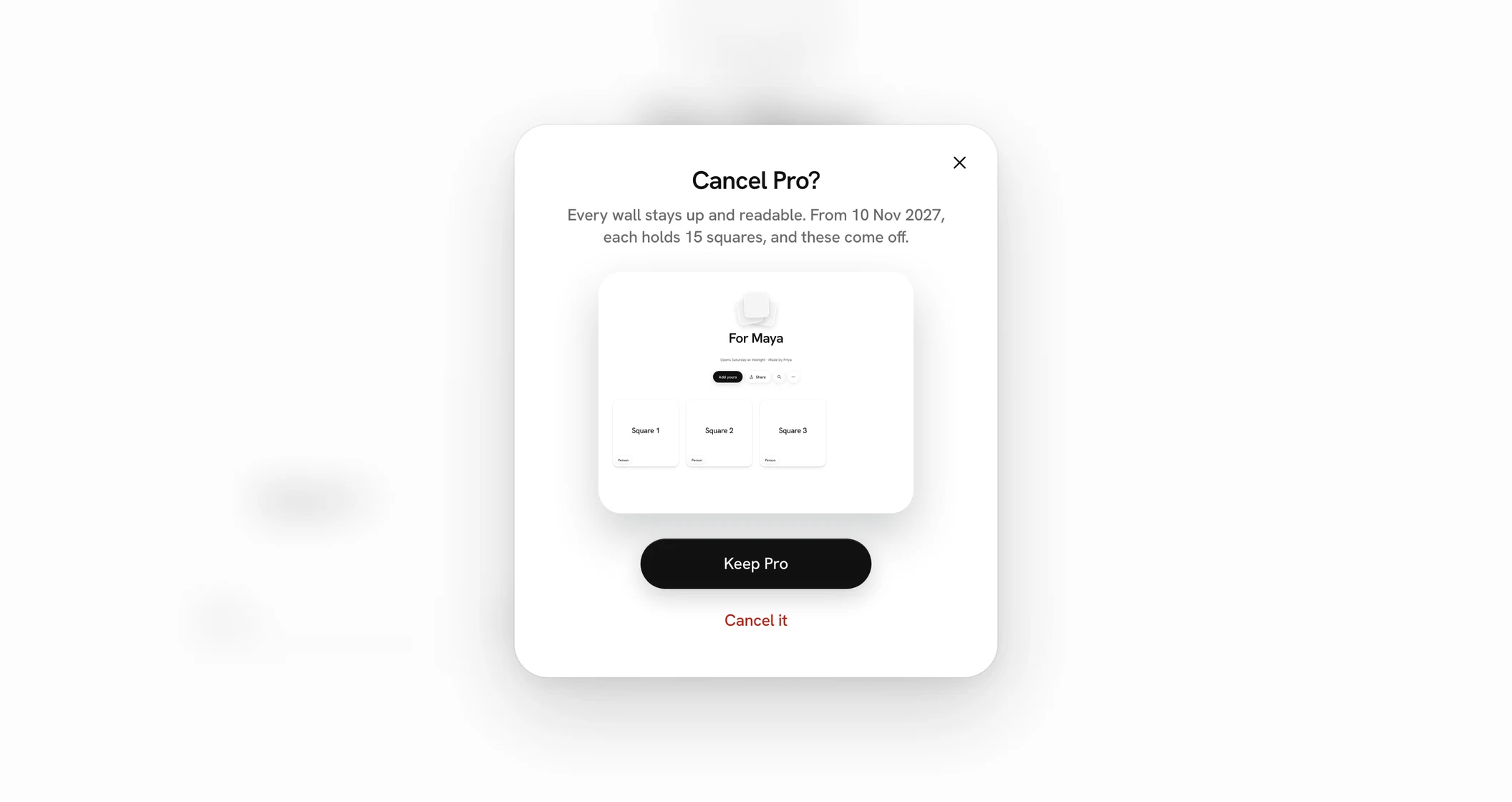
Press Cancel Pro (or Cancel Lite) in Billing. A card says what changes and when: Keep Pro or Cancel it. Your plan stays until the end of the month or year you paid for, then goes back to your first wall free. Changed your mind? Within 14 days of your first payment for a plan, write to [email protected] and it comes back in full; for single walls, the ones not yet used come back.
What stays when you stop: every wall stays at its link, readable by everyone who has it. Nothing is deleted. What changes: question walls stop using approval, Featured, asking again and the recap. Walls for someone hold new squares past 15, and question walls past 15 stop taking answers. A single wall keeps its size.