Making room when the wall is full
Your first wall holds 15 squares, a wall on Lite 500, a wall on Pro the number you chose, and a single wall its own size. When it is full, nobody is turned away: new squares are held for you, and you decide what happens to them.
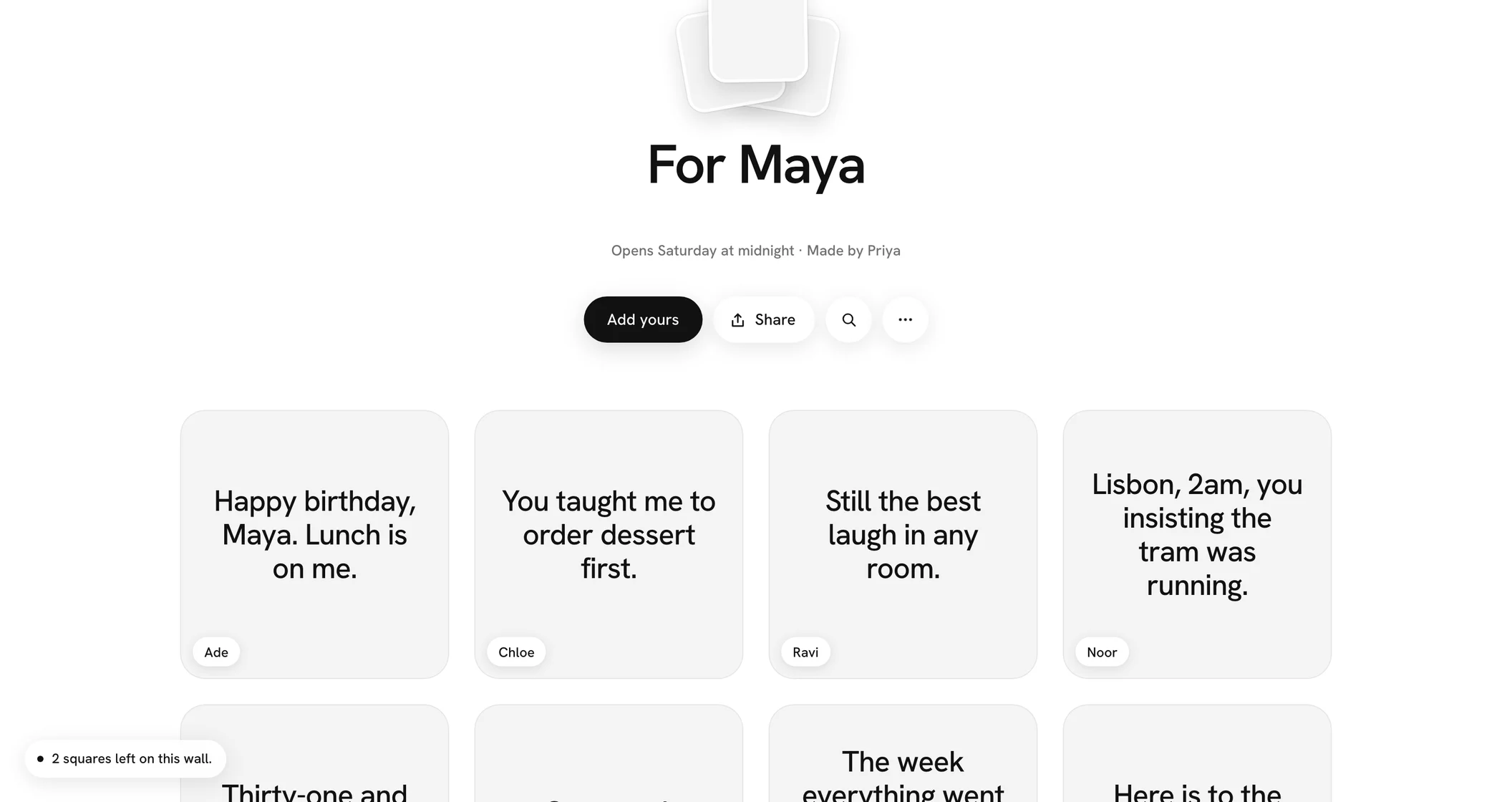
1As it fills
When two squares are left, your wall says so at the bottom left for a few seconds: 2 squares left on this wall. Then 1 square left. Once it is full, Full. The next ones wait for you. stays there until you open your page for the wall. Only you see these.
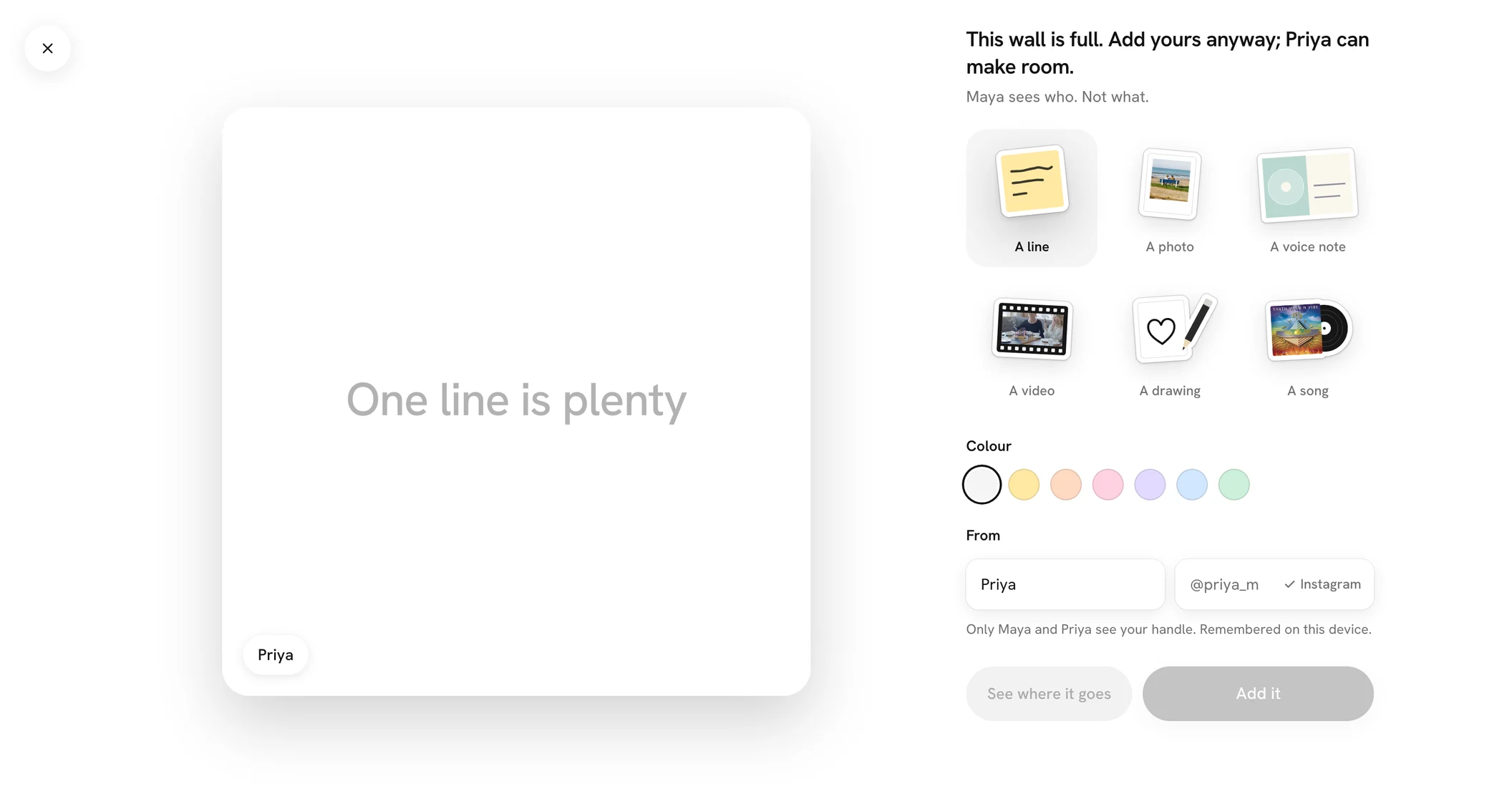
2What the people adding see
Add yours still works on a full wall. The line over the square says the wall is full and that you can make room. Their square is kept, and they see it on their own device, softened, while it waits. They are not asked to do anything else.
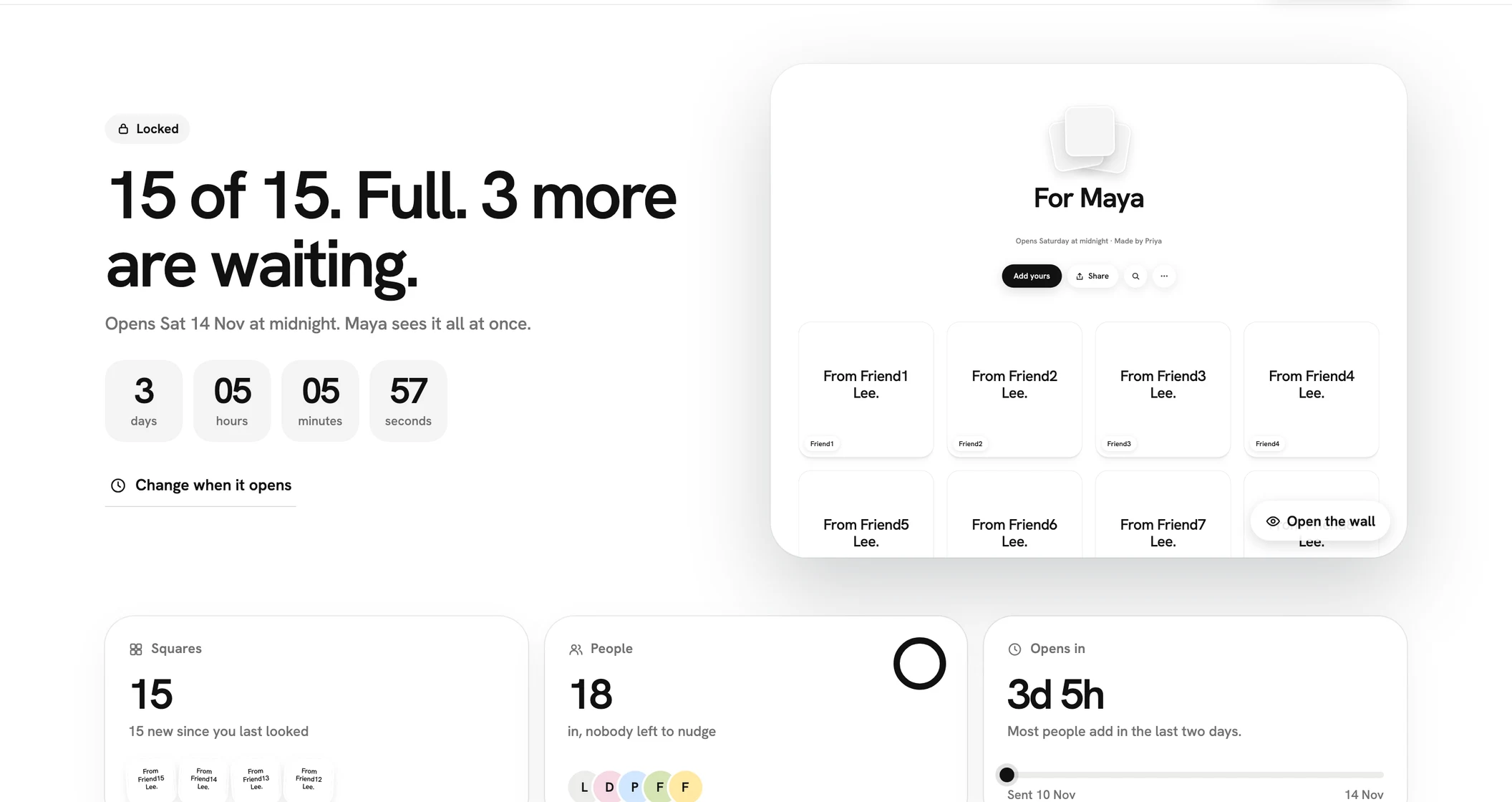
3What you see
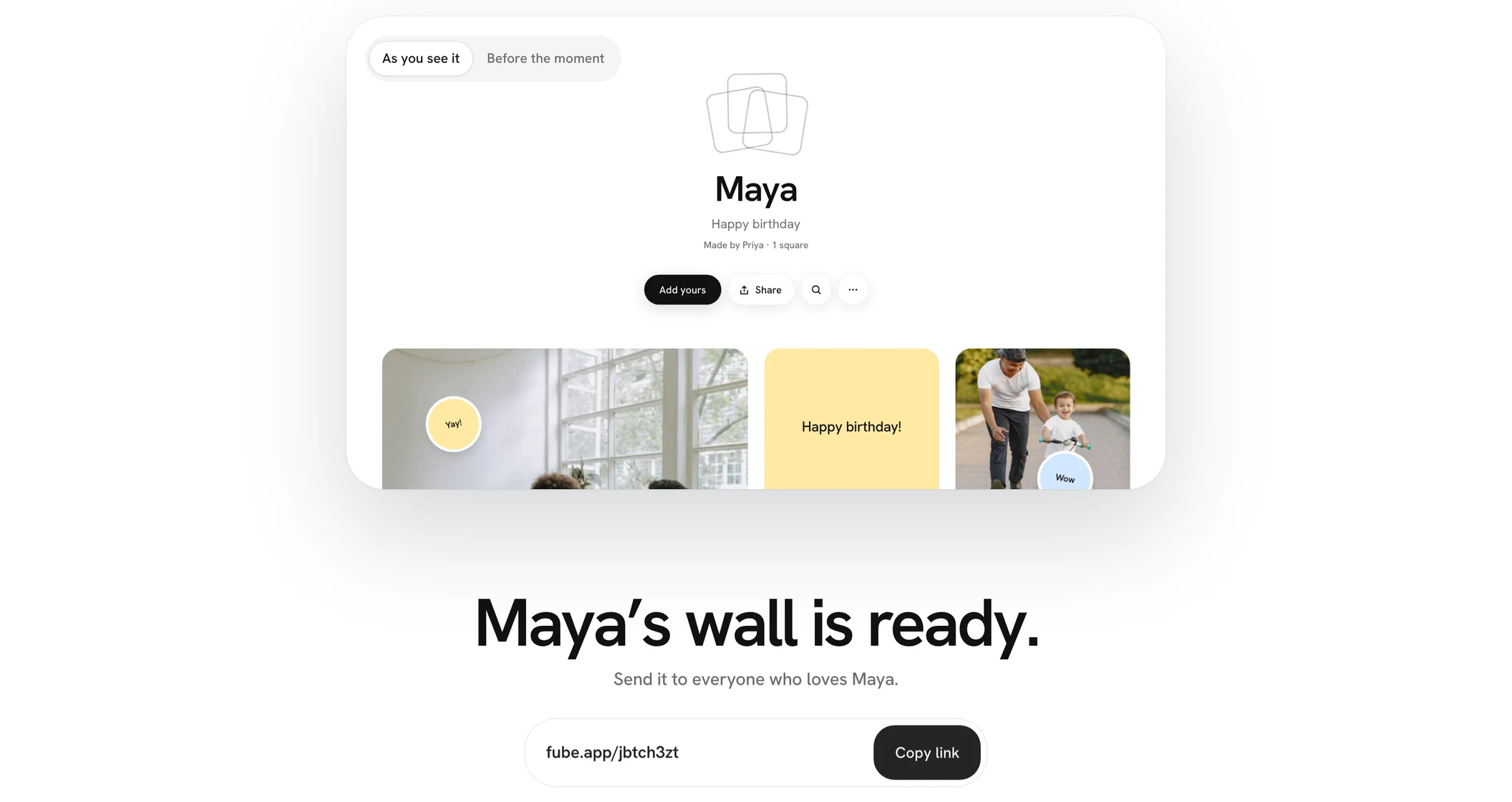
The headline on your page for the wall counts them: 15 of 15. Full. 3 more are waiting. The held squares sit among the rest in On the wall, marked as held, and you can open each one. You get one email per held square, so you never miss one, and Needs you on Home has it too.
Held squares are kept until 30 days after the wall opens. Seven days before they go, you hear about it once. If nothing changes, they go, and you hear that once too. The person the wall is for never sees or hears of a held square.
4Making room
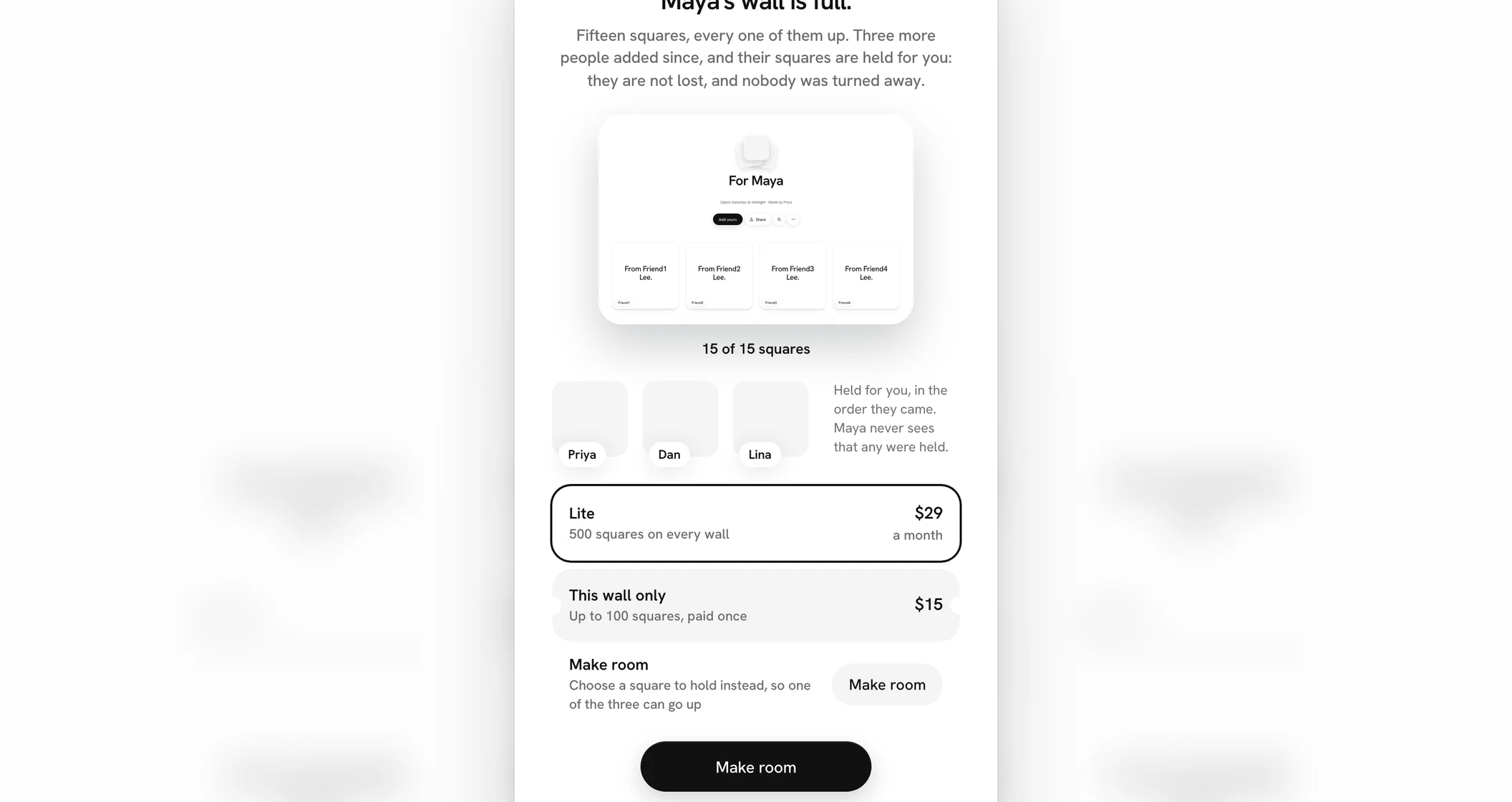
The first time you open your page for a full wall, Maya's wall is full. comes up over it. It shows the wall at its limit, who is waiting in the order they came, and your ways out:
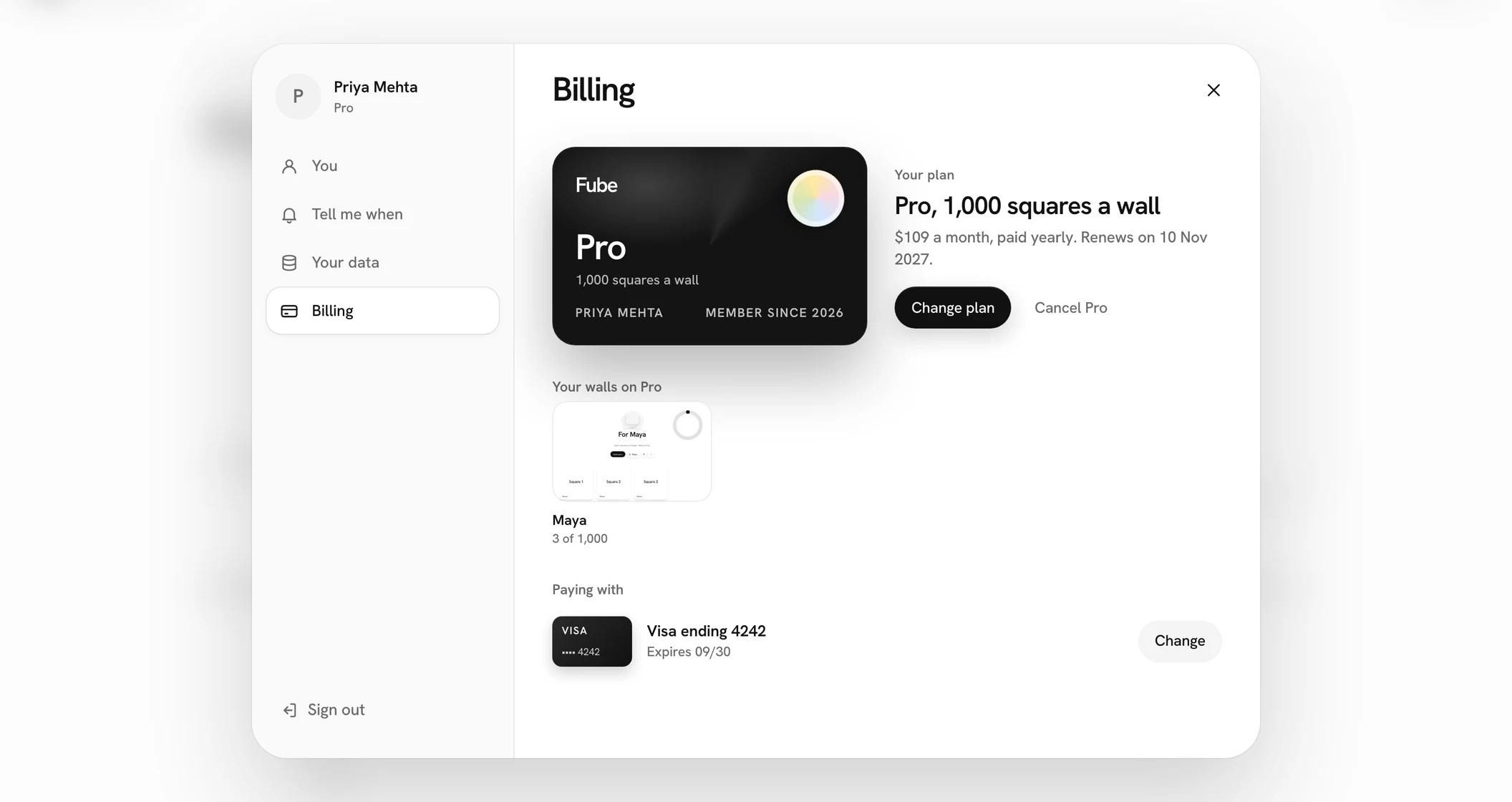
- A plan. Lite holds 500 squares on every wall. On Lite it offers Pro instead, and on Pro the next size up. It says what happens and when: today, who goes up and what is charged; then the day it is charged again, until you cancel in Billing.
- This wall only. More room for this wall alone, paid once. It goes on this wall the moment you pay, and doesn't move to another.
- Make room, the row under them, costs nothing: you choose a square already on the wall to hold instead, so a held one can go up.
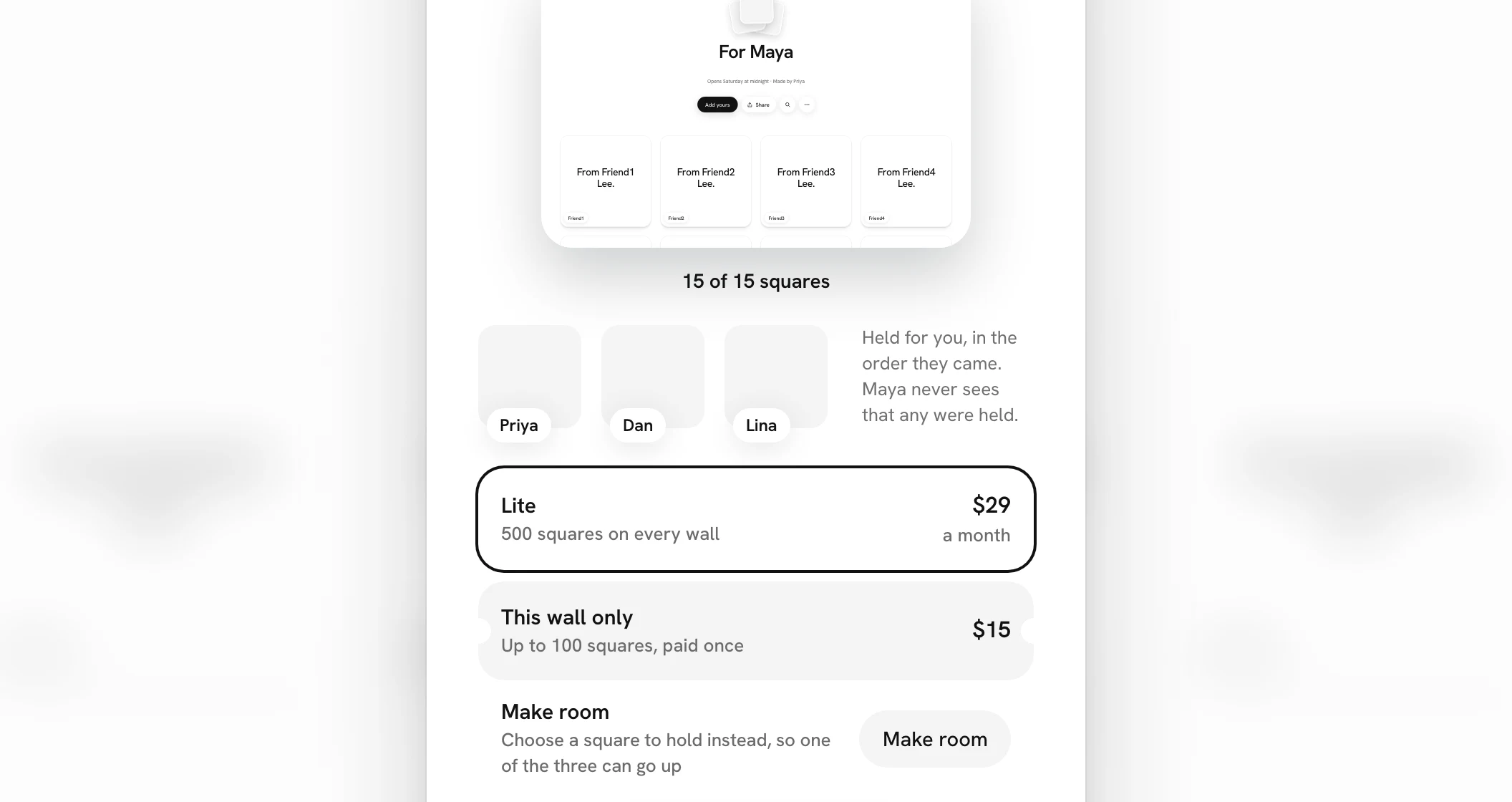
Choose a plan or This wall only and press the black Make room at the foot. The moment it is paid, the held squares fly onto the wall in the order they arrived. Not now closes it, and it doesn't come up again on its own.
5Holding one instead
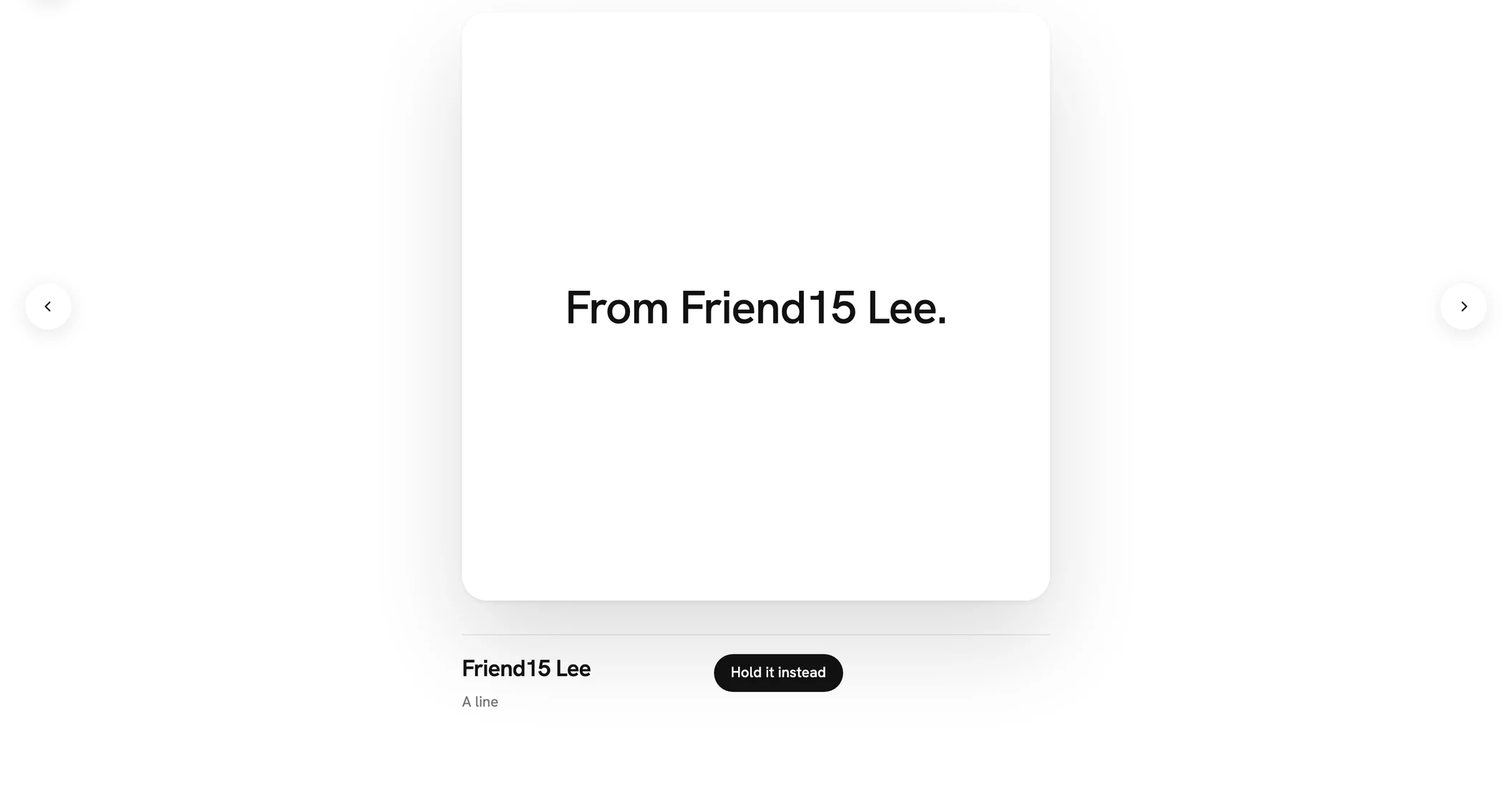
Make room, in its row, takes you to On the wall: Tap a square to hold it instead, so one of the three can go up.
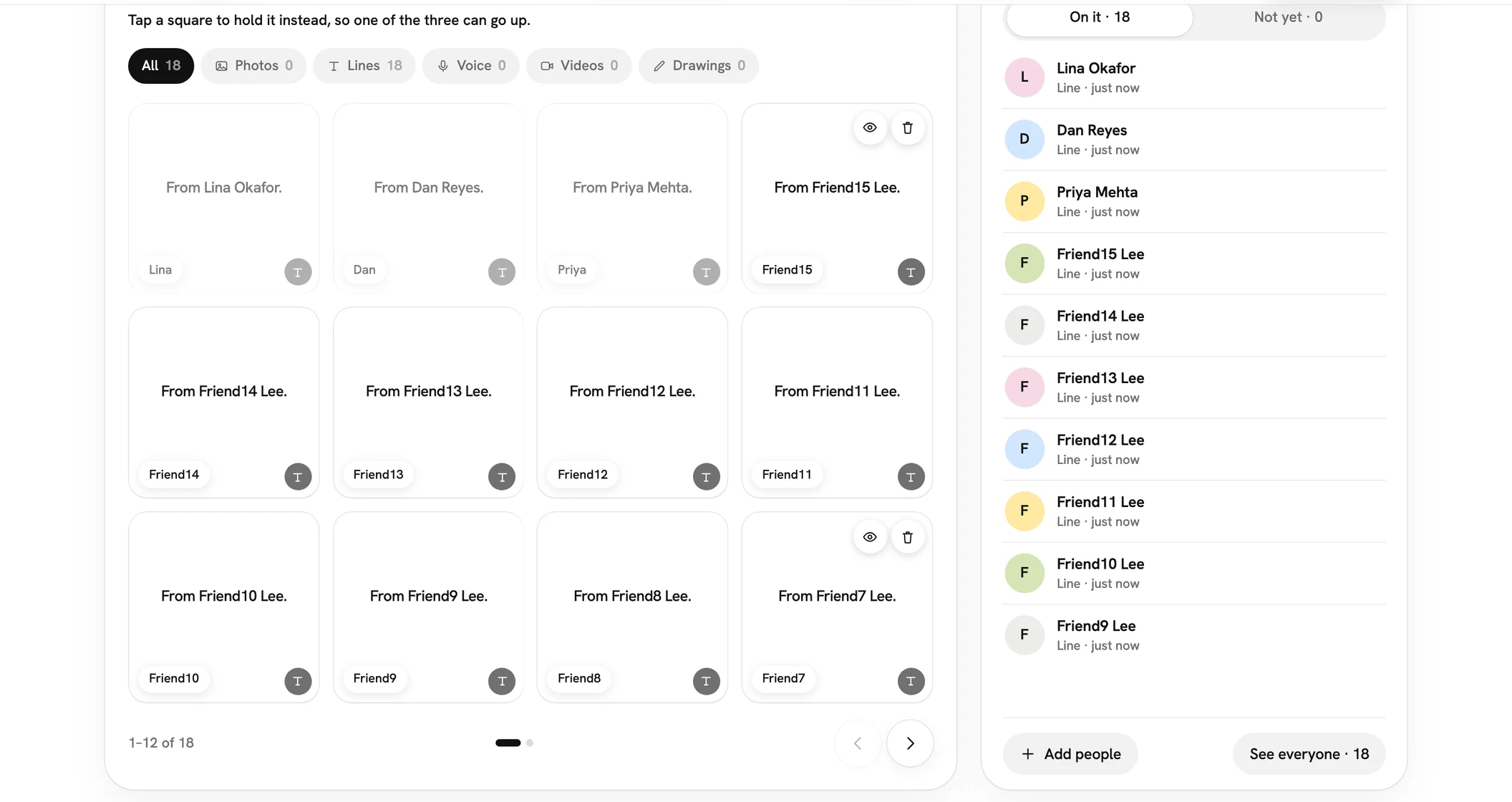
Open the square you choose and press Hold it instead. It goes down, and the first held square goes up in its place.