Making a wall in three minutes
A wall is one place where everyone you invite leaves one thing for one person. You make it in six short steps, one more with a gift or for a few people, and the link works the moment you are done.
Press New wall at the top of Home, or Make a wall beside someone in Your circle, which fills in their name and their day for you. Continue, or Enter, goes on, and the arrow beside it goes back. Save and leave keeps what you have chosen for later.
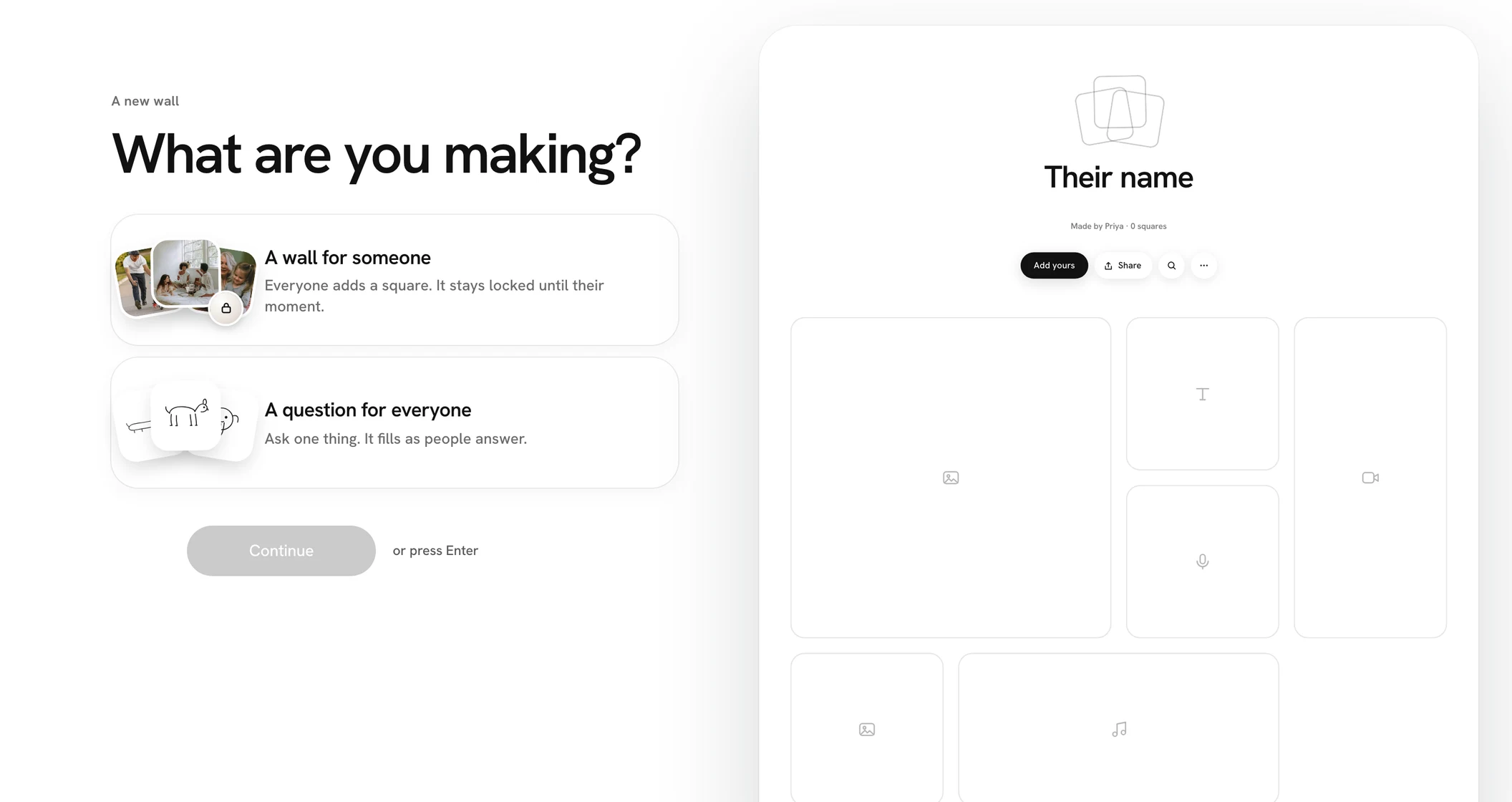
1What you are making
A wall for someone is the one most people make: everyone adds a square, and it stays locked until their moment. A question for everyone asks one thing, and fills as people answer. That one has steps of its own, in Asking one thing.
2Who it is for
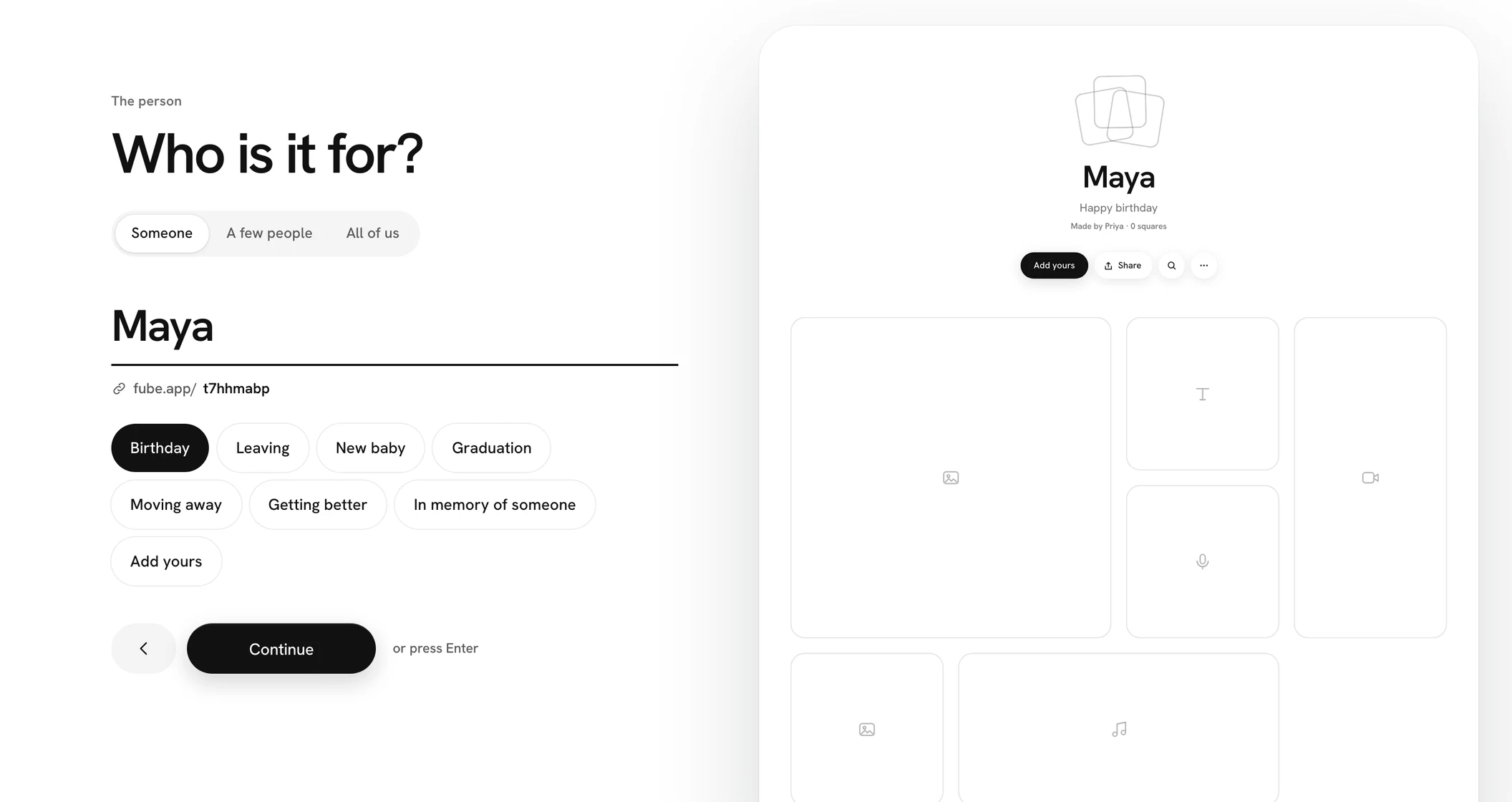
Choose Someone, A few people or All of us. Type their name the way their friends say it: Maya, not Maya Okafor. Under it is the wall's own address. Then pick the occasion: a birthday, a leaving, a new baby, a graduation, moving away, getting better, or In memory of someone, which makes the wall quiet and asks who the family is at the end. Add yours says it in your own words.
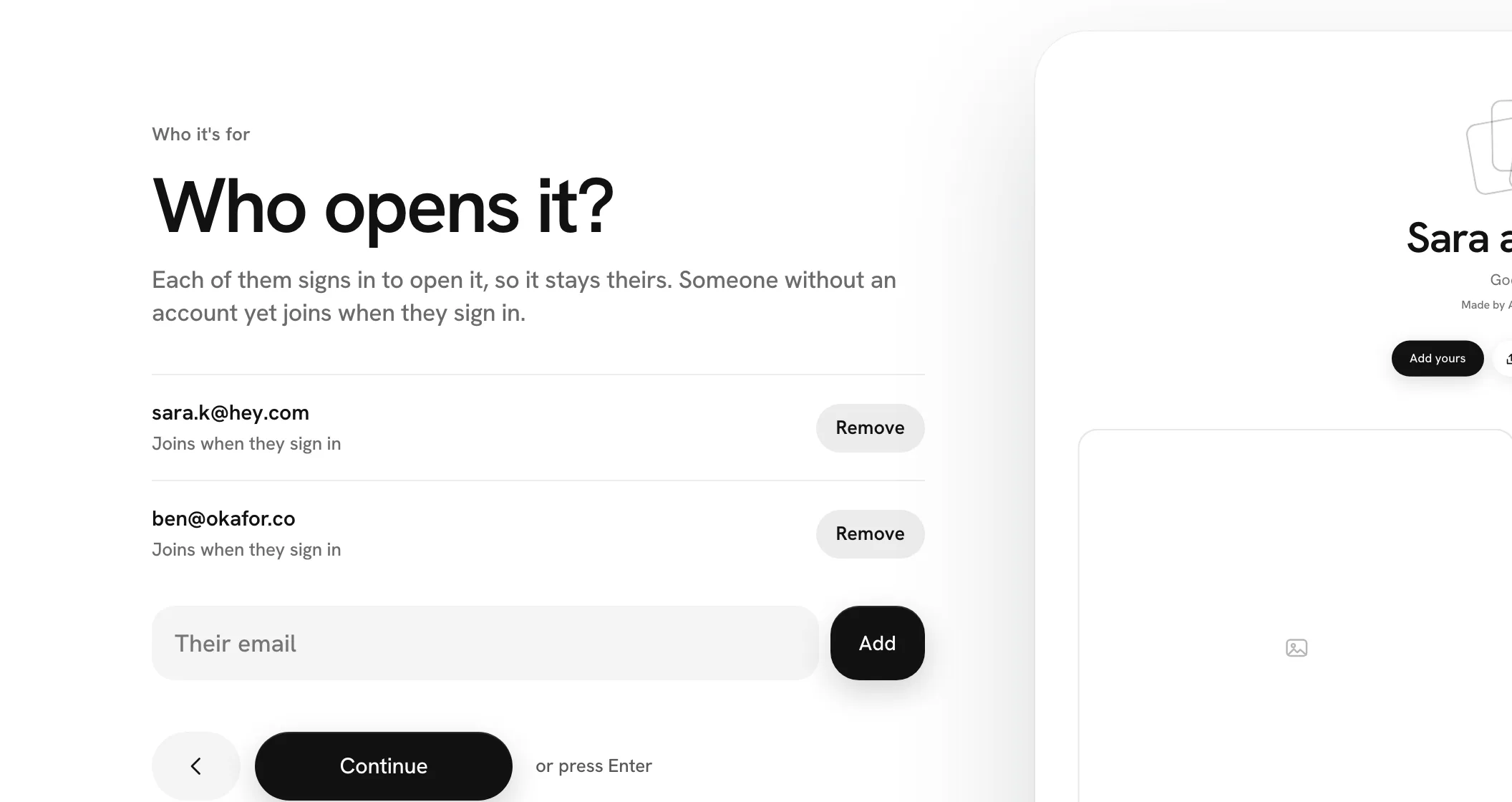
For A few people, type what the wall calls them: Sara and Ben. Who opens it? then lists each by email, up to 20. Each signs in to open it, and someone without an account yet joins when they sign in.
3Photos at the top
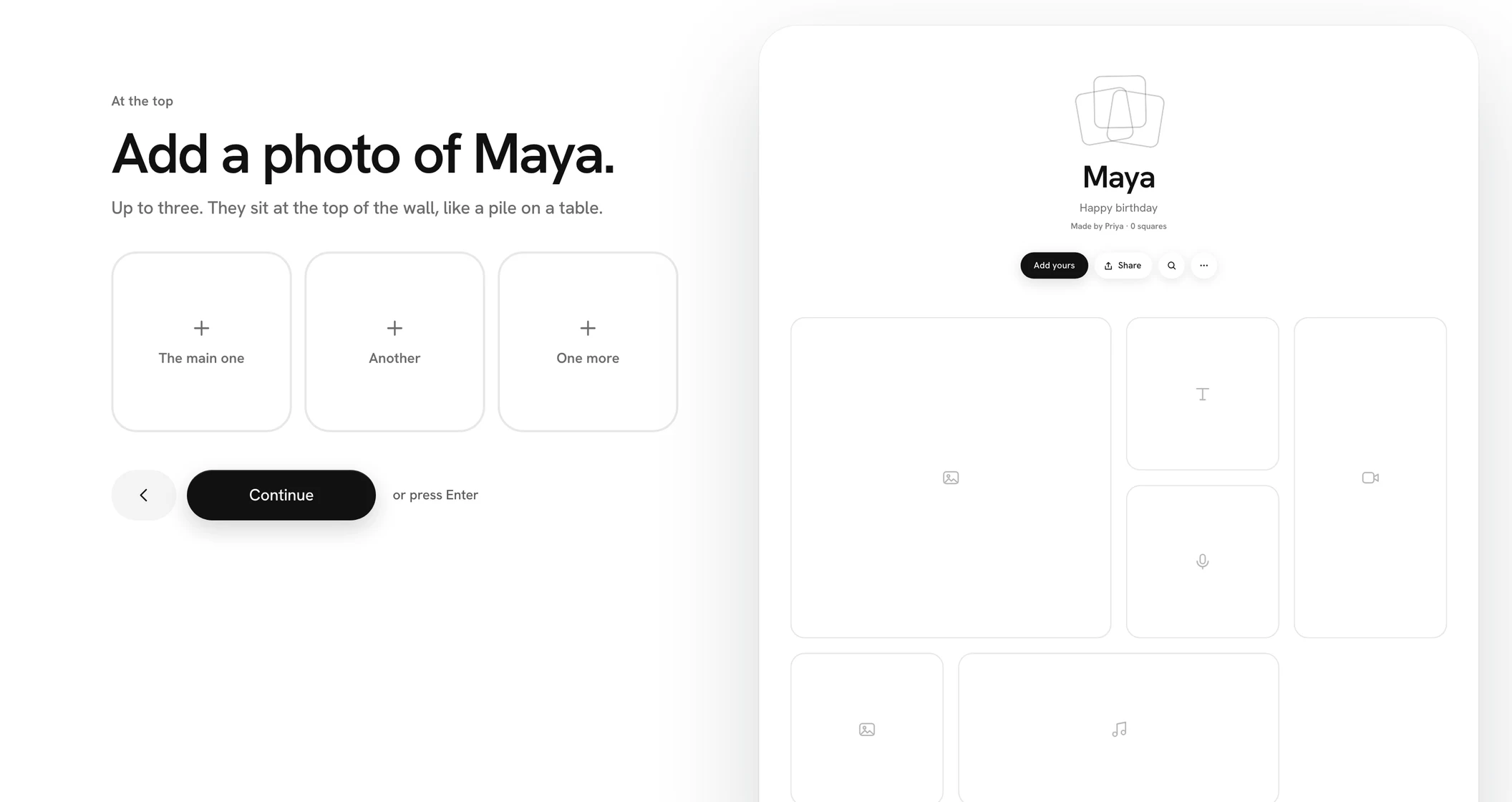
Add up to three photos of them. They sit at the top of the wall, the first as the main one. You can skip this and add them later.
4How it feels
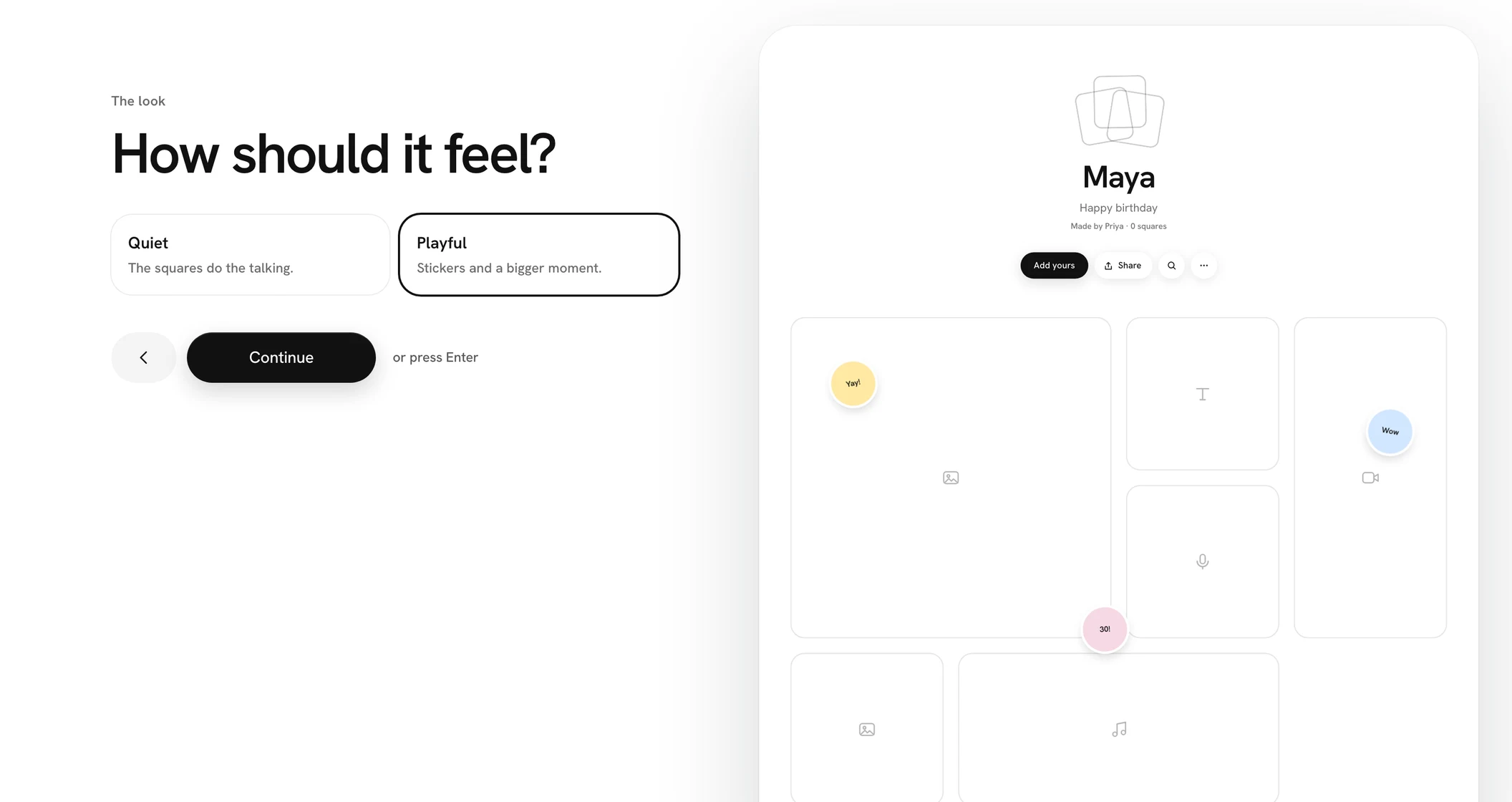
Quiet lets the squares do the talking. Playful adds stickers and a bigger moment when it opens. The wall beside it shows the difference straight away.
5How people answer
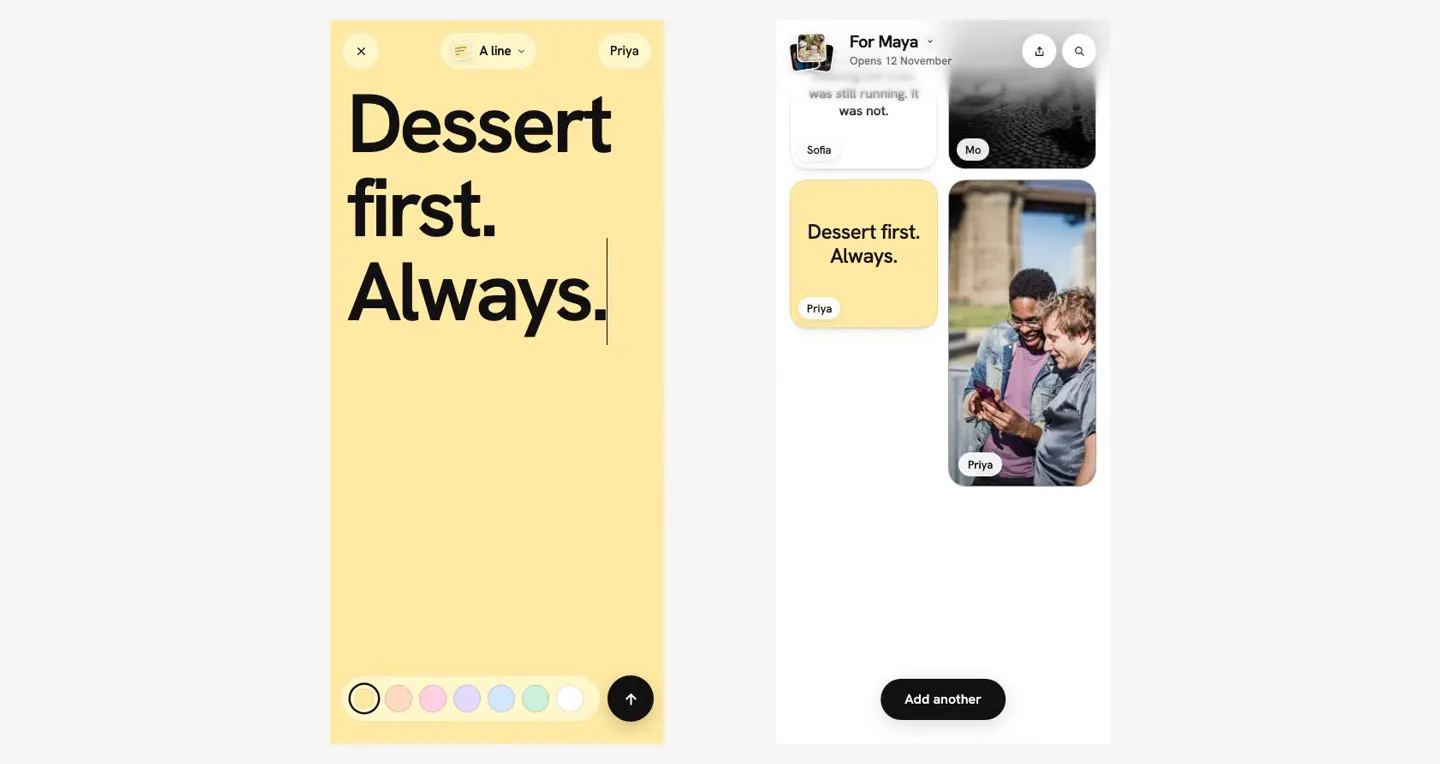
Everyone adds a square: a line, a photo, a voice note, a video, a drawing or a song. All six are on to begin with. Tap one to take it off, and at least one stays on. Nobody needs an account or an app to add.
Layout gives the wall a shape: As it comes, as walls have always filled, or Mosaic, Even or Rows, with empty squares for people to fill. More in Layouts.
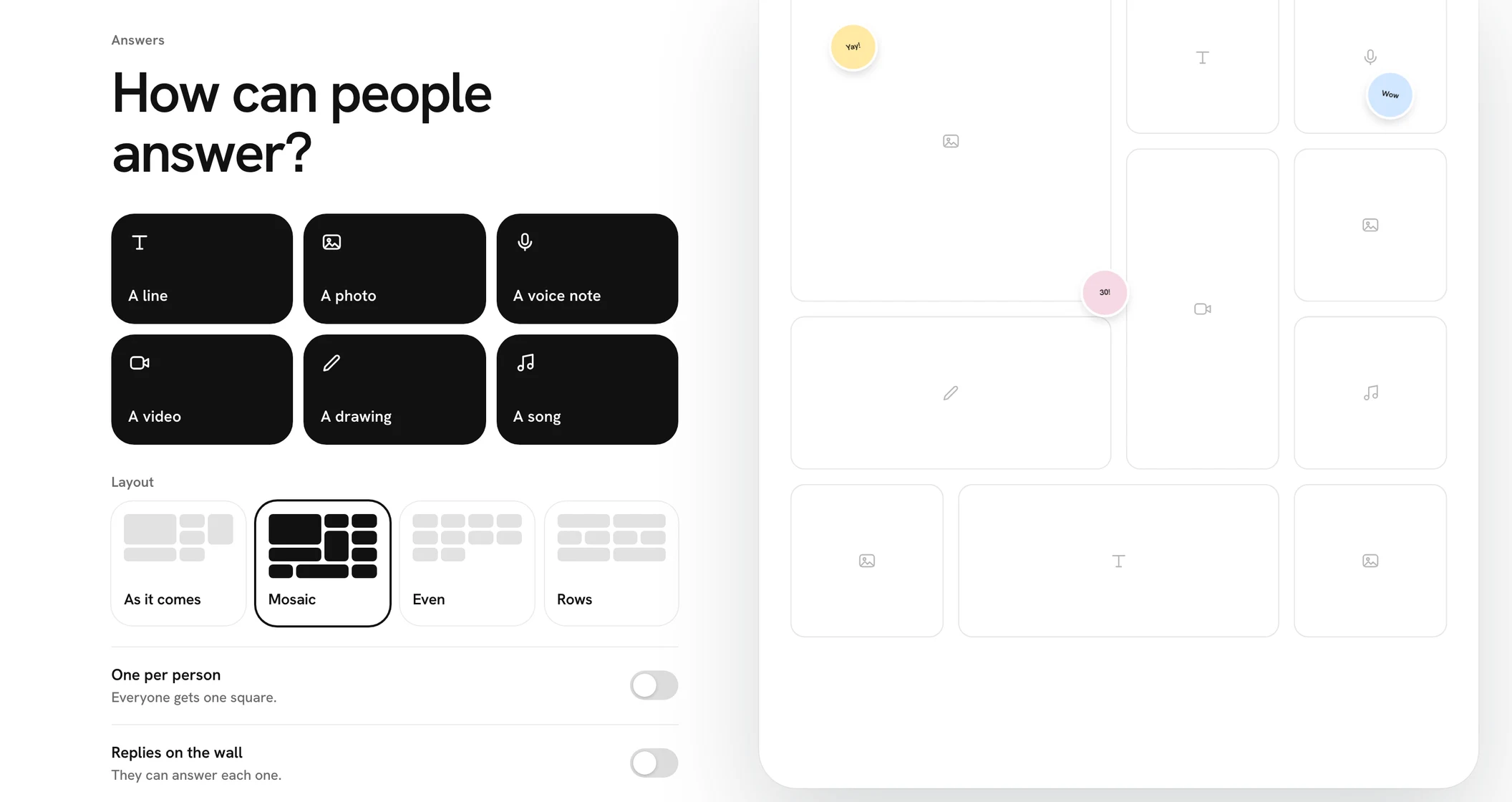
One per person gives everyone a single square. Replies on the wall lets people answer each other's squares. Both are off to begin with, and you can change them later from Make it yours on the wall's page.
6When they see it
The first choice is ready for you: locked until midnight on the day it names. Locked until a time I pick sets your own day and time, down to the minute. Opens right away shows each square as it lands, with no reveal.
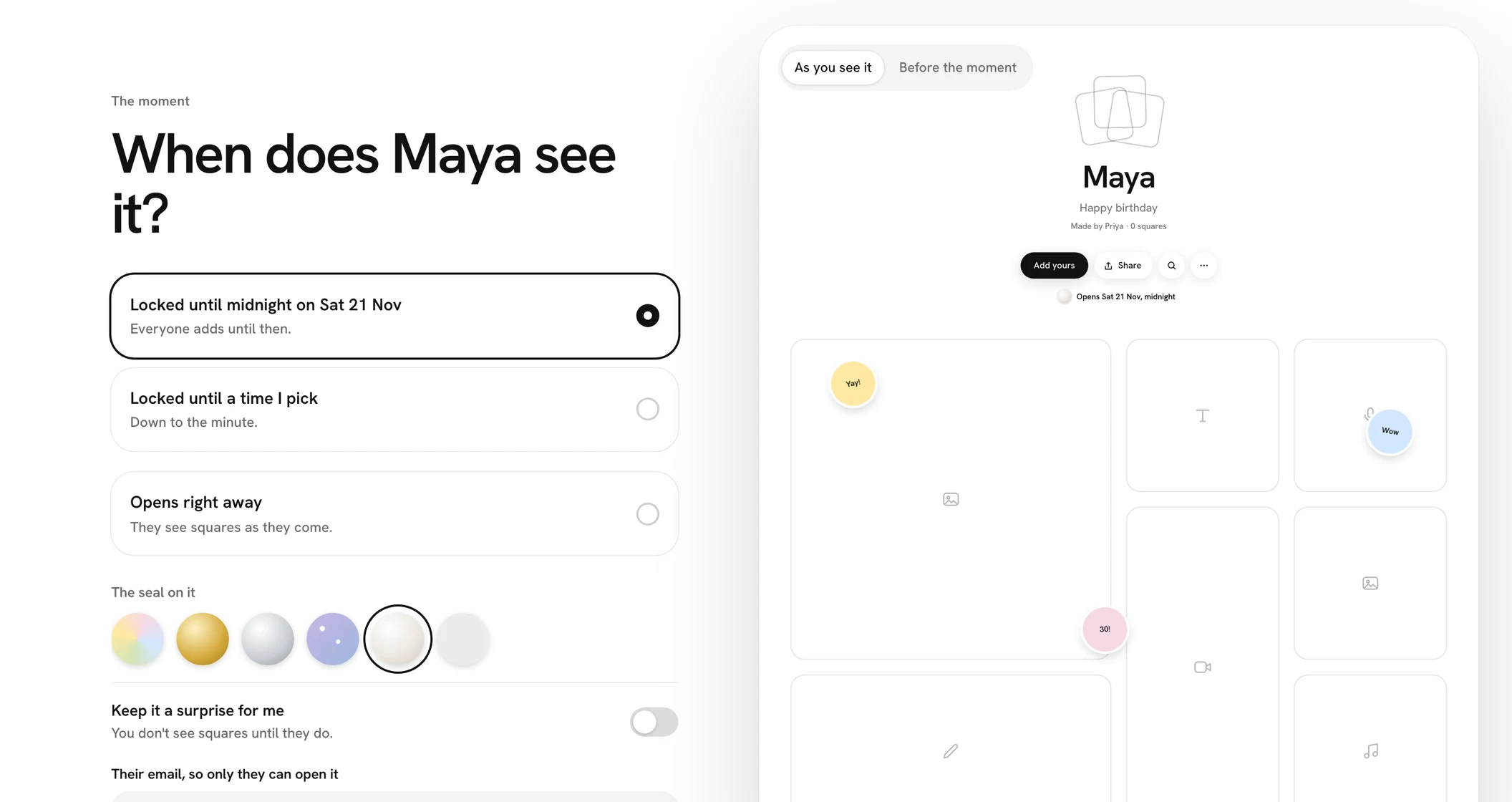
Under it, choose the seal on the wall for the day it opens. Keep it a surprise for me hides the squares from you too, until they see them.
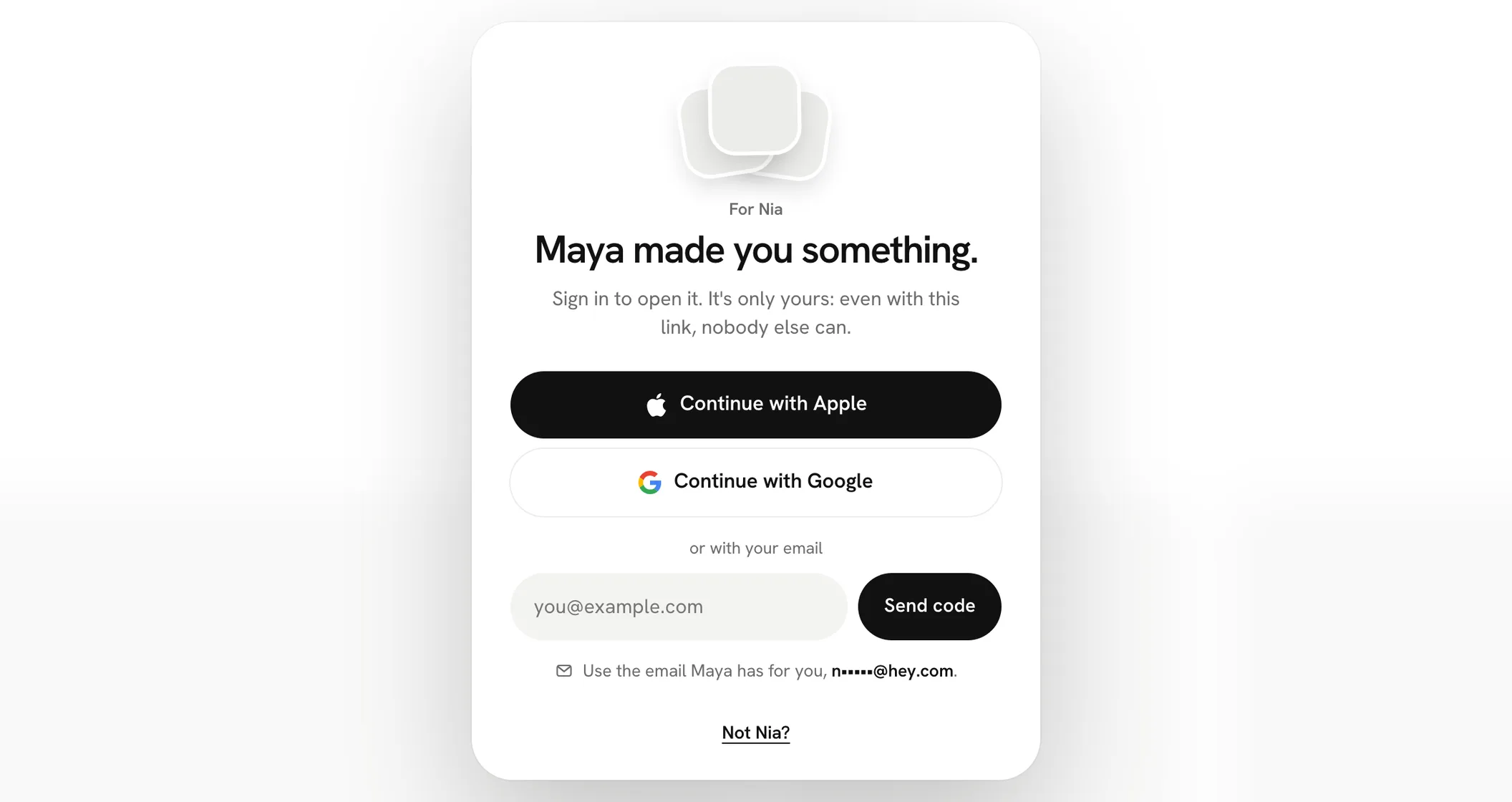
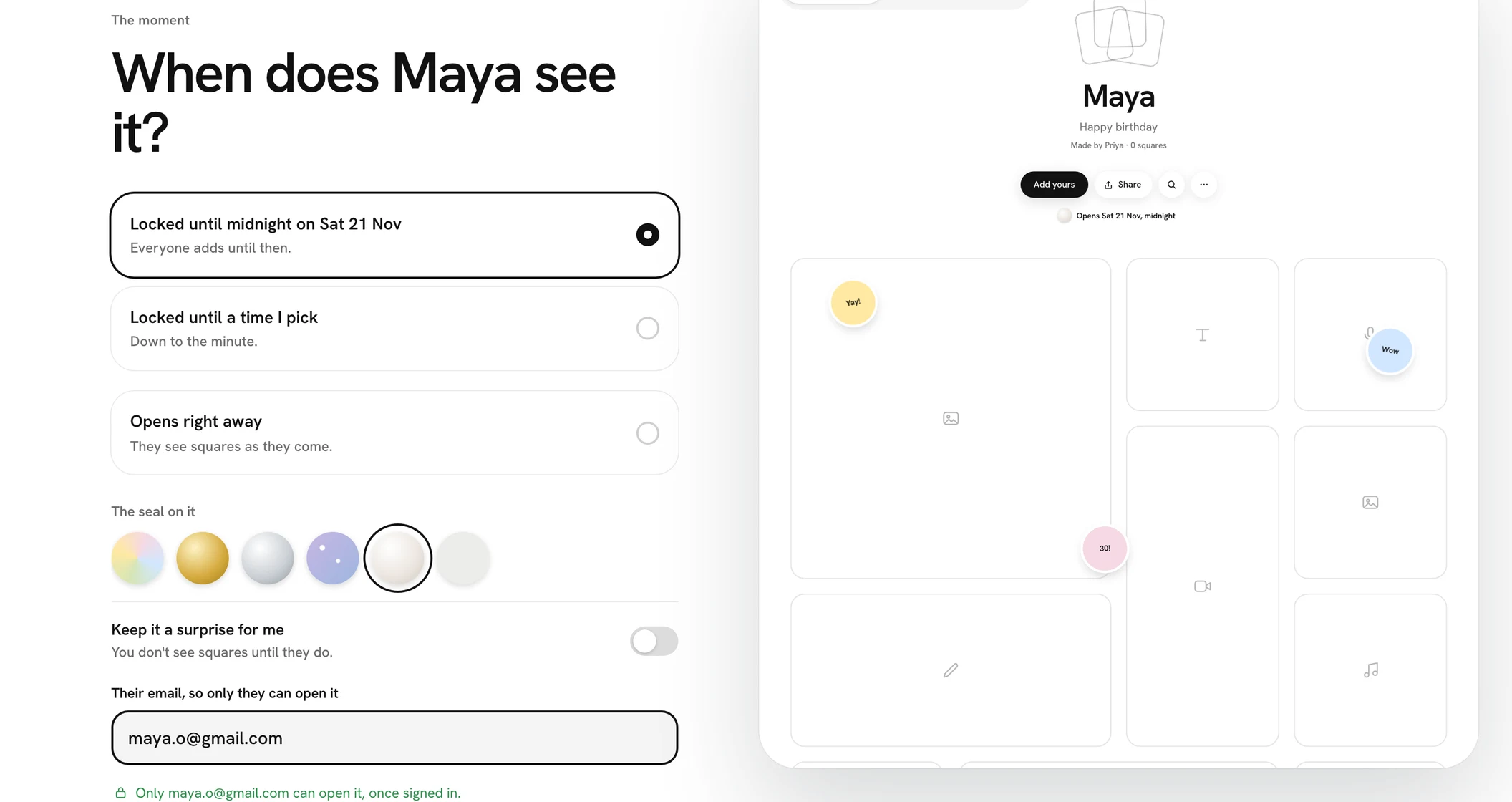
On a wall for one person, the last field is Their email, so only they can open it. Then only that address can open the wall, and Fube emails it the link when the wall opens. Leave it empty, and the first to sign in with their link claims it. Then press Make the wall.
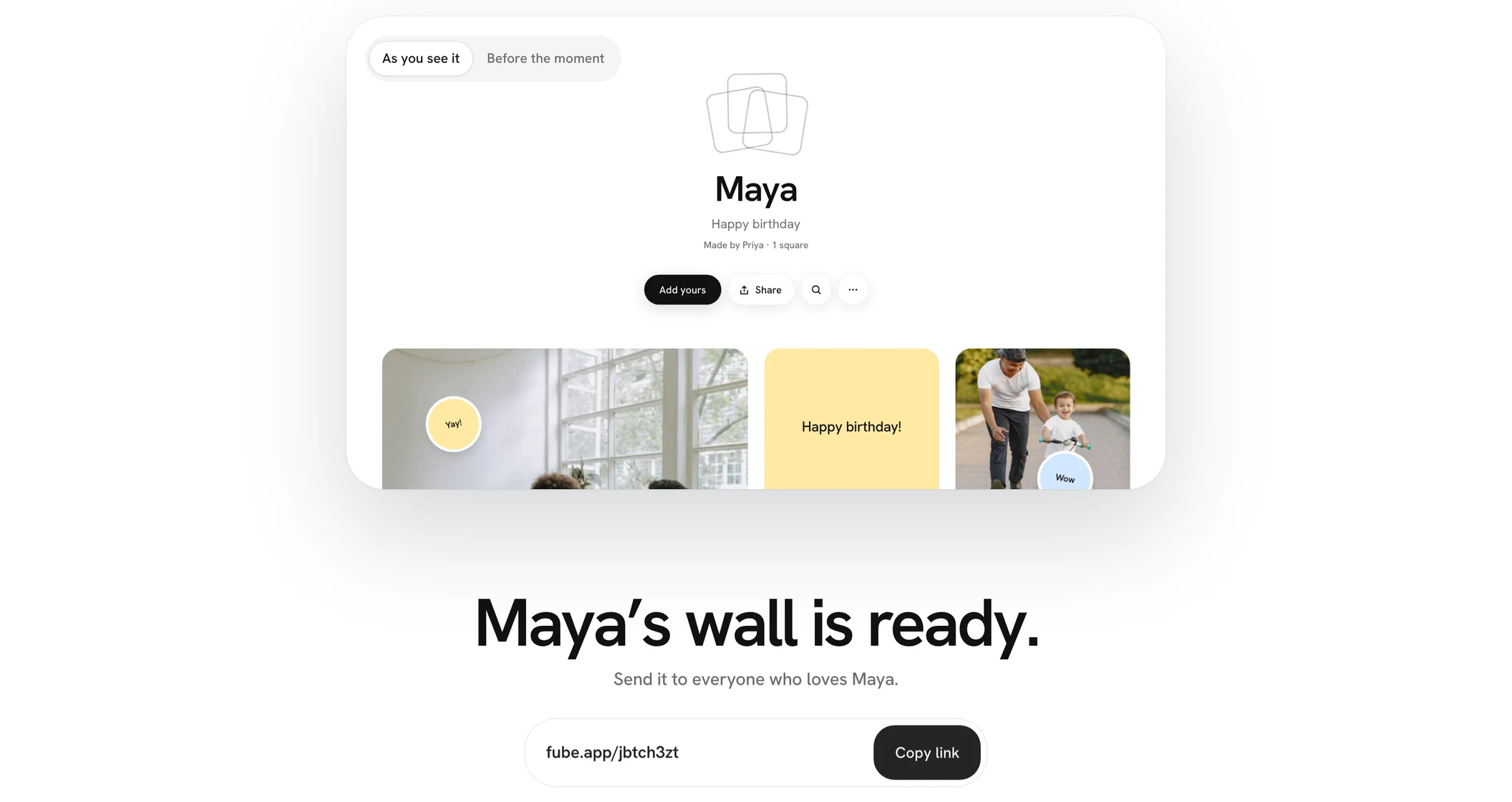
The wall is ready, and its link is copied for you to send. Send the link has your apps, Add the first square starts yours, and Go to the dashboard opens your page for the wall.
Not signed in? You can still make it all: it waits in your browser, and Make the wall asks you to sign in once.