Adding your square
Someone sent you a link to a wall. Open it, press Add yours, make one thing, and it goes on the wall with your name. No account, no app, about a minute. Once it opens, if the link asks Nia to sign in, press Not Nia? under it.
1On a phone or tablet
Add yours raises a sheet of stickers: A line, A photo, A video, A voice note, A drawing, A song. The person who made the wall chose which ones it takes, so you may see one, or all six. Choose one, and what you are making fills the screen, with a few controls floating over it.
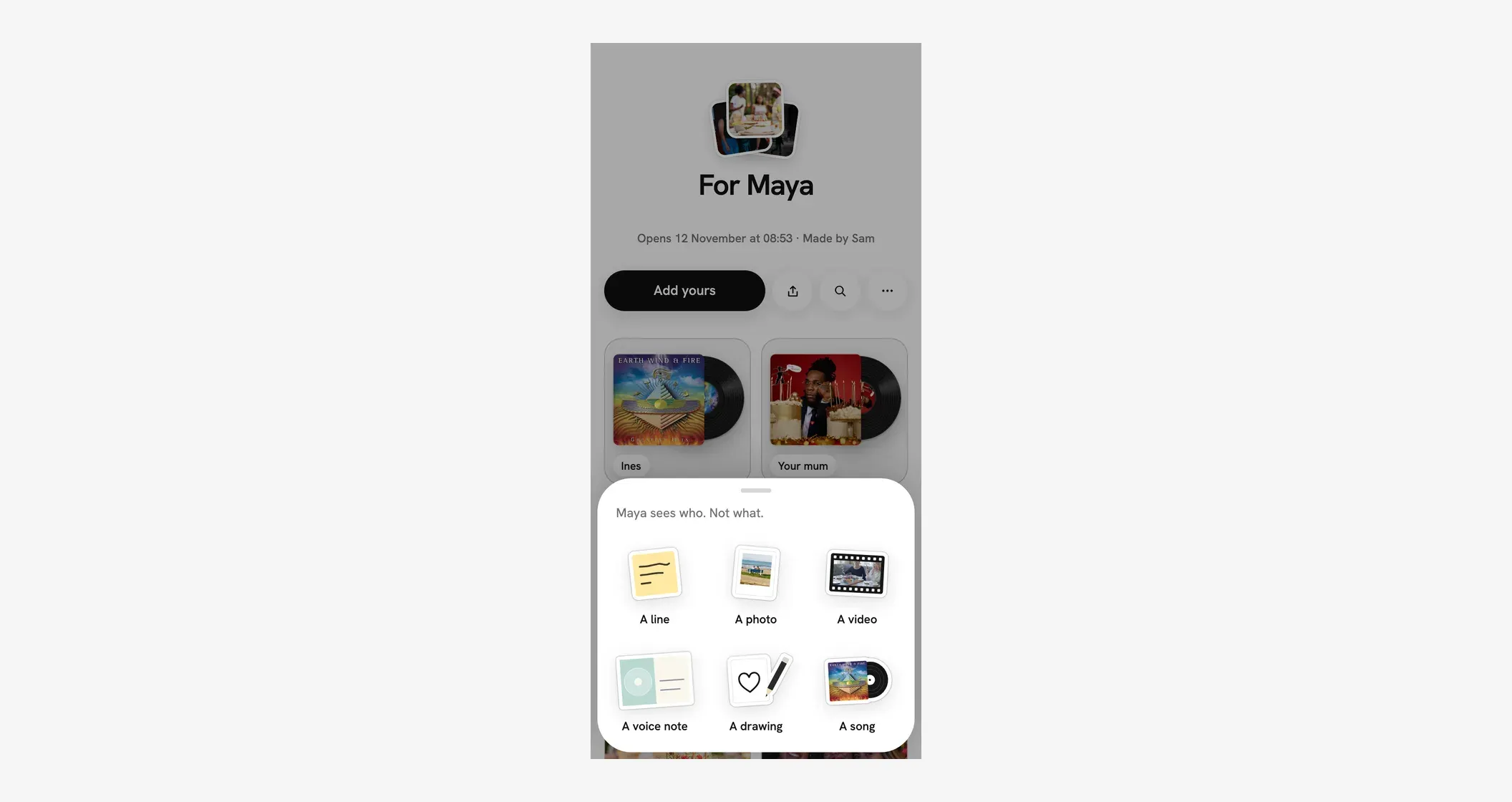
Swipe down to close it, and what you made is there when you come back. Swipe sideways to change kind, or press its name at the top. The round arrow adds it.
- A line. Up to 600 characters, as big as they fit. The dots at the foot change its colour.
- A photo. A photo opens your phone's own picker straight away, and it stays the shape you took it. Pinch to choose what shows. Take a photo opens your camera.
- A video. Tap or hold to record, up to 45 seconds, square.
- A voice note. Tap or hold to record, up to 60 seconds, and the record is cut as you speak. Again gives you another go.
- A drawing. The whole screen is the paper, in five inks. Ugly is fine. Opened, it draws itself again.
- A song. Search for a song, or paste a link from Spotify or Apple Music. It plays a short preview. Choose One square, or Two wide.
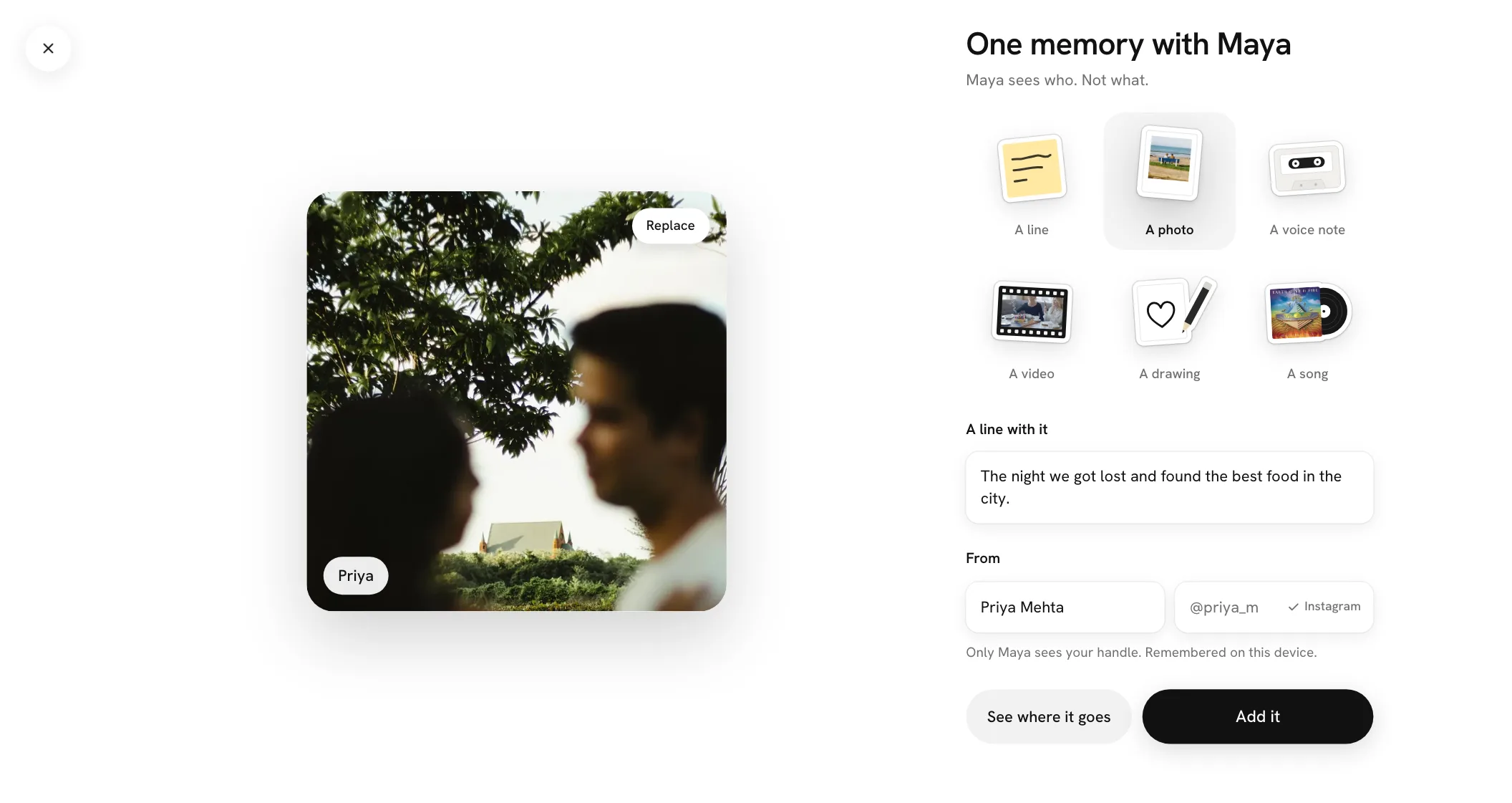
A photo or a video can also have a line with it.
2On a computer
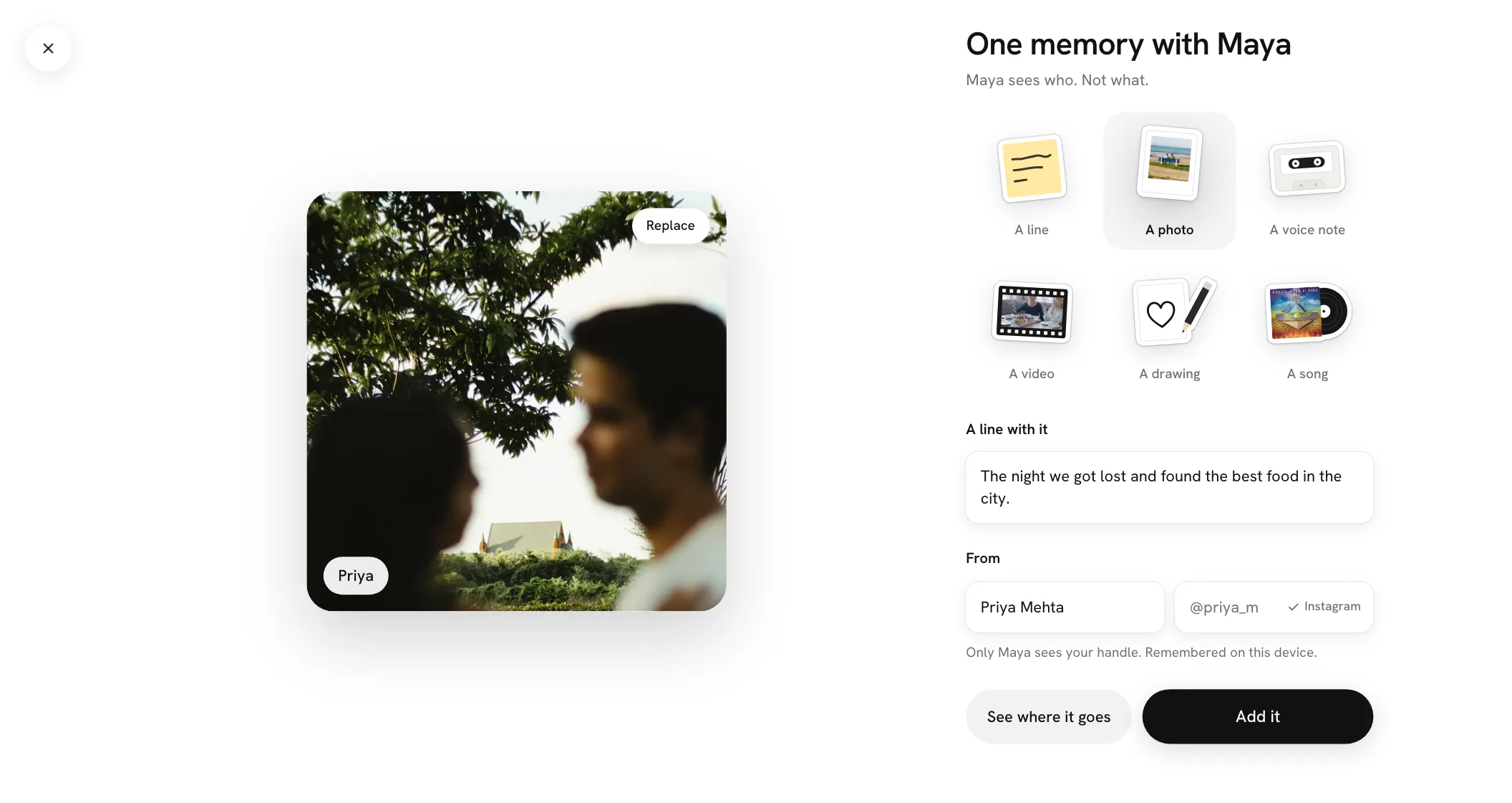
Add yours opens a white page with your square on it, at the shape it will be, with your name on it. Beside it are the question, the same stickers and what each one needs.
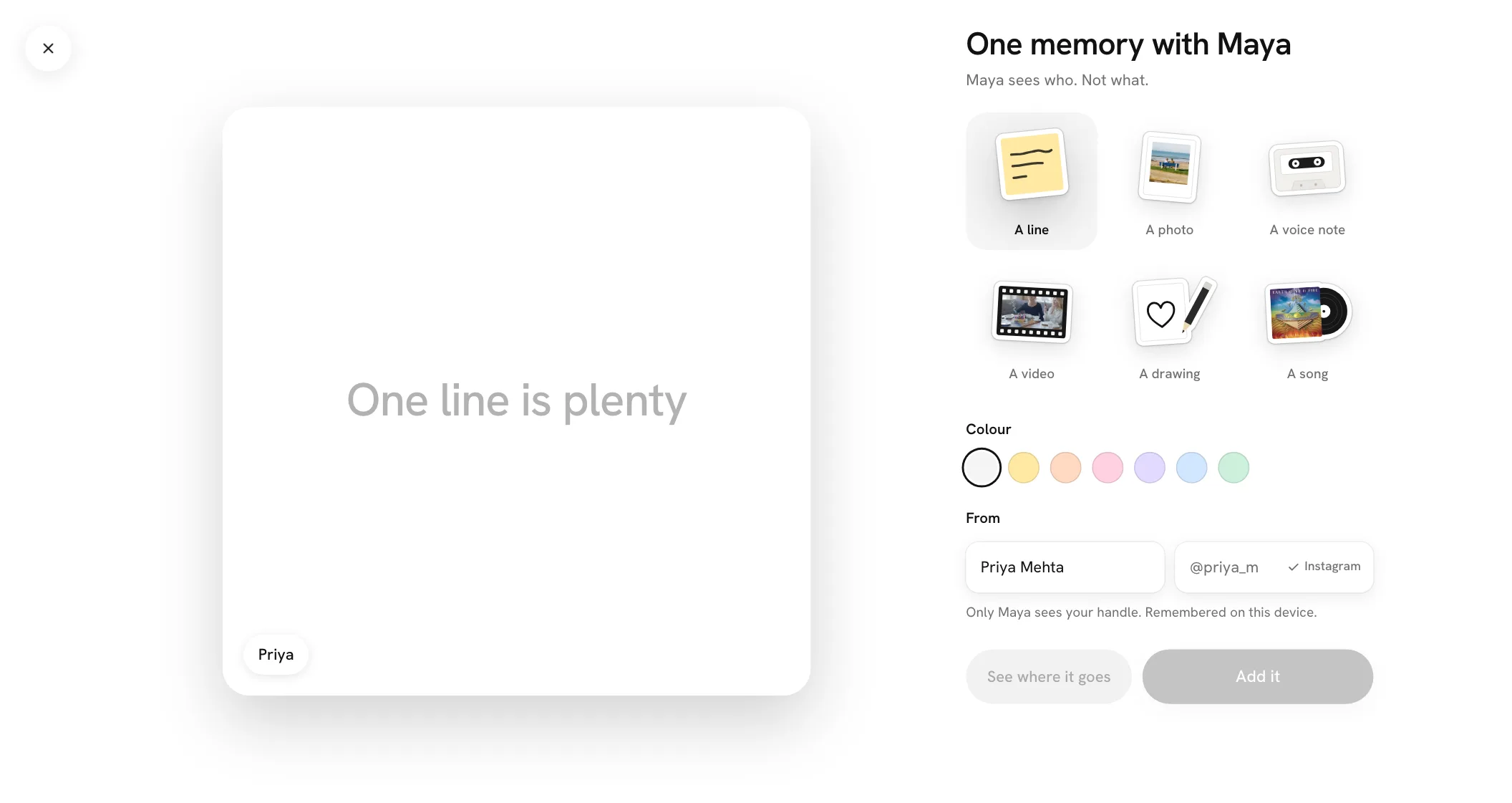
Once there is something in your square, See where it goes shows the wall at its end with your square ringed in its real place. Back to it takes you back, and Add it adds it from there.
3Who it's from
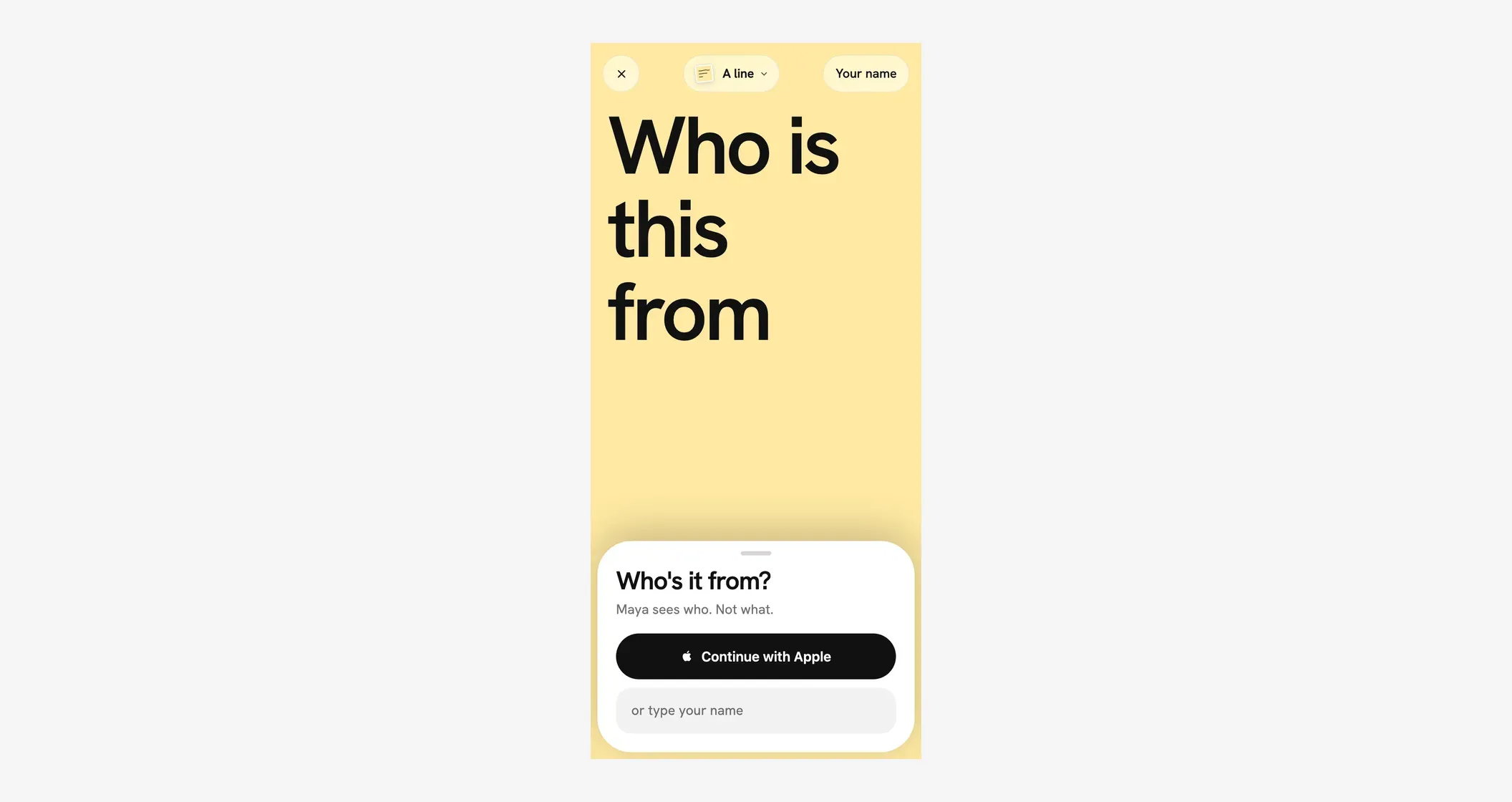
On a phone or tablet, your name is asked only when you press the arrow, and only if this device does not know it yet. Who's it from? offers Continue with Apple, or type your name, and then Add it. Sign in with Apple and you come back to what you made, and it is added. The name at the top of the screen changes it, or adds a handle.
On a computer, From has your name and, if you like, your handle, and Add it waits for a name.
4Sending it
Your square shrinks to its place at the end of the wall and lands with a small tilt that settles. On a phone or tablet it is there at once: a photo, a video or a voice note finishes going up behind it, and with no signal it goes when you are back. If it could not go, the screen comes back with what you made.
Without signing in, a device can add two photos, voice notes, videos or drawings to a wall. After that, a phone offers only a line or a song, and says why.
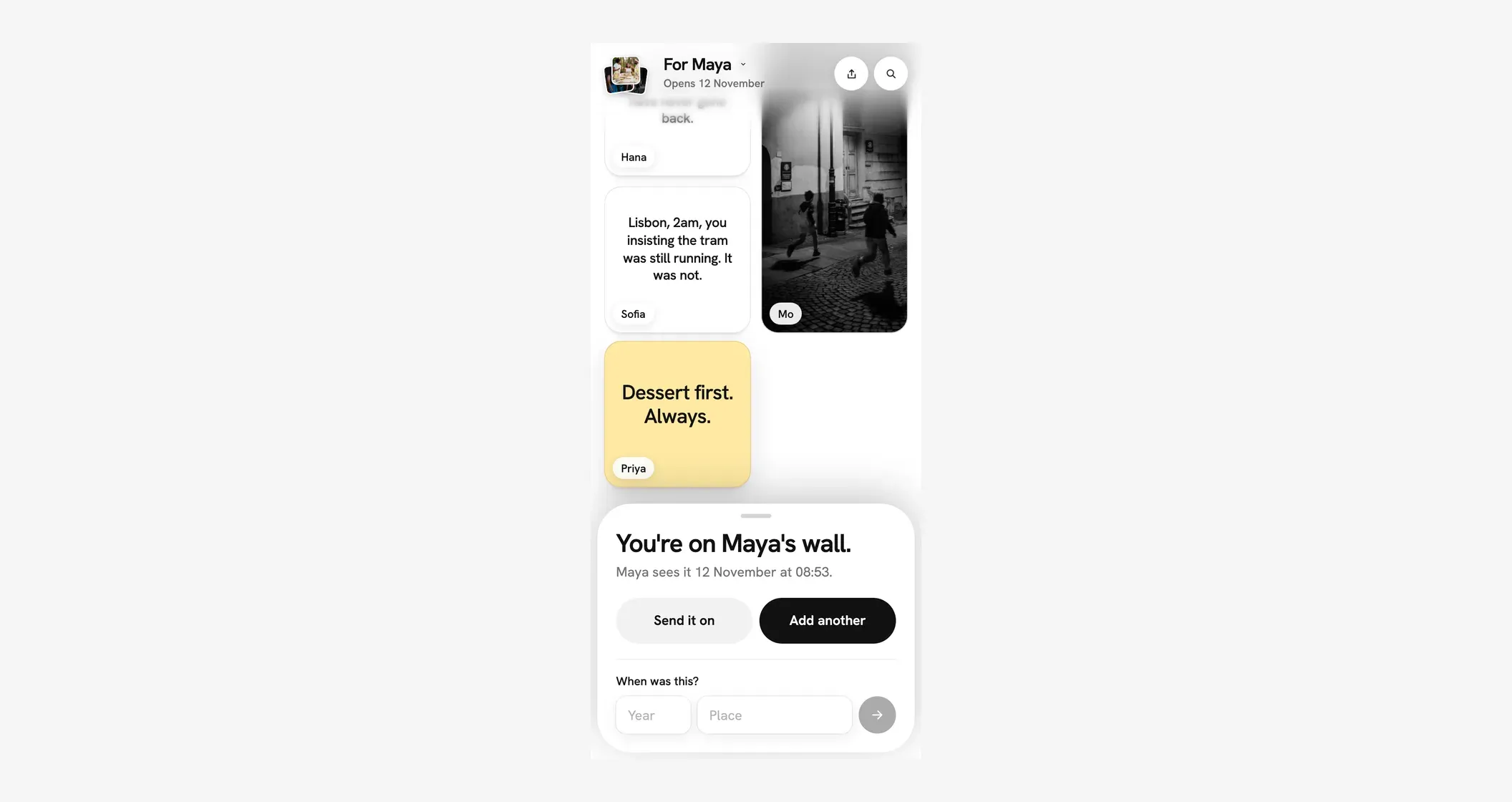
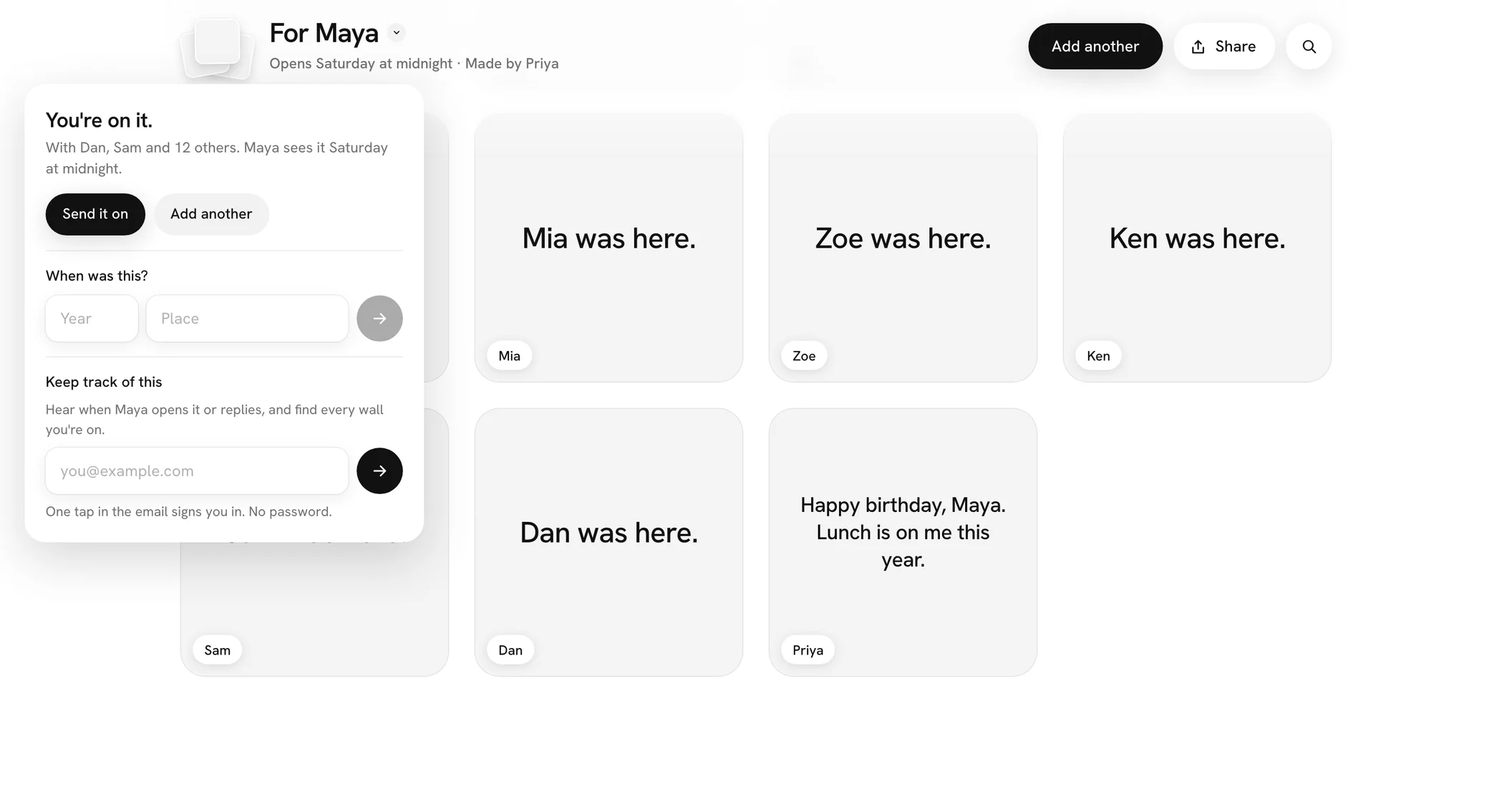
Then a small sheet says You're on Maya's wall., and when Maya sees it, with your square clear above it. On a computer a card says the same. Send it on opens sharing, with a short video of your own square. Add another starts clean. The first time on a wall, you can also leave your email to hear when the person opens it or replies.