Keep track of the wall
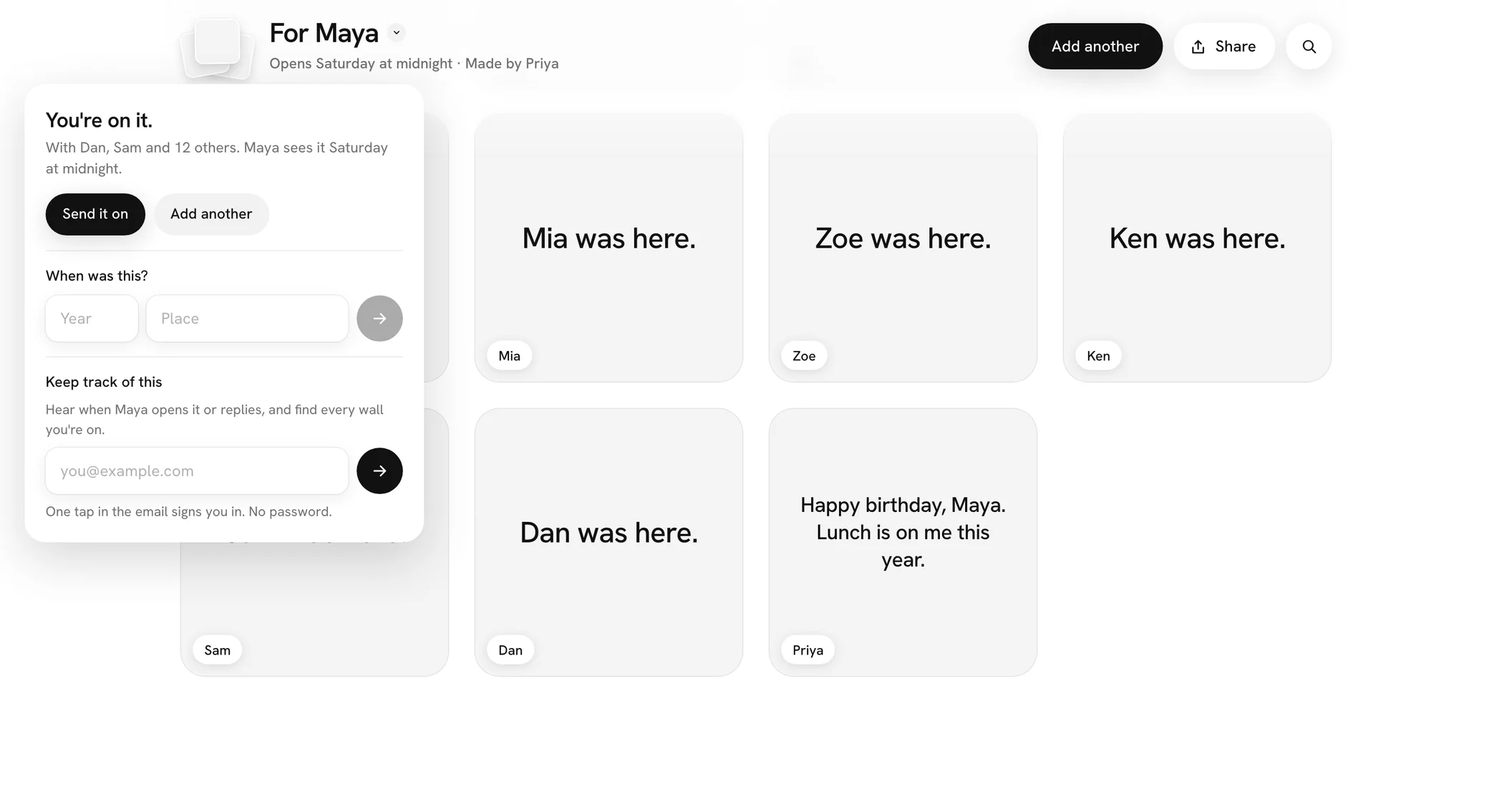
After your square lands, the card under it offers one thing: Keep track of this. Leave your email, tap the link it sends, and you will know when the wall opens and when the person replies to you.
The one tap
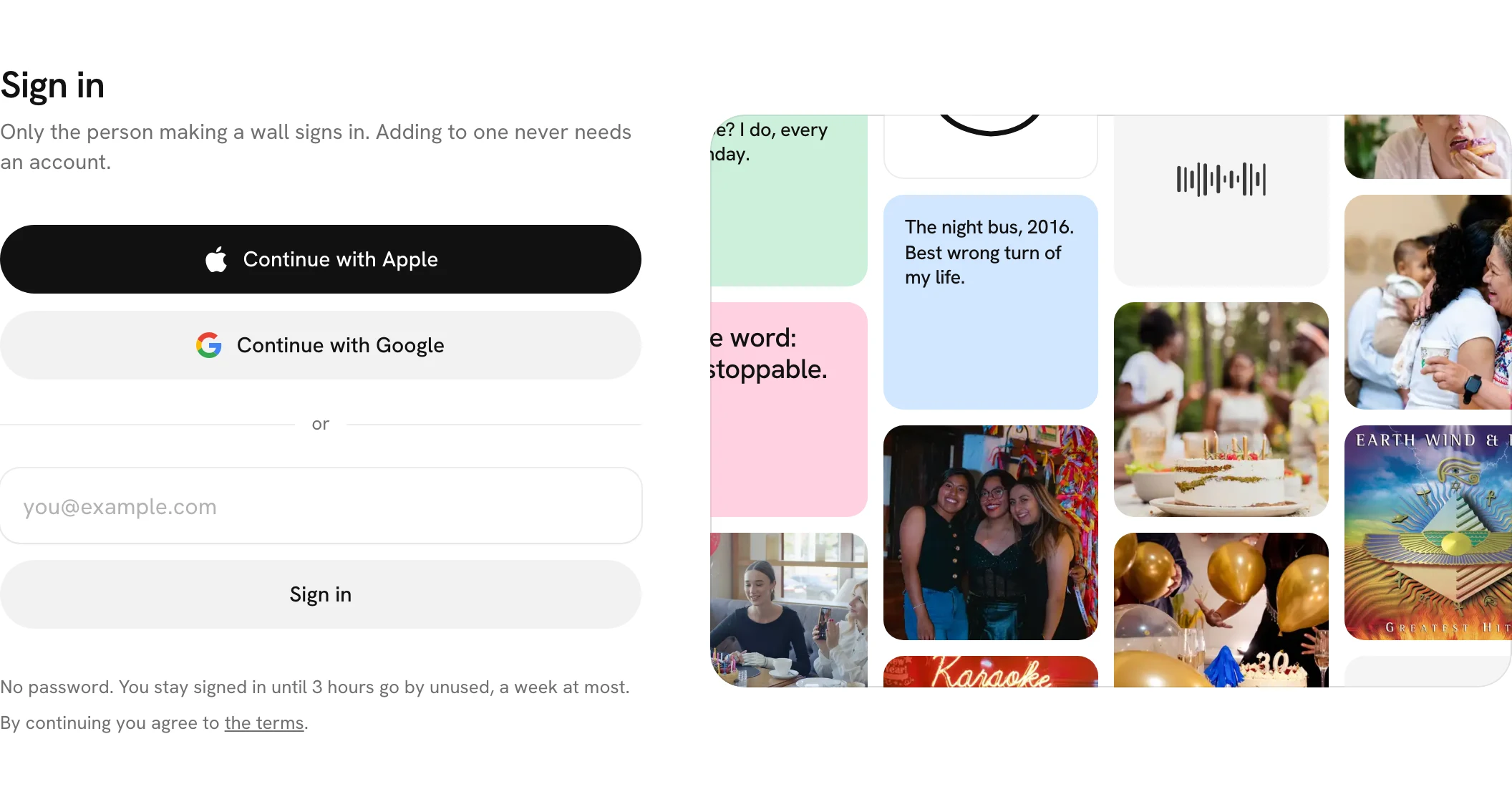
Type your email and press the arrow. One mail comes: Keep track, with a single link. Tapping it signs you in on that device. There is no password and no sign-up screen; your name and handle come from the card you already filled in.
Tapped on a different device from the one you added on, the link first says which email it signs in as, and waits for you to press Keep track. That way a link someone else made for their own email cannot sign you in to their account without your seeing it.
The same tap brings every square you made on that device with you, on this wall and any other.
What you hear
- When the person it is for opens the wall.
- When they reply to your square, in words, a voice note or a reaction.
- If they send a thank-you to everyone on the wall.
- A year on, a note with Replay, so you can see it again.
You are never told about other people's squares, and Tell me when, in Settings, turns any of these off.
What you get
Activity, in the menu top-left, lists the walls you are on: what is waiting, what has opened, and the replies to you. From there you can open your square on any wall, from any device, once you sign in.
You also get a Home of your own, so the day someone in your life has a birthday coming, Make a wall for someone is one press away, with your name already filled.
If you never tap it
Nothing happens, and your square stays on the wall as it is. At most one other mail comes: if the person sends a thank-you to everyone.