Your name and handle
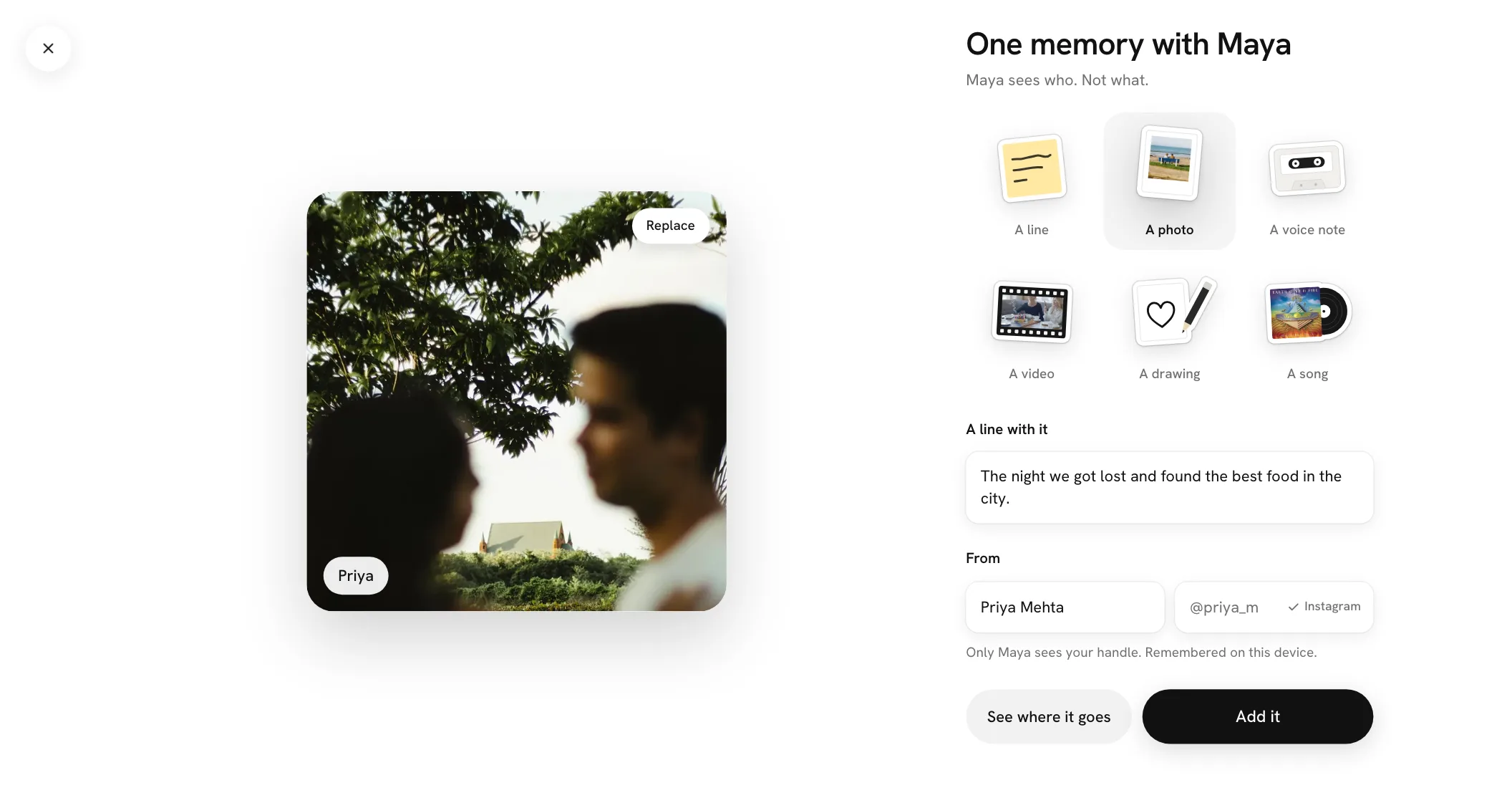
When you add yours, you can give two things: your name and your handle. On a computer they sit side by side above Add it, and Add it waits for a name. On a phone or tablet, your name is asked when you press the arrow, if this device does not know it yet, and the name at the top of the screen opens both at any time. Only the name is needed. Here is where each one shows.
Your name
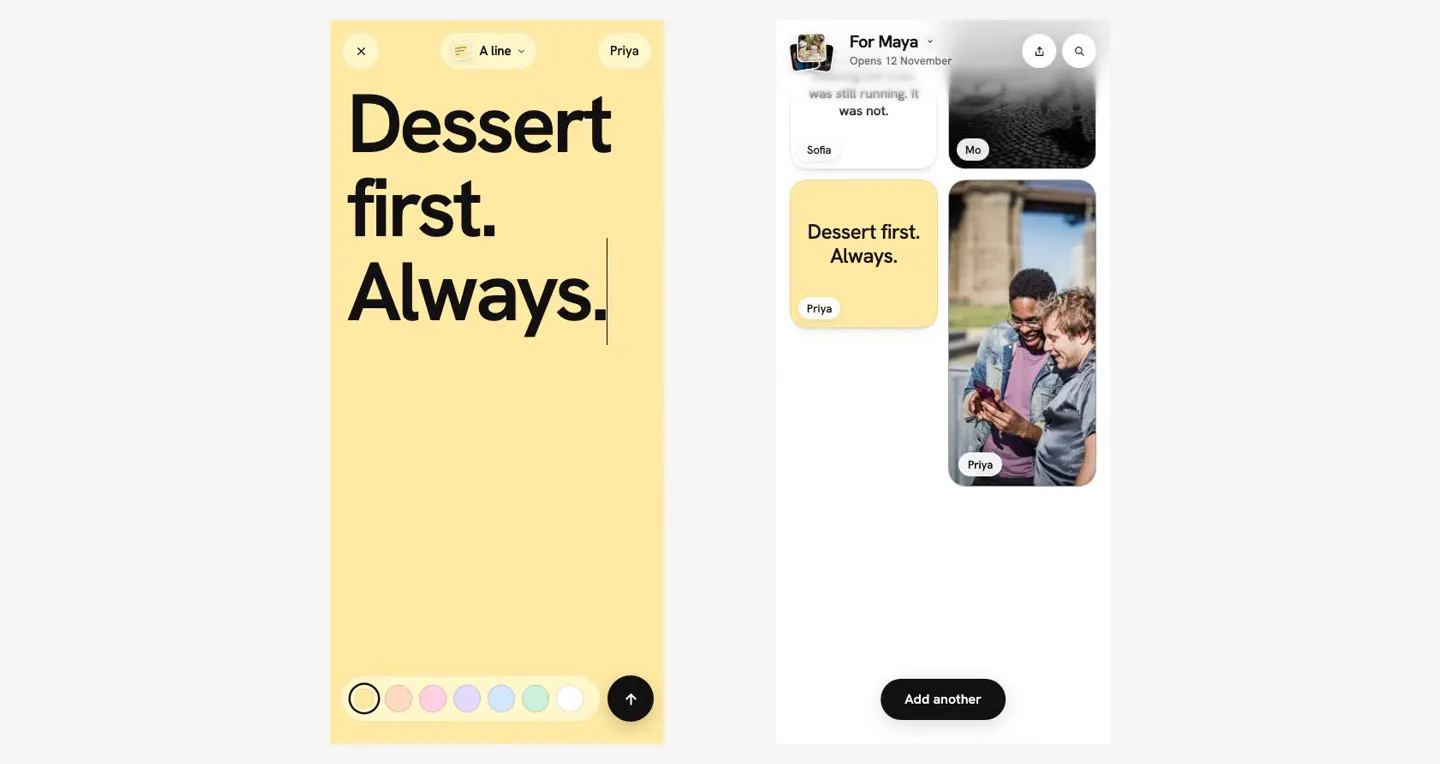
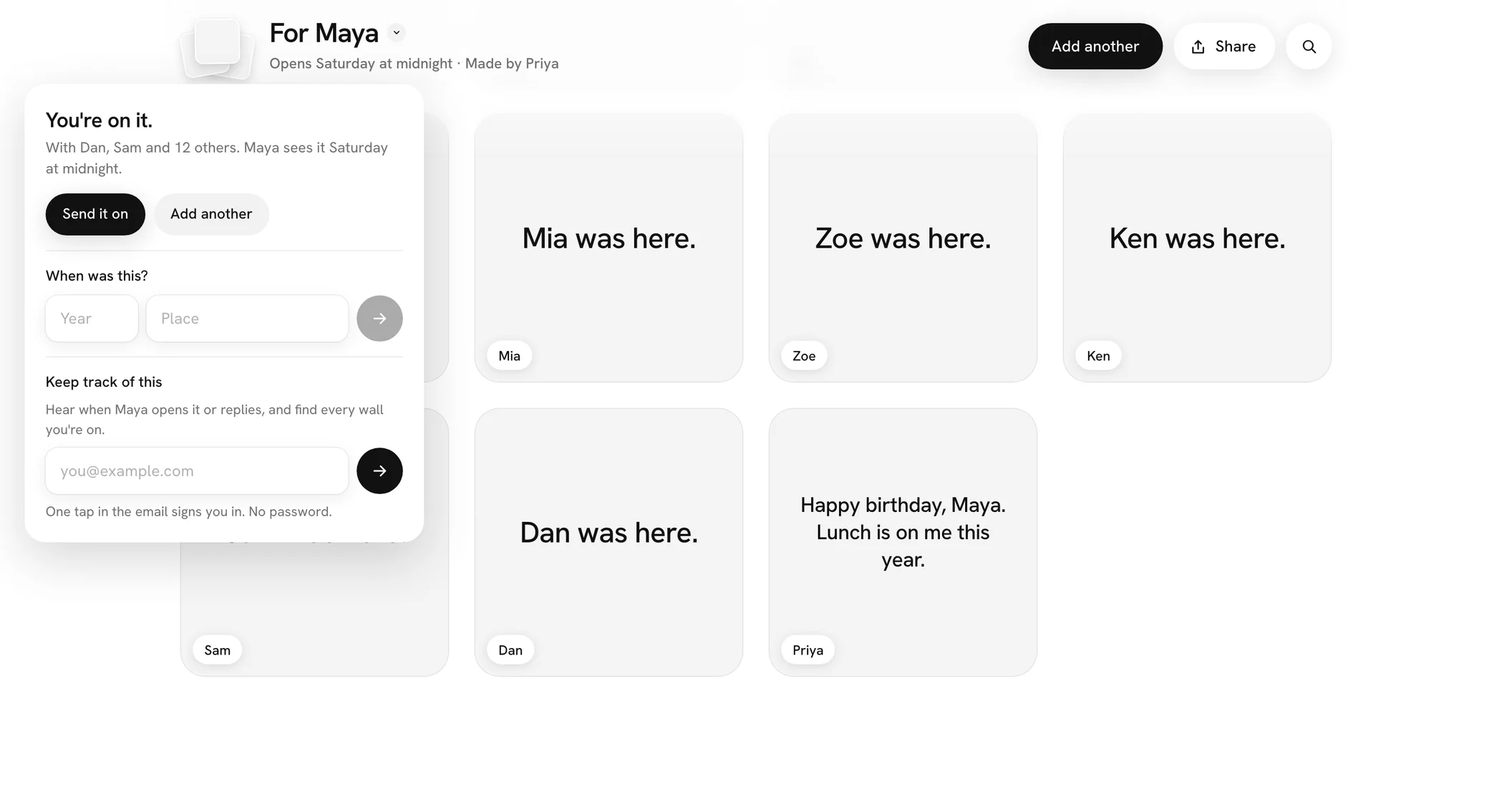
Your first name goes on your square, on a small pill that is always there. Before the wall opens, the person it is for sees it on the face-down square, so they know you are there. Everyone else with the link sees it on the wall, and your full name is on the label when they open your square. Write it the way they know you: Dan, or Auntie Bisi.
Your handle
The handle is your name on Instagram, TikTok or X, if you want the person to be able to reach you. While you are in the field you can choose which of them, and it shows a tick with the network's name when it finds you.
On a wall for someone, only the person it is for and the person who made the wall see your handle, so they can reach you. On a wall someone made for themselves, or for everyone to open together, only the person who made it does; on a memorial wall, the family. On a question wall, only the person who asked sees it, with a link to your profile. The line under the fields says who, before you send.
Asked once when you sign up
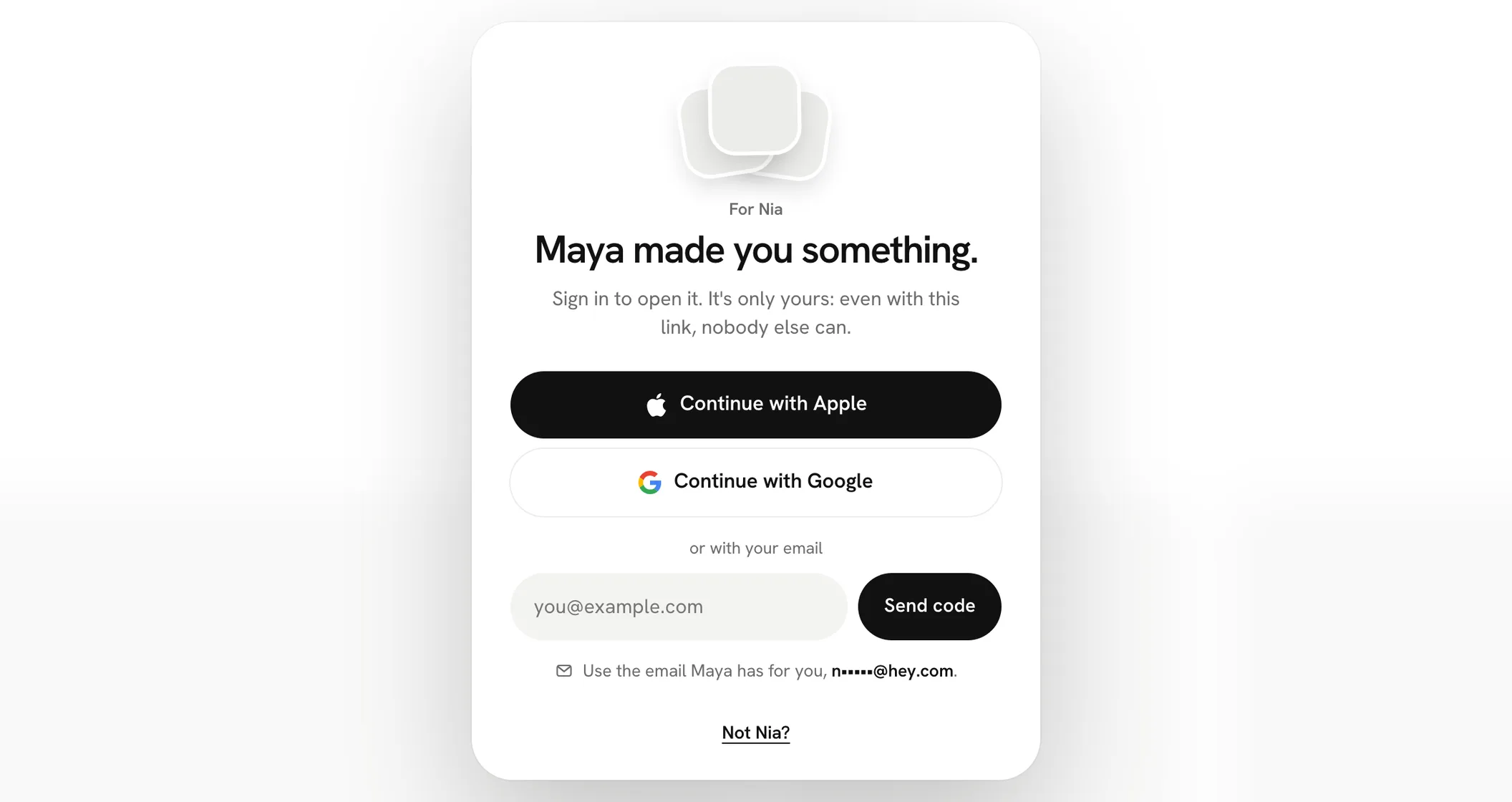
If you have an account, Fube asks your name the first time you sign in: What should we call you? Your handle is in Settings, under You, beside the @ under your name. Press it to type yours, and a tick with Instagram beside it shows when Fube finds you there. Save comes up once something has changed. Both are there to change whenever you like.
Remembered on this device
Your name and handle are kept on the device you used, so the next wall you add to there already knows you. Another device asks again, unless you are signed in there: a device with nothing of its own takes your account's name and handle. Nothing is shared between walls except on that device.
What never shows
Your email, if you left one to keep track, is never on the wall. On a wall for someone it is never shown to anyone. On a question wall, the person who asked can see it in their list of everyone who answered. Nothing else you do on a wall is reported back to anyone, only the square itself and the moment it landed.