A line with your photo
A photo or a video says a lot, but sometimes it needs the one thing only you know: where you were, or why it was funny. A line with it puts a few words under it. It is up to you, and a photo with no line is just as finished.
Writing it
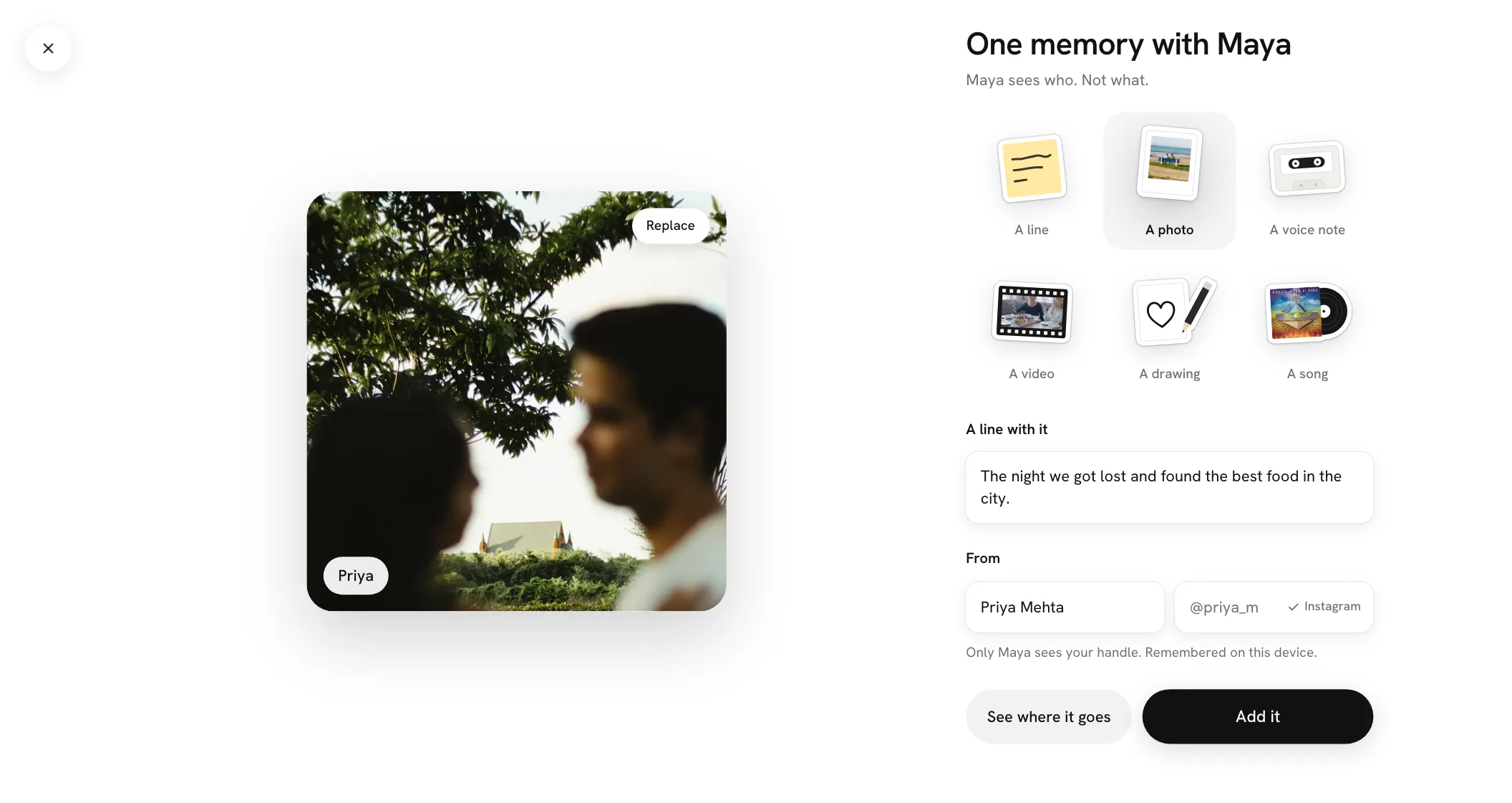
Choose A photo or A video from the stickers. On a computer, A line with it is in the column under the stickers. On a phone or tablet, it is the field floating at the foot of the screen, which reads Say something about it. Write up to 140 characters, and press Enter to put it down.
You can write it before you pick your photo or after. Changing your photo with Replace keeps your line. On a computer, changing to another sticker starts that square fresh, so the line goes with the photo. On a phone or tablet, it is there when you come back to the photo.
Where it shows
Your line is not on the wall itself, where every square shows a picture and a first name. It shows when someone opens your square, on the label under it with your name and what it is, the way a label sits under a picture in a gallery.

What it is not
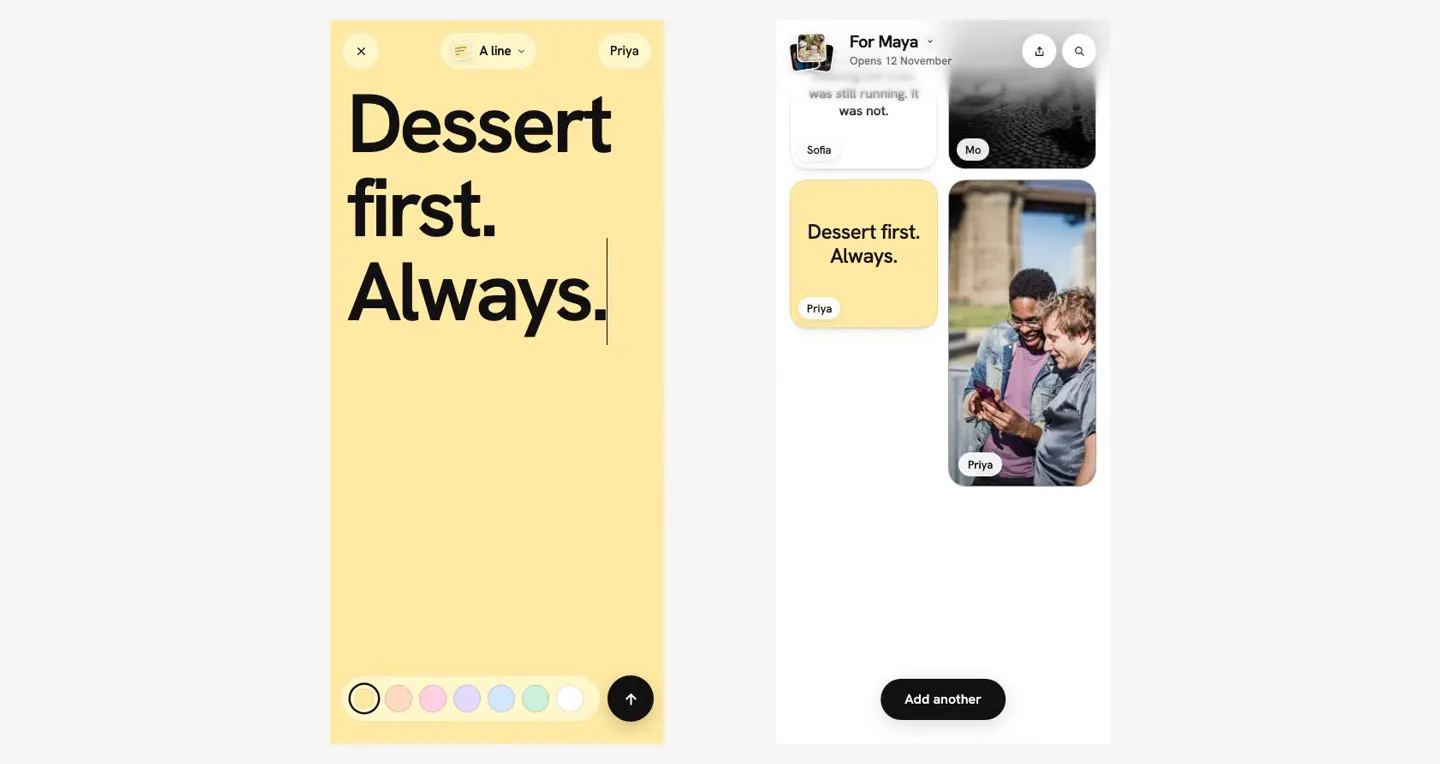
- It is not a line square. A line on its own is one of the six kinds, up to 600 characters, set big on the wall. Use that when the words are the whole thing.
- It is not for a voice note, a drawing or a song. Those show what they are without one, and the field does not appear for them.
- It is not a reply. Nobody answers on it. The person it is for can reply to your square, or react to it.