How the opening works
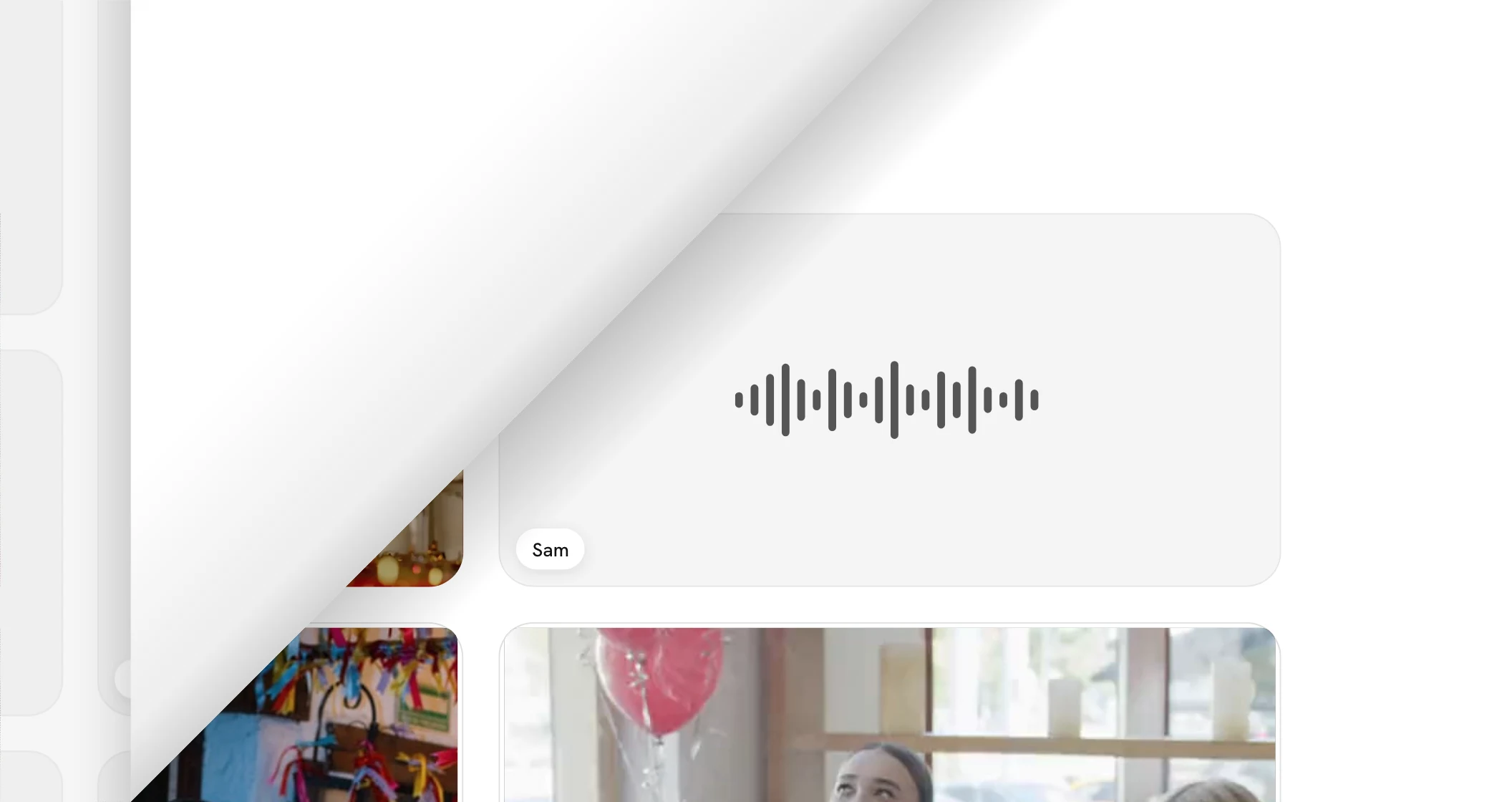
On the day, the wall turns from a gathering into a gift. The person it is for signs in, holds the seal, and the whole wall peels open for them like a sticker.
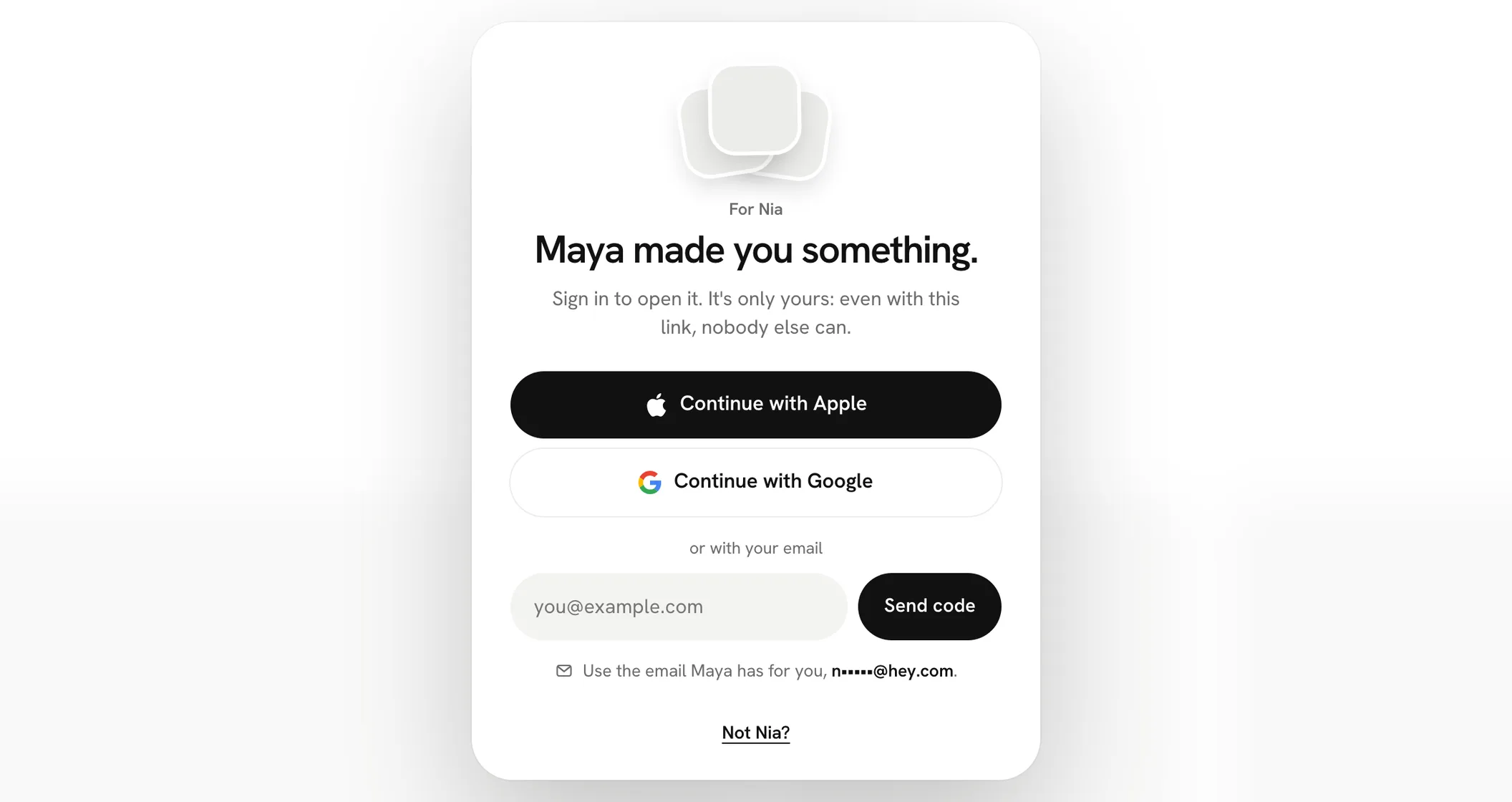
1Signing in
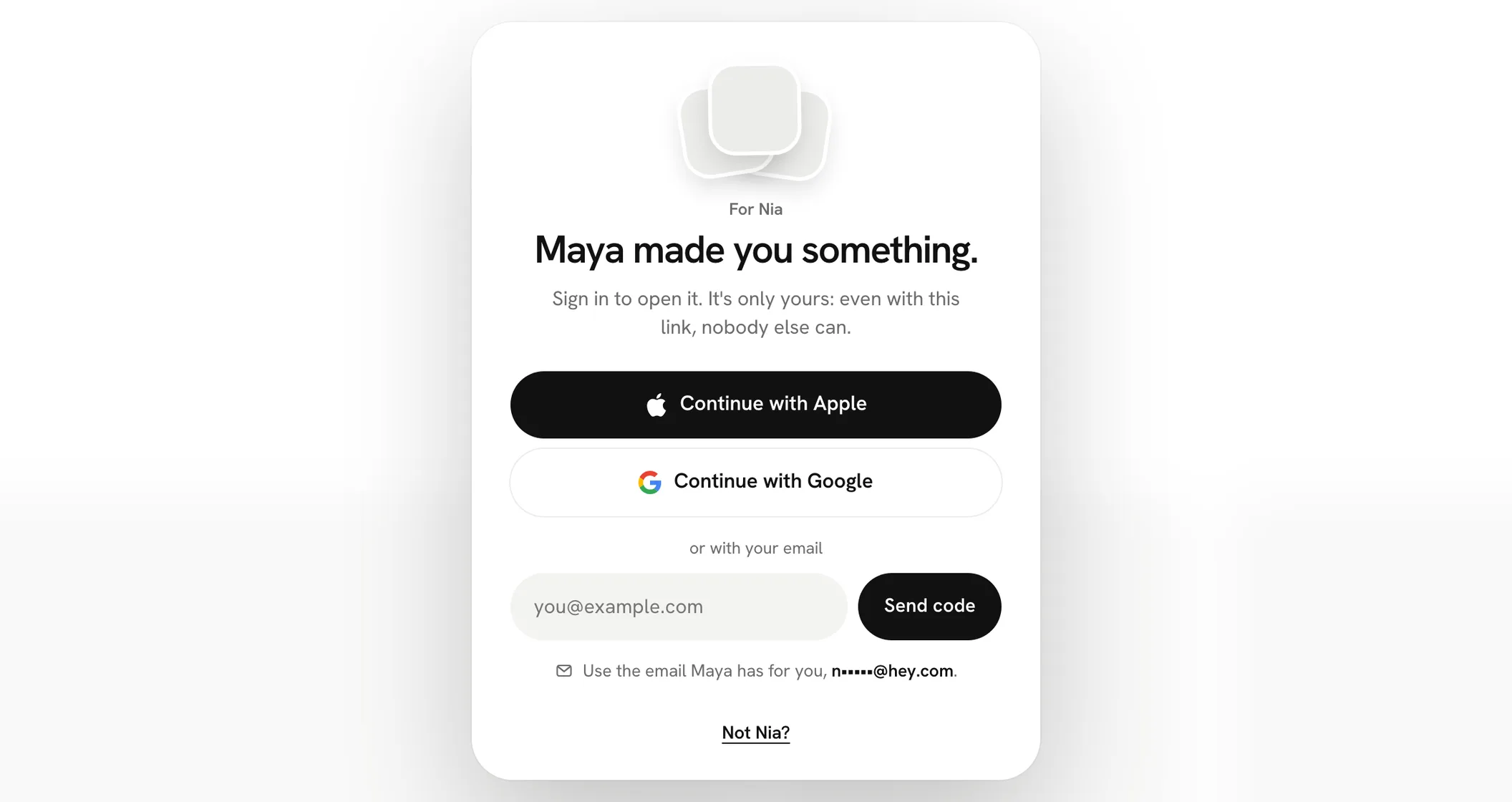
Their link asks them to sign in first, with Apple, Google or their email, over the wall blurred behind it, with who made it for them. It is what keeps the wall theirs, even if the link is passed on.
2Before it opens
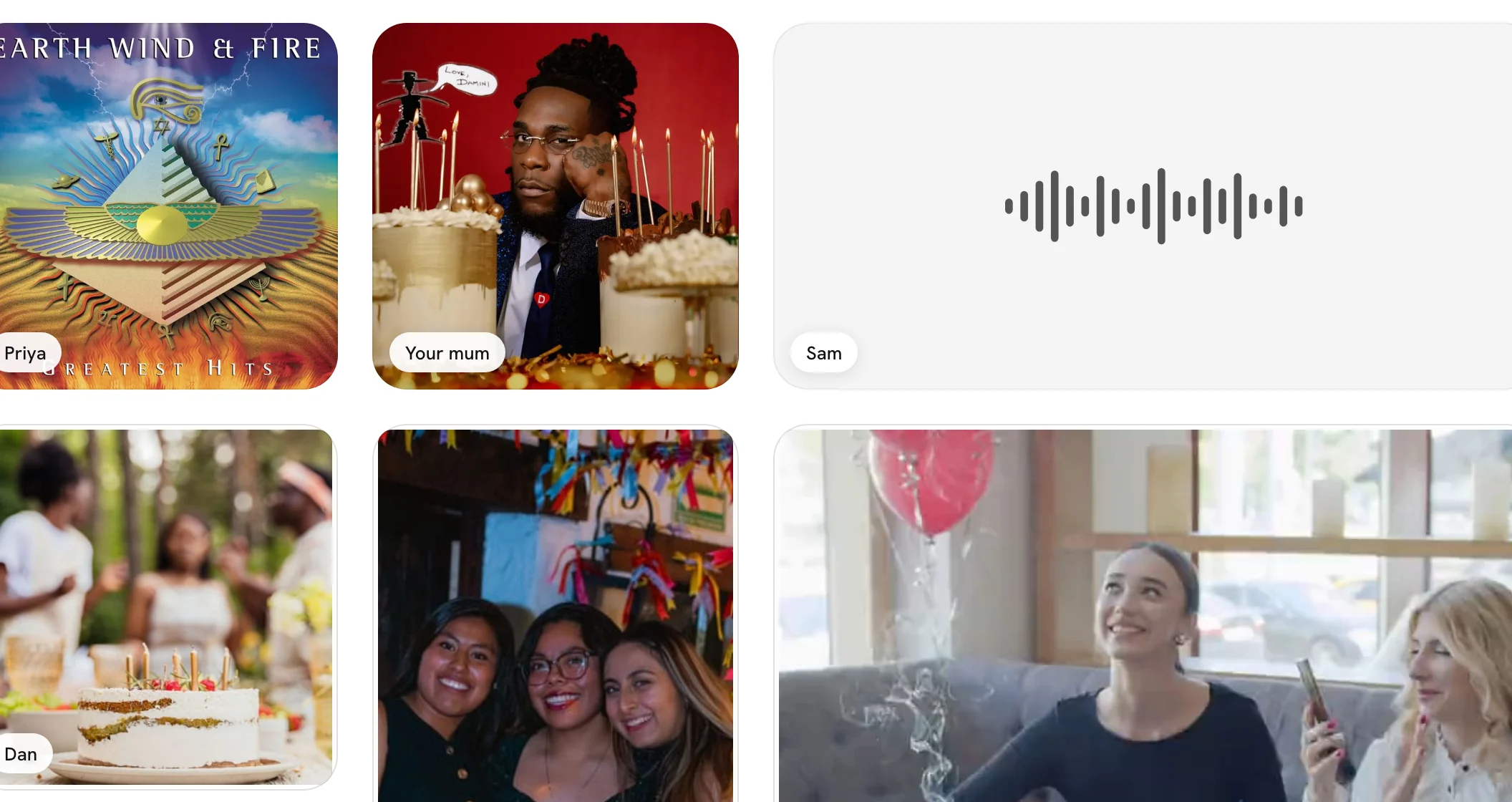
Until the time, the wall shows face down, each square with the first name of who added it, beside their name, Your people are gathering., when it opens, Opens in with the time ticking, and the address they are signed in with.
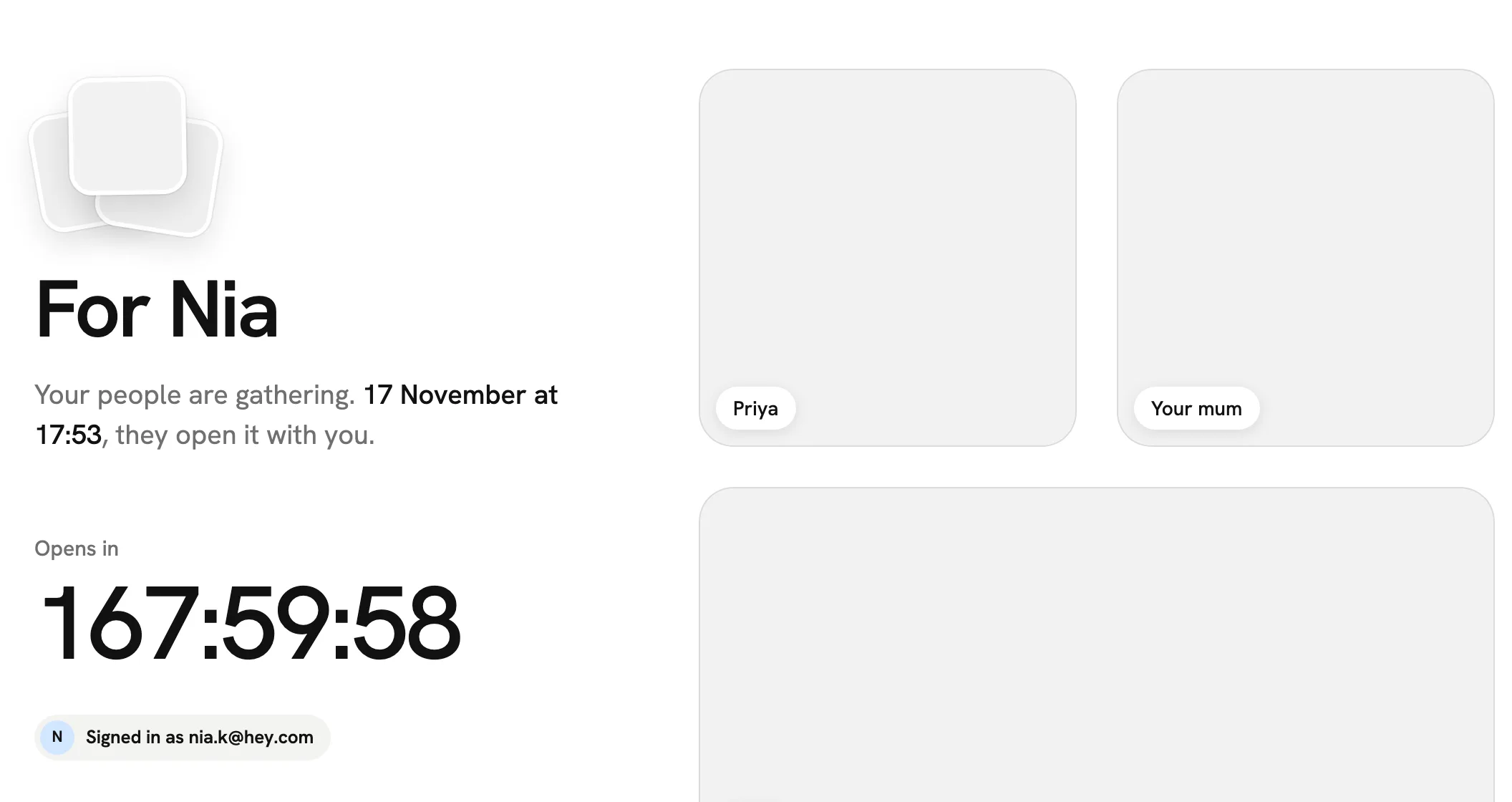
As each person adds, a black note says who: Ruth is here. Pressing a square only says Not yet.
3The seal
At the time, the wall blurs behind a card: Nia, it's ready., how many people made it for them, and a seal. They press and hold it, and a ring fills round it. Let go early and the ring empties, so nothing opens by accident. Nothing happens until they choose, so they can wait for the people in the room.
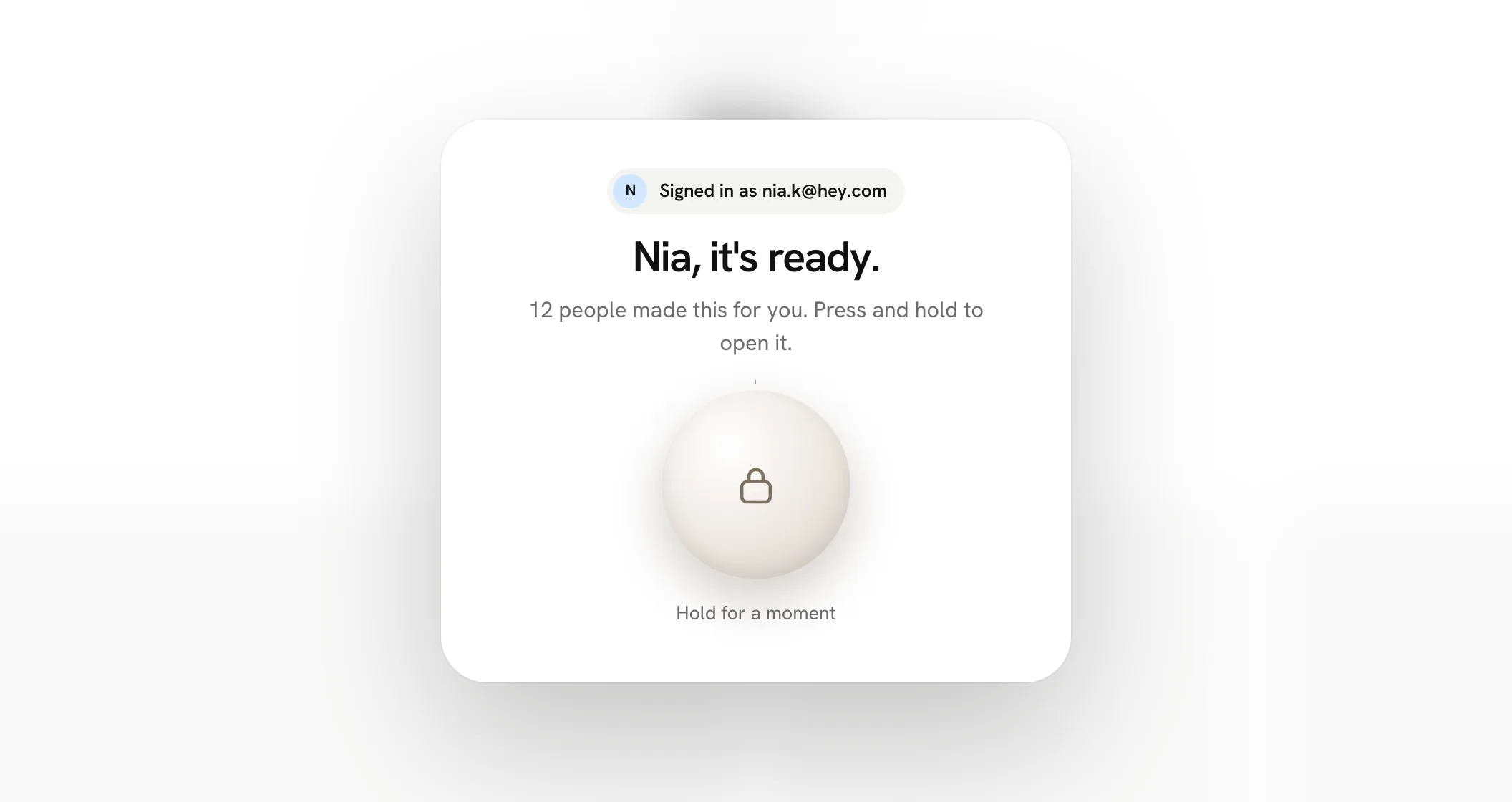
On a wall for a few people, each of them signs in and holds the seal for themselves, and you can see who has opened it.
4The peel
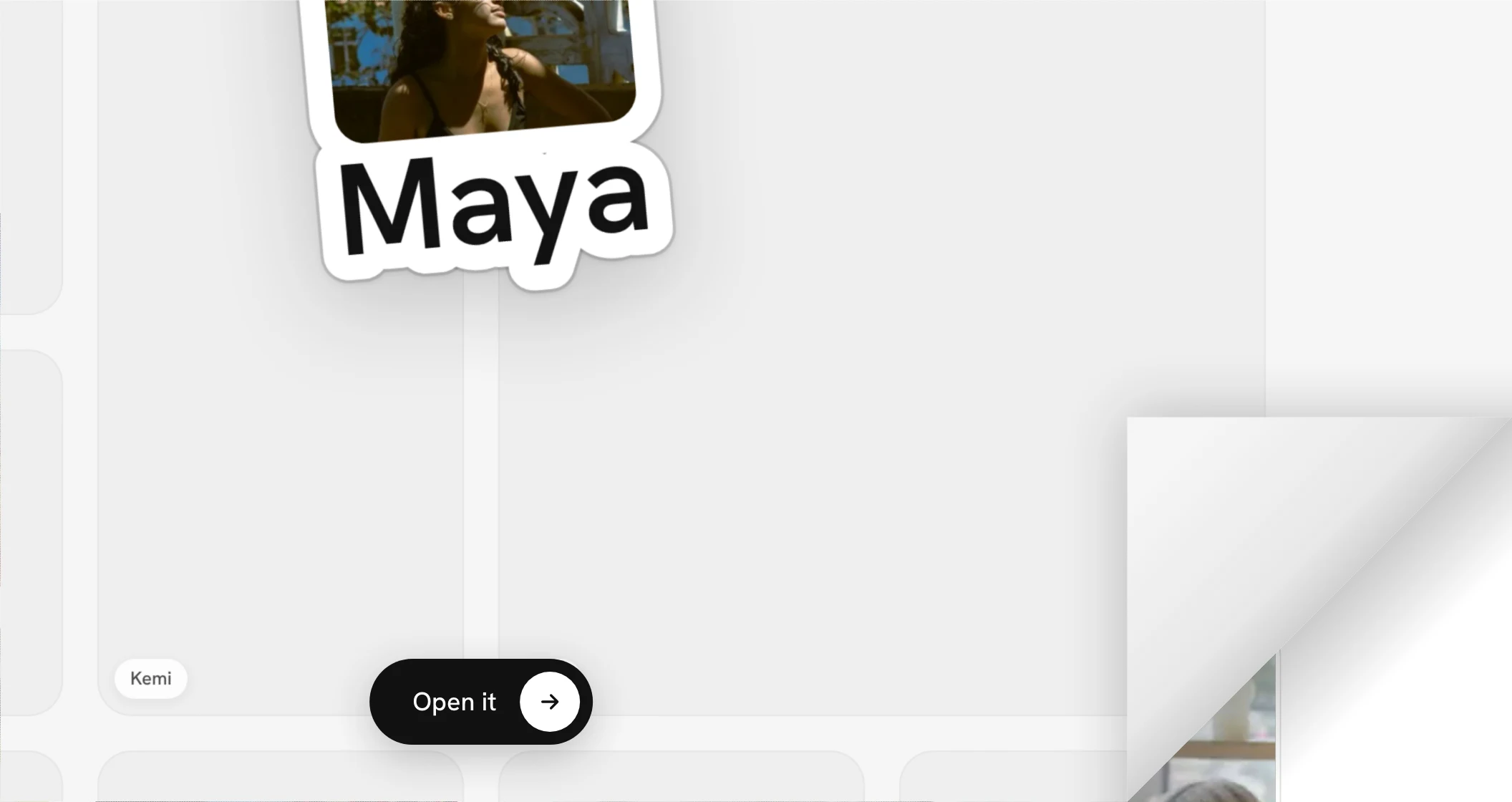
Held long enough, the card goes and the wall becomes one sticker sheet: everyone face down with their names, and their photo, or their name, as a sticker in the middle. The bottom-right corner lifts, holds for a breath, and the whole sheet comes away corner to corner, its white back curling over.
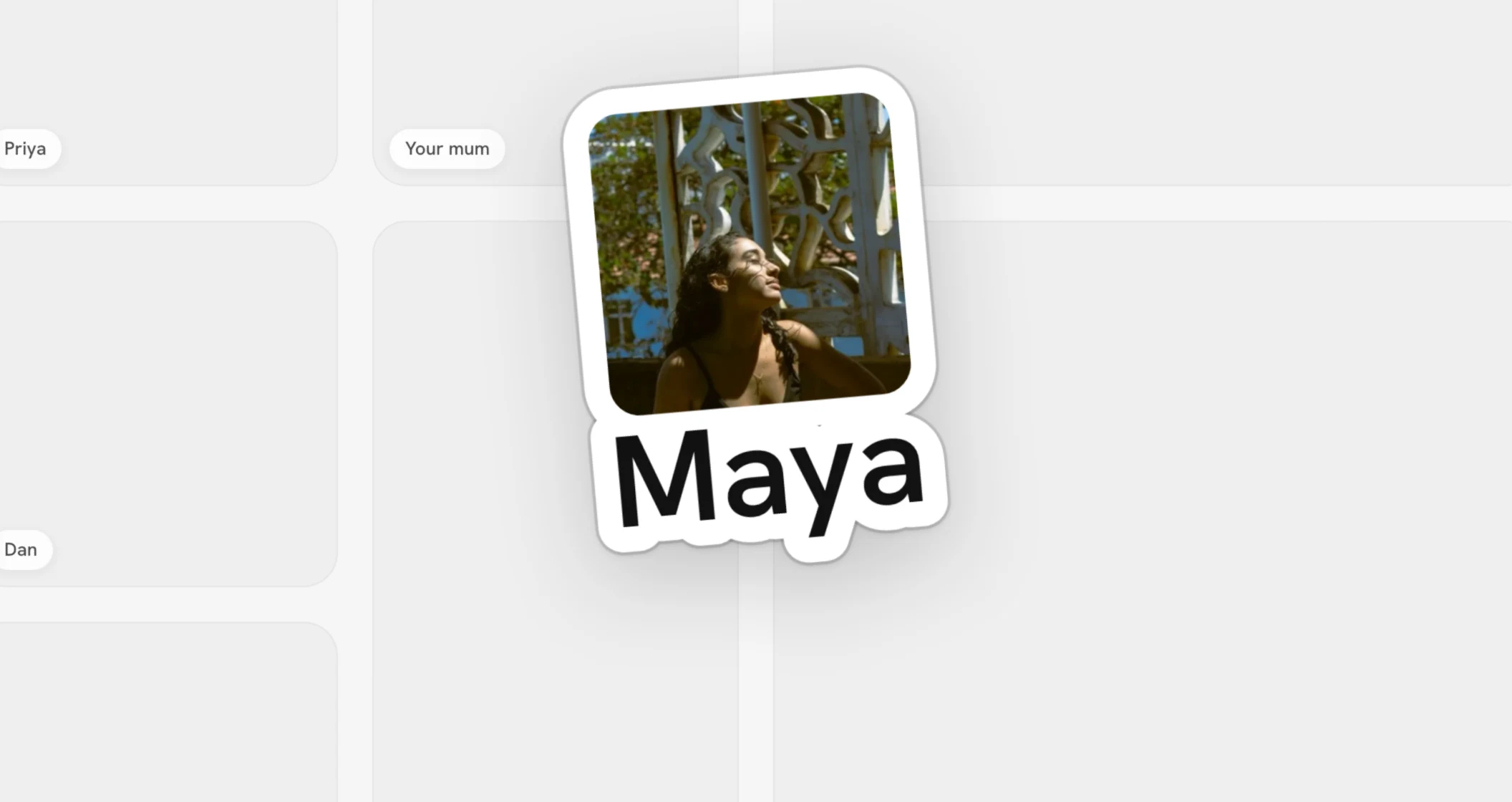
On a wall made before Fube asked people to sign in, there is no seal: the sheet comes up at the time with a black pill, Open it. They press it, or catch the corner and pull it across themselves.
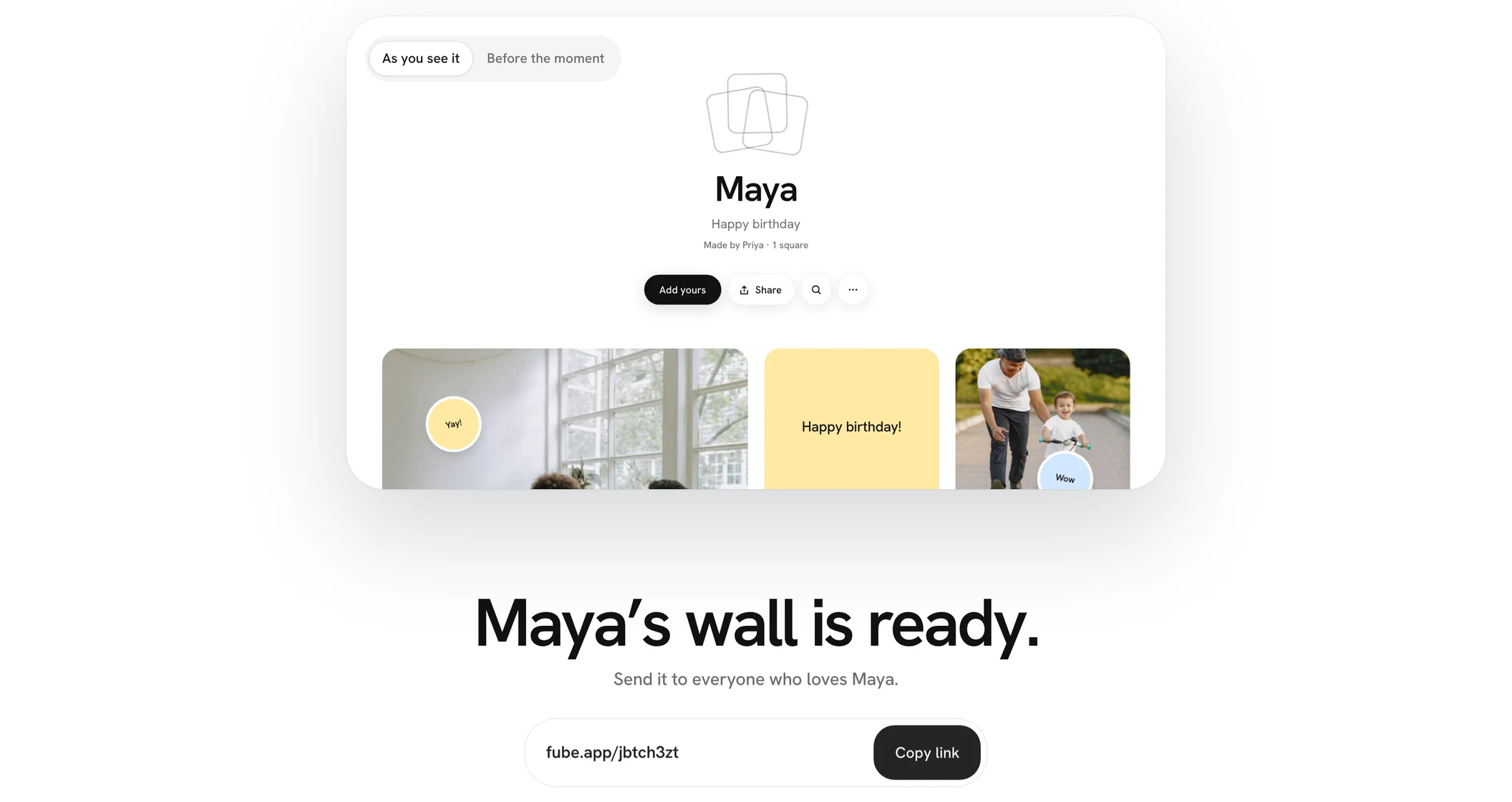
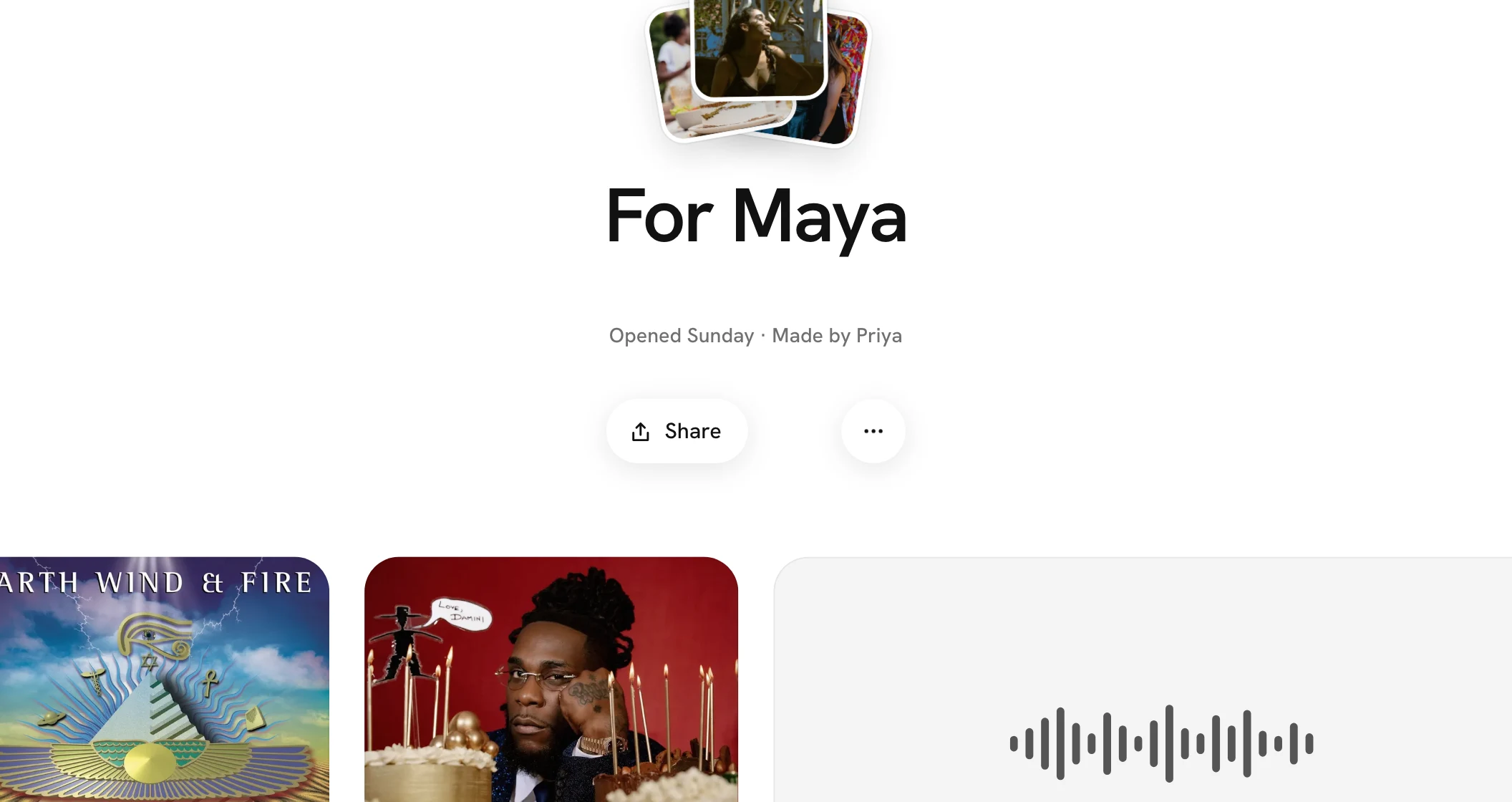
Everything is there underneath at once, at the top of the wall. No square opens by itself, and none is picked out.
With Reduce motion turned on in their device's settings, the sheet fades away instead.
5The end
A card comes up: That's everyone., with how many people are on the wall.
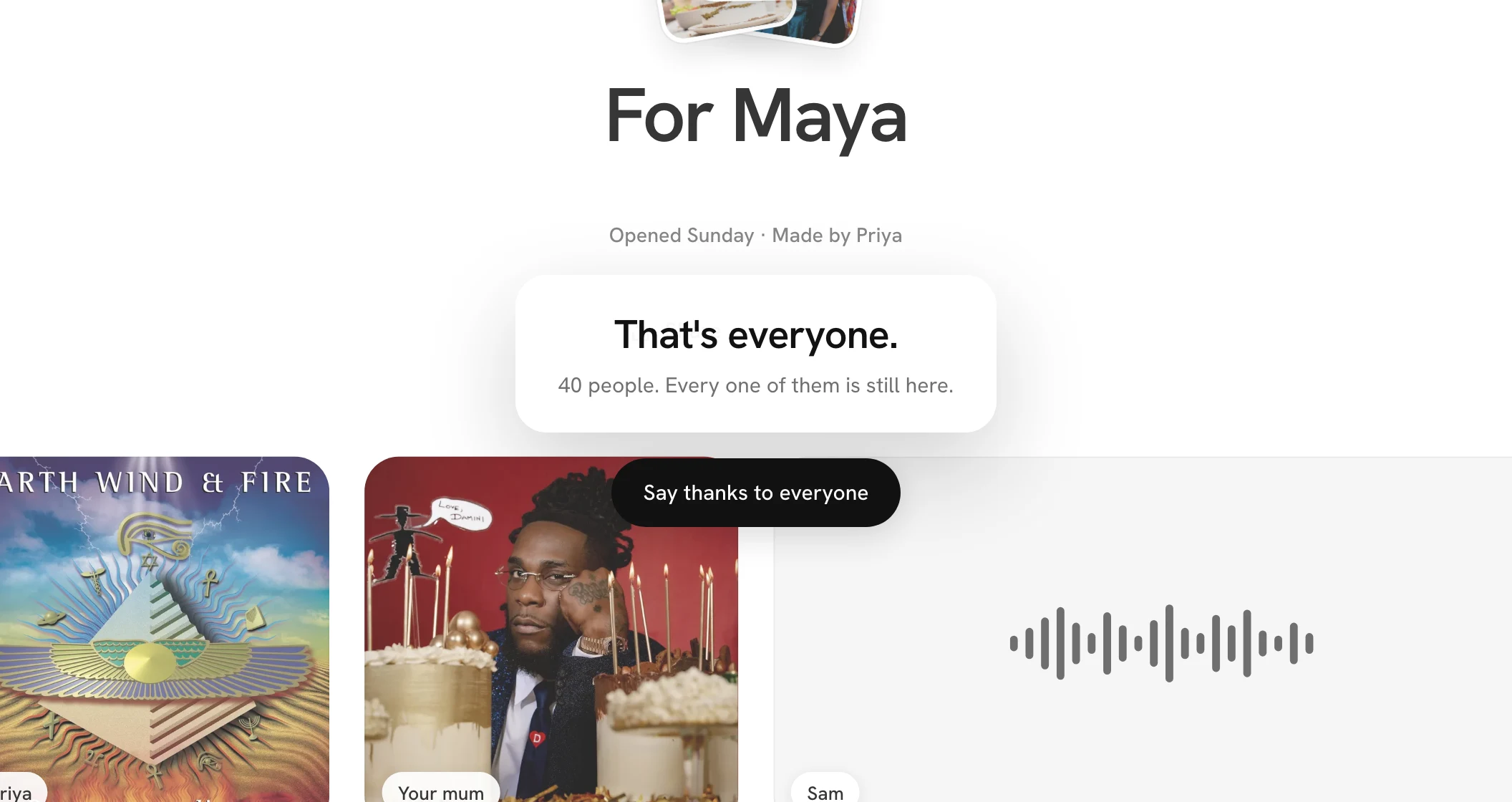
On their device the pill under it is Say thanks to everyone, which opens one square for everyone on the wall. Anyone else who watched sees Replay there instead. After that, the wall is theirs to wander.
6Replying, once it has opened
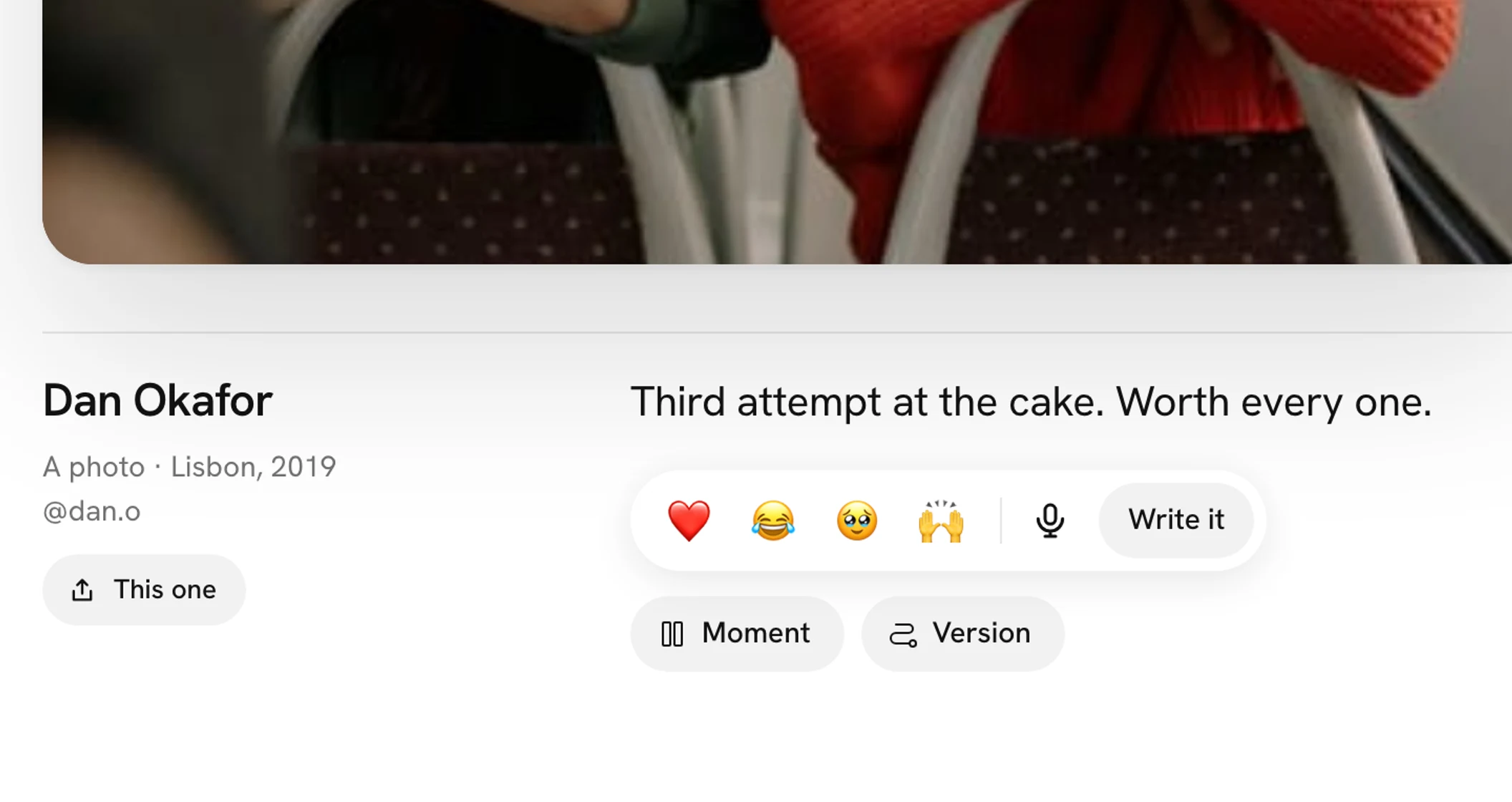
They reply from the one white pill in a square's label: the four emoji, the microphone, and Write it. It sticks on the square's corner. Only the people the wall is for have that pill.
7Opening it now
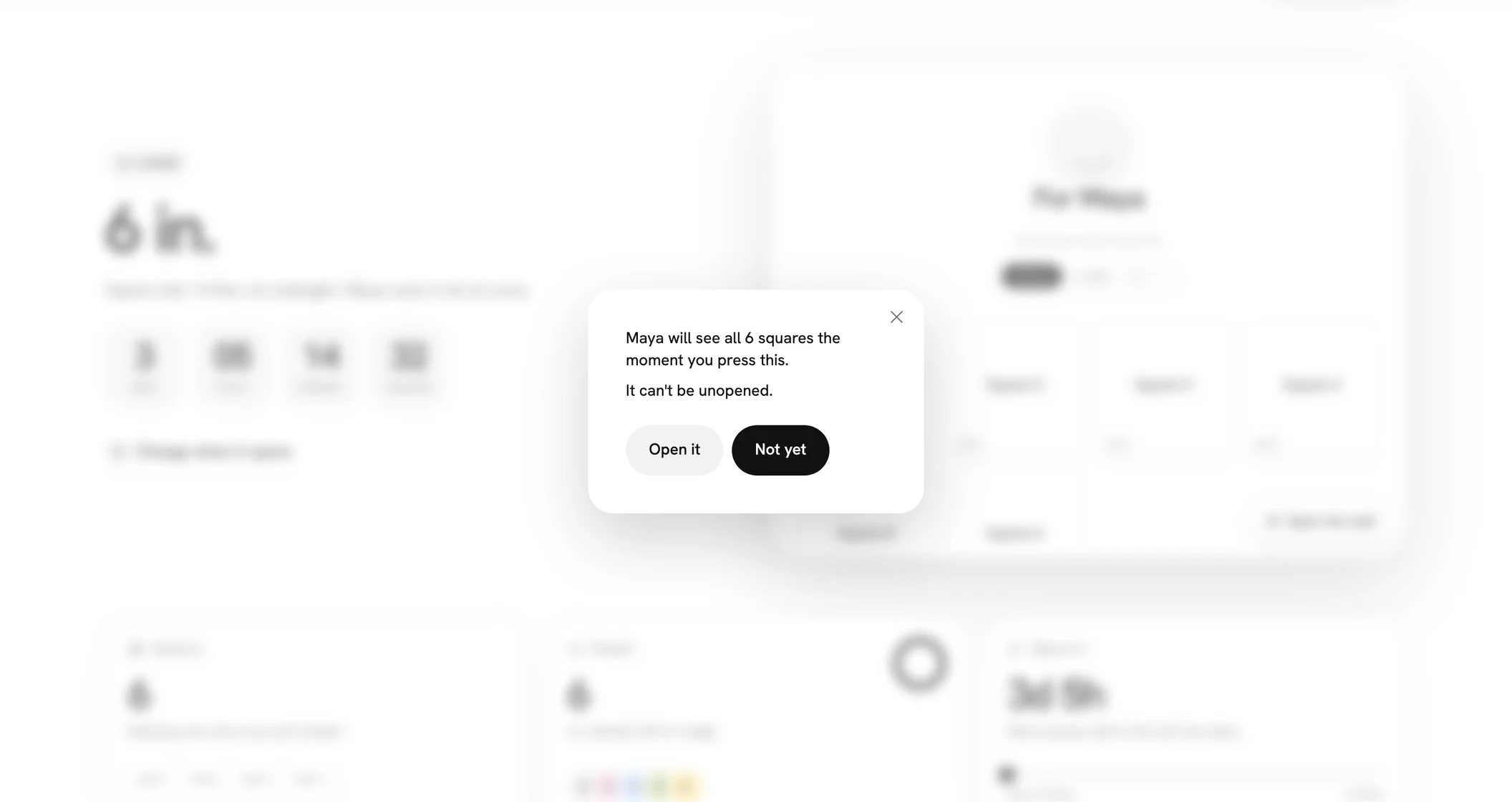
Want it open early? On your page for the wall, press Change when it opens, choose Right now, then Done. A card says the person it is for will see every square the moment you press Open it, and it can't be unopened. Their link goes straight to the moment.
8Replaying it
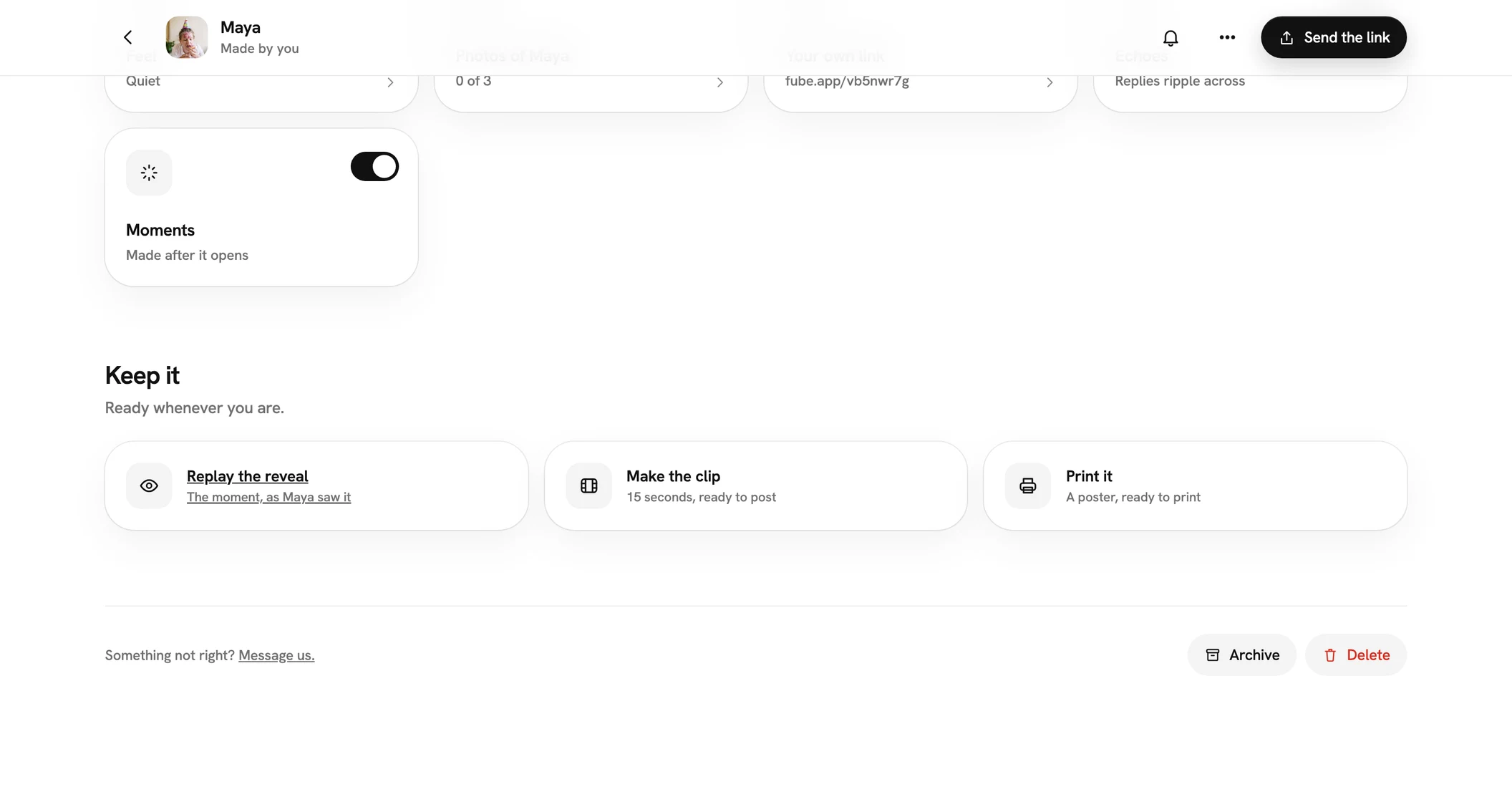
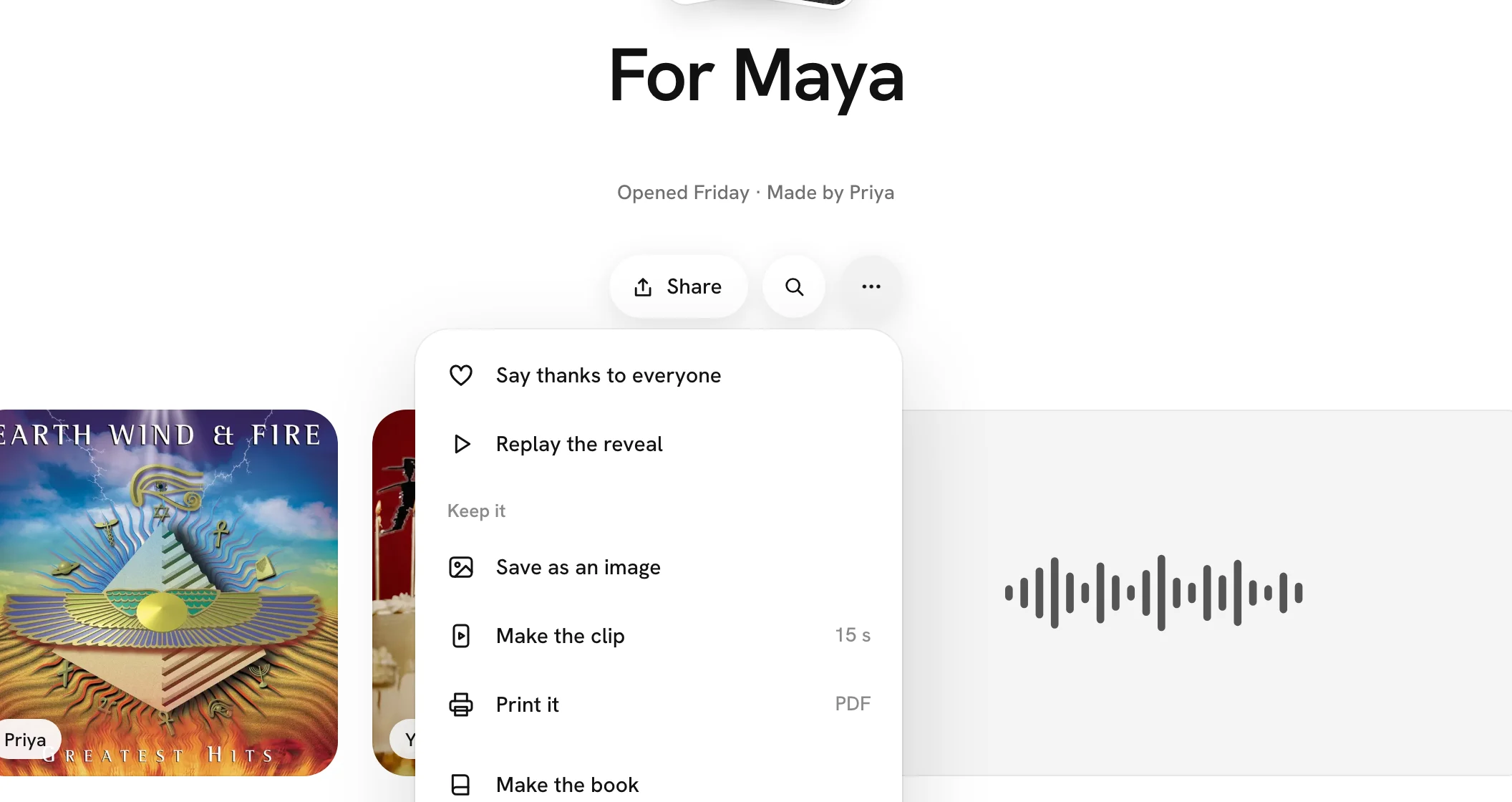
On a device that opened the wall, its three dots offer Replay the reveal first, for 30 days. The person who made the wall can replay it too, from Keep it on their page for the wall.
9If it did not play
If the device lost its connection part way, opening the link again shows the open wall, and Replay plays the peel from the start.