Photos as prints
Photos and videos on a wall fill their squares, right to the corners. If you would rather see them in a thin white border, like prints you could pick up off a table, there is a switch for that in Settings.
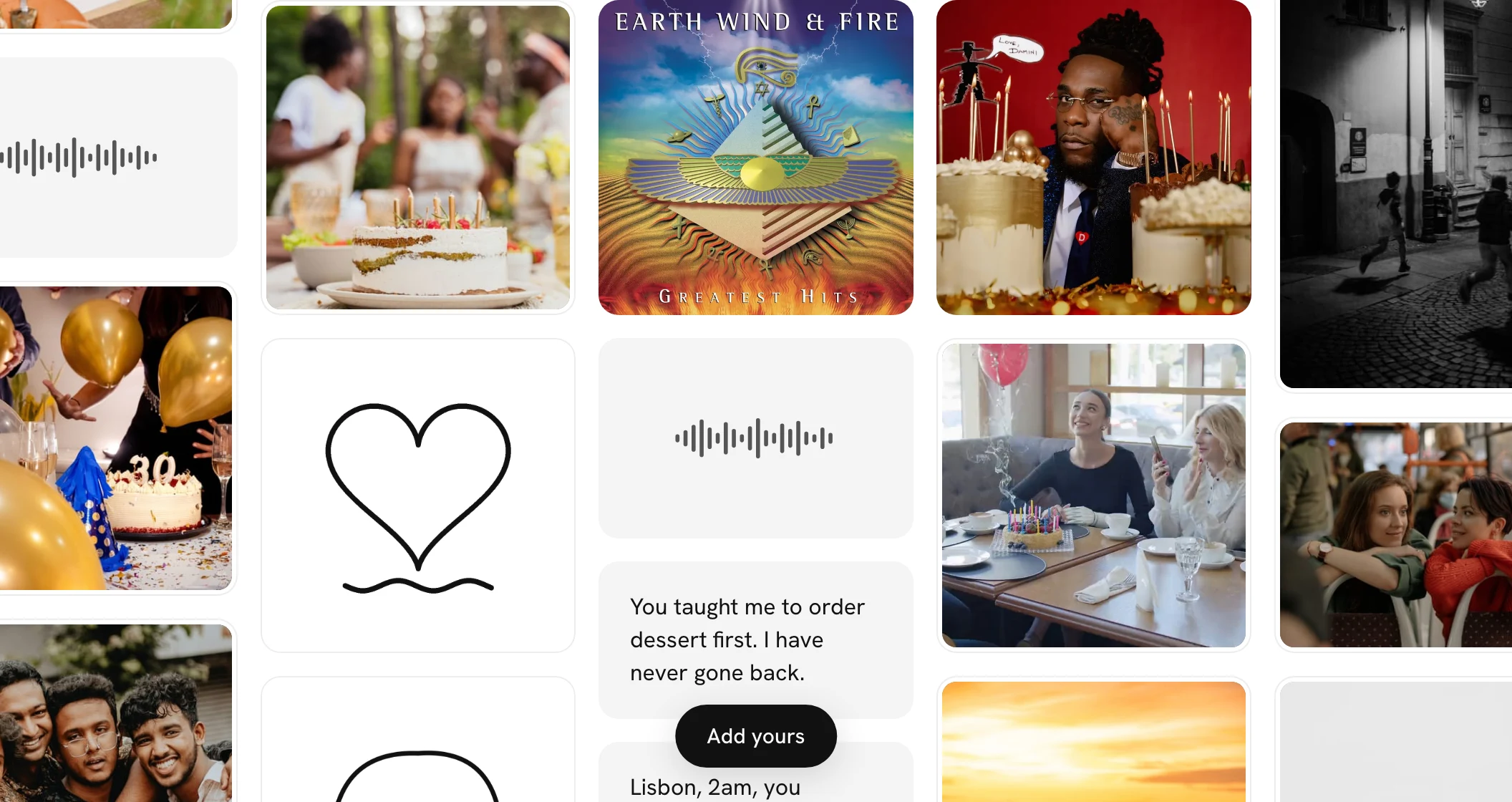
What a print looks like
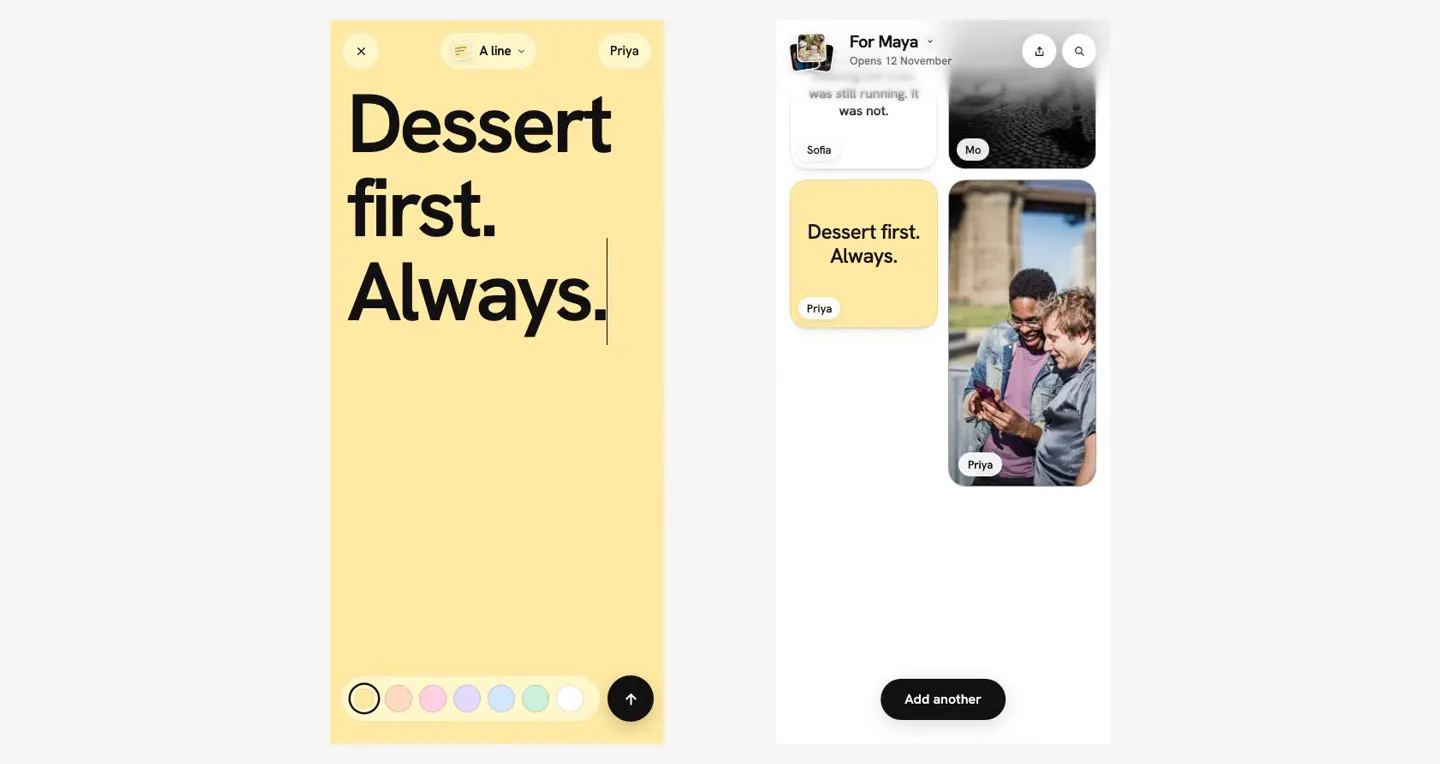
With the switch on, every photo and every video on a wall has a white border around it, with a fine grey edge, and the picture sits inside with its own rounded corners. Lines of words, voice notes, drawings and songs have no white border, because they are not photos. A Moment, where two or three squares sit side by side, has none either.
When you open a photo or a video, it opens at full size as it always has. The border is only on the wall.
Turning the border on
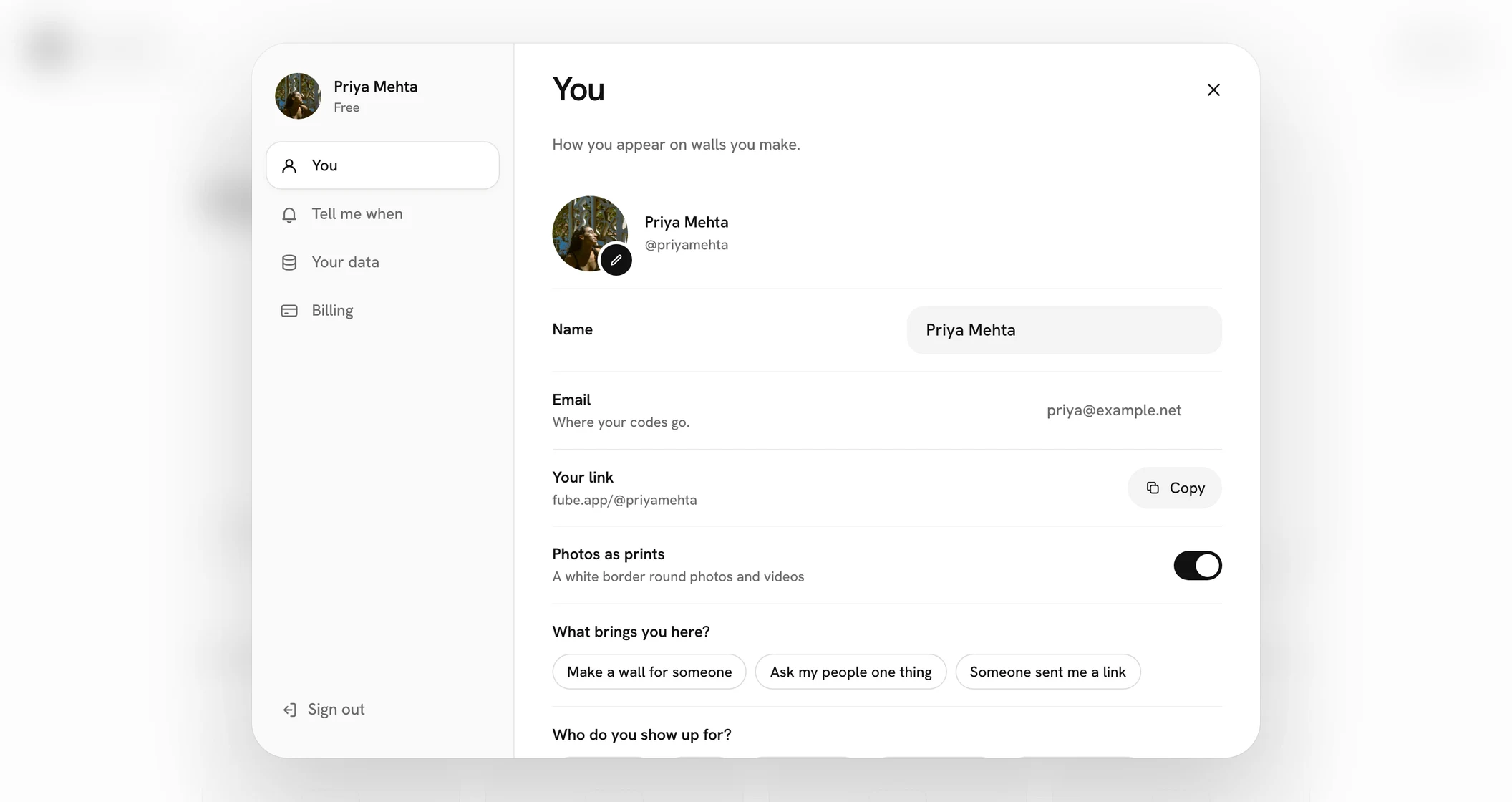
Open Settings from the menu, and on You, Photos as prints is under Your link. Turn it on and photos and videos sit in their white border, on every wall you look at while you are signed in, on any device you are signed in on. It saves as you switch it, and the walls you go to next show the change. Turn it off and they fill their squares again.