Answering someone's square
The best thing to add is sometimes an answer to someone else's square: the other half of a story, a photo from that day. Add to this sticks yours on theirs.
Where it is
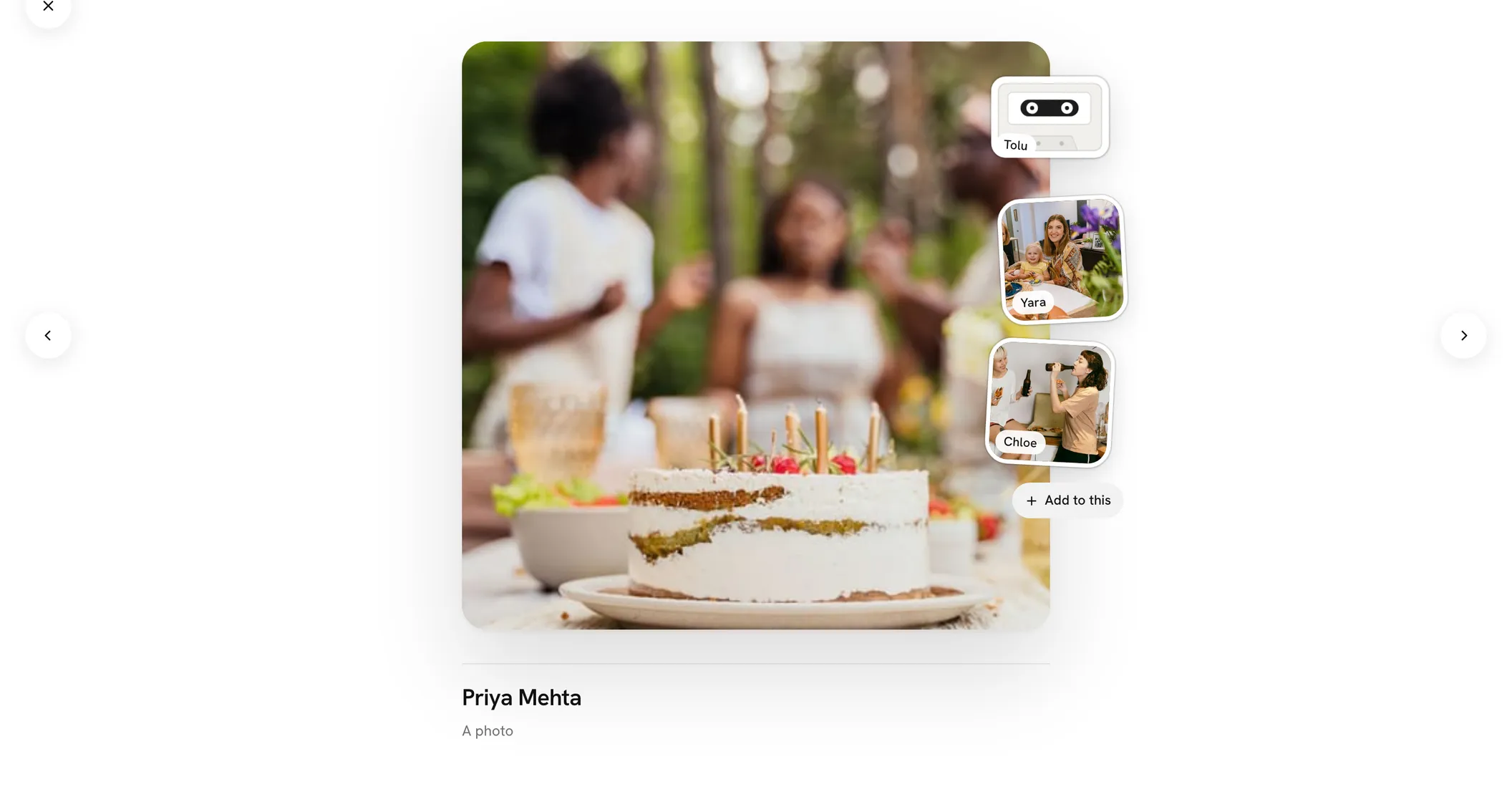
Open any square on the wall. Add to this is the grey pill by the square. Answers already on it run down its right edge, each with a first name on it, and Add to this is under them. On a phone they sit in a row along the square's bottom edge, with Add to this under the words. A square with no answers yet has Add to this alone, under its label.
Adding yours
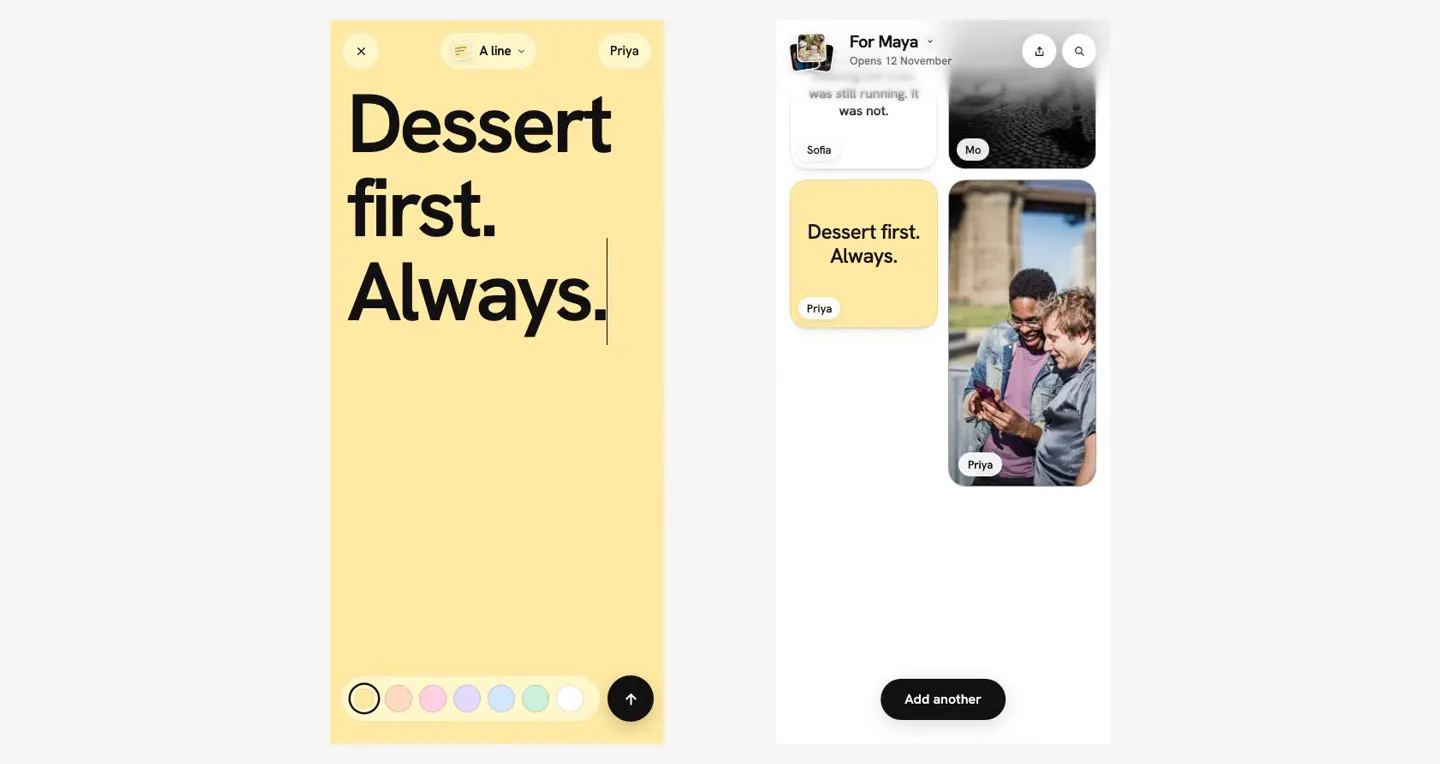
Press Add to this. On a phone or tablet a sheet of stickers rises, and what you choose fills the screen, as it does for any square. On a computer a page opens, with the square you are answering as a sticker on the corner. Either way the title says what you are answering, such as Add to Dan's photo, and the question under it fits the square: What do you remember of that day? for a photo, What would you add to that? for a line.
You can answer with a line, a photo, a voice note or a video, as the wall takes them. On a computer, See where it goes shows the square it goes on. Add it, or the arrow, and you're back on the square you answered, with yours stuck on at the end of the run. Close without adding and you're back on the square too.
Sticking your own on
On a Playful wall, peel your own square, or lift it off your sheet, and hold it over someone else's. Their square gets a dark ring. Let go, and you see Stuck on Dan's. It is an answer like any other, and yours stays where it was.
If you cannot answer there, there is no ring, and it goes to your poster. Someone else's square goes there too, and you see Only your own square can go on someone's.
On the wall
Nothing on the wall moves for it. The two newest answers sit on the square's top-right corner, the newest on top. With three or more, a small white circle says how many others there are, such as +1.
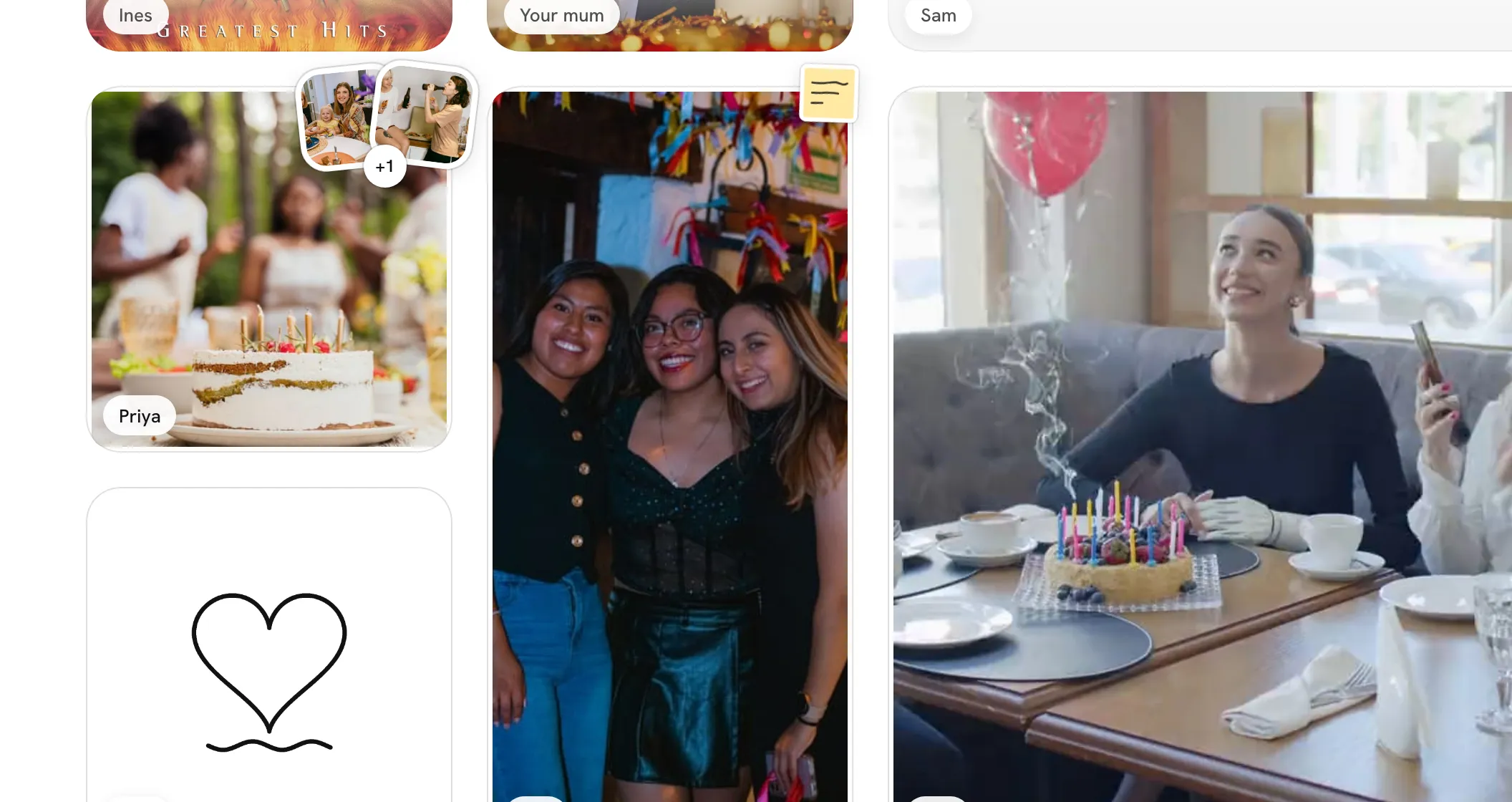
Press a sticker and the square opens with that answer up. Press anywhere else and it opens as usual.
Opened
Three answers show at a time, oldest first. With more, a white circle at the top of the run says how many more there are: press it to see the next ones, and past the last it starts again.
Press an answer and it changes places with the square, which goes to the start of the run. Its label says whose it is added to, such as A photo · Added to Dan's. Previous and Next, or the arrow keys, go through all the answers before moving on along the wall.
Who hears about it
Whoever made the square you answered hears that you did, if they gave their email or have an account: [Name] answered your square. in Activity, and a mail when A reply lands is on in Tell me when. Anyone on the wall sees it arrive. The organiser is not mailed about answers.
When you can
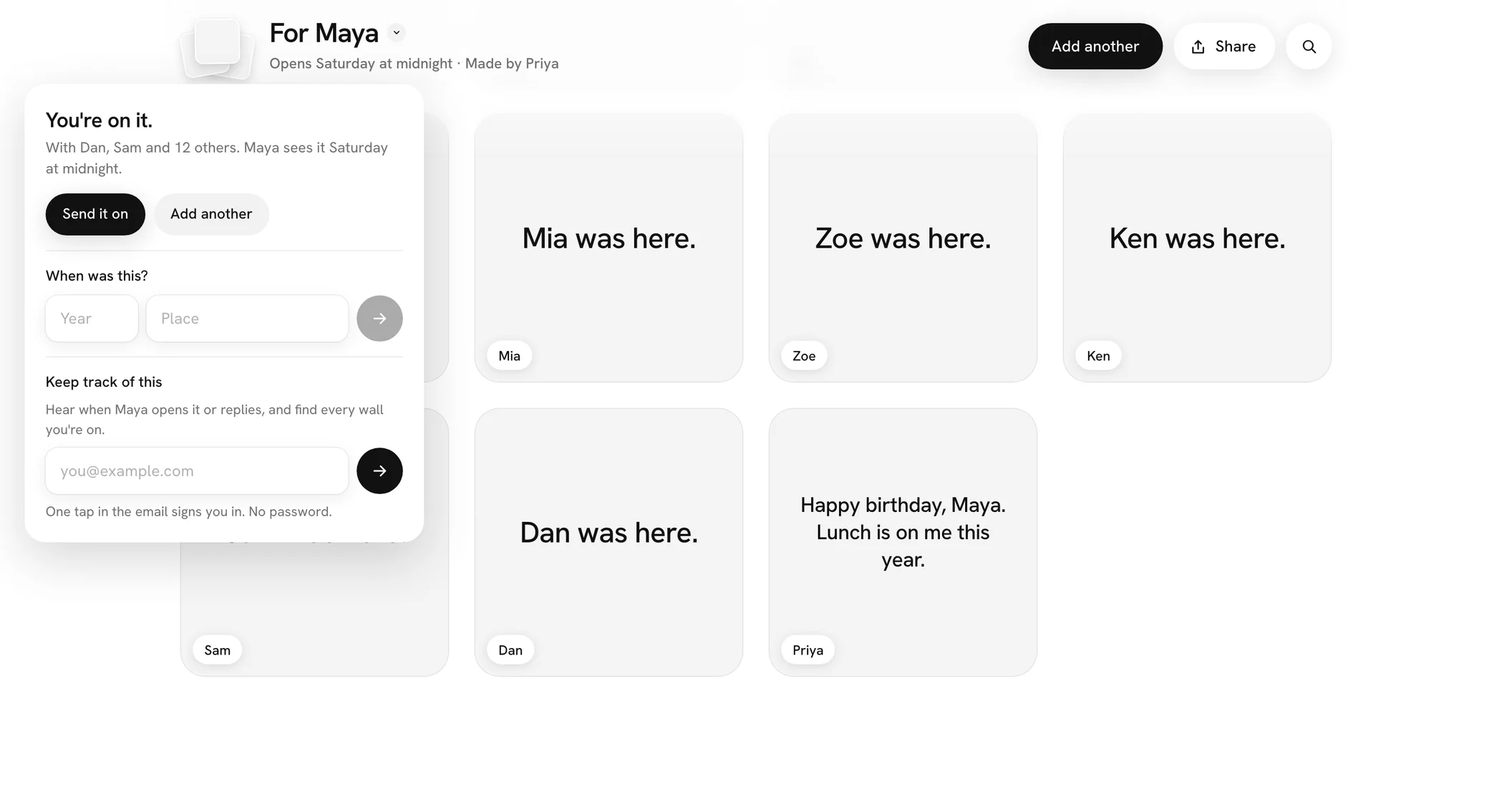
Add to this shows while the wall still takes squares: before it opens, and after only on a wall that stays open as it fills. The person the wall is for does not see it, and while their wall is sealed they see no answers at all. They are there when it peels away. An answer counts as a square, so it counts toward the wall's limit, and on a wall that takes one square each it is your one.
For the organiser
It is on for walls for someone and off for question walls. Let people answer each other's squares, on your wall's page, turns it off; the answers already there stay. You remove an answer like any square. If the square it is stuck on is removed, its answers go with it.