Your stickers
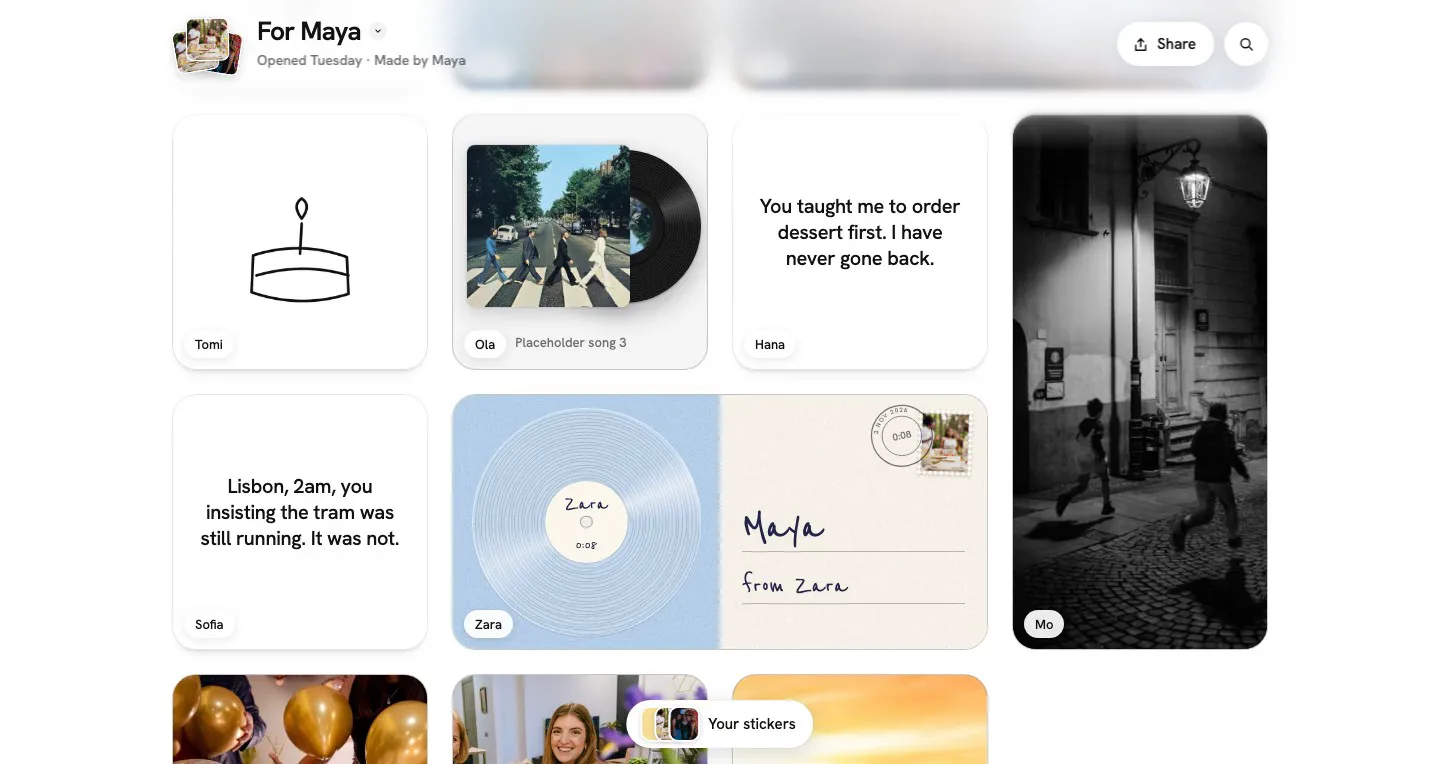
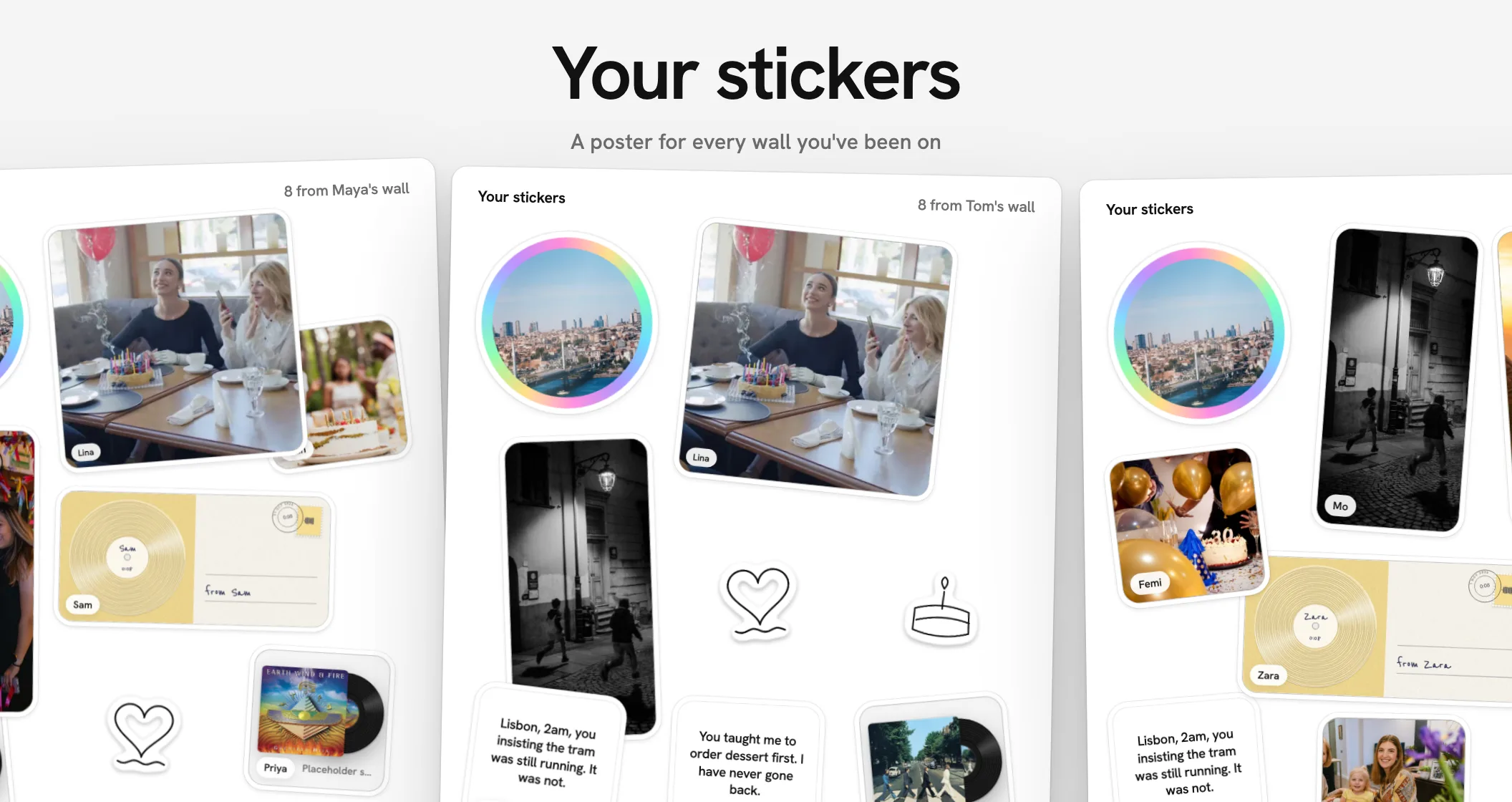
Each wall you peel from gives you a poster, with the person's name across its foot. Your stickers is the page that holds them all, newest first, so you can come back to any of them without finding the wall.
Finding them
Once your account has a poster, the menu has a row called Your stickers, above Settings. Press it to see them all. With no posters yet, the row is not there.
Without an account, you have the poster on the wall in front of you. Your stickers at the foot of that wall's screen opens it. Sign in, and the posters from that device join your account and appear on the page.
A poster shows on a Playful wall that has opened. Turned to Quiet, its poster leaves the page and is kept. If someone removes their square, its sticker leaves your poster too.
On a question wall, the poster goes by the wall's own title.
Opening one
Press a poster and it rises over the page, large enough to work on. On the page everything holds still, so a video shows a single frame and a record does not turn. Opened, they come alive. Press a video, a song or a voice note to hear it. Only one plays at a time.
To put it away, swipe it down, press its arrow or press Escape.
An opened poster has its own address, which only opens for you.
Moving and turning
Drag a sticker to move it. Let go on the poster and it stays there. Let go off the poster and it goes back to where it was.
On a computer, turn a sticker while you hold it by scrolling, or with Tab and `[` or `]`. You cannot turn one on a phone yet.
Everything is saved a moment after you stop.
Like the wall
Two choices sit at the foot of an opened poster. However you like keeps every sticker where you put it. Like the wall lines them all up in the wall's own grid, straight and in order, with the seal first.
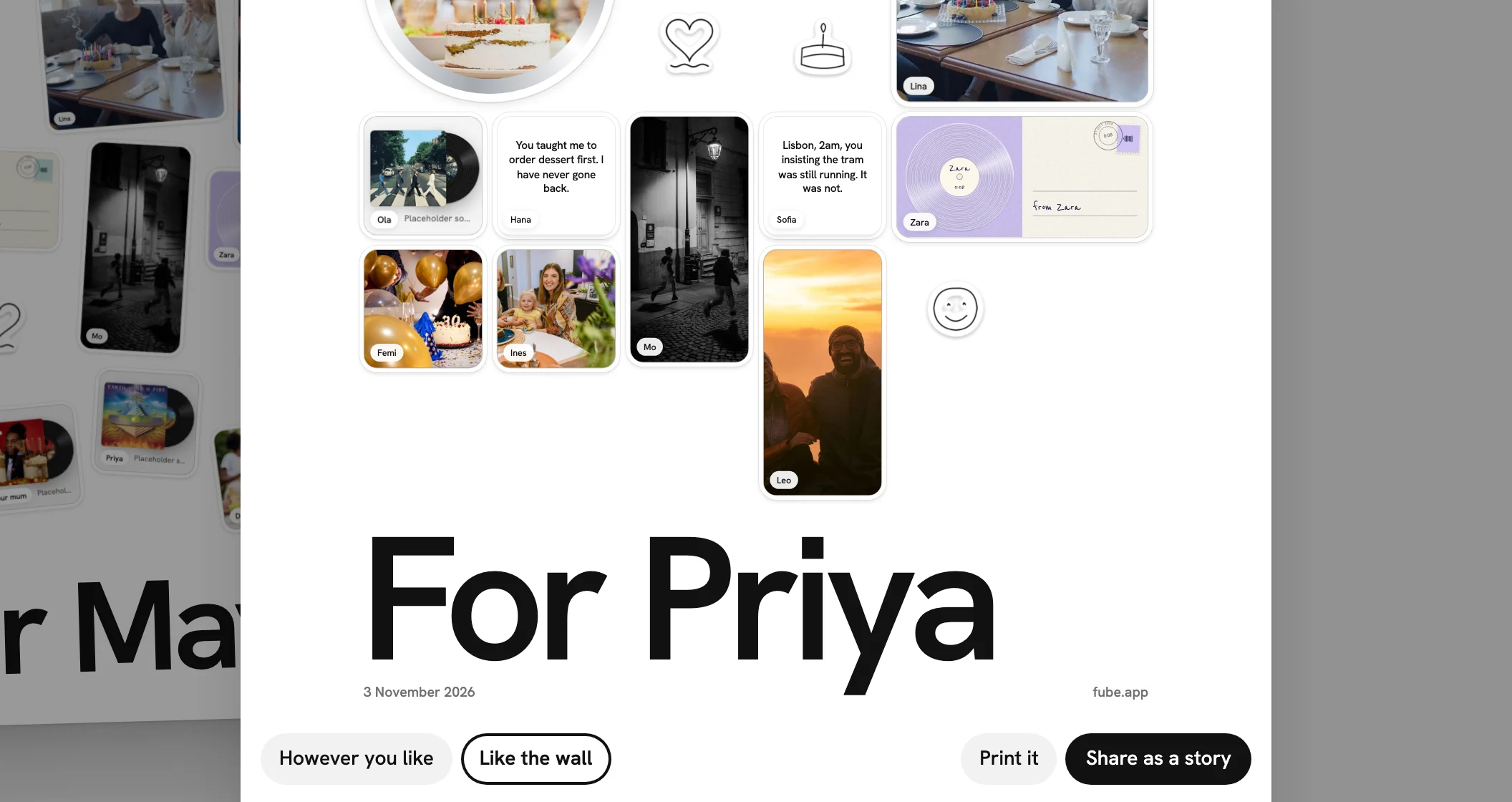
You can go back and forth, and your own arrangement is kept. Move a sticker while on Like the wall, and the poster goes to However you like, with everyone staying where you see them.
On a story
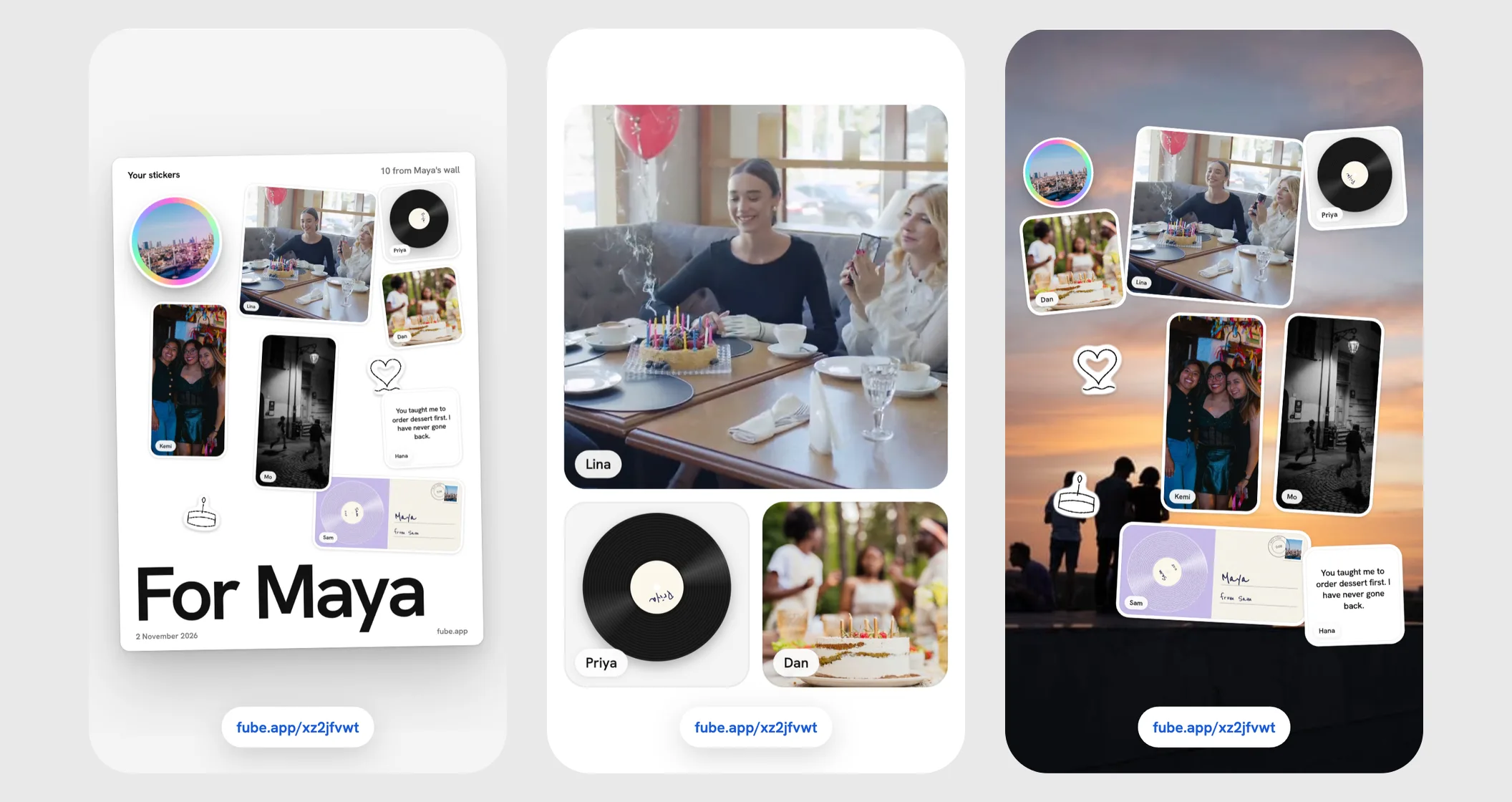
Share as a story, the black button at the foot of an opened poster, opens the share window with Your poster chosen. It is a ten-second video with no sound. The wall's address is on it, so anyone who sees it can find the wall. A song is a plain record with no sleeve and no sound.
Three small stickers under it choose how it looks:
- As your poster is the poster as it stands.
- Like the wall is its squares as tiles, as many as fit.
- However you like puts your stickers on a photo. Choose a photo from your device, then drag a sticker to move it. To turn one, scroll over it, press `[` or `]`, or on a phone hold it and twist with a second finger. Your photo stays on your device.
Print it
Print it, beside Share as a story at the foot of an opened poster, opens a page with your poster as it stands. Save the file gives you a PDF, free, on a sheet of A3, to print at home or at a print shop. On a phone, press it again when it reads Share.
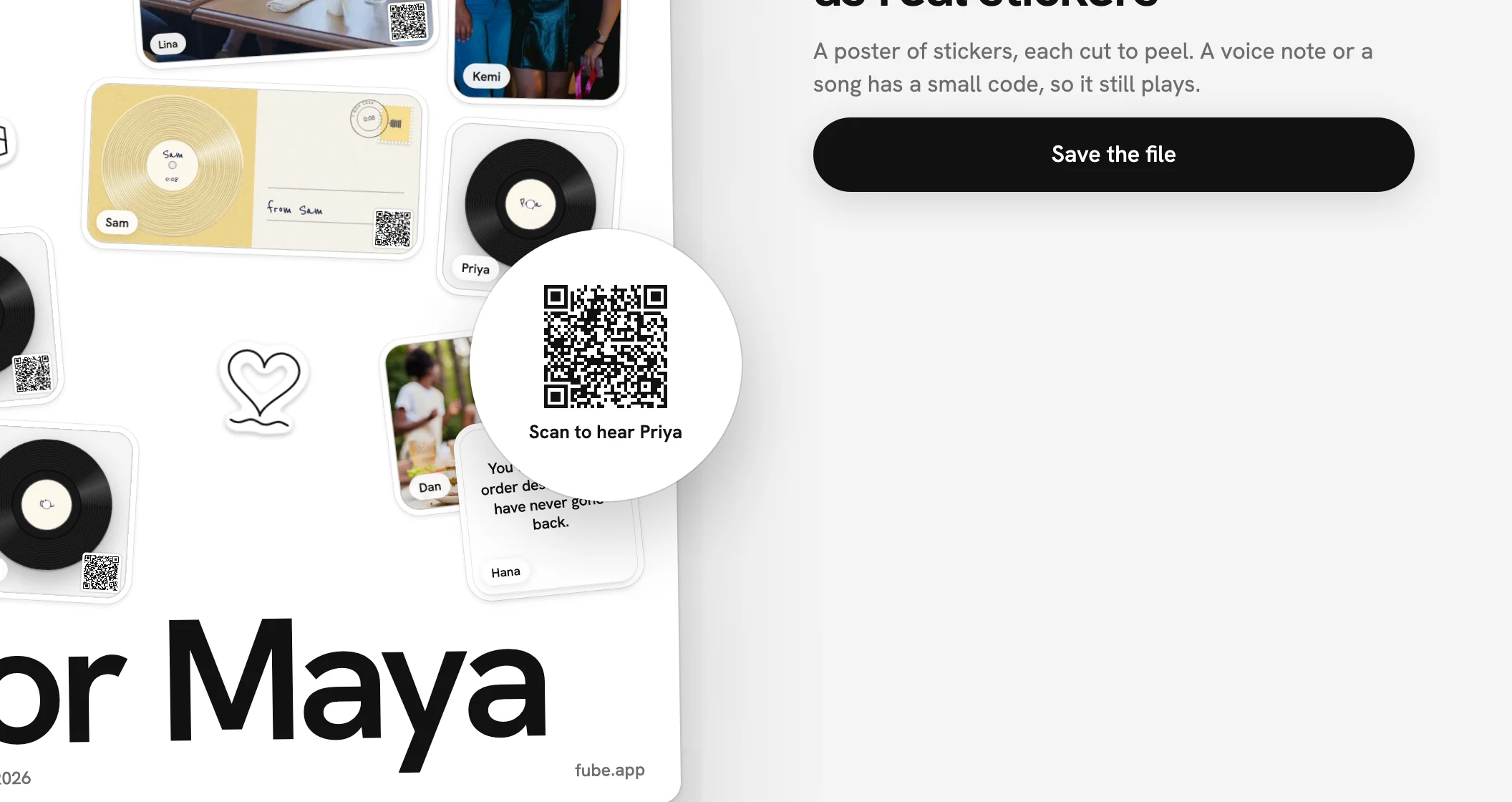
A video prints as a still, a voice note as its postcard, and a song as a plain record with no cover. Each of these has a small code in its bottom-right corner, and the page shows the first one large. Scan a code with your phone and that square opens on its wall. A video starts by itself, and a voice note or a song may wait for a tap. If the square has since been removed, the code leads to the wall.