Approval, Featured and Find
Three tools for a busy question wall. Approval decides what goes up. Featured picks out the answers you want everyone to see. Find helps anyone look through thousands.
Approval
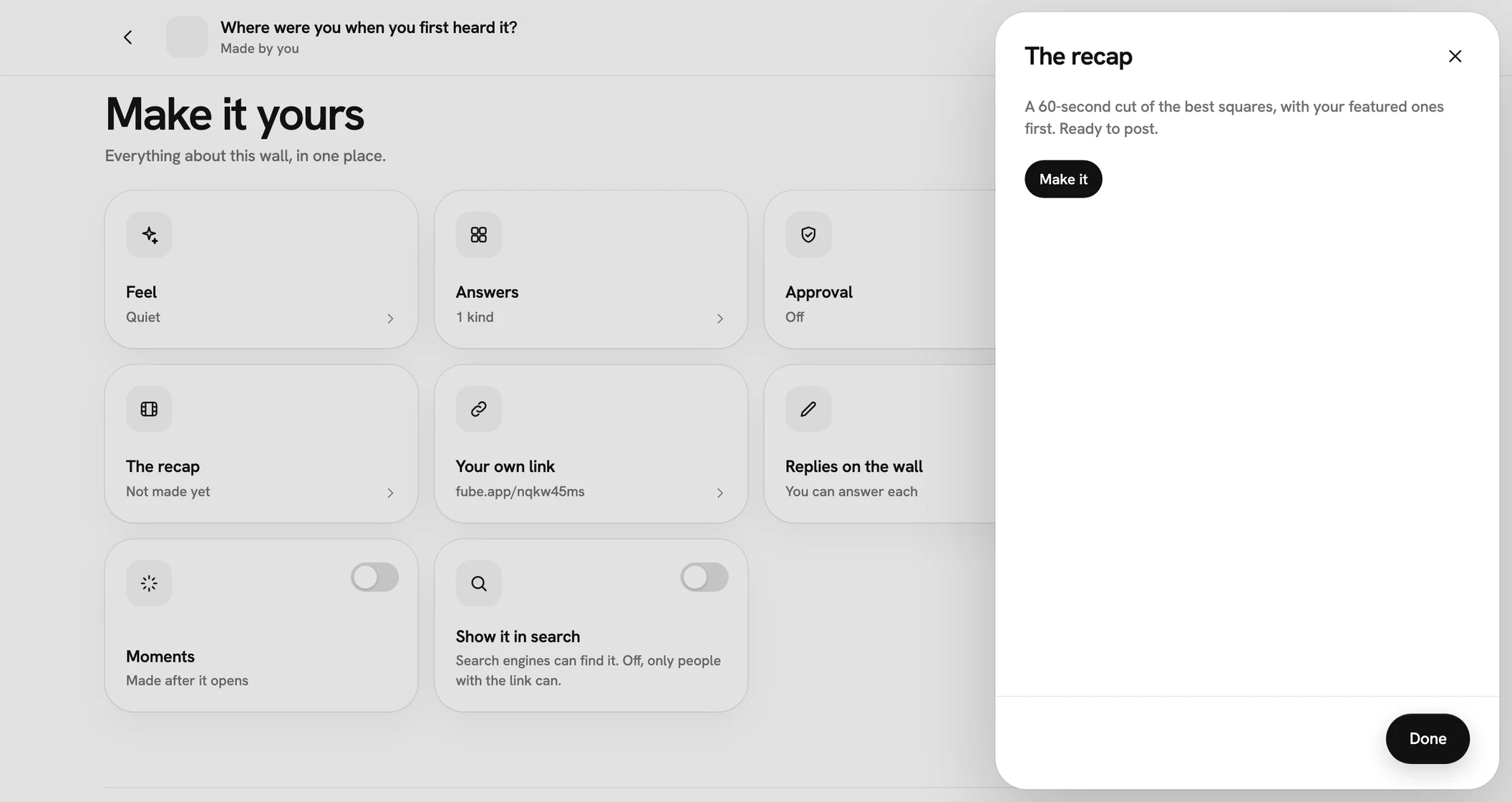
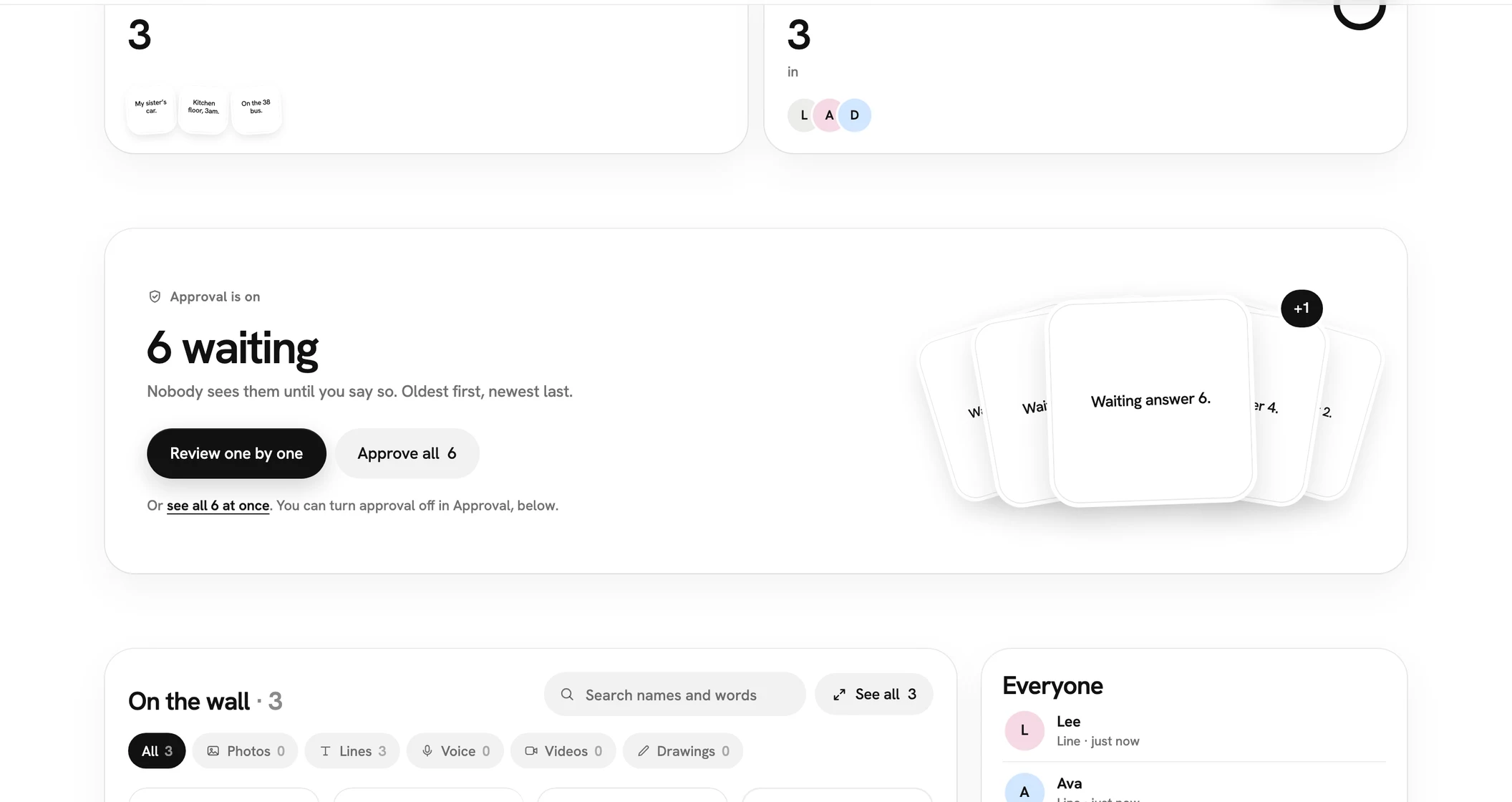
Turn it on from the Approval tile in Make it yours, on your page for the wall. Then every new answer waits for you, and your page says how many, just under the wall: Approval is on, 6 waiting. Nobody sees them until you say so, oldest first, newest last.
Review one by one brings them up a card at a time. Approve puts one on the wall, Remove takes it away, and Hold keeps it for later. On a computer the arrow keys do the same: ← removes, → approves, H holds. All at once shows every one waiting, all chosen to begin with: press one to leave it out, then Approve the ones chosen, or Remove chosen. Approve all lets every waiting answer up in one press.
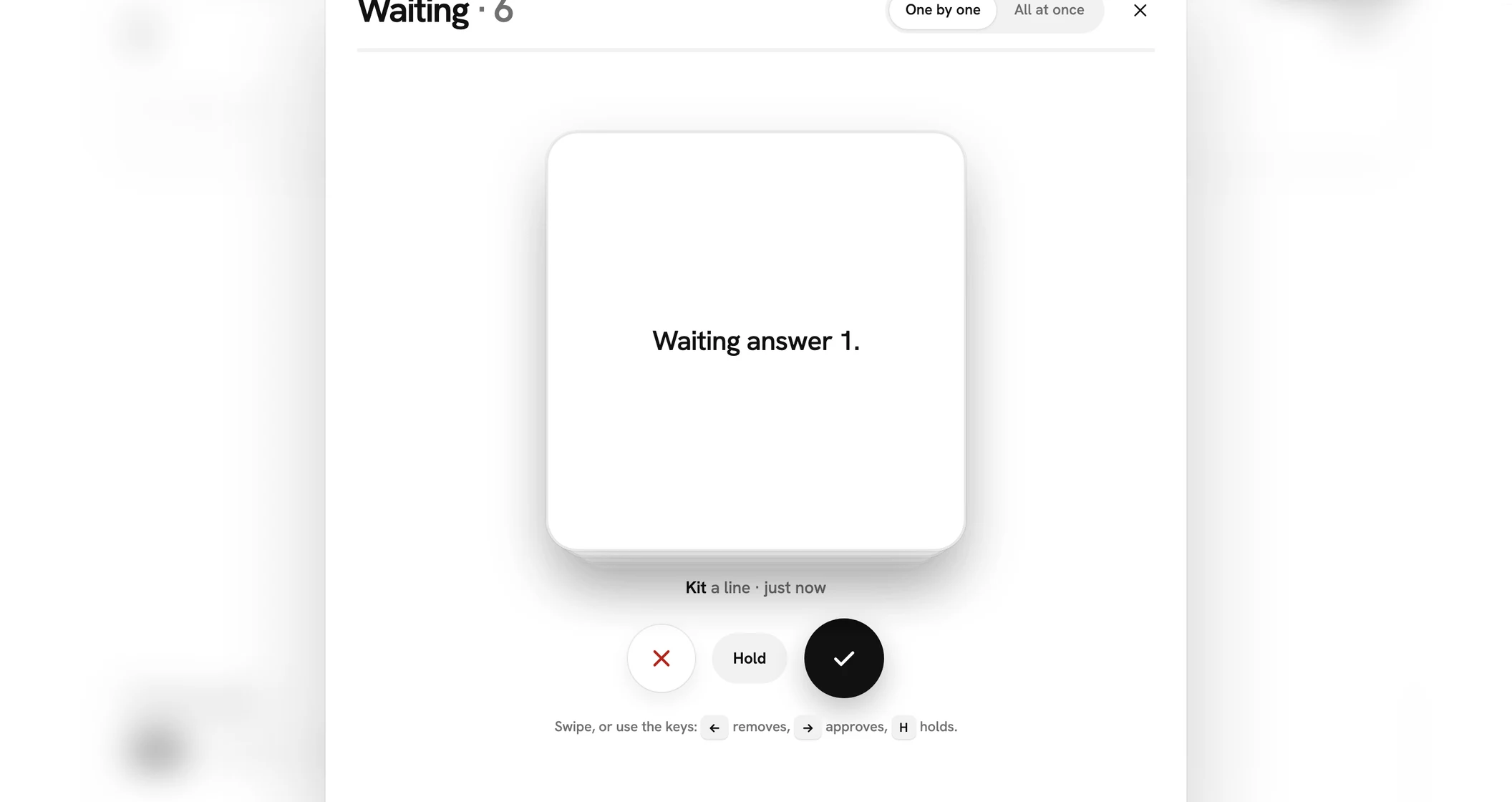
On their own device, the person who answered sees their square softened, with Waiting for and your name, until you decide. If you remove it, it simply goes; nothing tells them.
Turning approval off lets new answers straight up. Anything already waiting stays there for you to go through.
Featured
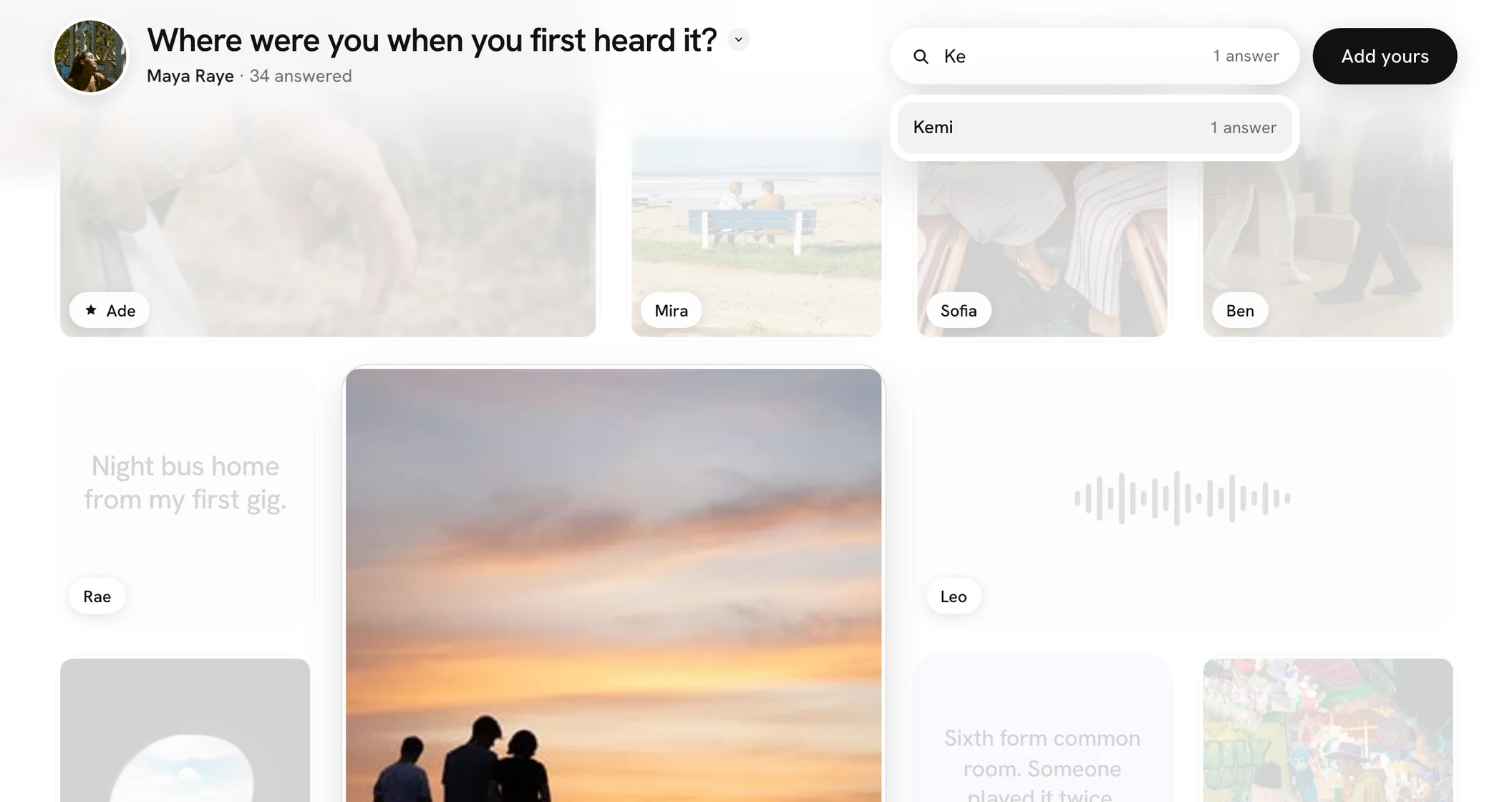
Open any answer on your wall and press Feature. It grows to two squares by two where it sits, with a small star before the name on its pill, and when it is opened its name line says Featured by and your name.
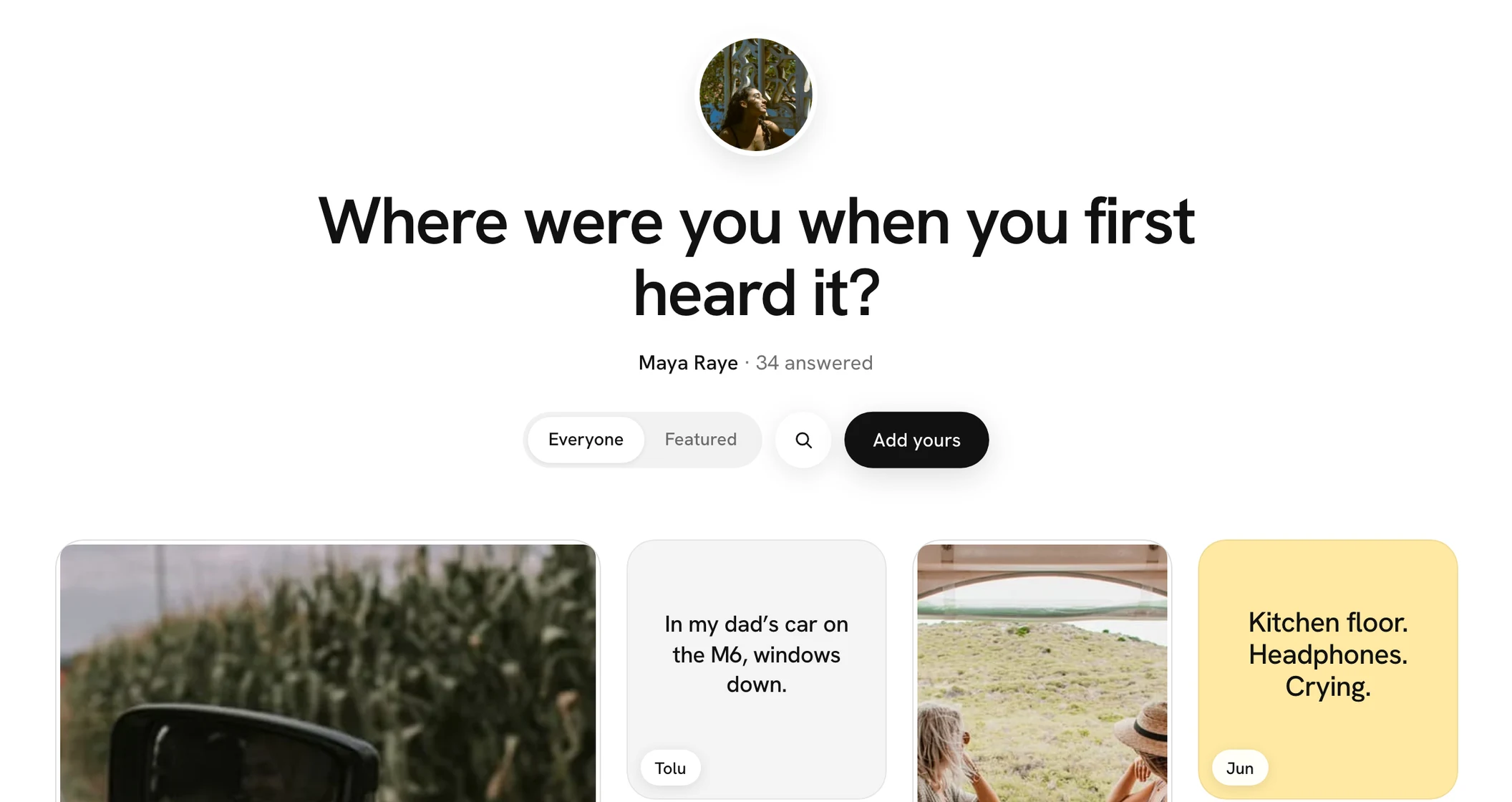
Anyone on the wall can switch between Everyone and Featured at the top of the wall, beside Add yours. Featured shows only your picks. Everyone brings the rest back. Unfeature takes one out, and it goes back to its own size. Featured answers also lead the recap.

Find
The magnifier beside Add yours opens Find; on a phone, it comes in at the top right as you scroll down. Type a name or a handle, or words someone said in a voice note or a video, and the wall lights up the squares that match while the rest fade. It works on every wall, for anyone with the link, so people can find their own answer among thousands.
Reports
Anyone but you can report an answer. Three reports from three different people take it off the wall for everyone until you decide. Reported answers lead what's waiting, with how many reports they have, and you choose Keep or Remove. The people who reported it stop seeing it either way.