Putting it on the TV
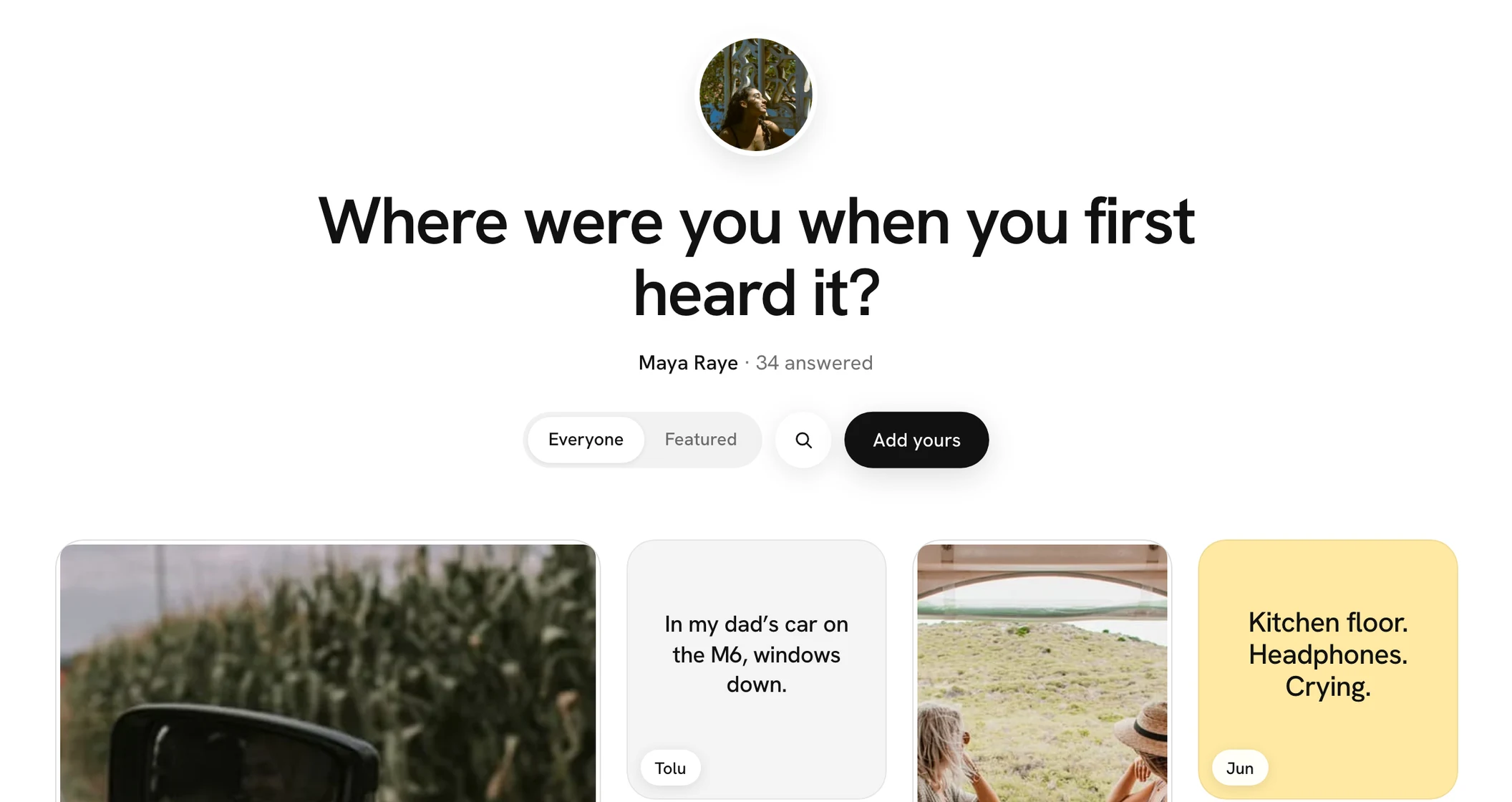
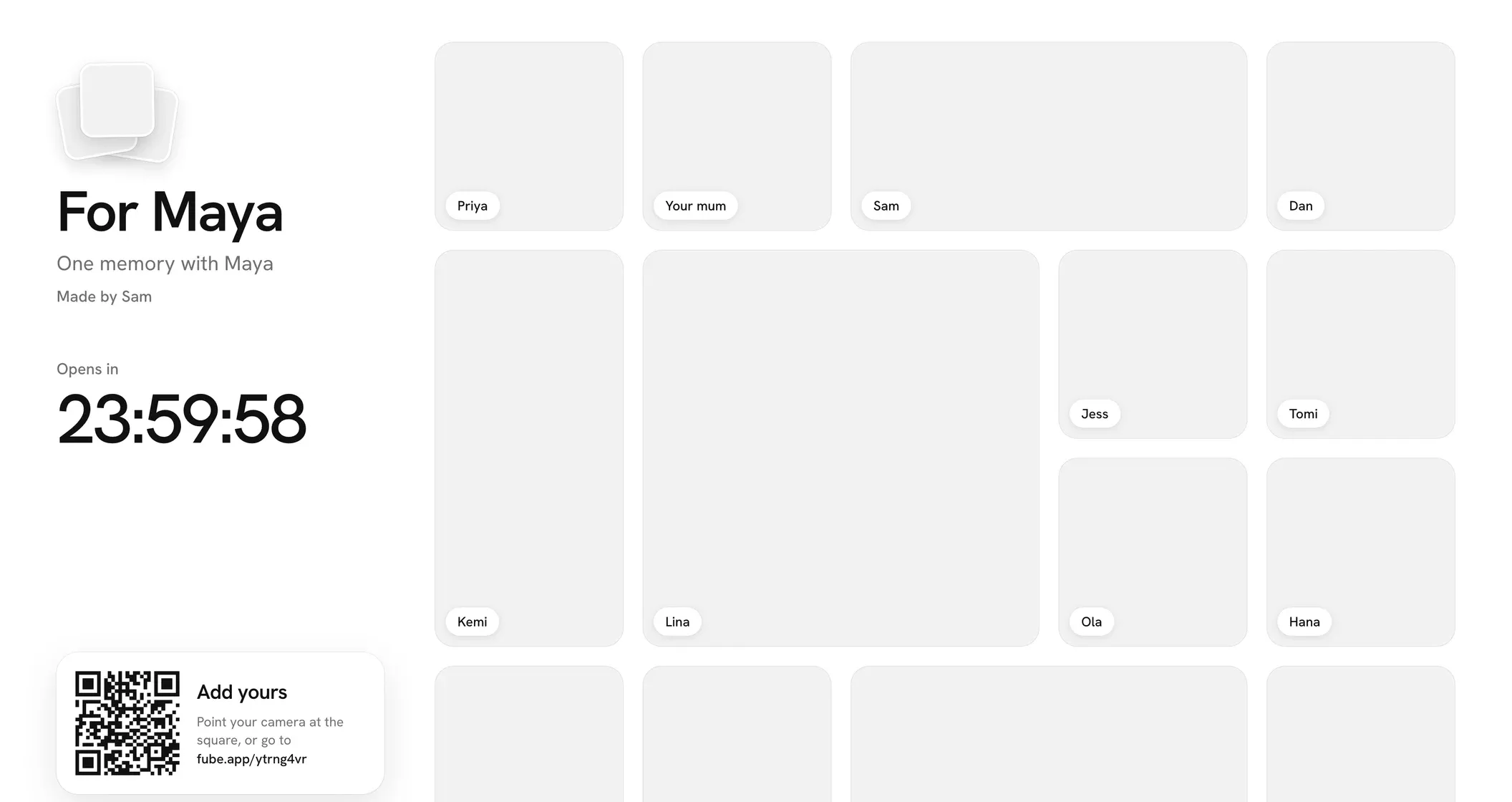
At a party, a talk or an event, put the wall on the big screen and let the room watch it fill. The screen has a label on the left and the wall drifting slowly up on the right, five squares across on a TV and more on a wider screen, with the names large enough to read from across the room.
1The TV link
Every wall has a big-screen link: its own link with /tv on the end. Find it in the wall's card, under its name, as On a big screen. Pressing the row copies the link and shows a QR code of it, so you can open it on the screen's browser without typing.
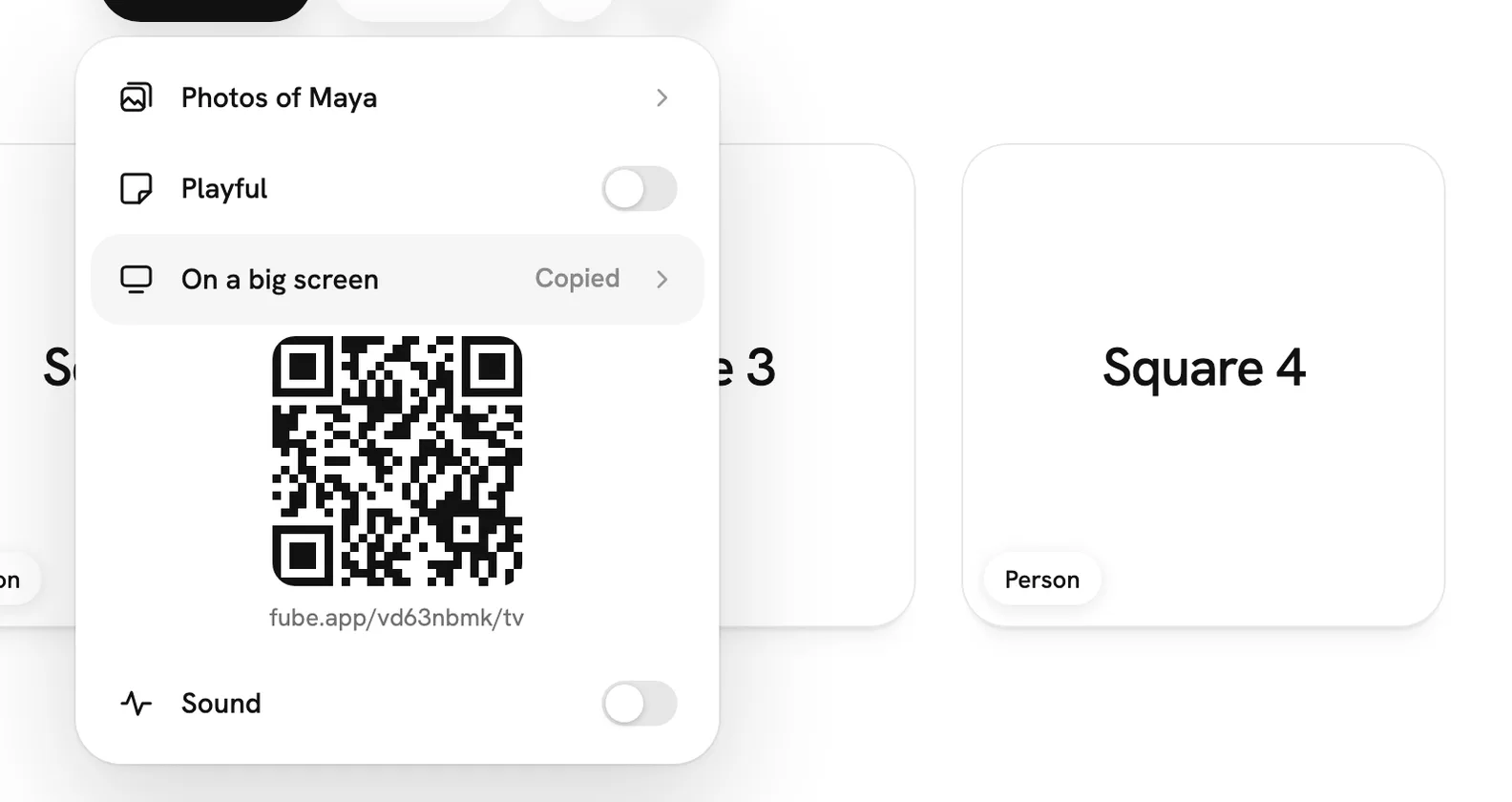
Open it on any television browser, a laptop plugged into a projector, or a streaming stick. There is nothing on it to work: click once to make it full screen, Space pauses the drift, and Escape goes back to the wall.
2While it counts down
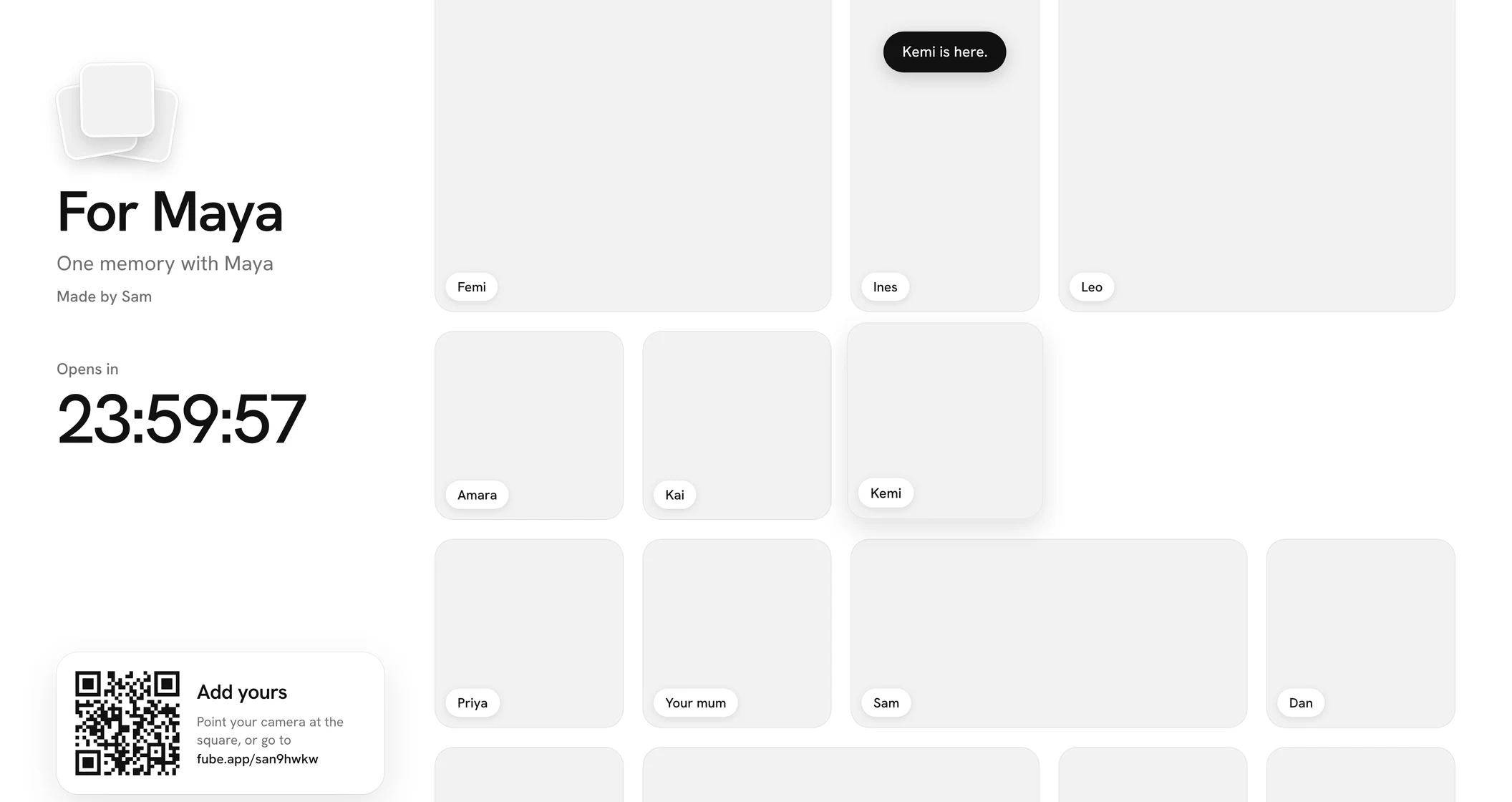
A wall that opens at a moment shows face down, with who it is for, the prompt and the time counting down beside it. Under them is a code. Anyone in the room scans it with their phone camera, and the wall opens on their phone with the composer already up. They add their square, it lands face down on the screen with their name up, and a black pill says they are here.
3At the moment
The whole screen becomes one sticker sheet: everyone face down, with the person's photo in the middle. It peels away by itself at the time, with nobody pressing anything, and there is no Open it on the screen. To set it off early, press Change when it opens on your page for the wall, choose Right now and Done, then Open it.
The person it is for still has their own sheet on their own phone, and opens it there when they are ready. Open the link after the moment and the wall is simply open, with no peel.
4Once it is open
Every 8 seconds one square comes forward and the rest dim. The label on the left becomes that square's: the name, what it is, and its words, or what a voice note says if it has a transcript. Press Sound on at the foot of the label, and a voice note plays as it comes forward. It stops when the next square does.
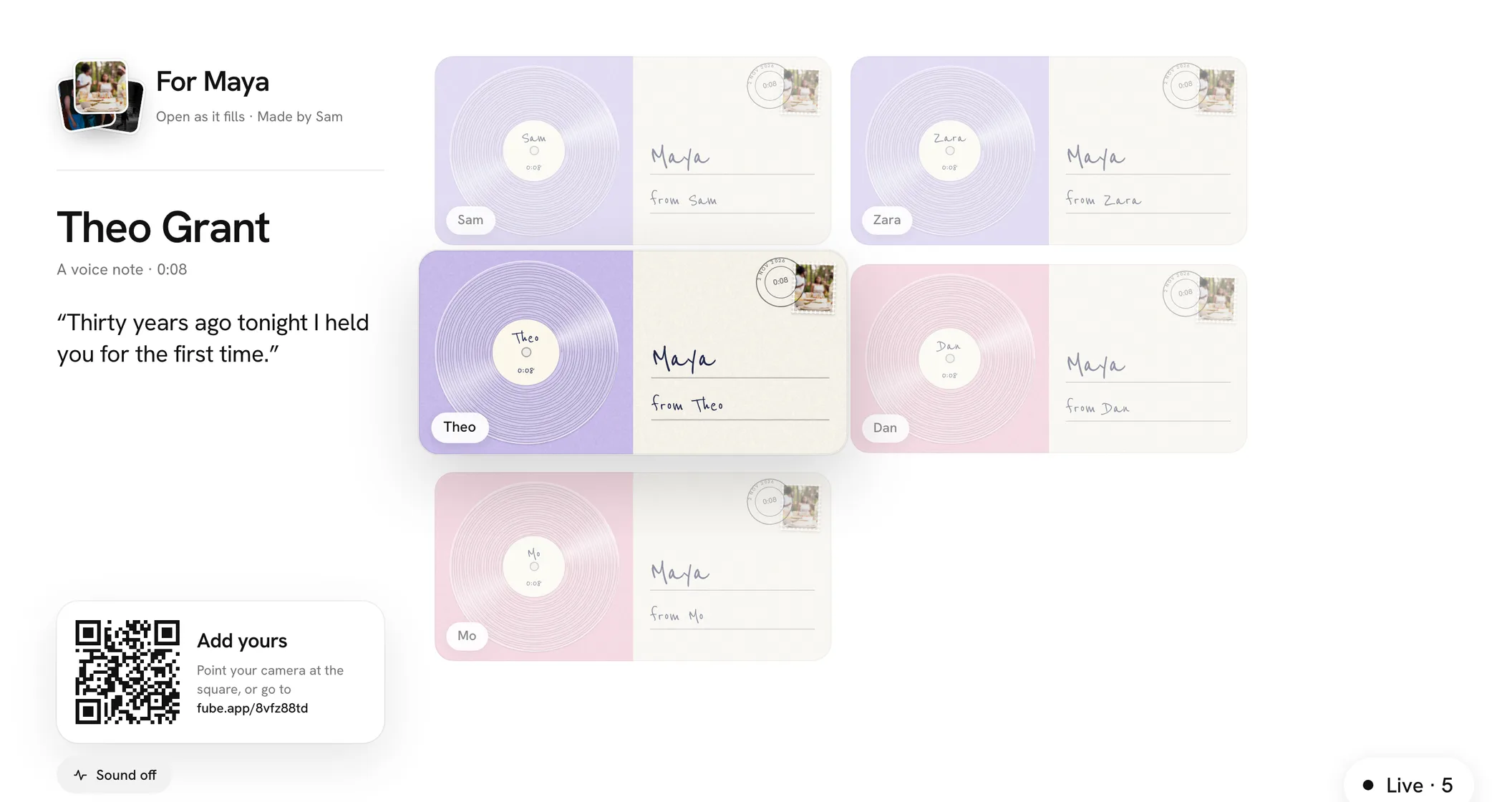
The code stays at the foot of the label for as long as the wall takes squares, so people can keep adding after the peel. It goes once the person it is for opens the wall on their own phone, as nothing more can be added then. A wall that opens as it fills keeps it, with a Live pill in the corner counting the squares as they land. The page goes to each new one, so the room sees it arrive.
5Keeping it tidy
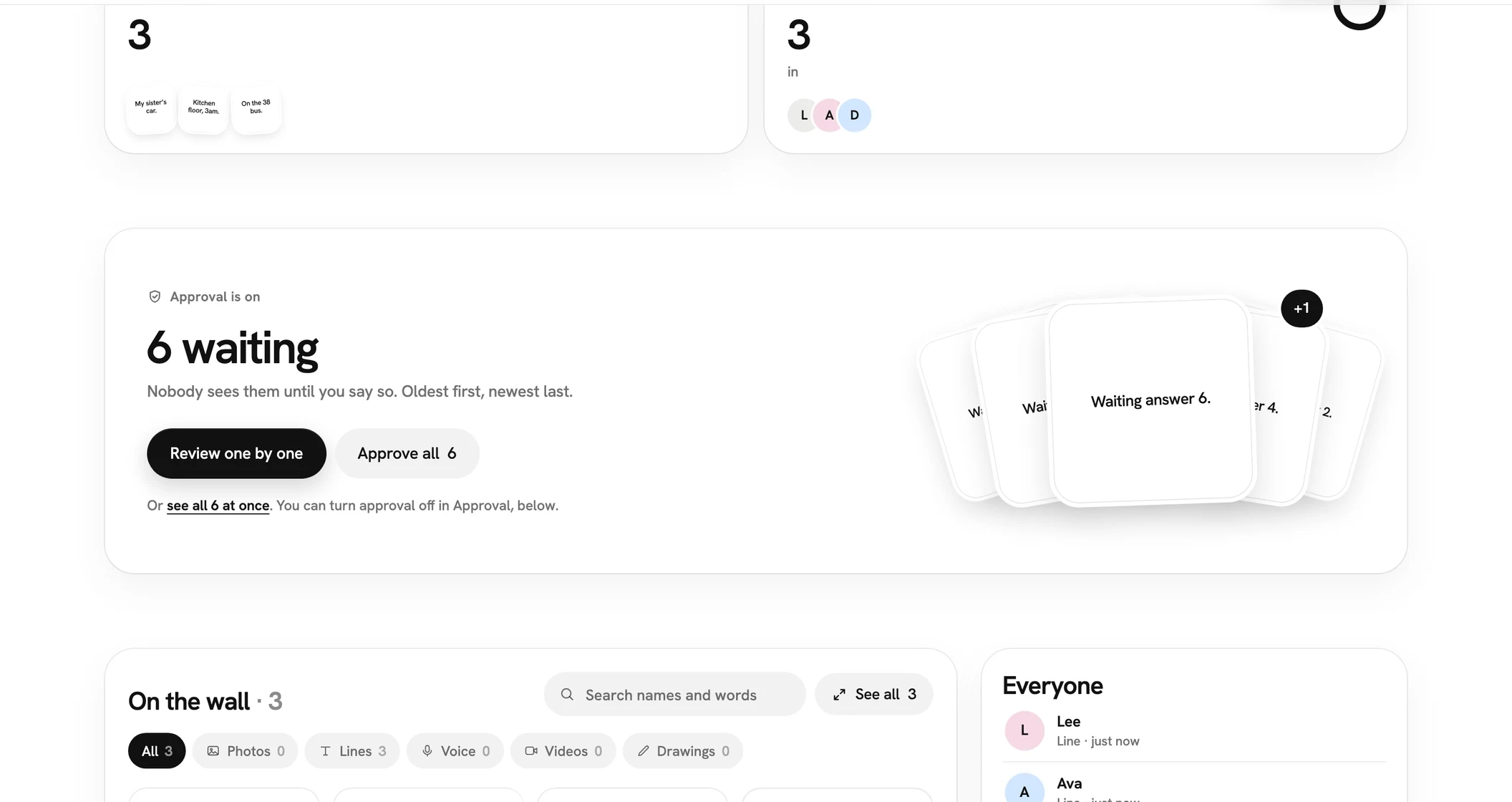
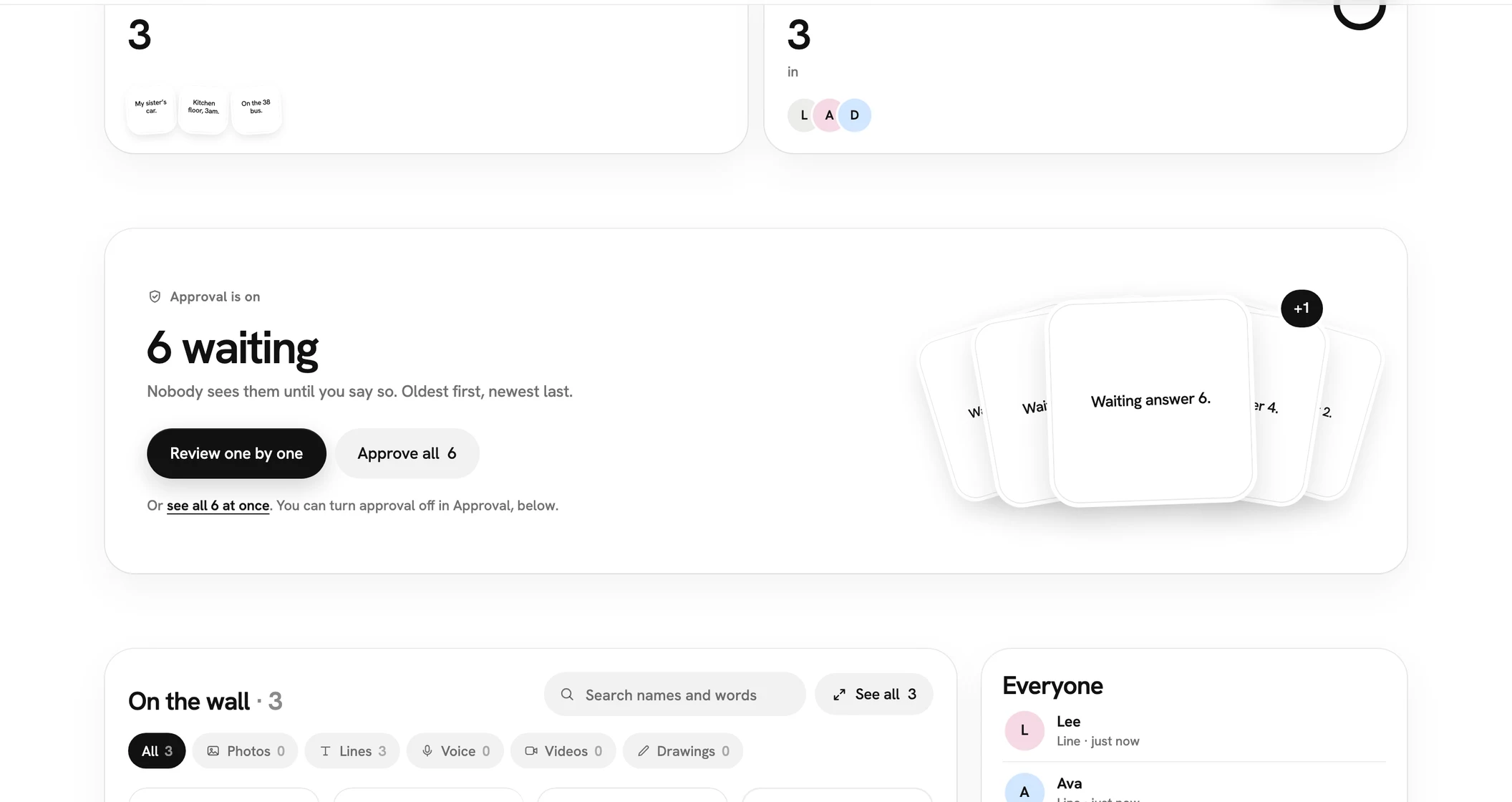
With approval on, answers from the room wait on your page for the wall, and only the ones you approve reach the screen. You can approve from your phone while the screen runs.