Inviting people to add
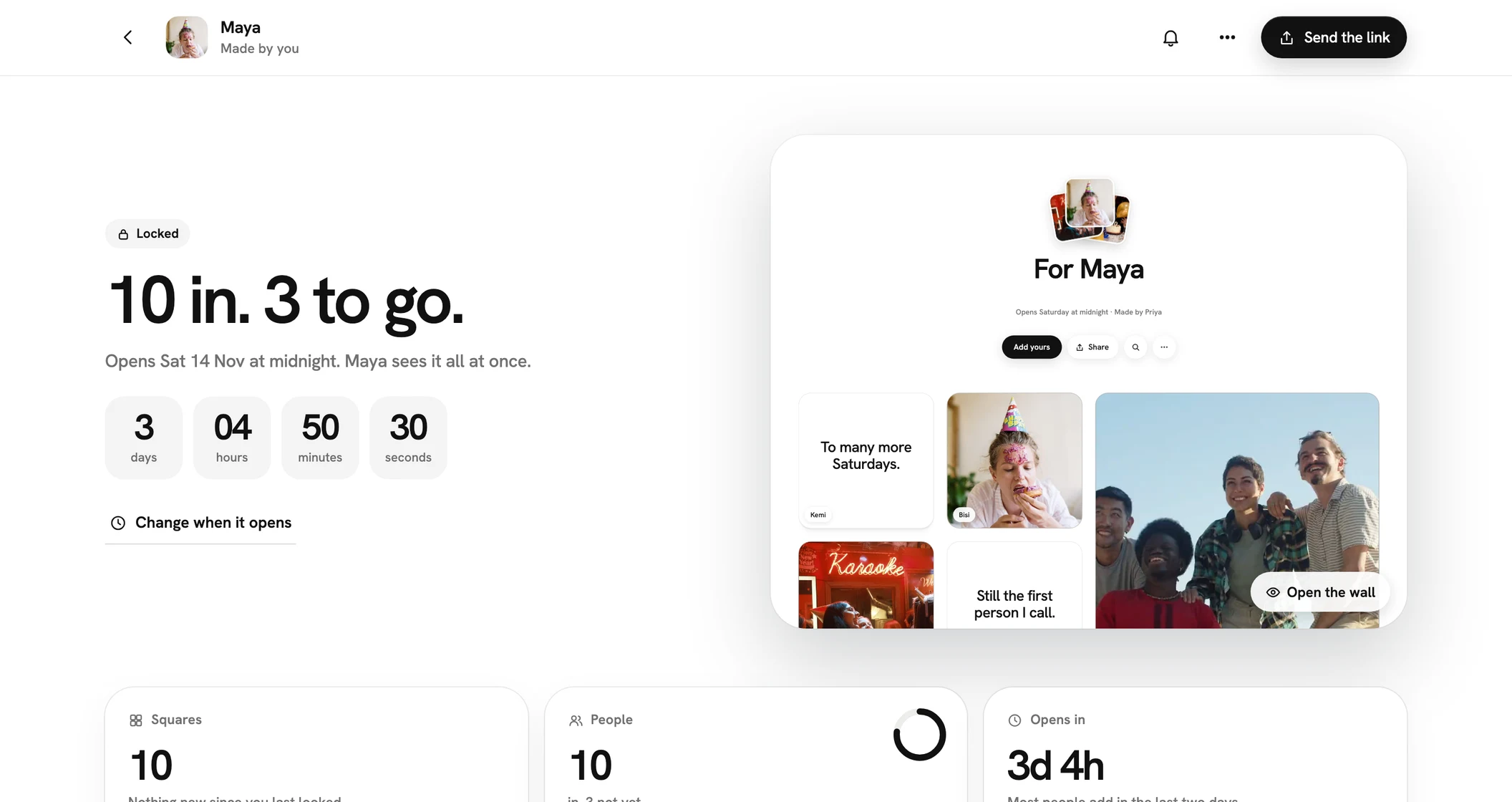
A link in a group chat is the quickest way to fill a wall. To know who has added and who hasn't, keep a list of the people you're inviting on the wall's page.
Sending the link
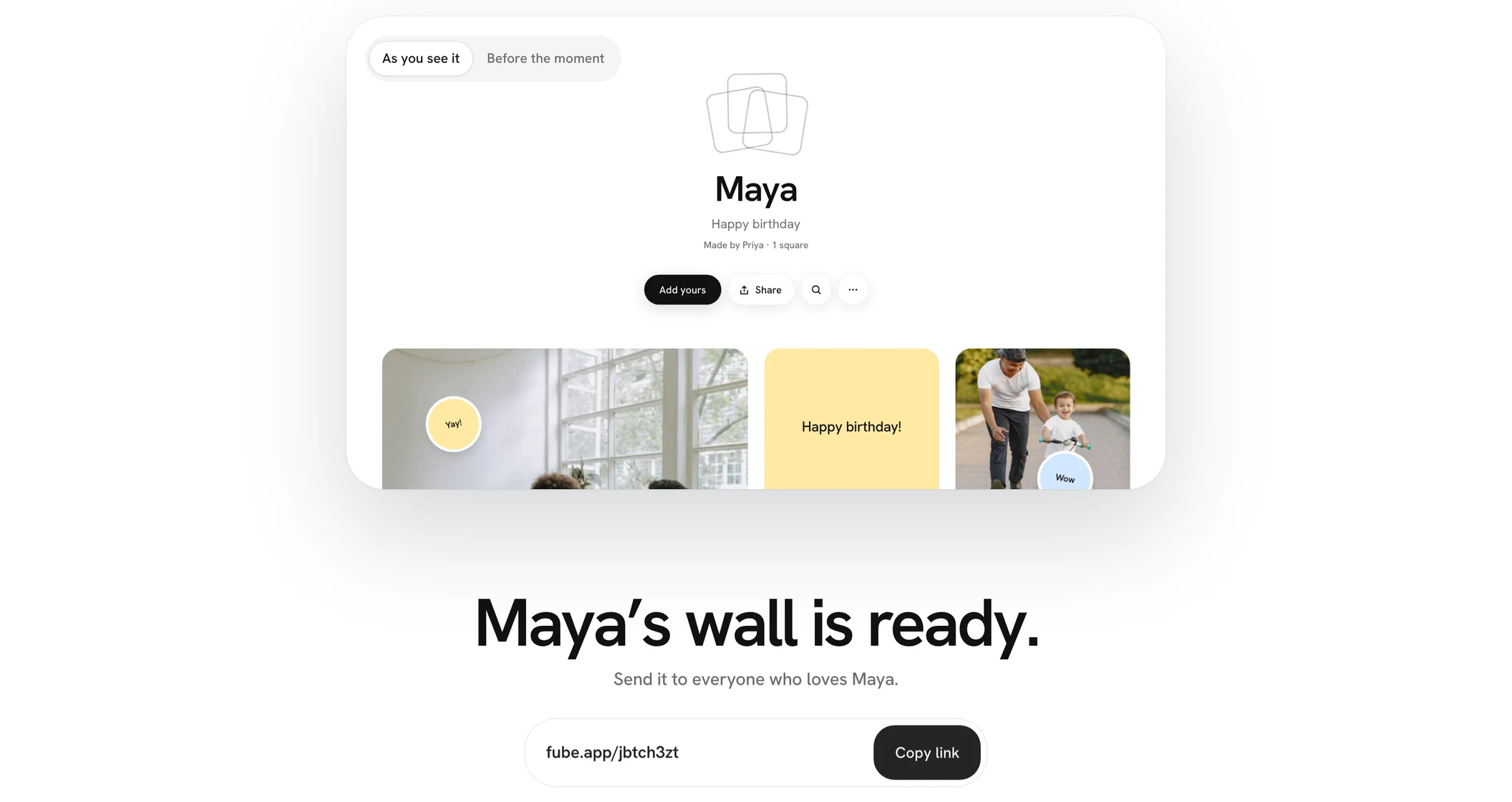
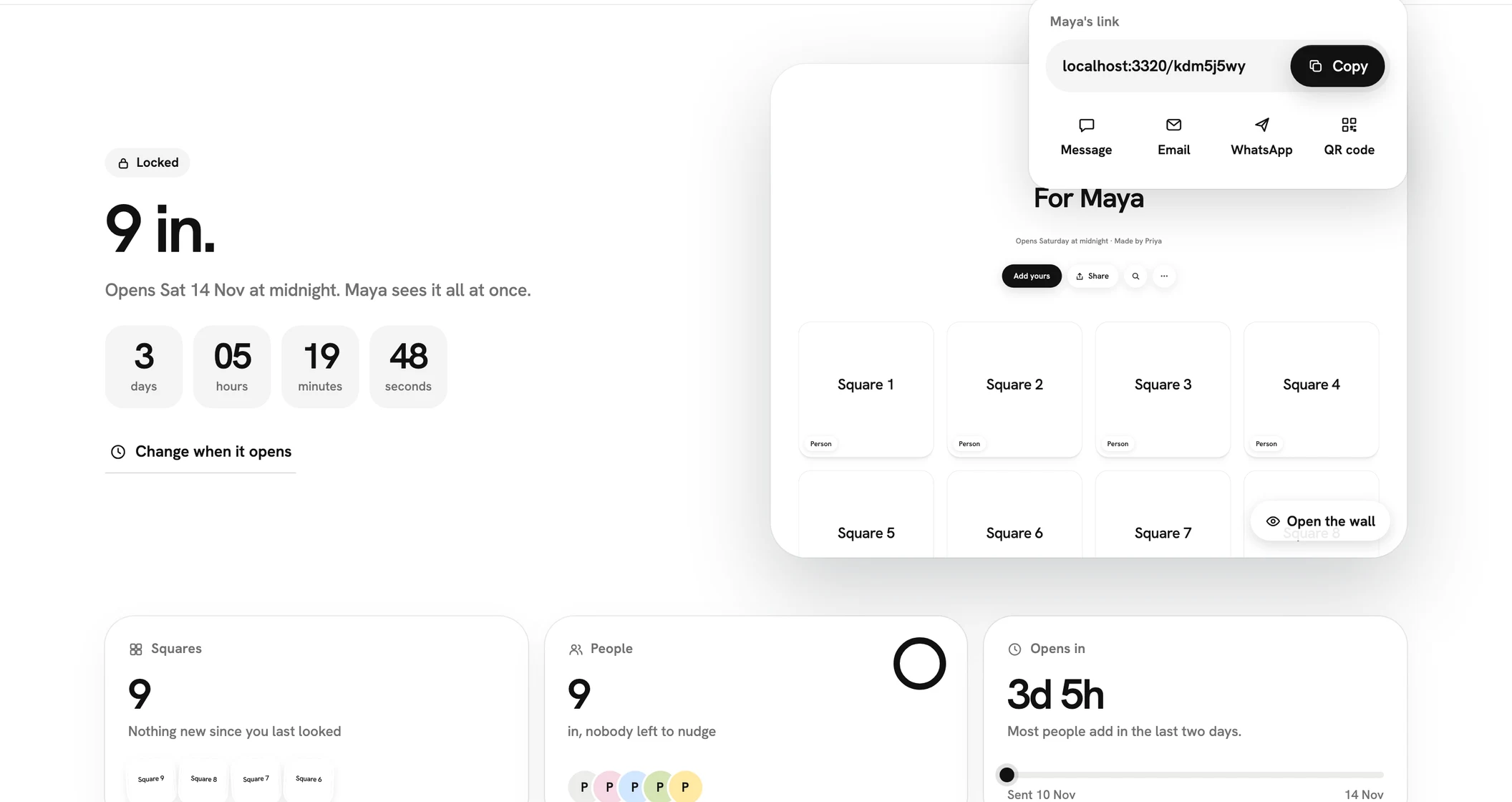
Send the link is the black button at the top of your page for the wall. It opens a small panel: the wall's link with Copy, then Message, Email, WhatsApp and QR code.
To send something from the wall itself, press Share at the top of the wall. A window opens with something from the wall moving in it, and five buttons under it; swipe for the next. With nobody on the wall yet, it is already open on your page for the wall.
Before the wall opens, none of them shows a square, only its colour. Once it opens, you and the person it is for have its photos, lines and voices too. Anyone on the wall can press Share.
The five buttons
- Copy link copies the wall's link.
- Save downloads the video, or opens the share sheet on a phone.
- Messages sends the video with your words through the share sheet. On a computer the words are copied and the video downloads.
- Instagram turns it to a story's tall shape and copies the link, to paste into the app's own link sticker.
- More has Share on a phone, WhatsApp, Email, The words, and for you alone the person's own link and A line for the people you invite.
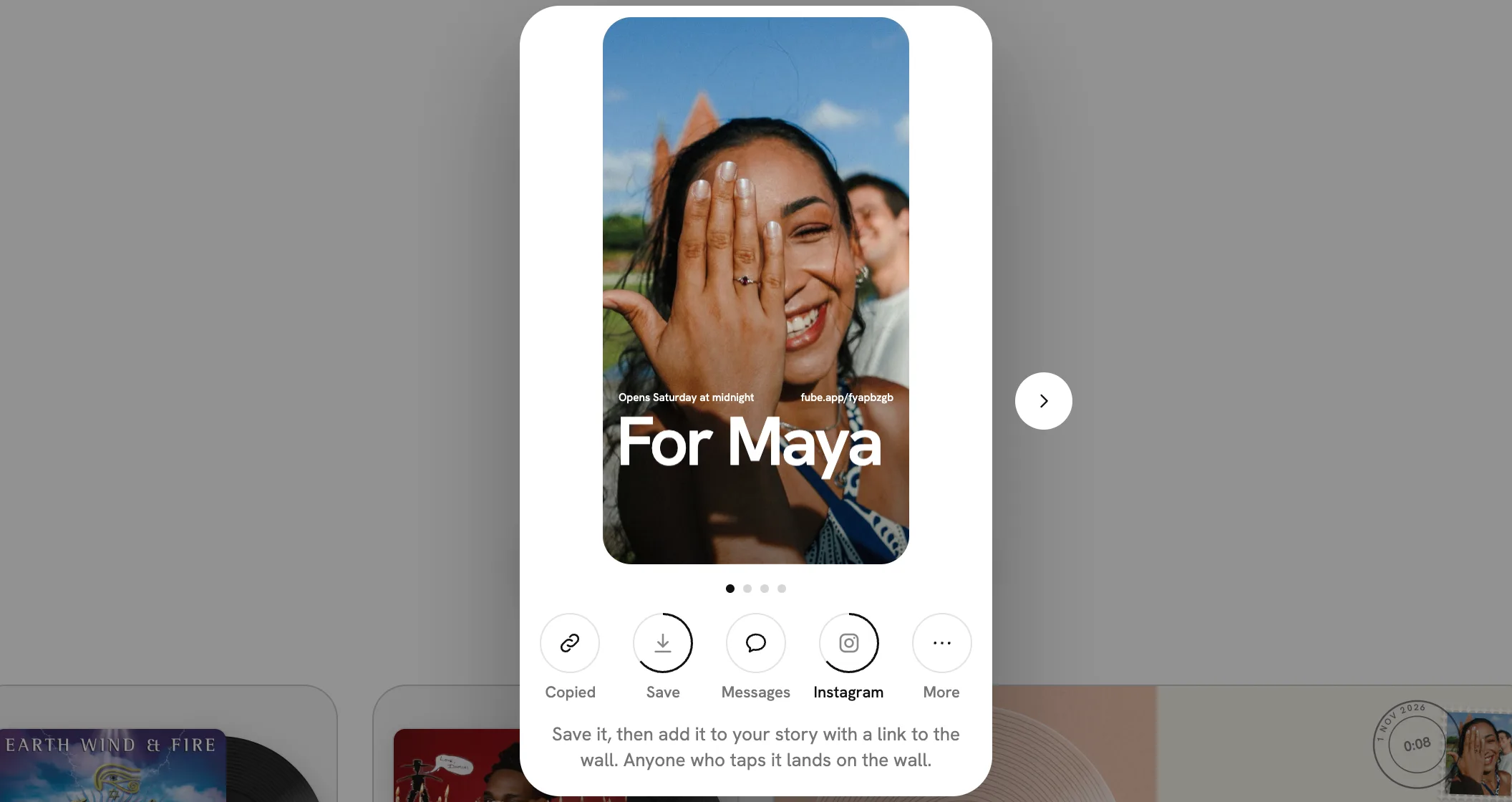
The videos are made on your device while you watch. A thin ring fills round a button while its video is made: on a computer, press anyway, and on a phone, press again when it has gone. A device that can't make one sends your words and the link alone.
To write your own words, press More, then Change beside The words. They stay as you swipe.
Their own link, and the claim
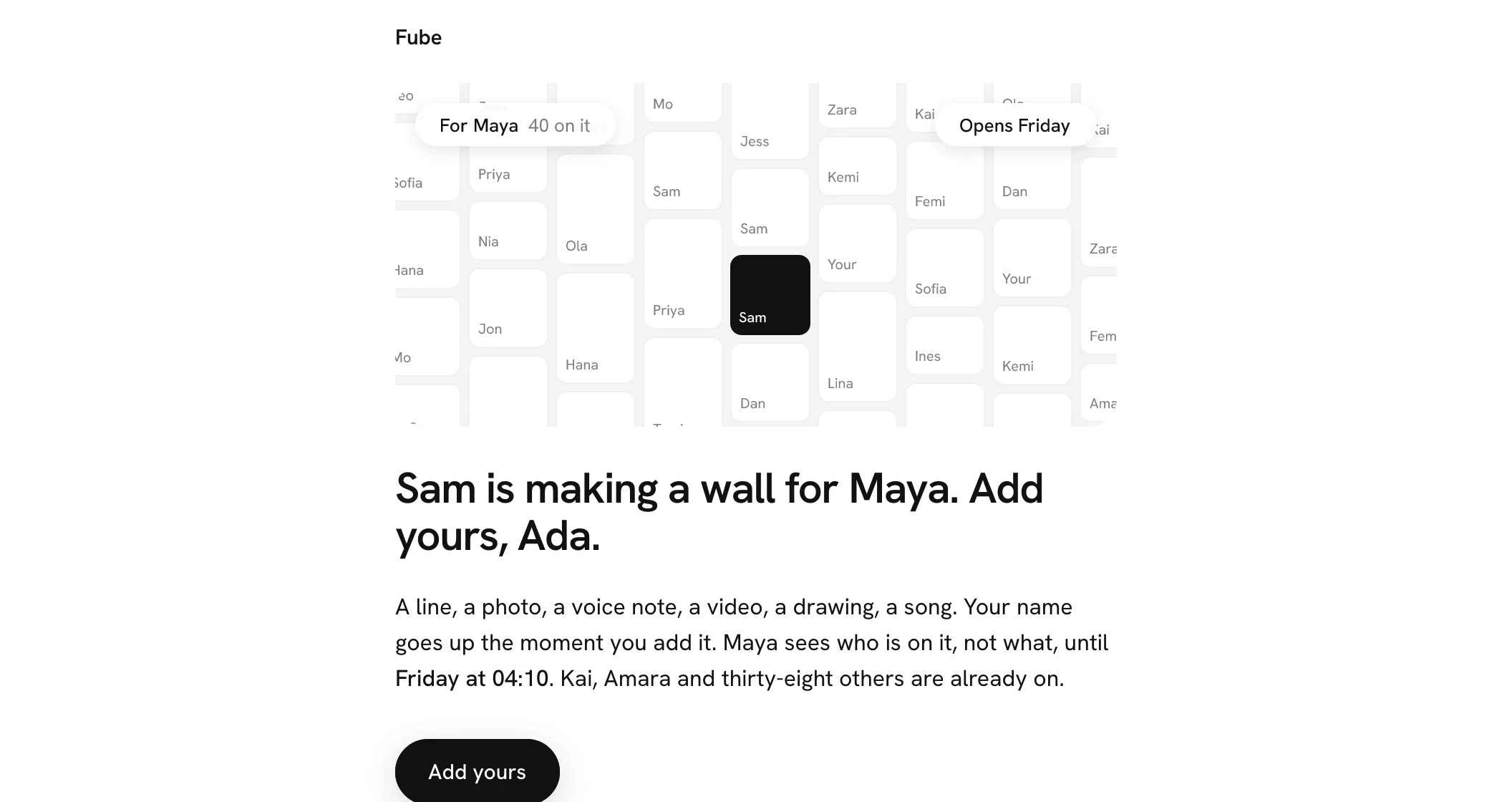
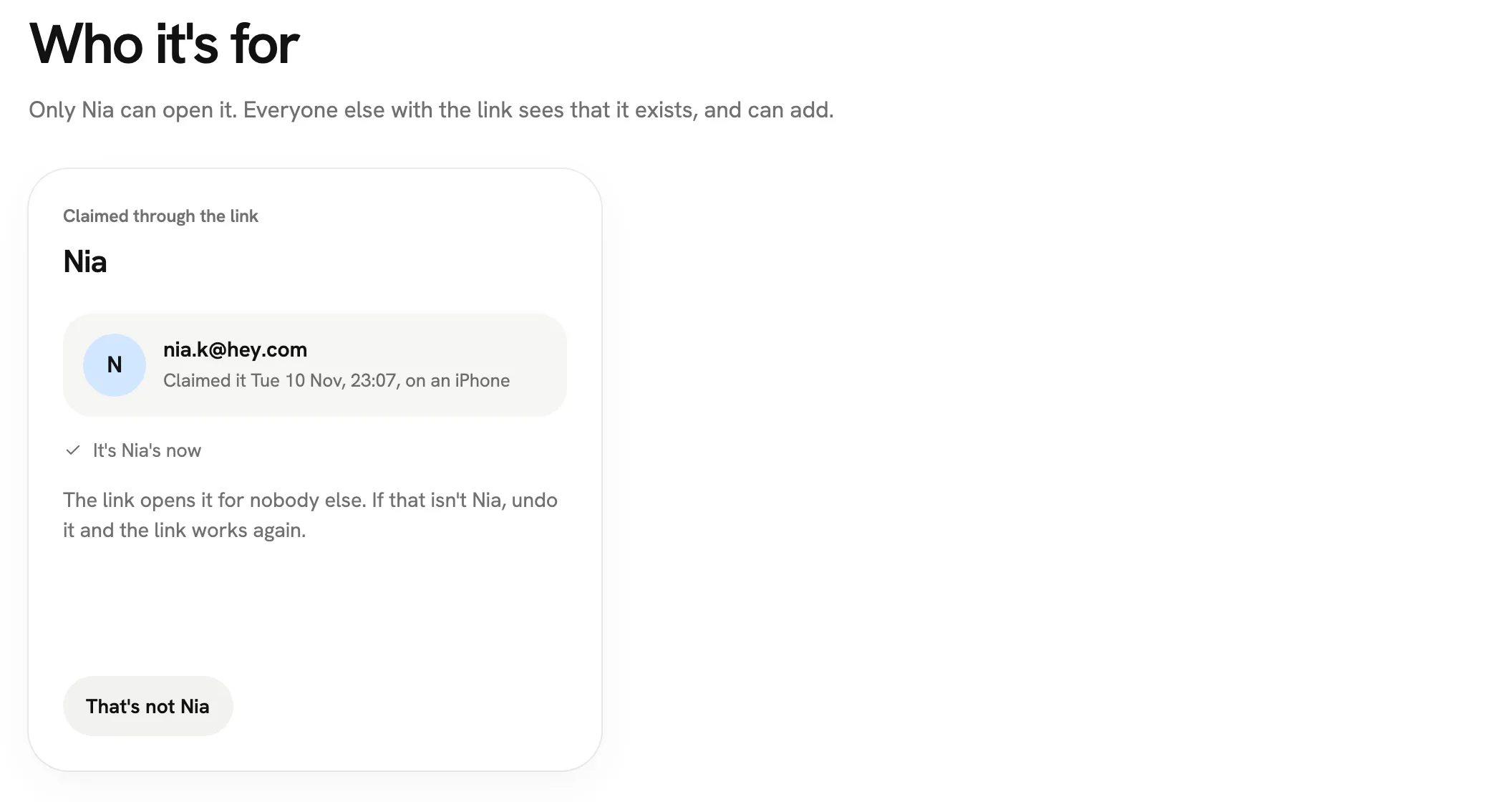
With their email, Fube sends the person the wall's link when it opens; Send it again, under Who it's for on your page, sends it now, once an hour at most. Without one, send them their own link from Send the link, to them alone: the first to sign in through it claims the wall. If that isn't them, That's not Maya, then Undo it, makes the link work again.
Adding people
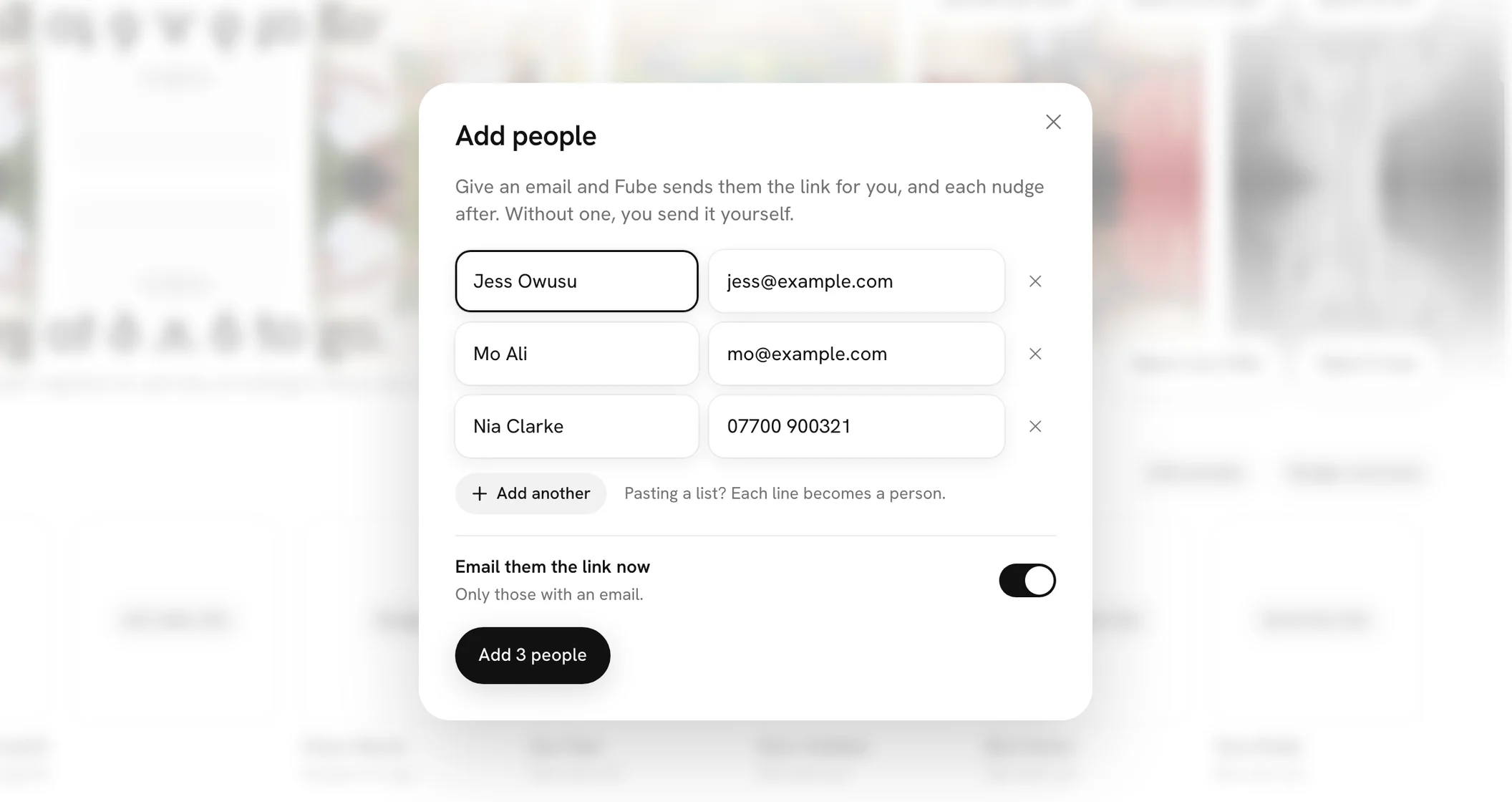
On the wall's page, press Add people at the foot of Everyone. A card opens with a row for each person: their name, and their email or phone if you have it.
- Add another gives you a new row, and the × at the end of a row takes it out.
- Pasting a list into any field makes a row of each line. A line can be a name, an email, a phone number, or a name with either.
- A contact that is neither an email nor a phone is marked, and nobody is added until you change or clear it.
The black pill says how many it adds, such as Add 3 people.
Emails Fube sends for you
Give someone an email and Fube sends them the link, from your wall's own address, and each nudge after that. Once a row has an email, the card shows Email them the link now, switched on: everyone with an email gets the link the moment you add them. Turn it off to send it later.
Not yet
Everyone, beside the squares on your page for the wall, has two tabs: On it, who has added, and Not yet, everyone on your list who hasn't. Each name under Not yet has Nudge, and when you last nudged them.
Nudge sends it the way that person can get it:
- With an email, Fube mails them.
- With a phone, your messages open with the words written in.
- With a name alone, the message is copied for you to paste, or on a phone the share sheet opens.
See everyone opens the whole list, with Search people. Its Nudge all mails everyone with an email who hasn't added, and copies one message with the wall's link for the rest.
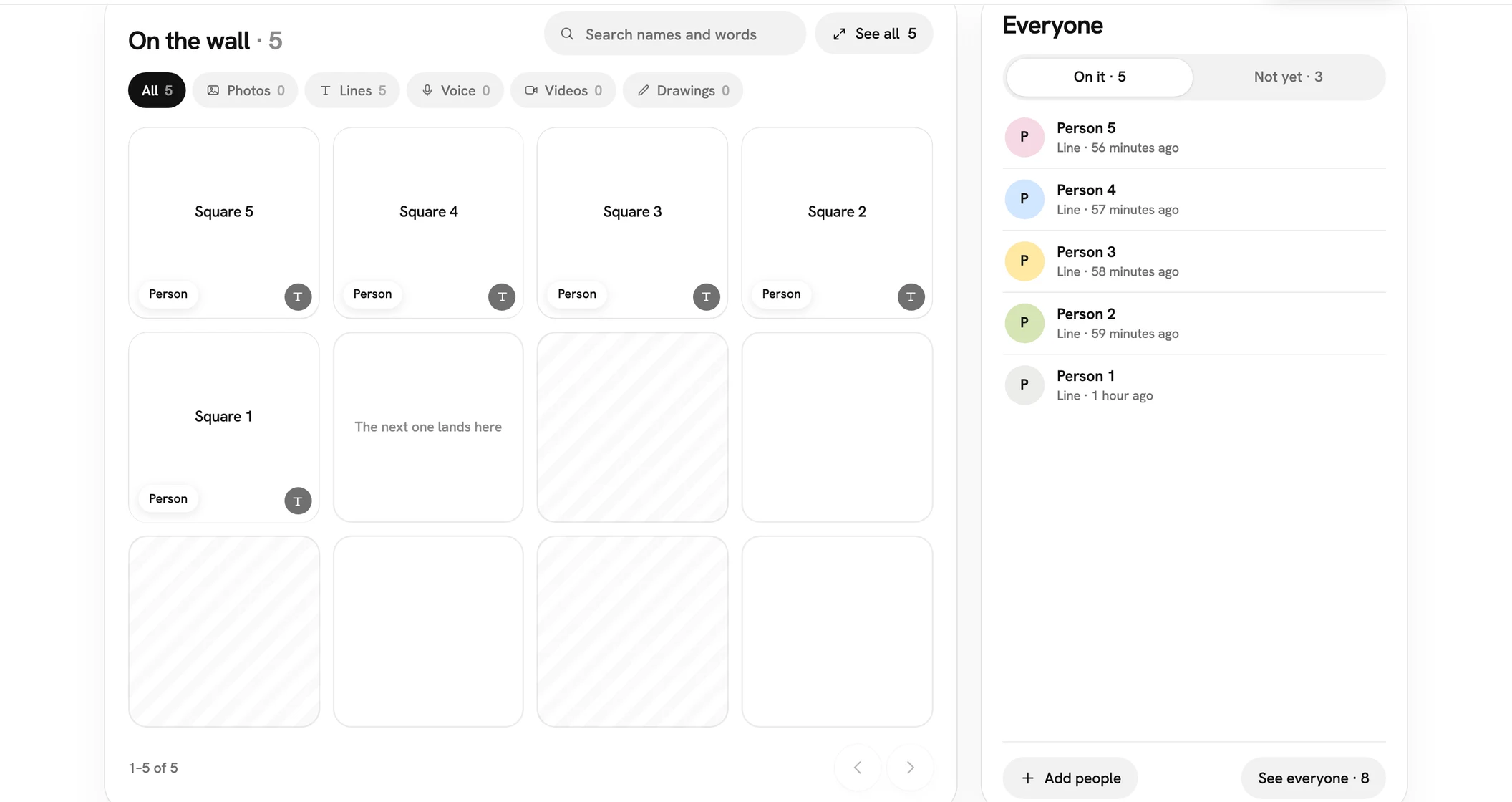
When someone on your list adds a square under the same name, they move from Not yet to On it.