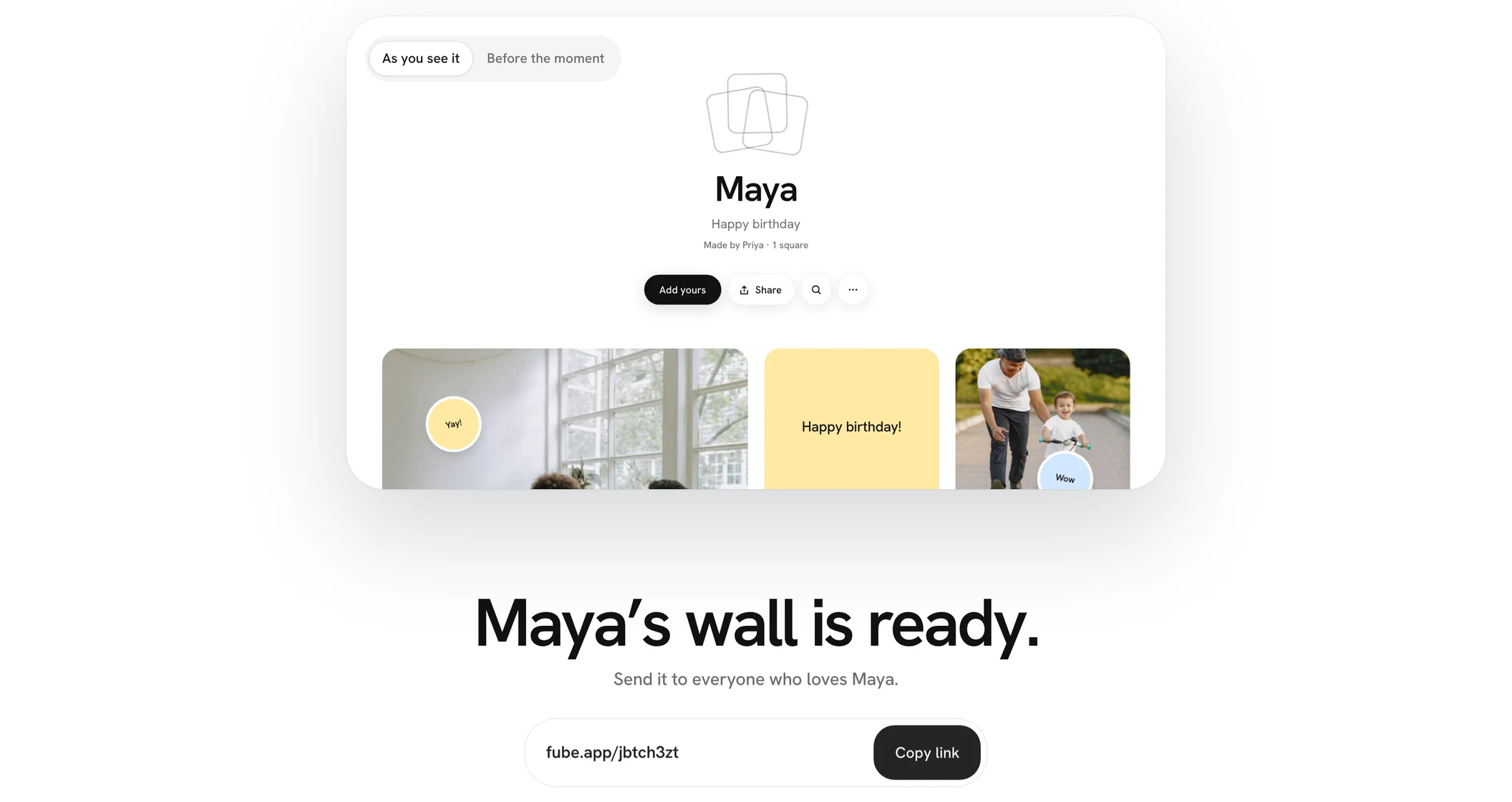
Your page for a wall
Every wall you make has a page of its own, where you look after it before and after it opens. Press the wall on Home to get there.
At the top
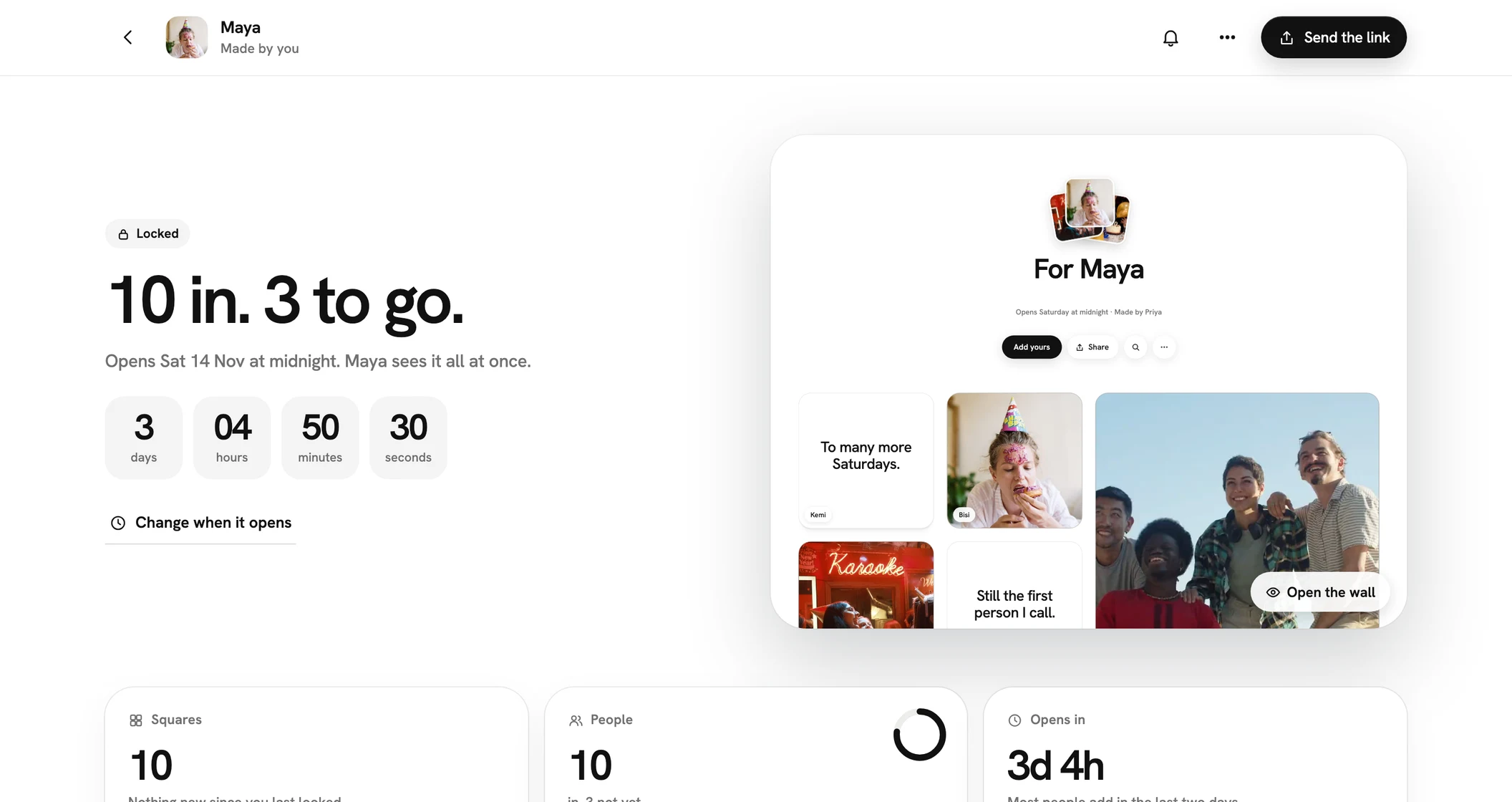
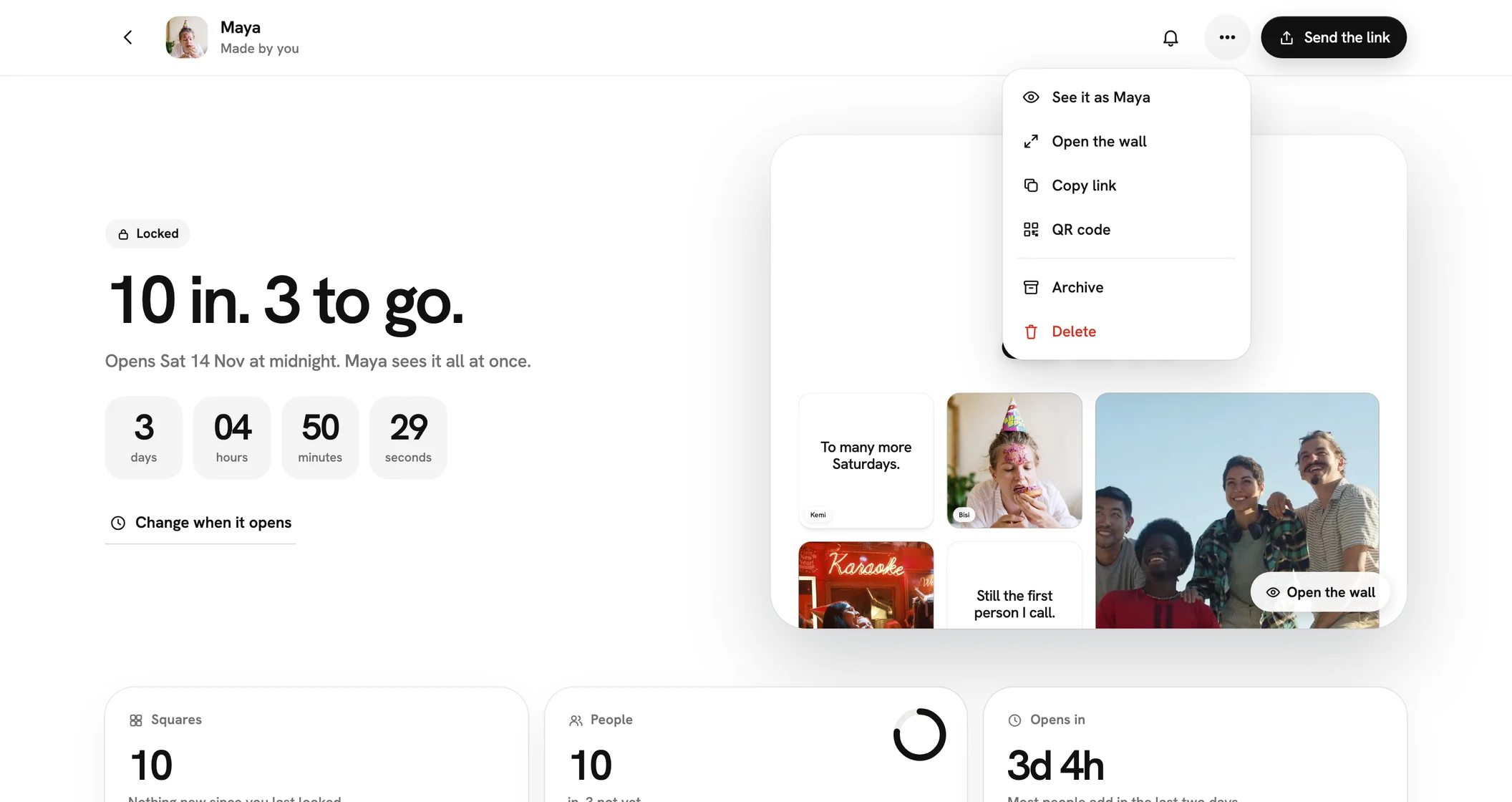
The arrow at the top left goes back to your walls. The bell opens this wall's Activity, and Send the link opens a small panel with the link, Copy, Message, Email, WhatsApp and QR code. The ⋯ has See it as Maya, Open the wall, Copy link, QR code, Archive and Delete, which asks first.
Nobody on it yet
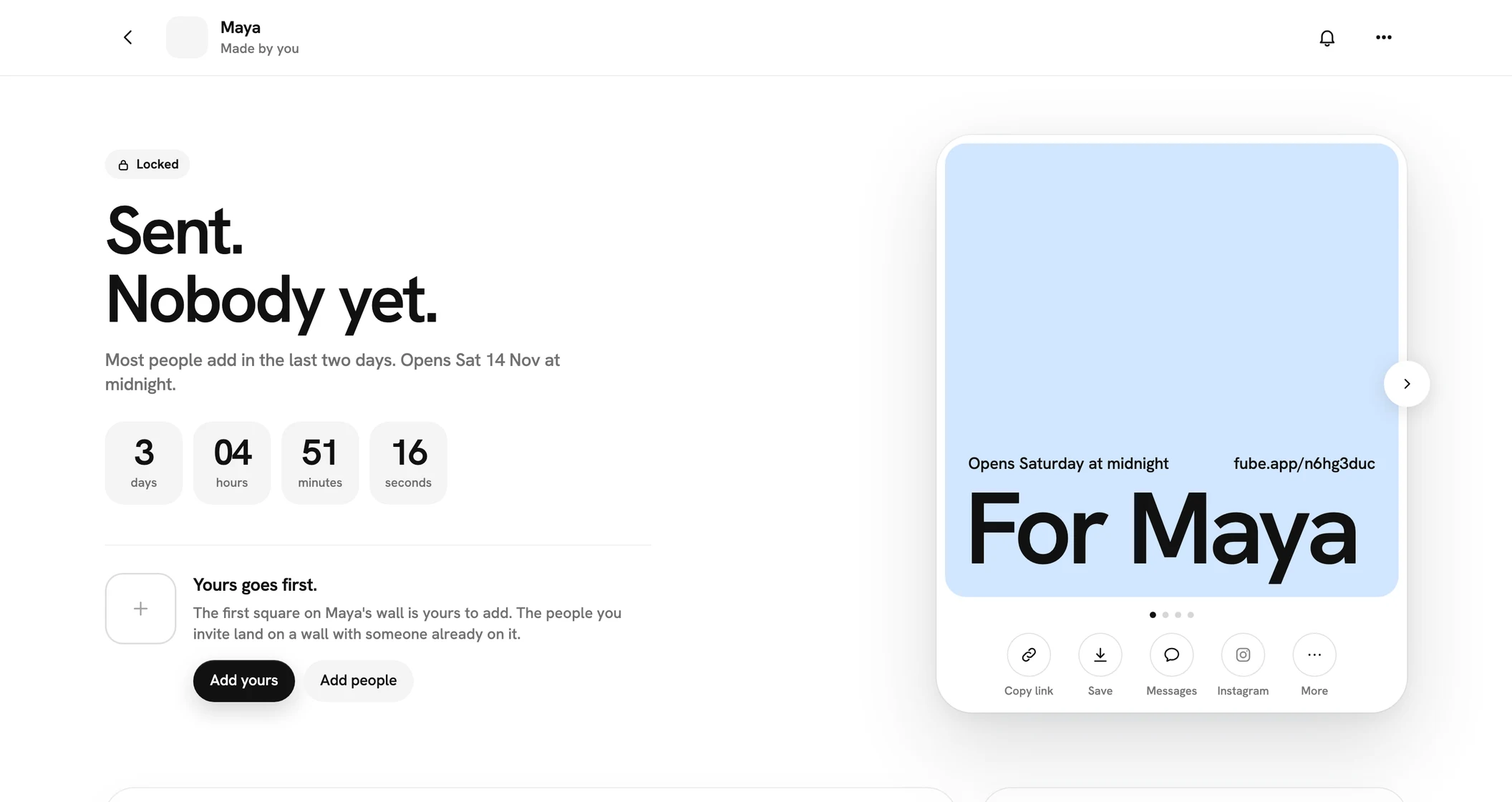
Until the first square comes in, the page says Nobody yet., and the share window stands open where the wall will be, with Copy link, Save, Messages, Instagram and More under it. Swipe for the next one.
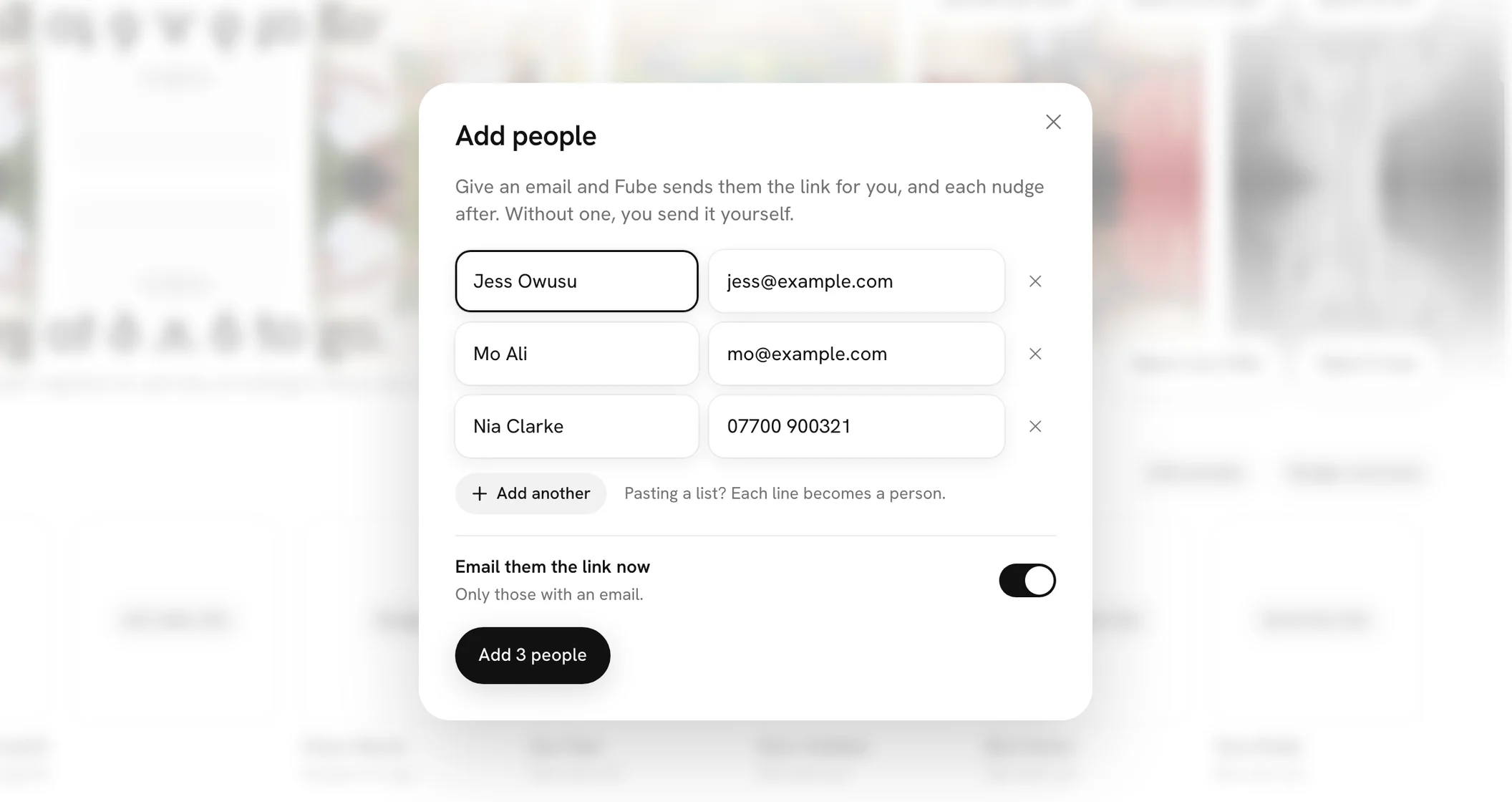
Beside it, Add yours opens the wall with a square ready under your name, and brings you back here once it is on. Add people starts your list of who you're inviting.
How it is doing
Once squares come in, the top says how many are in and how many are still to come, with the countdown and the wall beside it. Under them are three cards: Squares, with what's new since you last looked; People, who is in and who is not yet, with Nudge; and Opens in.
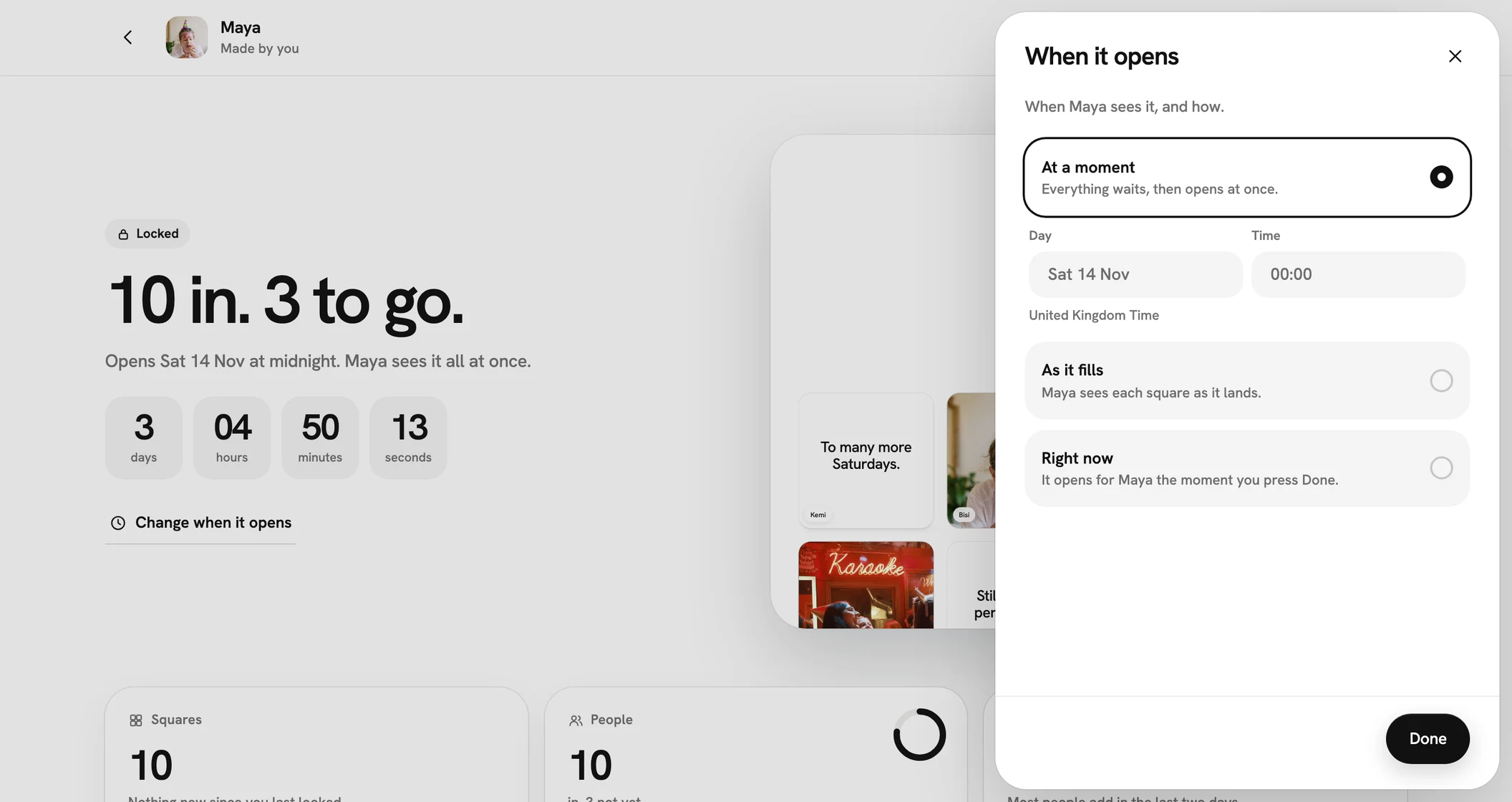
Change when it opens, under the countdown, opens When it opens at the side: At a moment, with a day and a time; As it fills; or Right now. Press Done. As it fills and Right now ask first, because neither can be undone.
The squares
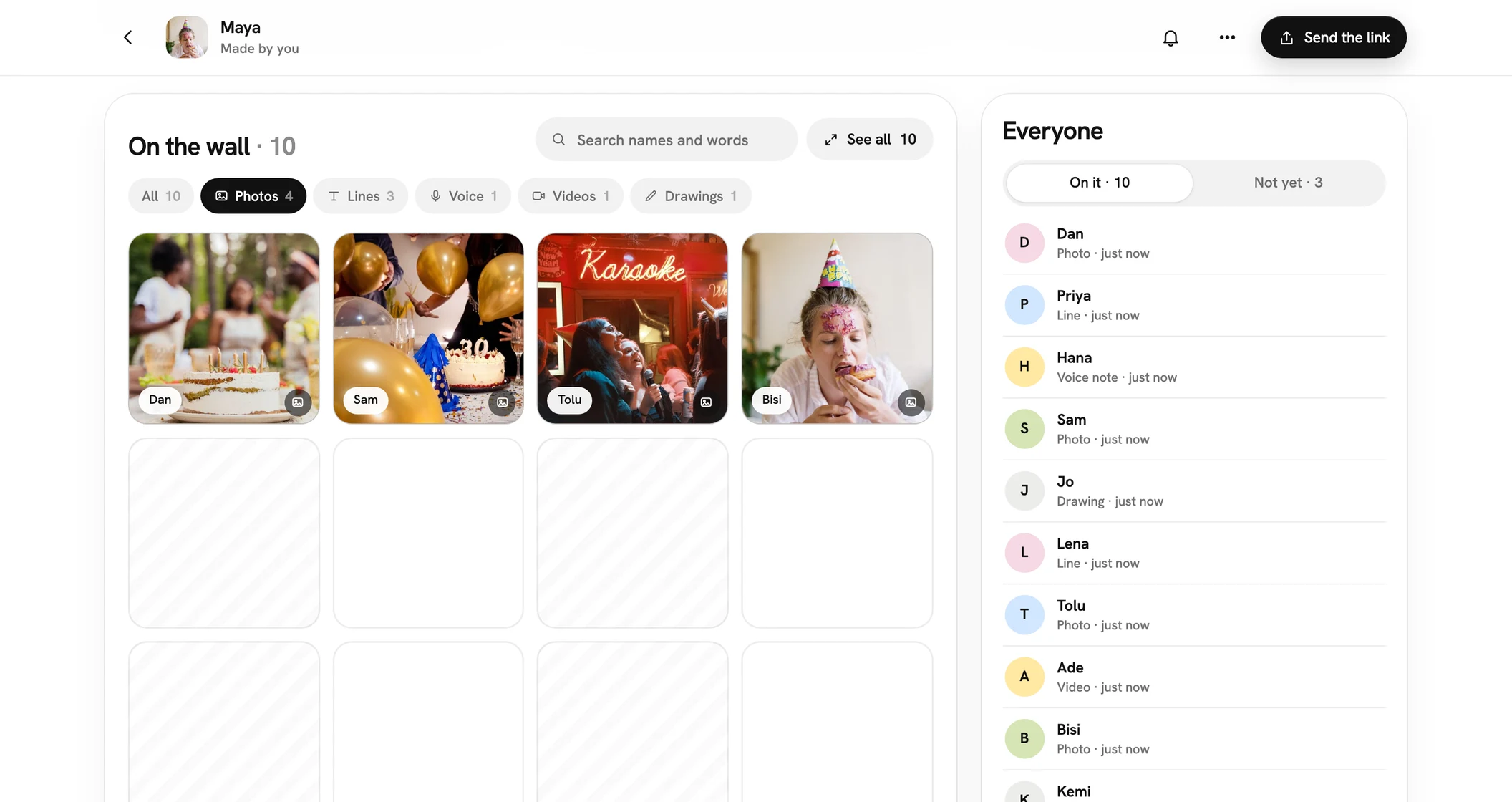
On the wall shows the squares twelve at a time, each with the name of who added it. The arrows turn the page, and See all opens them all at once. Search names and words finds a name or words from a square, and the kinds under it, such as Photos or Voice, narrow them down. Press a square to open it, big.
To take one off, point at it on a computer and press Remove it in its corner; on a phone, open it and press Remove it. A card asks first, and the person who added it isn't told.
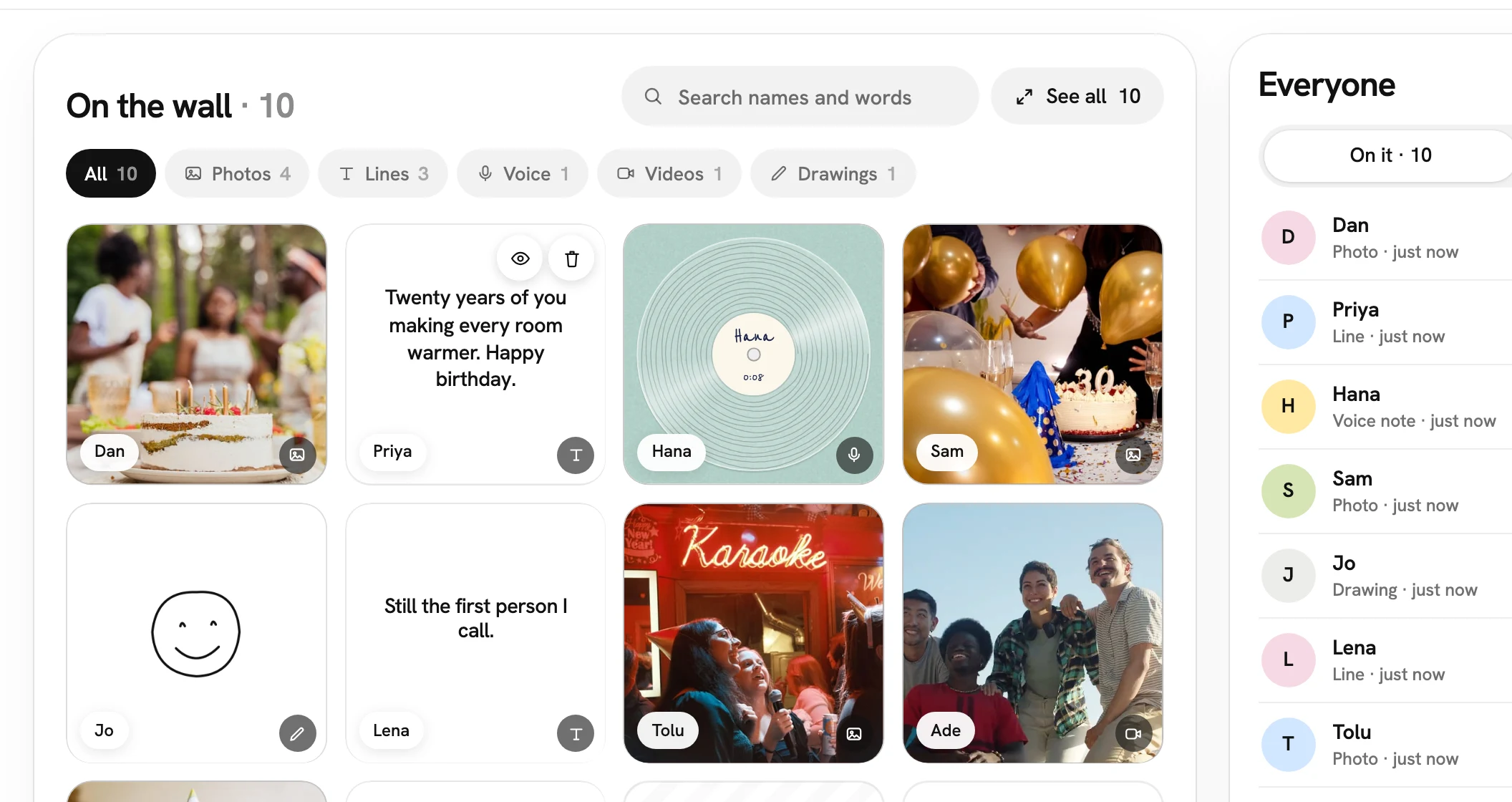
Beside the squares, Everyone shows who is on it and who is not yet, with Nudge and Add people. Inviting people to add has the rest.
Make it yours
Further down, Make it yours holds the wall's settings as tiles: Feel, Answers, Photos of Maya and Your own link, and switches such as Replies on the wall and Moments. A tile with an arrow opens a panel at the side; press Done when you're finished. A switch keeps its change at once. A tile with the Pro tag tells you about Pro first.
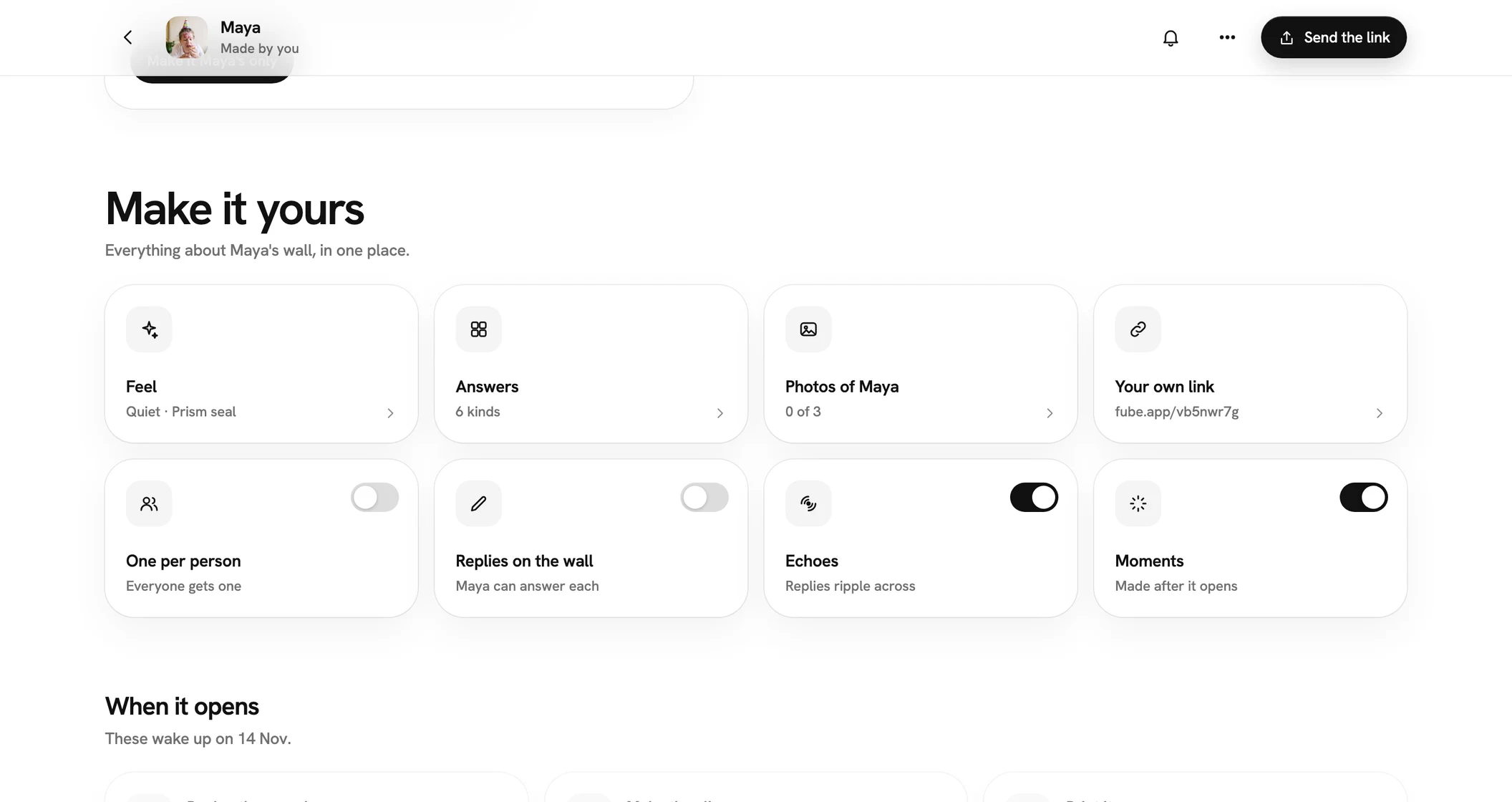
Under it, Replay the reveal, Make the clip and Print it wait for the day the wall opens.
Seeing it as them
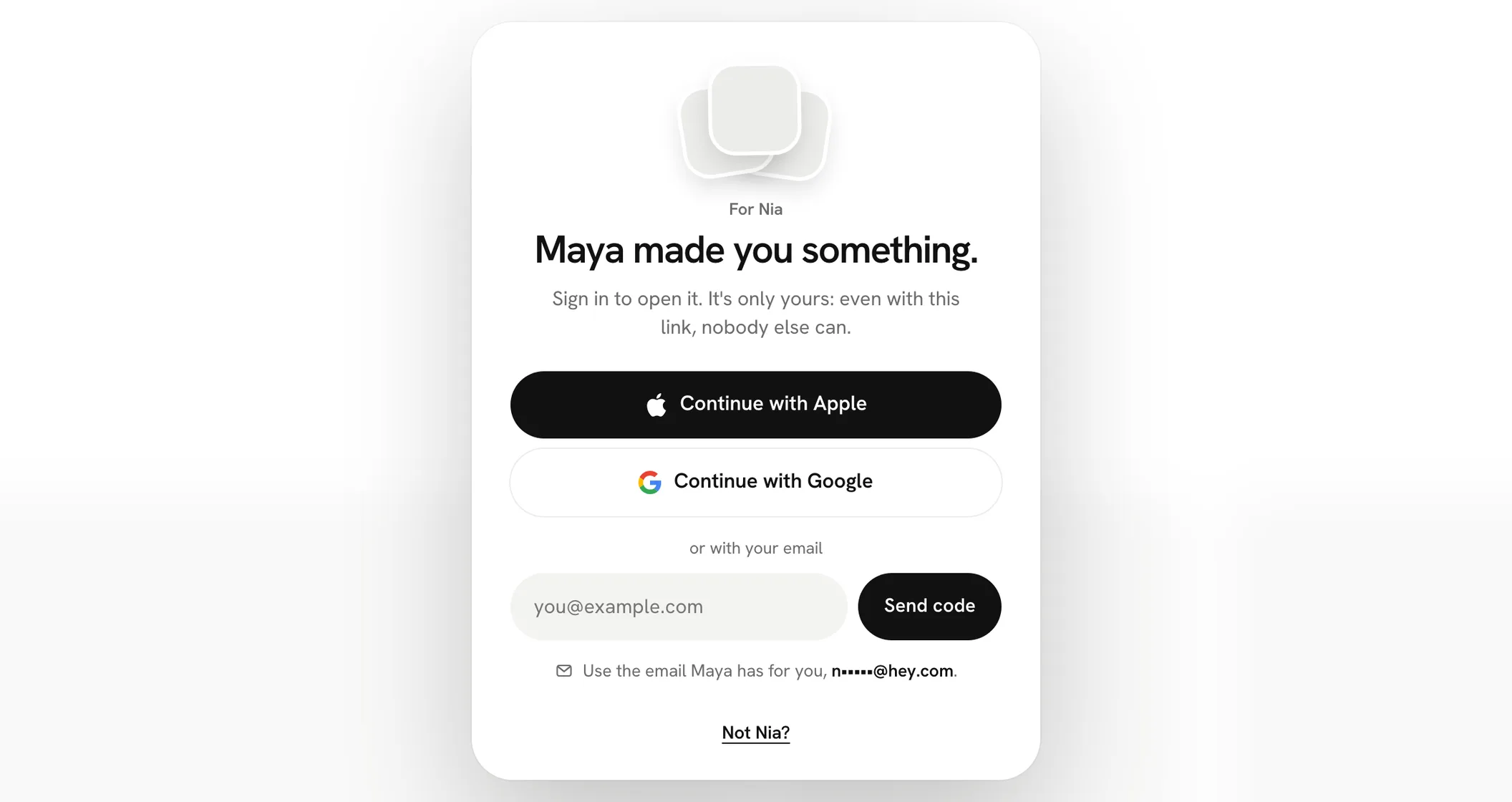
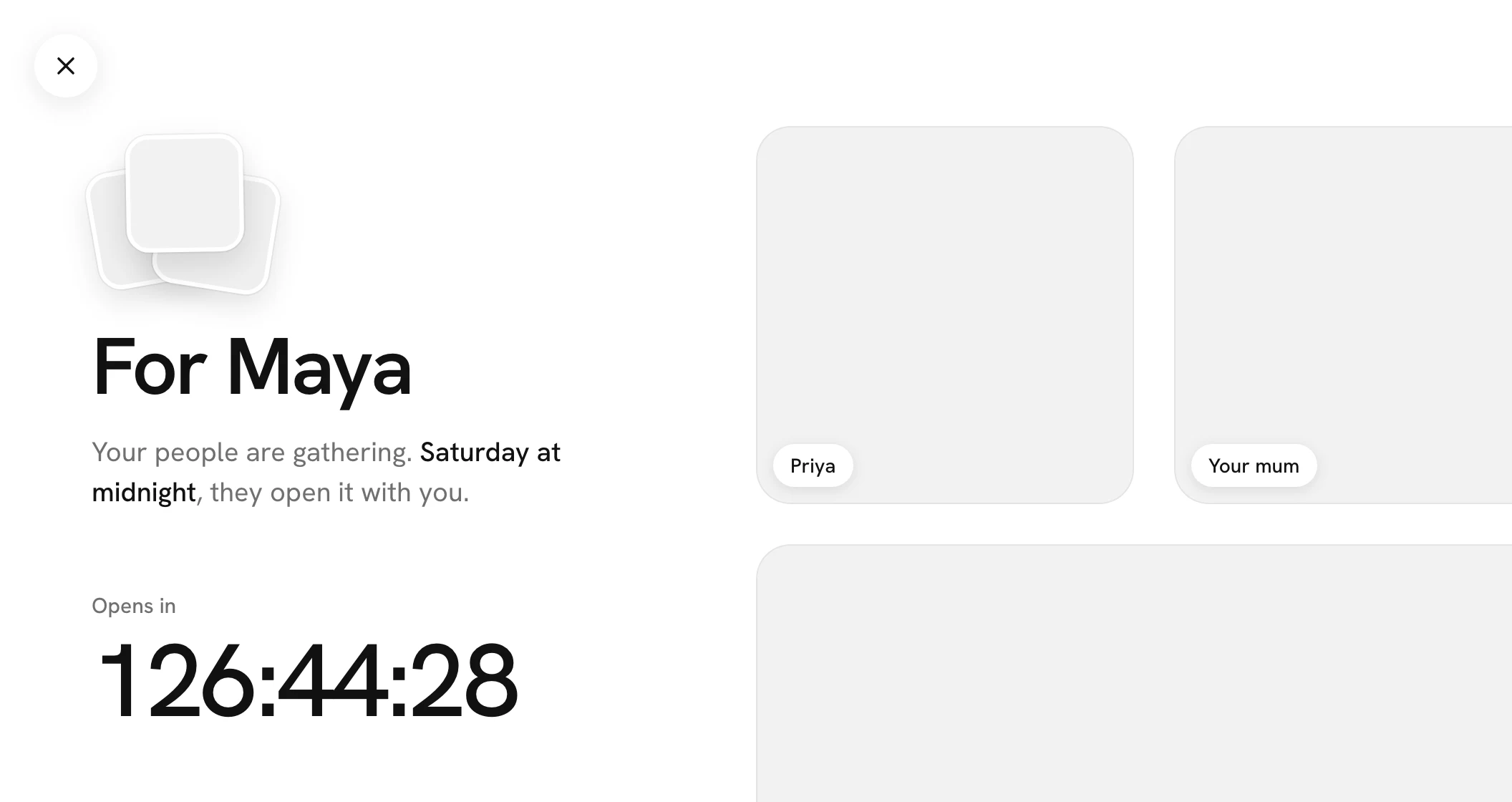
See it as Maya, in the ⋯, shows the wall as she sees it on her link right now: face down before the day, and the sheet to peel once it has come. On a wall you open yourself it reads See your door; a wall everyone opens together has none. On the wall, the white × at the top left steps back to this page.
When something is not right
At the foot, Something not right? Message us. opens Send feedback, and a person reads every one. Archive and Delete are there too.