Replying to a square
Once a wall has opened, the person it is for can answer any square, the way you would write back on a card. The answer sticks on the square's corner. On a question wall, the person who asked answers the same way, with the emoji in the row under the name.
Sending one
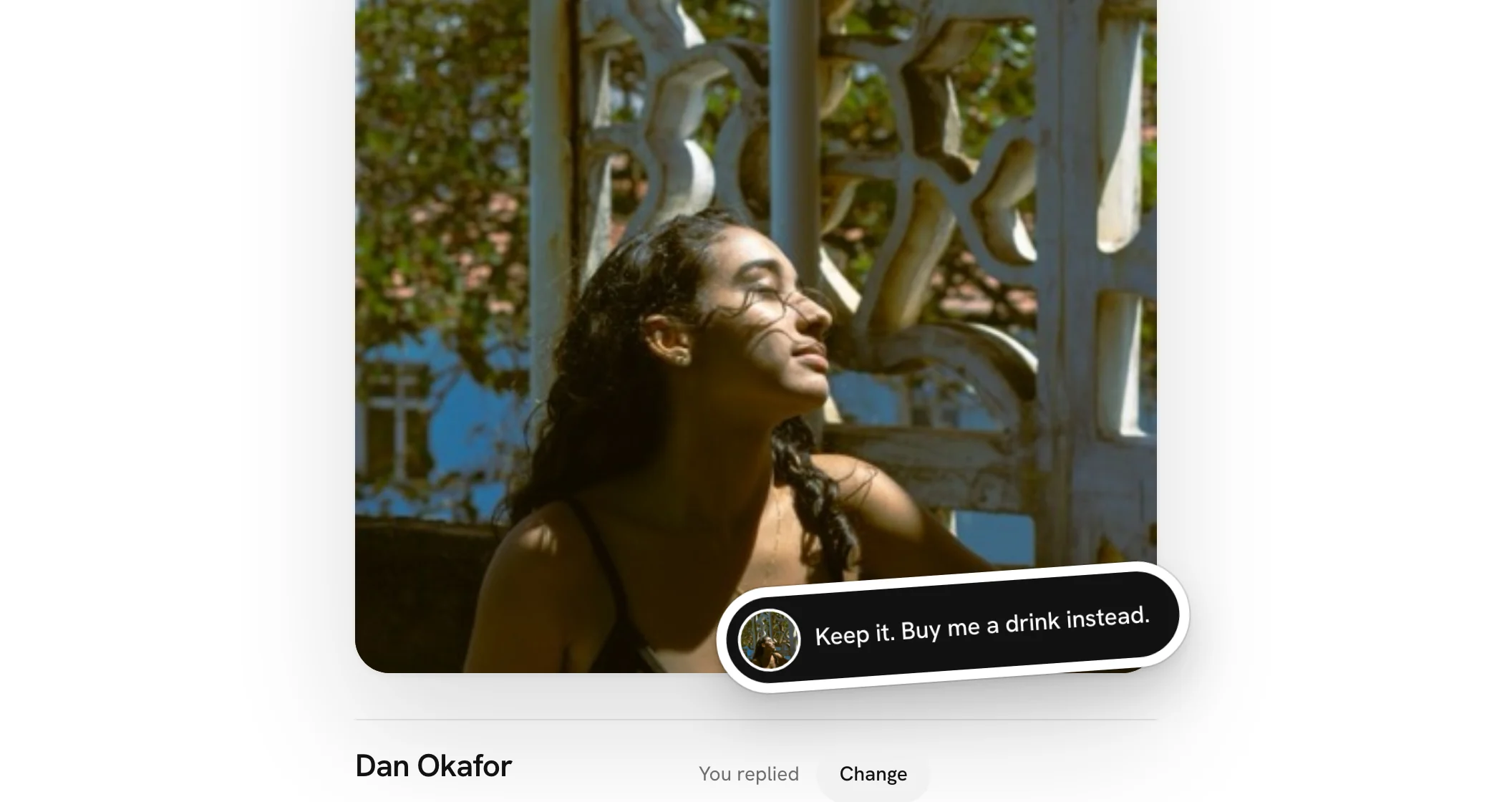
Open a square. Its label has one white pill with the four emoji, the microphone and Write it. Press one of the emoji, hold the microphone and say something, or press Write it and type. Press Enter to send your words. Holding the microphone records for up to 30 seconds, and letting go sends it.
Your reply drops onto the corner of the square and presses flat. The pill gives way to You replied, with a grey Change beside it.
The three stickers
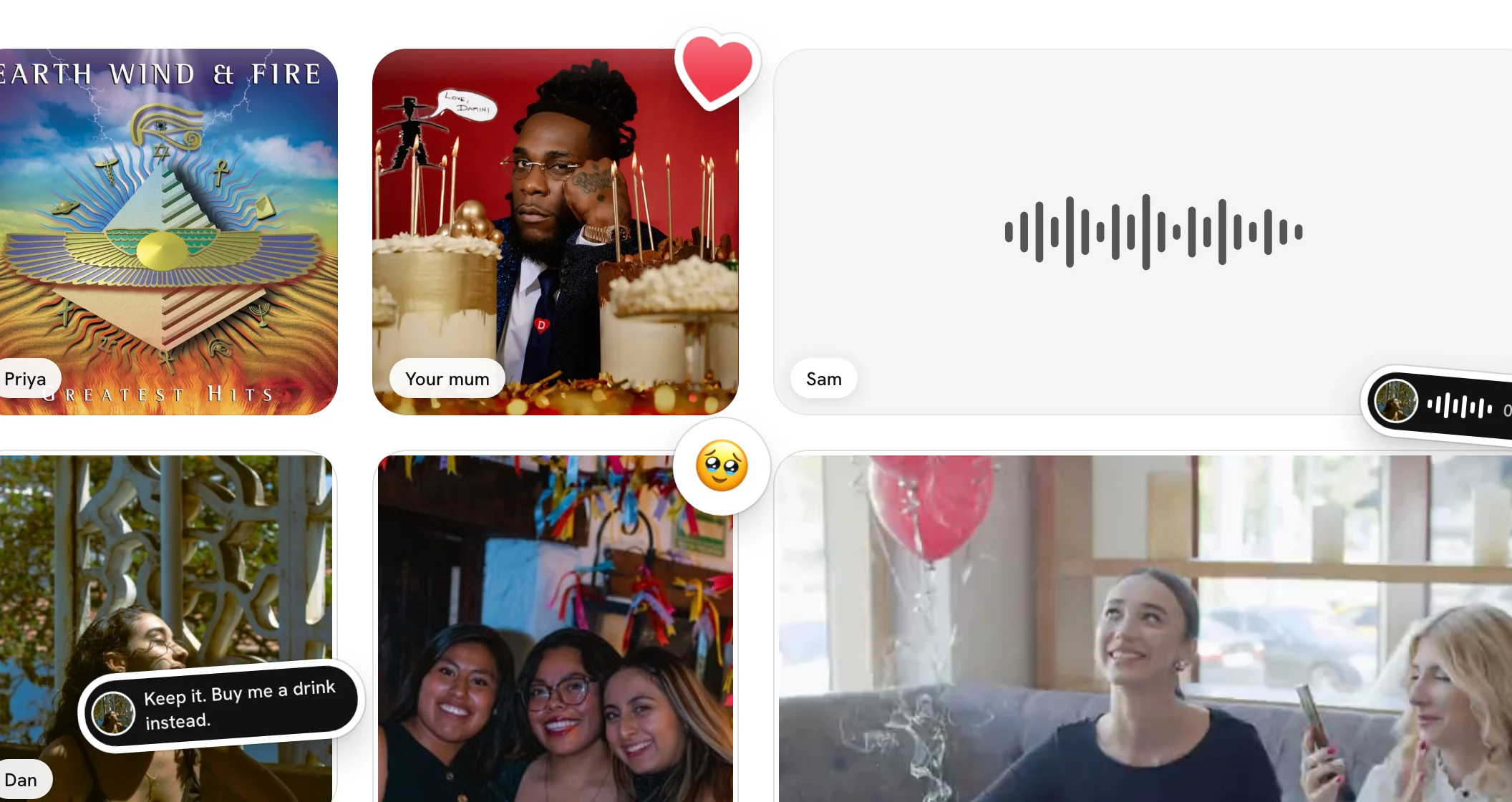
- Your words go on a black sticker with your photo. Its first two lines show, and anyone can press a longer one to read the rest, then press it again to close it. With no photo, your initial sits in a grey circle.
- A heart is a red heart with a white edge. The other three, 😂 🥹 🙌, each sit in a white circle cut out the same way.
- A voice note is the black sticker with your photo, a white waveform and its length. Anyone can press it to play it, and the bars fill as it goes.
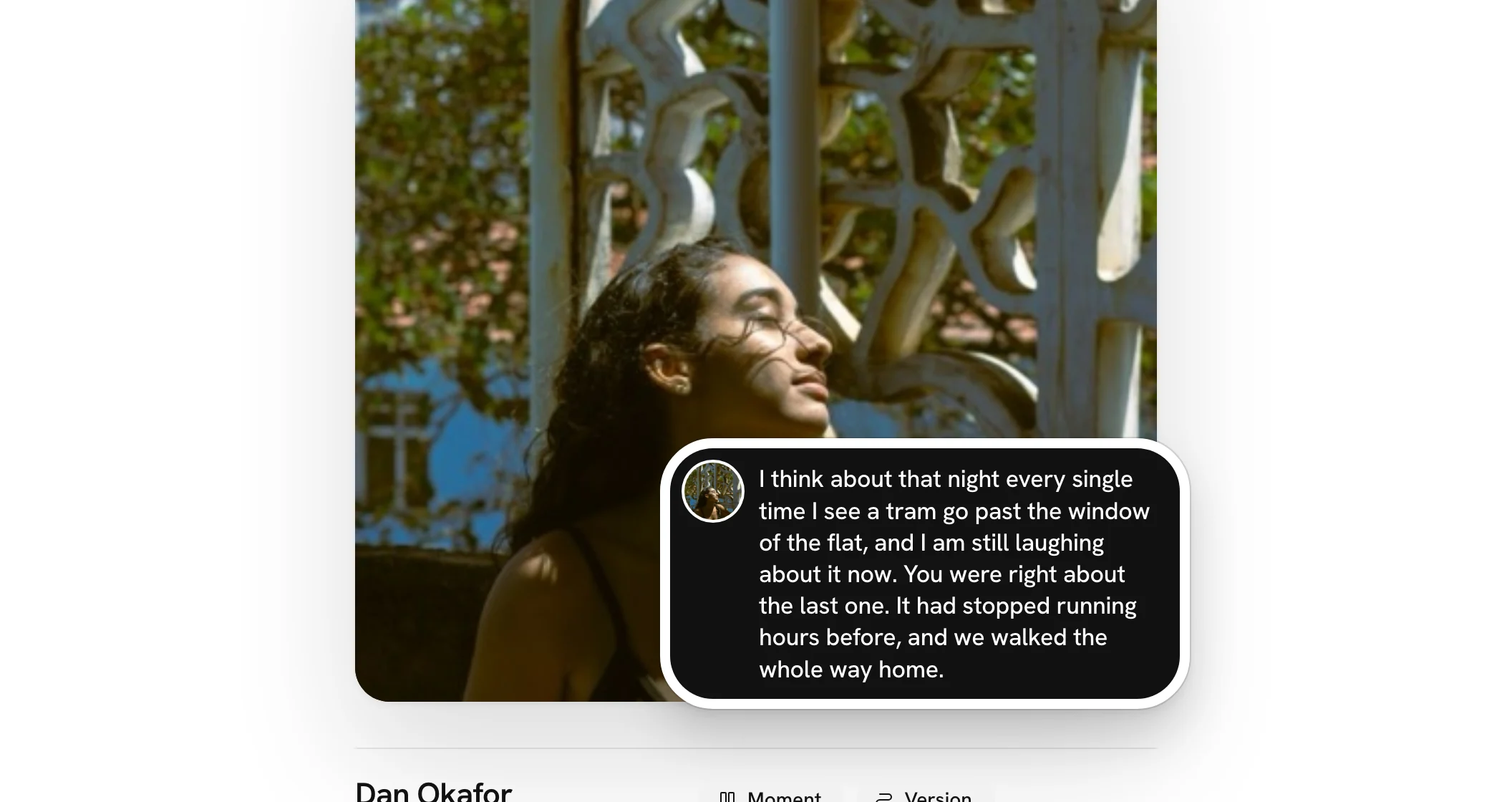
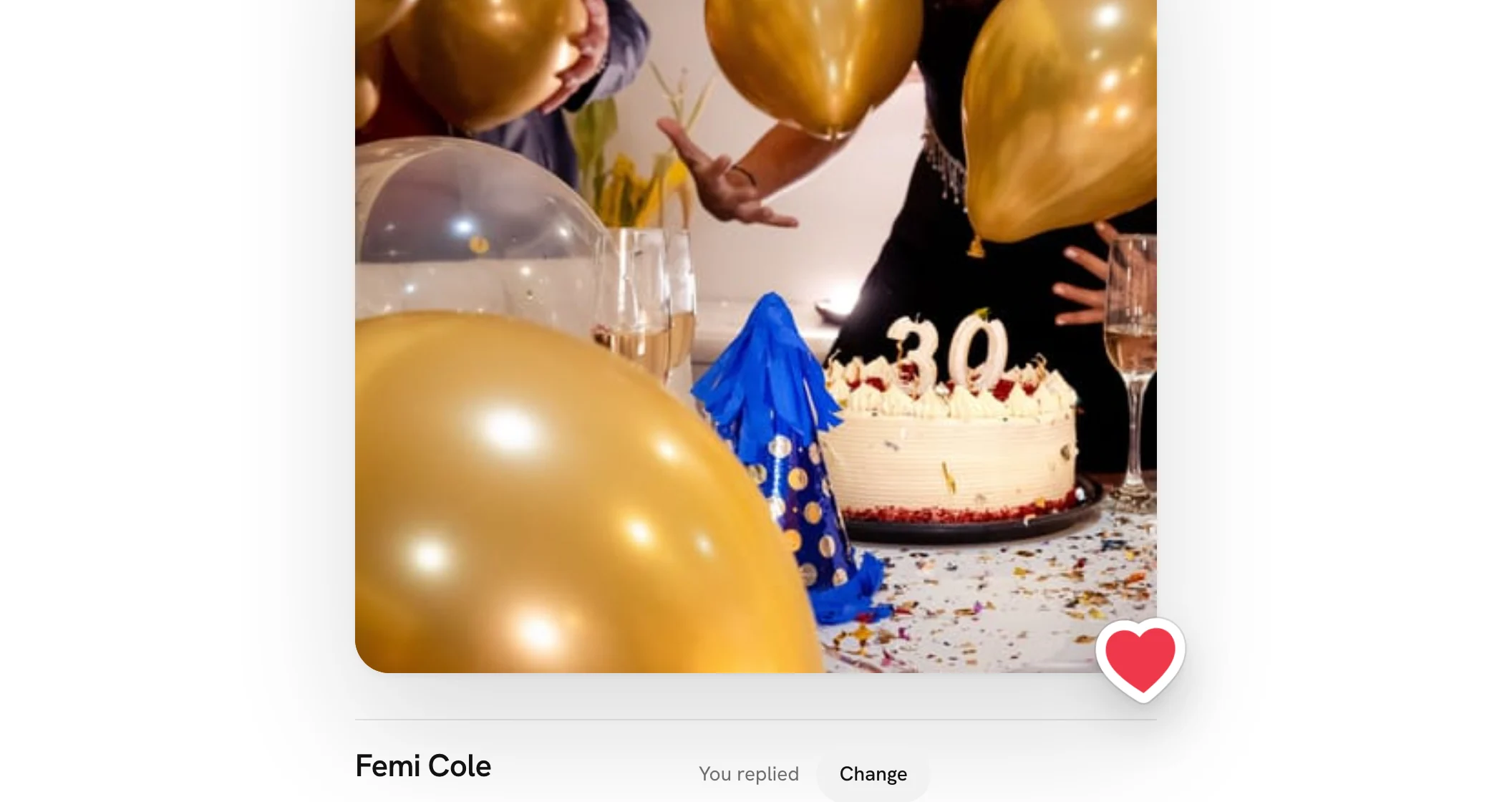
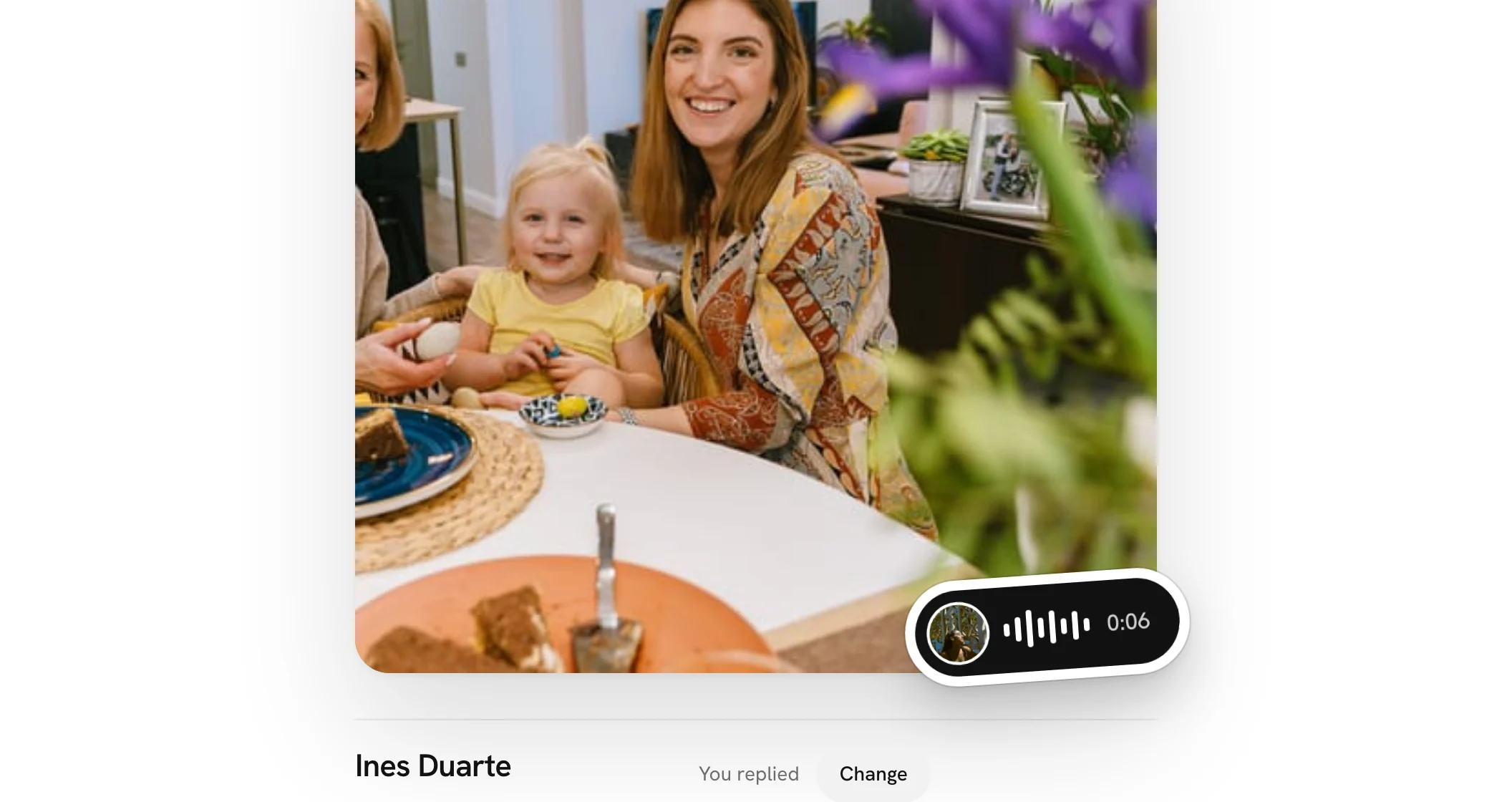
An emoji can sit beside your words or your voice note. It then moves to the top-right corner of the square, and your words or voice note stay at the bottom right.
Changing it
Press Change and the pill comes back. A new emoji takes the old one's place at once. New words or a new voice note over ones you already sent ask Replace your reply? first, and Go ahead sticks the new one on in the same spot.
Who sees it
Anyone who opens the square sees your reply. Only you have the pill and Change: everyone else sees the sticker, with nothing to press but a voice note or a long reply.
Whoever made the square hears about it: Maya replied to your square, on the page if they are there, and by mail if they gave an address or keep track of the wall. The mail shows your sticker as a picture.
Replies on the wall
Whoever makes the wall decides whether replies also show on the wall itself, with Replies on the wall, while making it or later in Make it yours. It is off unless they turn it on. On, a smaller sticker peeks off the corner of each square you answered, once the wall has opened.