Your photo, and theirs
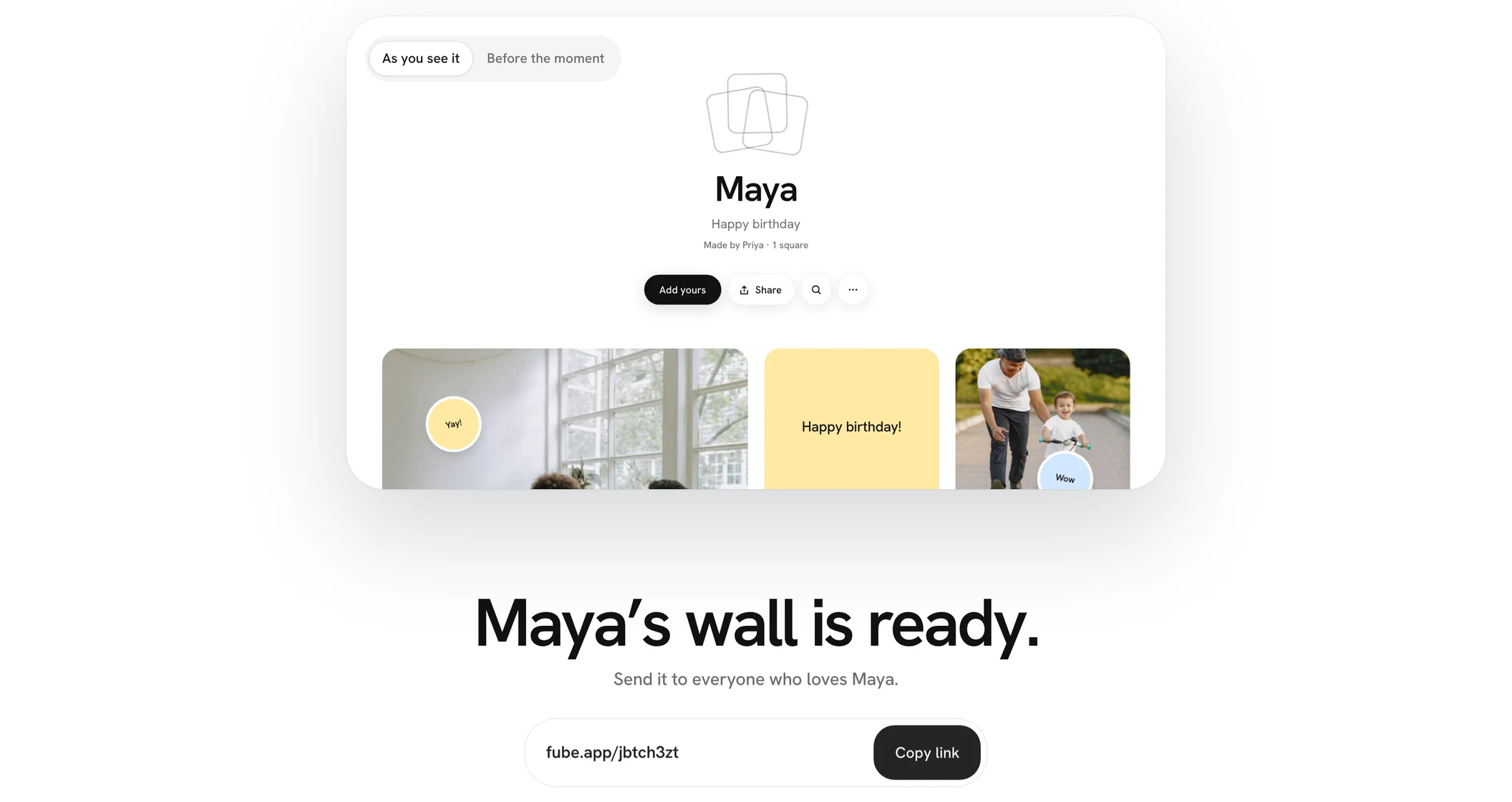
Fube keeps two kinds of photo, and both are up to you. Your own, for the walls you ask on. And up to three of the person a wall is for, for the top of their wall. Leave either out and nothing is missing: Fube uses names instead.
Your photo
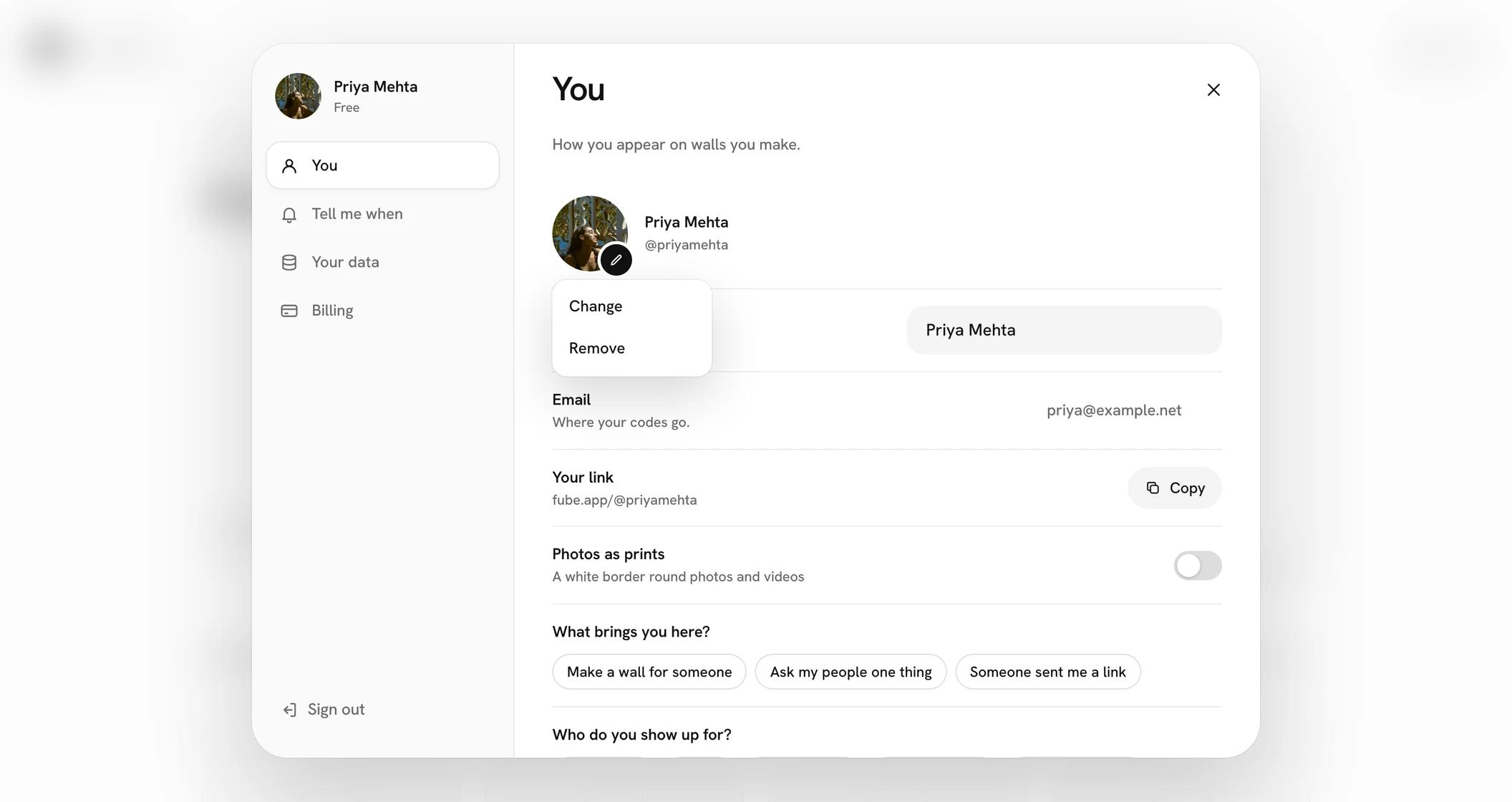
Open Settings from the menu. On You, your photo is the round one at the top, with a pencil on it. Press the pencil and pick a photo. It is cut round and kept as soon as it is picked, so there is nothing to save.
Once there is one, the pencil offers Change and Remove. Change picks another, and the old one is deleted. Remove takes it off, and your initial shows in its place.
The first time you sign in, Fube asks only your name. Your photo waits for Settings.
A photo of the person
When you make a wall for someone, the step At the top asks Add a photo of Maya., with three places: The main one, Another and One more. Pick up to three, or skip it. The line under the question says what they are for: Up to three. They sit at the top of the wall, like a pile on a table.
To add them later, or change them, press Photos of Maya under Make it yours on your page for the wall. The same three places open at the side; press Done when you have them. The three dots at the top of the wall have Photos of Maya too. Only you, who made the wall, see it.
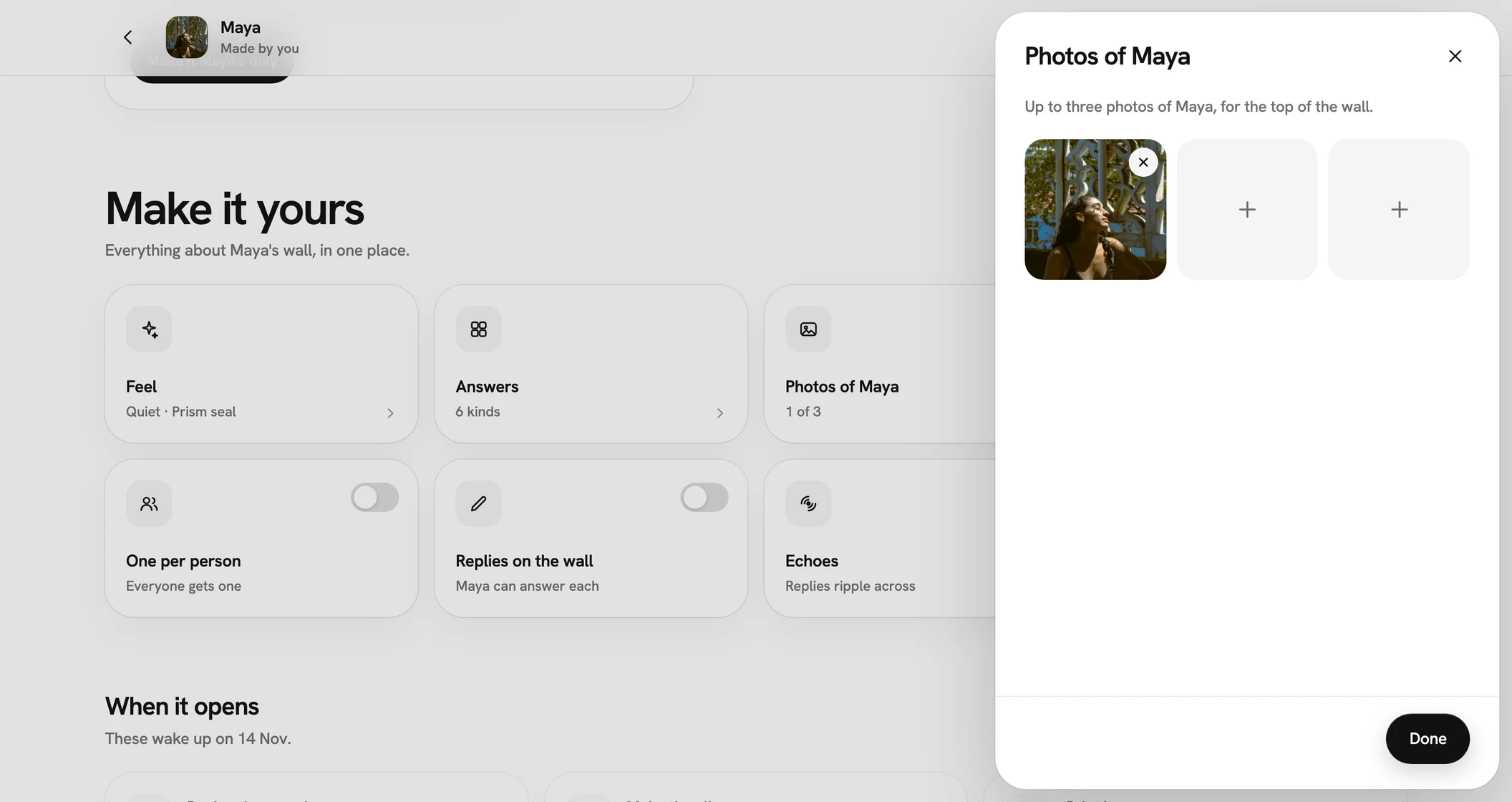
Press a photo to change it, or its small cross to take it off. A photo you take off is deleted, and so are all of them when the wall is.