Your version of a wall
Once a wall has opened, you can make your own way through it: three to seven squares in the order you would show them, with a line for each if you like. It becomes a page of its own that anyone who can see the wall can read with its link, and nothing on the wall changes.
Starting one
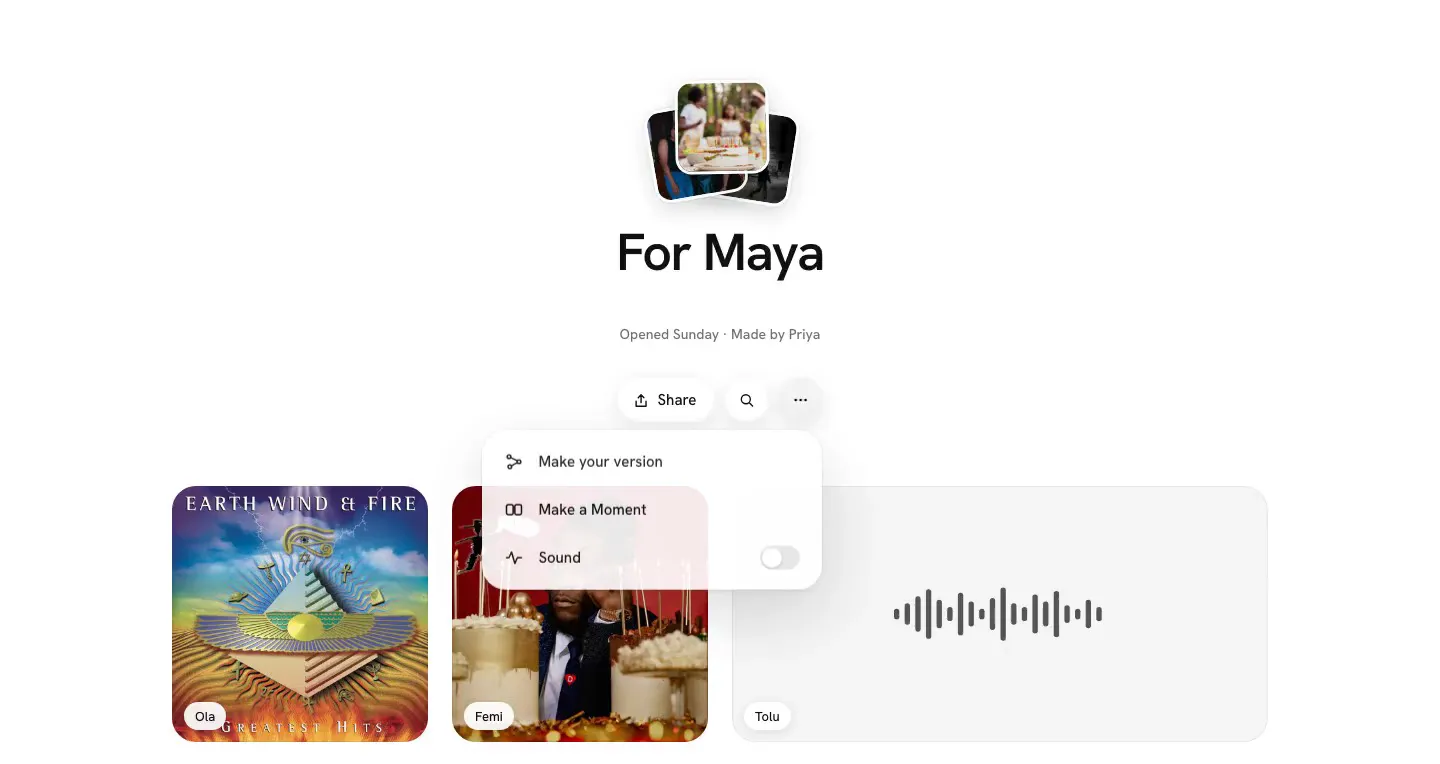
Press the three dots at the top of the wall, then Make your version in its card. Or open a square and press Version, beside or under its name, and it is your first. You need to be signed in; if you are not, Fube asks you to, then brings you back to pick.
Picking the squares
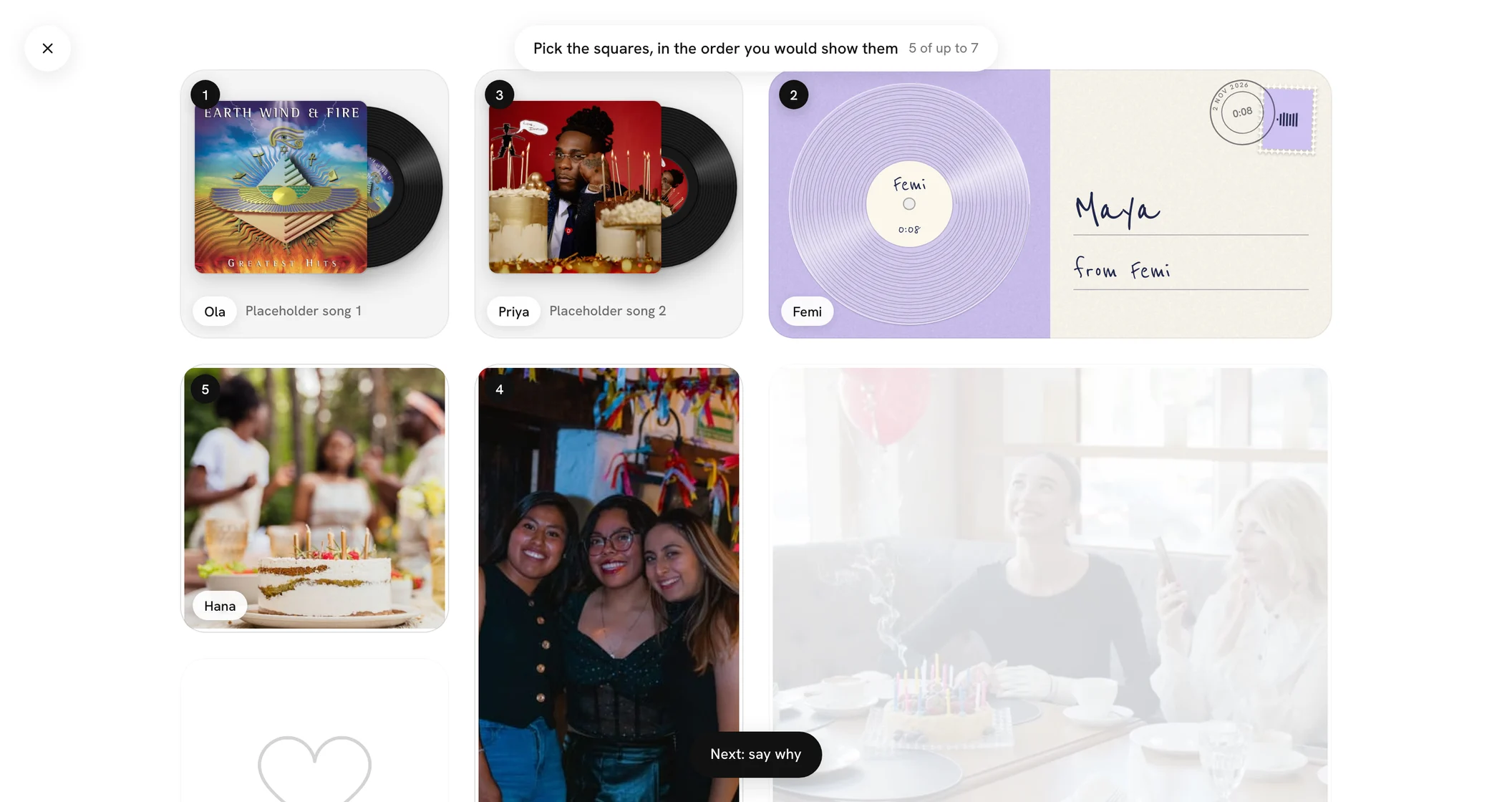
The wall dims and the top reads Pick the squares, in the order you would show them. Tap a square and it gets a black number; tap it again to take it out, and the rest number themselves again. The count beside it says how many, up to seven. When you have three or more, press Next: say why.
Its name and lines
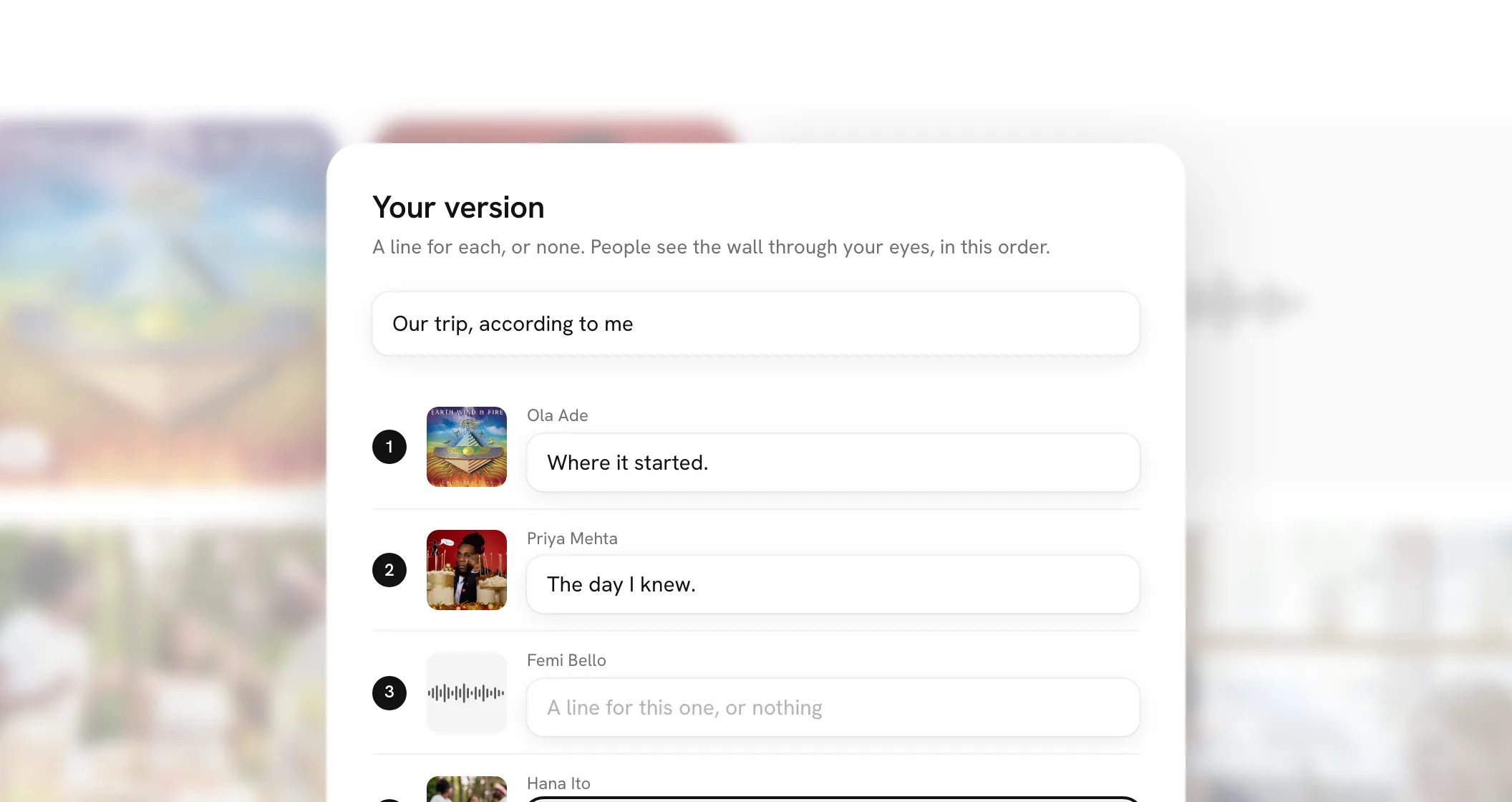
The card that opens, Your version, has its name ready as your first name's version; call it anything up to 60 characters. Under it is each square you picked, in order, with a field for a line of up to 120 characters. Every line is optional. The cross takes you back to picking, with your order kept. Make it, and it gets its own link: fube.app, the wall's code, then v and your name.
Finding and sharing it
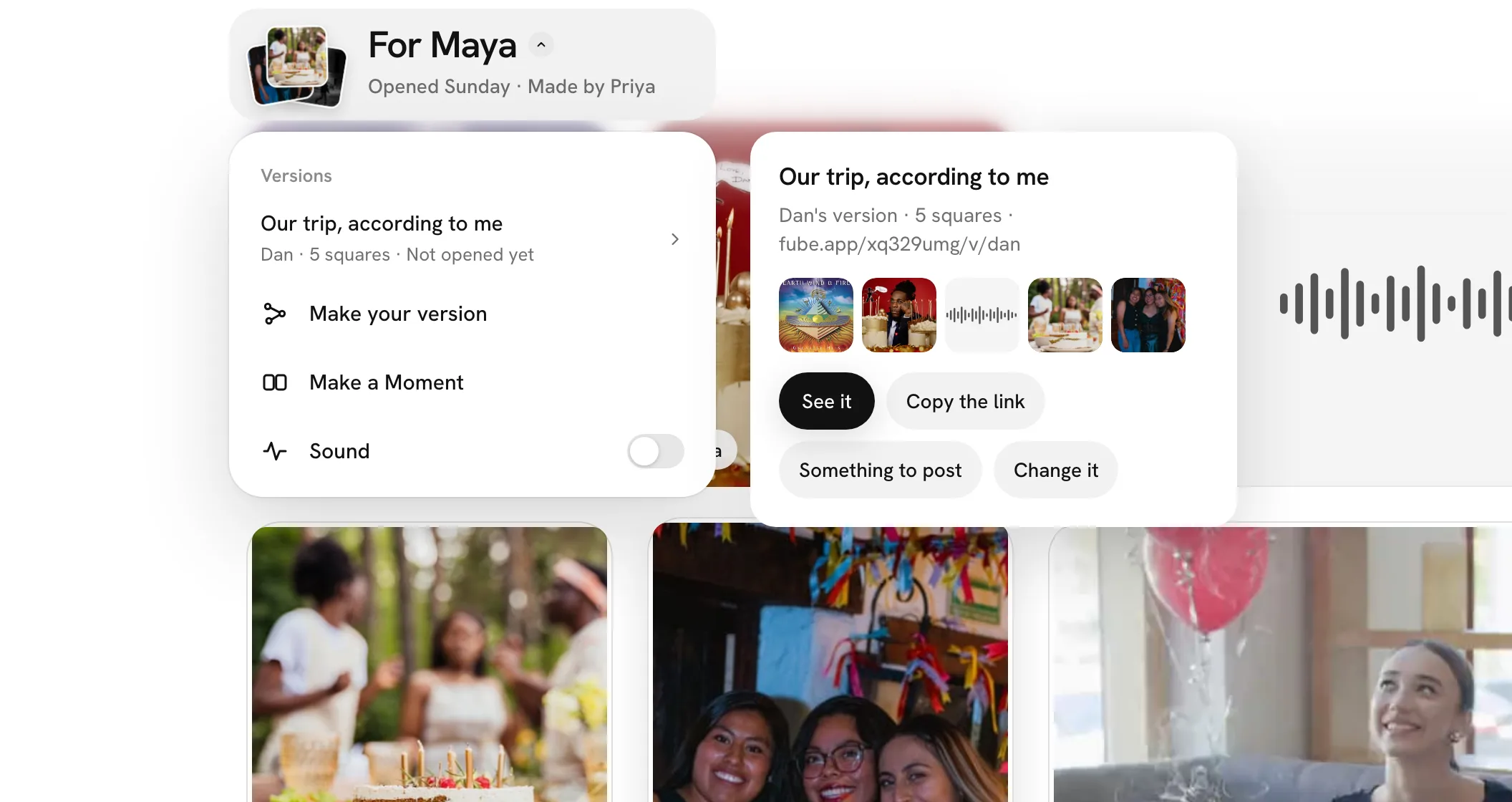
Your version's card has See it and Copy the link, and for you, Something to post and Change it. Every version is listed under Versions in the wall's card, for anyone with the link, the person it is for included. See it opens its page.
Reading one
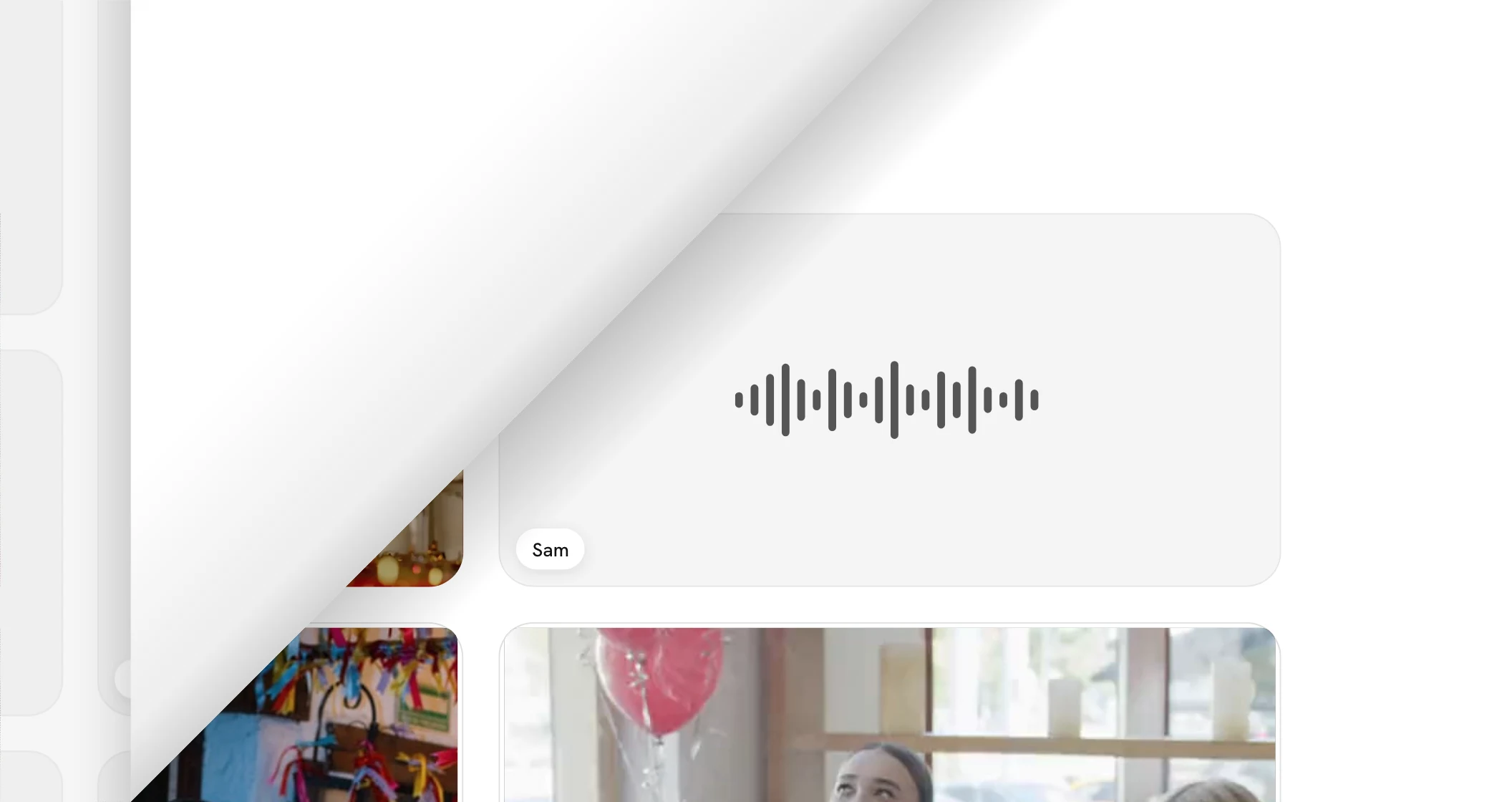
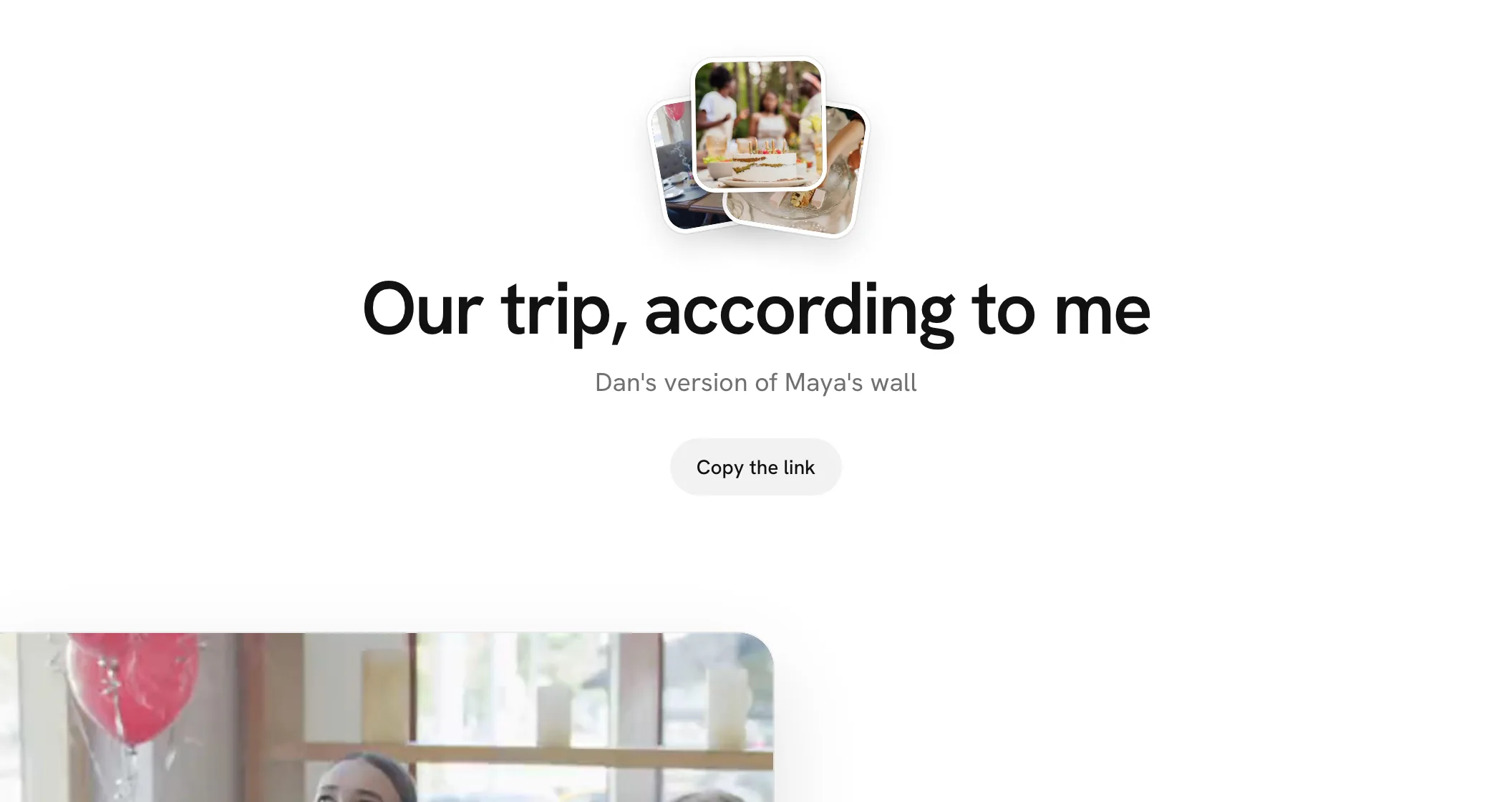
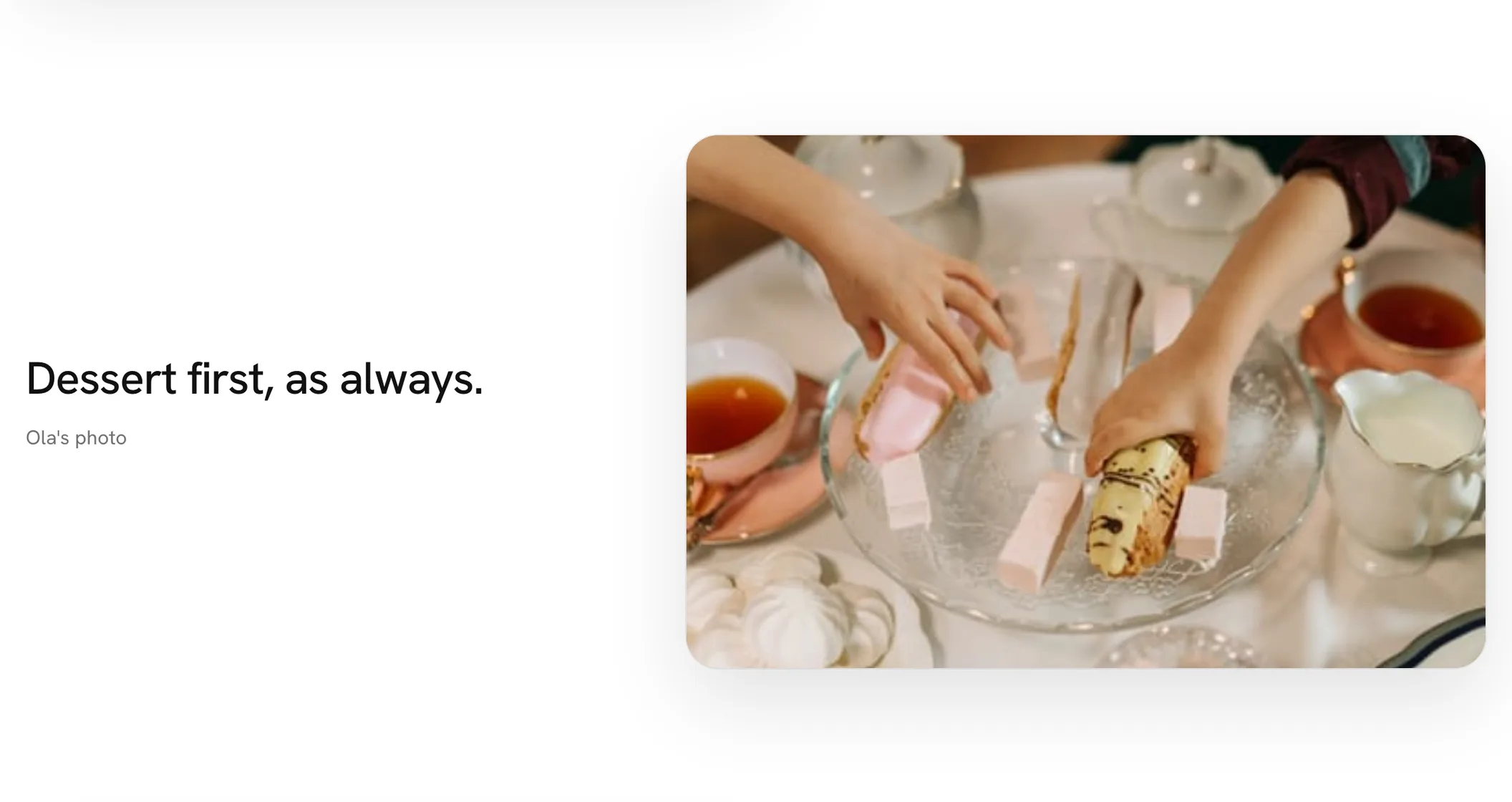
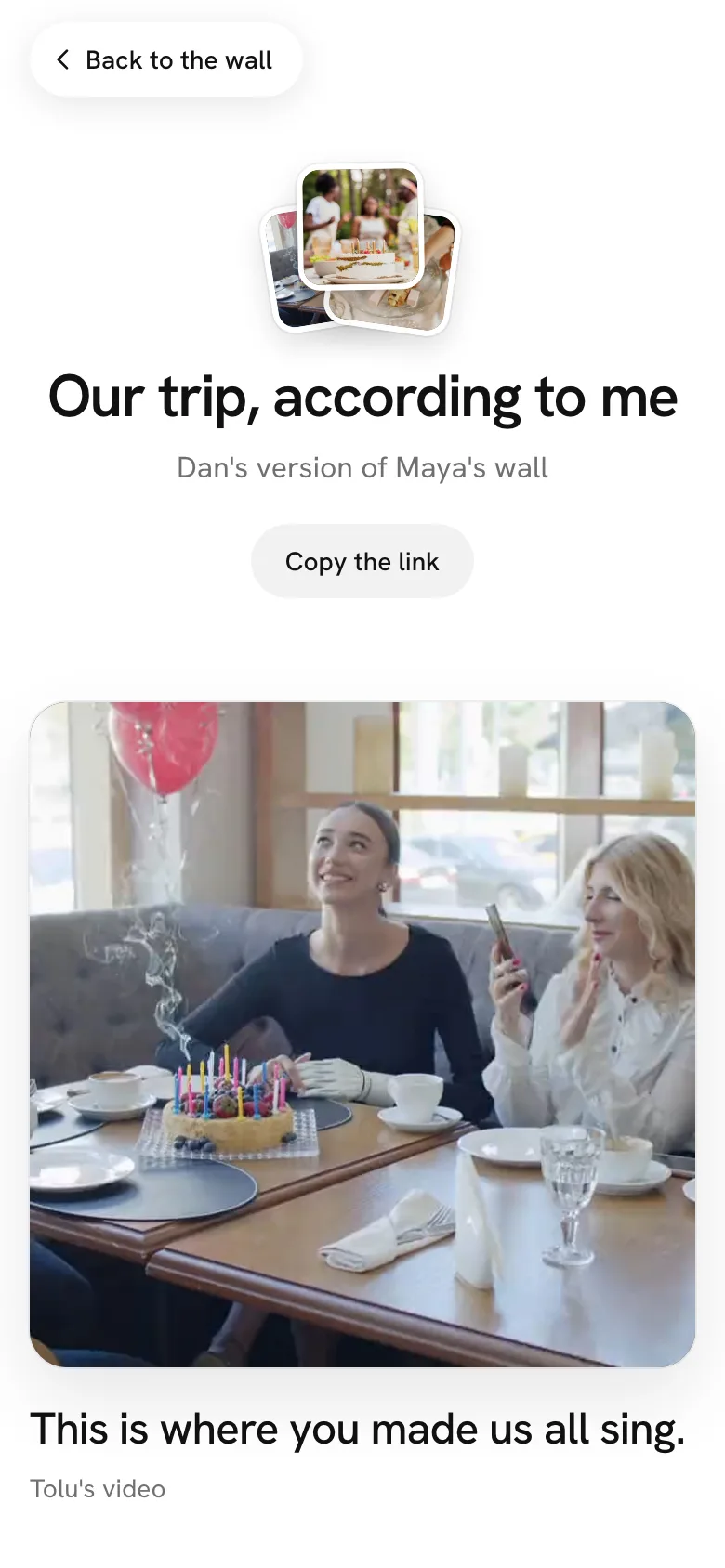
A version's page starts with a pile of its first three squares, its name and whose it is, and Copy the link. Scroll down and each square comes in order, big, with its line beside it and whose it is under the line, changing sides as you go.
On a phone it is one column, each line under its square. The page ends on That is Dan's version, with whoever made it named, and Back to the wall, which is at the top left too.
Opening its squares
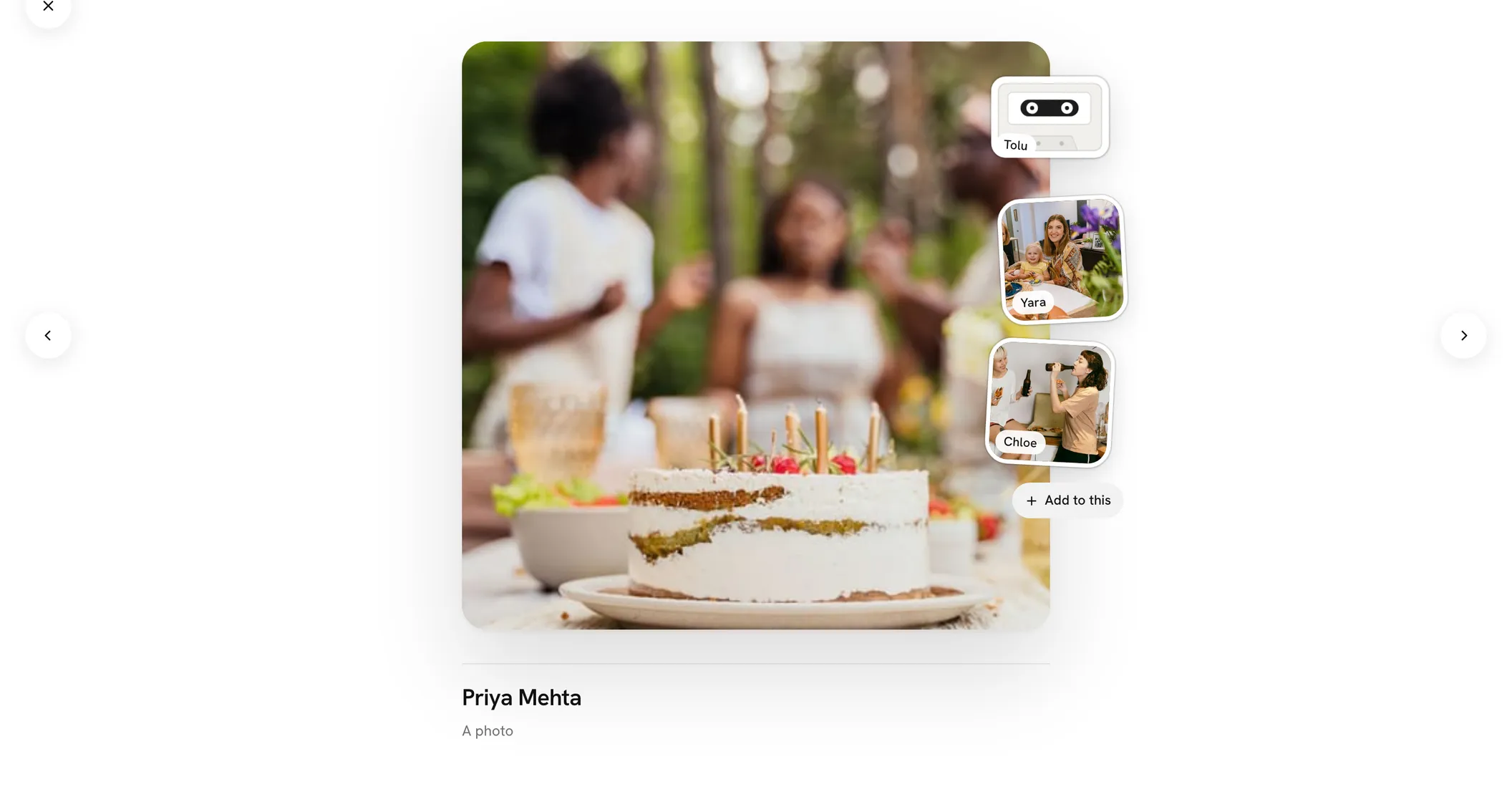
Press a square and it opens in its own room, the way it does on a wall. Previous and Next, the arrow keys or a swipe on a phone go through this version's squares only, and the small pictures along the bottom are its squares too. After the last one you are back at the first. Close it and you are at that square on the page.
Only yours to change
Only you can change or remove it: Change it reopens the picking and the lines with the same link, and the lines card then has Remove it. Only you see how many times its page has been opened, not counting your own. Nobody is told you made one.
If a square in it is removed from the wall, it drops out. A version left with fewer than three is hidden from everyone but you, and Activity tells you, so you can pick another.