Your circle
Your circle is the people whose days you want to remember: birthdays, anniversaries, someone leaving. Fube reminds you two weeks before each one, so there is time to start a wall and send the link.
On Home
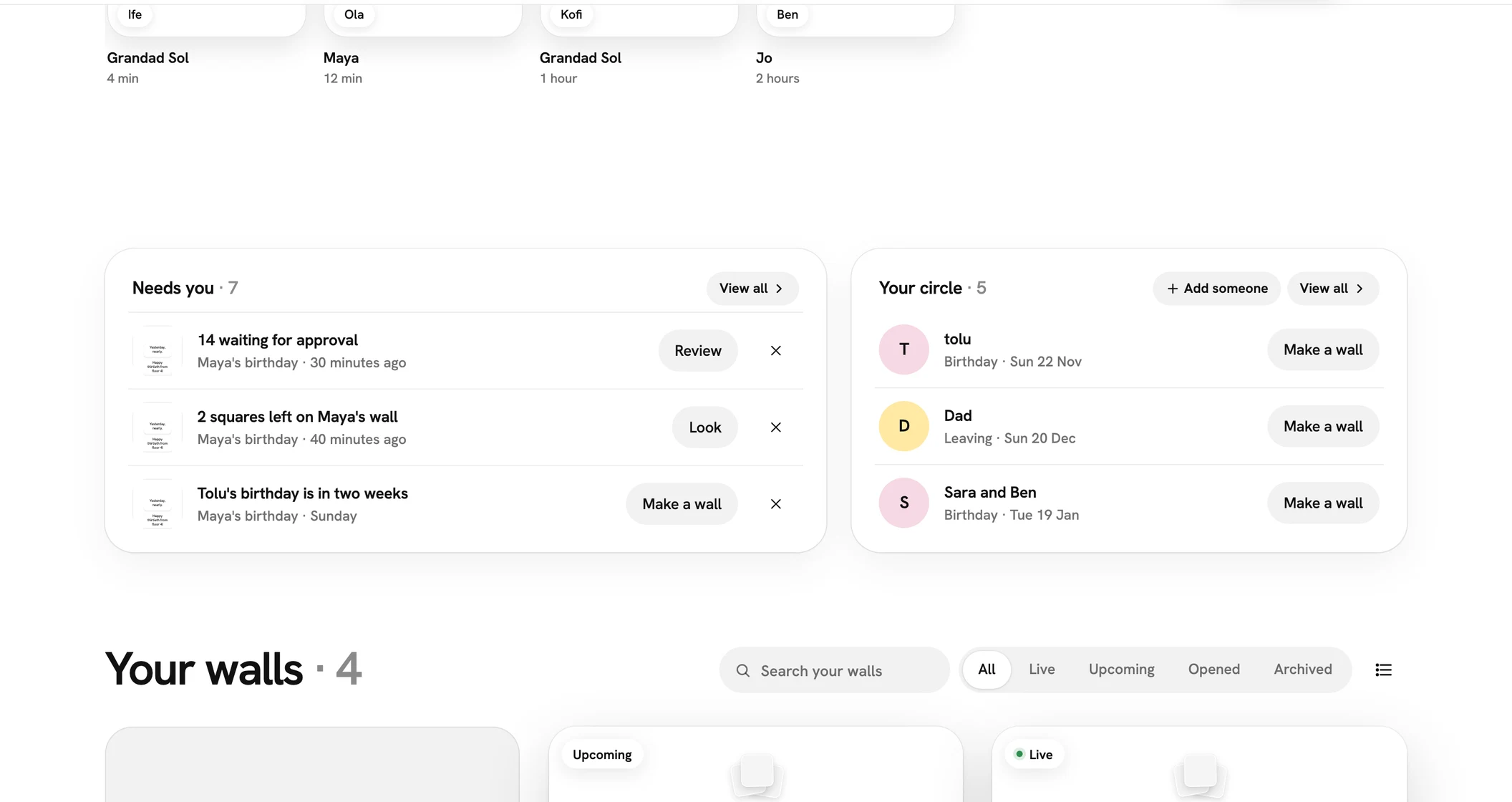
Your circle sits beside Needs you on Home, with the next three days coming up. Each row has the person, the occasion and the day, and Make a wall, which starts a wall with their name and their occasion already filled in. Once you have made a wall for that day, the row reads Wall live instead.
With nobody in it yet, it asks Whose day is next?, with Add someone under it.
Adding someone
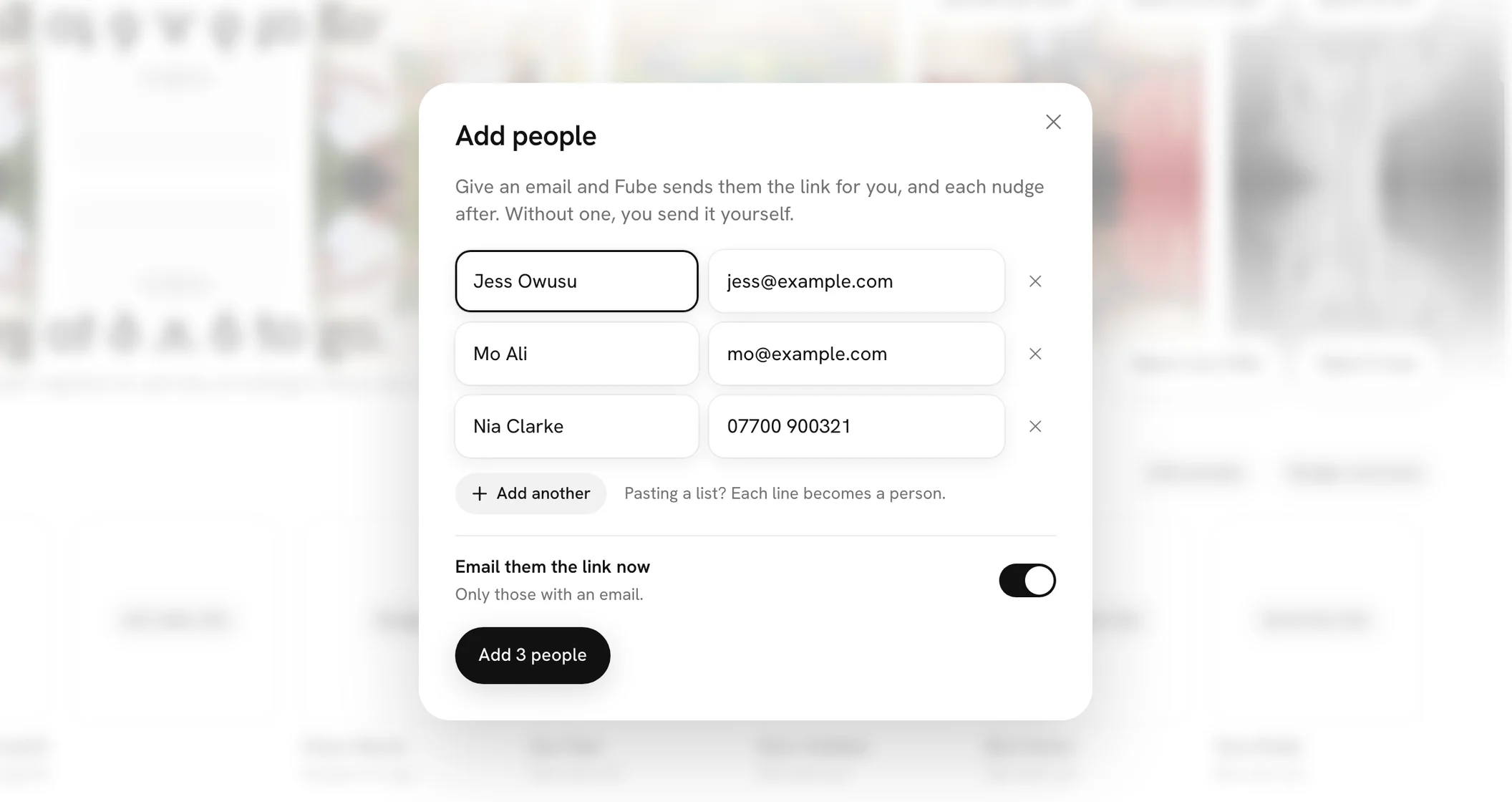
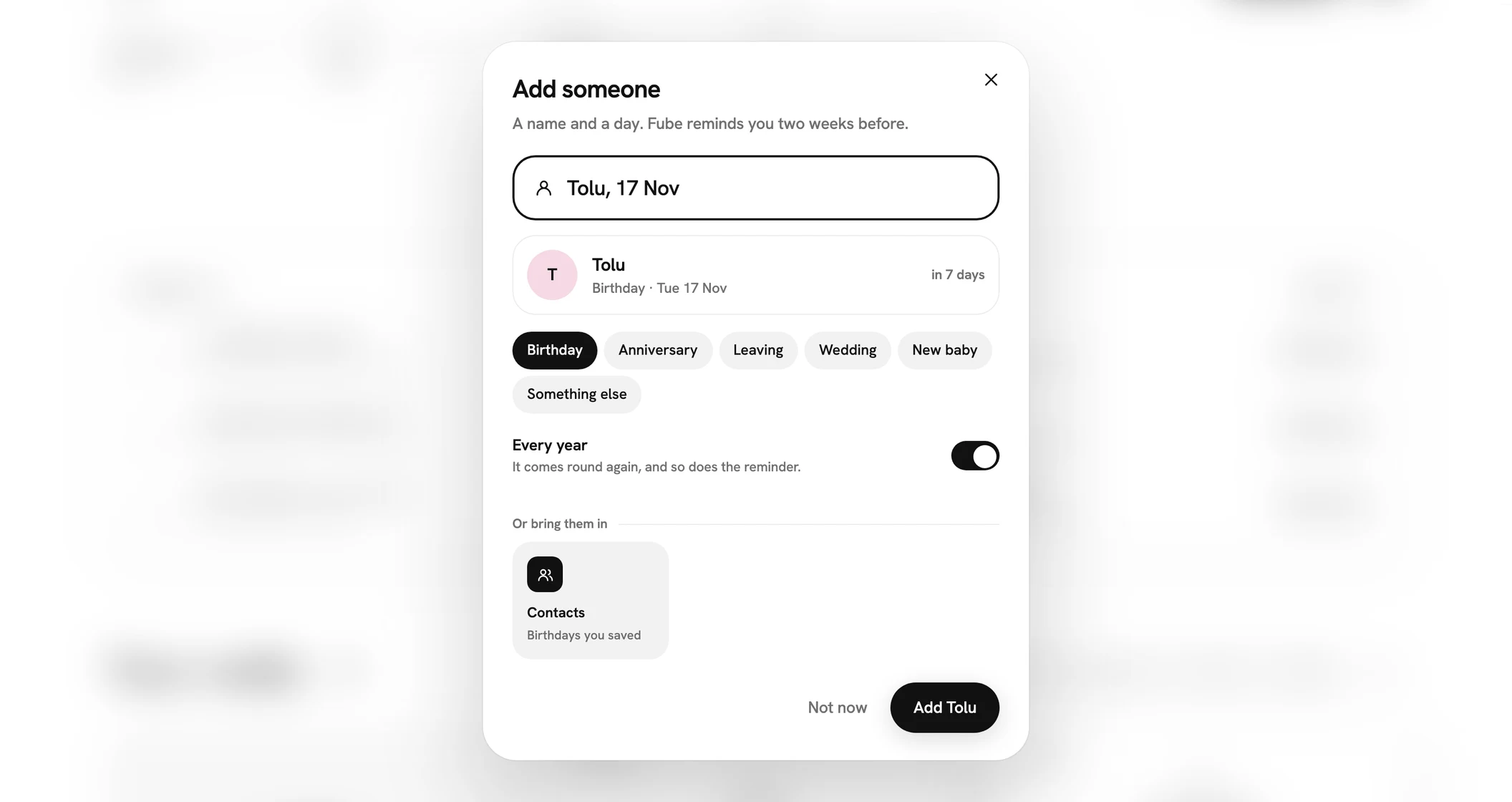
Press Add someone. Type a name and a day in the one field, the way you would say it: Tolu, 17 Nov. A row under it shows who you are adding and how far away the day is.
Then pick what the day is: Birthday, Anniversary, Leaving, Wedding, New baby, or Something else. Every year is on to begin with, so the day comes round again, and so does the reminder. Turn it off for a day that happens once, like a leaving. Press Add with their name on it, and they are in your circle.
Everyone in it
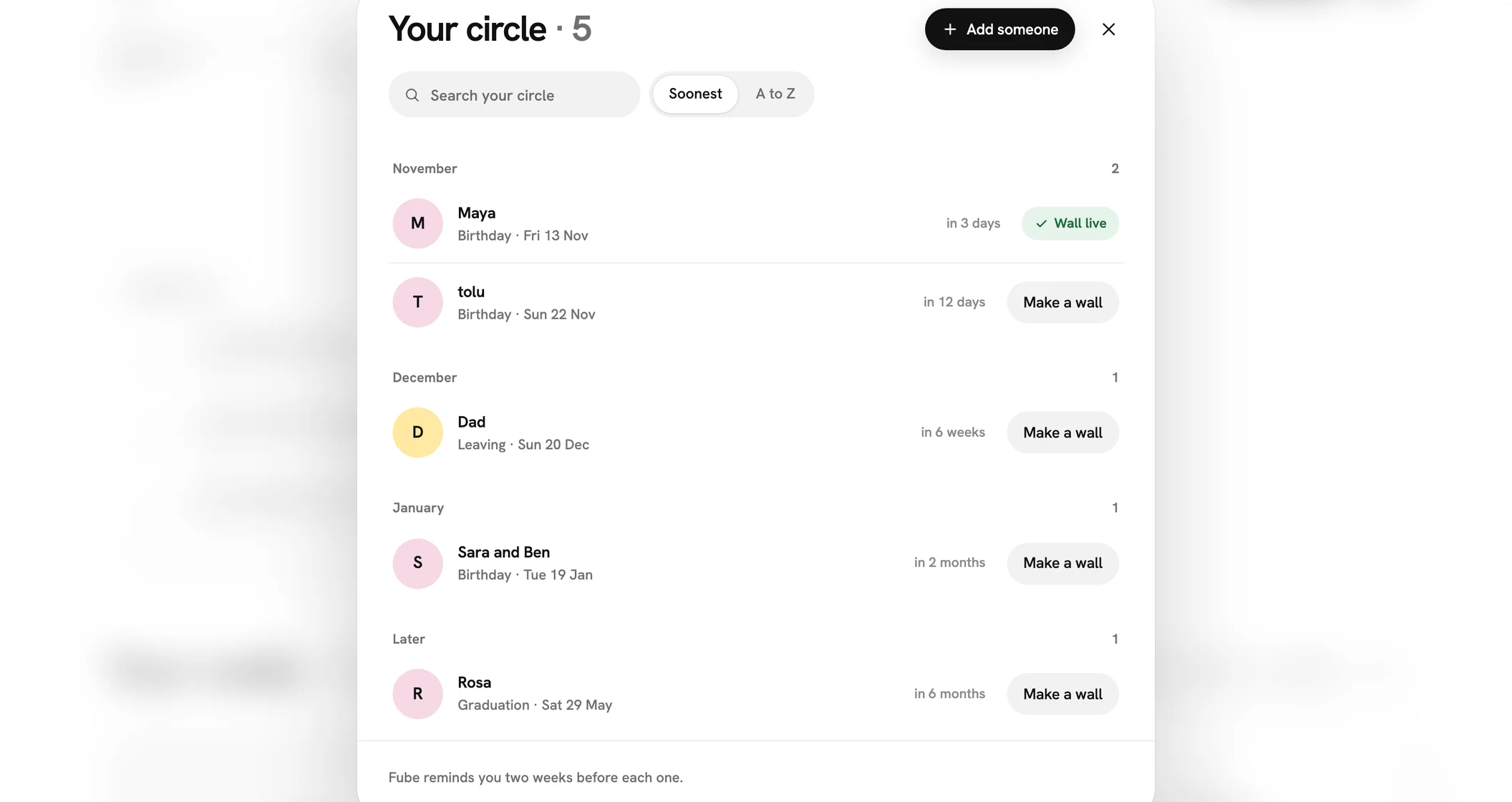
View all, at the top of the panel once it holds more than three, grows Your circle into a sheet with everyone in it. It lists them by month, soonest first, with how long until each day. A to Z sorts them by name, and Search your circle finds someone as you type. Press Escape or the cross and it shrinks back into Home.
From your iPhone's contacts
The birthdays on an iPhone live in Contacts, and Contacts can save them all as one file. Press Contacts under Or bring them in, in Add someone, and the card says how:
- On your iPhone, open Contacts and tap Lists.
- Press and hold All Contacts, then tap Export.
- Save it to Files, then choose it here.
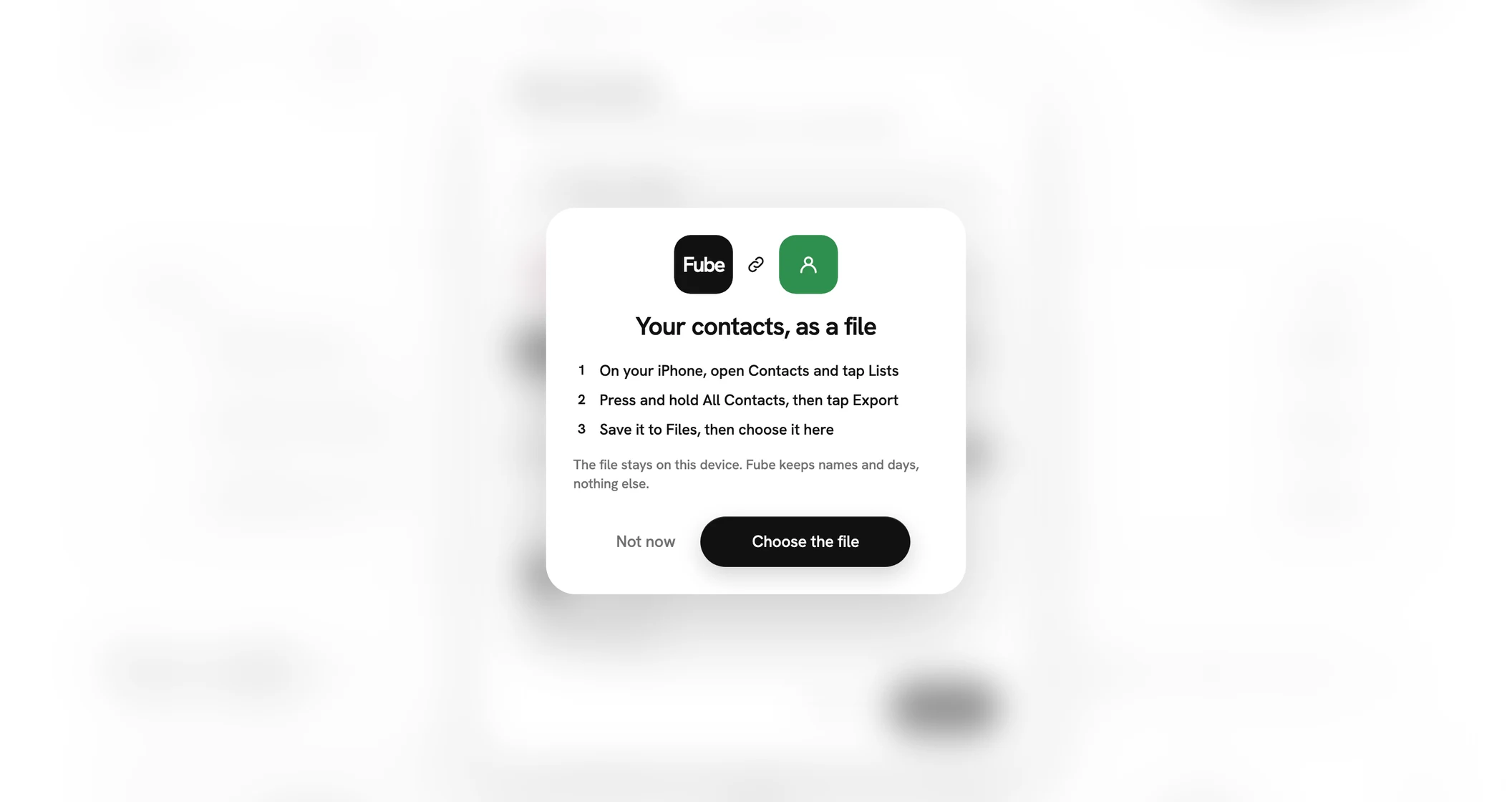
The file is read on your phone or computer and never sent. Only the names and the days of birthdays and anniversaries reach Fube, never the year anyone was born, nor a number or an address.
The welcome after your first sign-in offers the same, as you tell Fube whose days are coming up.