What's new
Every change to Fube, newest first, written for the people who use it.
Version 1.17.0 · 14 November 2026
November 2026
 14 November1.17.0
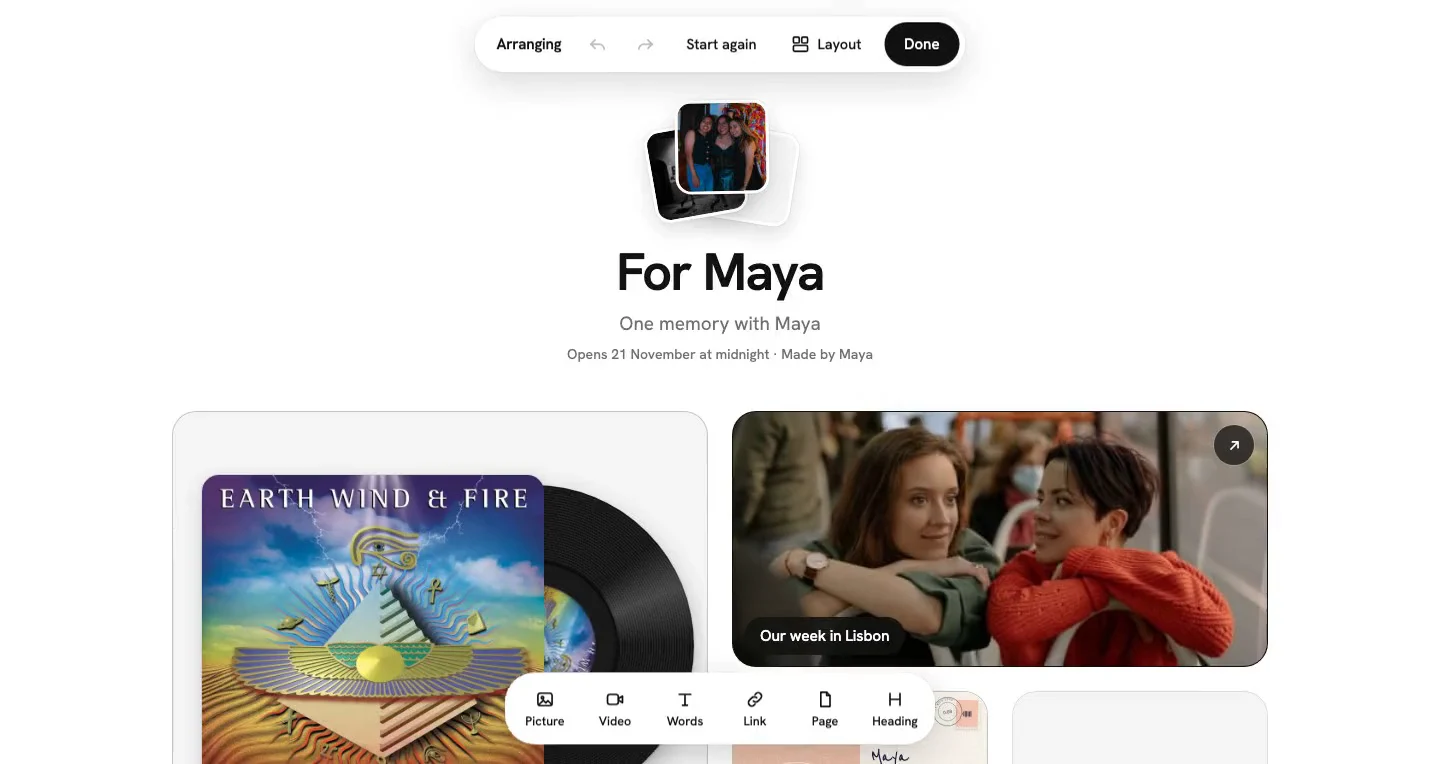
Arrange your wall, and layouts
Your wall can now have the shape you want. Move and resize any square, hide what doesn't belong, and add links, pages and headings of your own. Or start from a layout, and the people you invite fill in the empty squares.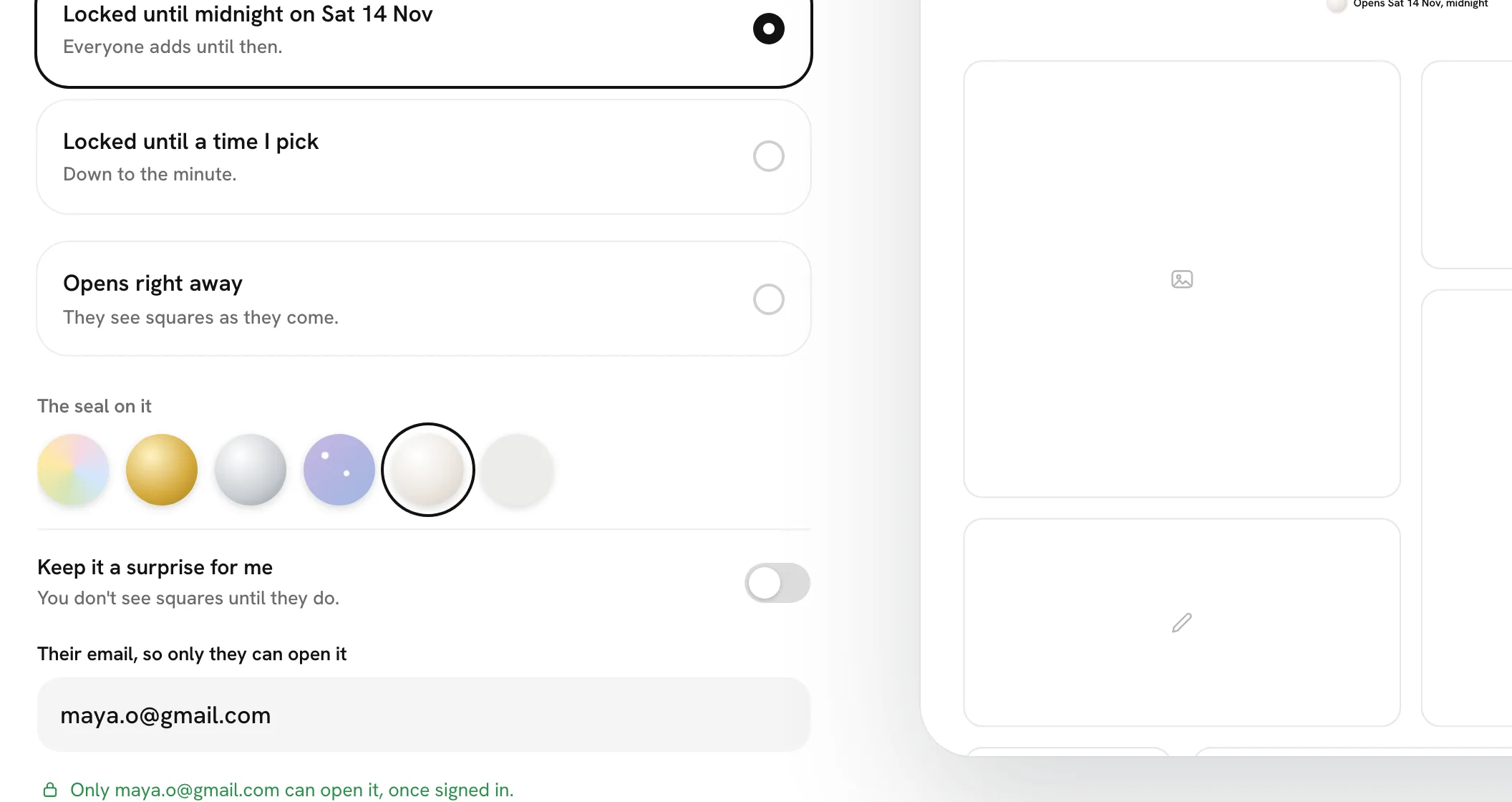 10 November1.16.0
Walls only they can open
A wall you make for someone is now theirs alone. They sign in to open it, with Apple, Google or their email, so a link passed on opens nothing for anyone else. And a wall can now be for a few people, each of whom opens it for themselves.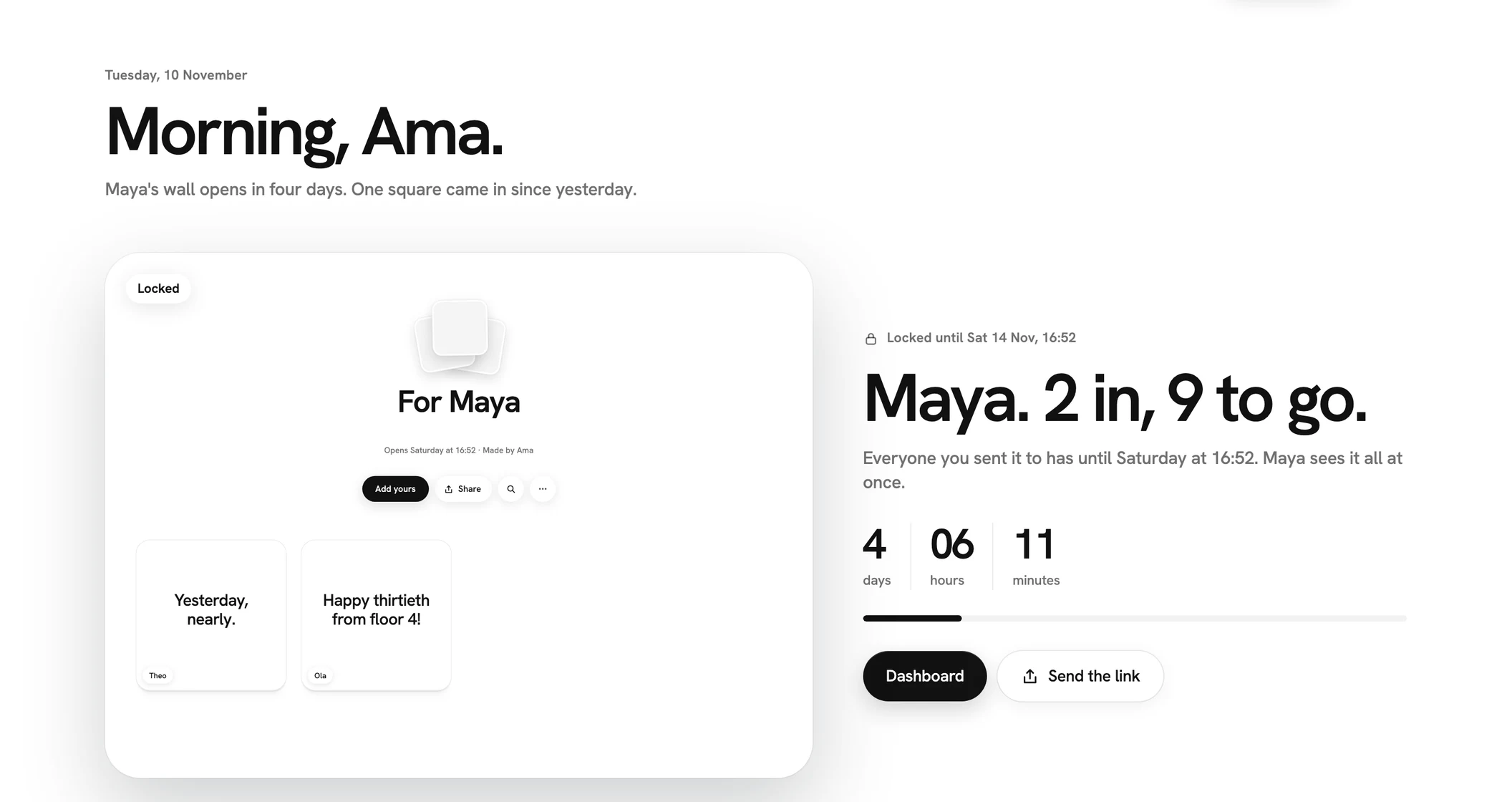 10 November1.15.1
A new Home, a calmer dashboard, and making a wall
Everything you touch as the person making walls has been rebuilt: Home, each wall's page, making a wall, the plans, and Settings. Your walls show as the real thing everywhere, with fewer buttons and nothing that appears on hover, and every option shows only when it applies.- 9 November1.14.4
Surprises stay surprises
The person a wall is for now sees it locked on any link until it opens, so opening the shared link by accident no longer spoils anything. Everyone else with the link still sees it fill. 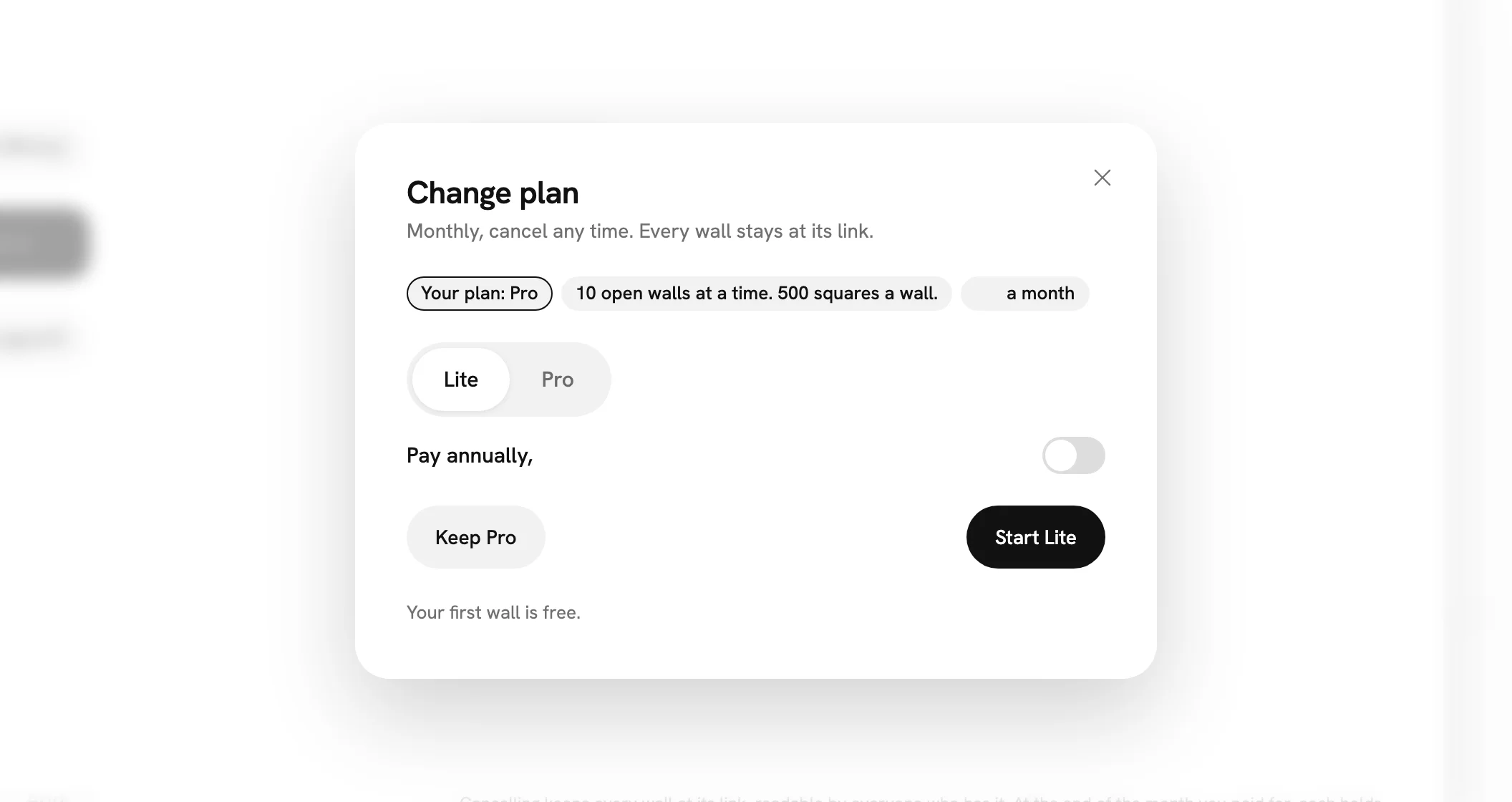 5 November1.13.0
New plans, single walls, and your own link
Your first wall is still free. After it there are two plans, Lite and Pro, paid monthly or annually, or a single wall paid for once when one is all you need. On Pro, a wall can have a short address of its own.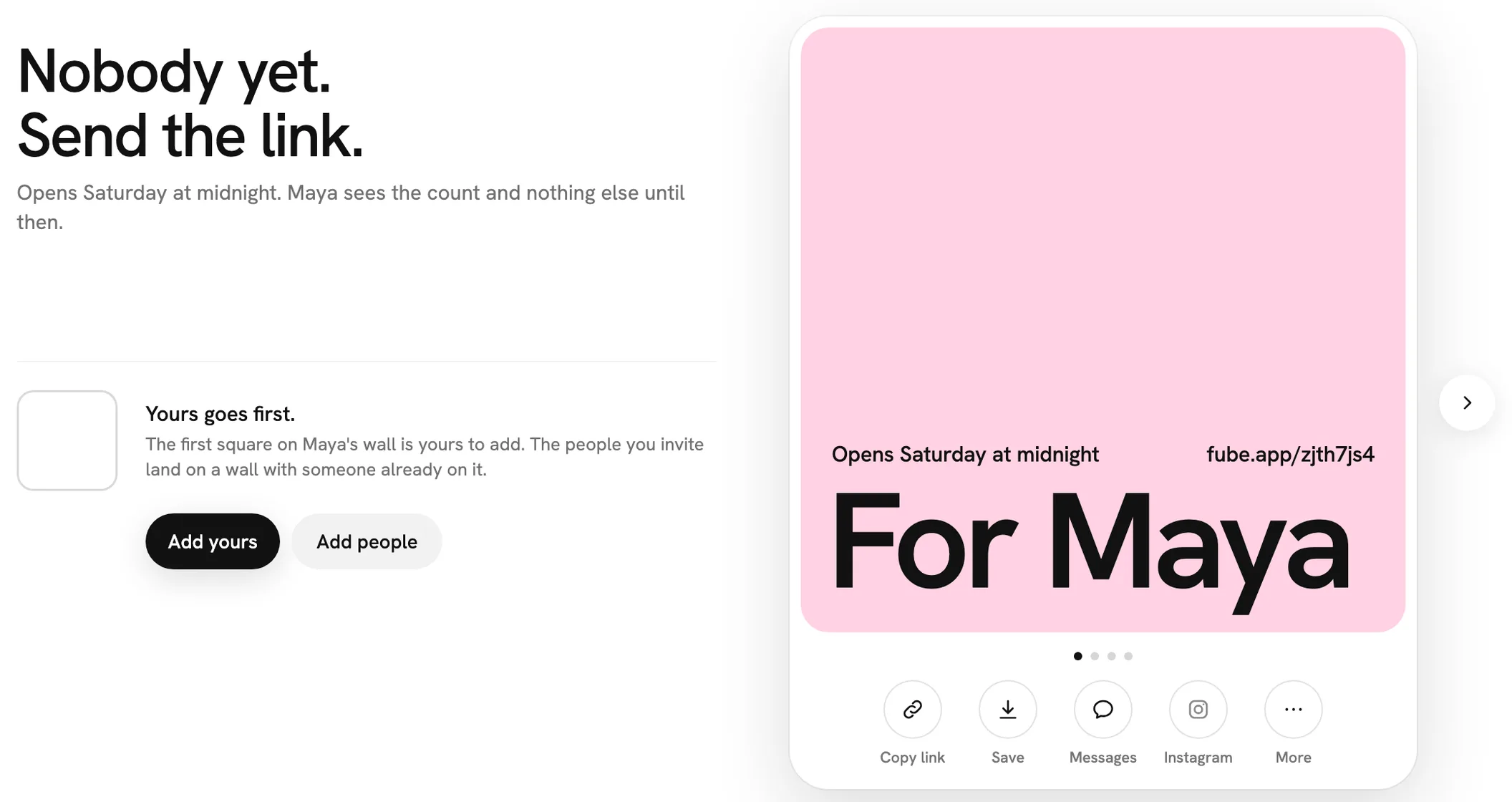 4 November1.11.3
Share what's on the wall
Share now opens at once, with something from your wall already moving: a short video, ready to send, and five small buttons under it. Swipe to the next one, press once, and it goes.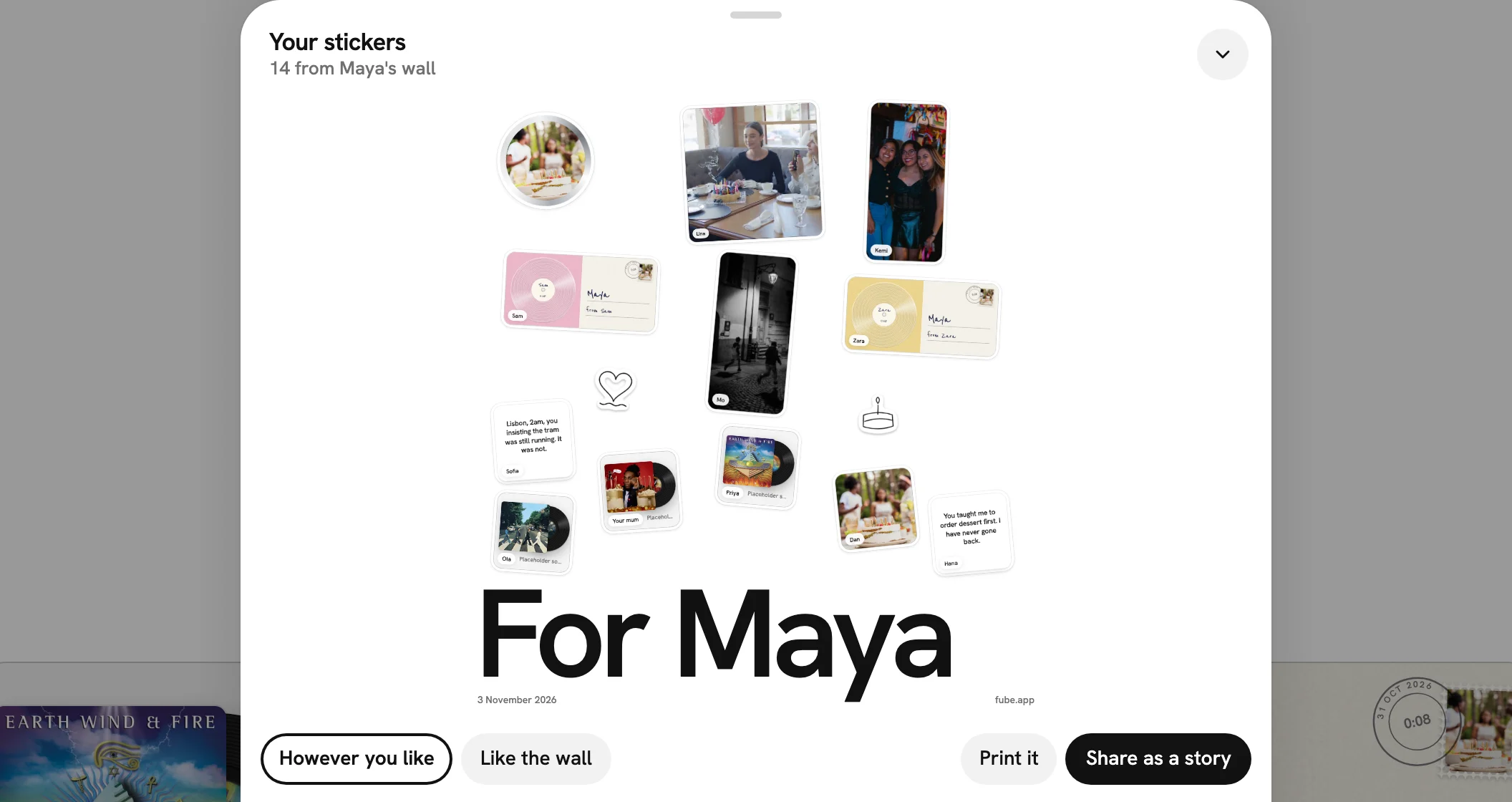 4 November1.10.6
Everything peels off
Every square on a wall is now a sticker: grab a corner, pull, and it comes away in your hand with whatever is stuck on it and lands on a poster of your own, while the wall keeps its square. Your stickers, in the menu, keeps a poster for every wall you've been on, and any poster can go on your story or be printed. Whoever makes a wall chooses how it feels: Playful has the peel, the poster and a foil seal, and Quiet is just the wall and Moments.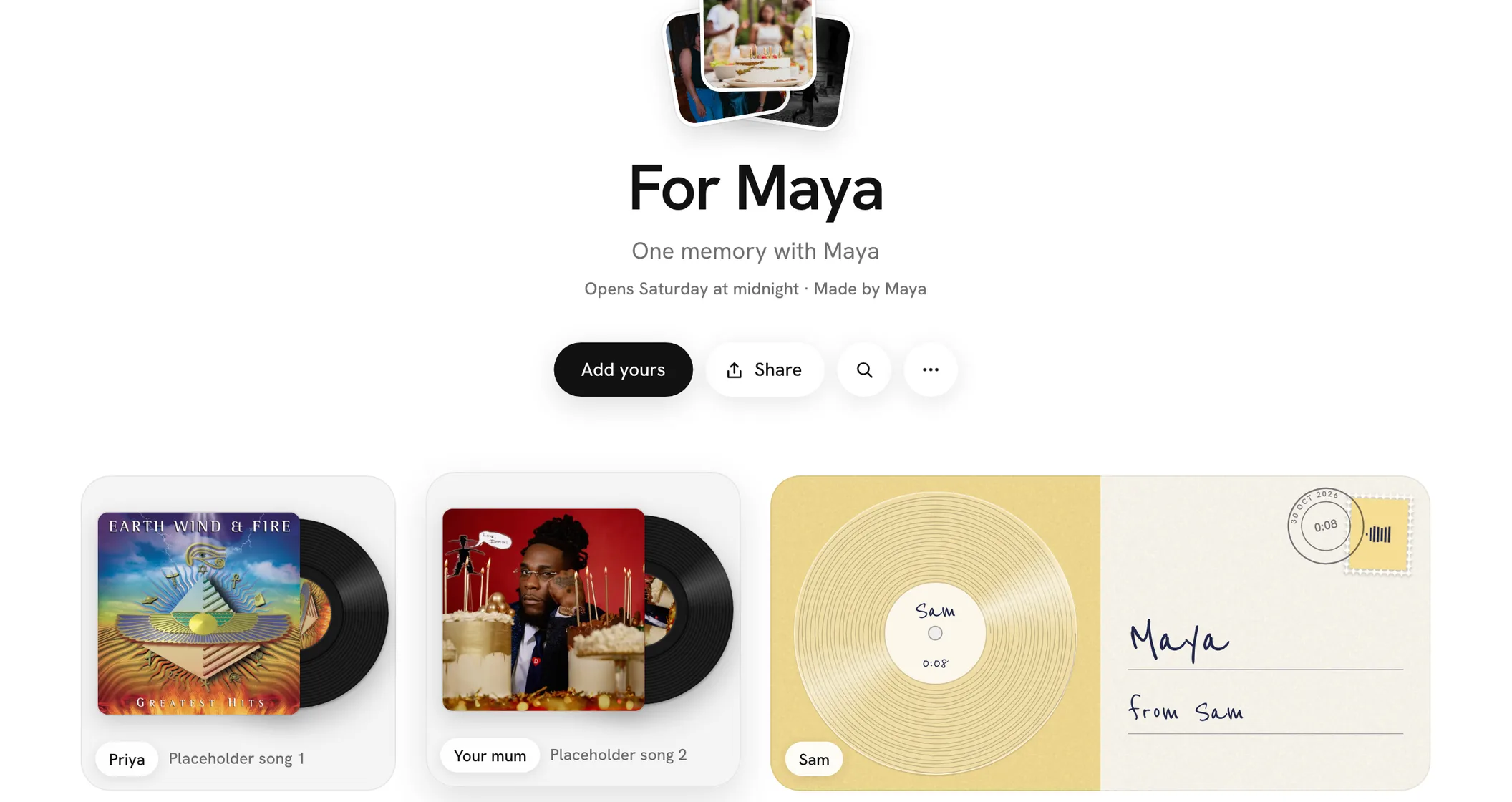 3 November1.9.28
A wall you scroll, a room for each square, one that peels open
A wall is now a page you scroll, like everything else on your phone, with the first name of whoever made each square on it. Open a square and it hangs in a room of its own, add yours on a page of its own with the kinds of square as stickers, and on the day the whole wall peels open like a sticker.
October 2026
 31 October1.8.32
Hello, a new Home, and the link
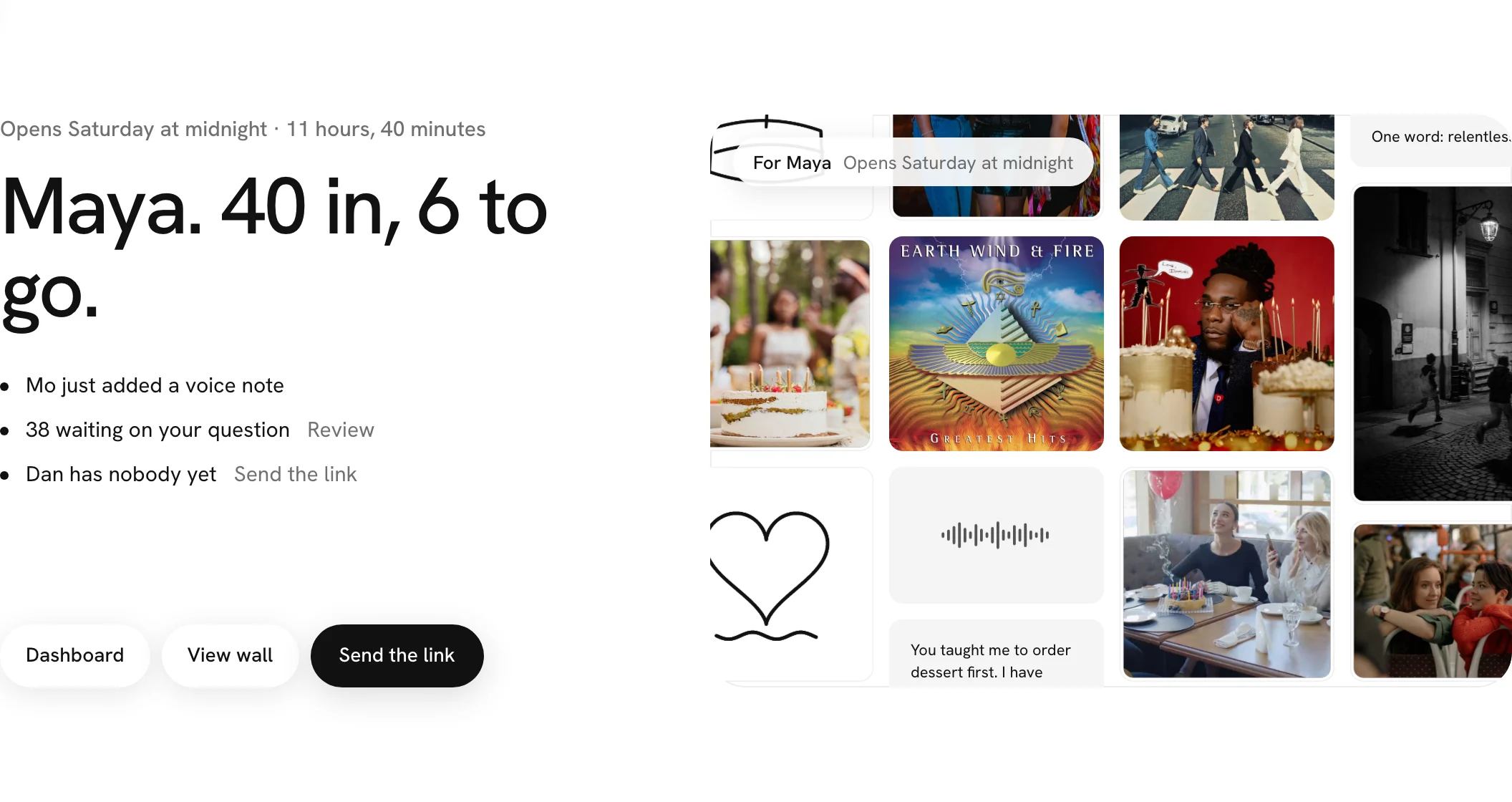
Home now hangs the next wall you're waiting on in a frame, and the first time you sign in, Fube says hello and sets it up for you. Send the link is one sheet with a card of your wall first, and a full wall shows who is waiting, with no trial.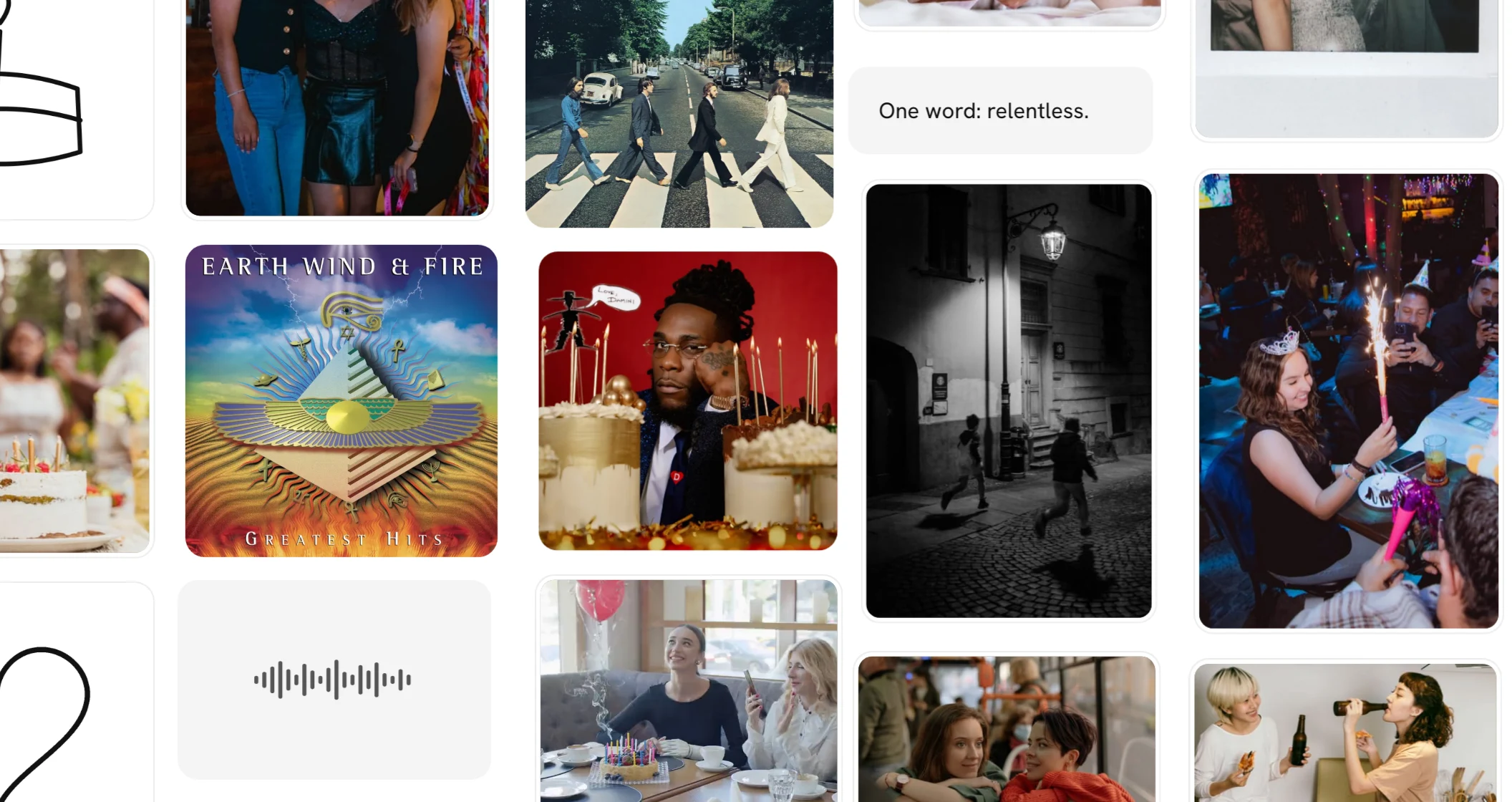 25 October1.7.23
A wall you can feel
A wall now moves like something real: it carries on when you flick it, photos trail a little behind the words, and it ends with a little give. The closer you look the more each square shows, the reveal ends on a quiet card, and with sound on, voice notes murmur as you pass them.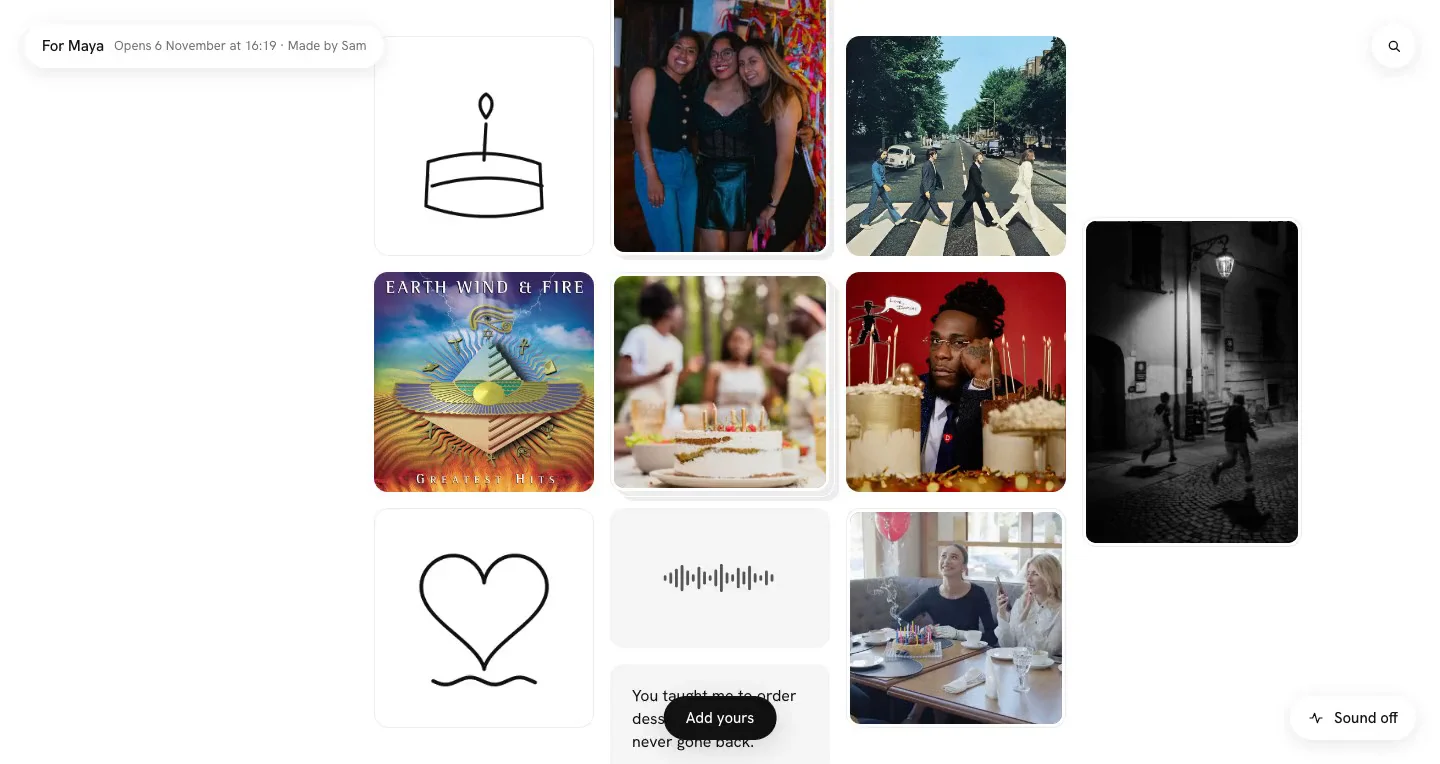 21 October1.6.2
Answers, versions, and Moments
You can now answer a square with one of your own, and yours goes behind it like another print on a pile. Once a wall has opened, you can also make your own way through it for anyone to play, and put squares that belong together side by side as a Moment.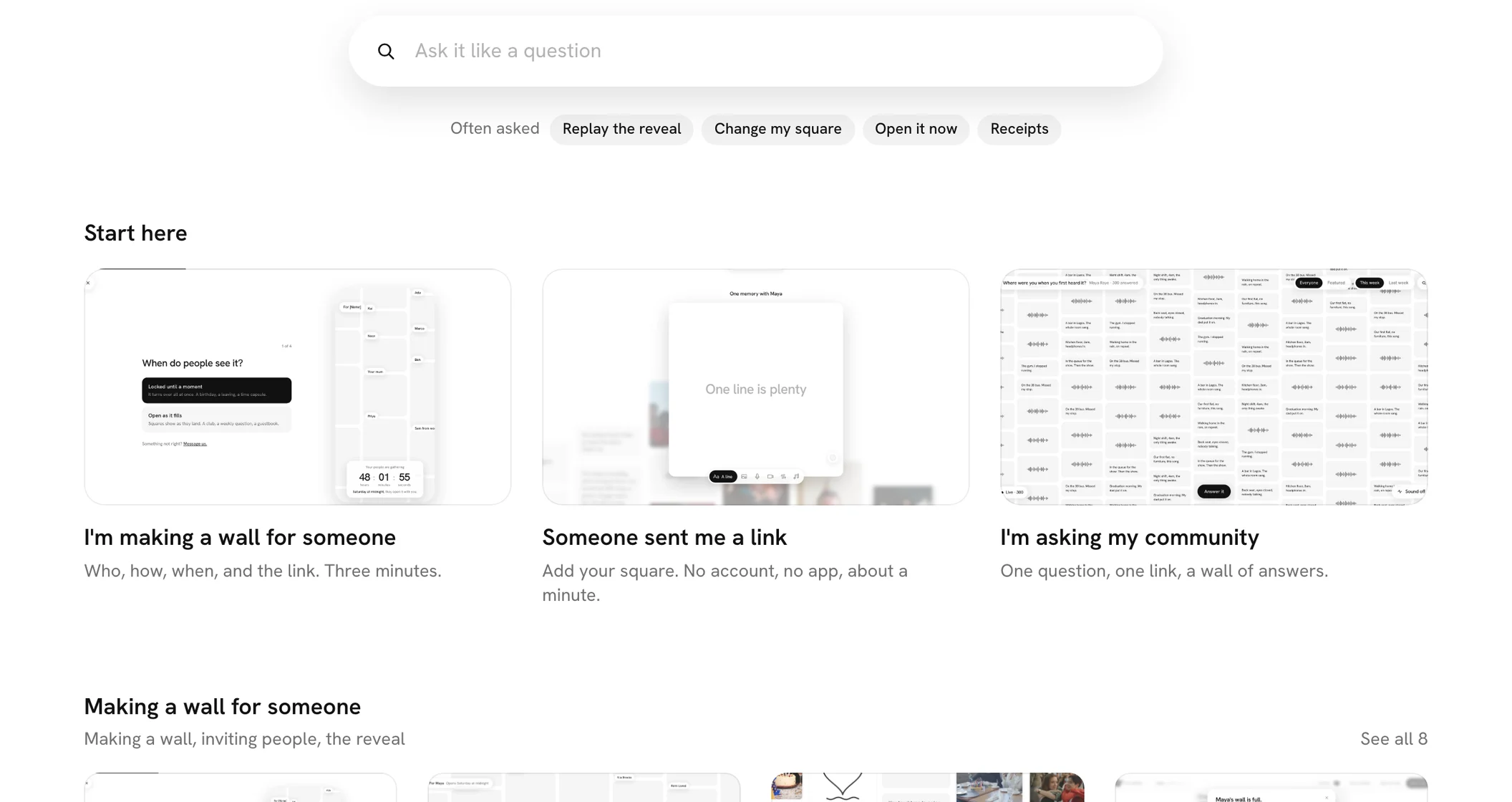 21 October1.5.11
Emails, receipts, and a guide
Every email from Fube now shows the wall it is about, and every payment has a receipt you can keep. Help is in one place too: a guide you can ask in your own words, feedback from any screen, and your privacy on one page.- 19 October1.4
Thank-yous, the big screen, and more
The person a wall is for can now send one square back to everyone on it. A wall can go up on a television for the room, and people can add to a wall by replying to its email. 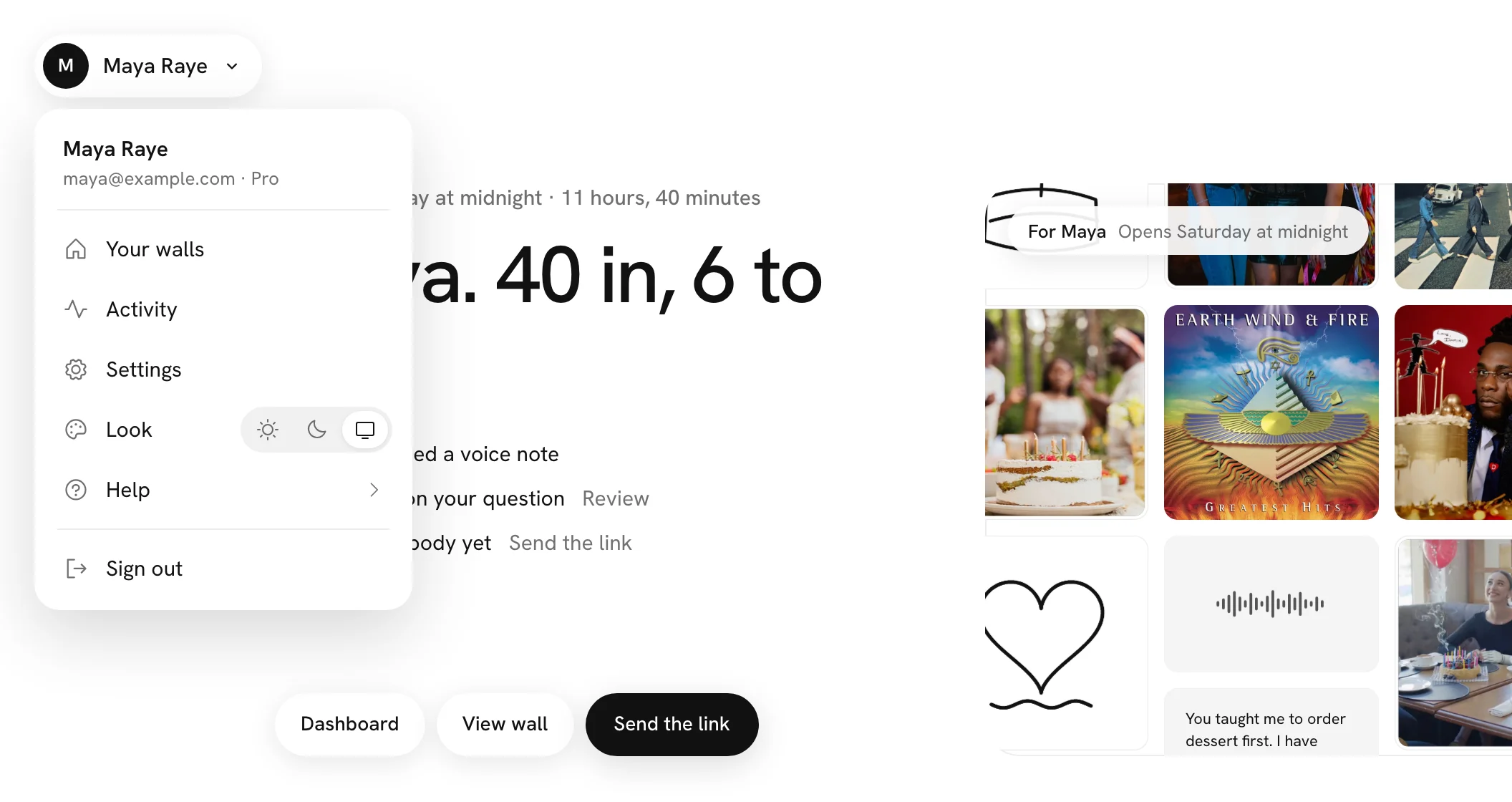 14 October1.3.3
Home, your menu, and Settings
Home is now every wall you have made, in one place, and the pill top-left opens a small menu that is yours. Settings is one card that opens over whatever you were on.- 13 October1.2.1
A countdown, and the reveal again
Until it opens, a wall for someone now counts down to the moment it does. Once it has opened, the person it is for can watch it open again, as many times as they like. 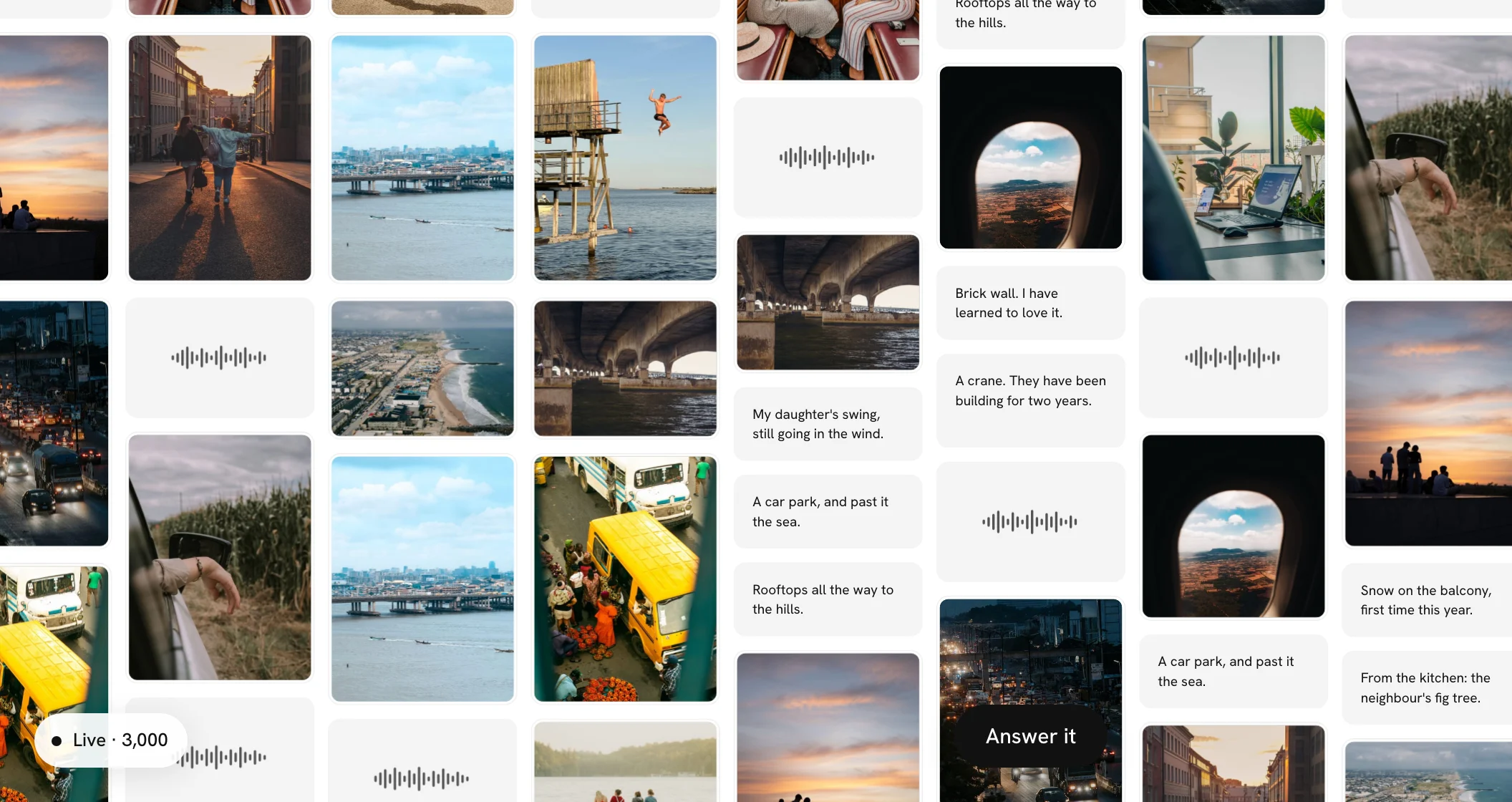 11 October1.1
Live, and Seen
On an open wall, new squares now land in small groups, with one pill bottom-left to pause them. Once you have opened a square, the ones you have read dim, so what is left stands out.