

Emails, receipts, and a guide
21 October 2026 · The wall · Adding · Creators · Billing · Account · 1.5.11Every email from Fube now shows the wall it is about, and every payment has a receipt you can keep. Help is in one place too: a guide you can ask in your own words, feedback from any screen, and your privacy on one page.
Emails that show the wall
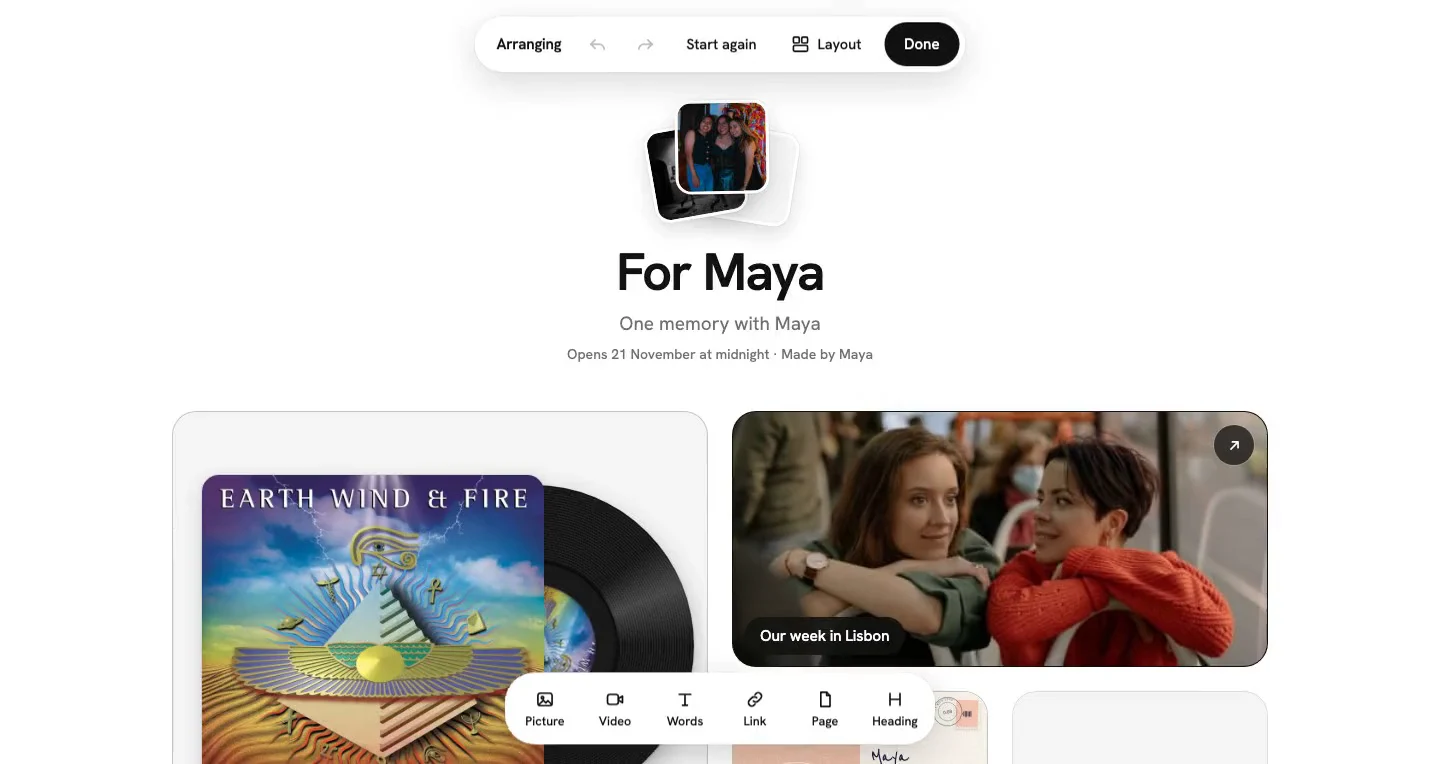
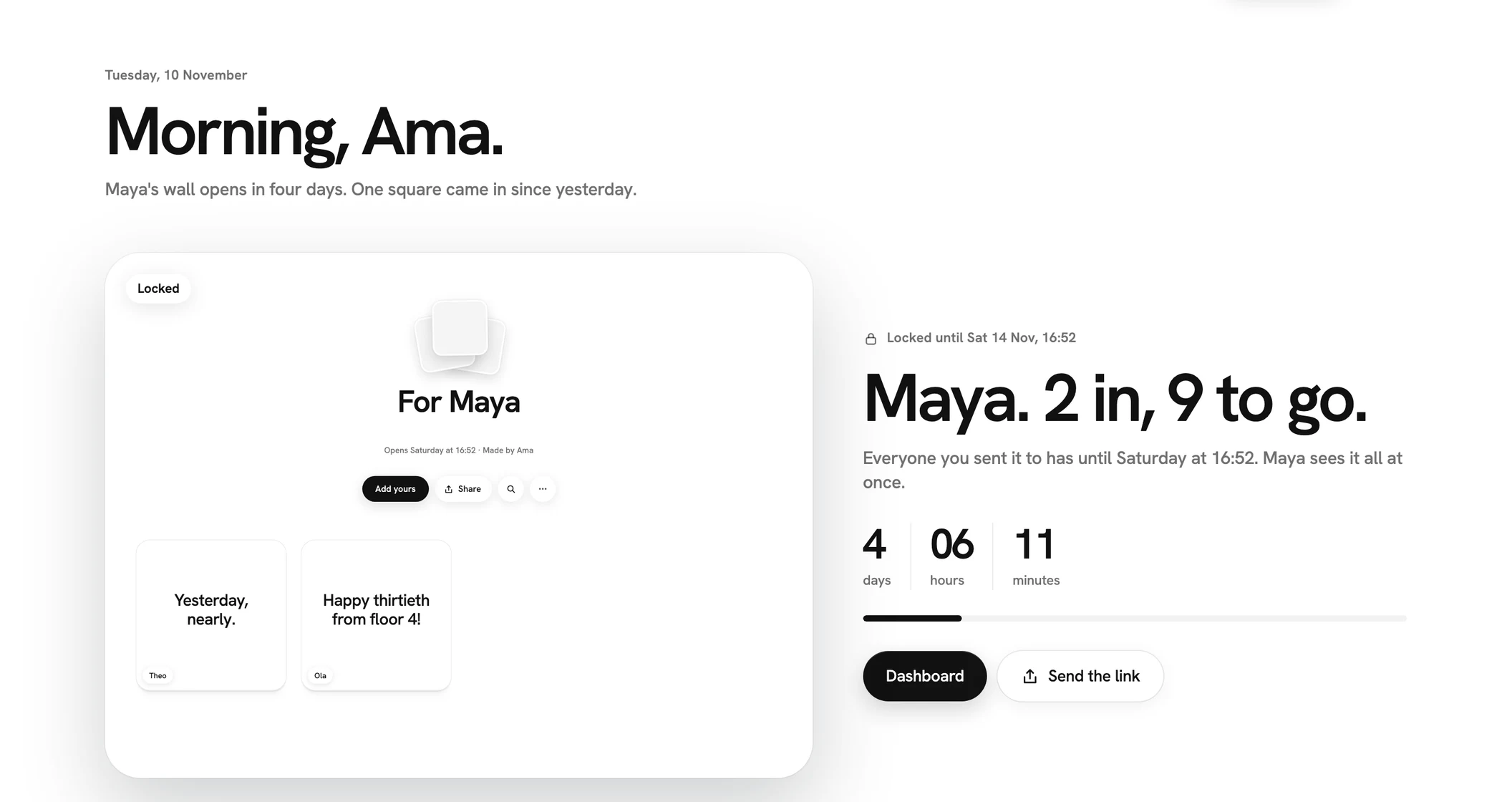
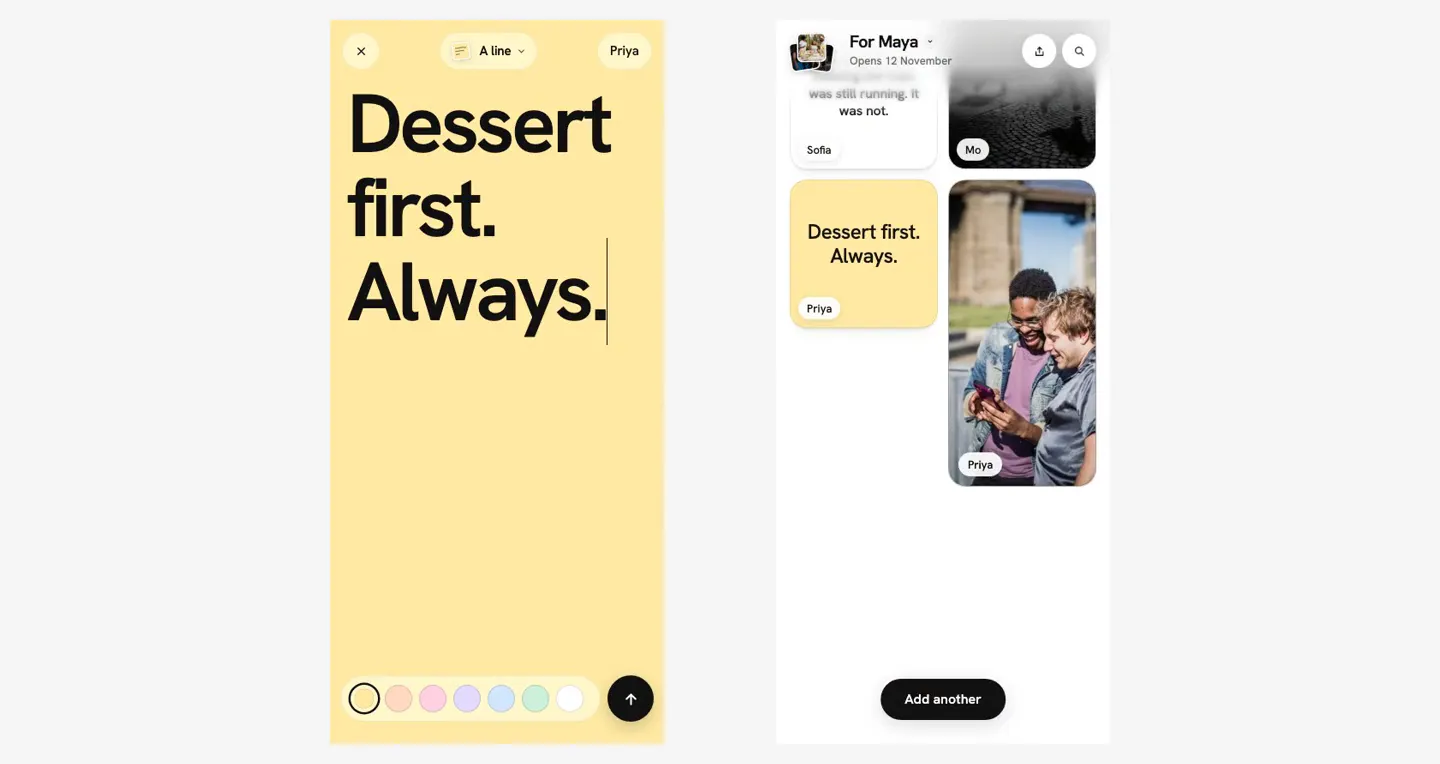
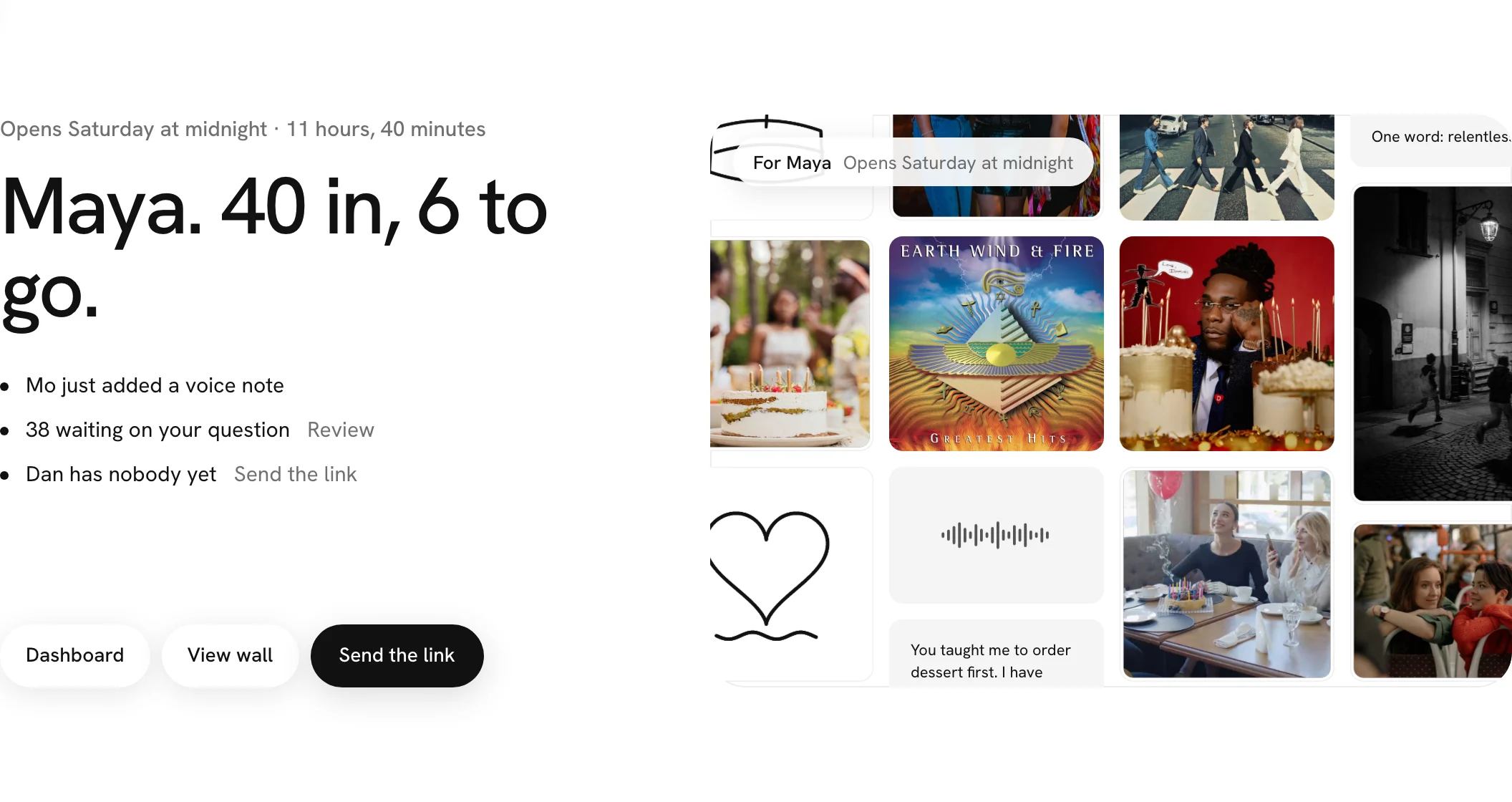
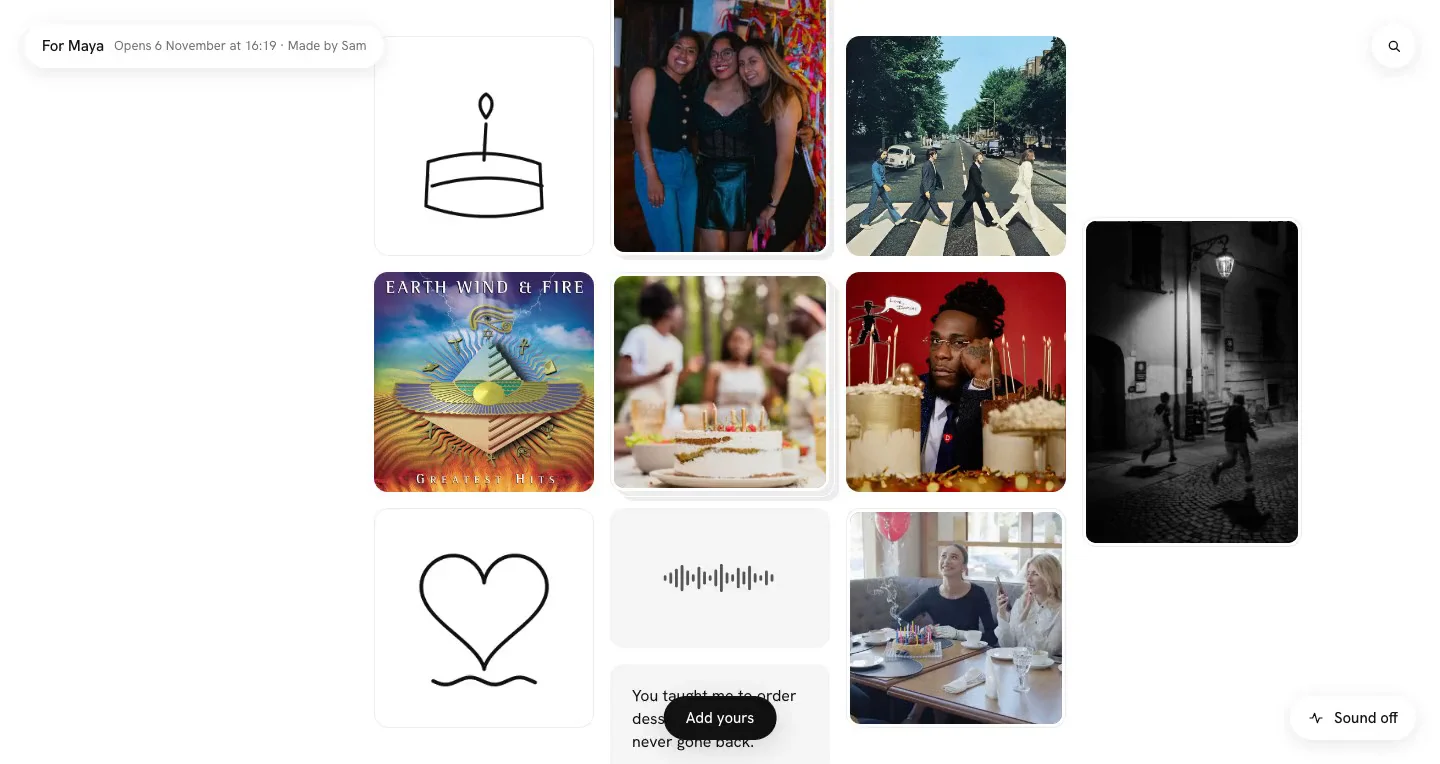
An invite shows the wall with the names already on it. A reply shows your square with what they wrote back. The day's round-up shows who added today. You can see what's going on before you open anything.
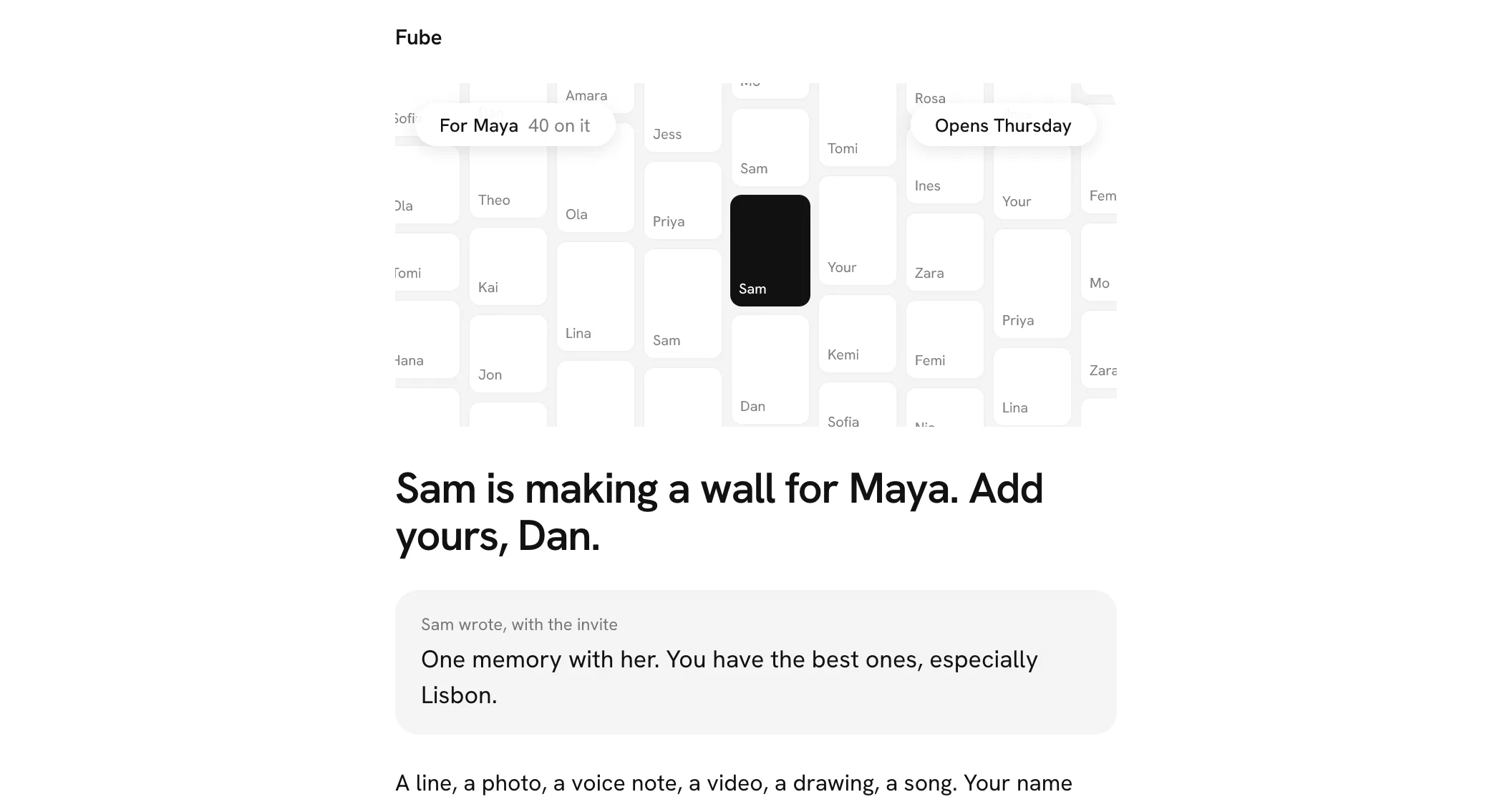
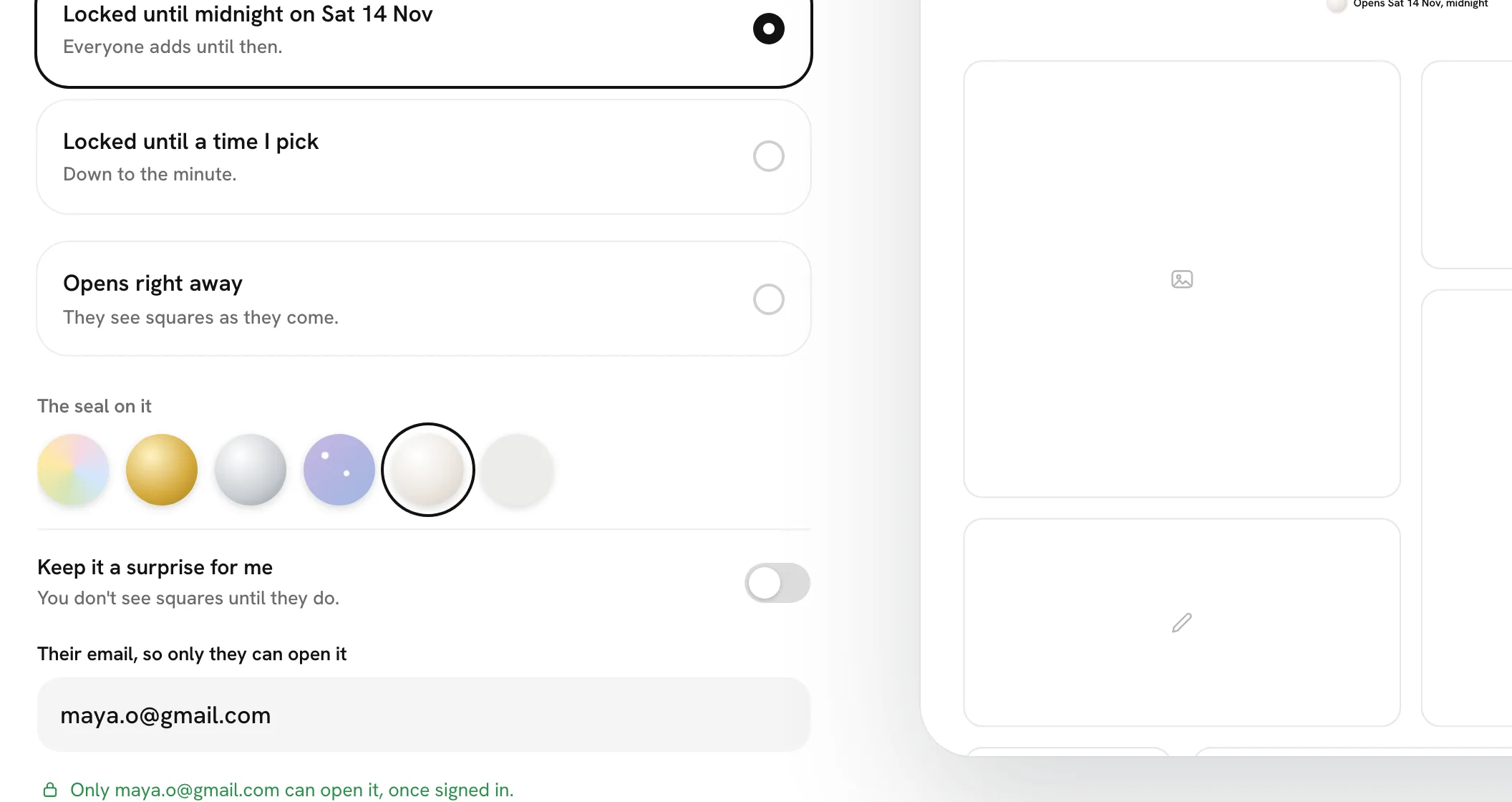
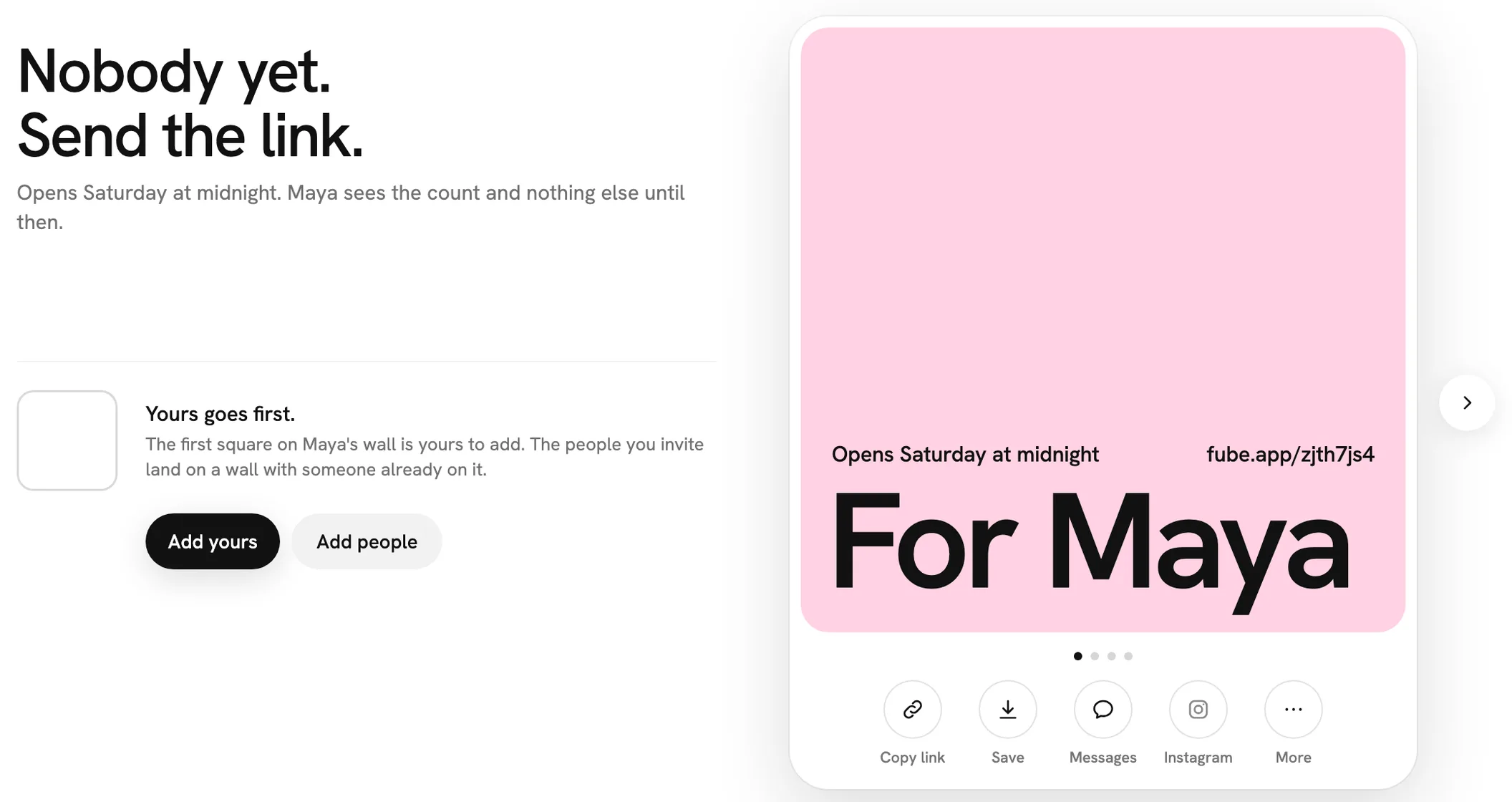
When you send the link, you can write one line for the people you invite. It goes at the top of every invite Fube sends for you, and never on the wall. Every email says why it came and how to stop it, and unsubscribing from your mail app turns off the matching setting in Settings.
Receipts you can keep
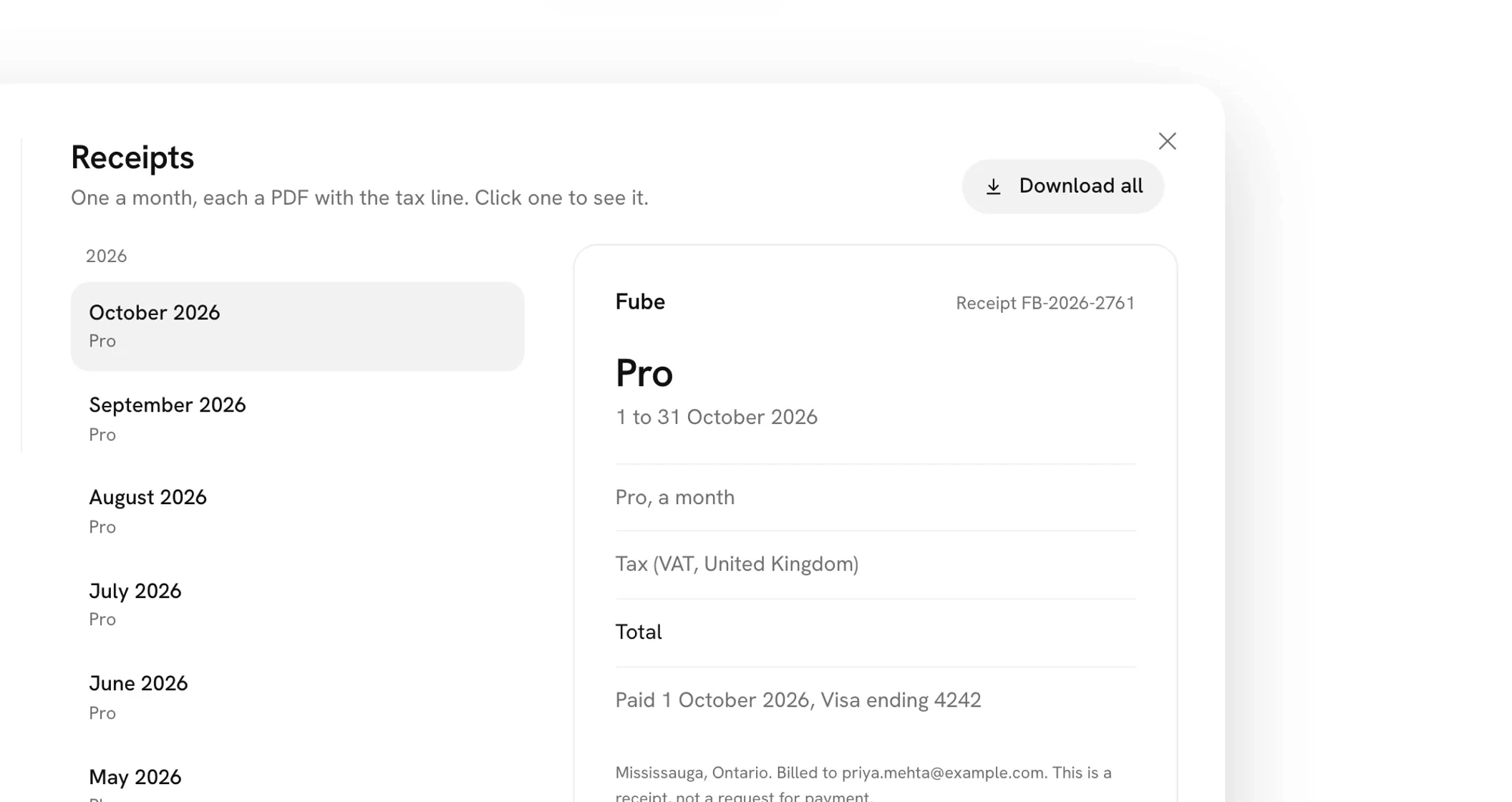
Every payment gets its own numbered receipt with the tax on it. Open one to see it in full, download it as a PDF, or send it to your email. Download all gets every one at once.
A guide to Fube
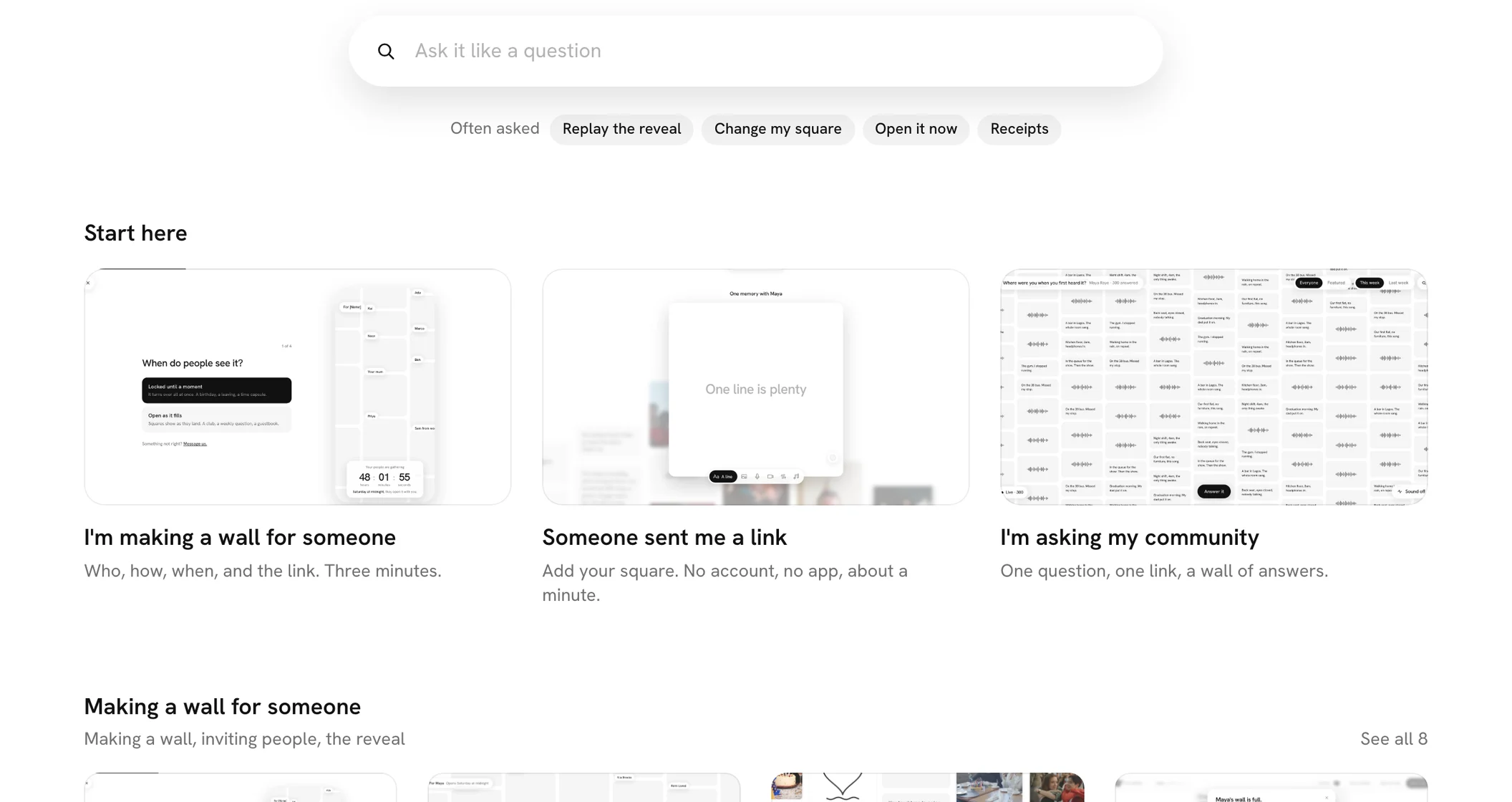
fube.app/help answers how to do everything in Fube, each in a few minutes' read. Ask it like a question, the way you'd ask a friend, and the answers drop under the field as you type, with the line that answers it. Enter opens the first one.
Every answer ends with Did this answer it? Not quite tells us which one missed, so it can be written better.
Send feedback from any screen
Tell us about a bug or an idea from wherever you are, in your own words. A picture of the screen you were on comes with it, so you never have to explain where you were. Press Mark it to ring the part that matters or blur anything private, on your device, before it's sent.
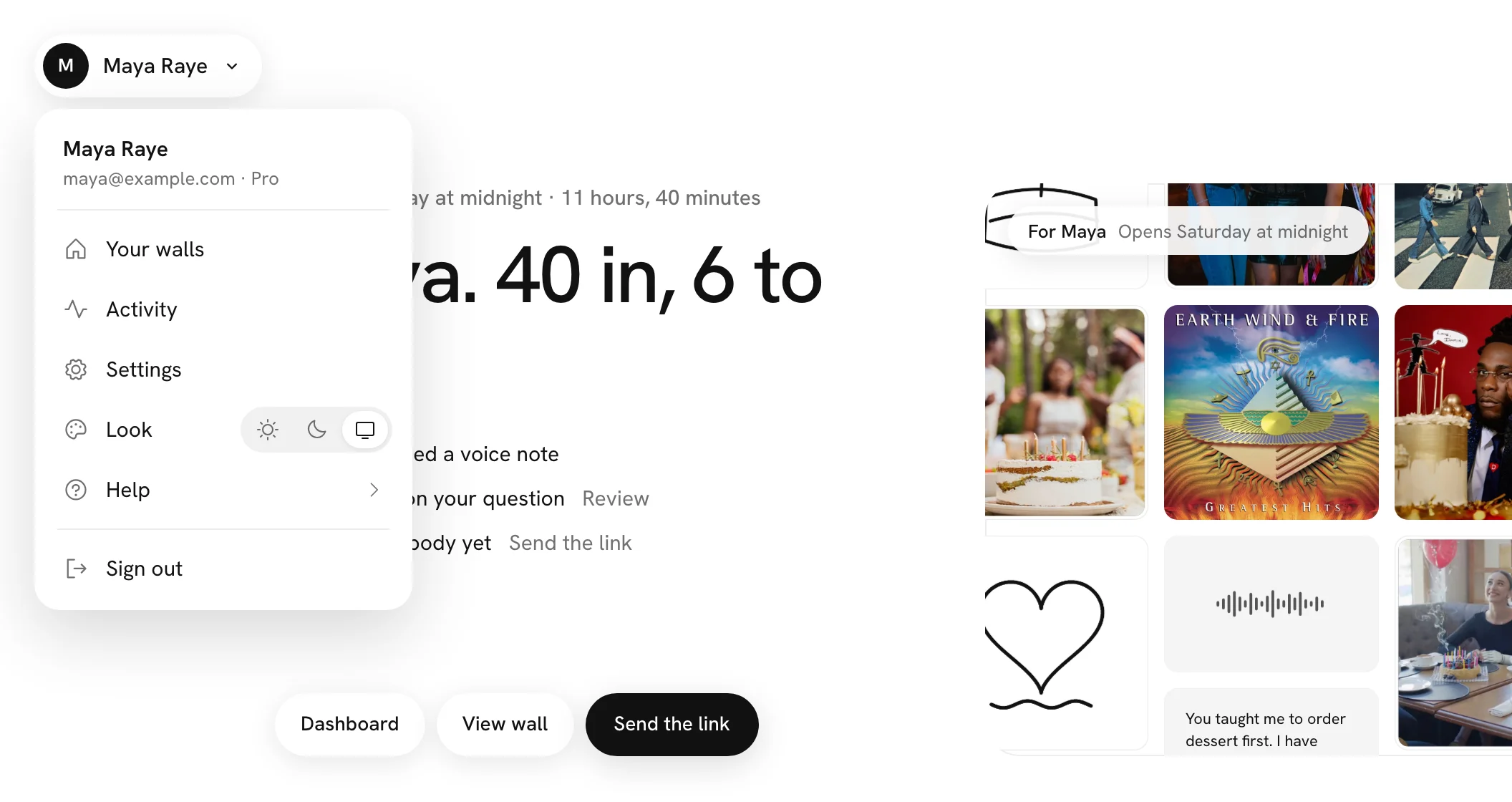
It's under Help in the menu top-left, and on a computer ? then f opens it anywhere. Everything you send is a conversation in Your feedback: what we wrote back, and when it was fixed. A person reads every one.
Your privacy, on one page
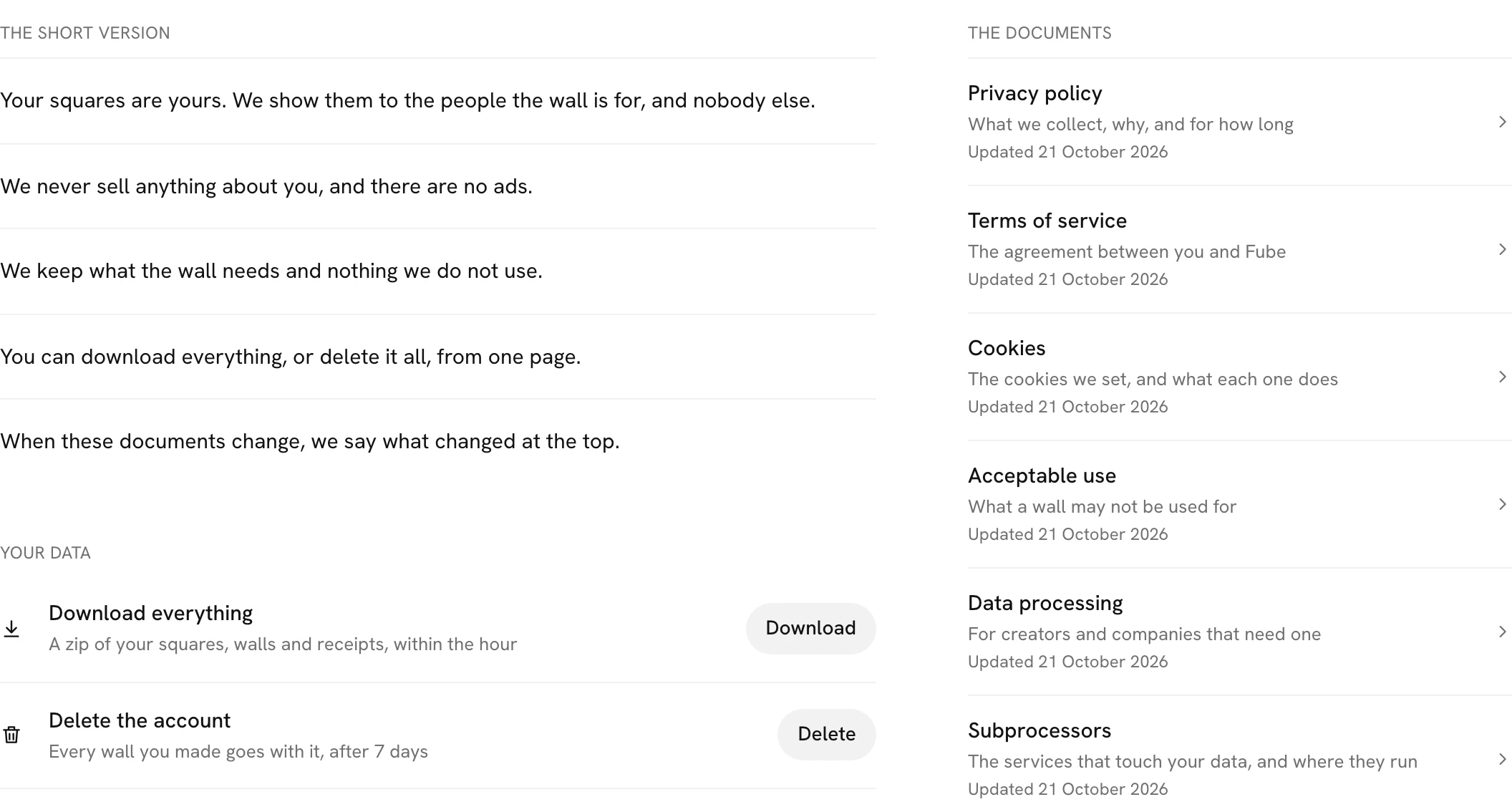
fube.app/privacy starts with five plain sentences on how we treat what you make, then what you can do about your data: Download everything sends you a zip of your walls, your squares on other people's walls and your receipts, and Delete the account is a press away. Every document follows in full, with what changed at the top.
Smaller changes
- Who sees your handle. The card that asks your name and handle names everyone who will see it: the person the wall is for and the person who made it.
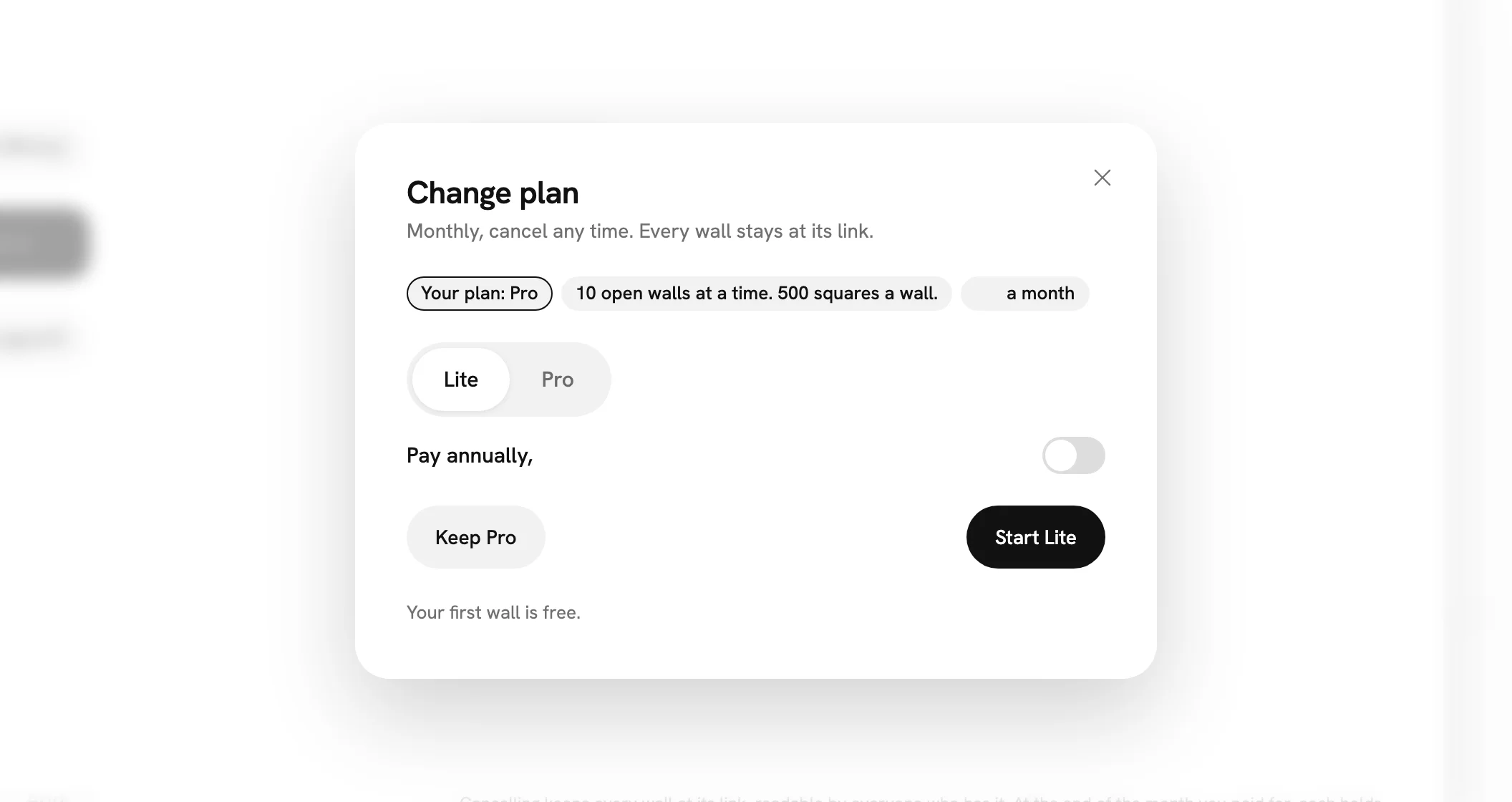
- Deleting your account stops your plan. A paid plan stops renewing the moment you delete your account. Your receipts are kept as the record of what was paid, so download them from Billing first if you want your own copies.
- What's new. Every change to Fube now has a page of its own, under Help in your menu, with a dot on the ones you haven't read.