Hello, a new Home, and the link
31 October 2026 · Account · Creators · Adding · Billing · The wall · 1.8.32Home now hangs the next wall you're waiting on in a frame, and the first time you sign in, Fube says hello and sets it up for you. Send the link is one sheet with a card of your wall first, and a full wall shows who is waiting, with no trial.
Your next wall, hung
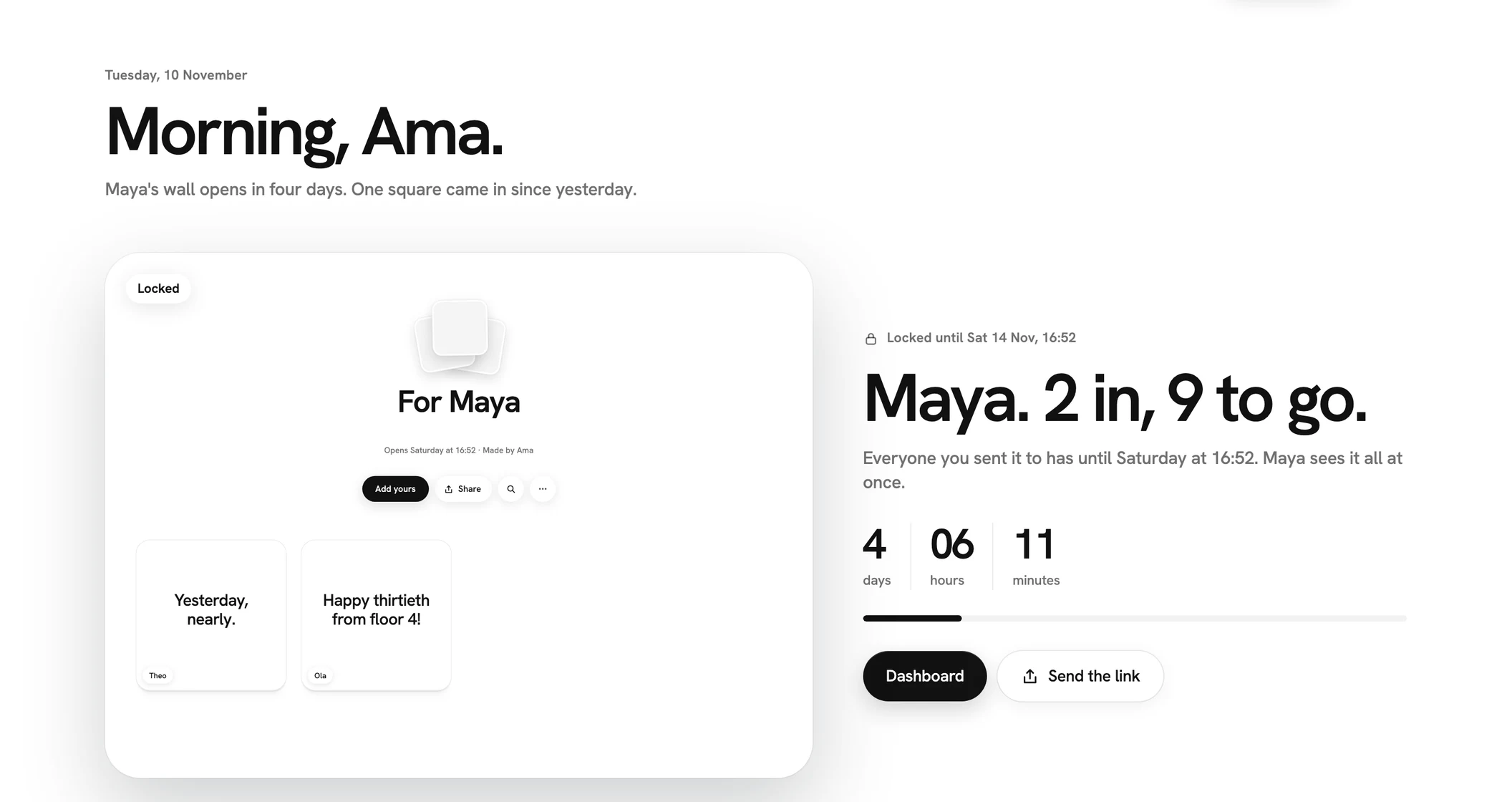
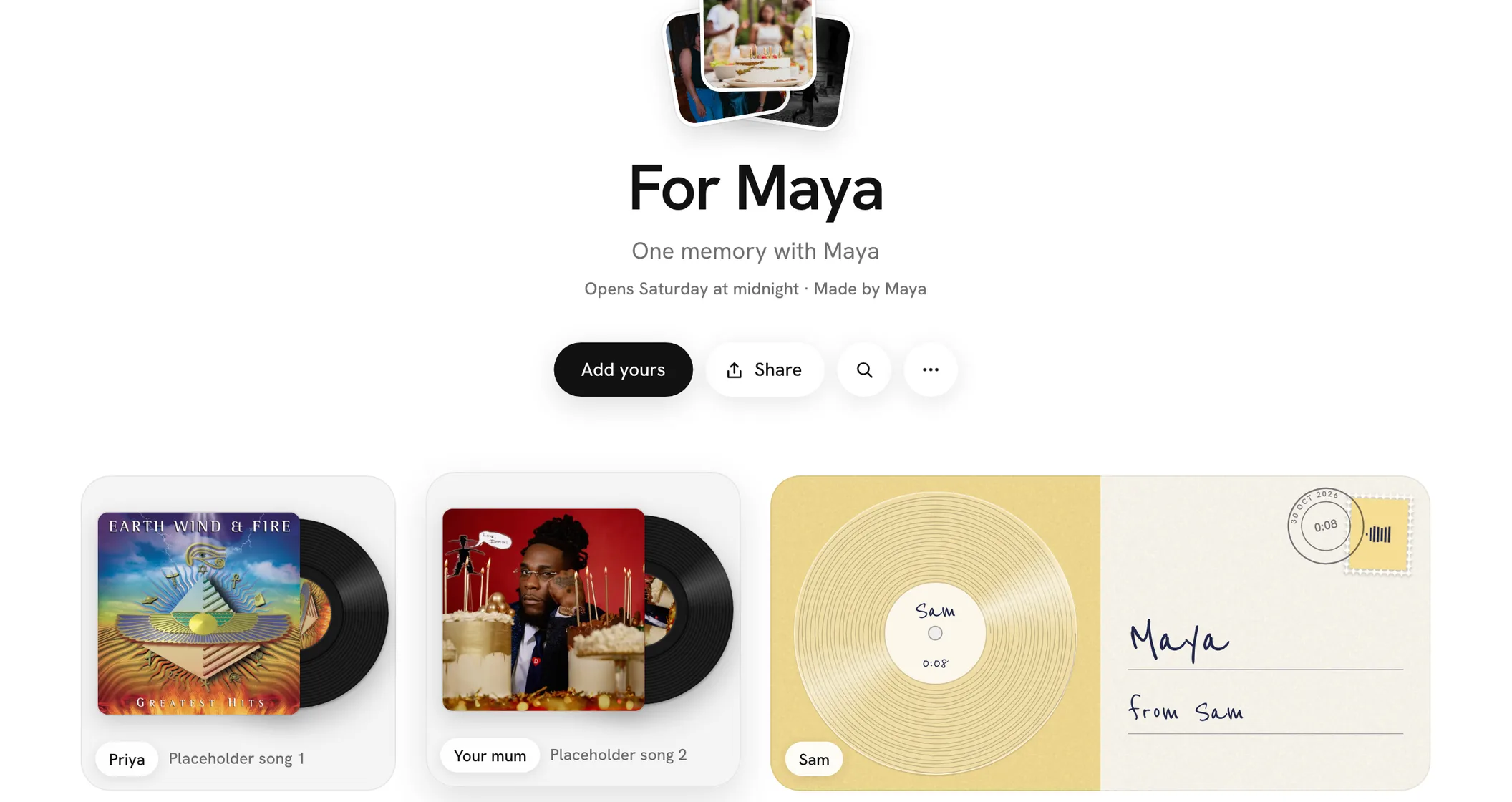
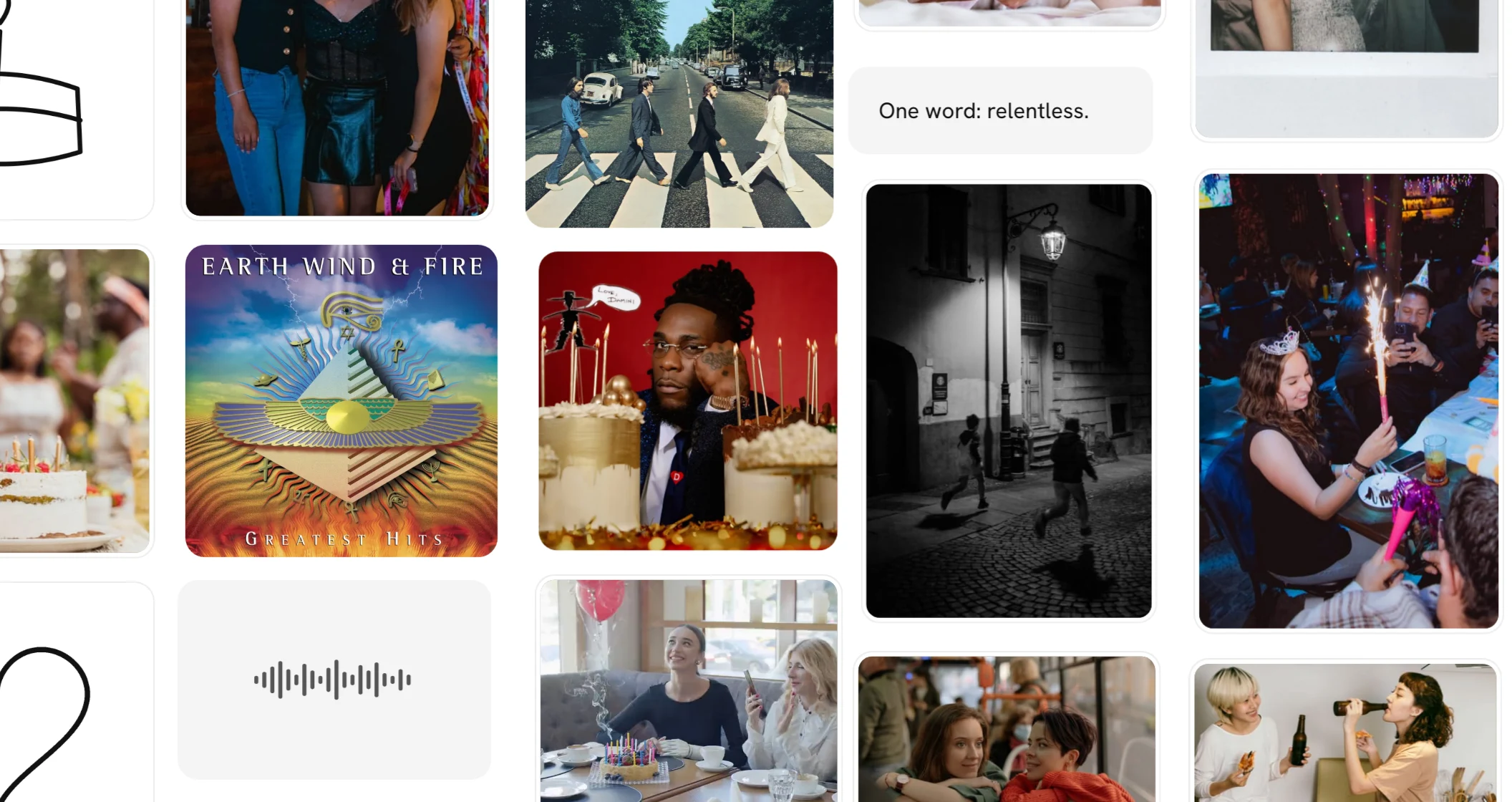
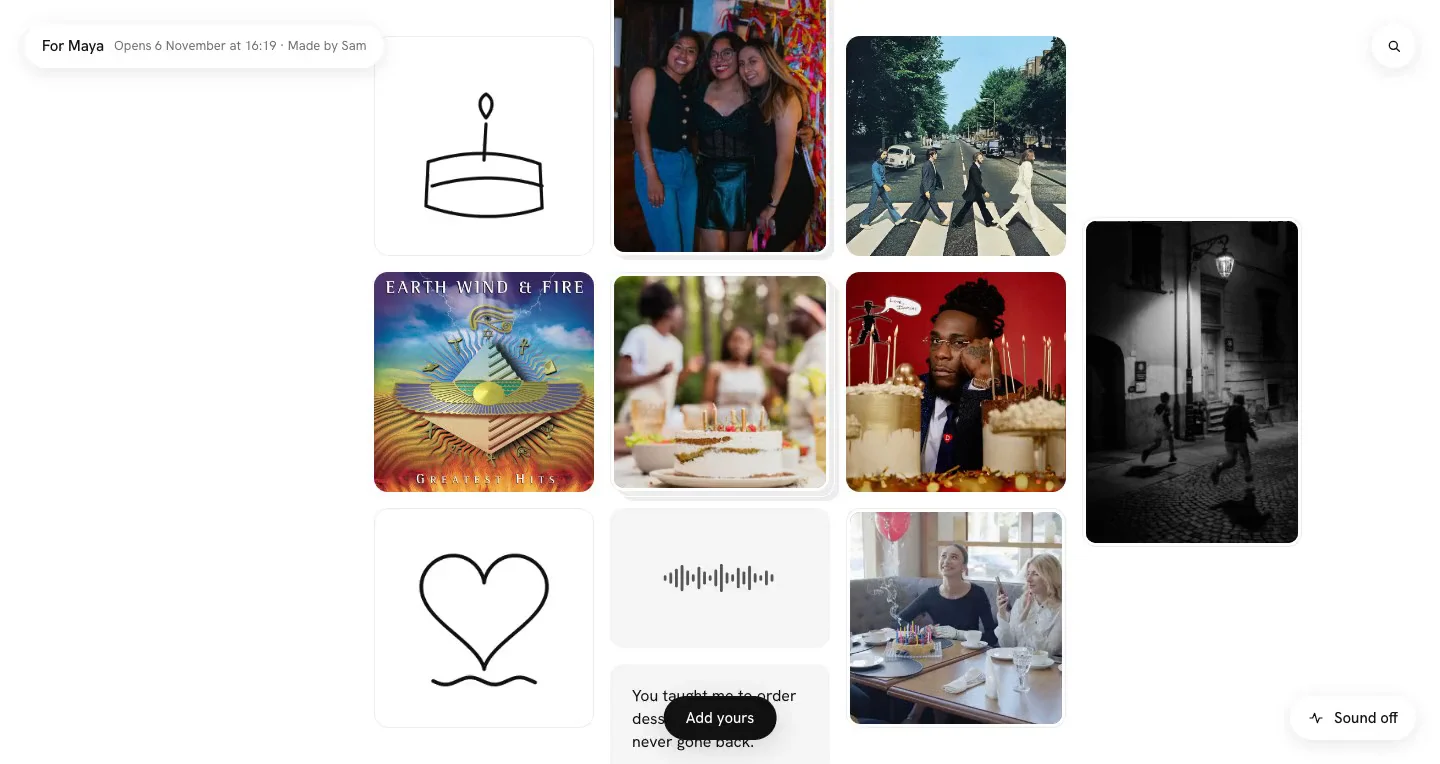
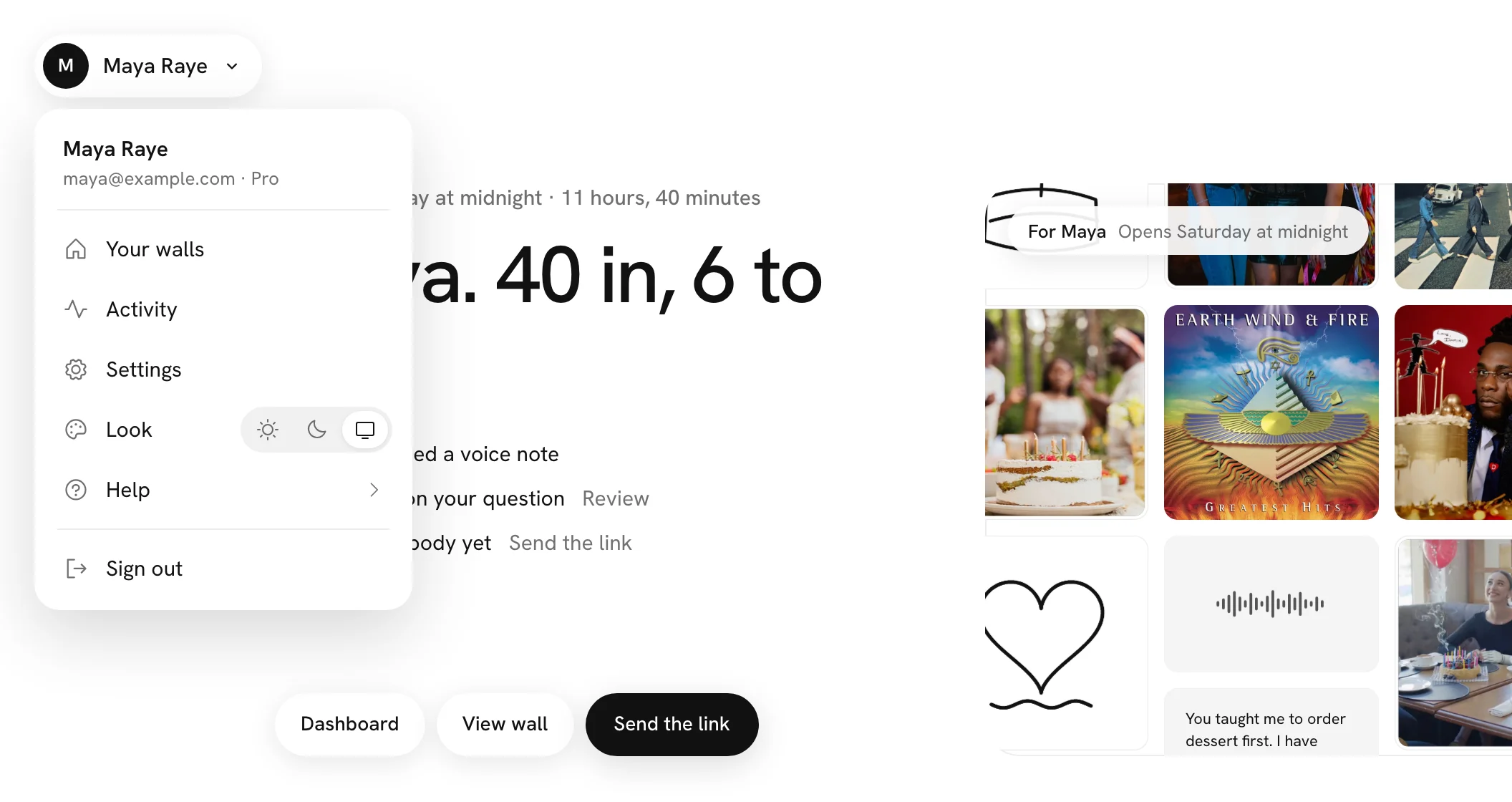
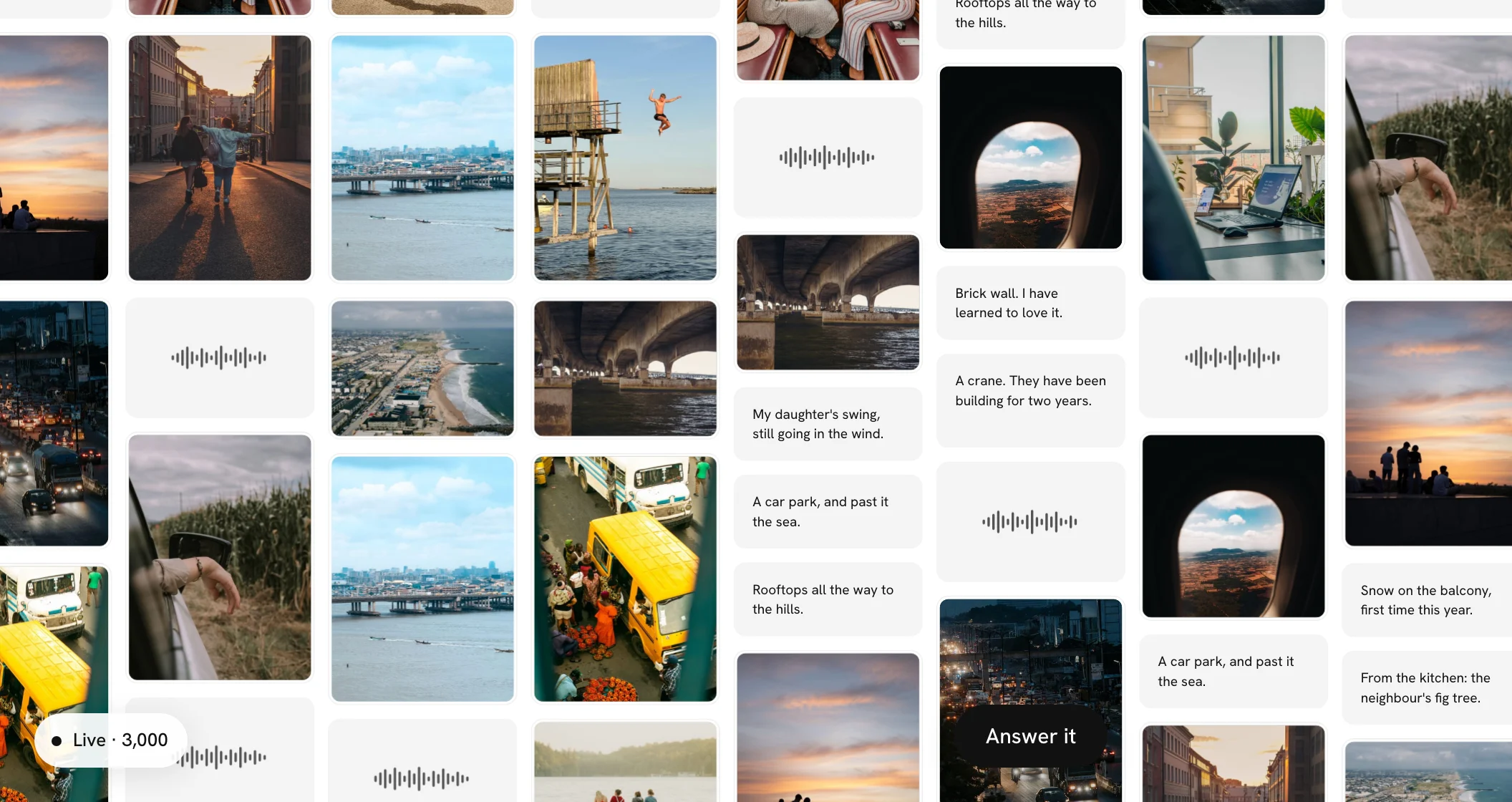
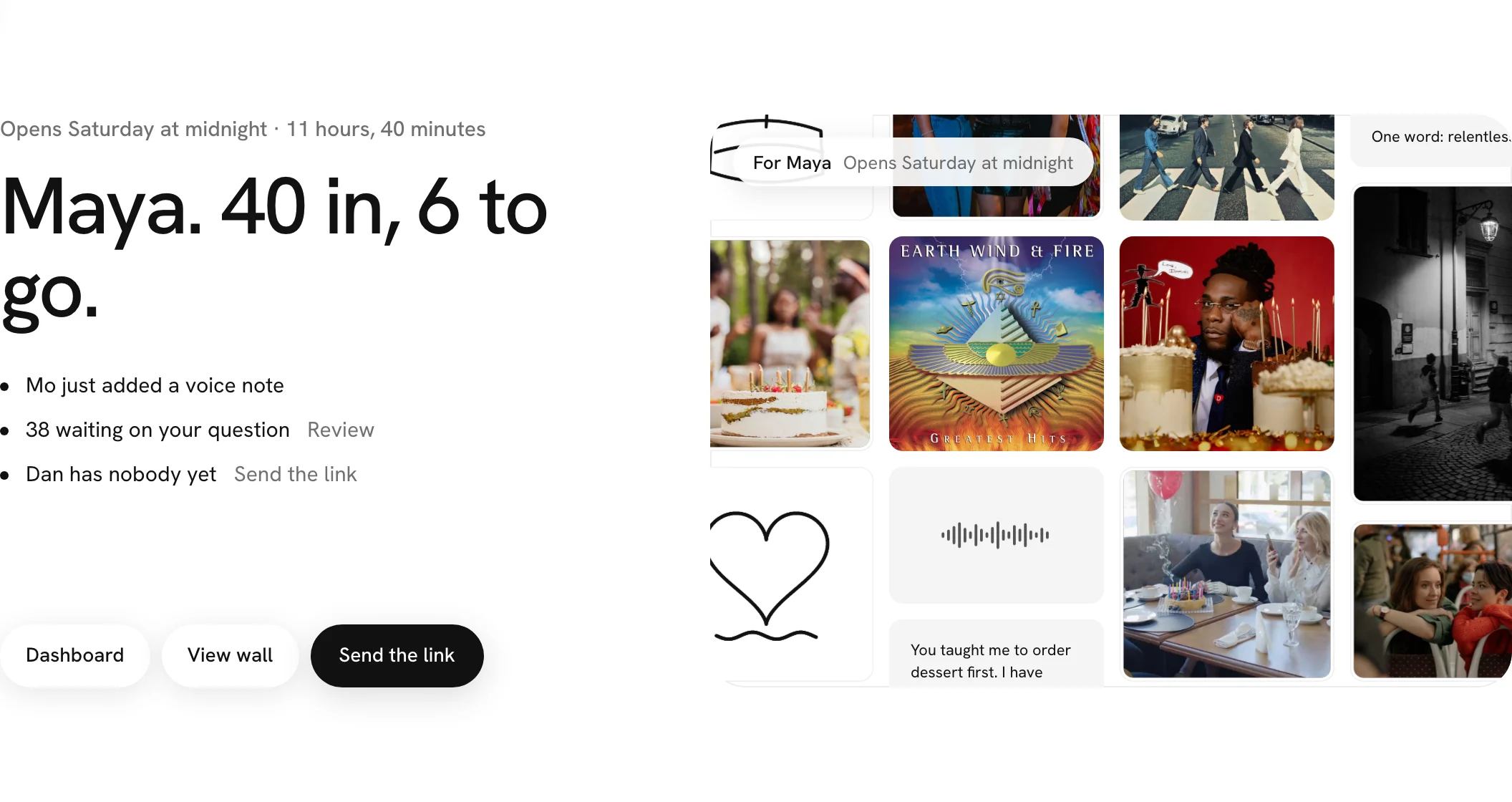
The wall that opens next sits in a frame on Home, live: a square added to it lands there as you watch. Beside it are when it opens, how many are in, a line for each thing that needs you, and Dashboard, View wall and Send the link.
Hello, the first time
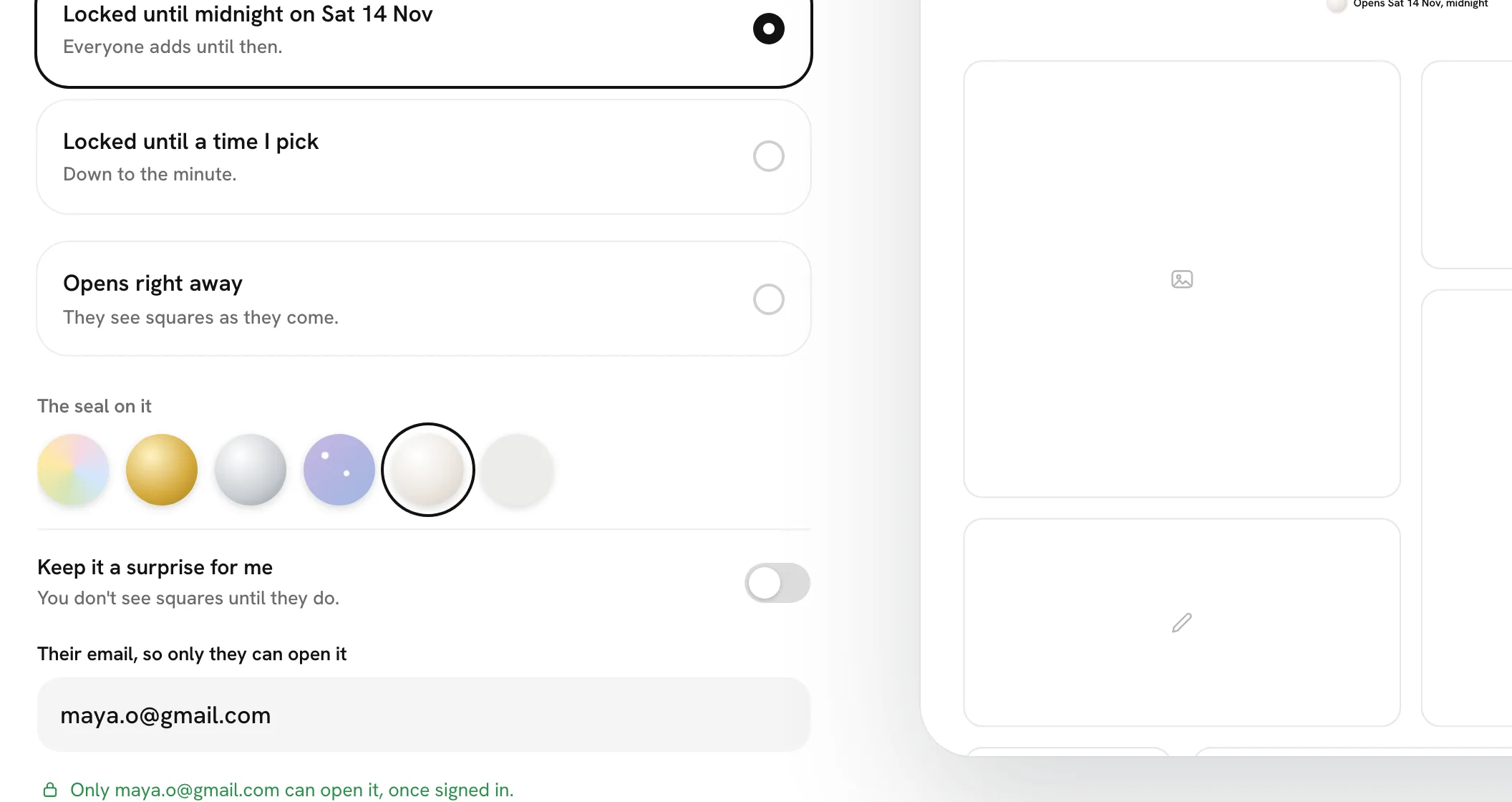
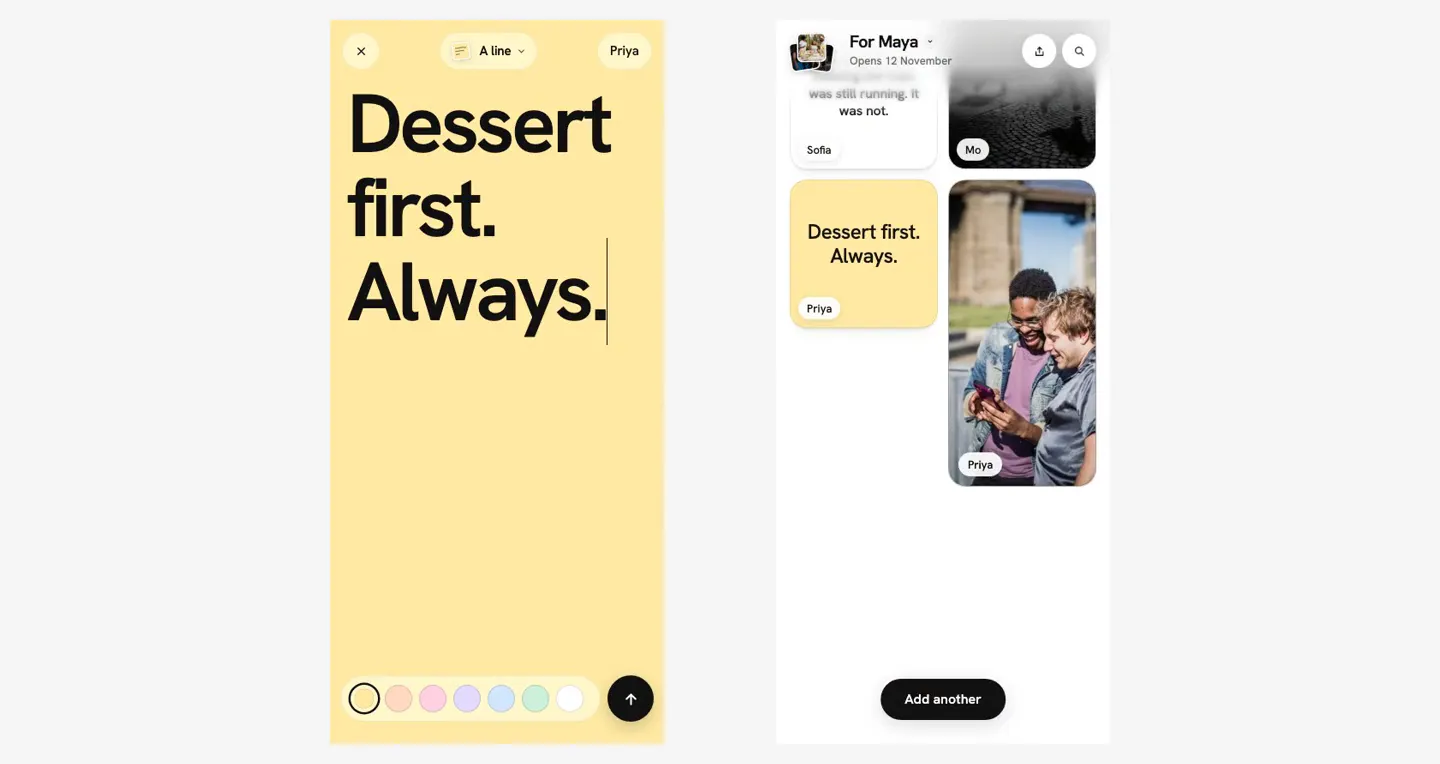
The first time you sign in, a few short questions come one at a time, each showing the part of Fube your answer sets up: your name on a face-down square, then their name, the occasion and the day turning into a countdown and their wall. Only your name and what brings you here need an answer. Then Home is already yours, with the wall you came to make one press away.
Send the link, with the card first
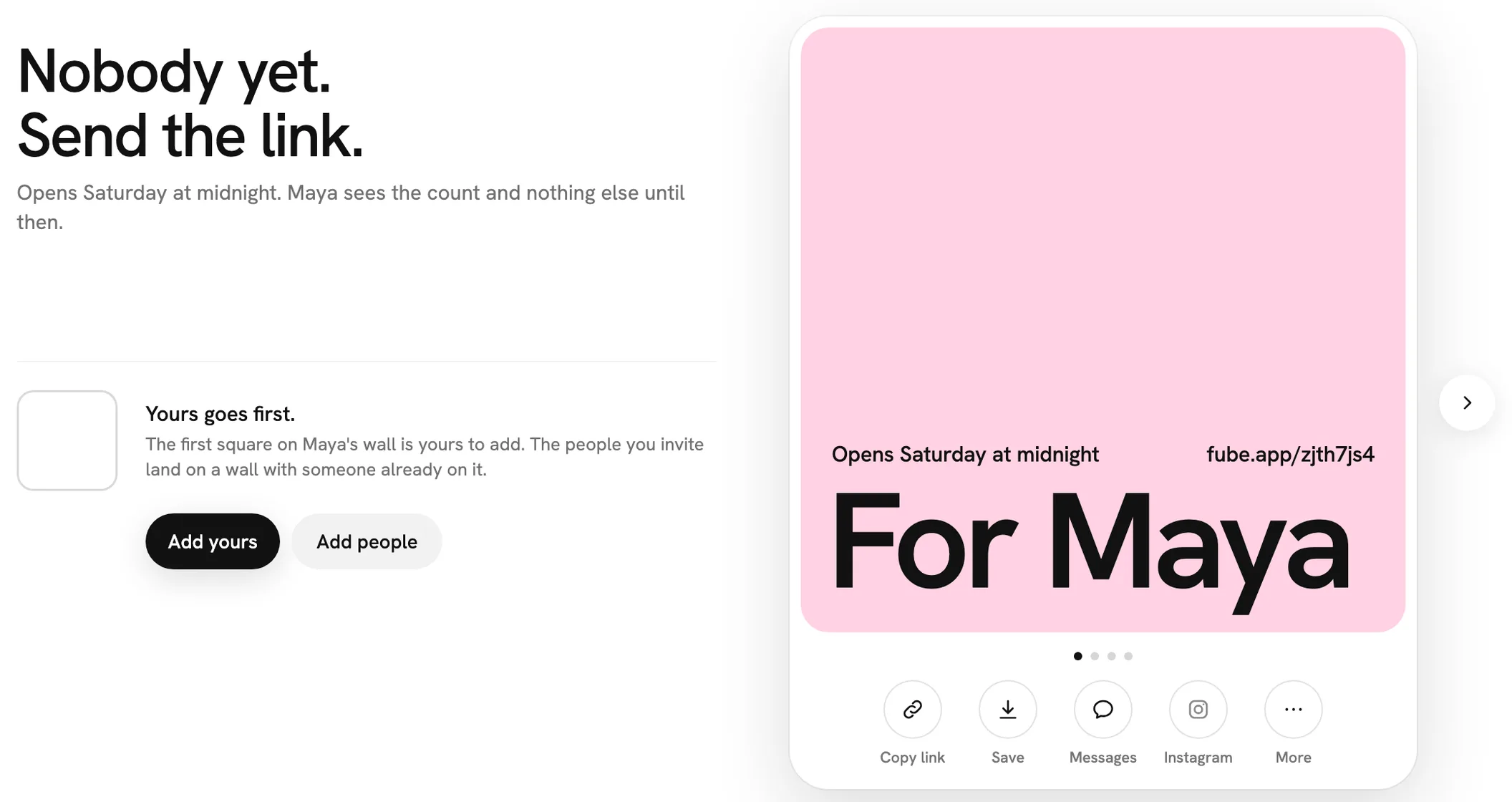
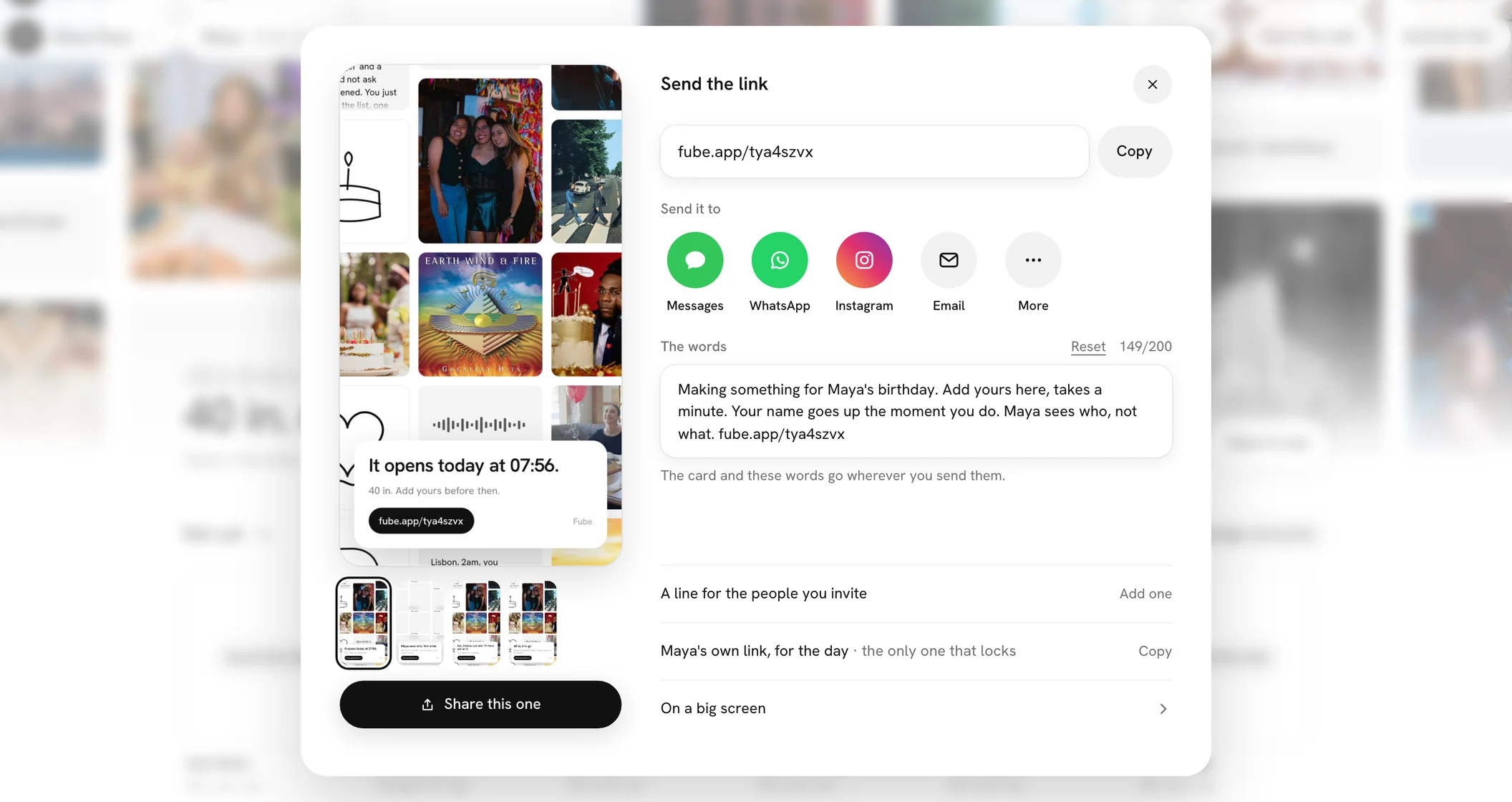
Send the link opens one sheet: a card of your wall on the left, and the link, Copy and the apps to send it with on the right, with words written for you to change. A wall with nobody on it yet is the link itself, and Yours goes first asks you for the first square, so the people you invite land on a wall with someone on it.
What's new and the guide, as pictures
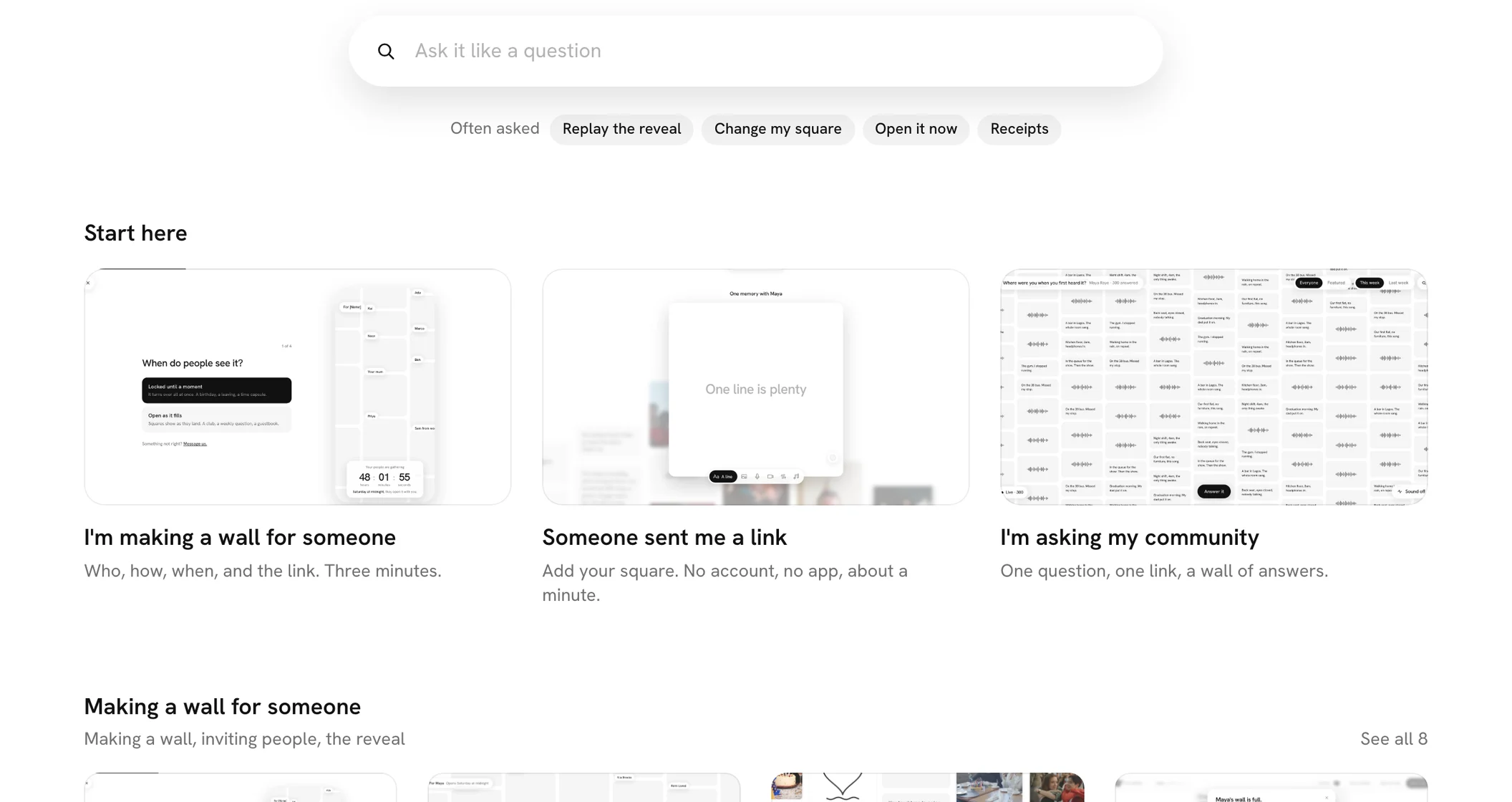
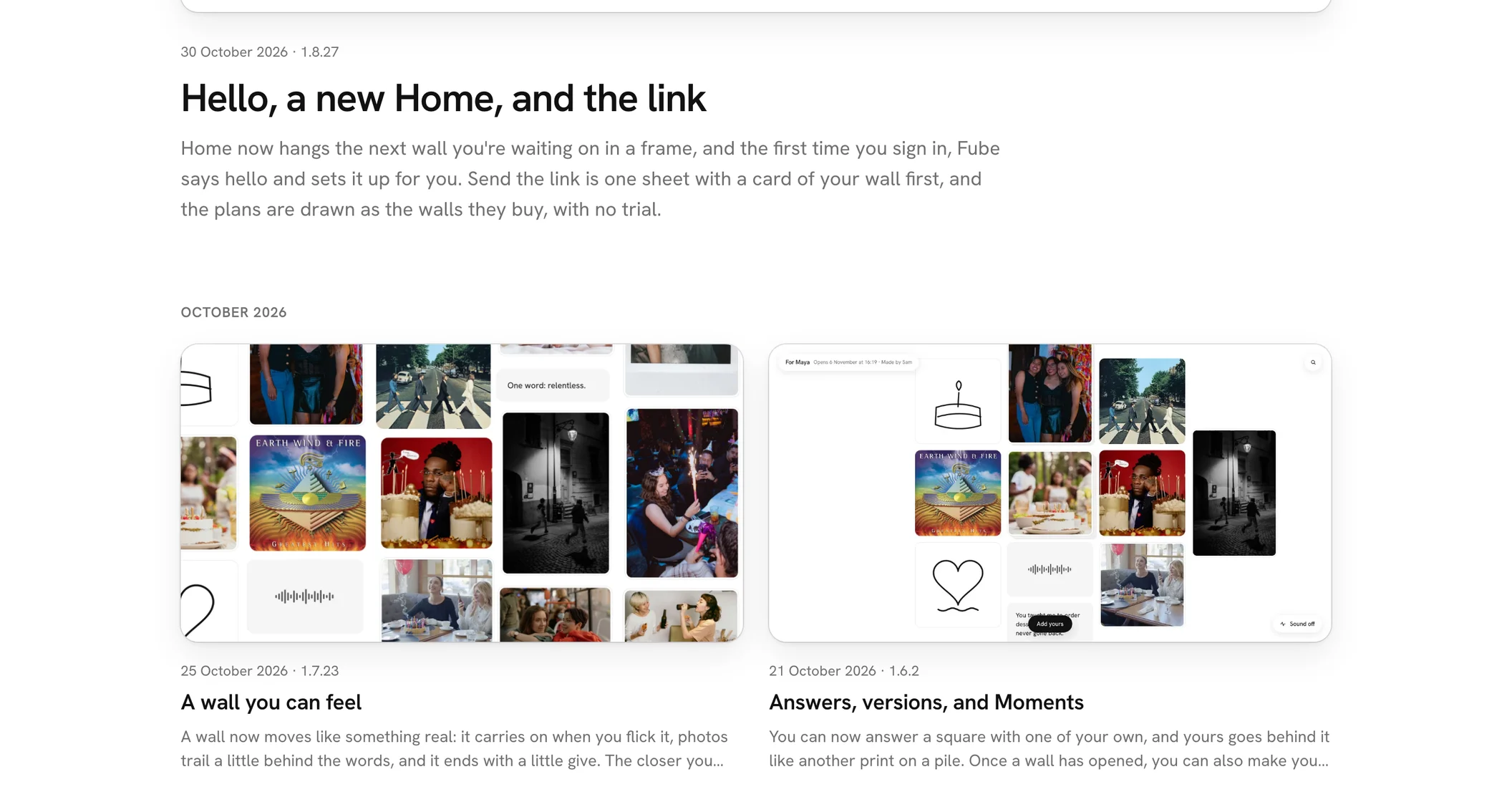
What's new leads with the newest release, and every one before it is a card that opens over the list. The guide starts with three doors, one for each reason you came, and every article shows what it explains, step by step.
A full wall, and no trial
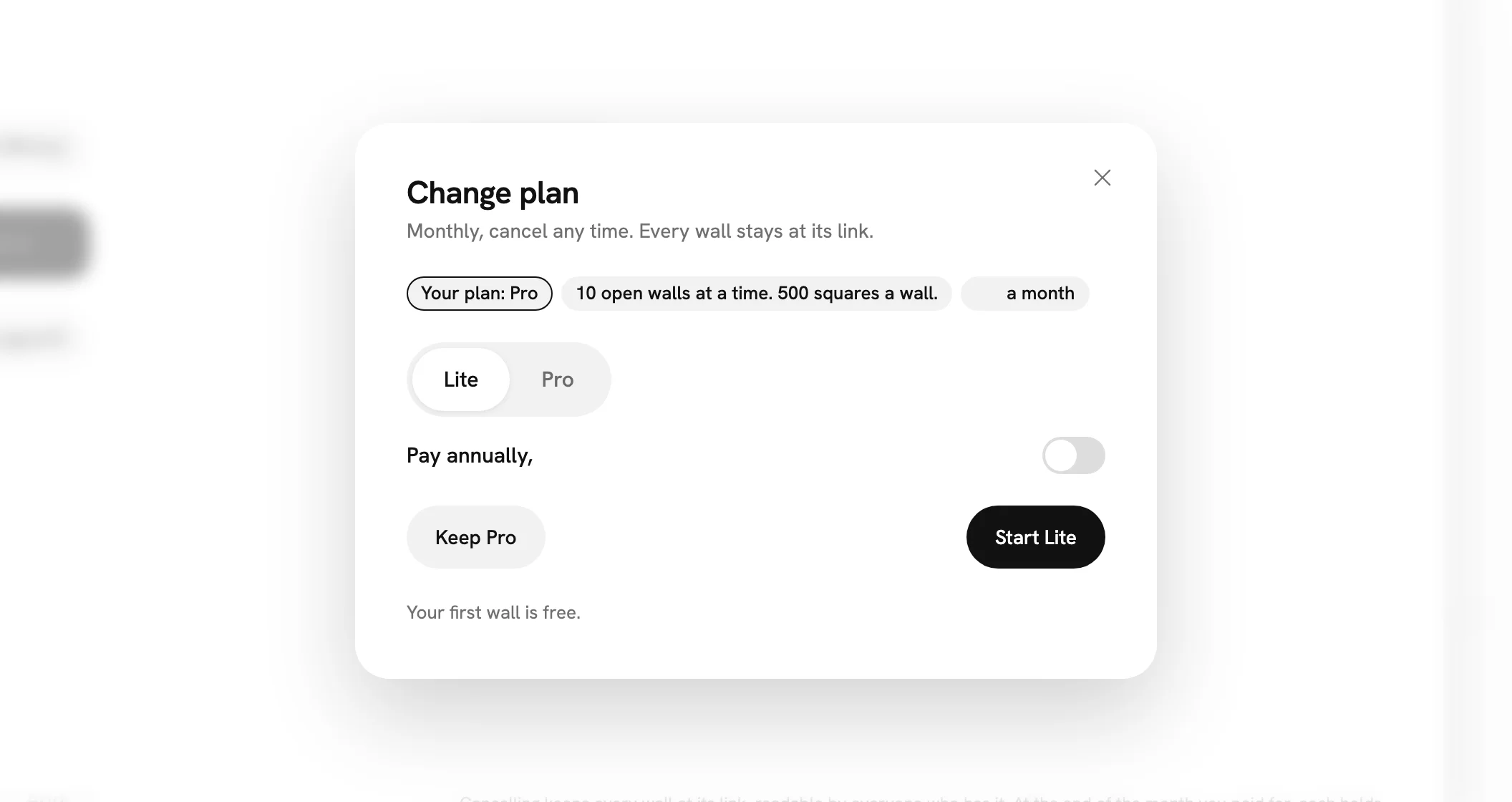
There's no free trial: a paid plan starts, and is first charged, the day you choose it. When a wall is full, you see who is waiting and the two ways out: Make room, free, or more room with a plan, with exactly what's charged and when. What only Pro does is shown where it would be, tagged Pro.
Smaller changes
- Sign in with Apple or Google, first. Continue with Apple and Continue with Google, each with its logo, now lead the sign-in page; your email and Sign in sit under them. On a phone, the wall comes first.
- A new mark. Fube's name is now a sticker: the word cut out with a thick white edge, top left of your account, sign in and the help pages, and a small square of the same sticker in your browser tab. Point at it and its corner peels up; press and let go, and it's smoothed back down.
- One foot everywhere. Every page ends the same way: the sticker with Everyone, for one. under it, and About, Help, Changelog, Privacy, Terms and Contact.
- Help's pictures, easier to see. They have the same firmer edge as What's new.
- Help and Privacy, in the middle. An article or a privacy document sits in the middle of the page, with On this page at the left.
- Home's frame, easier to see. The frame your next wall hangs in has a firmer edge and a soft shadow.
- What's new, easier to read. A release now opens out of the card you press, set like an article with room either side, and every picture has a firmer edge. The list shows just each release's day and version, and the icons beside the filters switch it to a timeline.
- Your squares, a page at a time. On the wall shows 24 squares at a time, with a search, Filter and Sort.
- Add people, with their email. Paste a list and every line becomes a person, and Fube sends each one the link.
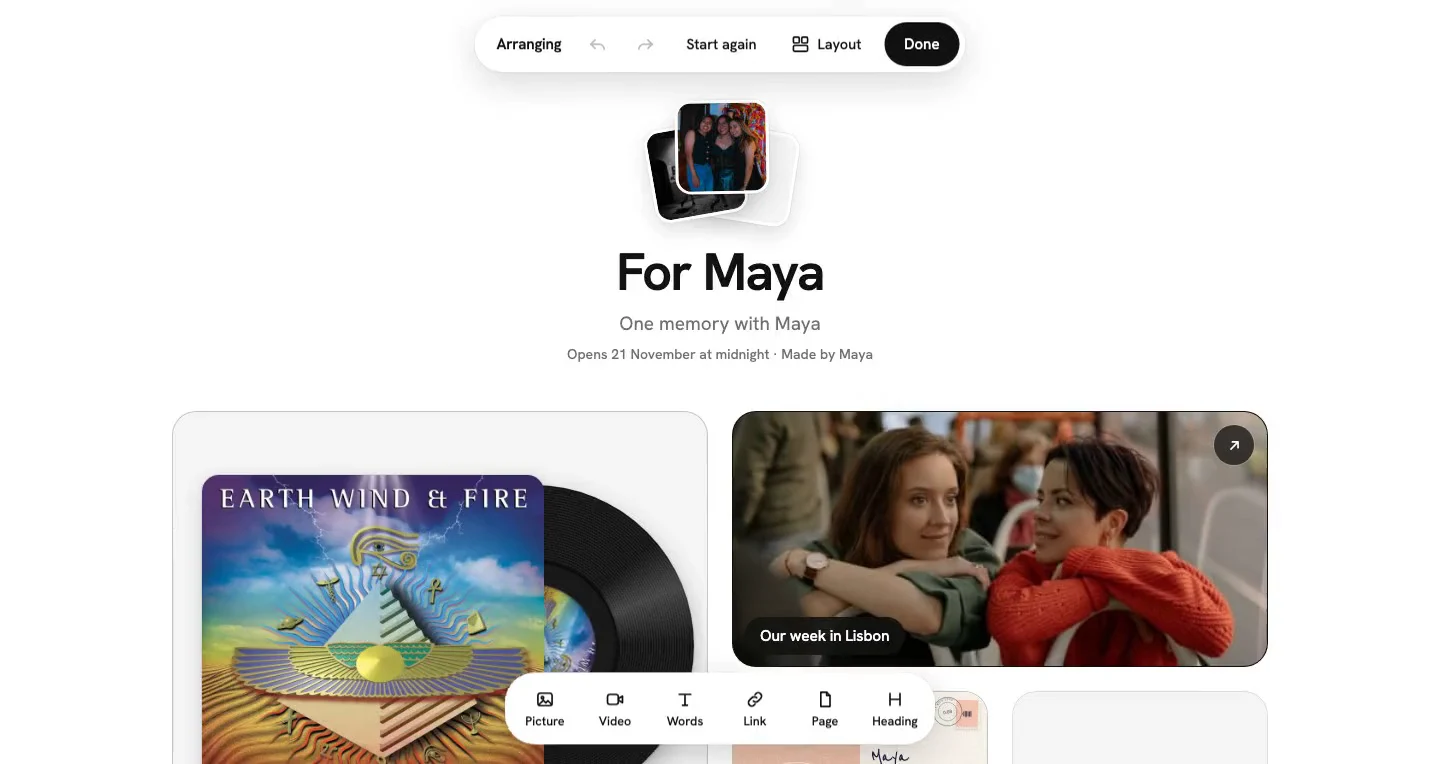
- Choosing what to add. The kinds under your square are a white pill of icons, and each empty square shows what it becomes.
- White fields. Everywhere you type is white, lifted by a soft shadow.
- From Home into a wall's page. A wall's picture grows to fill the top of the screen as its page opens.
- A way back from someone's page, before their name.
- Longer videos. A video can be up to 45 seconds, and a voice memo sent by email keeps its first 45 seconds.
- Safer all round. You're signed out after 3 hours away and after a week at most, and Sign out everywhere else, in Settings under Your data, signs out every other phone and computer at once. Without signing in, a device can add two photos, voice notes, videos or drawings to a wall. A Keep track link on another device says which email it signs in as first, an unsubscribe link opened in a browser asks before it stops the mails, and Download everything's link lasts 48 hours.
Faces on the names. At the top of the front page, each name that types in comes with that person cut out as a little sticker, two for a couple, one each side of the name. The cursor rubs the stickers out with the letters, and they land again as the next name types.
Why a wall, said better. On the front page, the part about last year now talks to you: everything you all wanted to say, the little room a comment box gave it, and what you can do this time.