
A new Home, a calmer dashboard, and making a wall
10 November 2026 · Account · The wall · Billing · 1.15.1Everything you touch as the person making walls has been rebuilt: Home, each wall's page, making a wall, the plans, and Settings. Your walls show as the real thing everywhere, with fewer buttons and nothing that appears on hover, and every option shows only when it applies.
Home
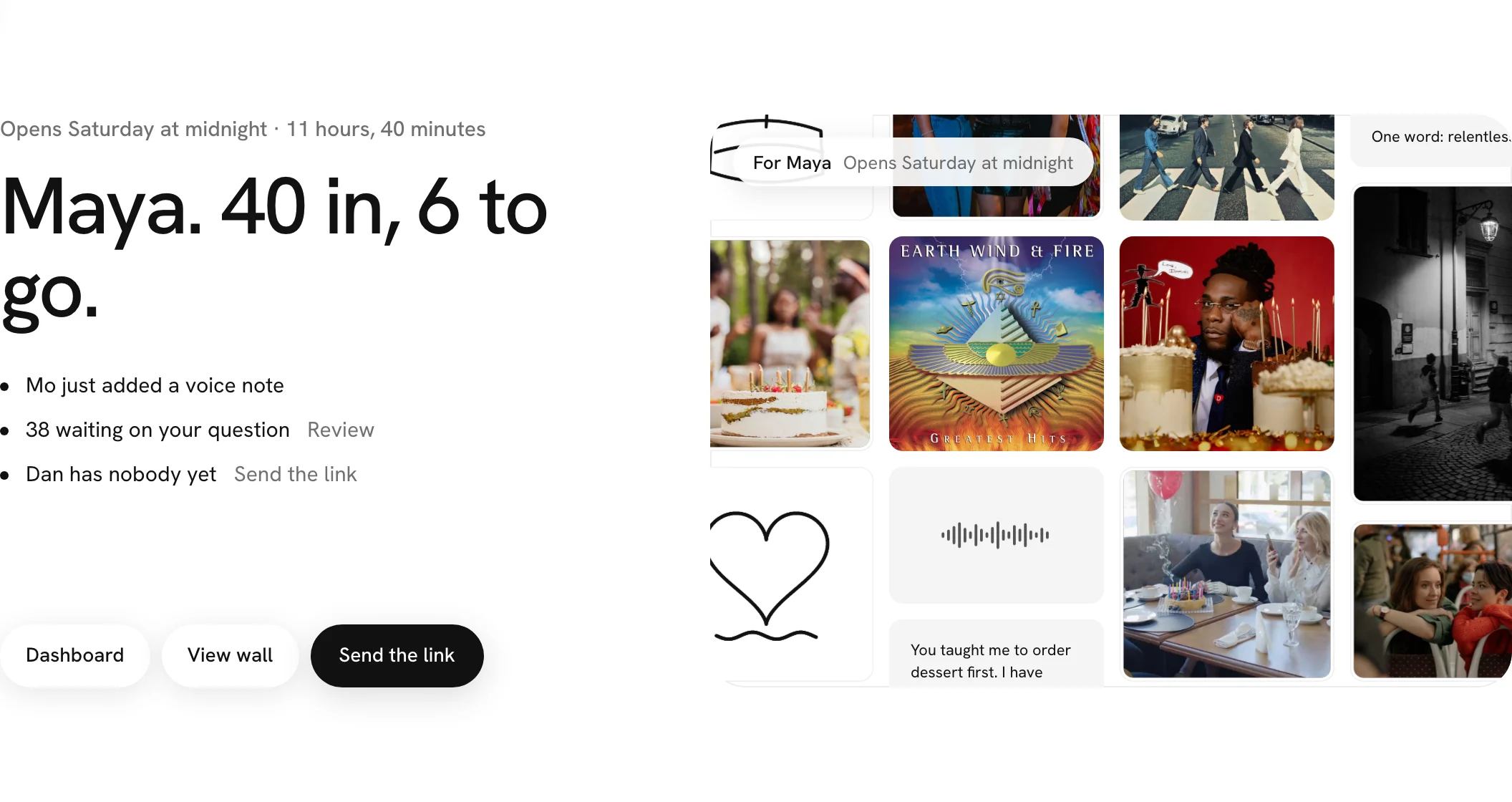
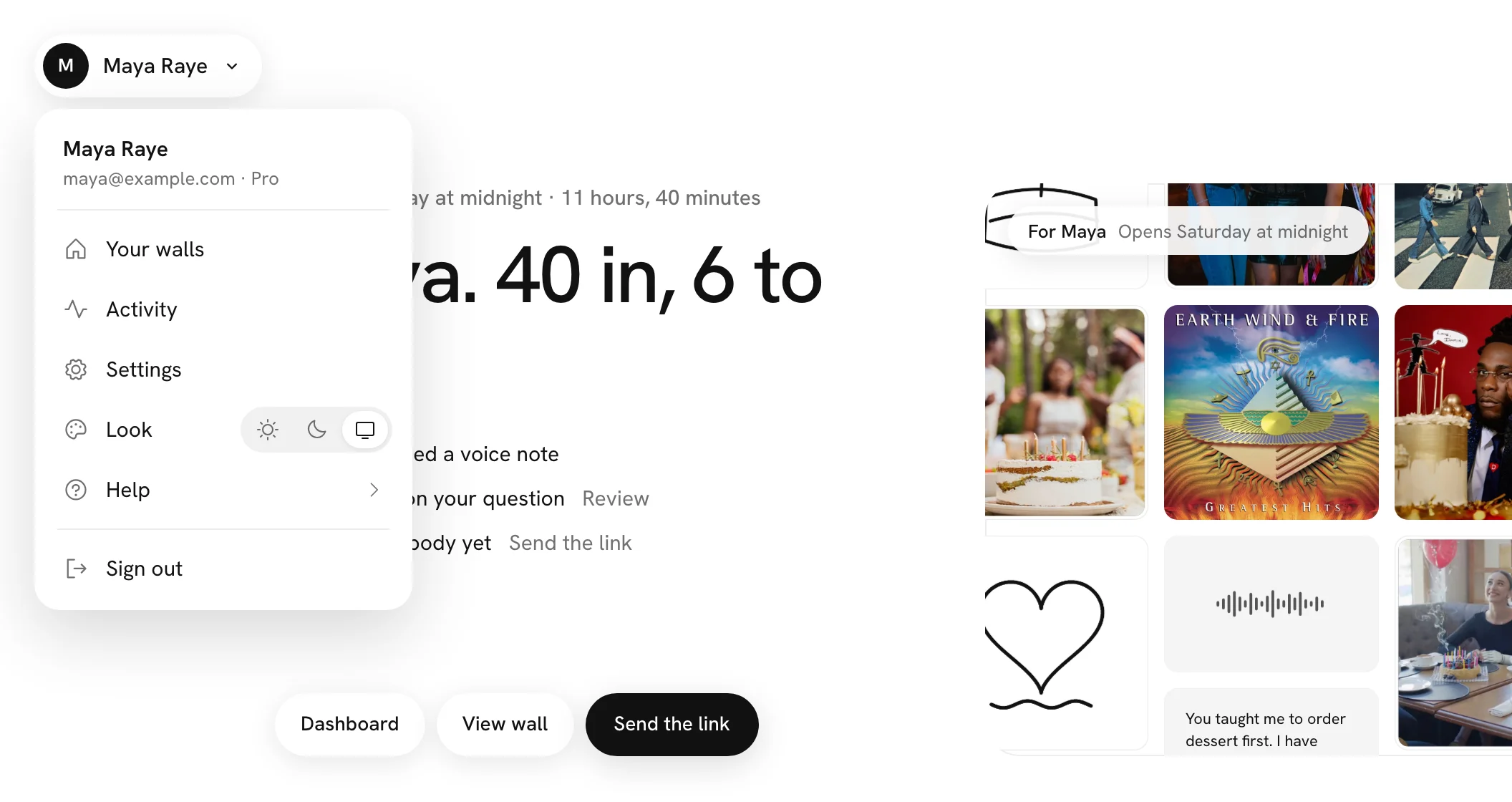
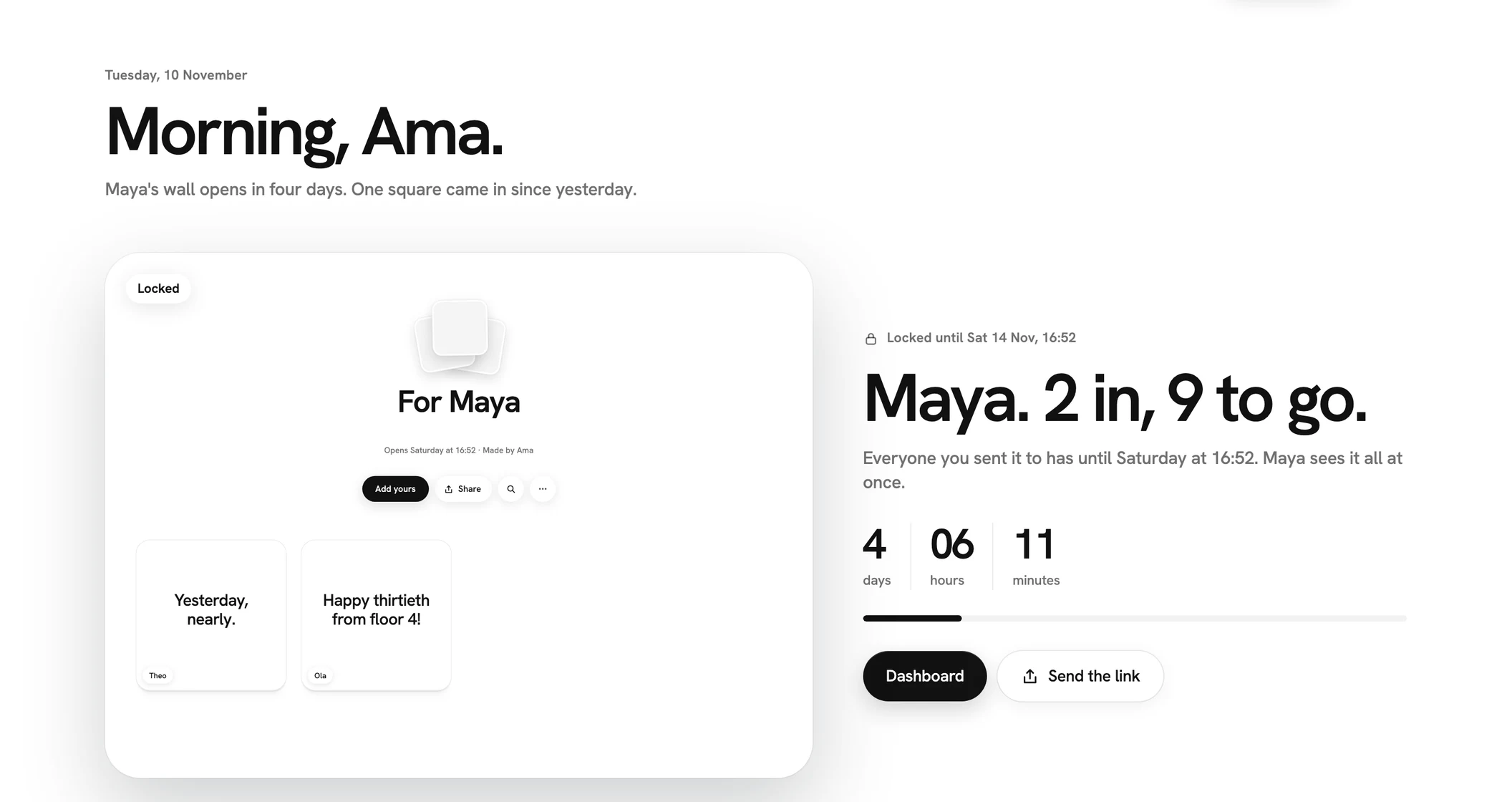
Home opens with your walls, one at a time: how many are in, how many are still to come, and when it opens. Under it, Came in today shows the squares that landed today. Needs you lists what's waiting on you, and Your circle the days coming up, each with a way to start a wall. Your walls are drawn as they look, and everything you can do to one sits behind its ⋯.
View all opens a whole section without leaving Home. It grows into a sheet out of the section, and shrinks back when you close it. On a phone it comes up from the bottom.
A wall's dashboard
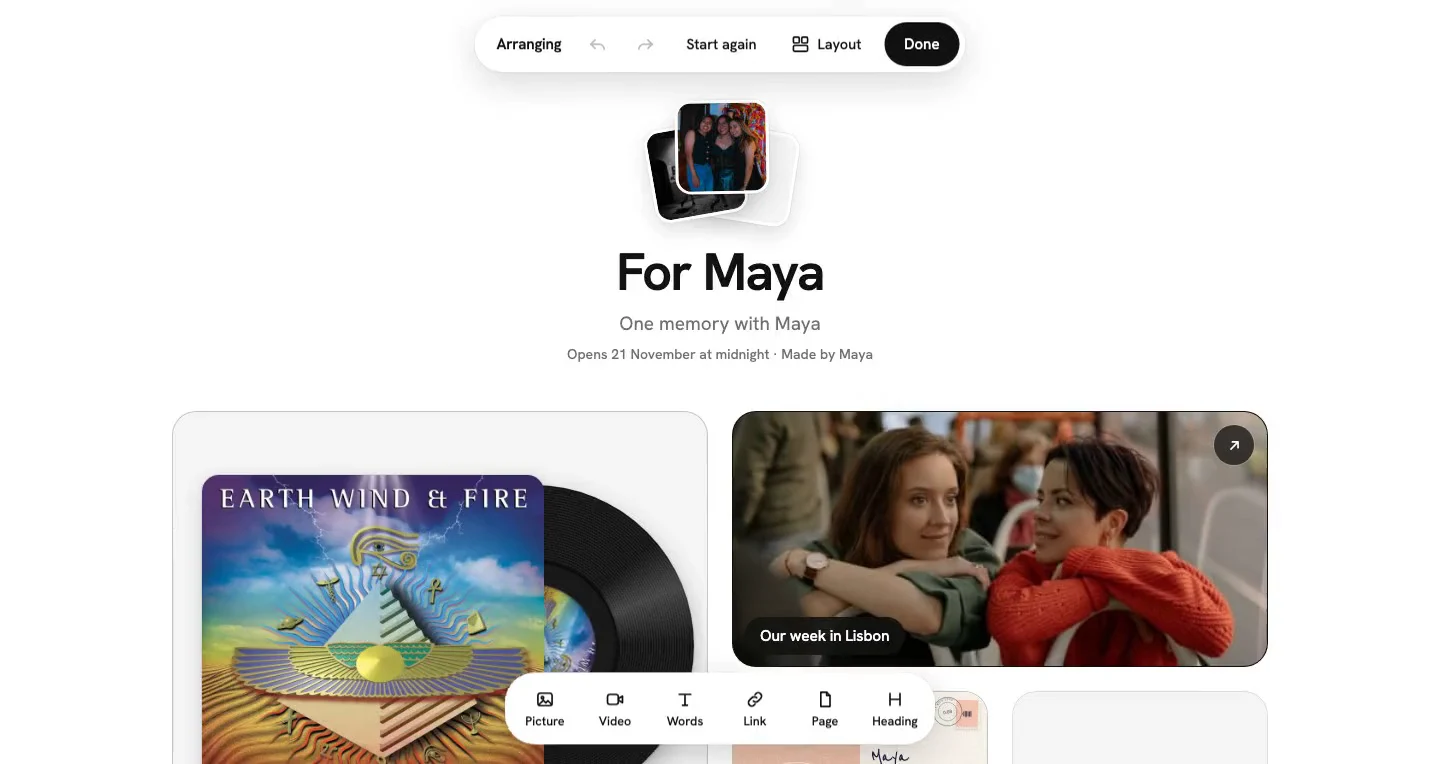
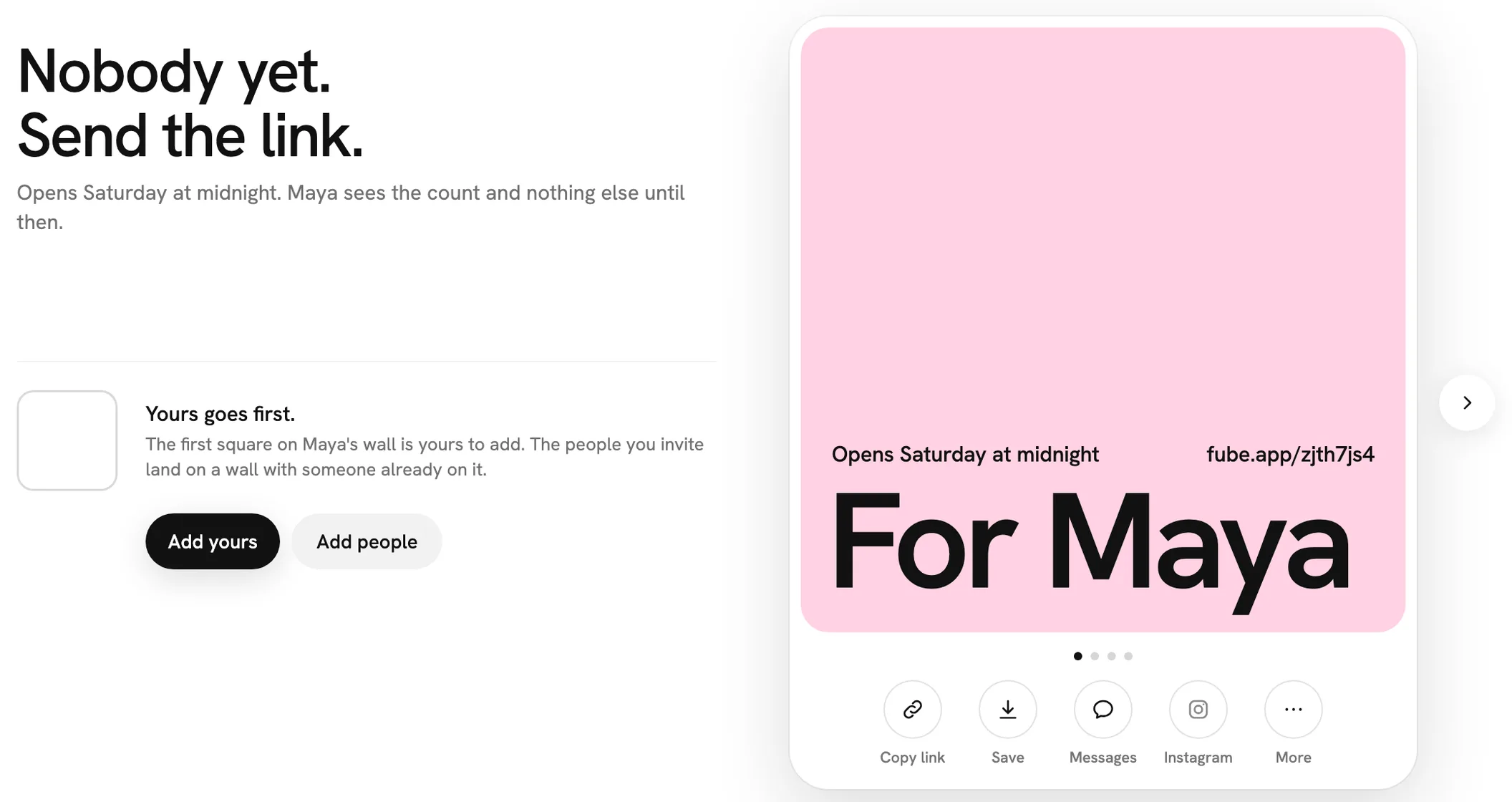
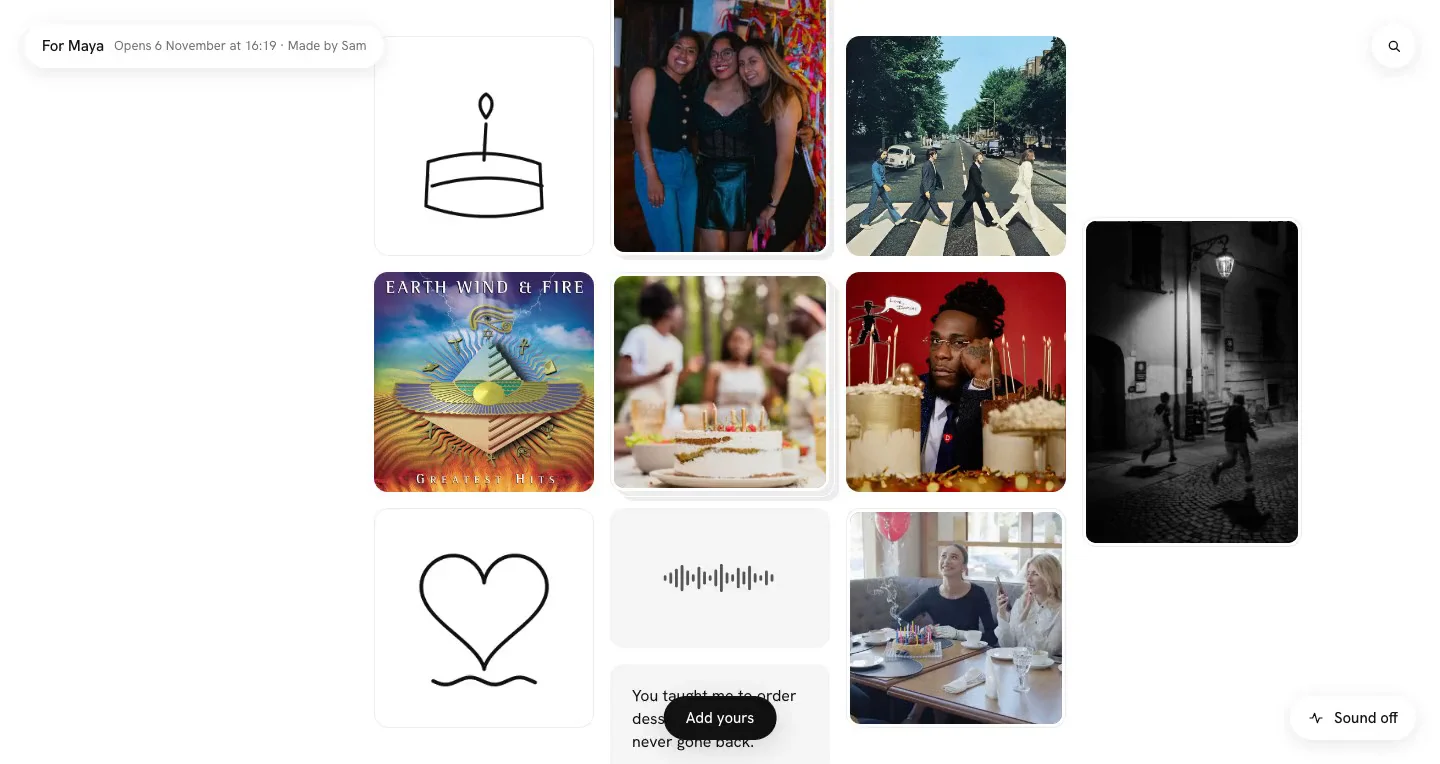
A wall's page has one button at the top, Send the link, which opens a small panel with the link, Copy, and your apps. Everything else, from See it as Maya to Archive, is behind the ⋯ beside it. The headline is the wall in numbers, with the time left counting down.
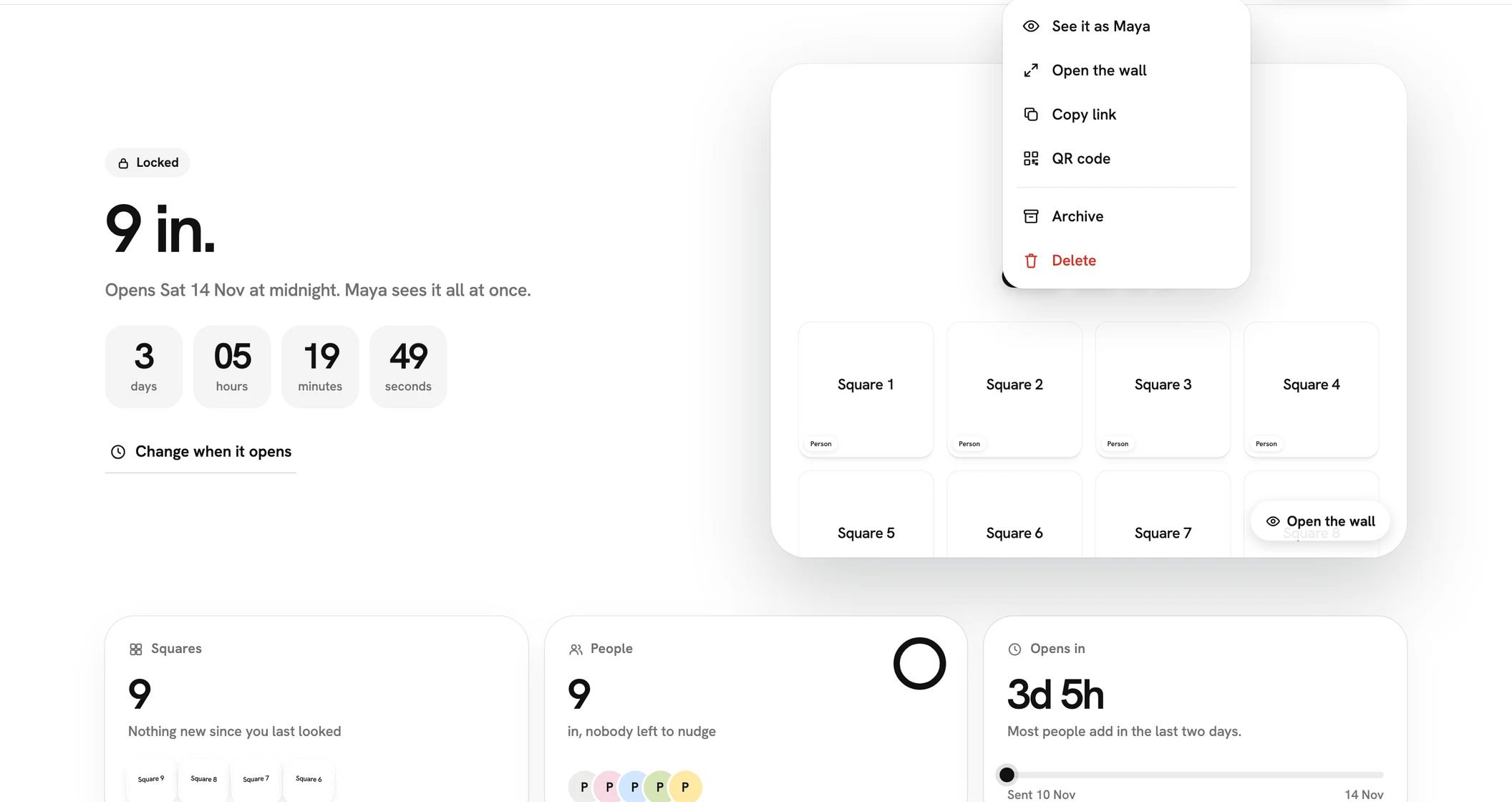
Under it, Squares, People and Opens in say what's new since you last looked. On the wall shows twelve squares at a time, in a space that stays the same size however few there are, with See all for the rest. Everyone shows who's in and who isn't yet, with a nudge for each. Make it yours holds every setting in one place. With approval on, a busy question wall says how many answers are waiting, so you can go through them one by one or see them all at once.
Making a wall
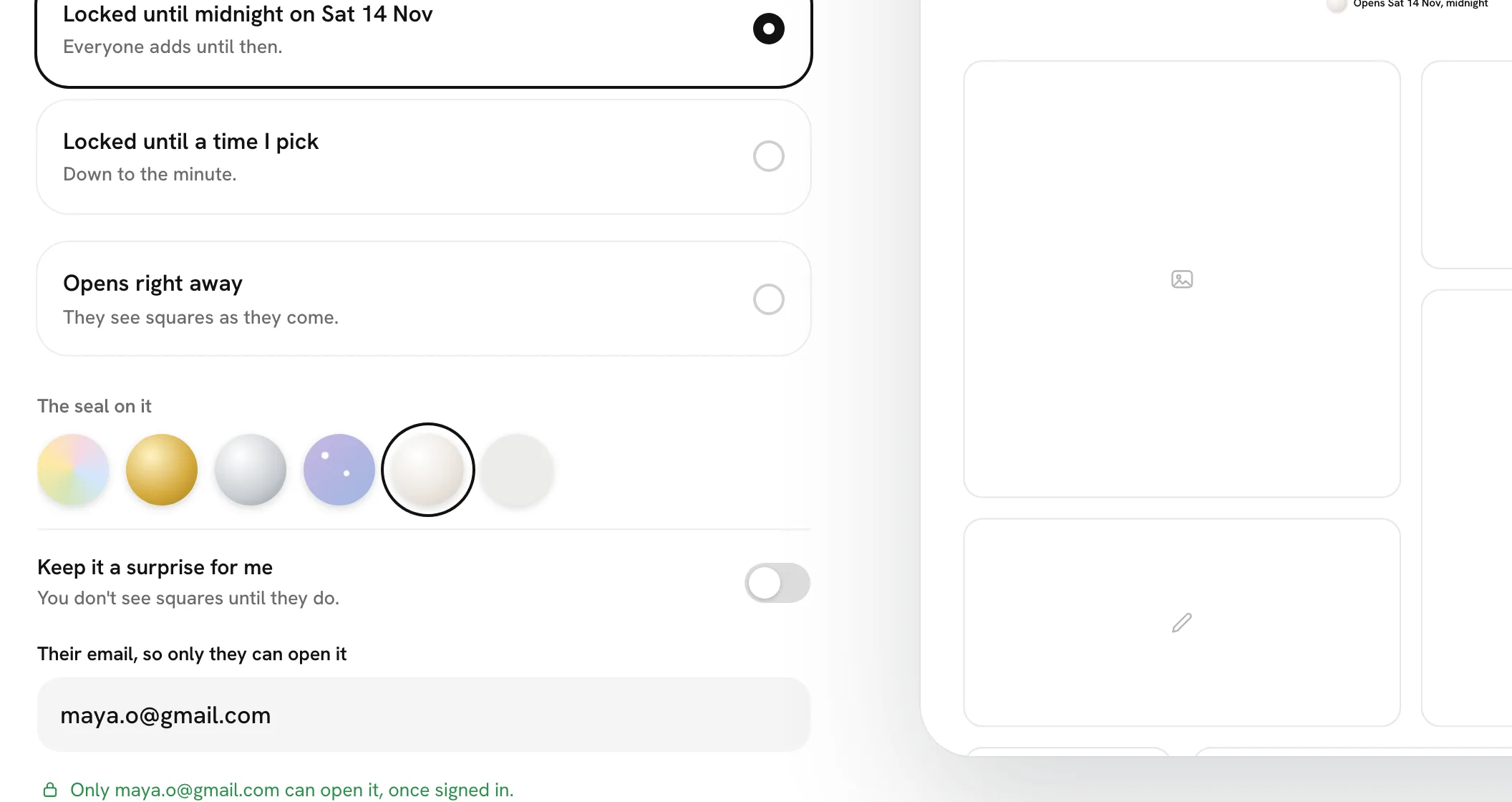
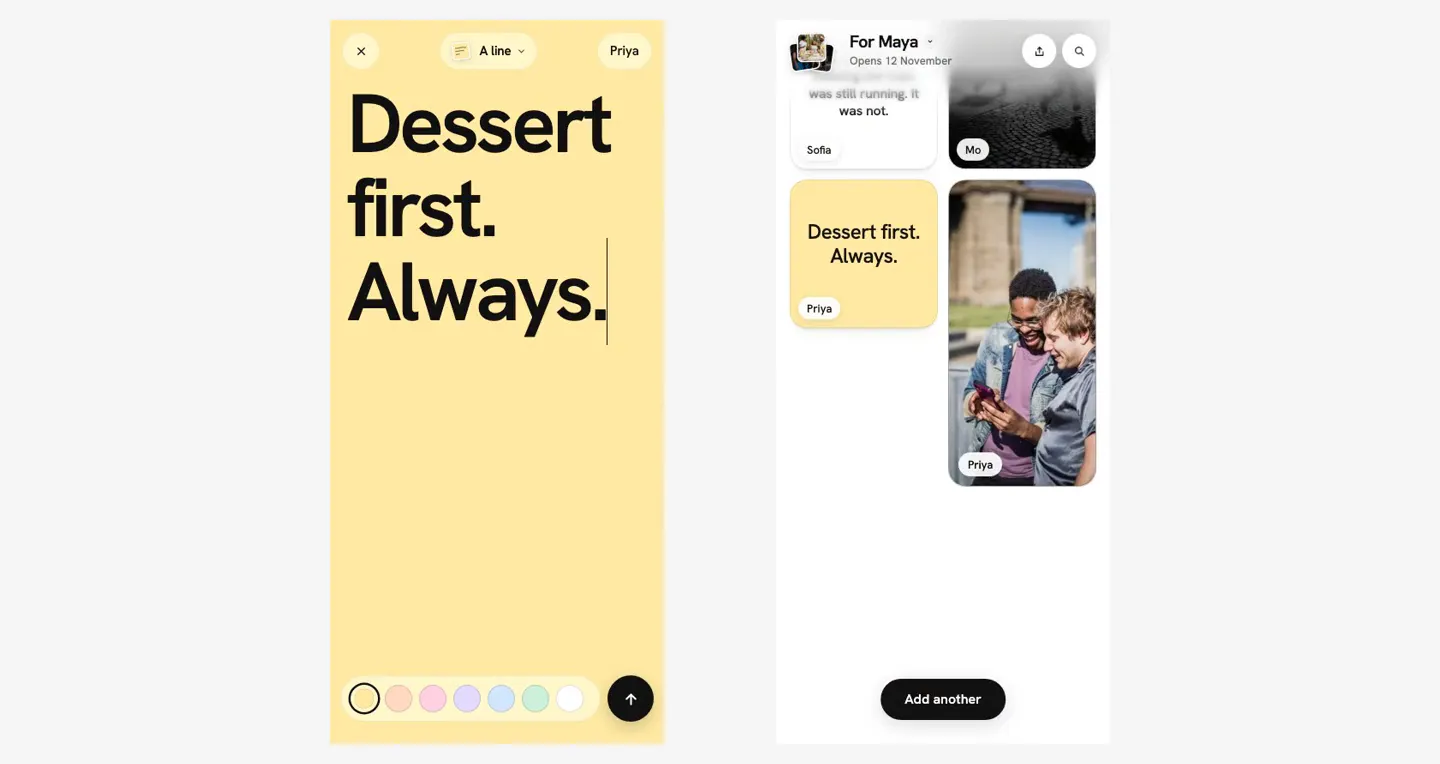
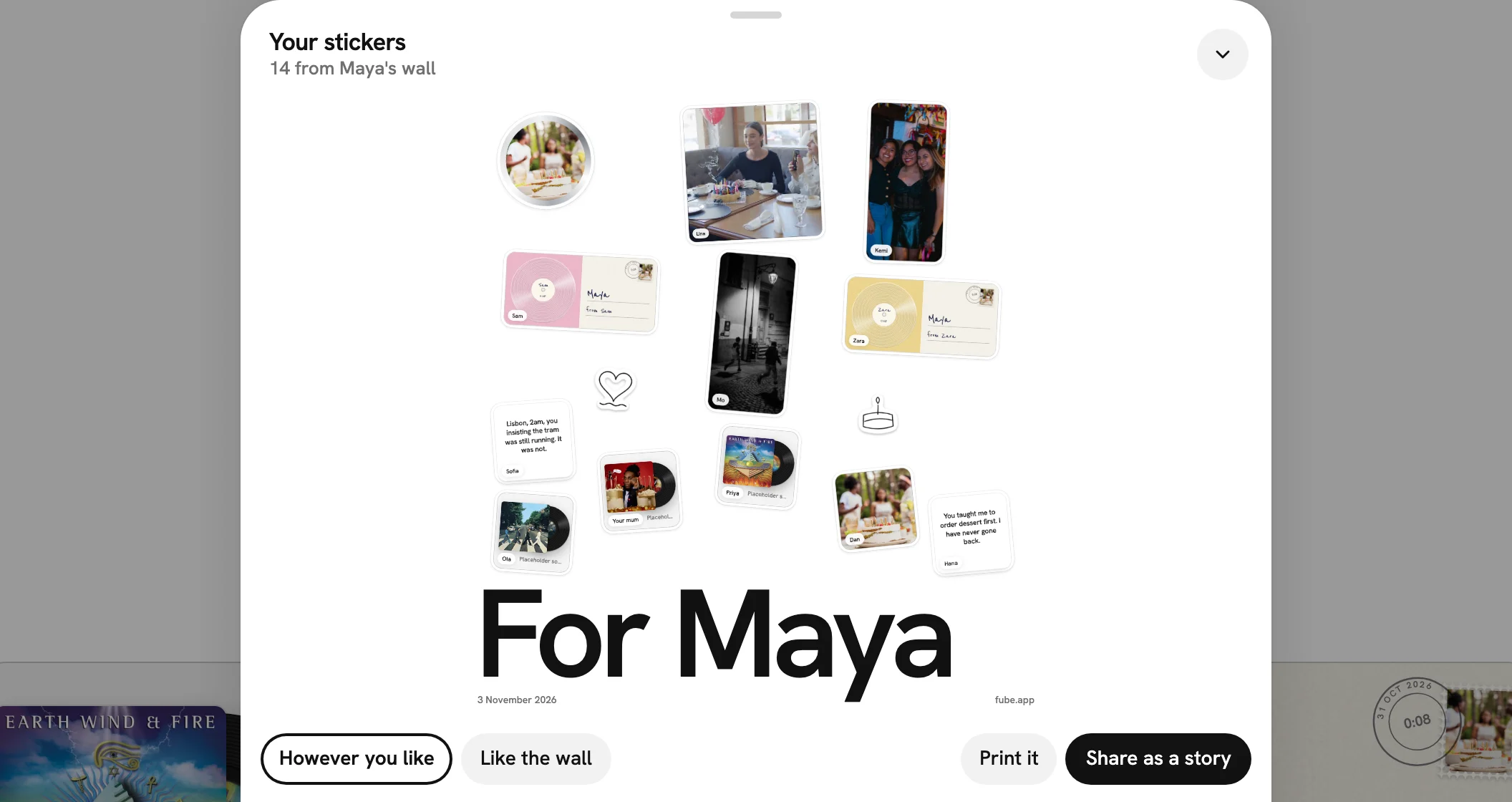
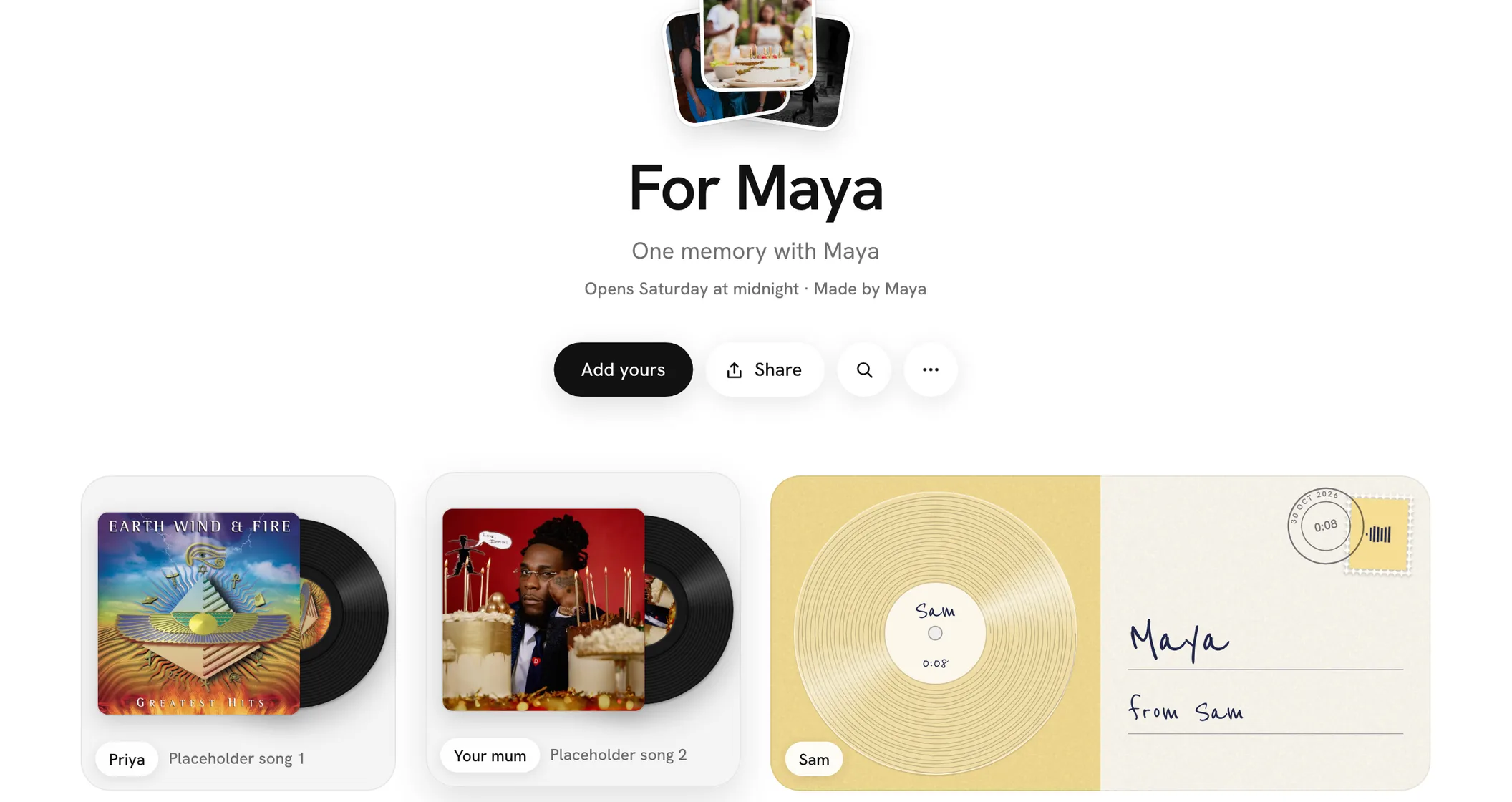
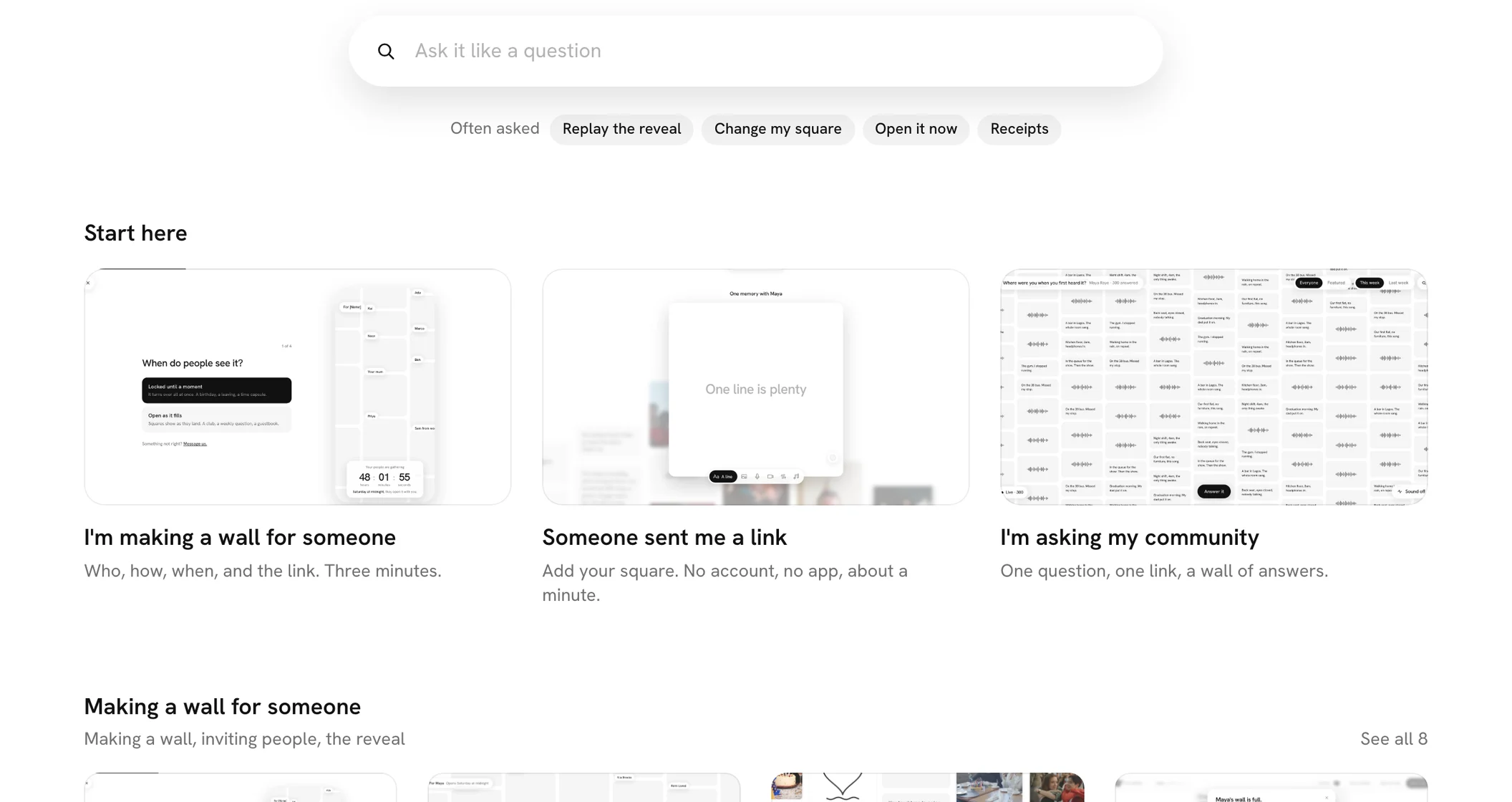
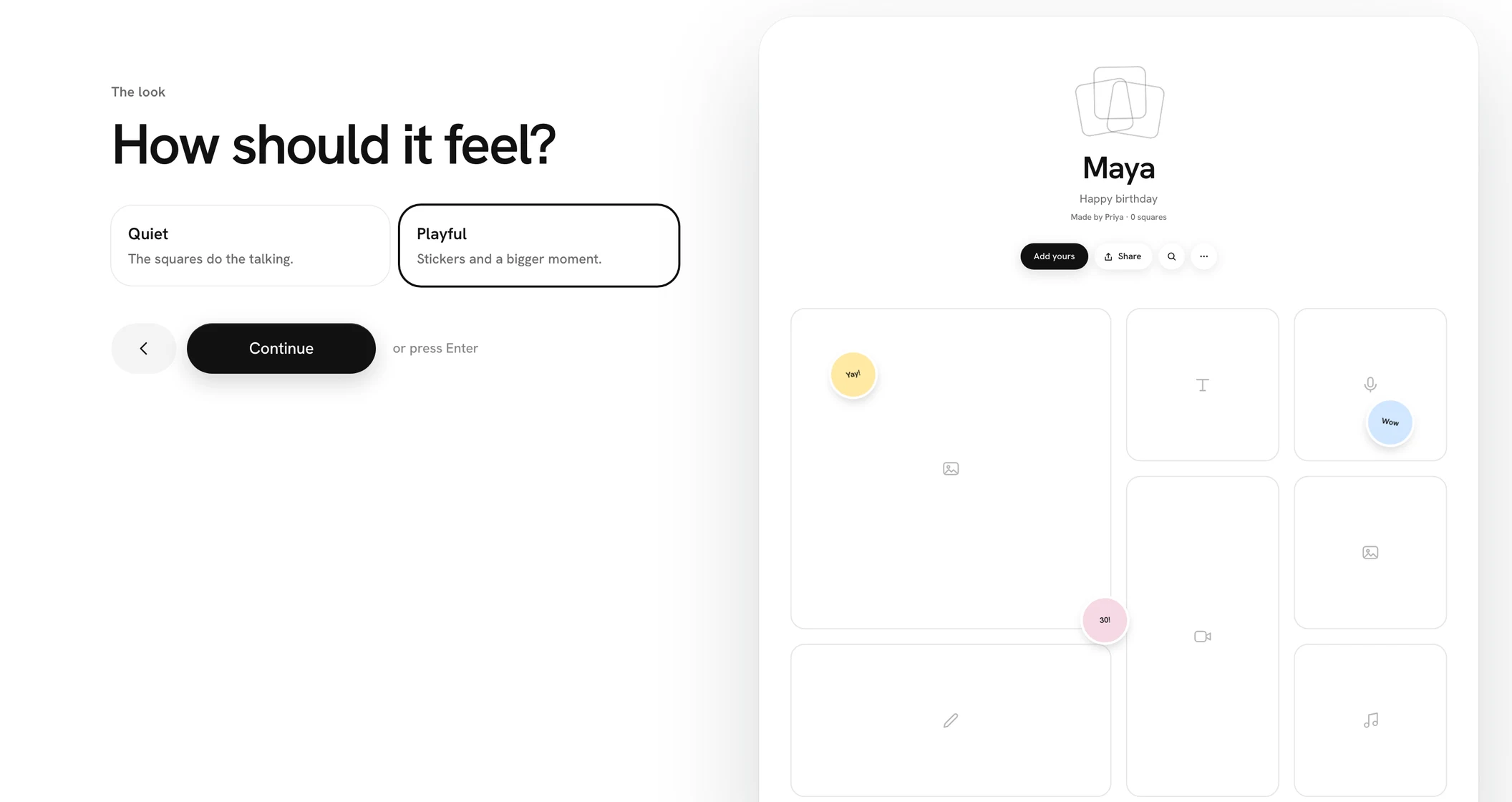
Making a wall is now one short flow, with the wall beside it changing as you choose: who it's for, a few photos for the top, how it should feel, how people can answer, and when it opens. You can make one before signing in. It waits in your browser, and signing in once at the end saves it and gives you its link.
Plans and prompts
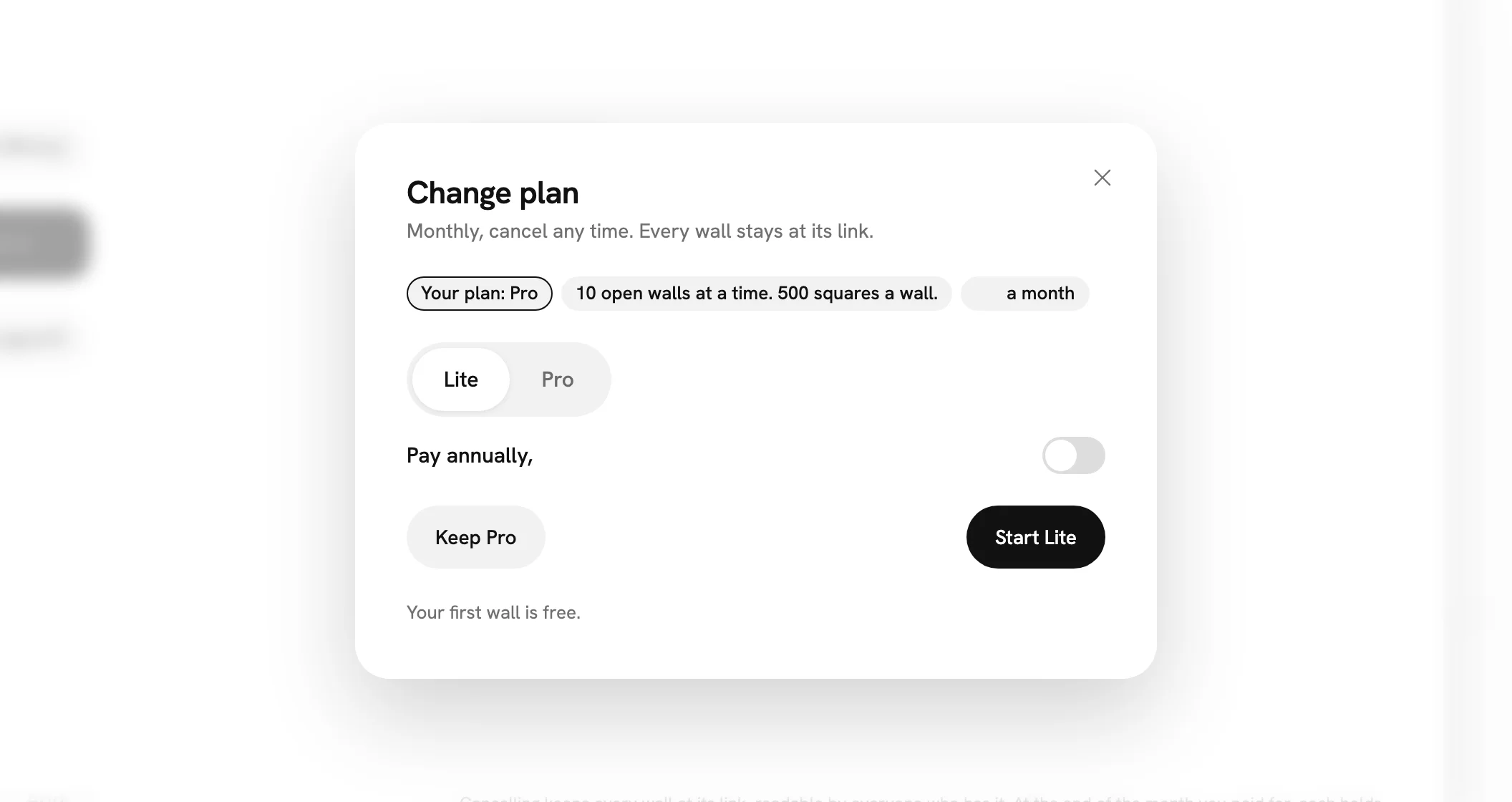
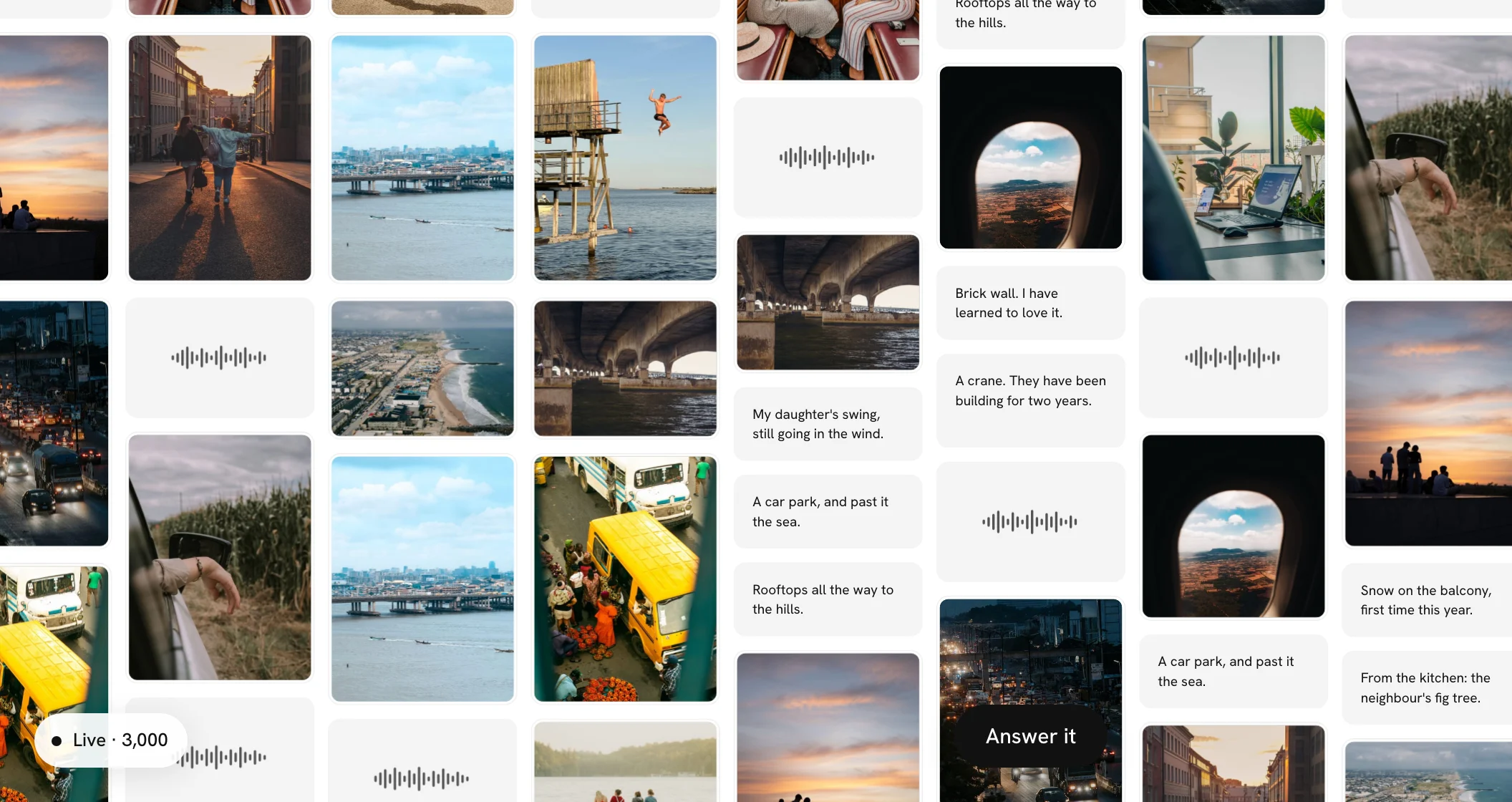
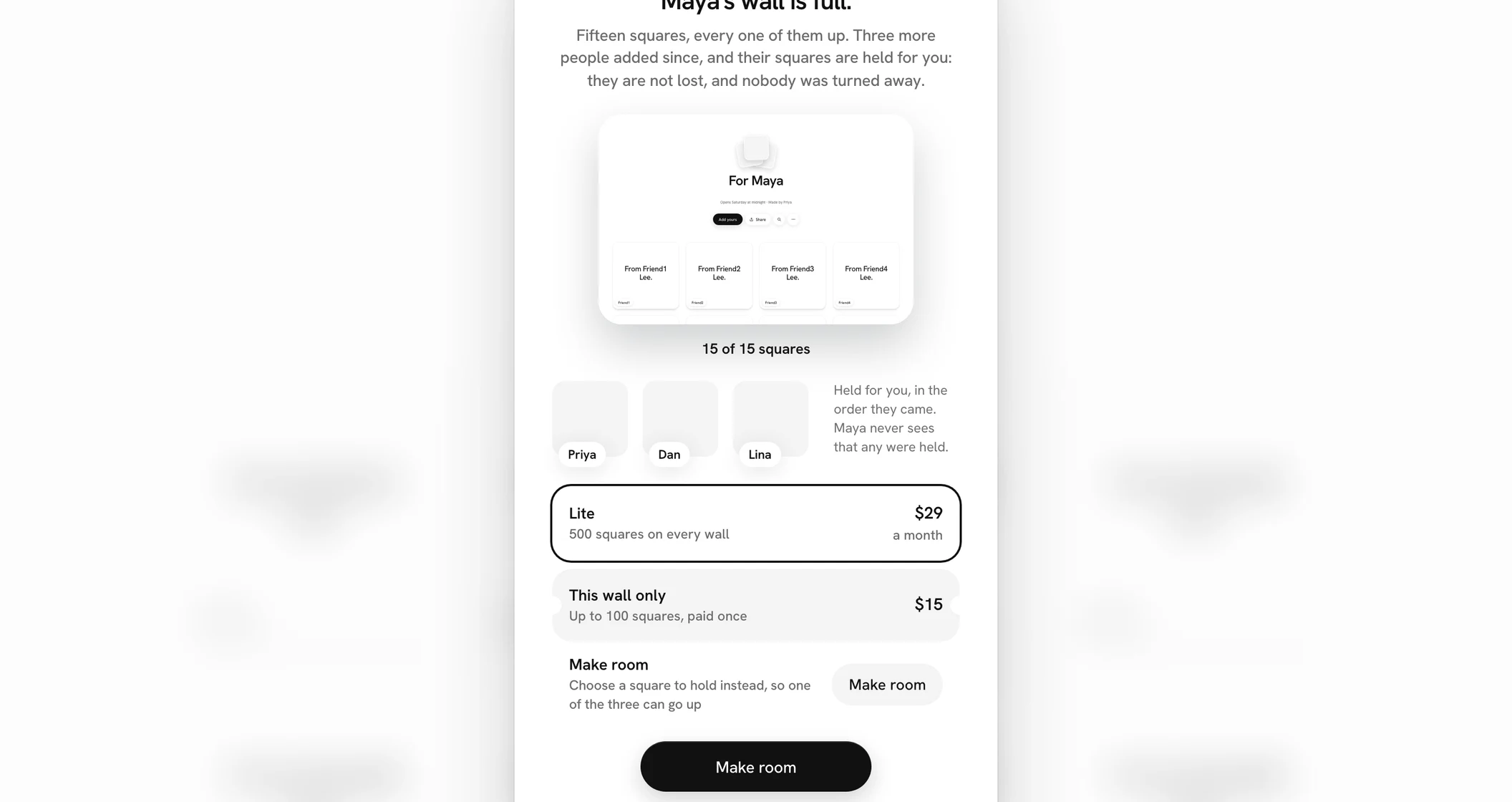
When a wall fills up, it shows you the wall at its limit, who's waiting, and your ways out: a plan, room for this wall alone, or holding a square so someone else's can go up. The plans, changing plan, cancelling and a card that didn't go through all come up in the same card over the page you're on.
Settings
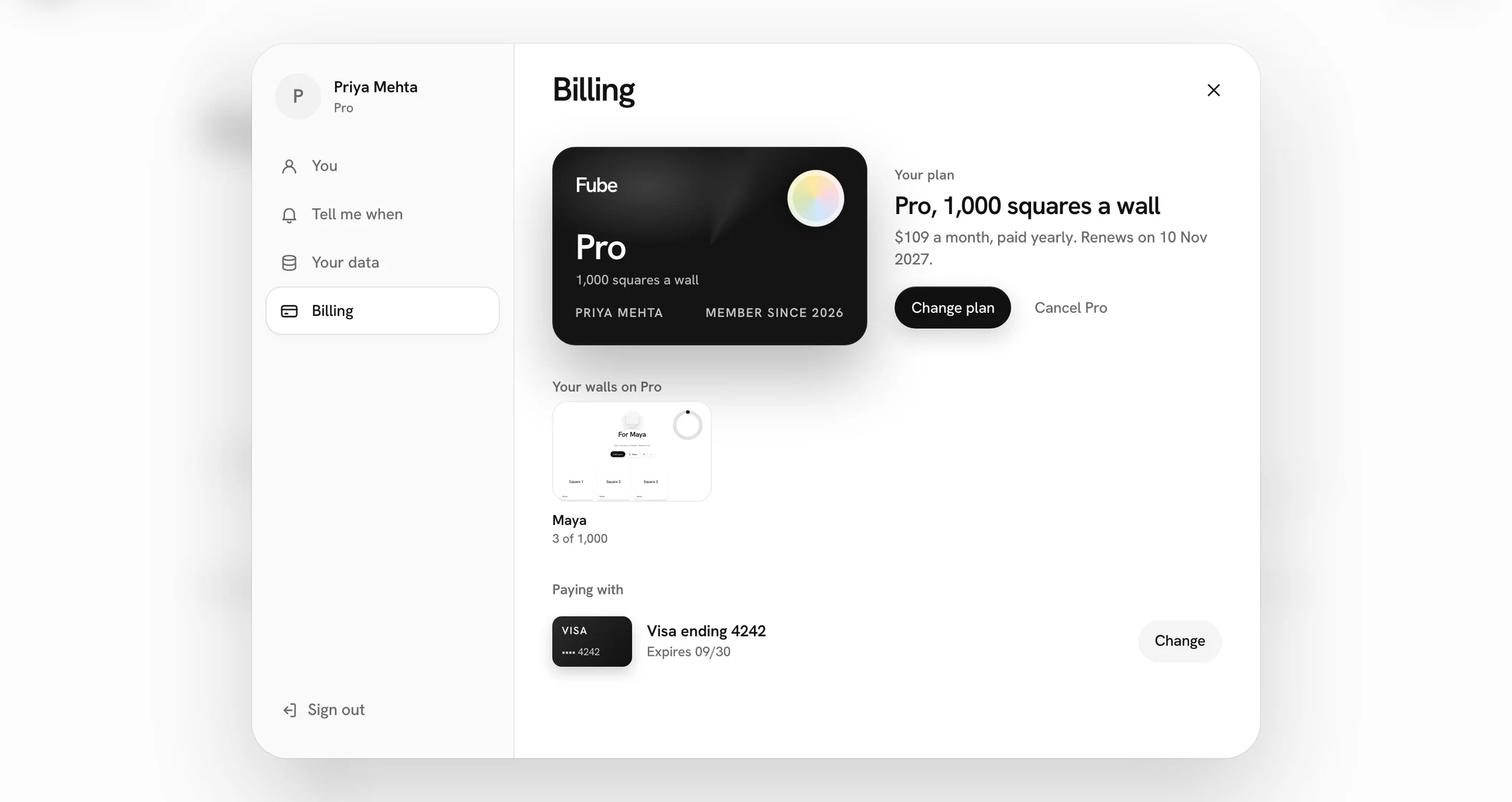
Settings is the same size on every page. Billing leads with your plan as a card, then the walls it pays for, your card and your receipts. Paying for a plan from a wall brings you back to that wall, ready to use what you just paid for.
Smaller changes
- After your first sign-in, a short welcome asks your name and what brings you to Fube, with a way back at every step.
- Add someone puts a name and a day in your circle in one line, and Every year keeps the reminder coming.
- Your circle can bring in the birthdays and anniversaries saved in your iPhone's contacts, read on your device. Only names and days reach Fube.
- The account menu has been tidied, with Help, What's new and the guide in one place.