A wall you scroll, a room for each square, one that peels open
3 November 2026 · The wall · Adding · Creators · Account · 1.9.28A wall is now a page you scroll, like everything else on your phone, with the first name of whoever made each square on it. Open a square and it hangs in a room of its own, add yours on a page of its own with the kinds of square as stickers, and on the day the whole wall peels open like a sticker.
A page you scroll
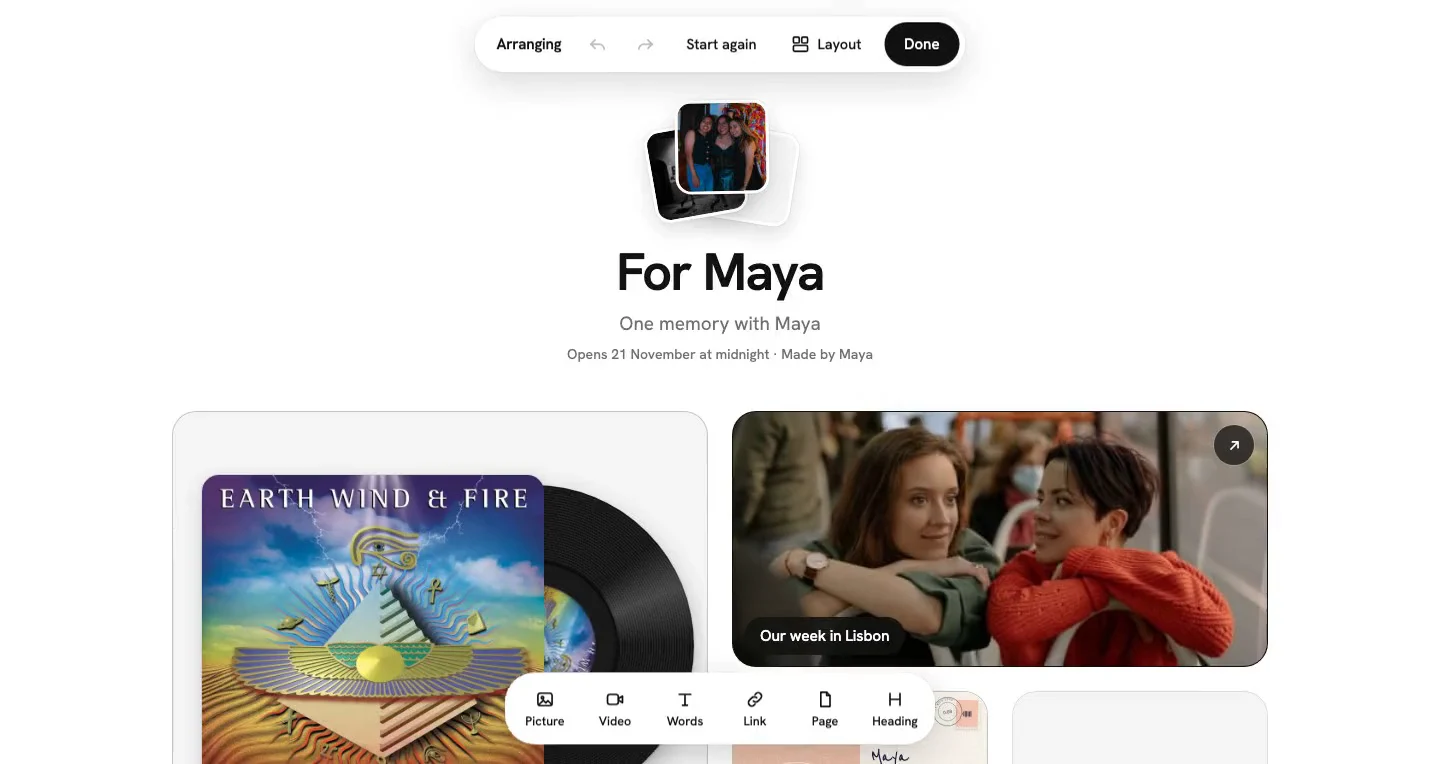
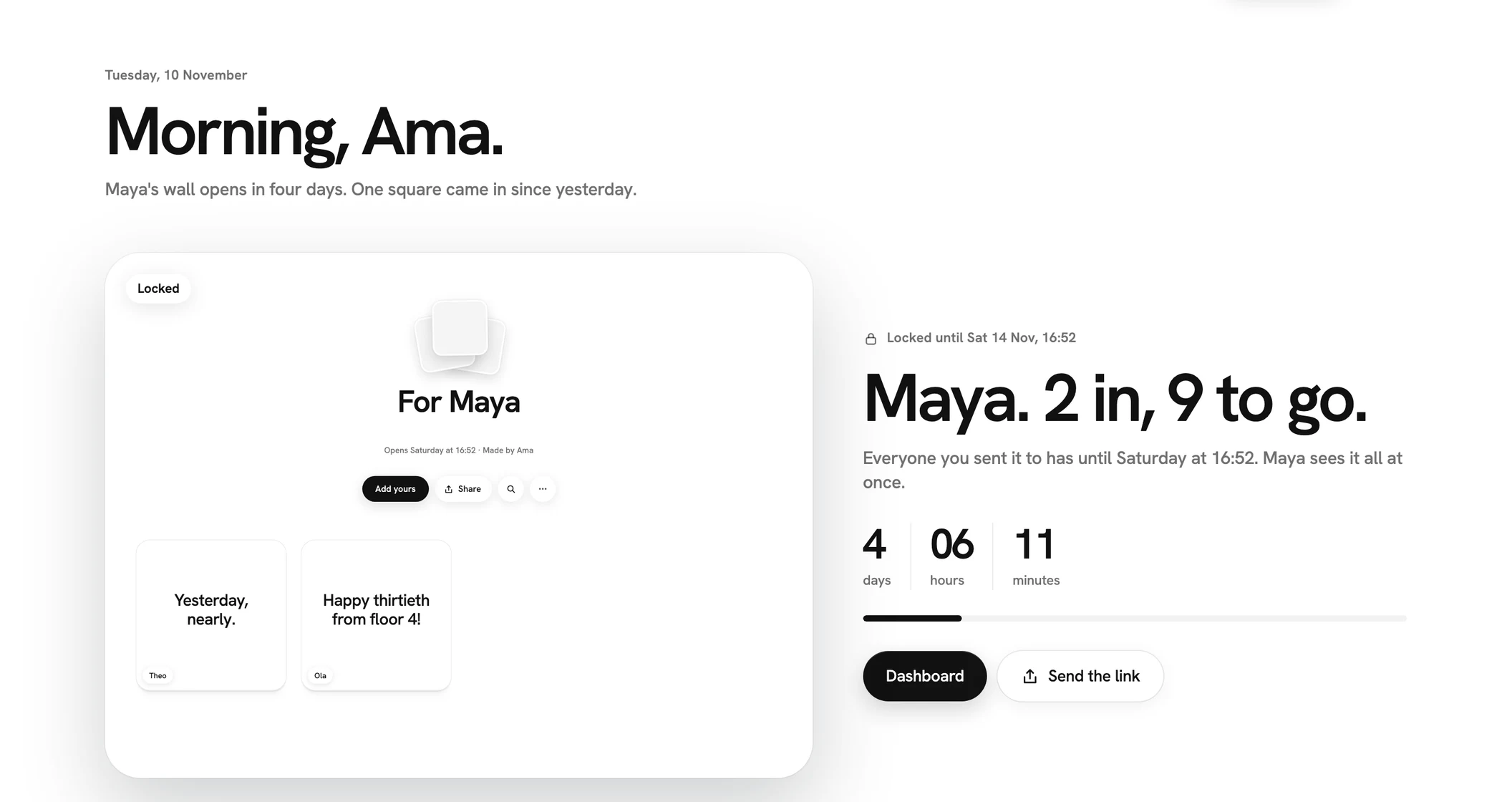
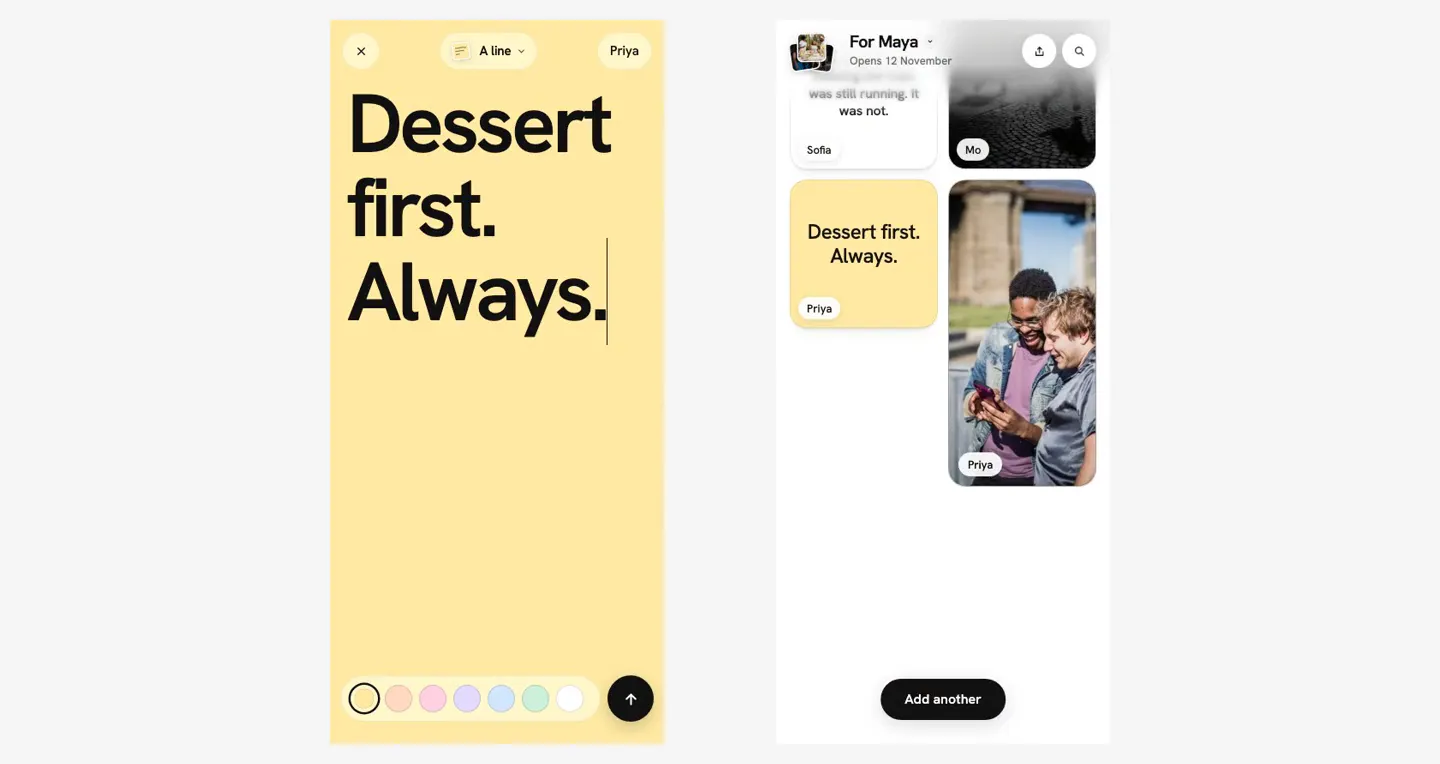
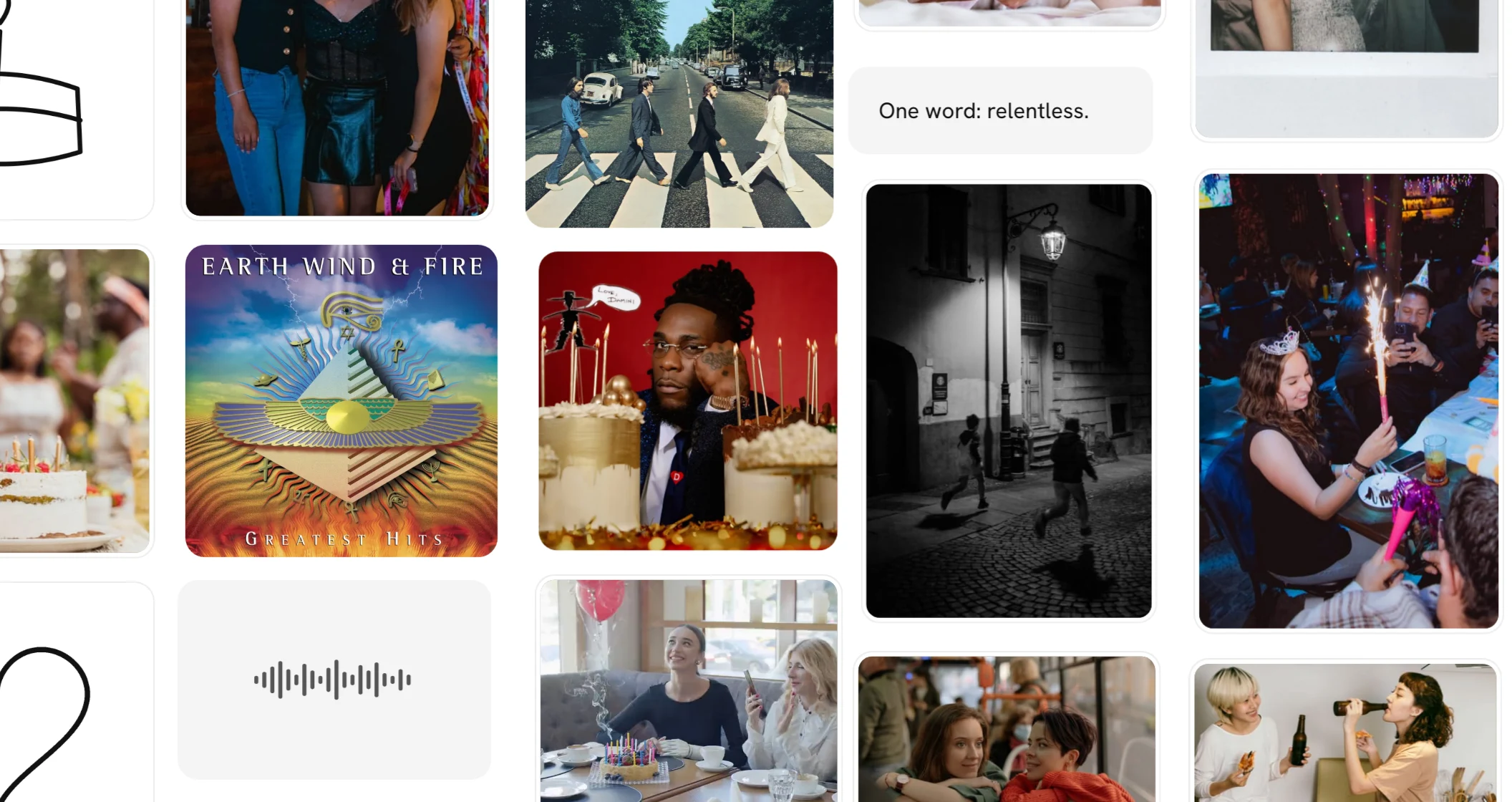
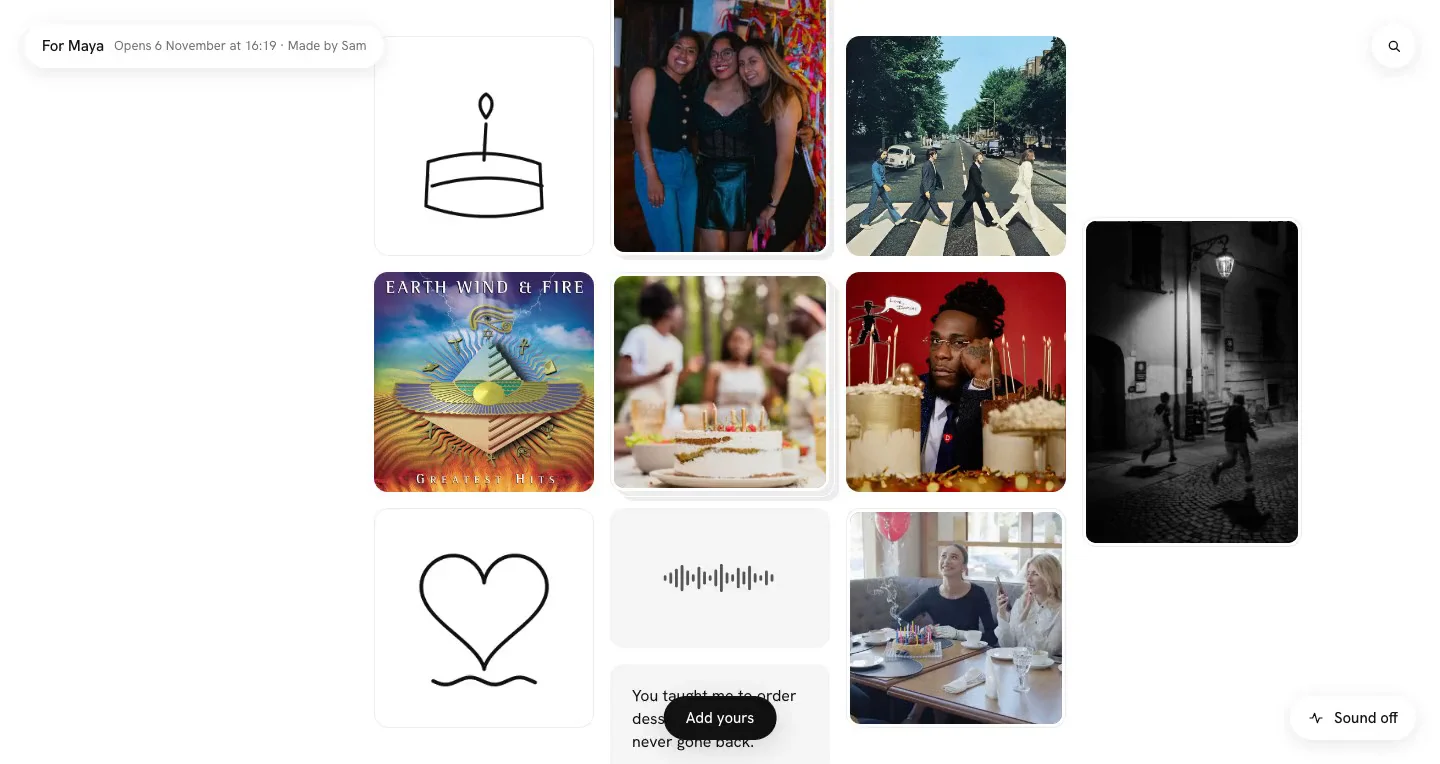
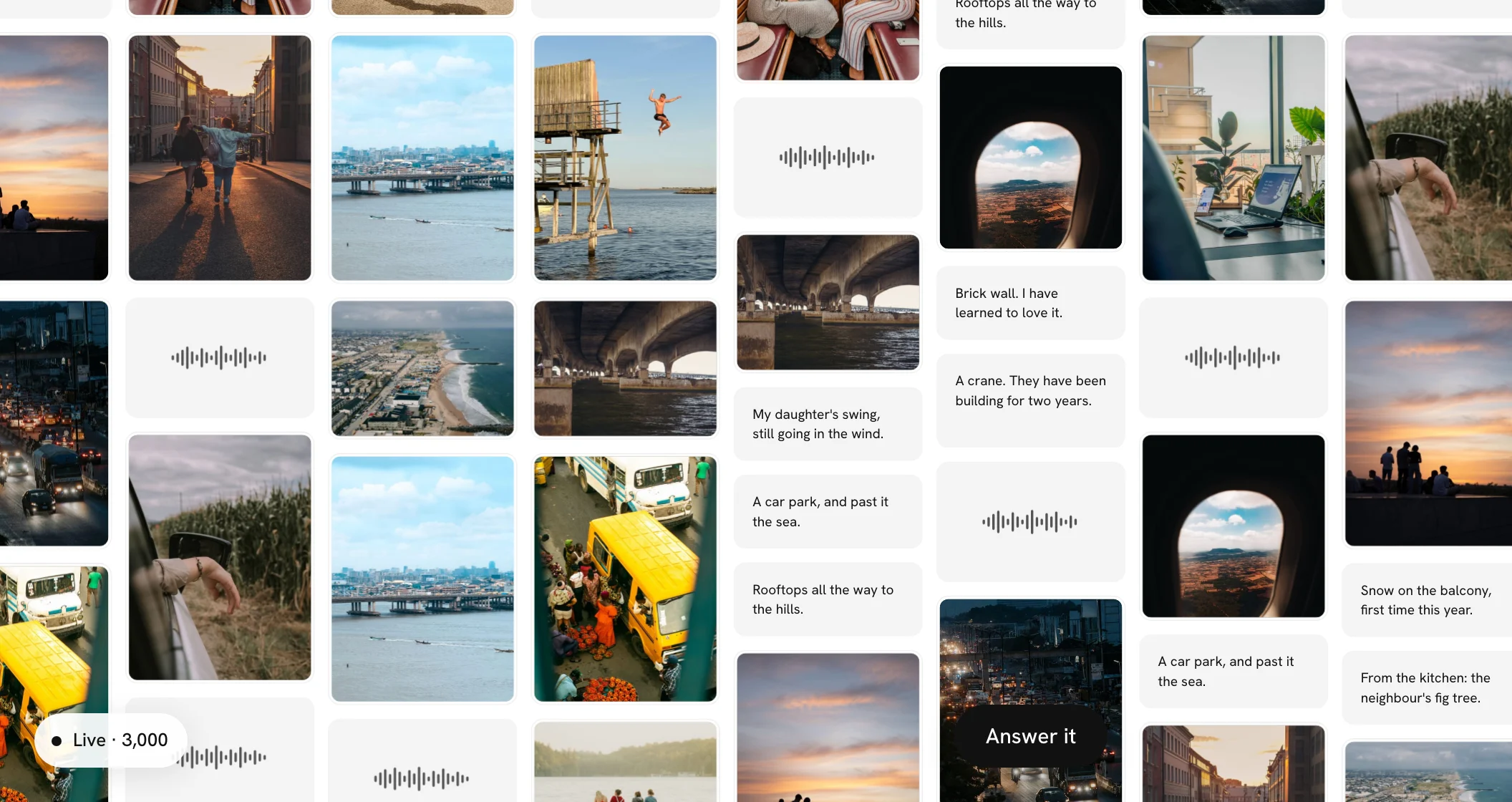
You no longer drag a wall around. You scroll down it. Squares sit in square cells, four across on a laptop and two on a phone, in the order they were added, each with the first name of who made it on a small pill. A square added while you read lands at the end, and nothing moves. The top of the wall settles to the left as you scroll.
It opens like a sticker
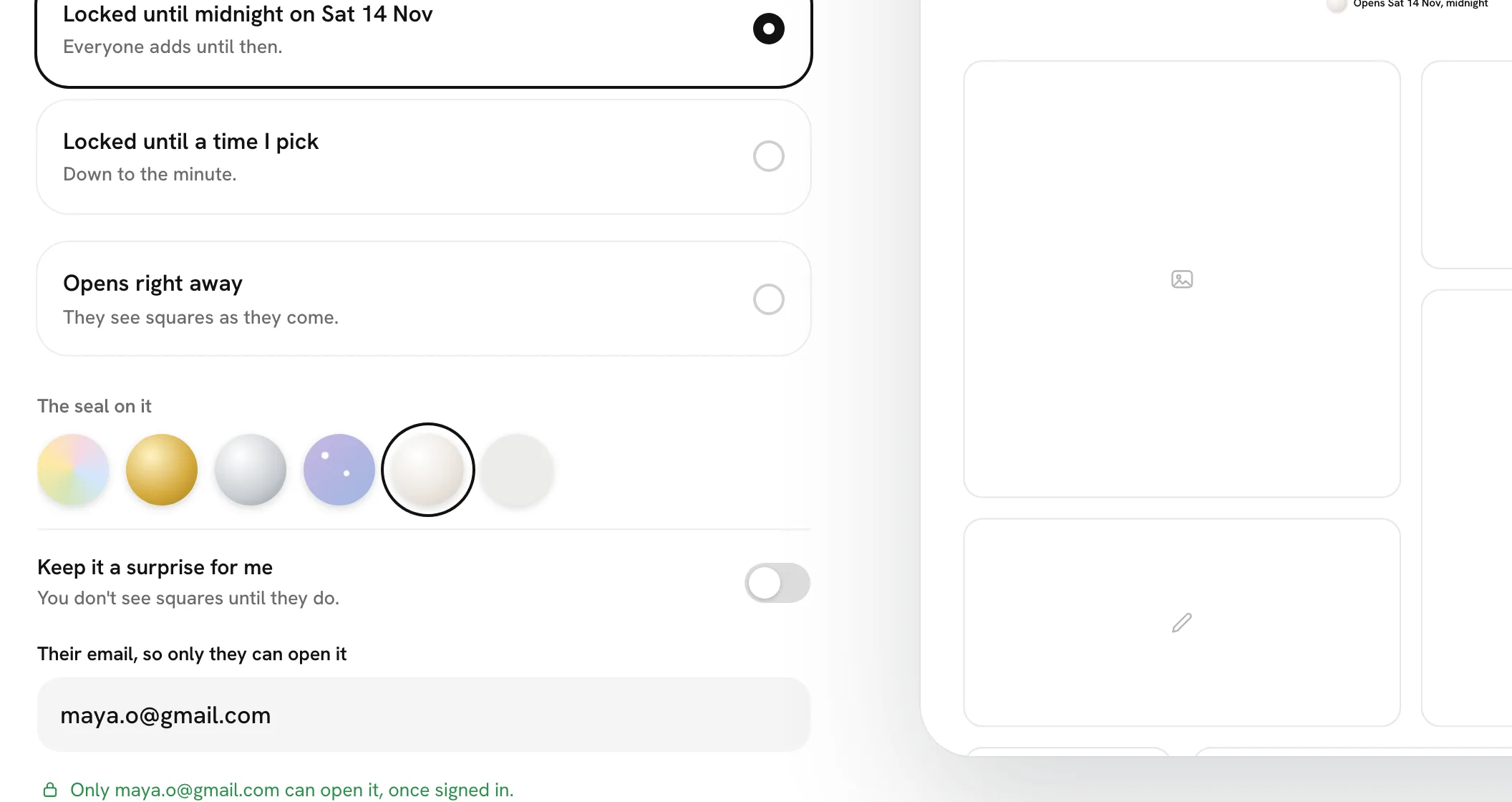
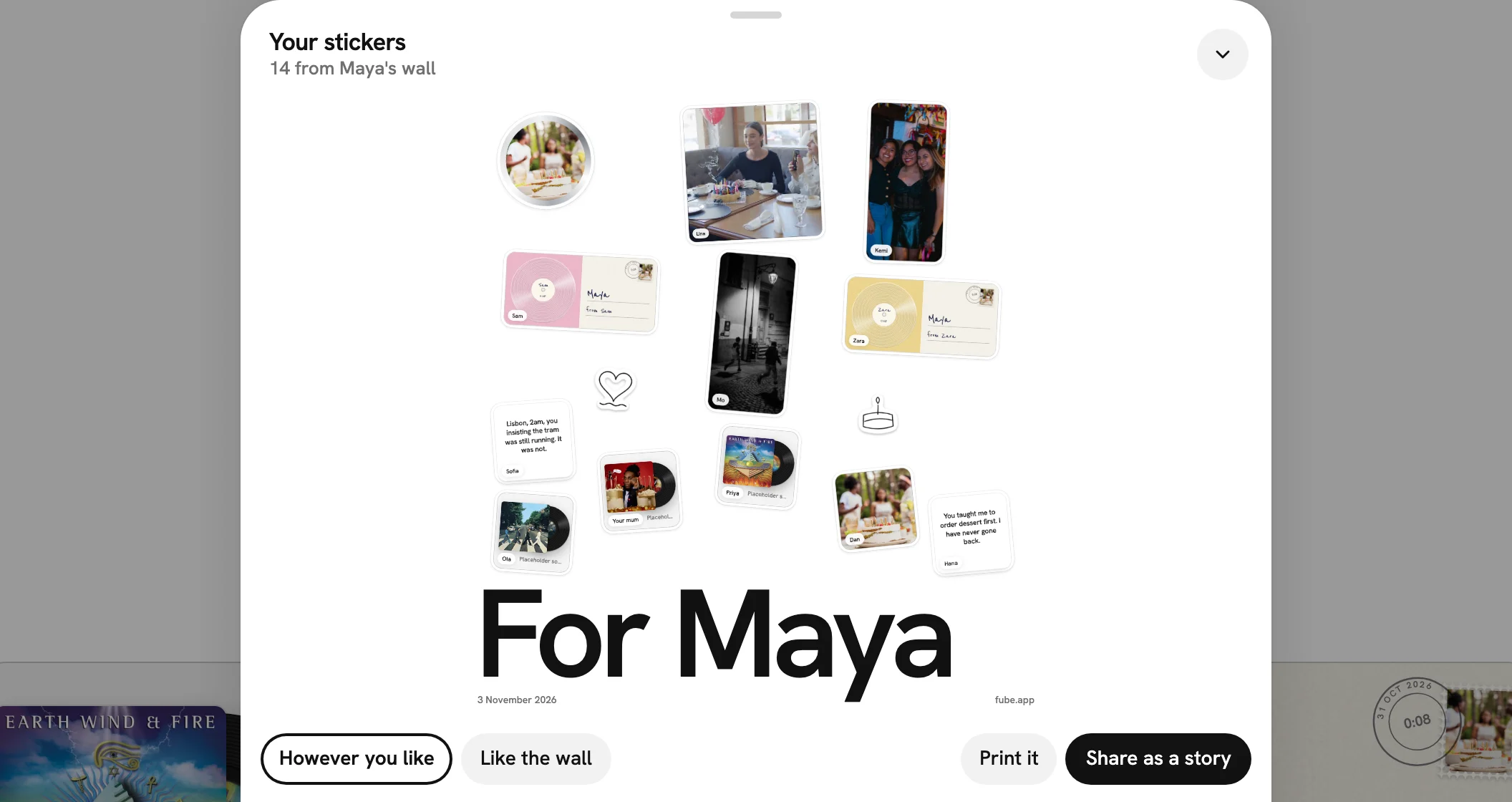
At the moment, the person it is for sees one sticker sheet: everyone's names face down, their own photo in the middle, and a corner already lifting. They press Open it, or catch the corner and pull. It lifts, holds a beat, then the whole sheet comes away and every square is there at once.
Opening a square
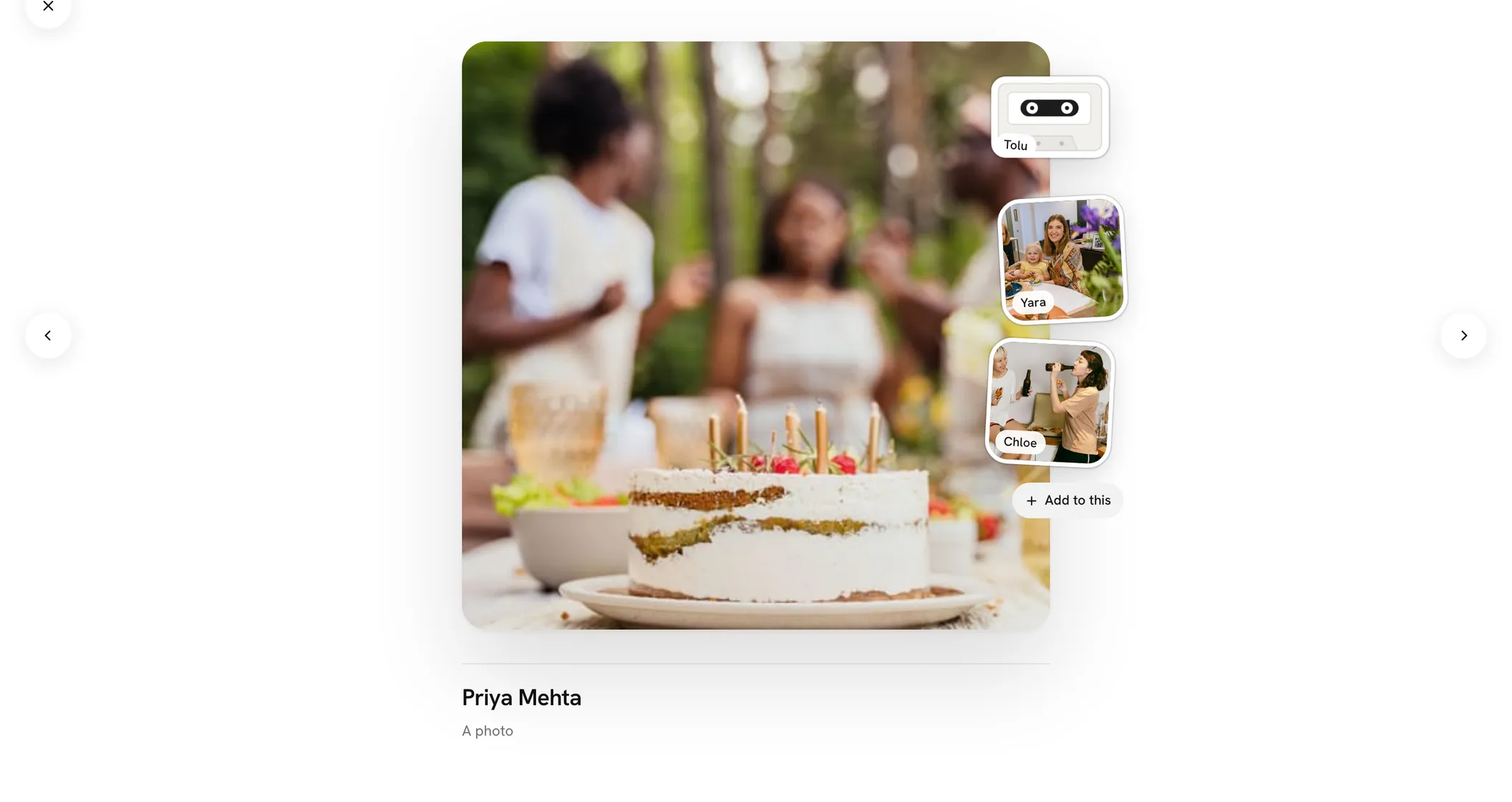
Open a square and the wall goes. It hangs alone on a white page at its own shape, with a label under it as in a gallery. Along the bottom runs every square on the wall.
Adding yours
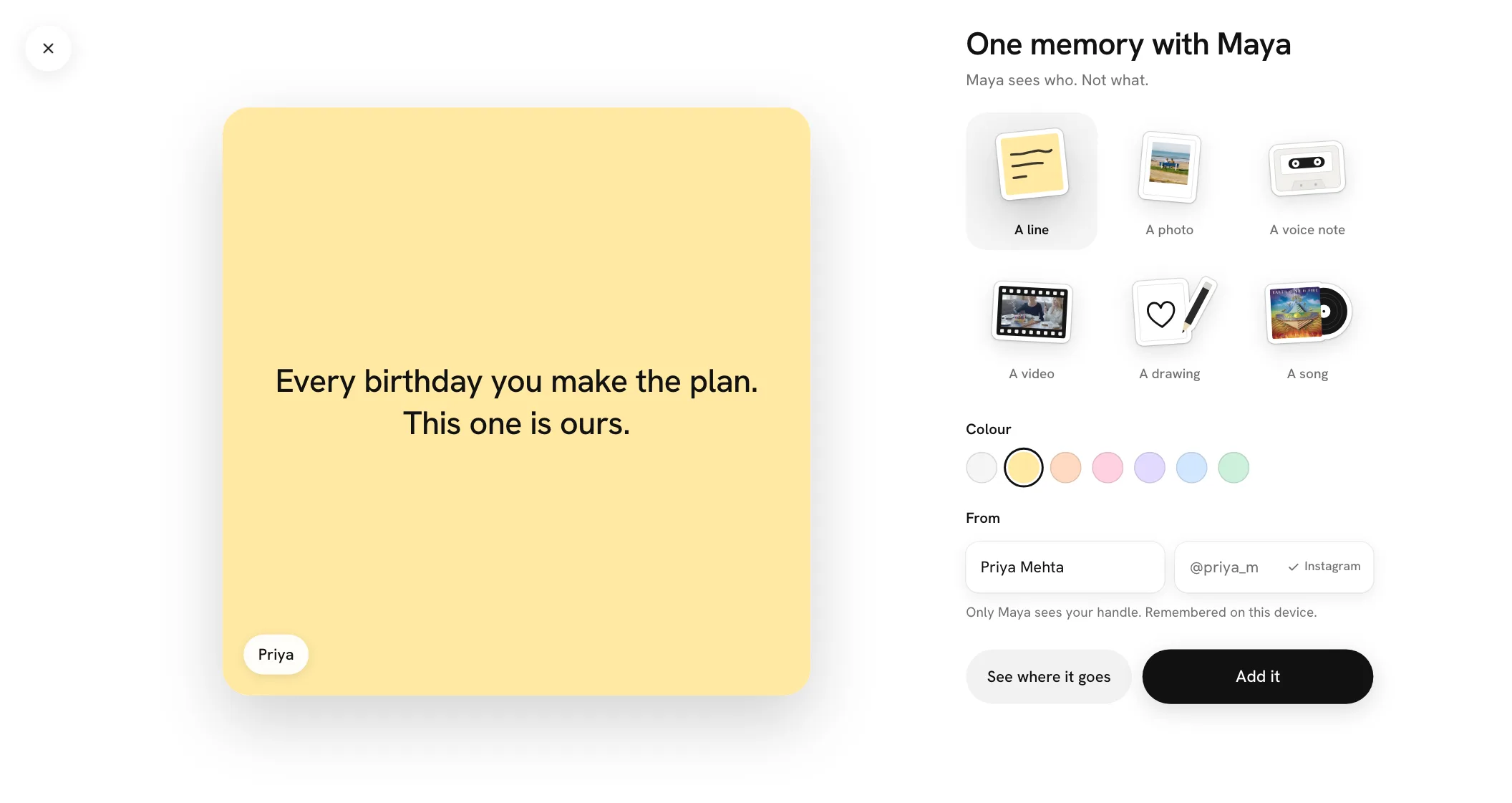
Add yours opens a white page, blank and yours: your square at its real shape with your name on it, and six stickers to choose what it is. A photo or a video can have a line with it. See where it goes shows its real place on the wall before you commit.
Replies and answers stick on
The person a wall is for answers a square by sticking something on its corner: their words on a black sticker with their photo, a heart, or a voice note. Making a wall, you can turn on Replies on the wall to show them on the wall too.

Someone answering a square sticks theirs on its corner too, so nothing moves. Open the square and they run down its edge.
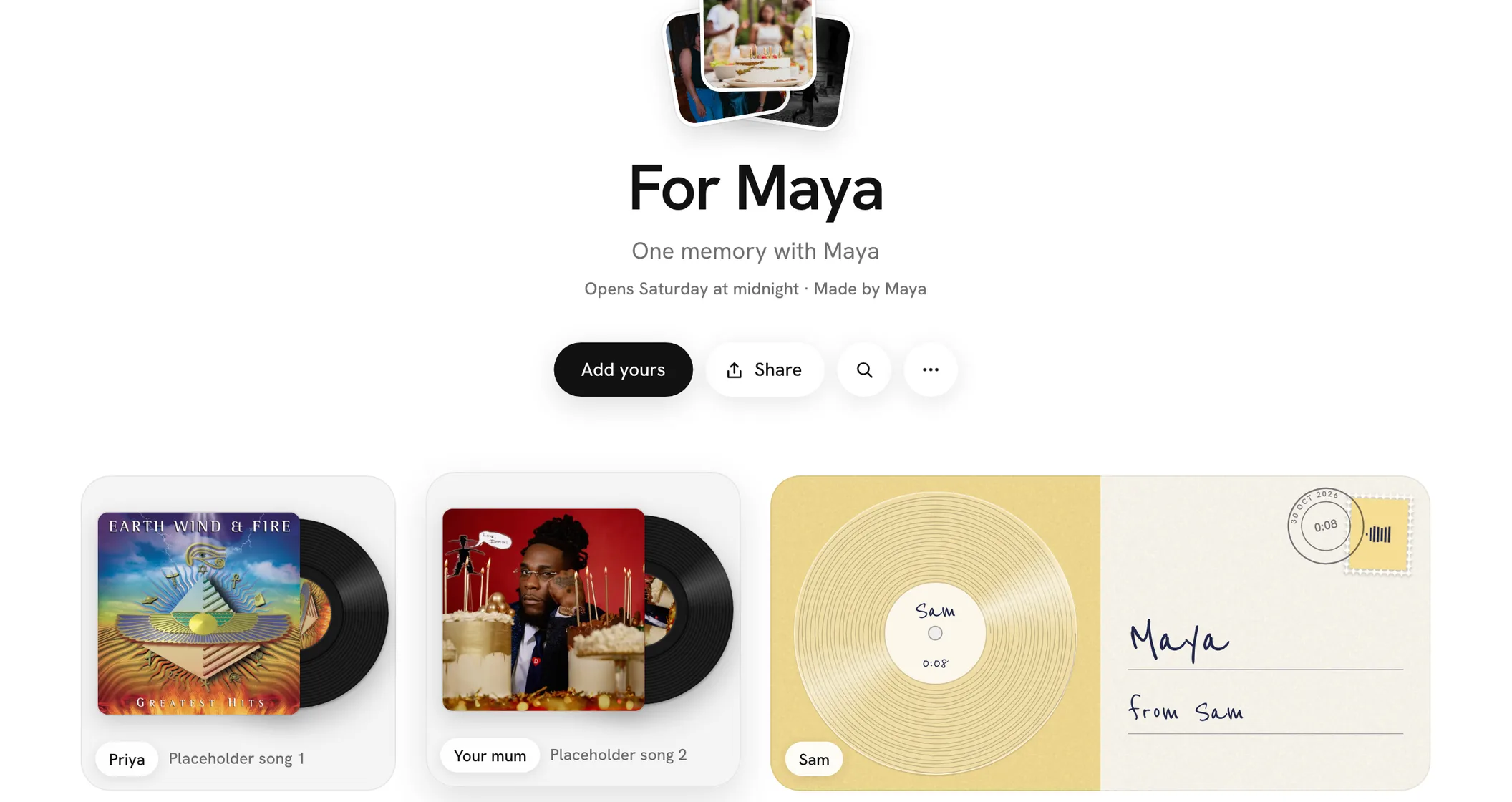
A song is a record
A song is now a record half out of its sleeve, its label slowly turning. Adding one, you choose One square, or Two wide on its cover blurred.
A voice note is a postcard
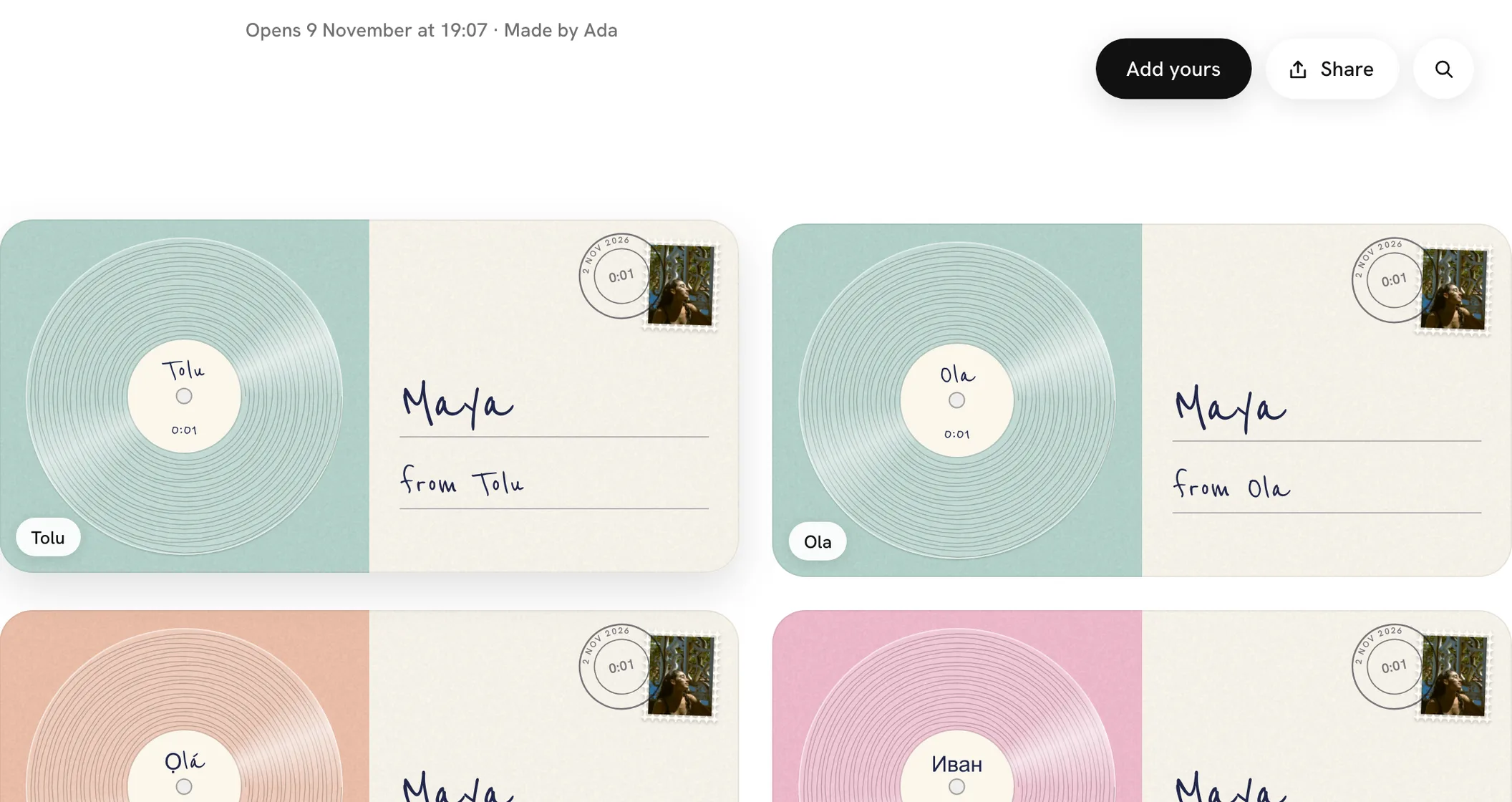
A voice note is now a postcard with a record pressed on it, addressed to the person the wall is for and signed with your name. You only record: the groove is cut from your voice, so no two look the same.
Moments, squares that touch
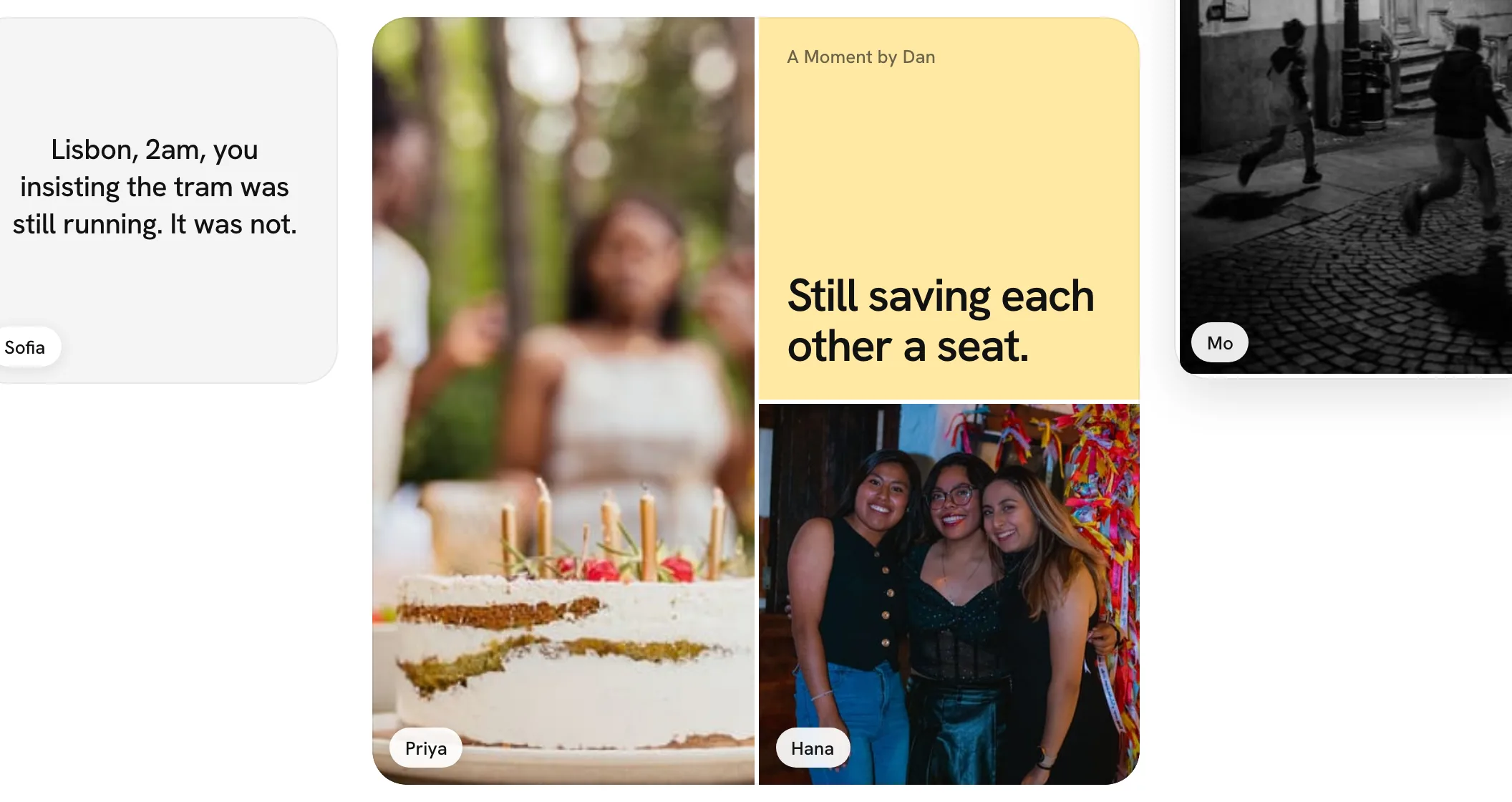
A Moment is the one place on a wall where squares touch: two or three pushed together as one big square, with your line a piece of its own in one of six colours.
Smaller changes
- Photos to the edge. Photos and videos fill their squares, right to the corners, with a fine crisp line round every square. If you like the white border, turn on Photos as prints under Settings, You.
- White notes. A line with no colour is white now, with a soft shadow, wherever it shows.
- Room on any screen. A wall keeps wide margins on a tablet, a folding phone and the biggest screen alike, with bigger squares and bigger words on a big one. Words are a touch heavier everywhere, and photos are sharper from a tablet up.
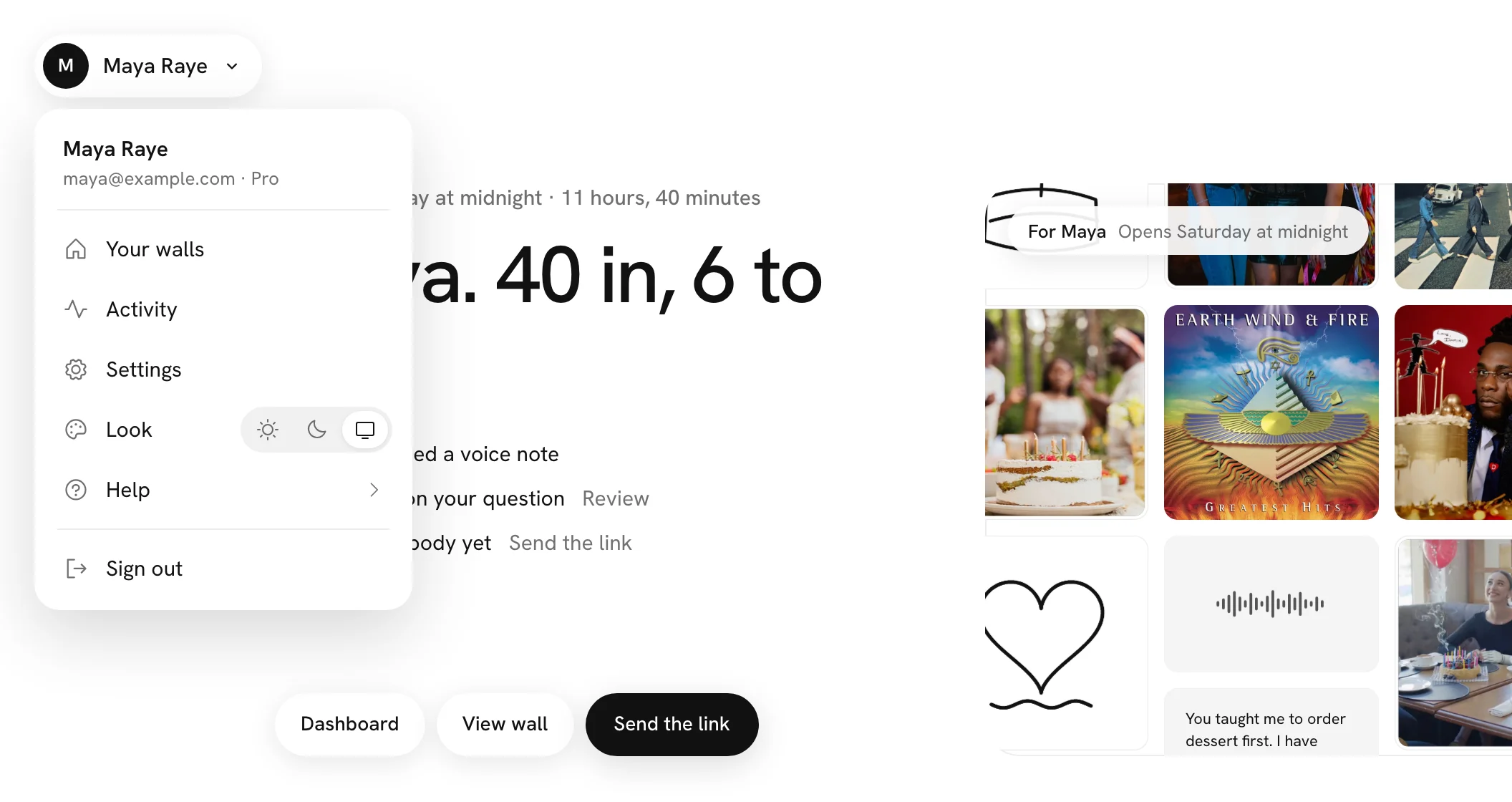
- Every wall, as its pile. Everyone's walls for one person are a page of piles. A person's pile says how many walls they have, and pressing it takes you there.
- Question walls. A top of their own, with your photo and the question as the headline. Featured answers hang two by two. A question that comes back shows its current wall, with the past ones on your dashboard.
- Versions. A version is a page you read, each square big beside what its maker wrote.
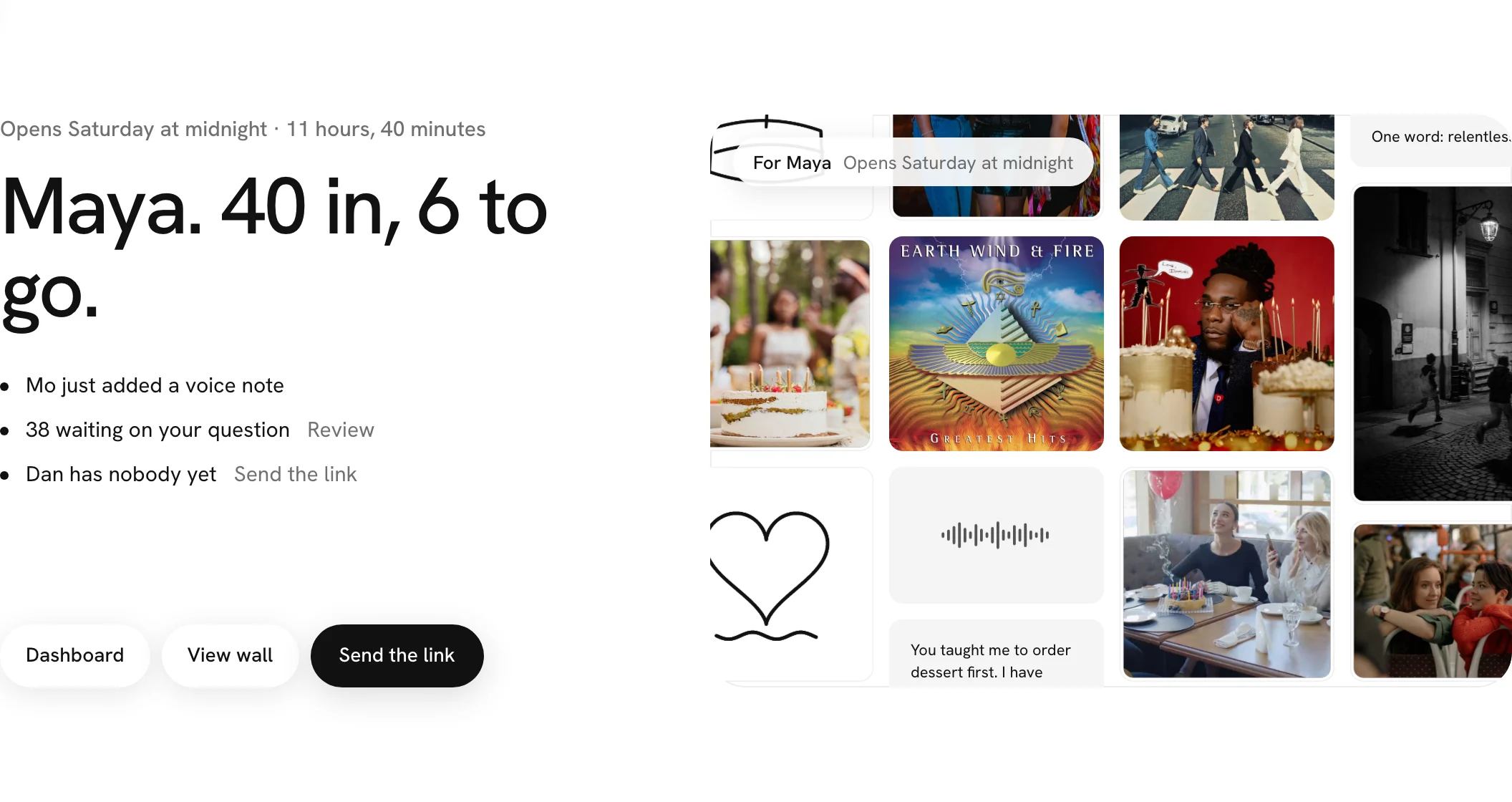
- The big screen. A label on the left and squares drifting up on the right. It peels by itself.
- Photos. A wall can have up to three photos of its person, and you can have one of your own, under Settings, You.
- The wall's options. They open from the three dots at the top.
- Sound. With Sound on, a wall makes two sounds: paper as a square lands and a tick as one opens.
- Home. Your next wall hangs small again, with plenty of squares at a glance.