
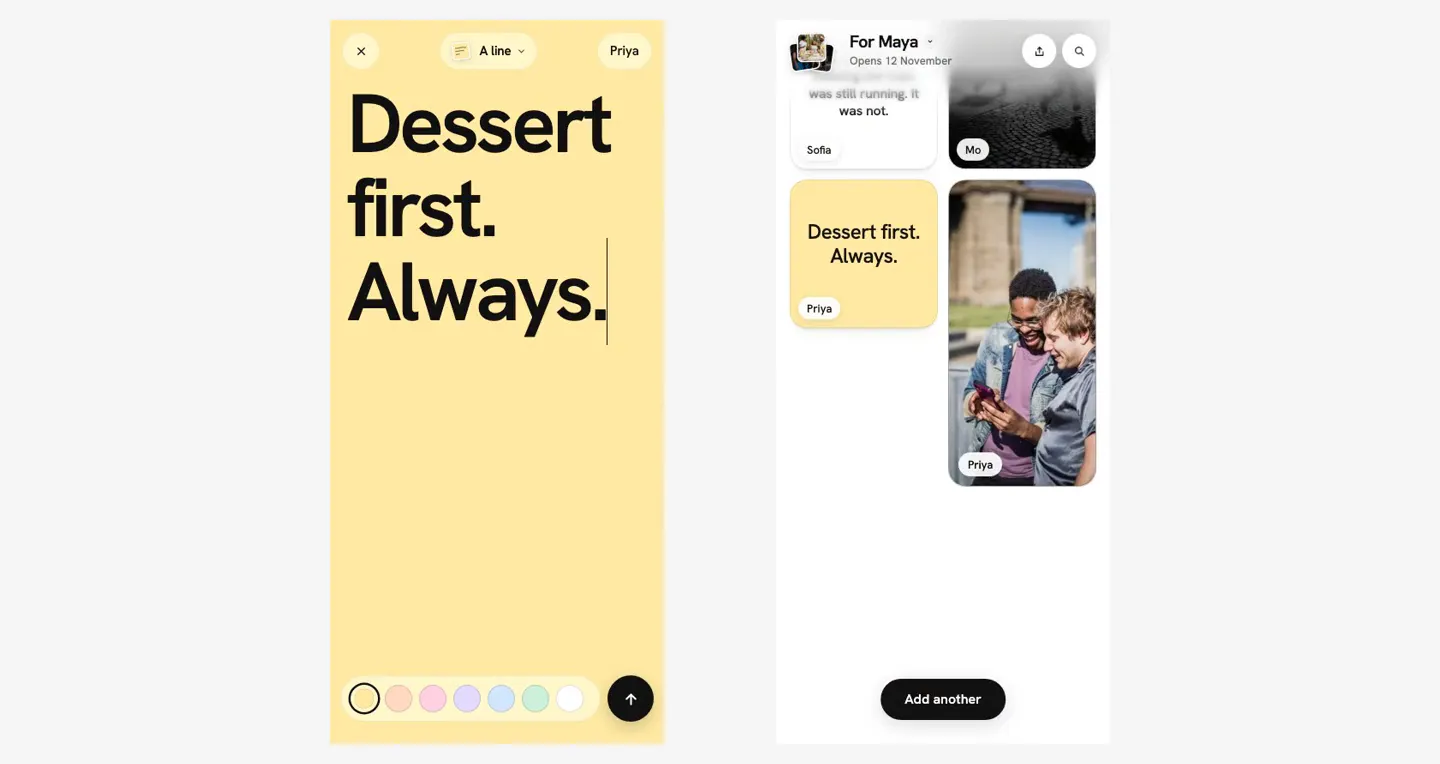
Adding yours, made for your phone
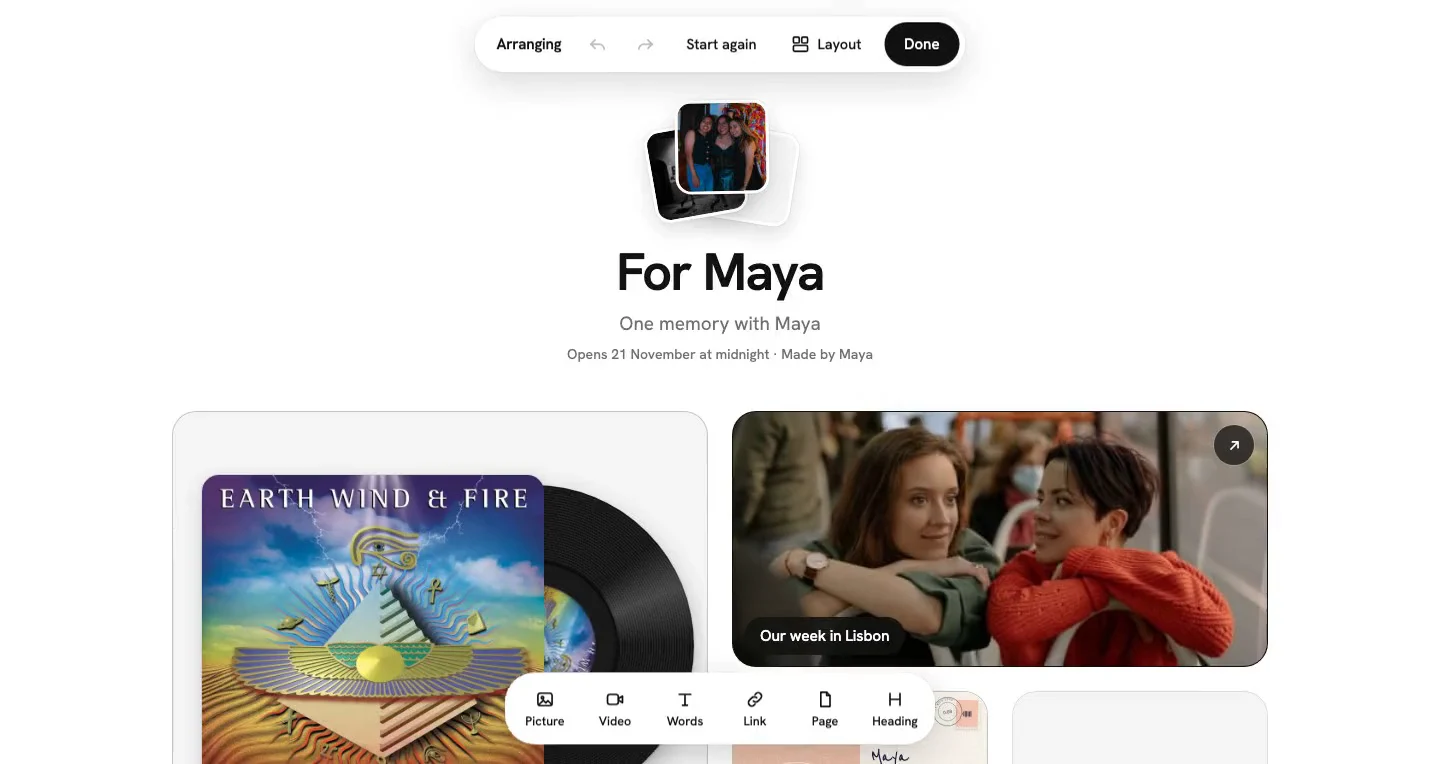
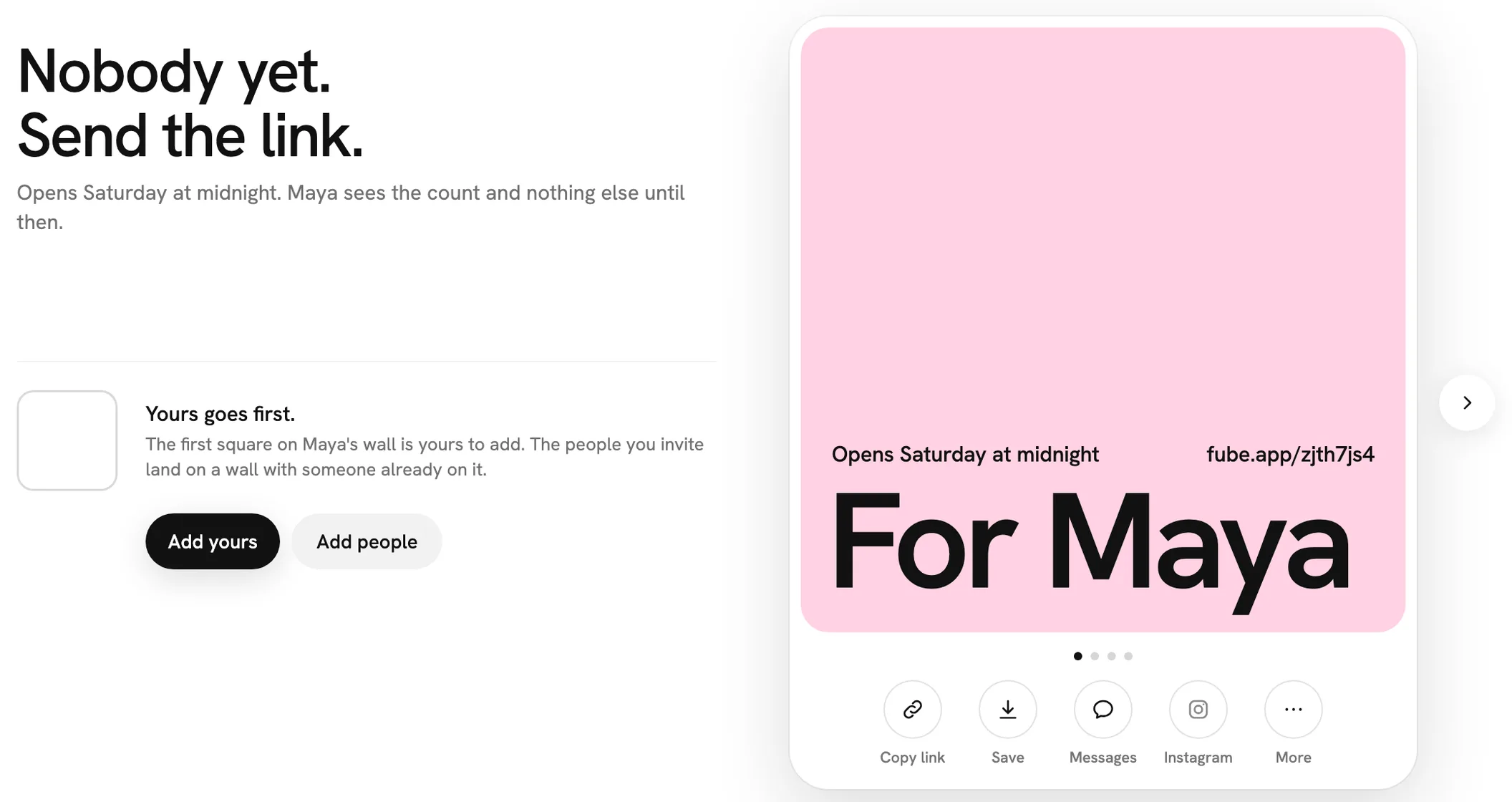
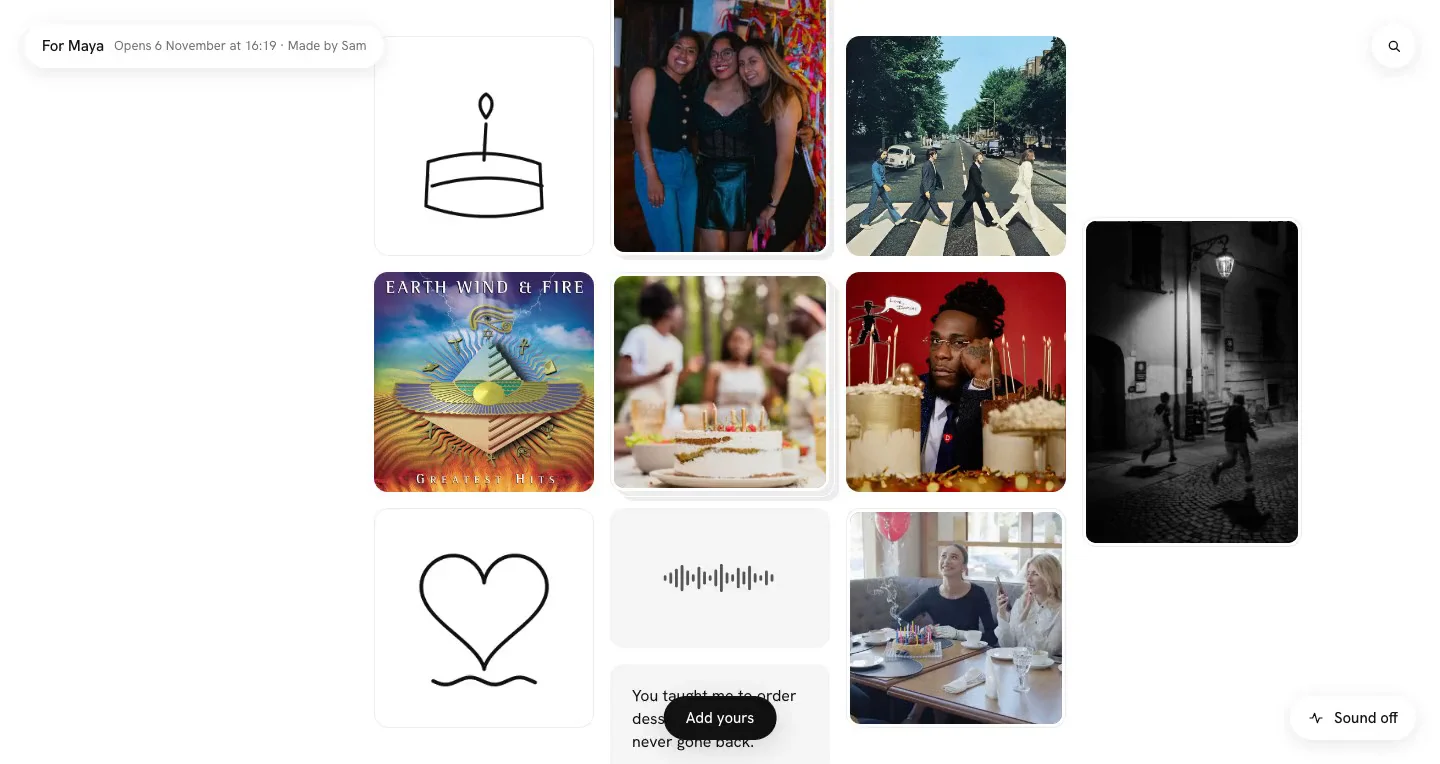
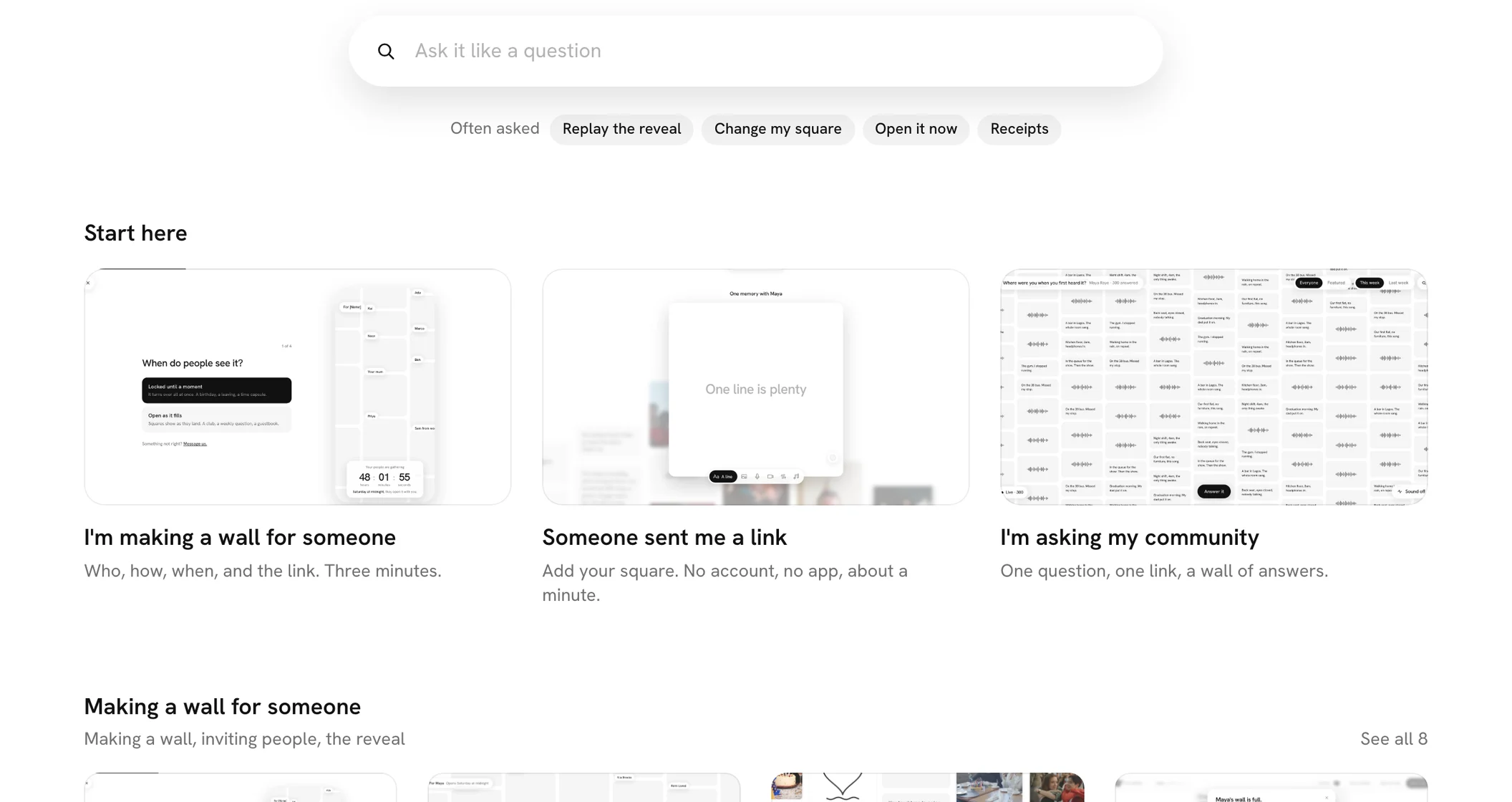
5 November 2026 · Adding · 1.12.2On a phone or a tablet, what you are making now fills the screen. Press Add yours, choose a sticker, make your square with a few controls floating over it, and press the arrow. It shrinks to its place on the wall while you watch.
Adding yours, made for your phone
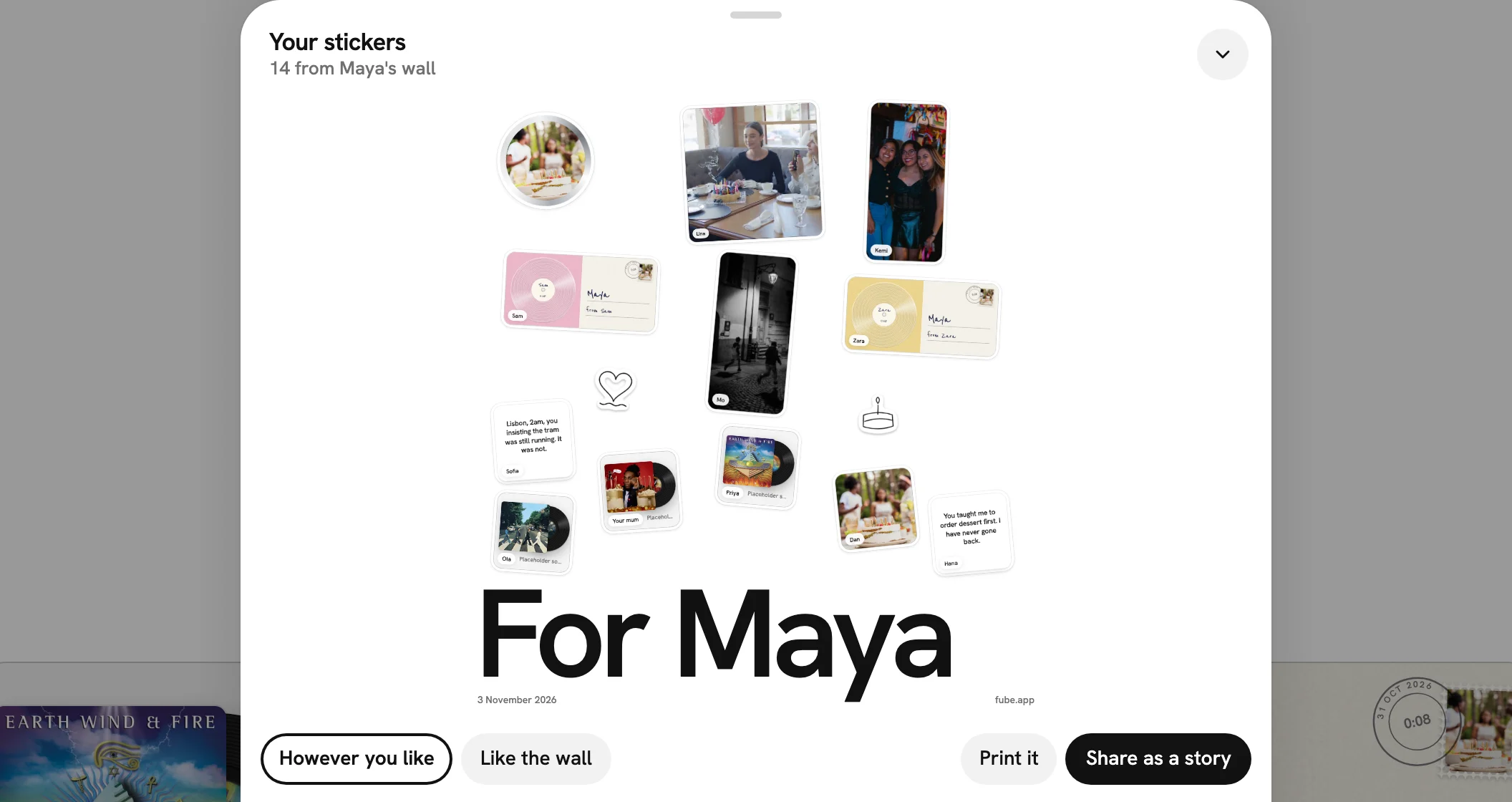
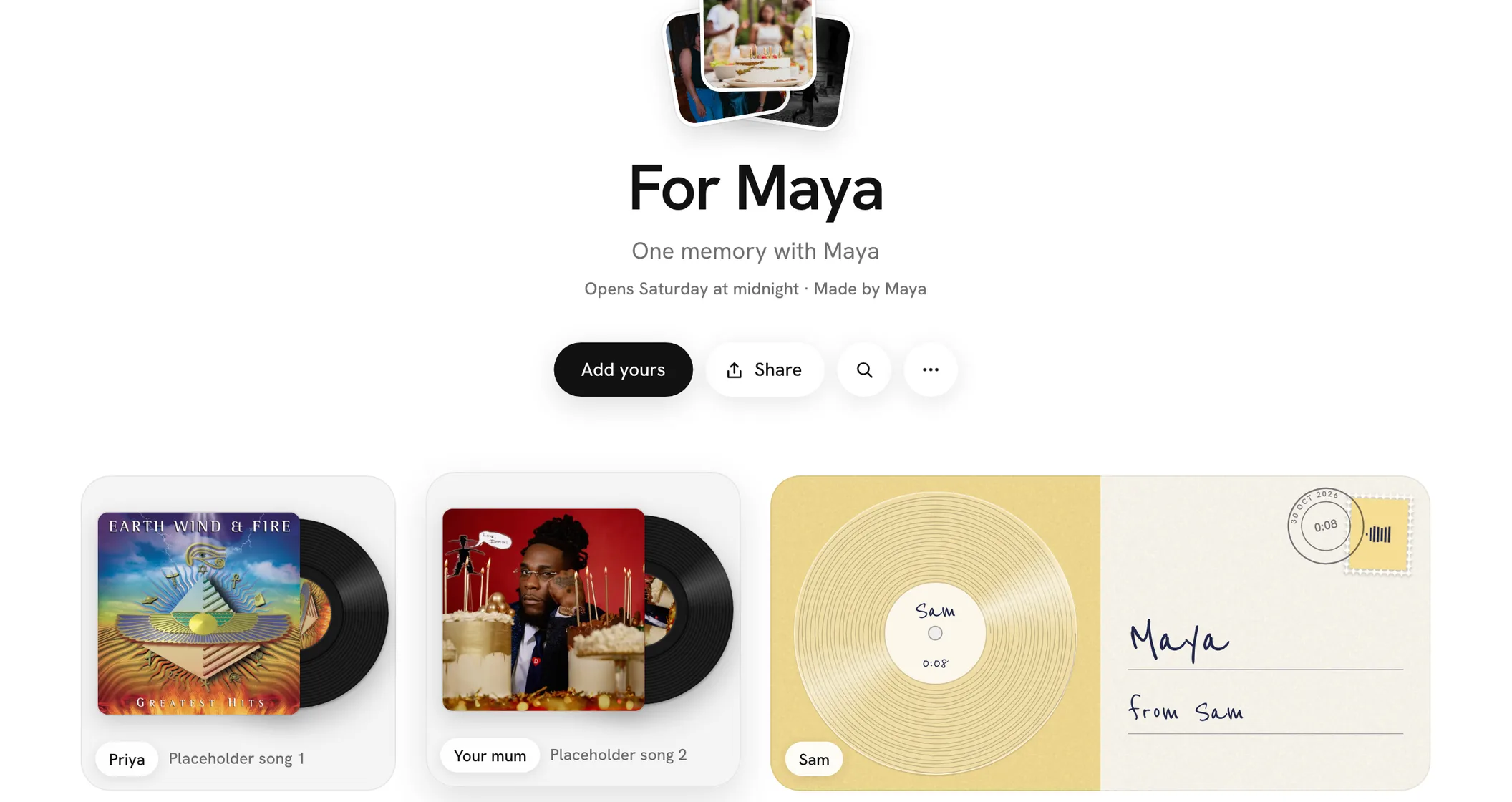
Add yours raises a sheet of stickers, and the one you choose becomes the whole screen. A line is its colour, with your words as big as they fit. A photo sits sharp on its own colours. A voice note is a record, cut as you speak, and a drawing has the whole screen for paper, in five inks. Swipe down to close it, and it is all still there when you come back. Swipe sideways to change to another kind. There is nothing to learn: it works like the other apps on your phone.
Your name, only when you add it
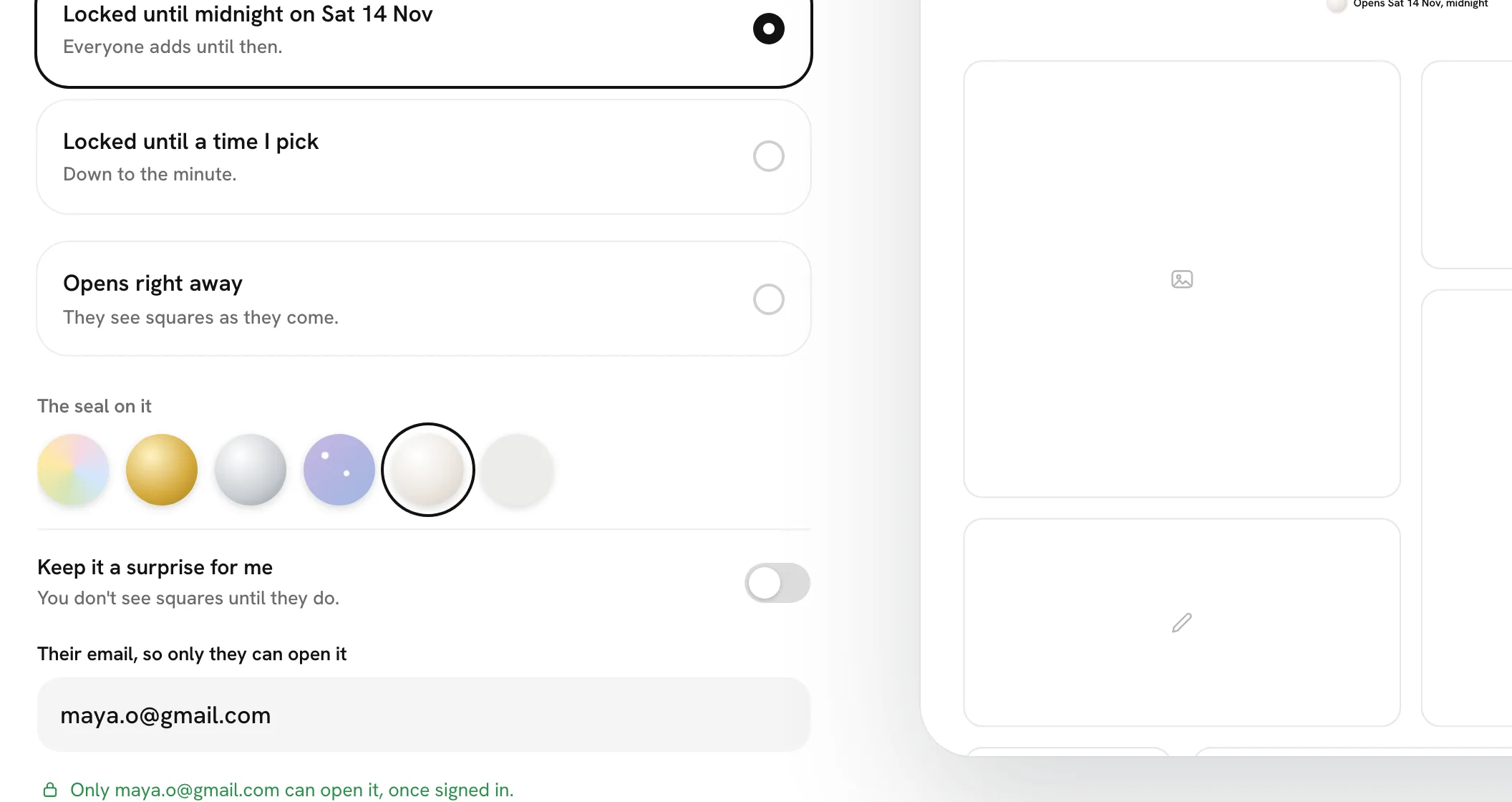
Nobody asks who you are until you press the arrow, and only if this device does not know yet. Continue with Apple, or type your name. Sign in with Apple and you come straight back to what you made, and it goes on the wall.
On the wall right away
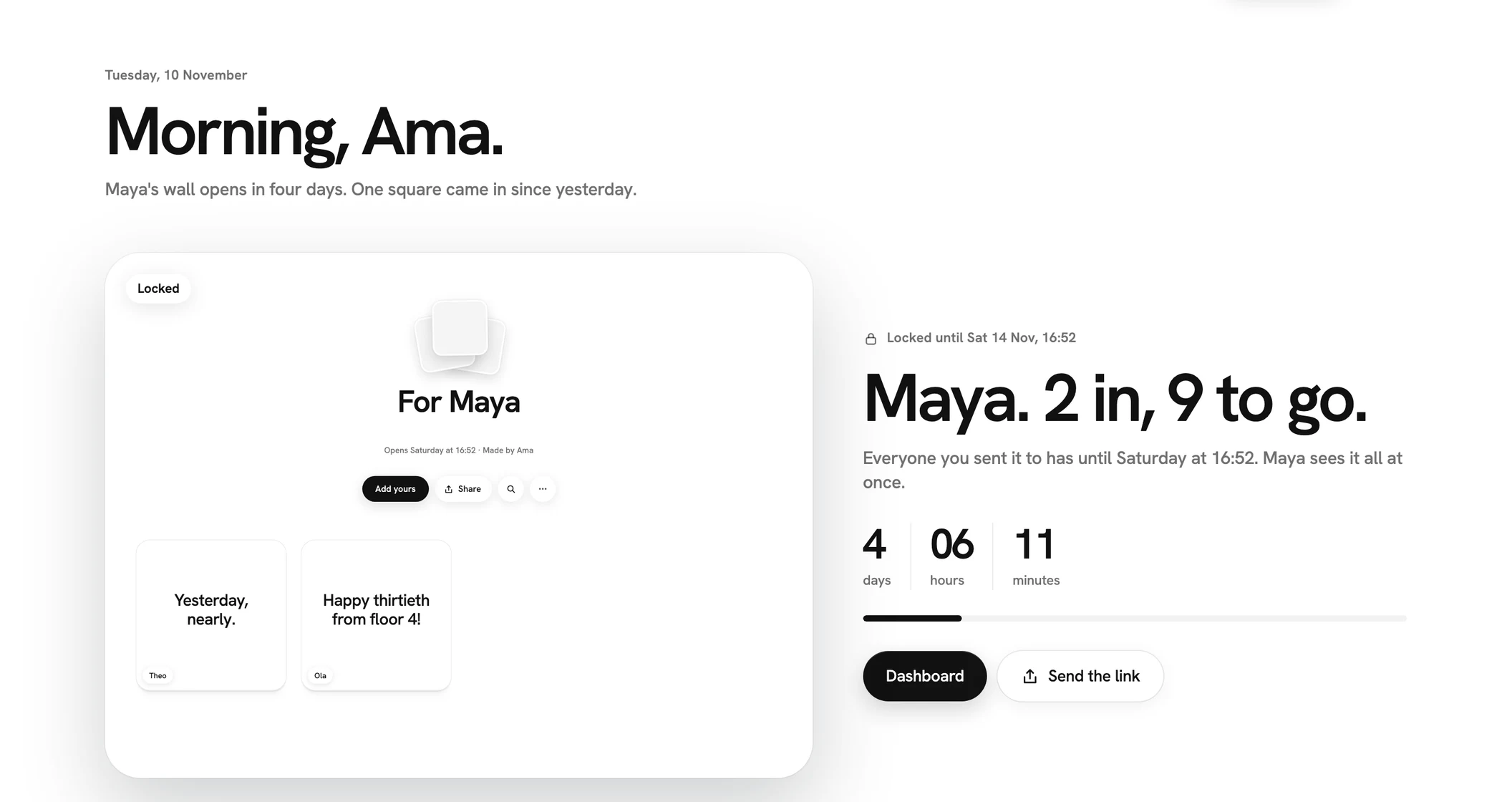
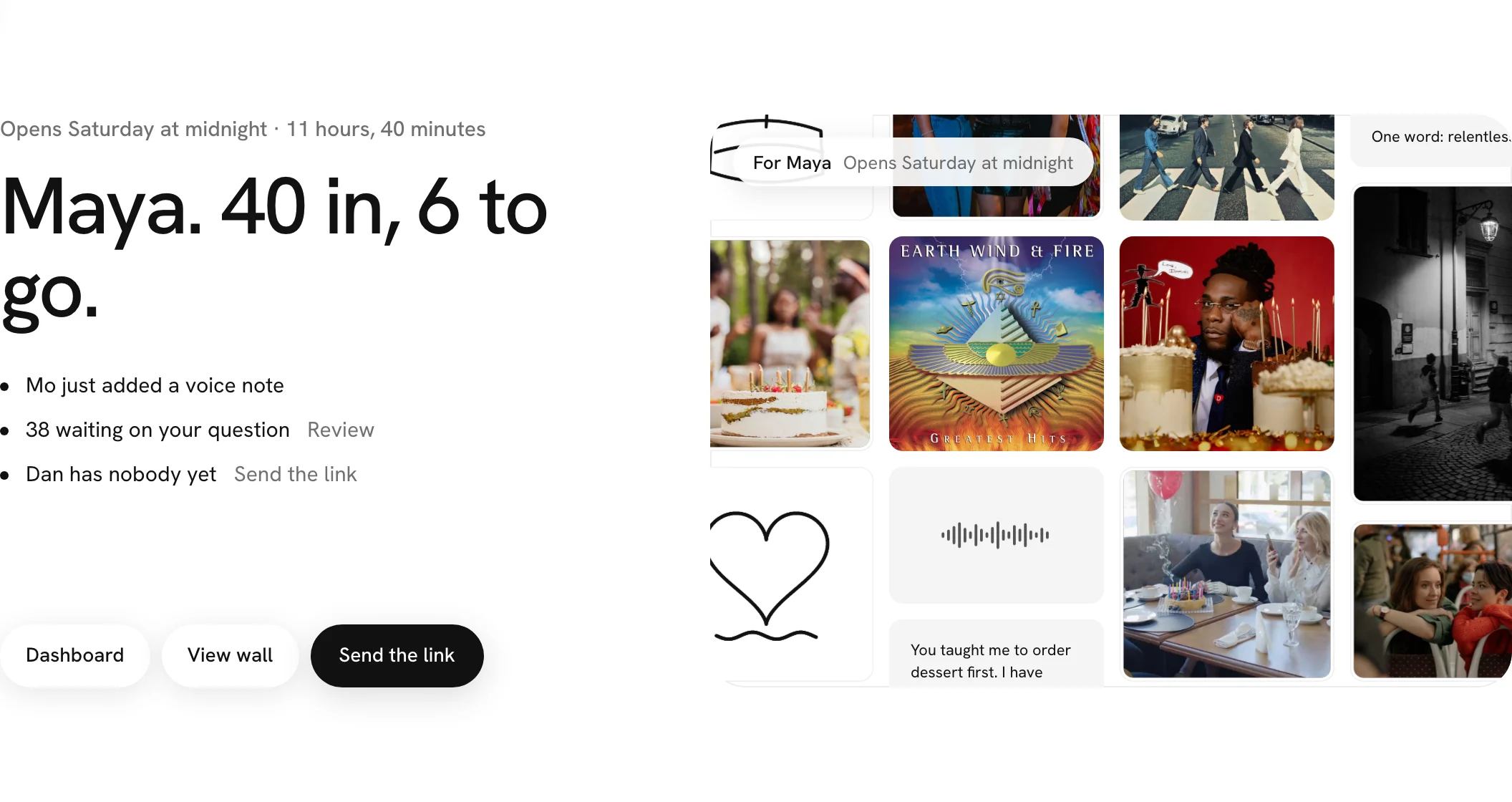
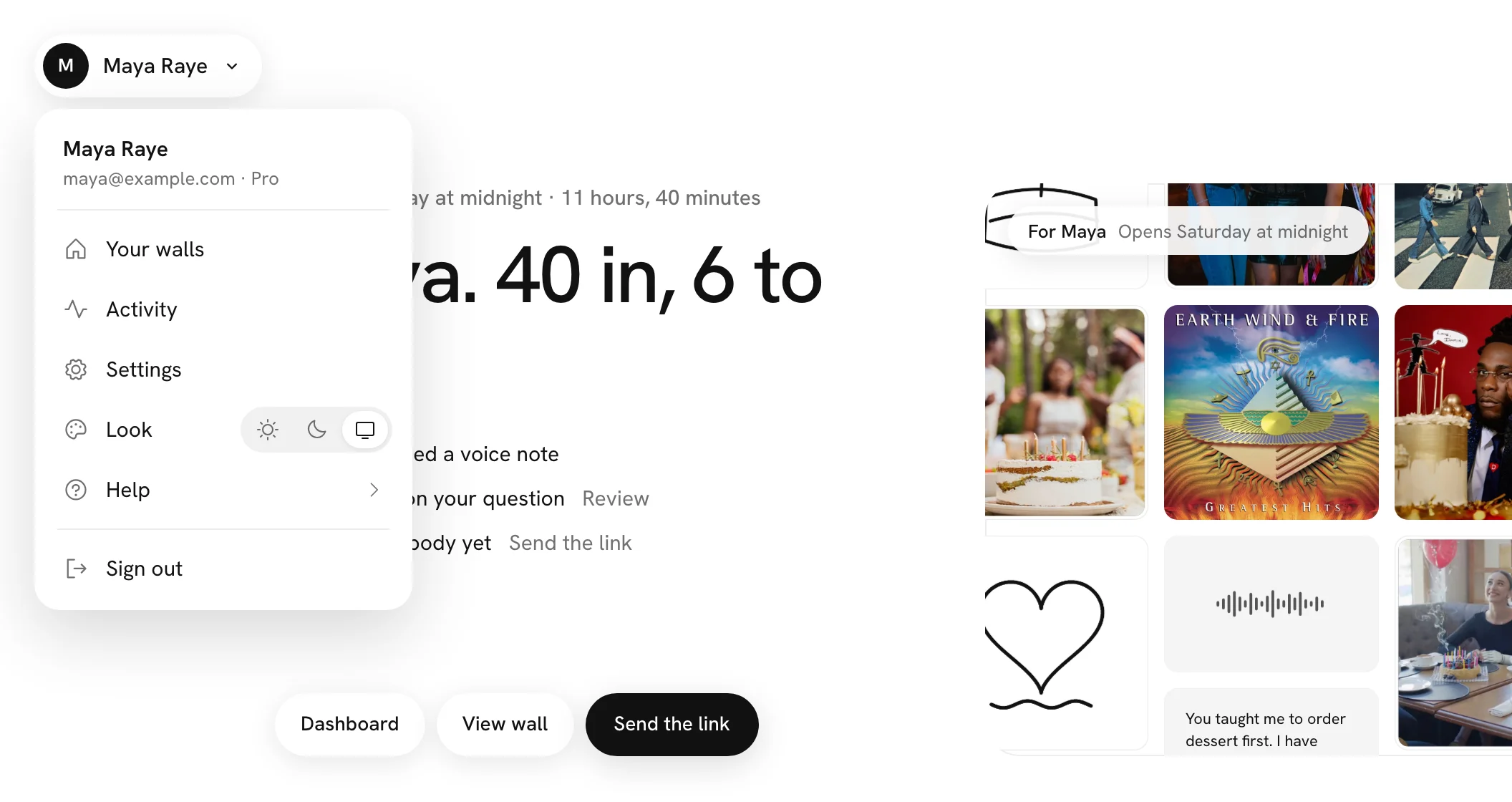
Your square is on the wall as soon as you press the arrow. A photo or a video finishes going up behind it, and with no signal it goes when you are back. If it could not go, your screen comes back with what you made. Then a small sheet says you are on the wall and when it will be seen, with your square clear above it. Send it on, or Add another, which starts clean.
Smaller changes
- A device that has added its two photos, voice notes, videos or drawings to a wall sees what it can still add, and why, before it starts.
- Add to this opens the same way on a phone, with the four kinds it takes.
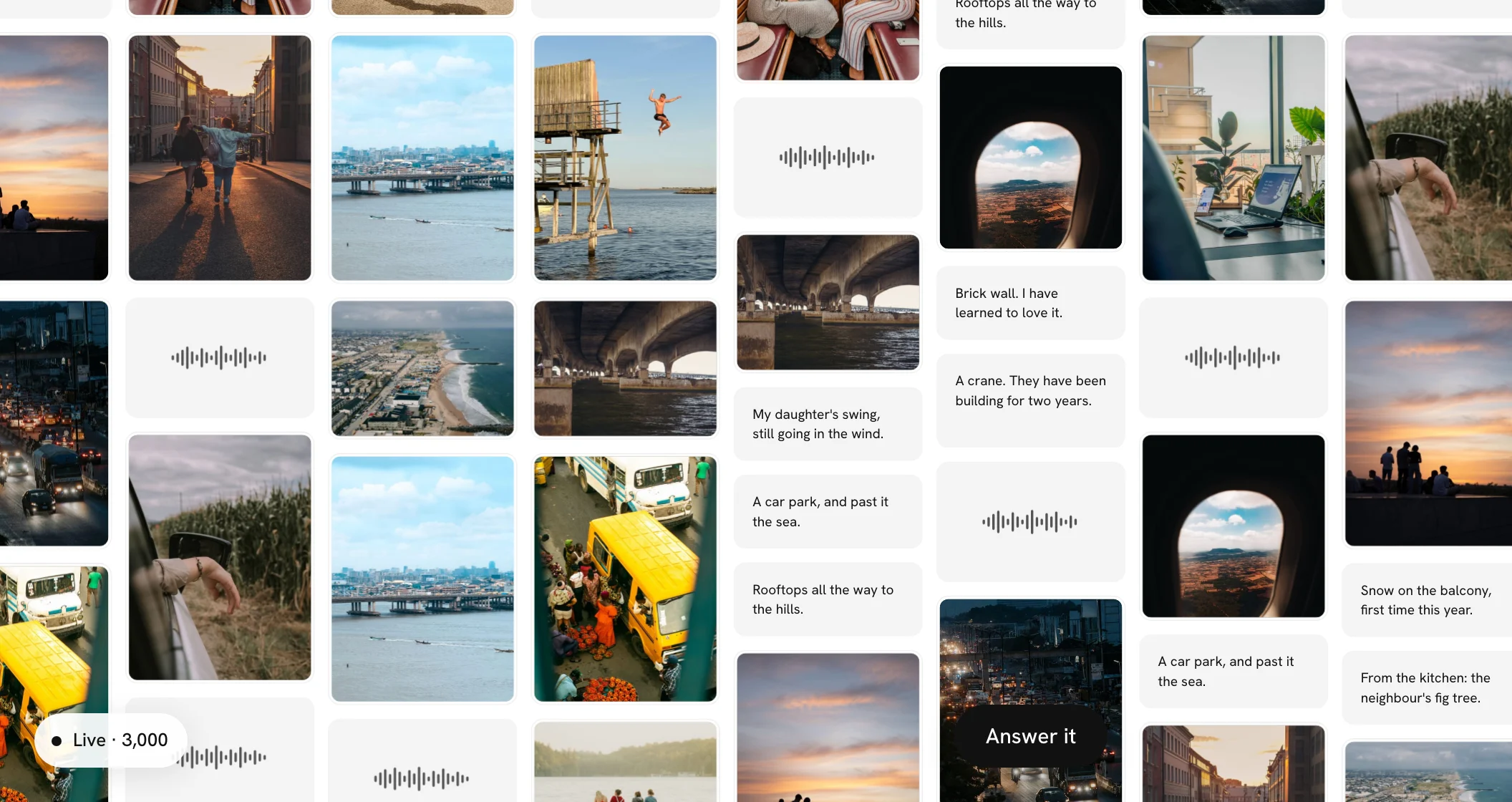
- On a phone, the wall's squares now run under Safari's status bar and toolbar as you scroll, instead of stopping short of them.
- What you type stays where you are typing. A saved handle that can't be found no longer pulls your words into the handle field.