Answers, versions, and Moments
21 October 2026 · The wall · Adding · 1.6.2You can now answer a square with one of your own, and yours goes behind it like another print on a pile. Once a wall has opened, you can also make your own way through it for anyone to play, and put squares that belong together side by side as a Moment.
Answer a square
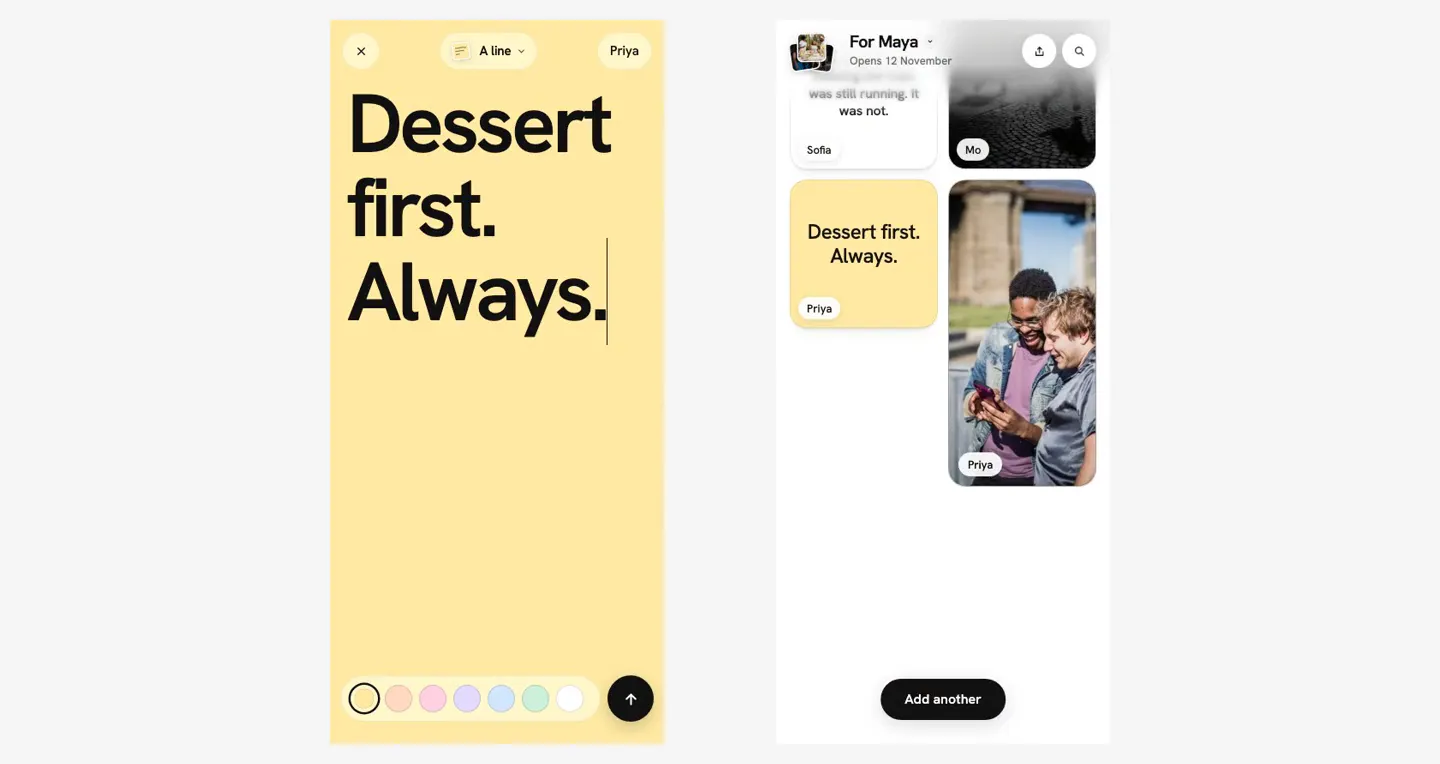
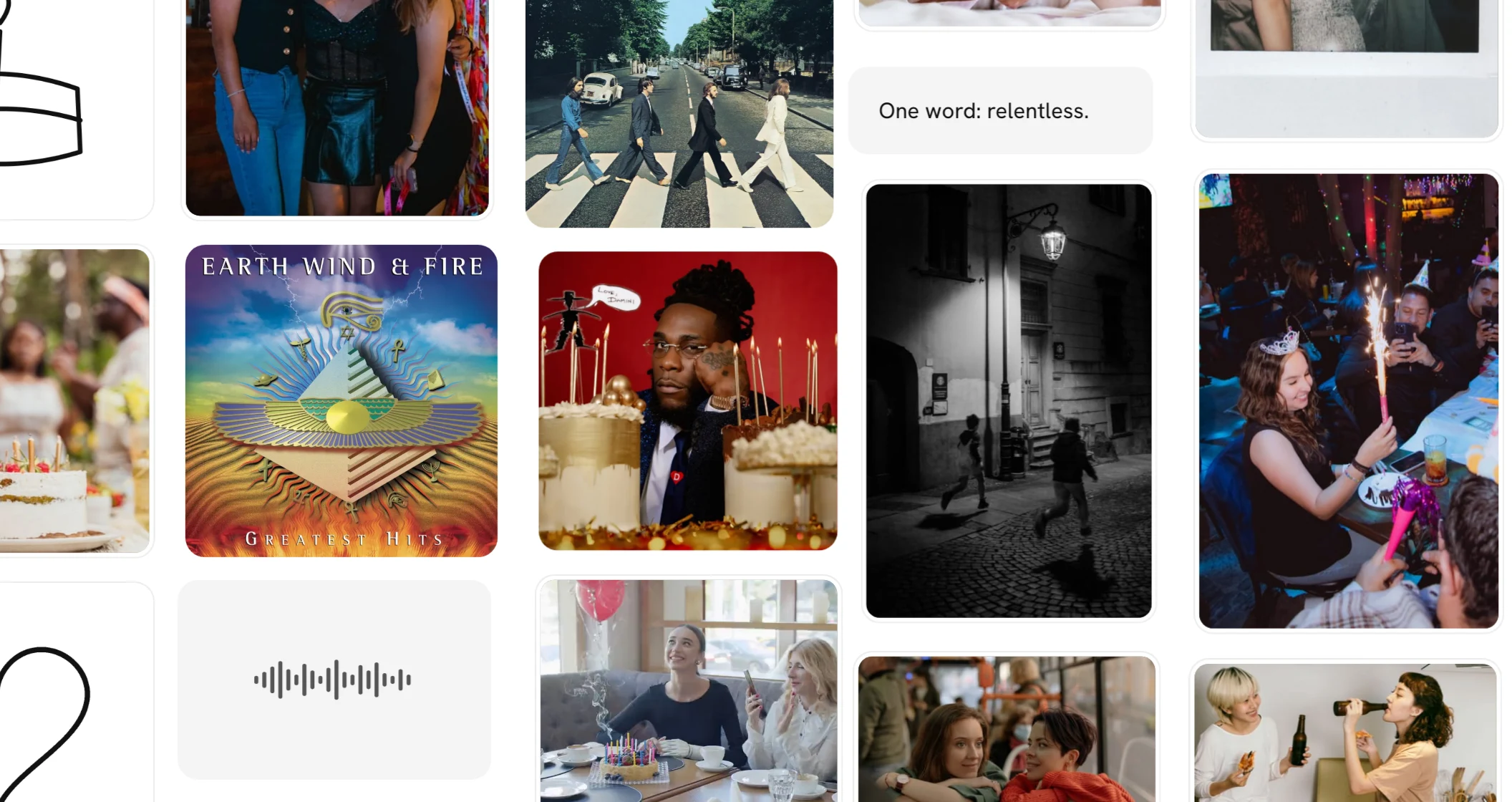
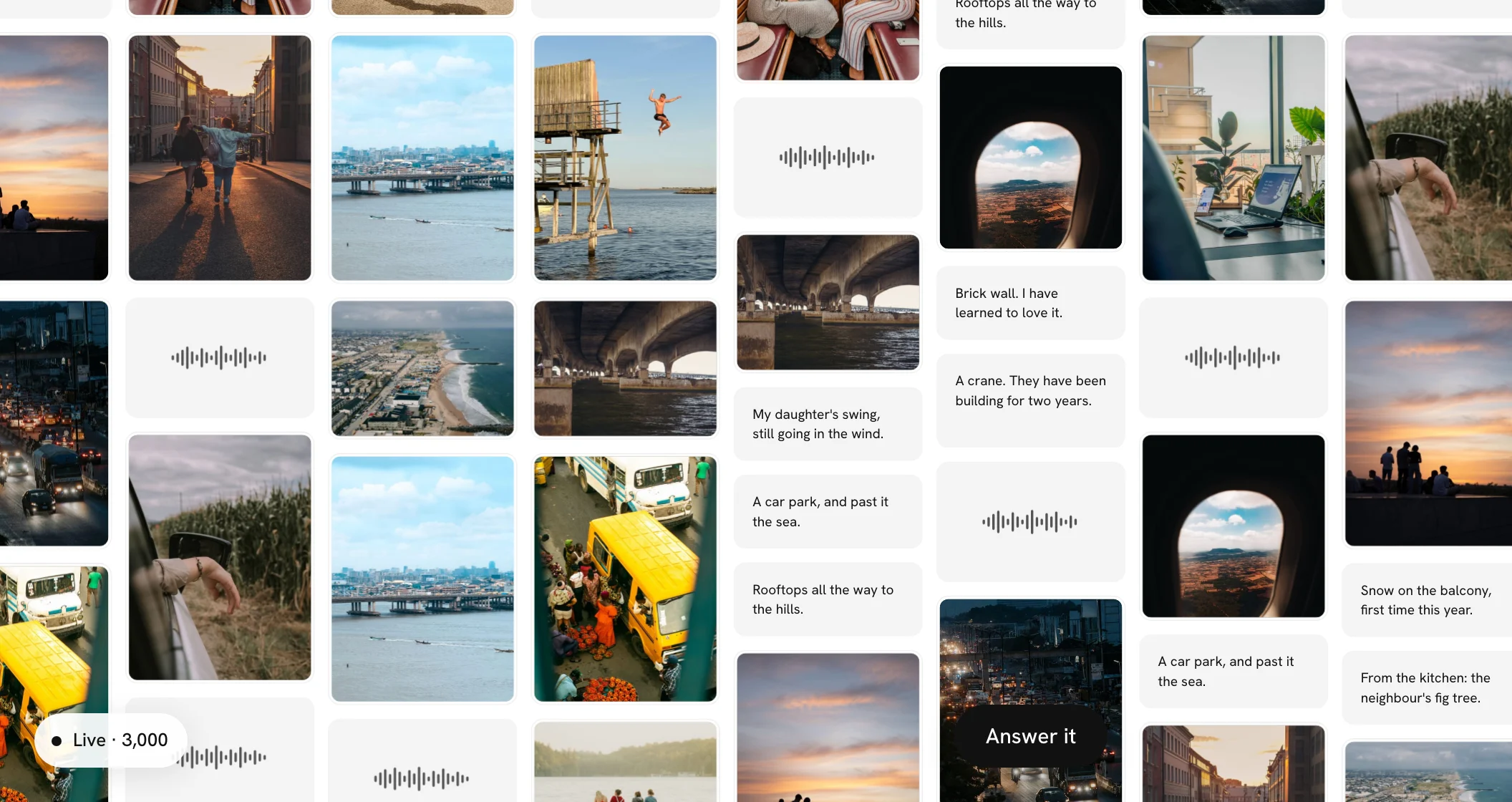
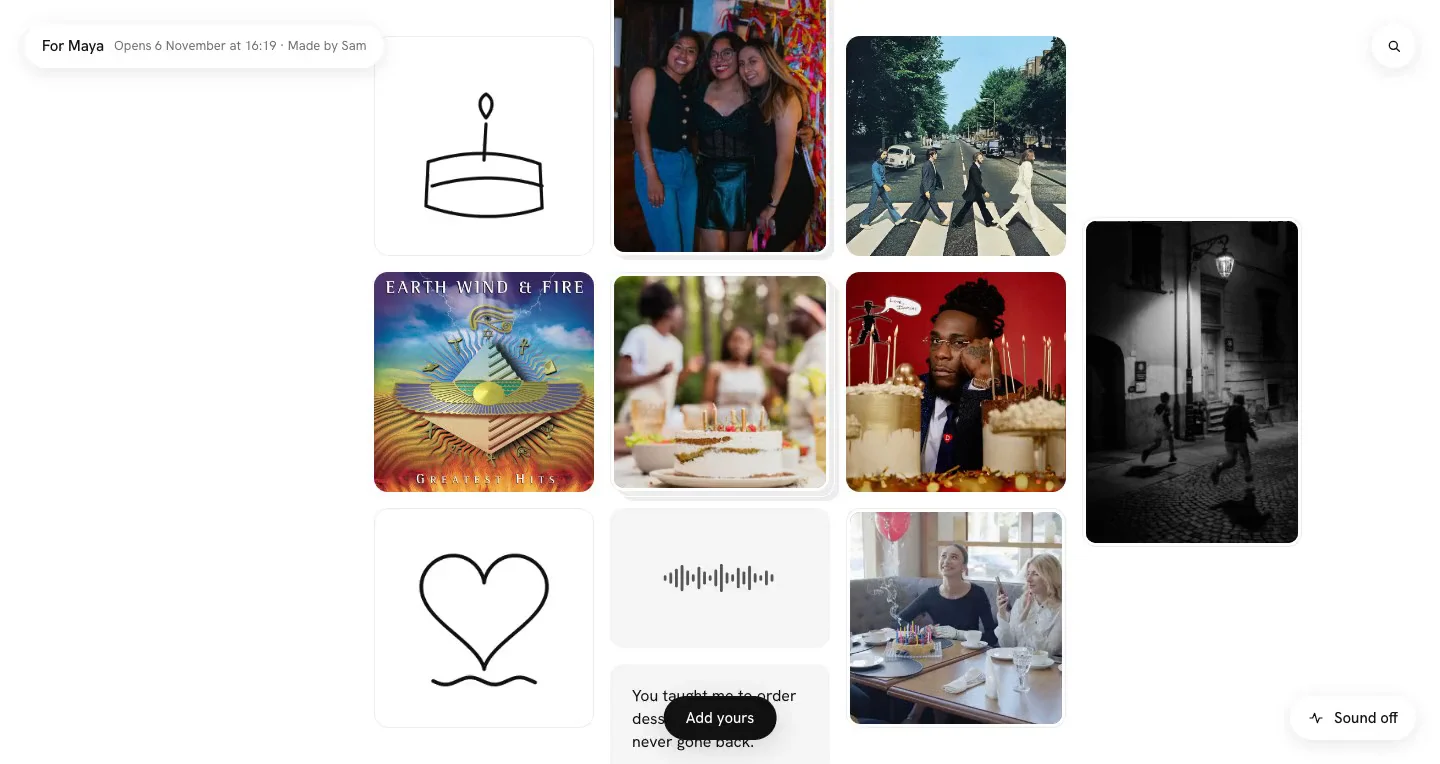
Open a square and press Add to this: write, or add a photo, a voice note or a video. Yours lands behind the square you answered, so a memory someone started can be told by everyone who was there. A square with answers behind it shows two edges at its corner, and opening it fans them out underneath, each with its name. The person you answered hears about it; nobody else is told.
Whoever made the wall can turn this off under Let people answer each other's squares. Answers already there stay.
Your version of a wall
Once a wall has opened, pick three to seven squares in the order you would show them, add a line for each if you like, and it gets its own link. Press the wall's name at the top, then Make your version. Nothing is copied or moved, and nothing appears on the squares.
Play it, and the wall itself moves: it glides to each square in turn, brings it forward, and shows your line under it. Tap for the next one, or drag to look around on your own and Rejoin to carry on.
Only you can change or remove yours, and only you see how many times it has been played.
Moments: squares that belong together
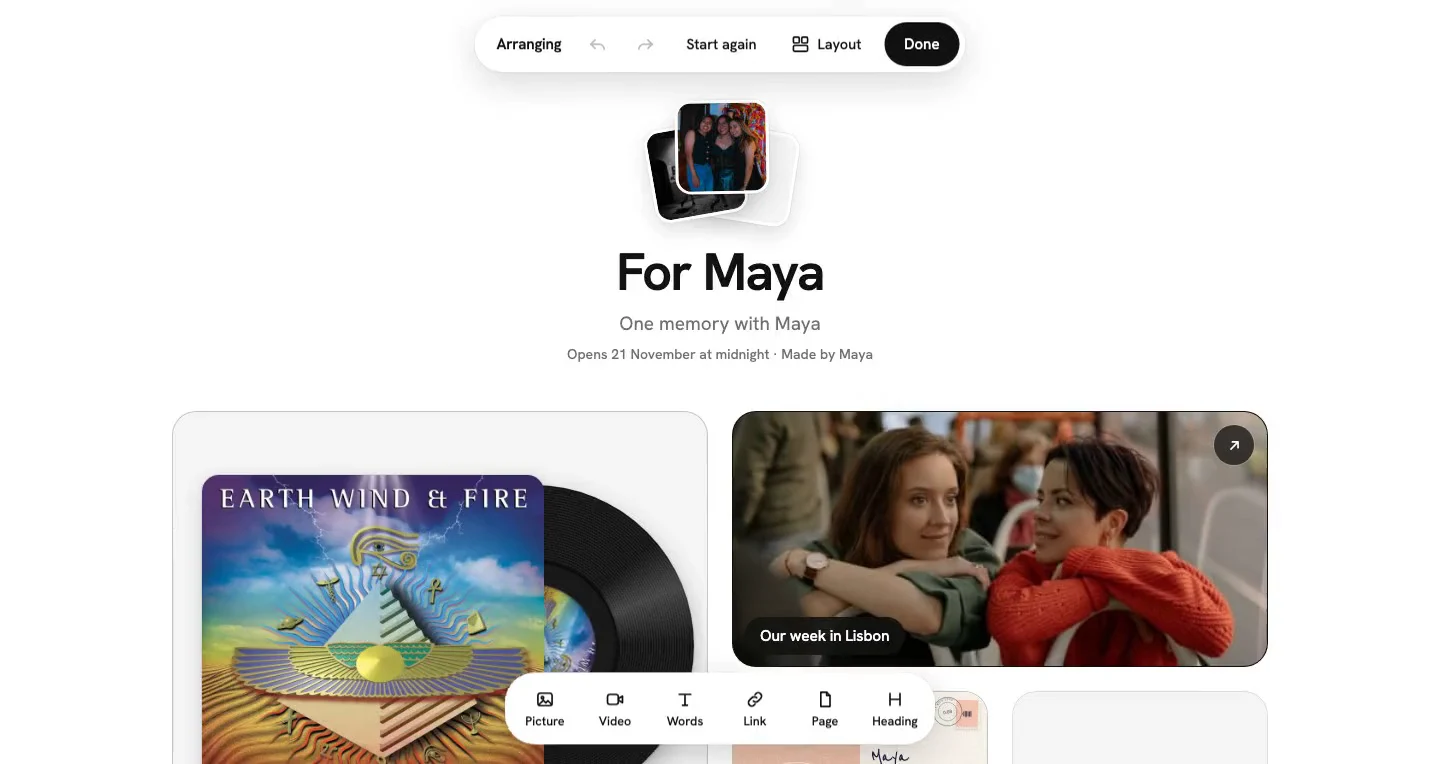
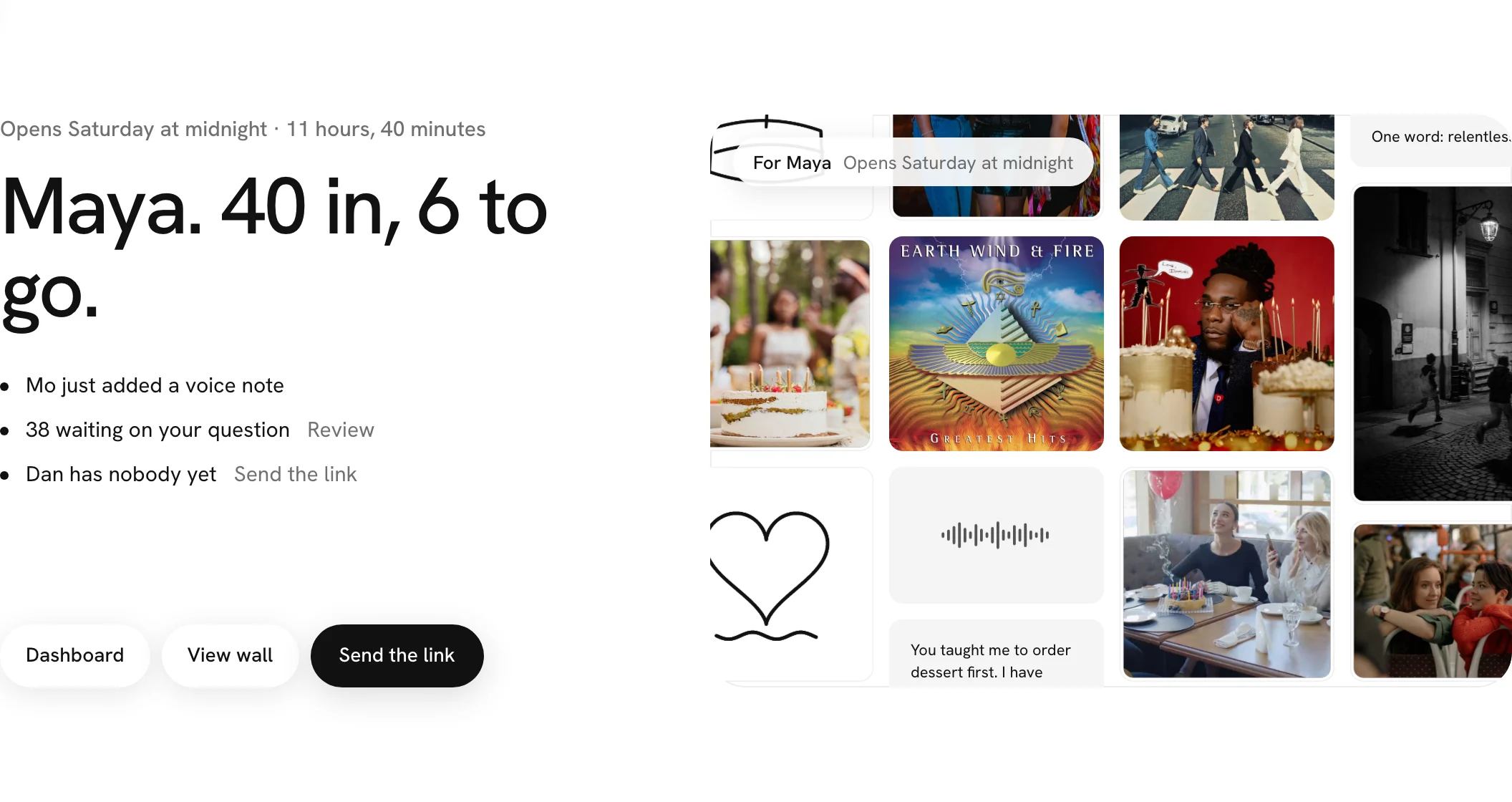
Put two or three squares side by side with one line over them: the same friend eighteen years apart, a photo and the words that go with it. Press the wall's name, then Make a Moment, tap the squares, write the line and Put it on the wall. It becomes a square of its own, its line in a black pill under it, and the squares you chose stay where they were.
The people whose squares are in it hear about it in their Activity, with Take mine out. The wall's maker can turn Moments off with Let people make Moments from squares.