
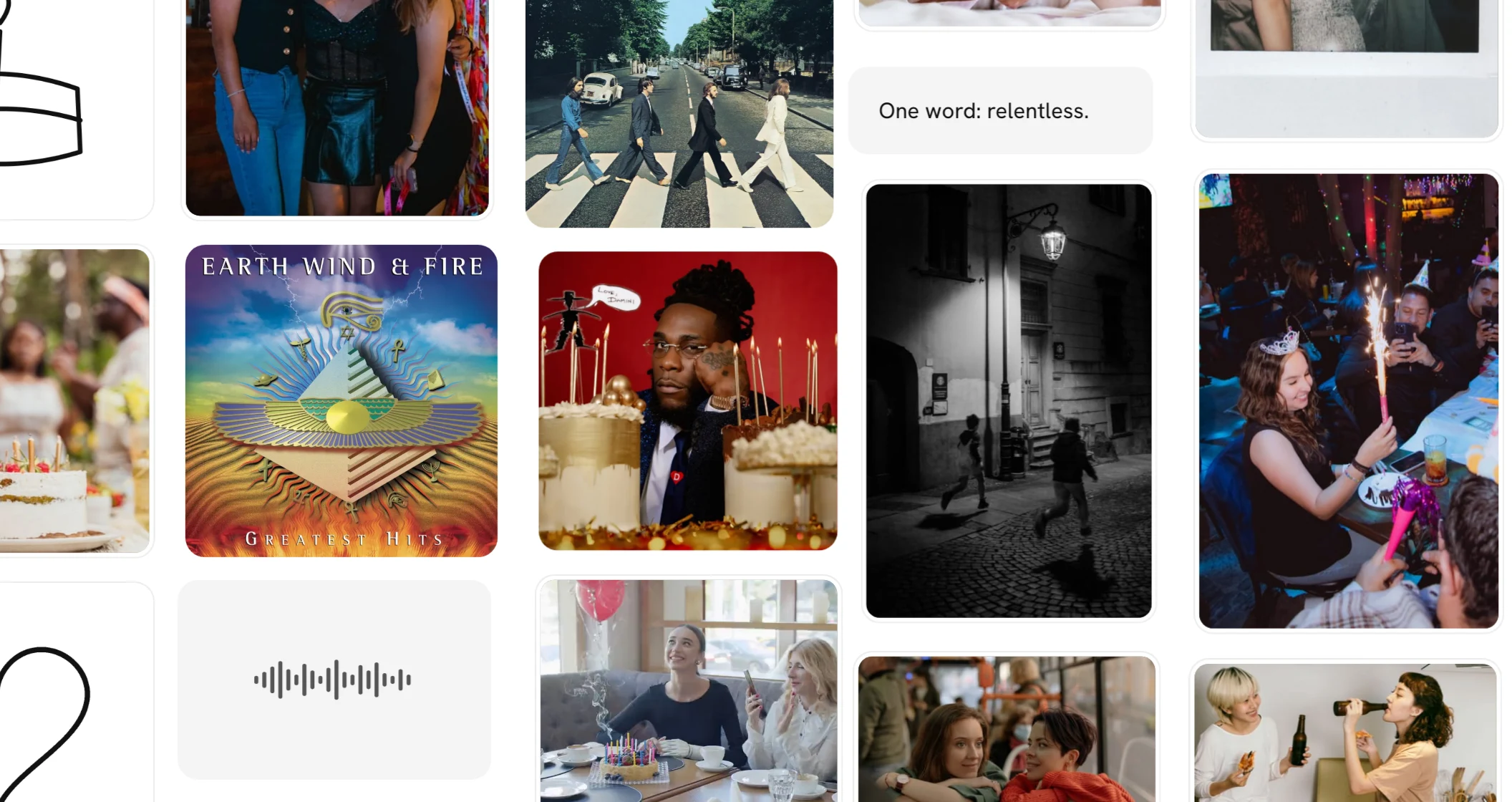
A wall you can feel
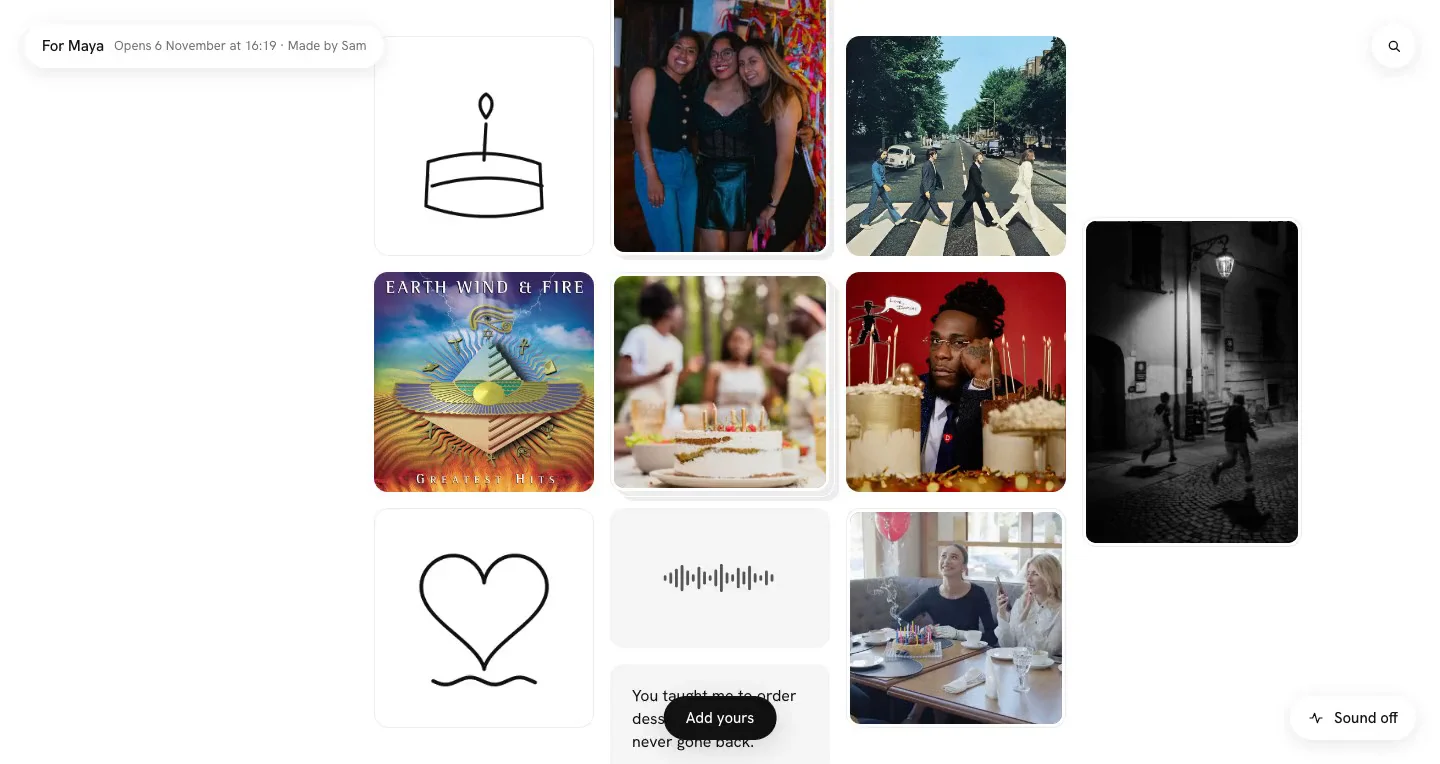
25 October 2026 · The wall · Account · Adding · 1.7.23A wall now moves like something real: it carries on when you flick it, photos trail a little behind the words, and it ends with a little give. The closer you look the more each square shows, the reveal ends on a quiet card, and with sound on, voice notes murmur as you pass them.
A wall with weight
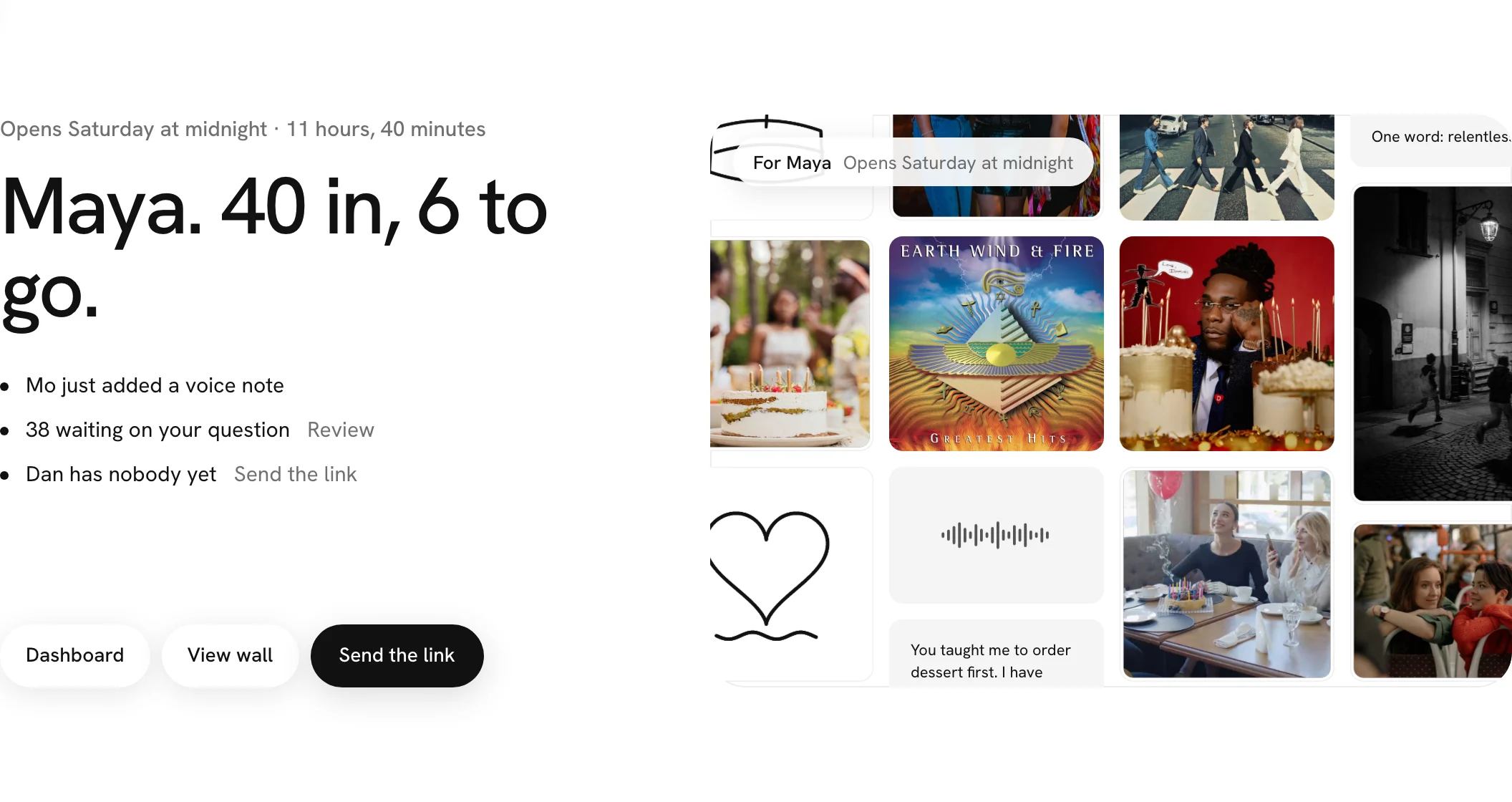
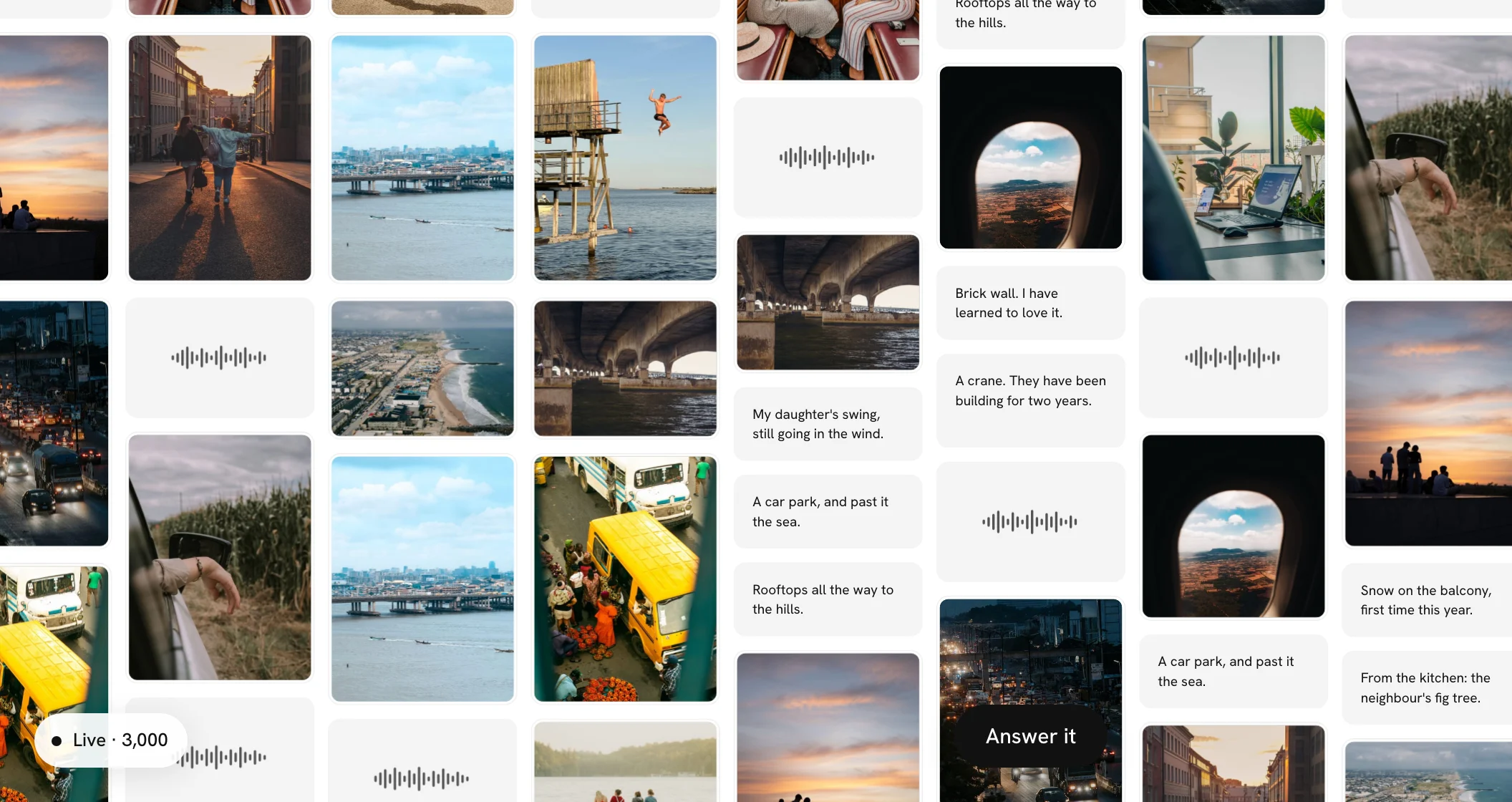
Flick a wall and it carries on, slowing to a stop. As you drag, words stay with your finger like paper while photos and videos trail a little behind, and settle home last. Press it and it dips under your finger. At its end it gives a little and springs back, so you can never lose it, and left alone it drifts slowly until you touch it.
More the closer you look
Zoom out and each line shows only its first few words. Zoom in and you get the rest: a voice note's wave moves with its first words under it, and a photo shows the line that came with it. Open a drawing and it draws itself again, stroke by stroke, the way it was made.
Who you haven't opened yet
Once you've opened a few squares, a small note bottom-left names the nearest people whose squares you haven't opened yet, changing as you move round the wall. Open them all and it says "Everyone, seen." and goes.
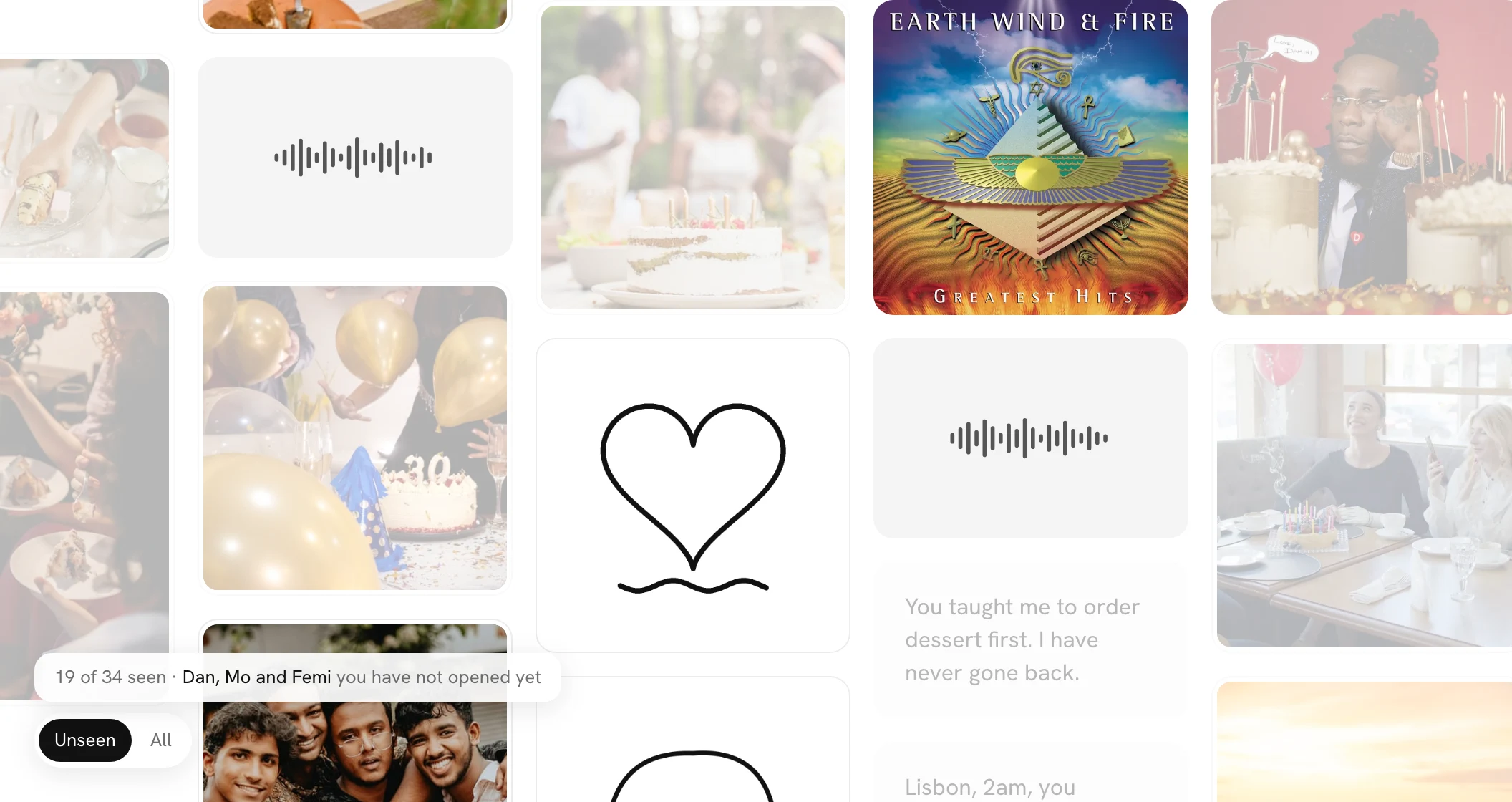
A quiet end to the reveal
When the person a wall is for closes the last square of the reveal, nothing happens for a moment, so the room goes quiet. Then a card rises in the middle: "That's everyone.", with how many people are on the wall, and Say thanks to everyone.
Words to size, photos as prints
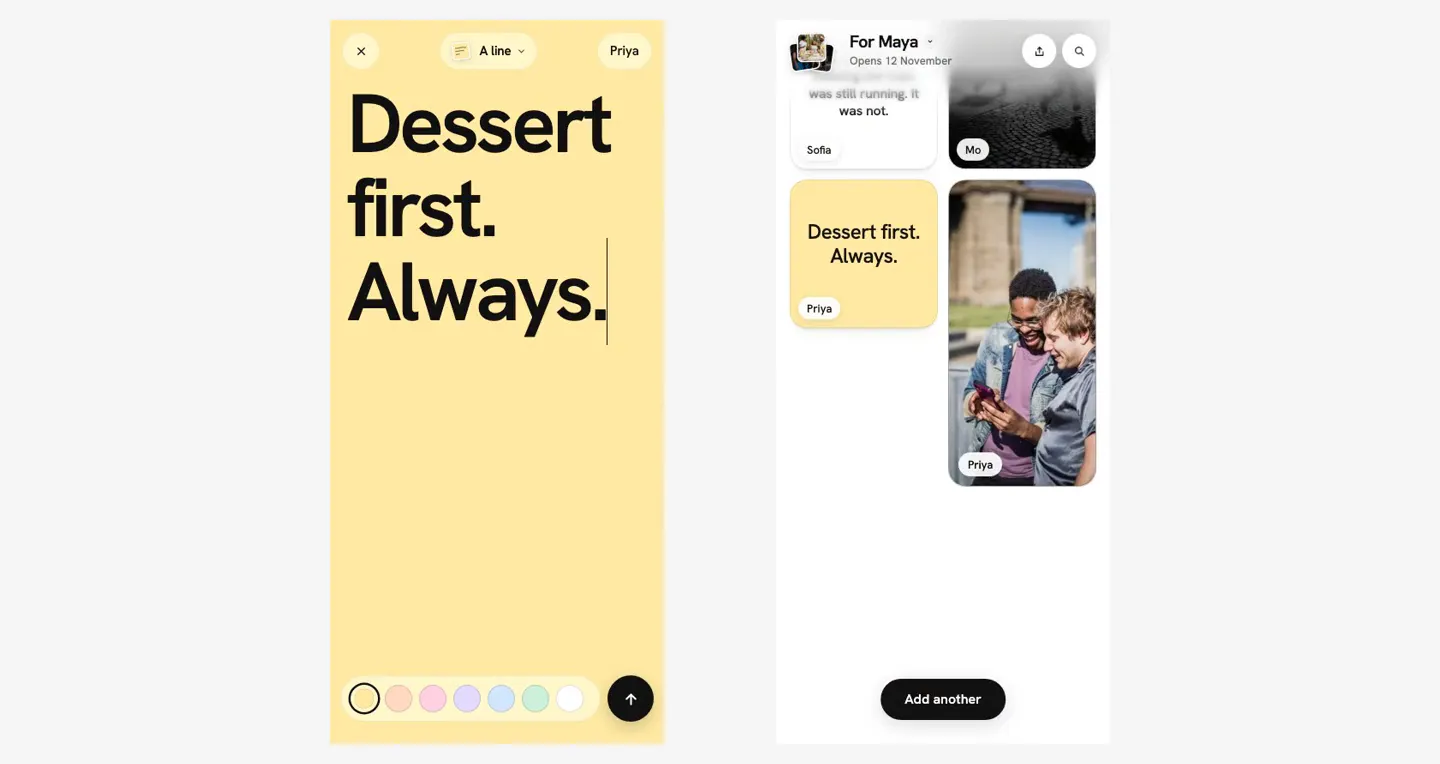
A short line is set big and bold, like a shout; a long one small and quiet, like a letter. Photos and videos sit in a thin white border, like a print you could pick up. Rather have them edge to edge? Switch off Photos as prints in Settings, under You.
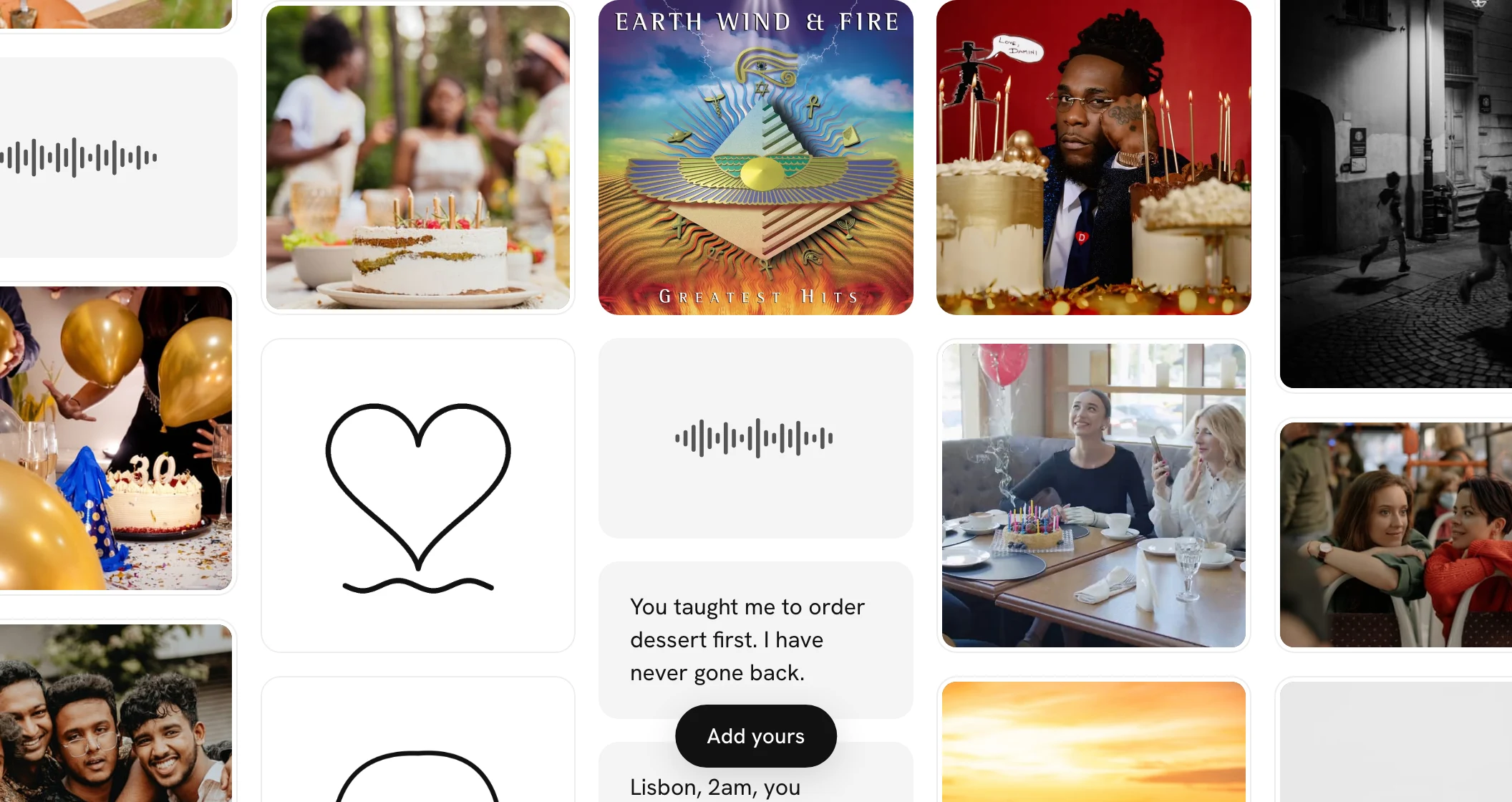
The year on a square
Just after yours lands, you're asked once, "When was this?"; a photo fills in its own year and place. On a computer, rest on a dated square and every square from that same year shows it.
Sound, if you want it
Press Sound off at the bottom right and the wall makes a few quiet sounds, like paper and fingertips, as squares turn over and the wall moves. Voice notes murmur as you move toward them, clearer the closer you come, like walking through a room where people are talking.
Smaller changes
- Reactions on every wall. Once a wall for someone has opened, anyone can react to a square with one of four emoji, and tap it again to take it back.
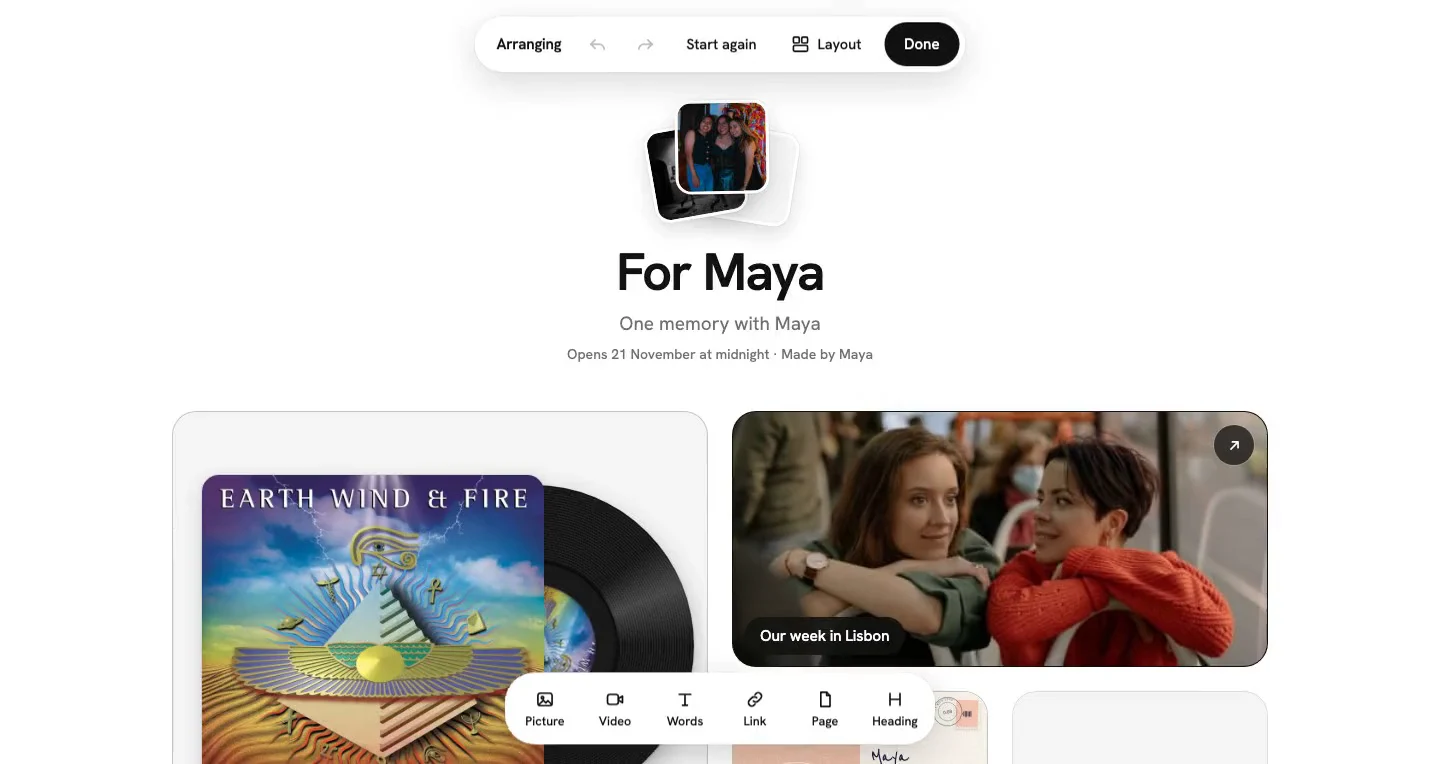
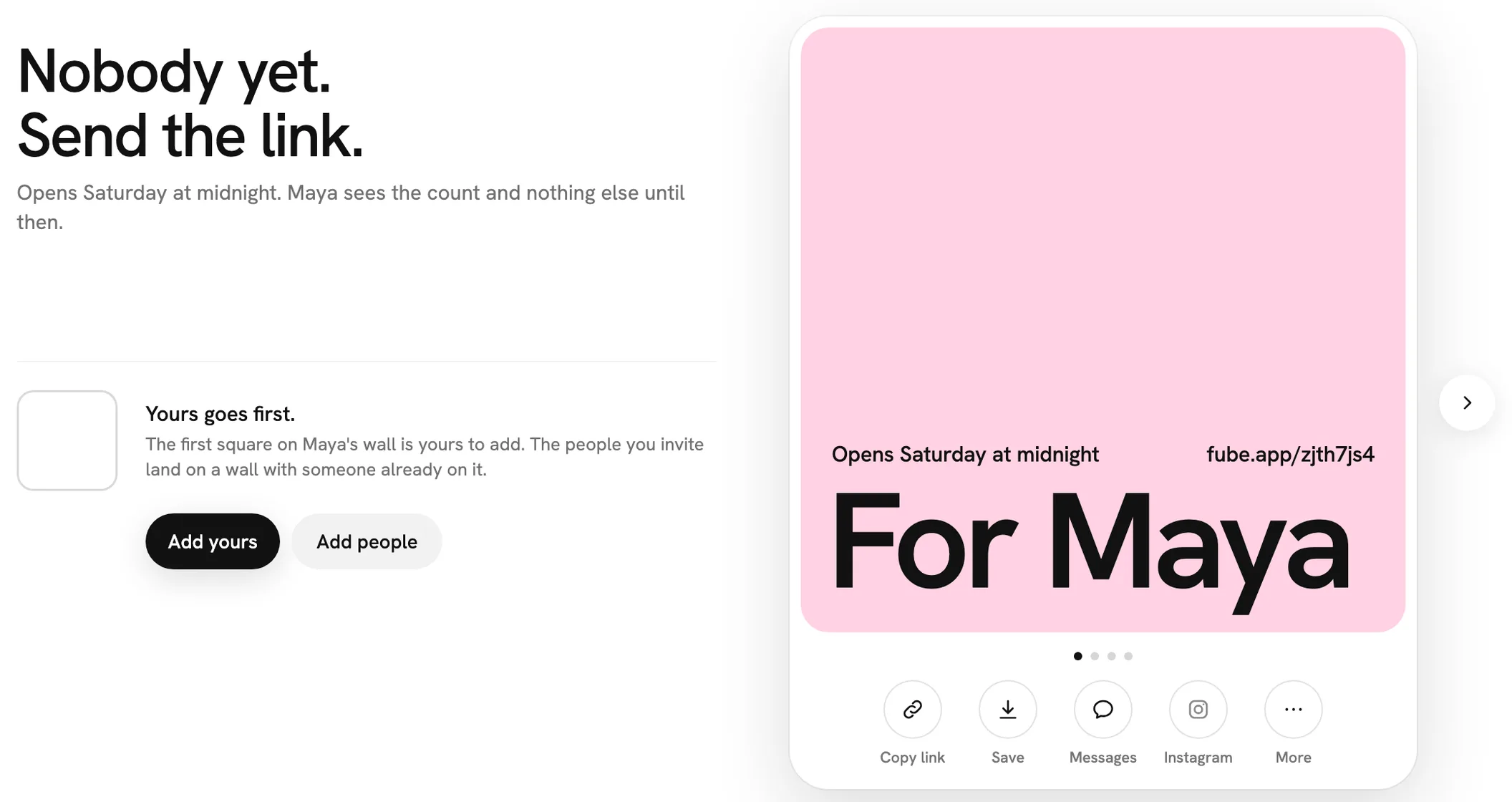
- Something at the edges. A new wall opens with its first video half in view at one edge and its first drawing at the other.
- Take a photo, or pick one. A photo or video square opens your camera right in it, and takes a line across its bottom.
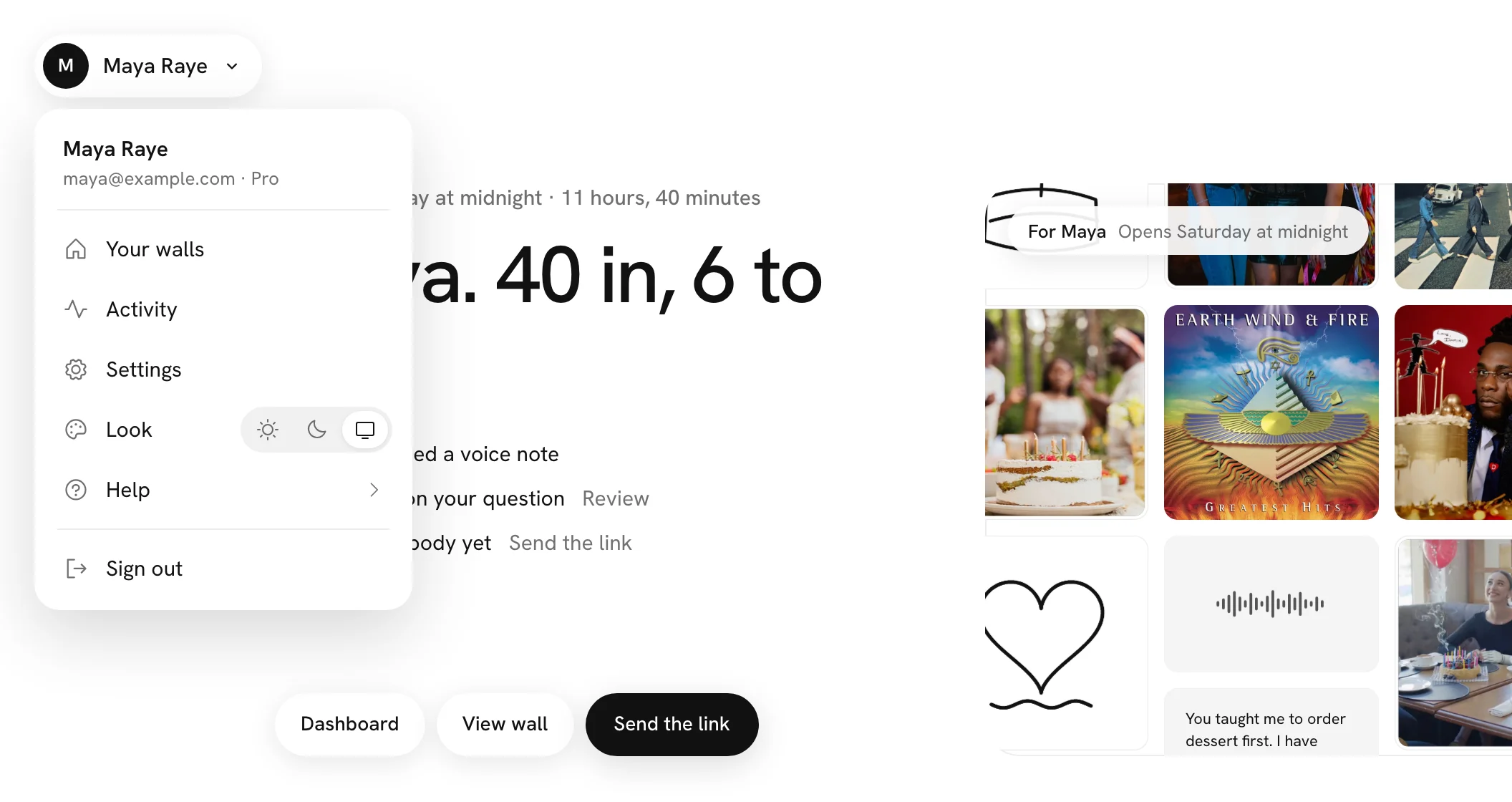
- Your walls in your menu. The menu under your name starts with Your walls.
- Cards open over your page. Settings, Billing and Your feedback open over the page you were on, and close back to it.
- Press a square to open it. On your page for a wall, a square opens when you press it; the rest is in the ⋮ beside its name.
- A way back from a wall. A white × at the top left takes you back to Home or your page for it.
- Deleting a big wall works. However many squares it has.