Arrange your wall, and layouts
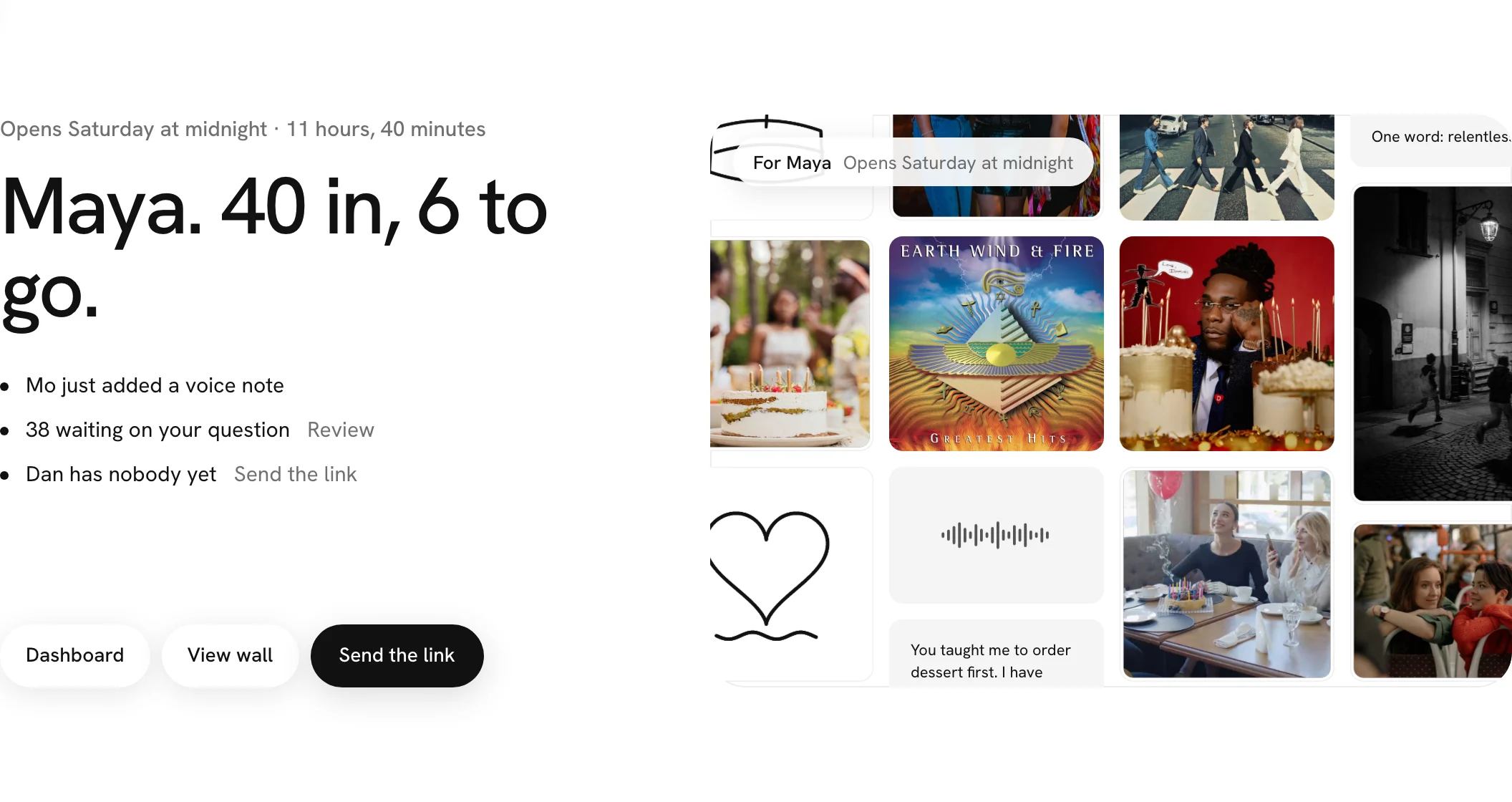
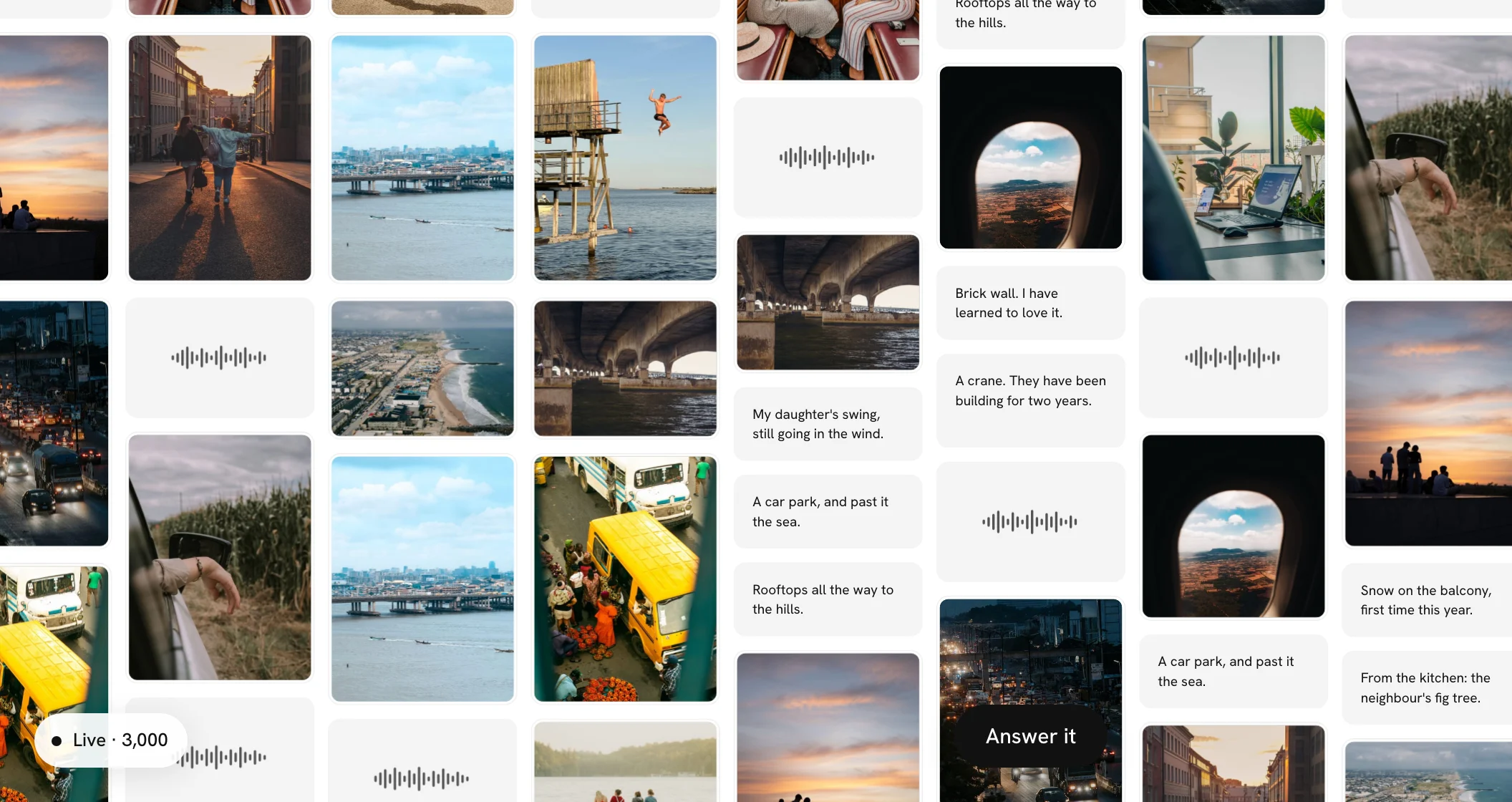
14 November 2026 · The wall · Creators · 1.17.0Your wall can now have the shape you want. Move and resize any square, hide what doesn't belong, and add links, pages and headings of your own. Or start from a layout, and the people you invite fill in the empty squares.
Arrange your wall
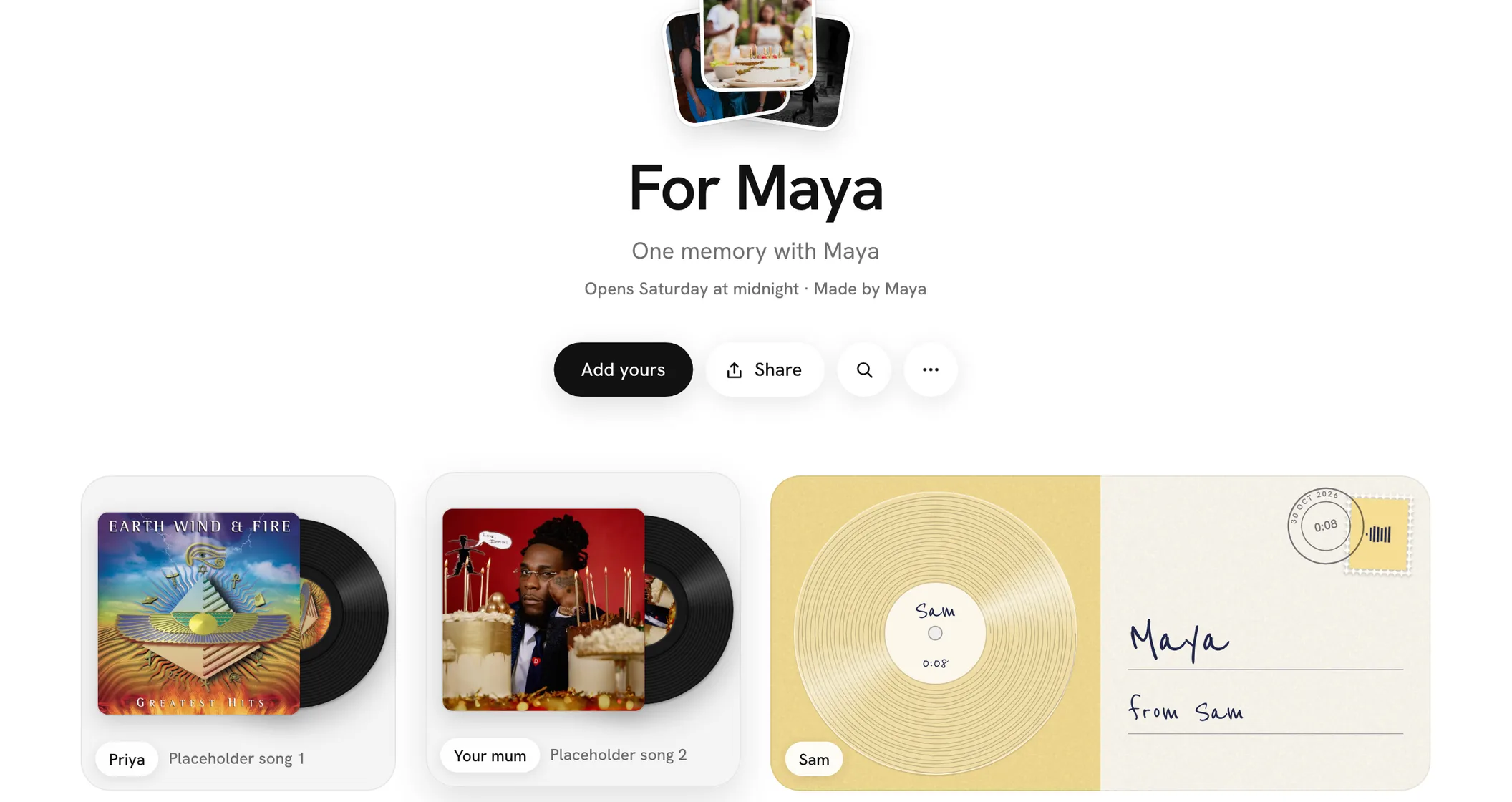
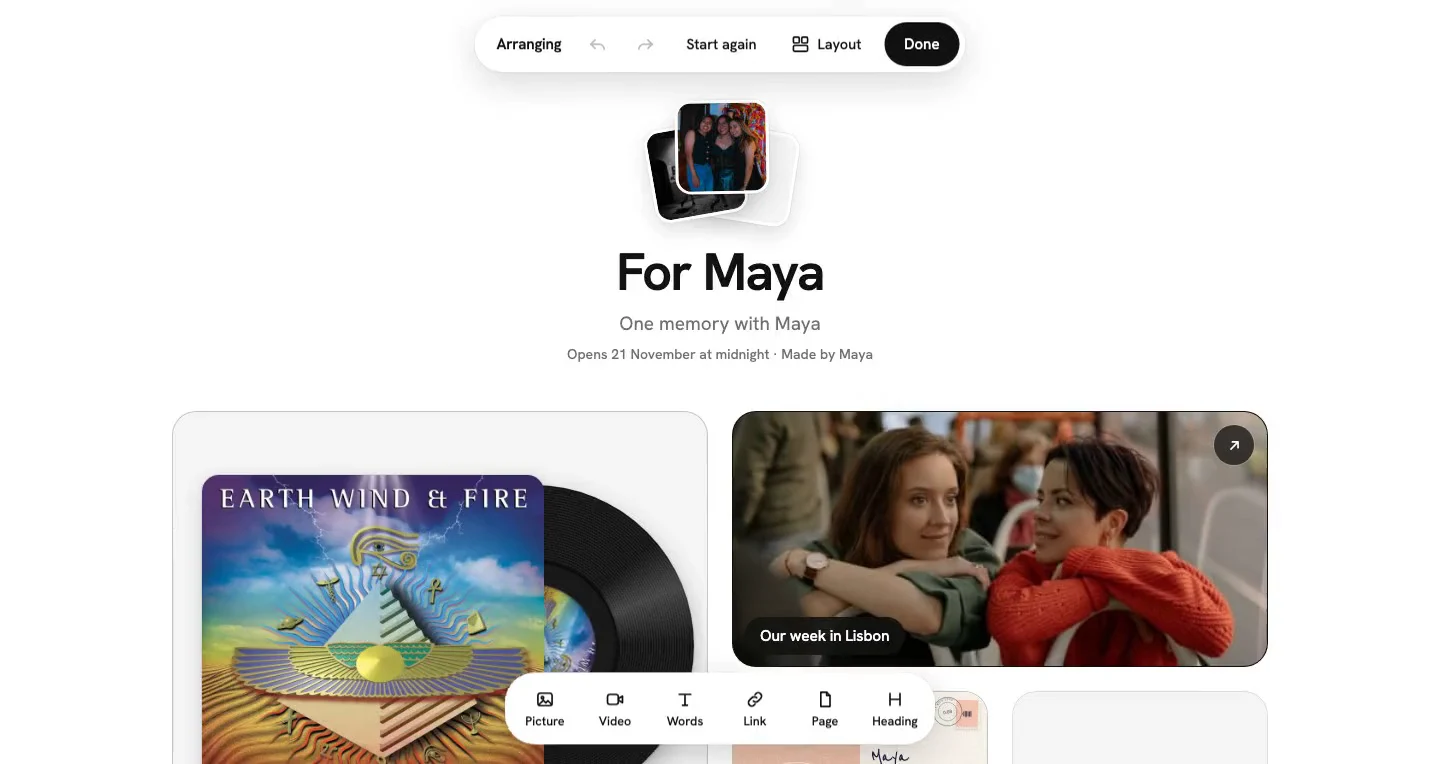
Press Arrange at the top of your wall. Drag a square to move it, and drag its edge or corner to make it bigger or smaller, in whole squares from one by one up to four by four. The first button on a square's bar shows its size, such as 2×2, and opens a small grid to pick one. Everything saves as you go, Undo and Start again are there if you change your mind, and Done finishes.
You can move, resize or hide anyone's square, but never change what's in it. Your own squares you can remove, and give your words a colour.
The bar at the foot adds your own pictures, videos and words, and three things only you can put on the wall:
- Heading: a title across the wall. A new one lands at the bottom, and you drag it where you want it.
- Link: paste an address, and Fube fetches its title and its picture or video. It shows in full, with the title in a pill, and a press opens it.
- Page: either a page to read, with words, a photo and links, that opens over the wall, or a wall of its own, squares inside a square.
Links, pages and headings never count towards your wall's squares. New squares from friends never move what you placed: they land under it, or in a gap you left.
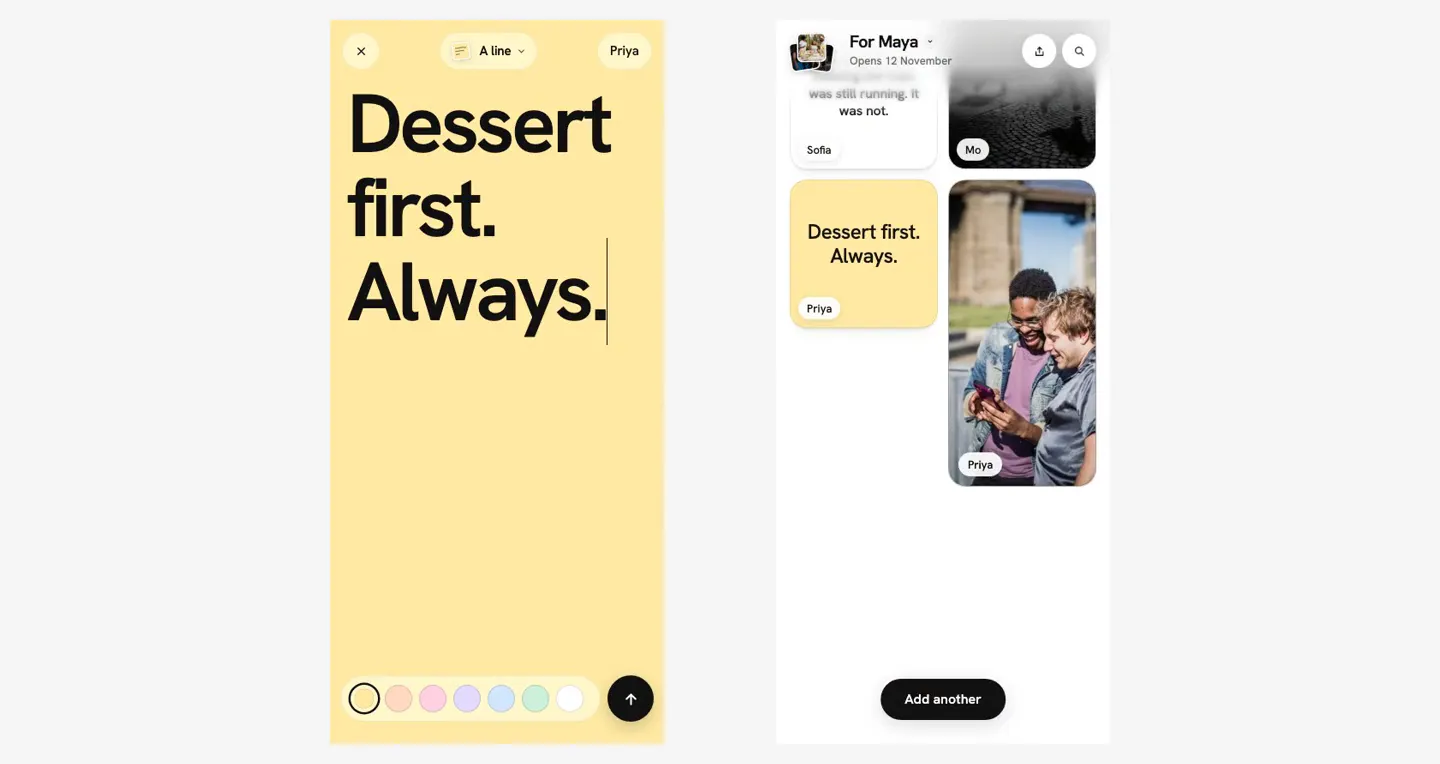
On a phone, Arrange is the round button beside Share. The wall is two across: hold a square to lift it. It's one shape, so what you arrange on your phone is how it looks on a laptop too. On a question wall, Arrange sits beside Find and comes with Pro.
Layouts
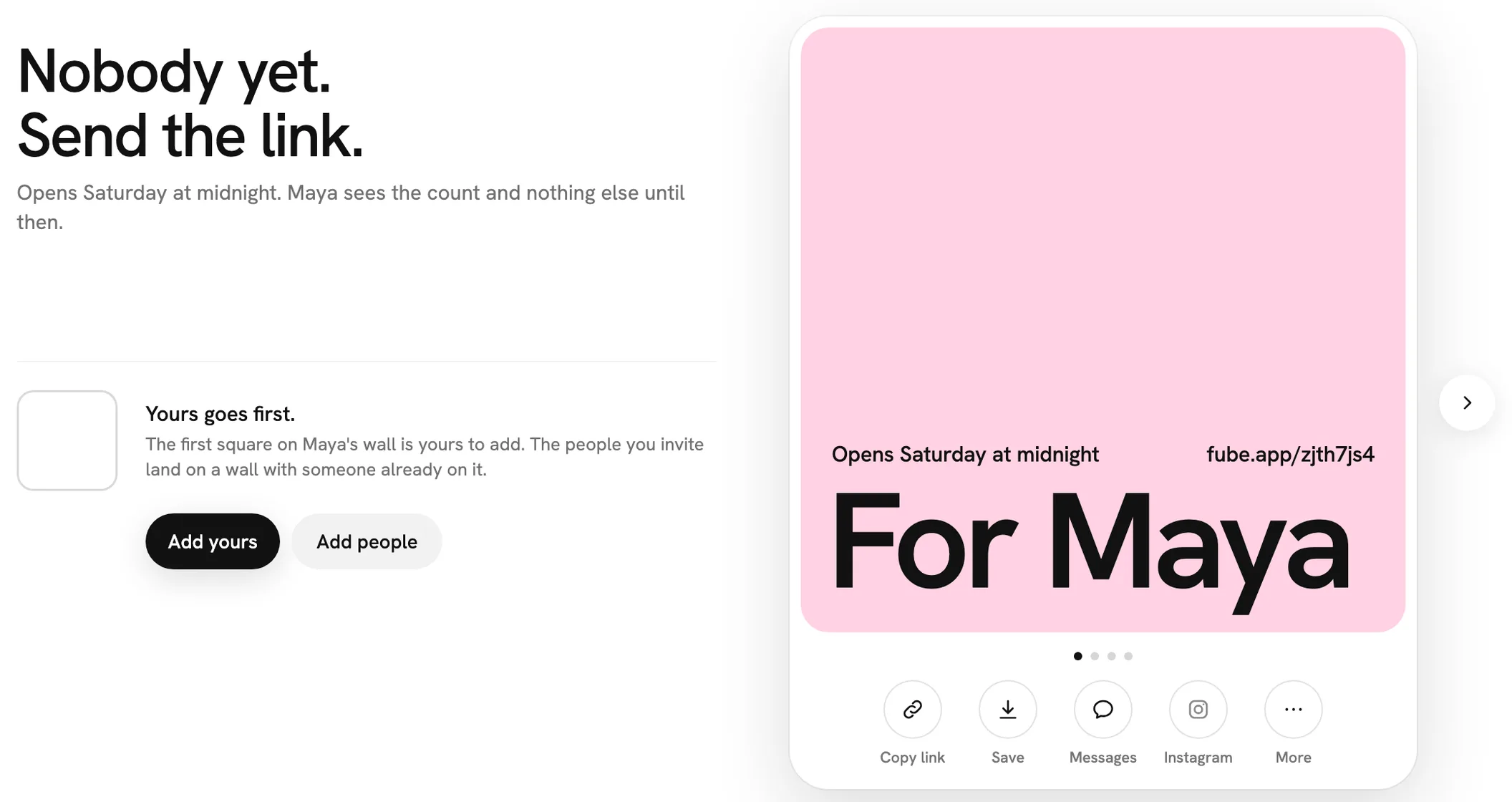
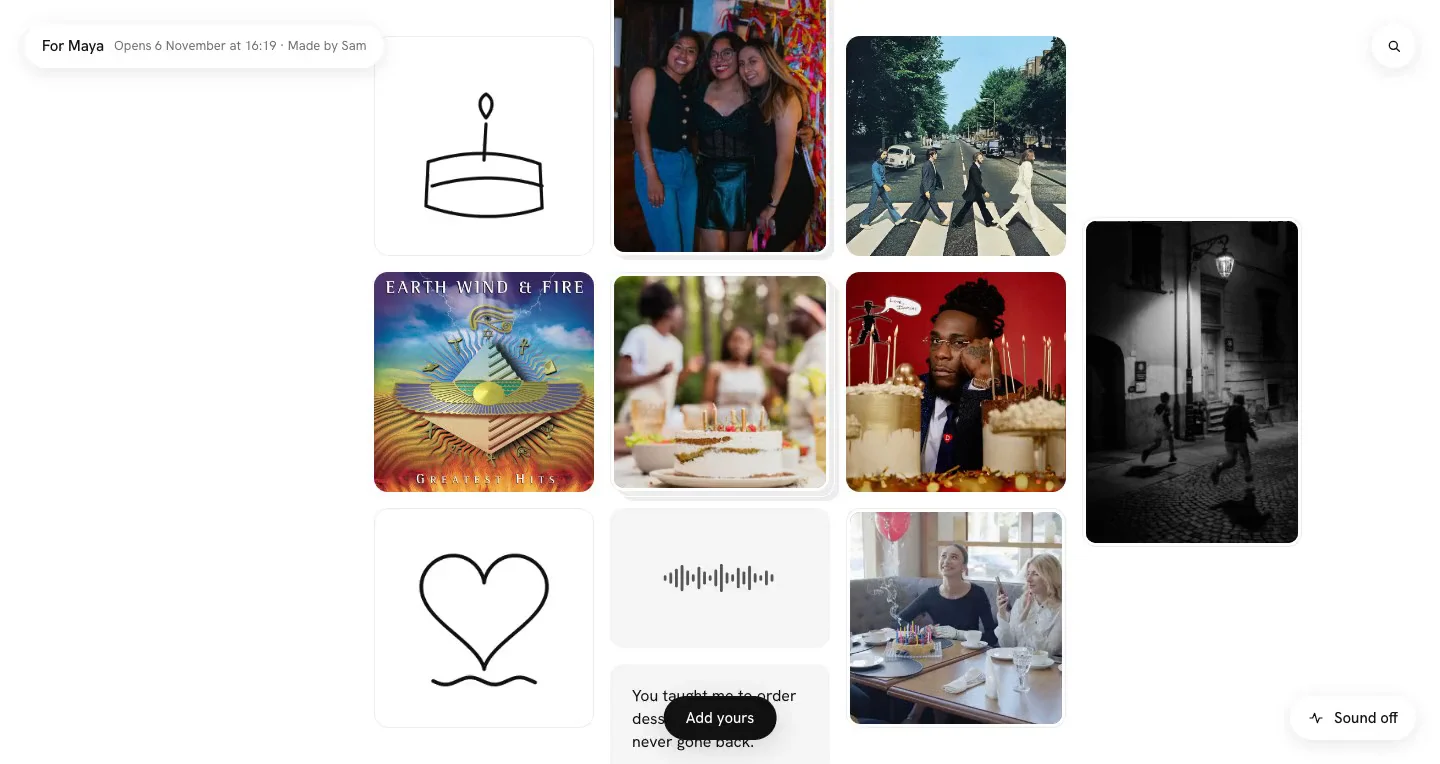
A layout gives your wall its shape before anyone adds. Pick one under Layout in How can people answer? as you make the wall, or from Layout while you arrange: As it comes, Mosaic, Even or Rows. As it comes is the wall as it's always been, and every wall starts on it.
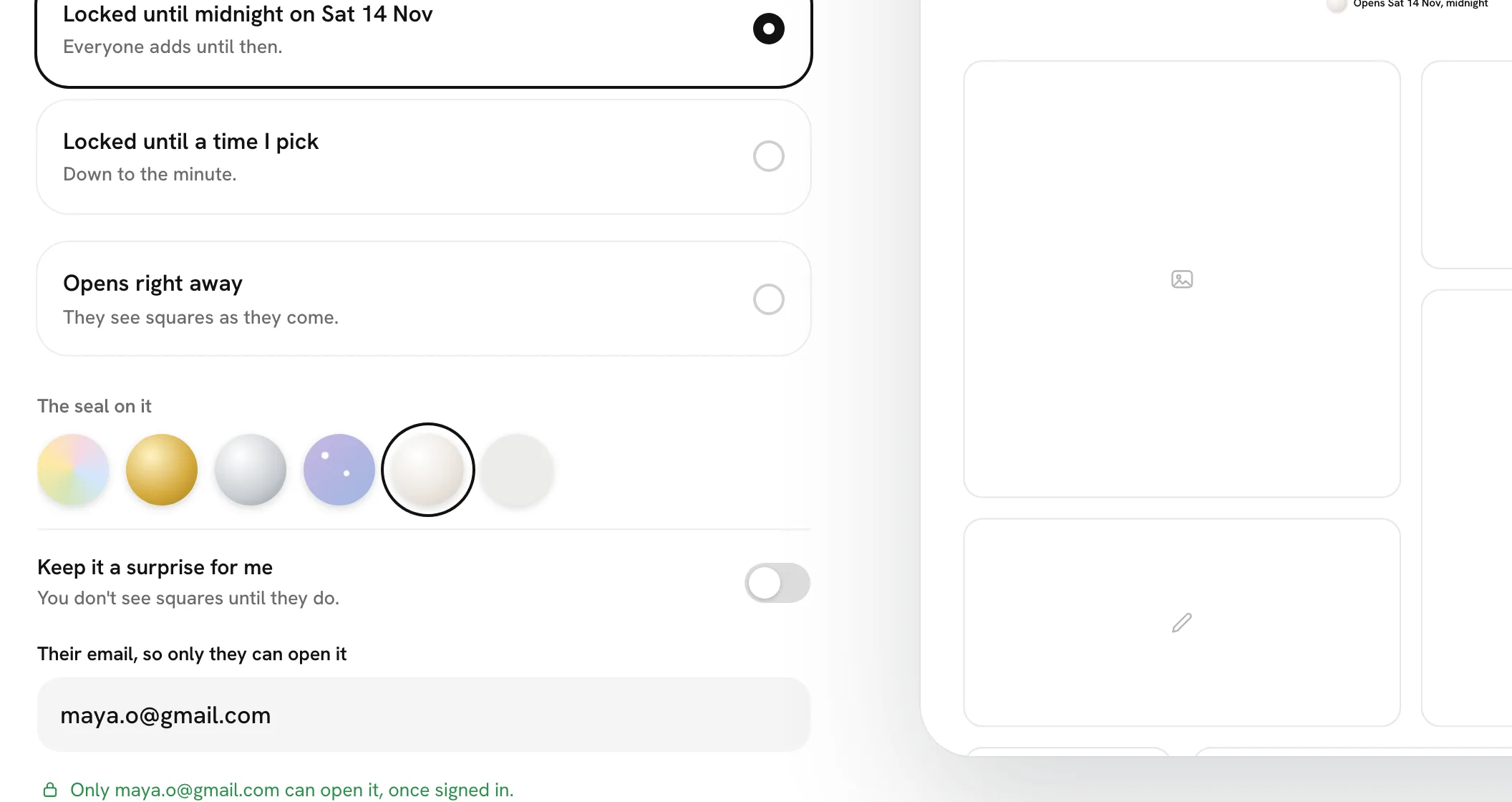
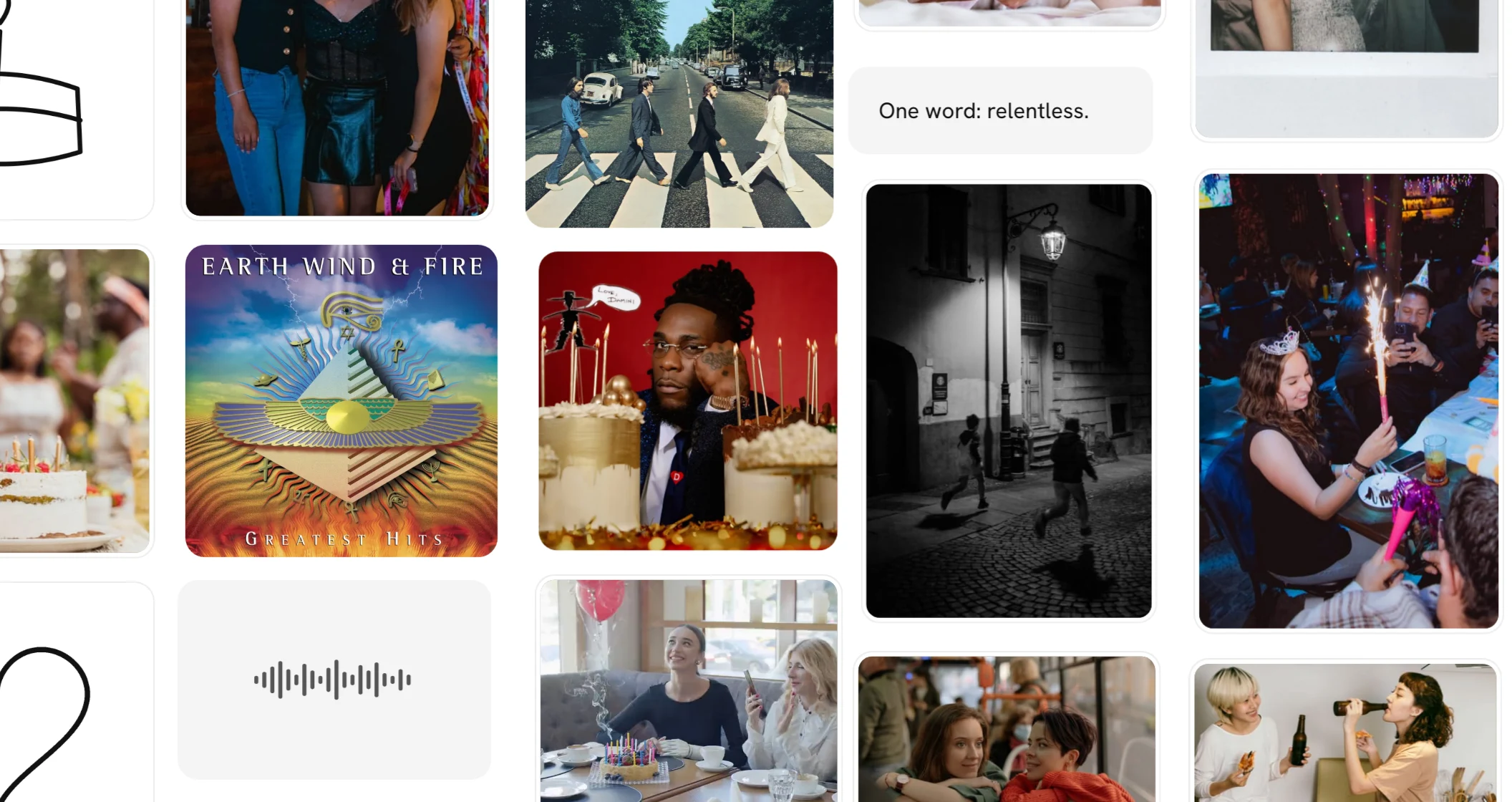
With a layout on, the wall shows empty squares, each with an icon for what goes there. A friend presses one, the composer opens on just that, and what they send lands in that square. If someone else got there first, it takes the next empty square of its kind. When the layout fills, it starts again below.
A layout is a starting point, not a lock: you can still arrange by hand, and empty squares move and resize like the rest. The wall only shows as many empty squares as it has room for, and the person it's for never sees them.