Walls only they can open
10 November 2026 · The wall · Account · 1.16.0A wall you make for someone is now theirs alone. They sign in to open it, with Apple, Google or their email, so a link passed on opens nothing for anyone else. And a wall can now be for a few people, each of whom opens it for themselves.
Sign in, then hold to open
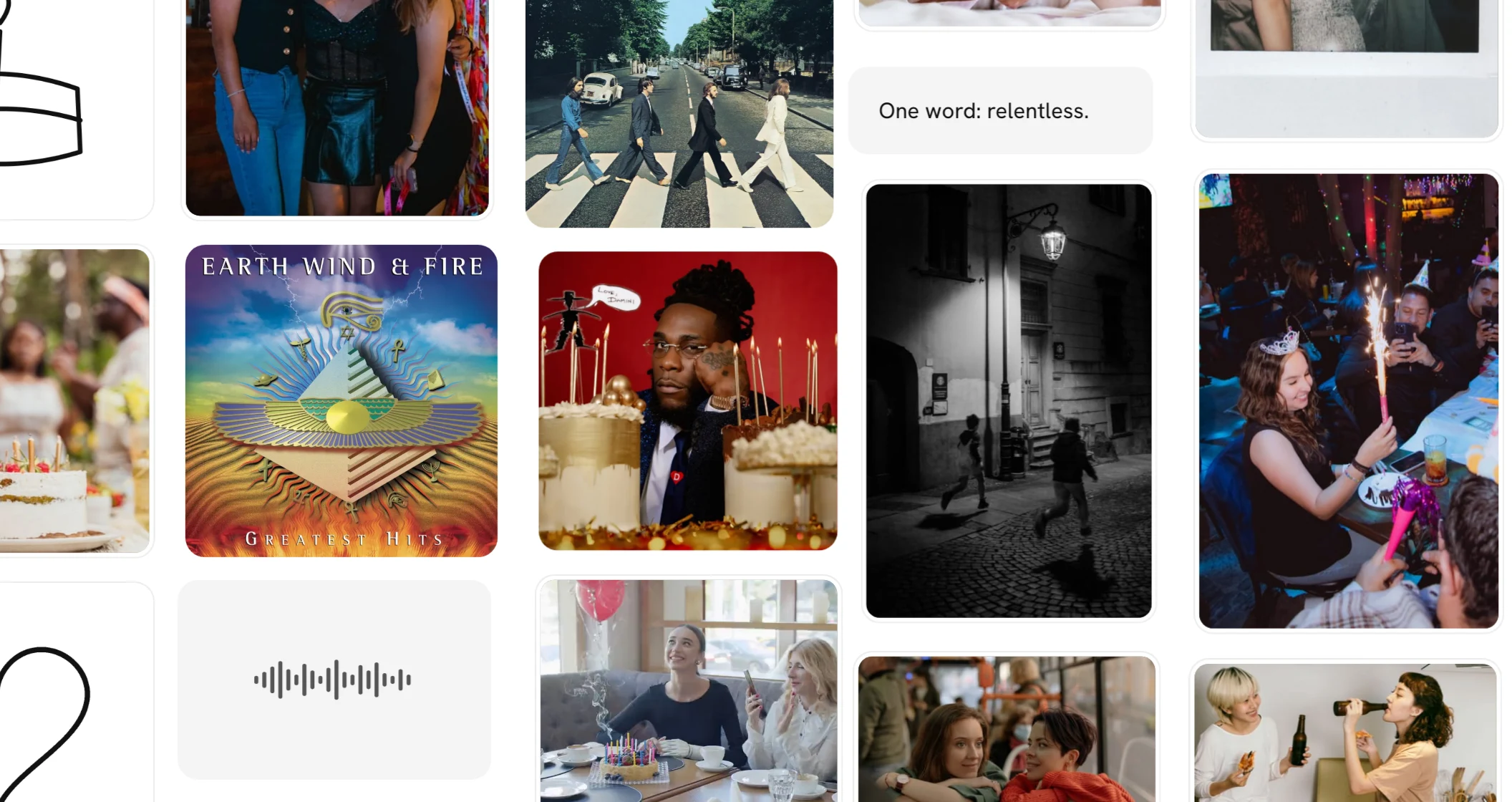
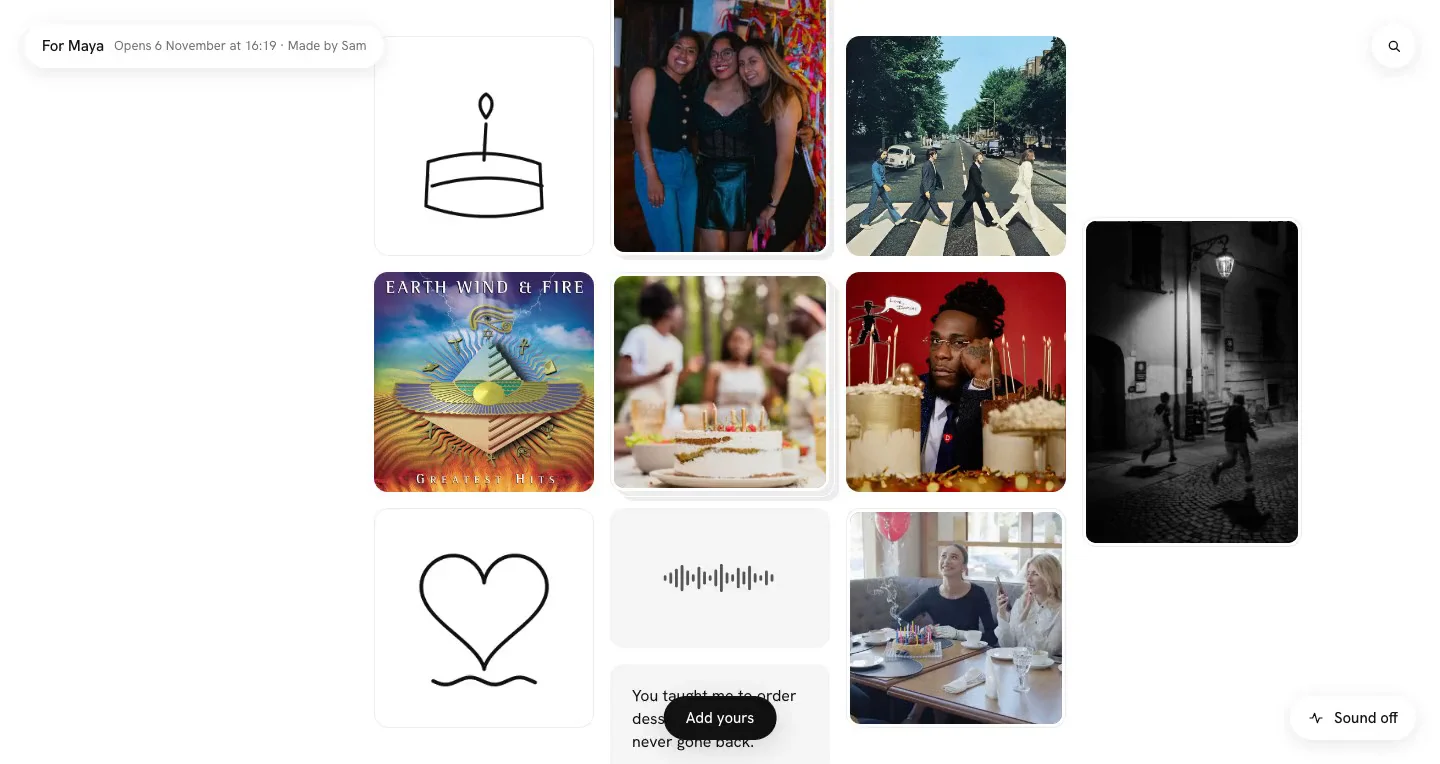
When the person a wall is for opens its link, it asks them to sign in first, over their wall blurred behind it: Maya made you something. Before the day they see it locked, with who they're signed in as. When the day comes, they press and hold the seal, and the wall opens for them as it always has.
Their email, or the first to claim it
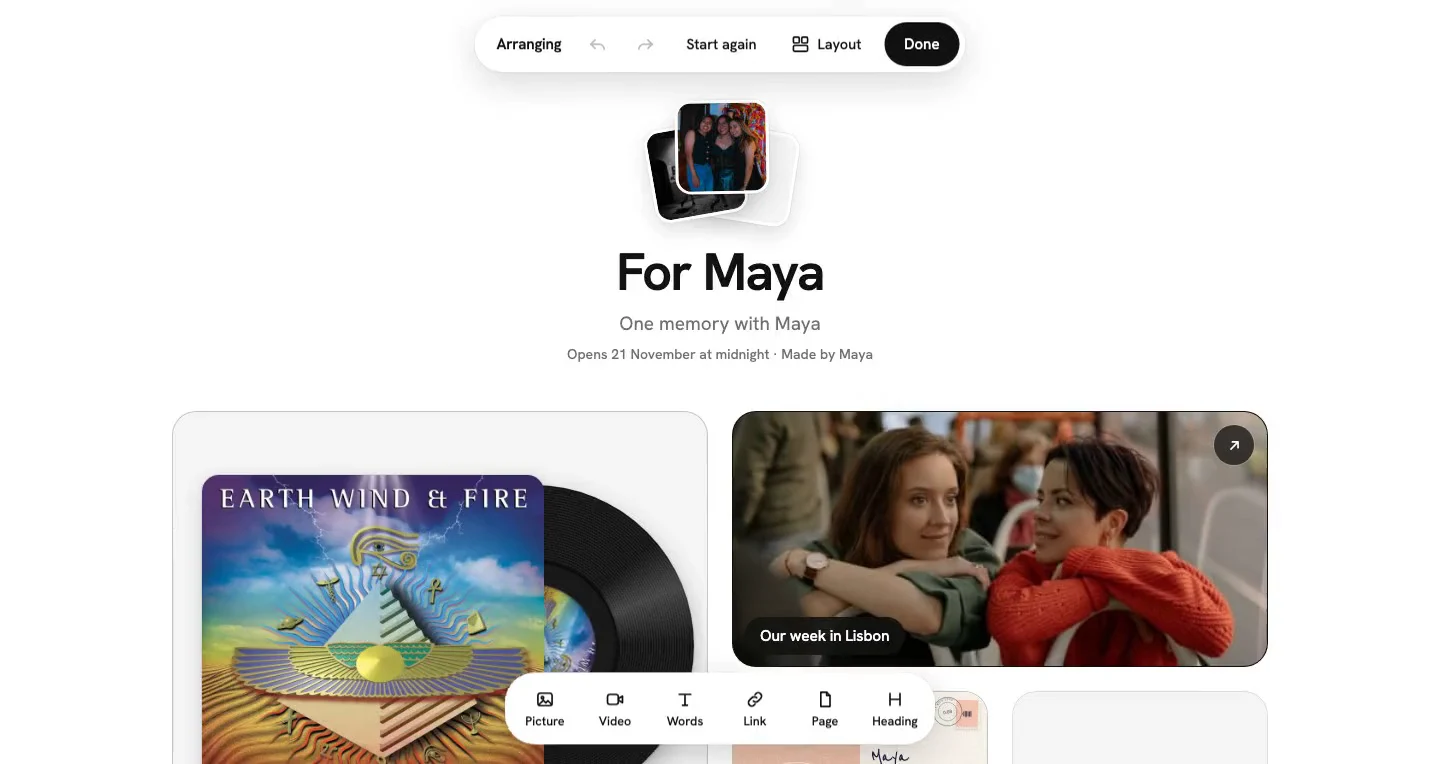
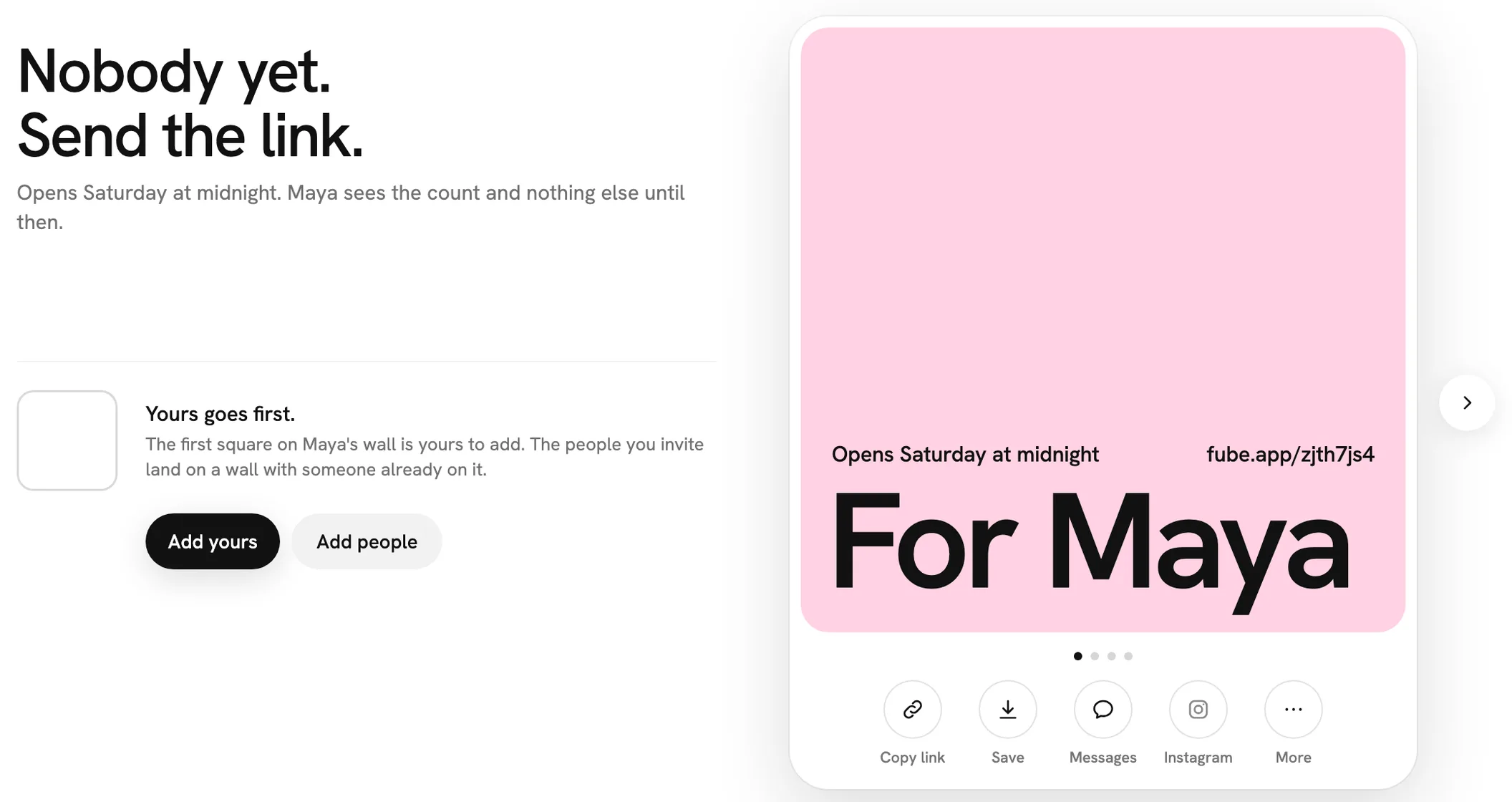
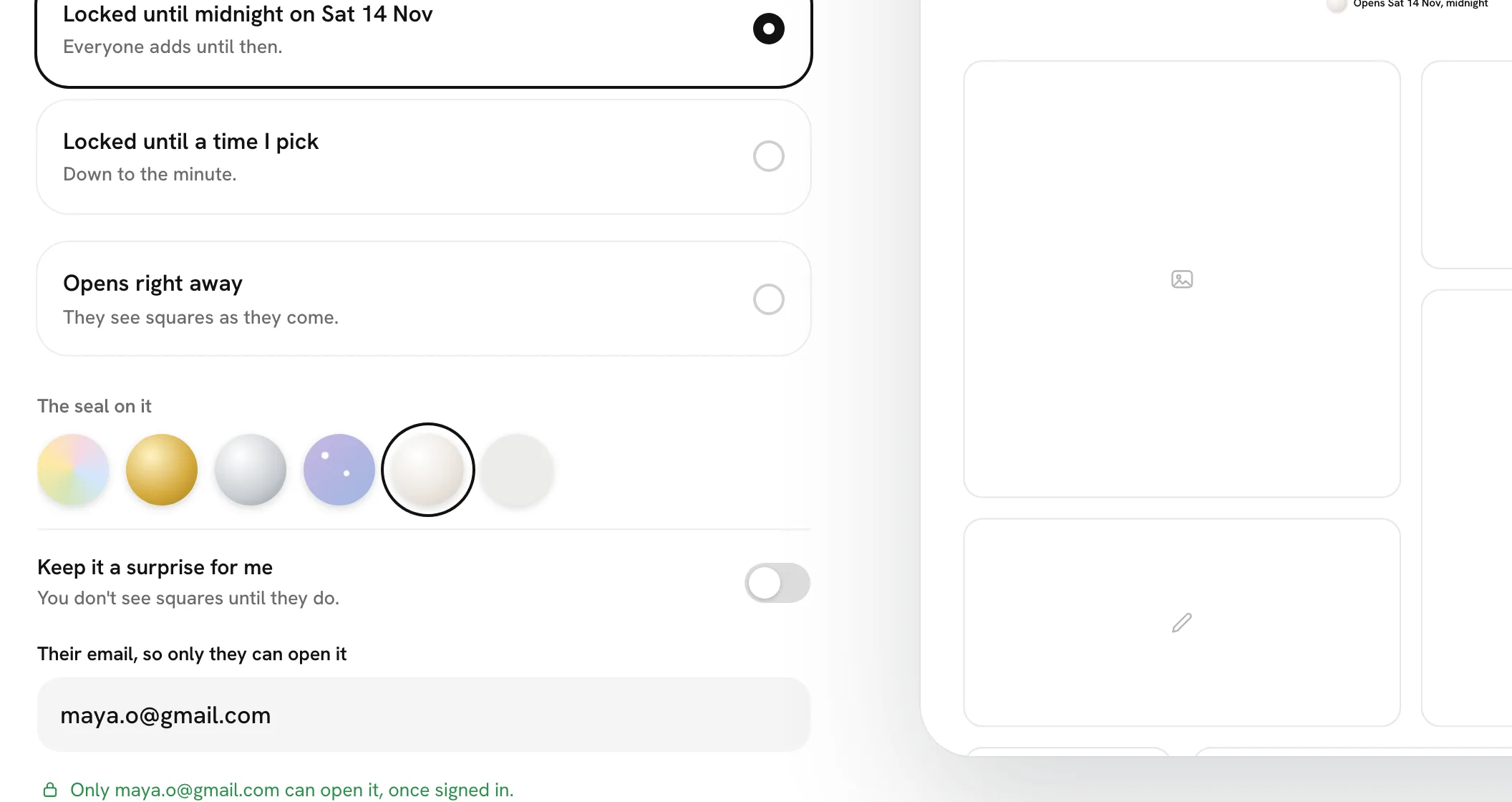
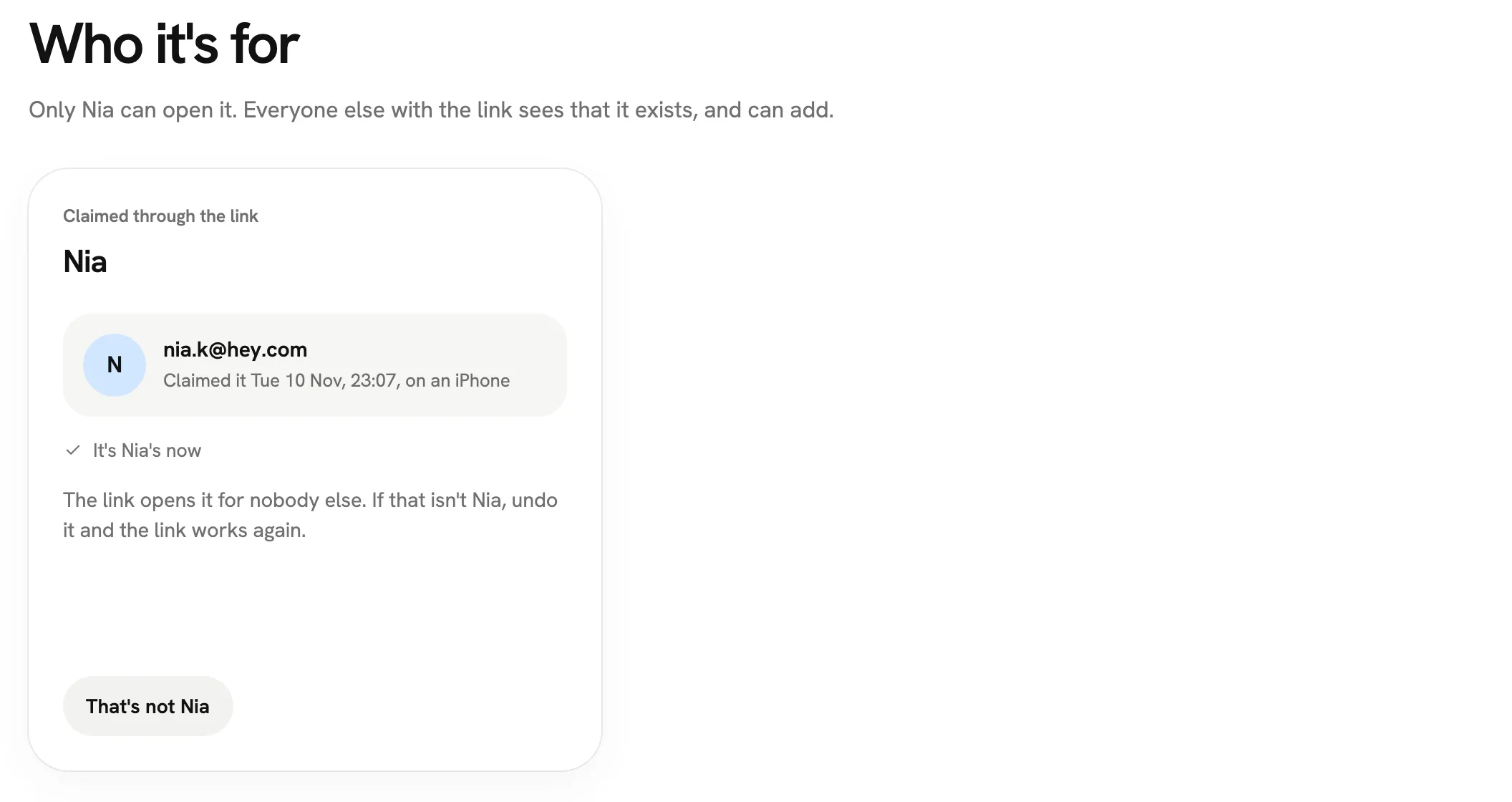
When you make a wall for one person, you can give their email on the last step. Then only an account with that address can open it. Leave it empty, and the first person to sign in through their link claims it, and after that the link opens it for nobody else. At the moment the wall opens, Fube emails each address on it the wall's link, saying which address to sign in with.
A few people
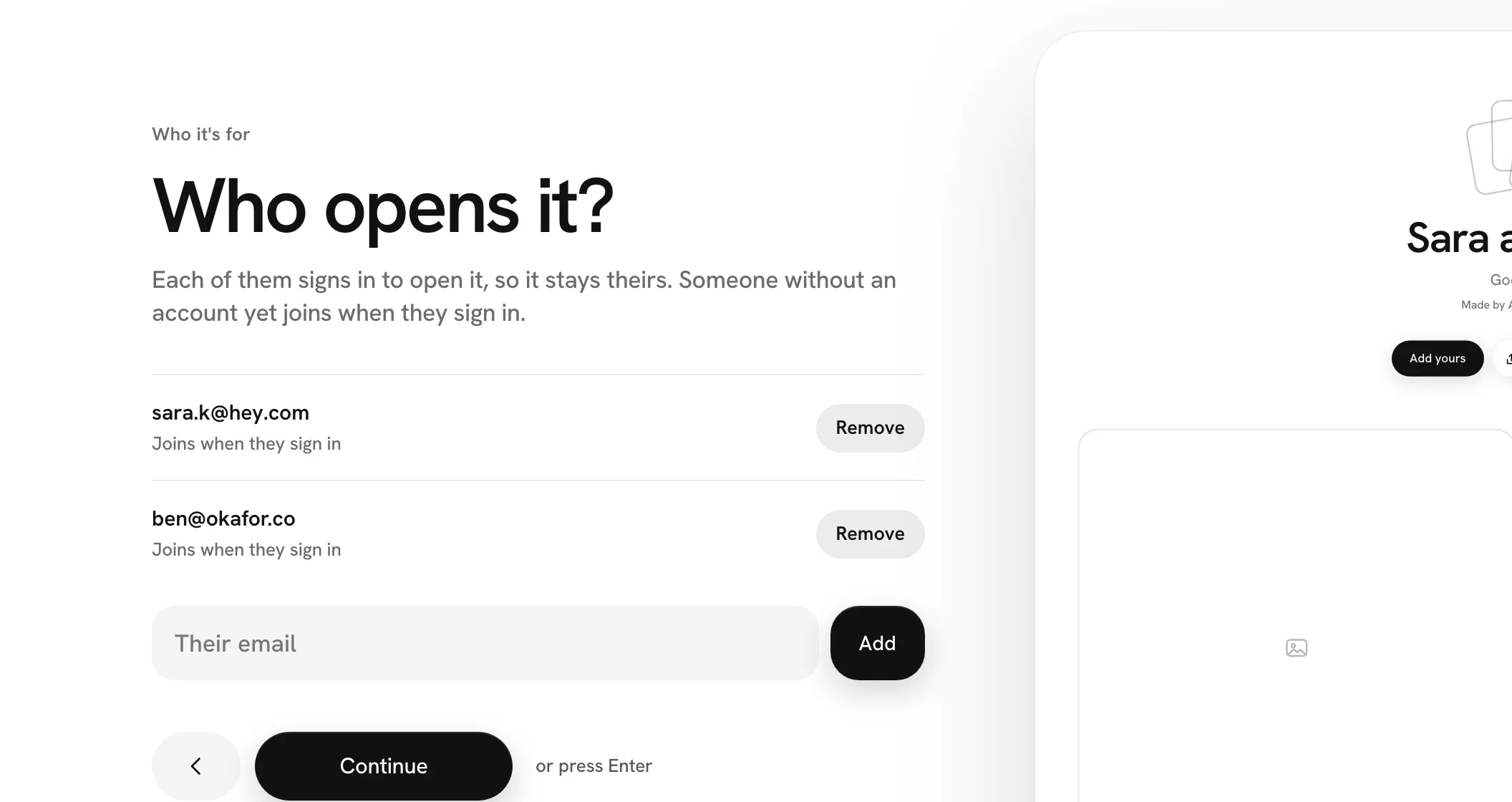
Who is it for? now has A few people beside Someone and All of us. List each of them by email. Each one signs in to open it, someone without an account yet joins when they sign in, and you can see who has opened it.
Only theirs, even with the link
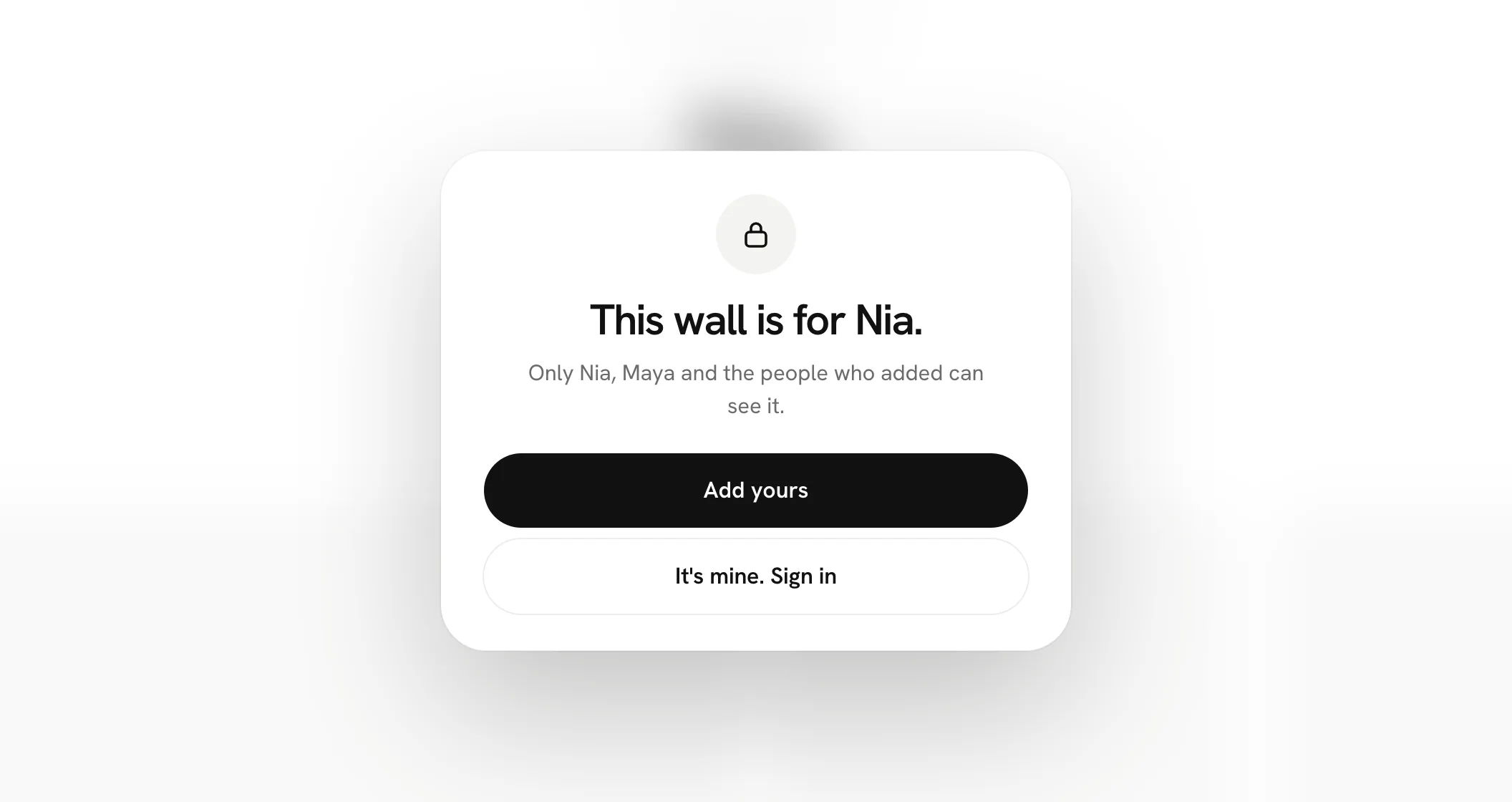
Everyone else who opens the wall's link sees it fill and adds as before, with no sign-in until its moment. Once its moment comes, the wall is seen by the people it's for, you, and everyone who added. Anyone else with the link sees only who it's for, and can still add while it takes squares.
Who it's for, on the wall's page
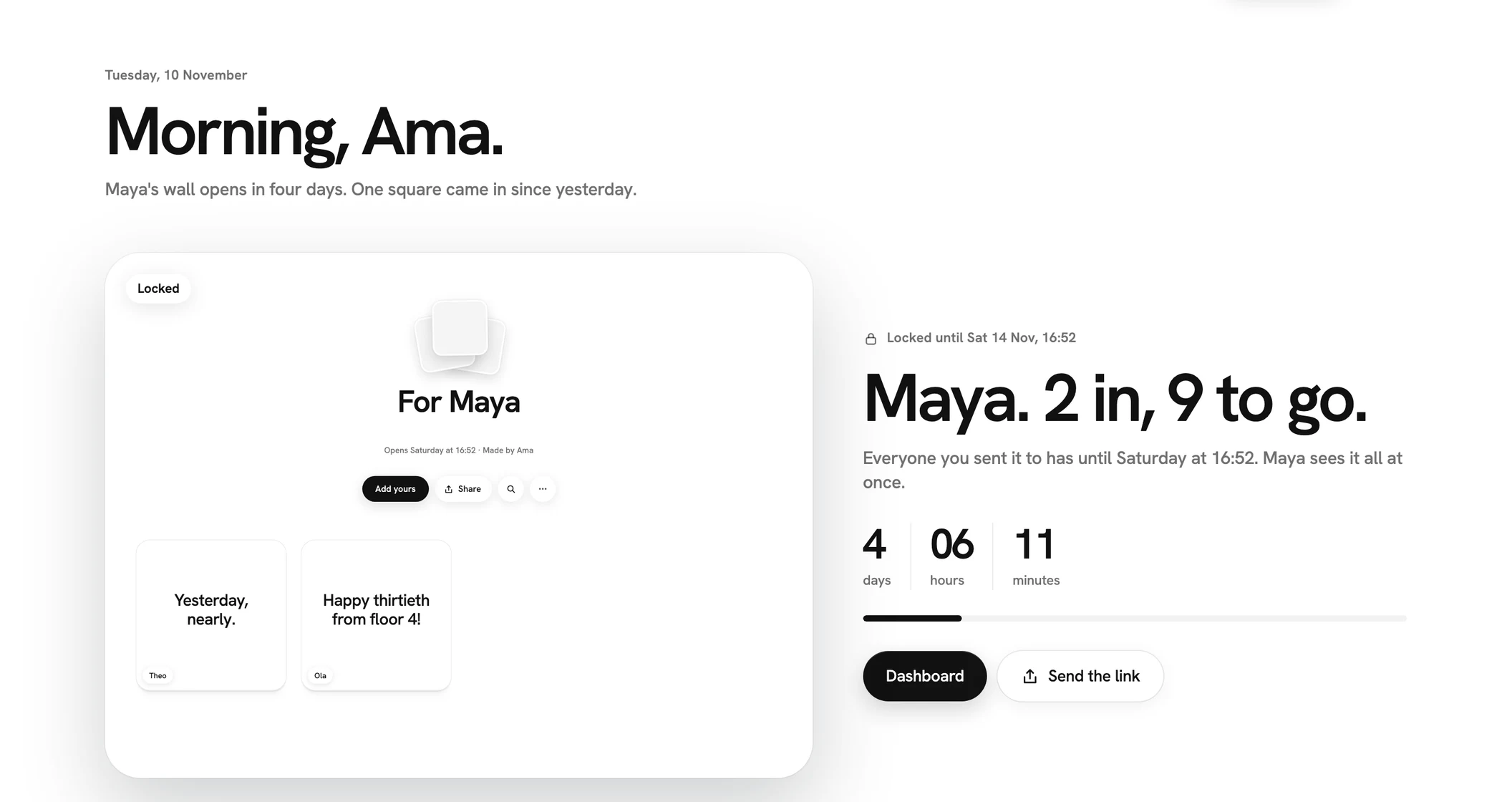
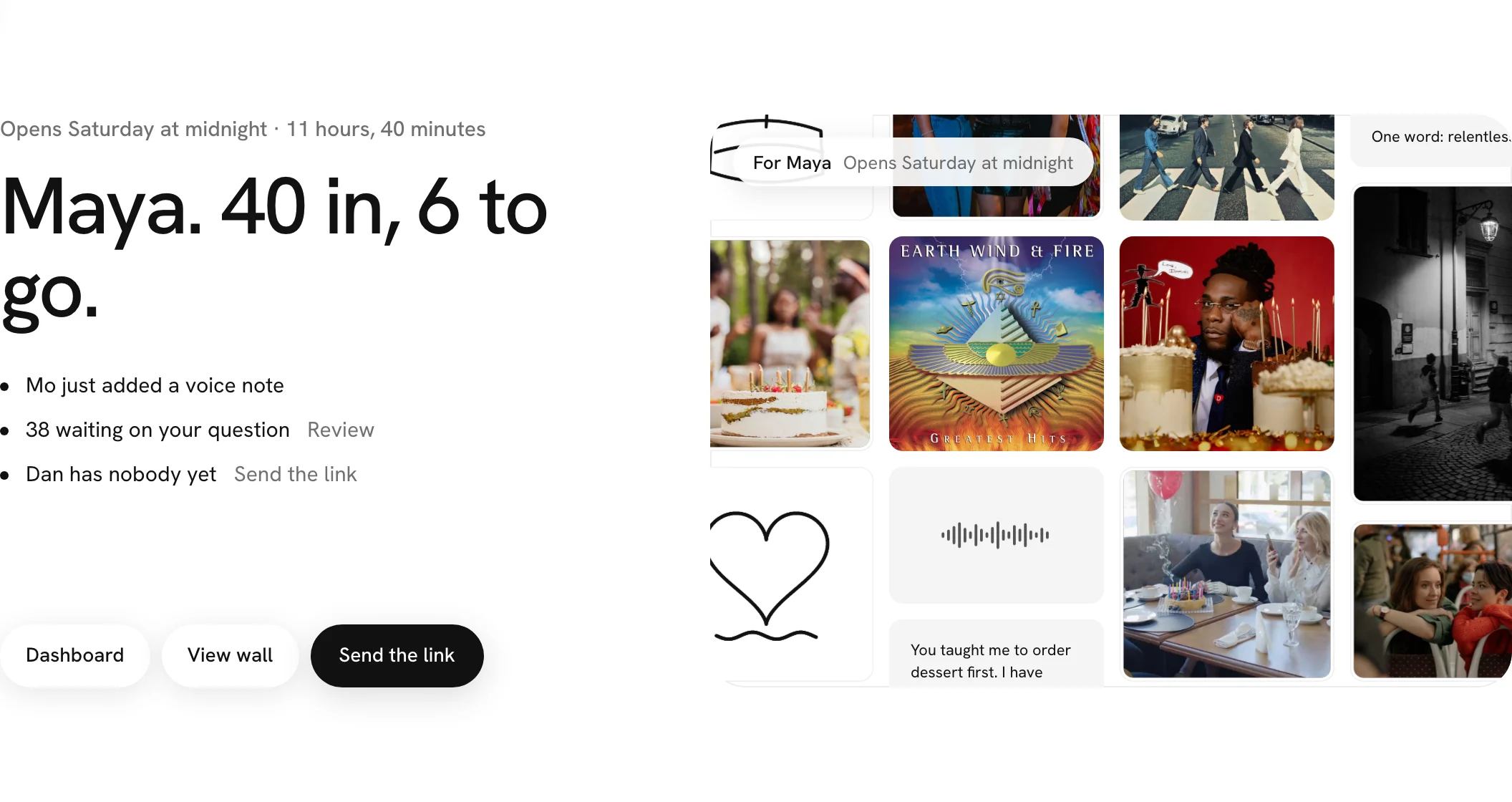
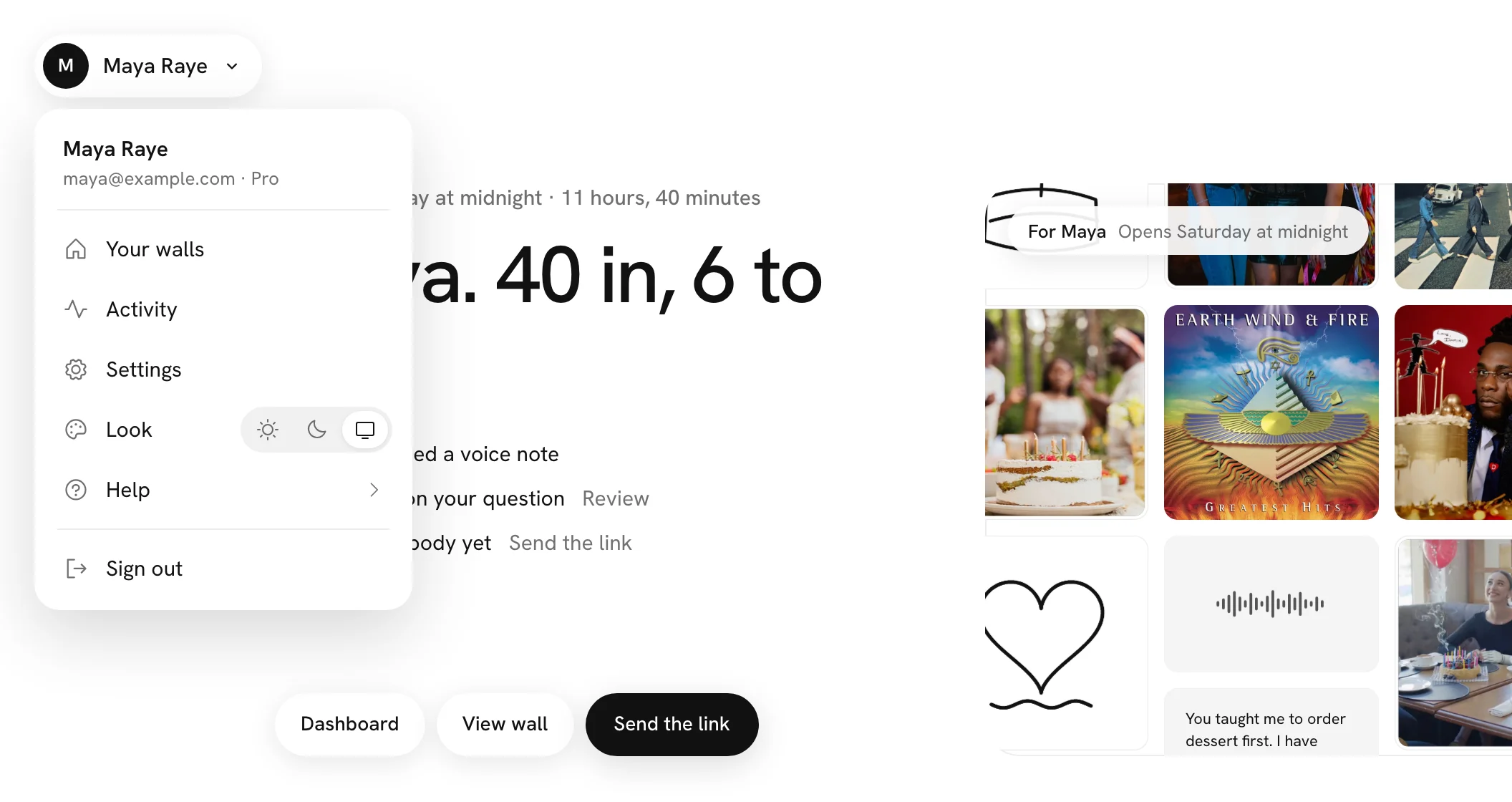
Your page for the wall now shows who it's for and where they are: waiting to sign in, signed in, or opened. You can send the link again or change the email. If someone claimed it who isn't them, That's not Nia undoes the claim and the link works again. For a few people, you can add someone or take them off the list.
Older walls
Walls made before this change open by their link as they always have. To make one theirs alone, open its page and press Make it Nia's only under Who it's for, with their email if you know it. It can't be switched back.